


![JSAUX anti-glare matte screen protector for ROG Ally and ROG Xbox Ally series #style_[2-pack] for all rog ally models](http://jsaux.com/cdn/shop/files/GP0113A-Anti-Glare-Screen-Protector-for-ROG-Ally-_-ROG-Xbox-Ally-Series-1_jpg.png?v=1762310072&width=92)


![Grey 2-pack 90 degree USB-C to USB-C right angle adapters #style_grey [2-pack]](http://jsaux.com/cdn/shop/files/90_-USB-C-to-USB-C-Right-Angle-Adapter-grey-1.png?v=1755238920&width=92)




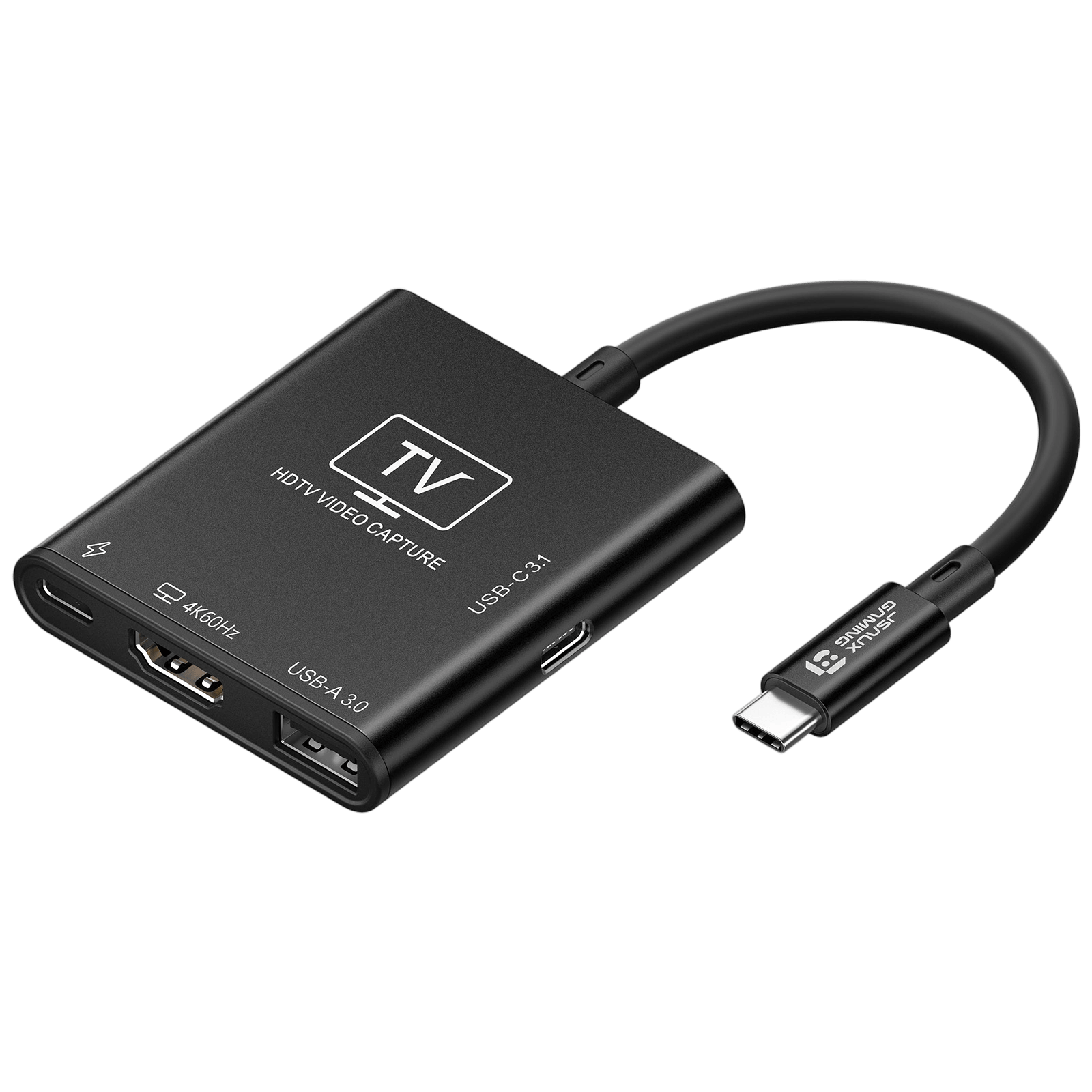
USB 3.0 HDMIキャプチャーカード
FEATURES
- ゲーム&ストリーミング用オールインワンキャプチャードック
- Switch / Steam Deck / ROG Ally / Legion Goに対応
- 超スムーズな4Kゲーム&ストリーミング体験
- ノンストップゲームのための100W電力供給
- USB拡張ポート(5Gbps高速)
- プラットフォームを問わないプラグ&プレイ対応
SHIPPING



FEATURES
説明文
- 【ゲームとストリーミングのためのオールインワンキャプチャドック】ハンドヘルドコンソールを完全なストリーミングおよびデスクトップセットアップに変身させます。このUSB-Cドックは、HDMI出力、ビデオキャプチャ、充電、USB拡張を1つのデバイスに統合し、ケーブルの散らかりを減らし、ゲームセットアップ全体を簡素化します。
- 【Switch、Steam Deck、ROG Ally、Legion Go向けに構築】ハンドヘルドゲームコンソール向けに設計されています。ゲームプレイのキャプチャ、HDMIディスプレイへの出力、デバイスの充電、アクセサリーの接続がすべて同時に行え、別のドックは必要ありません。
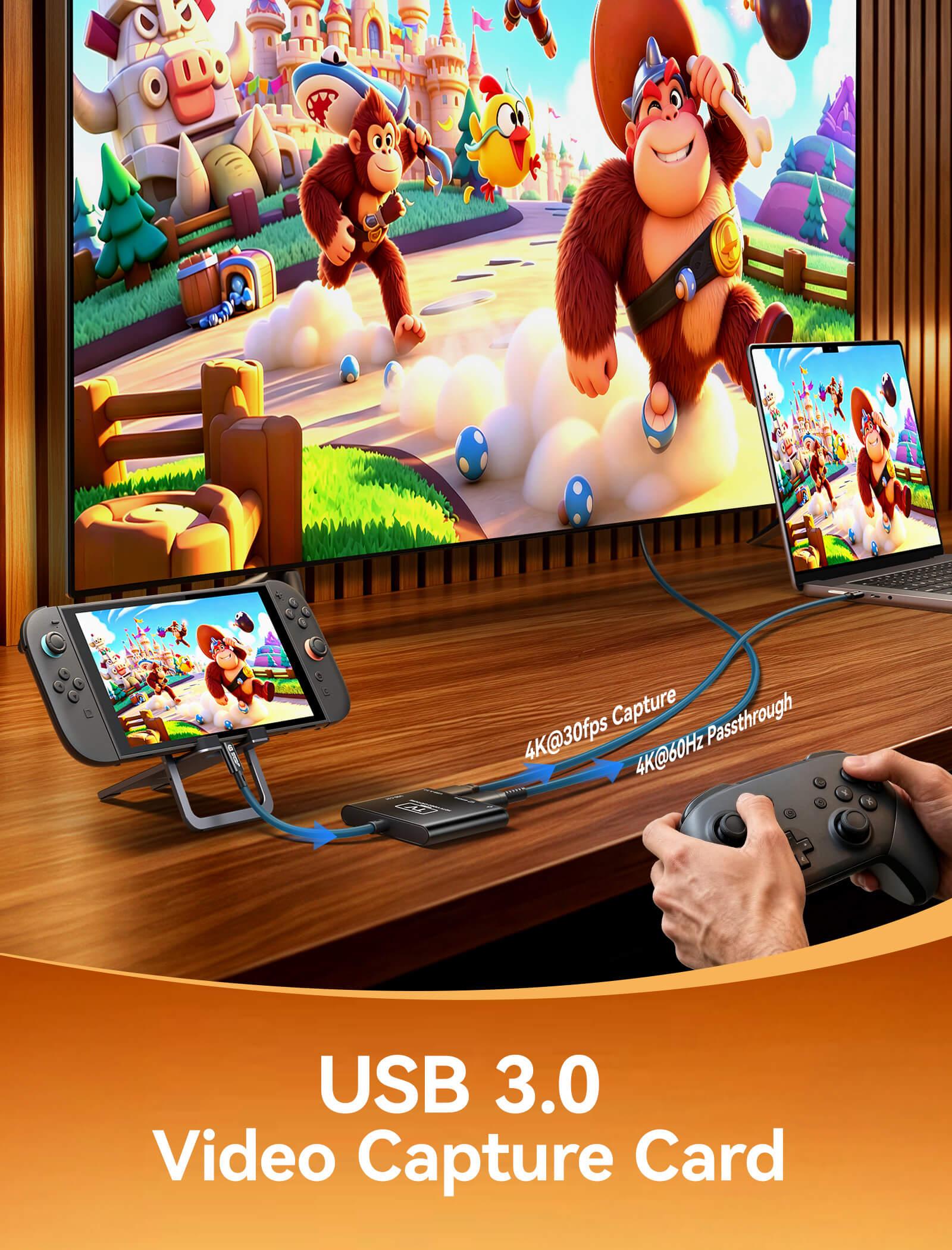
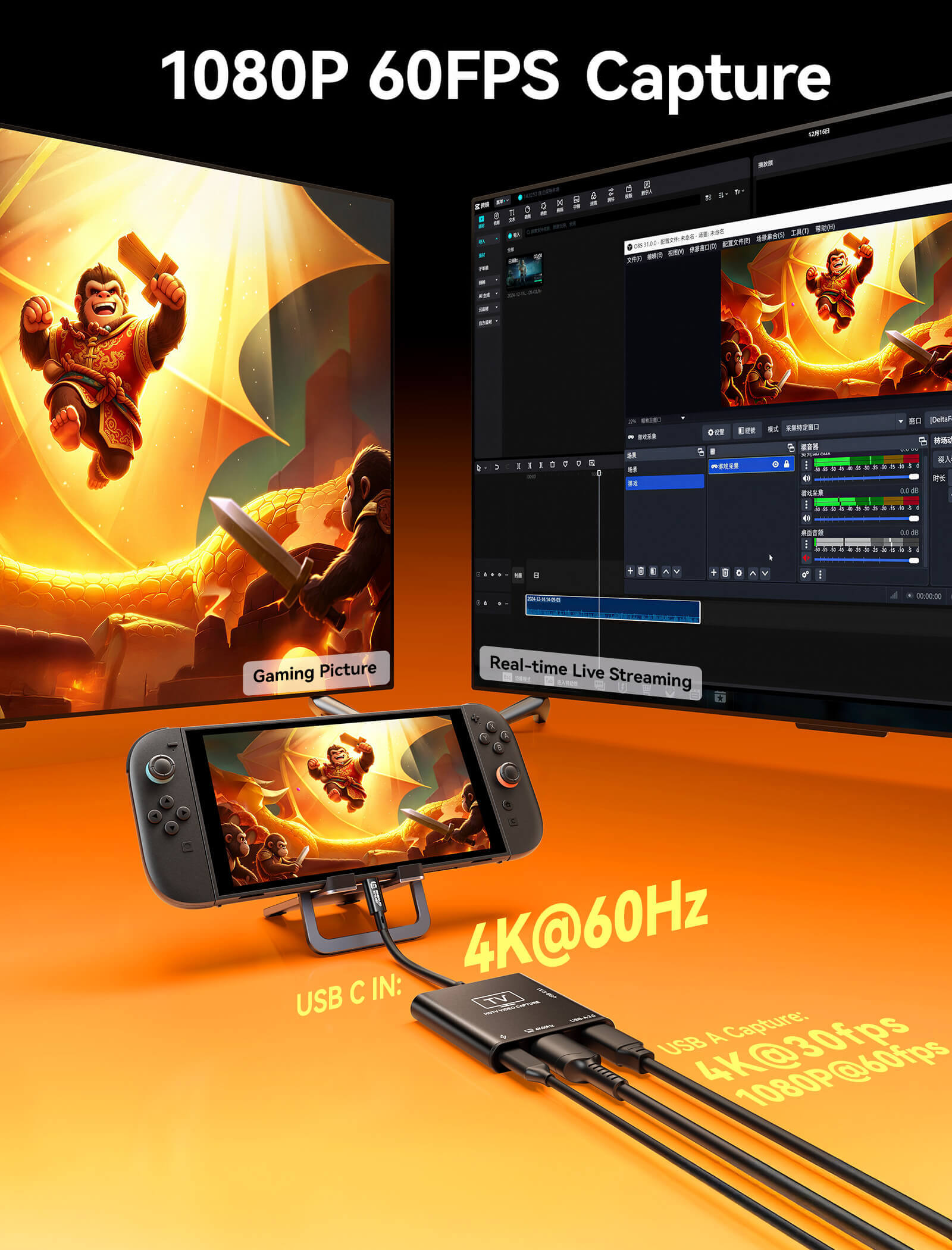
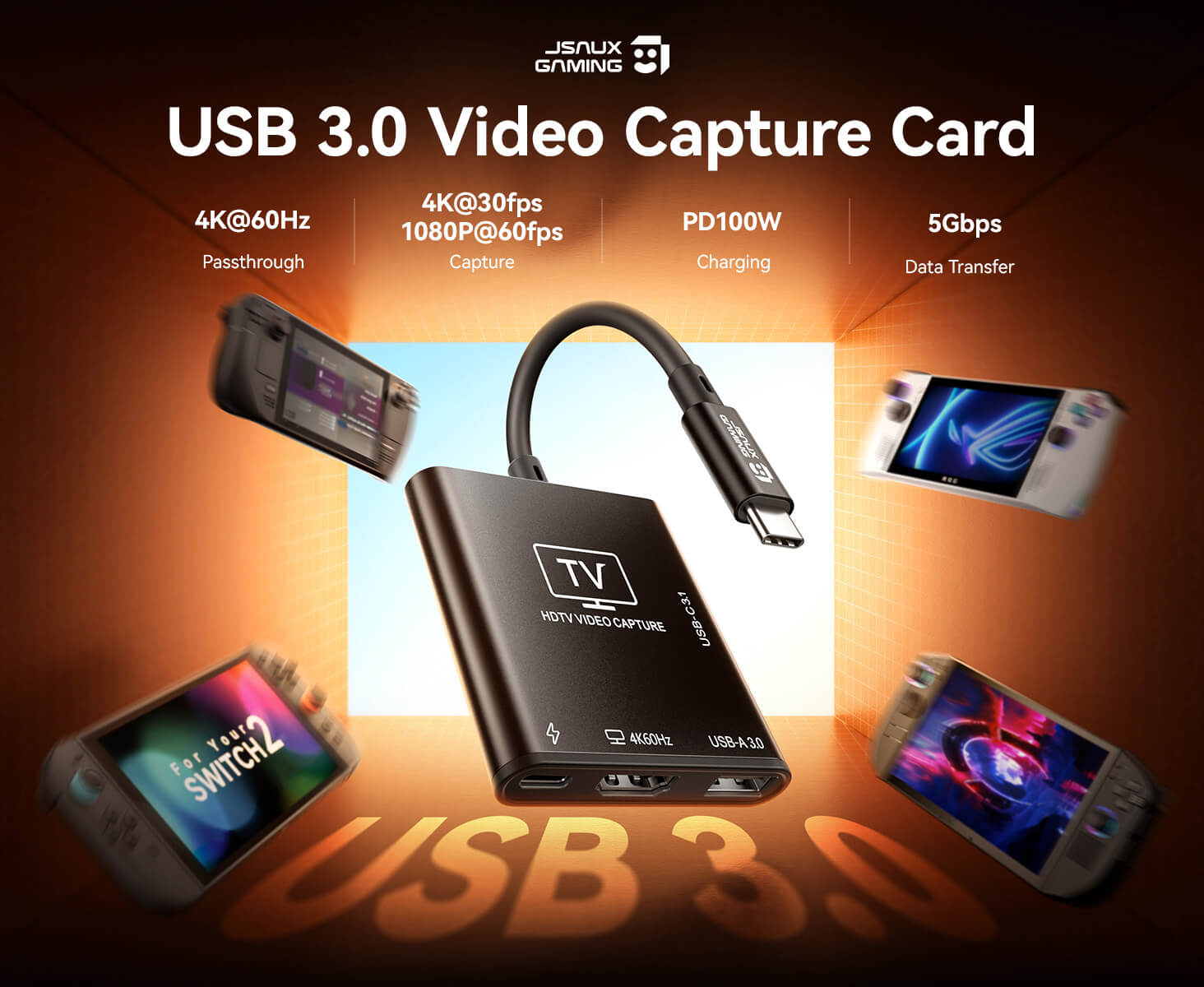
- 【超スムーズな4Kゲーミング&ストリーミング体験】超低遅延の4K@60Hz HDMIパススルーで外部ディスプレイでのスムーズなゲームプレイを楽しみながら、同時に1080P@60FPSまたは最大4K@30FPSでゲームプレイをキャプチャし、高品質なストリーミングと録画を実現します。
- 【中断のないゲームプレイのための100W電力供給】最大100W USB-C PD入力(20V/5A)により、長時間のセッション中も電力を供給し続けます。バッテリー切れの心配なく、ゲーム、ストリーミング、録画中にデバイスを充電できます。
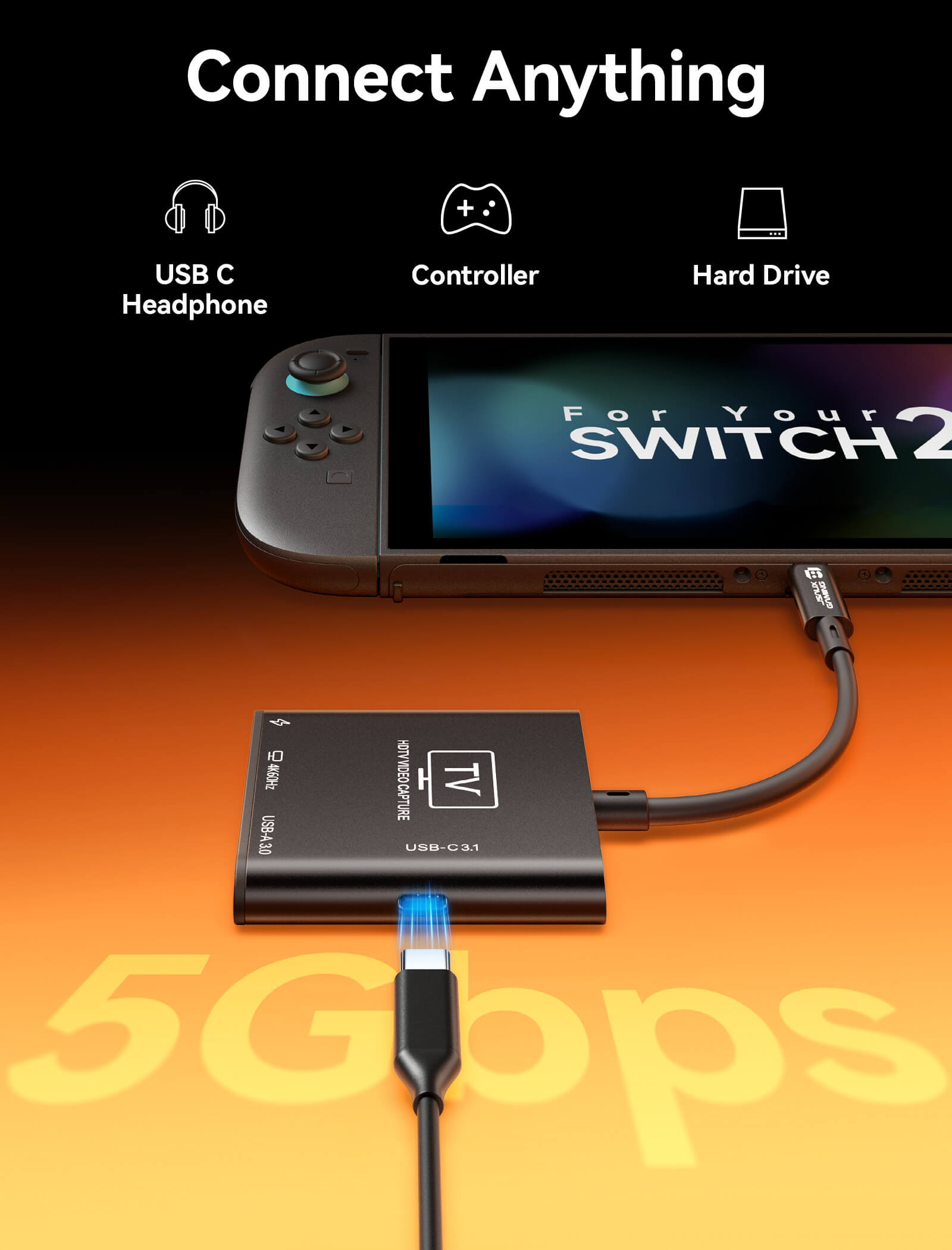
- 【USB拡張ポート(5Gbps高速)】コントローラー、キーボード、マウス、ストレージデバイスを信頼性の高い5Gbpsデータ転送で接続し、完全なゲームまたはストリーミングセットアップを構築できます。
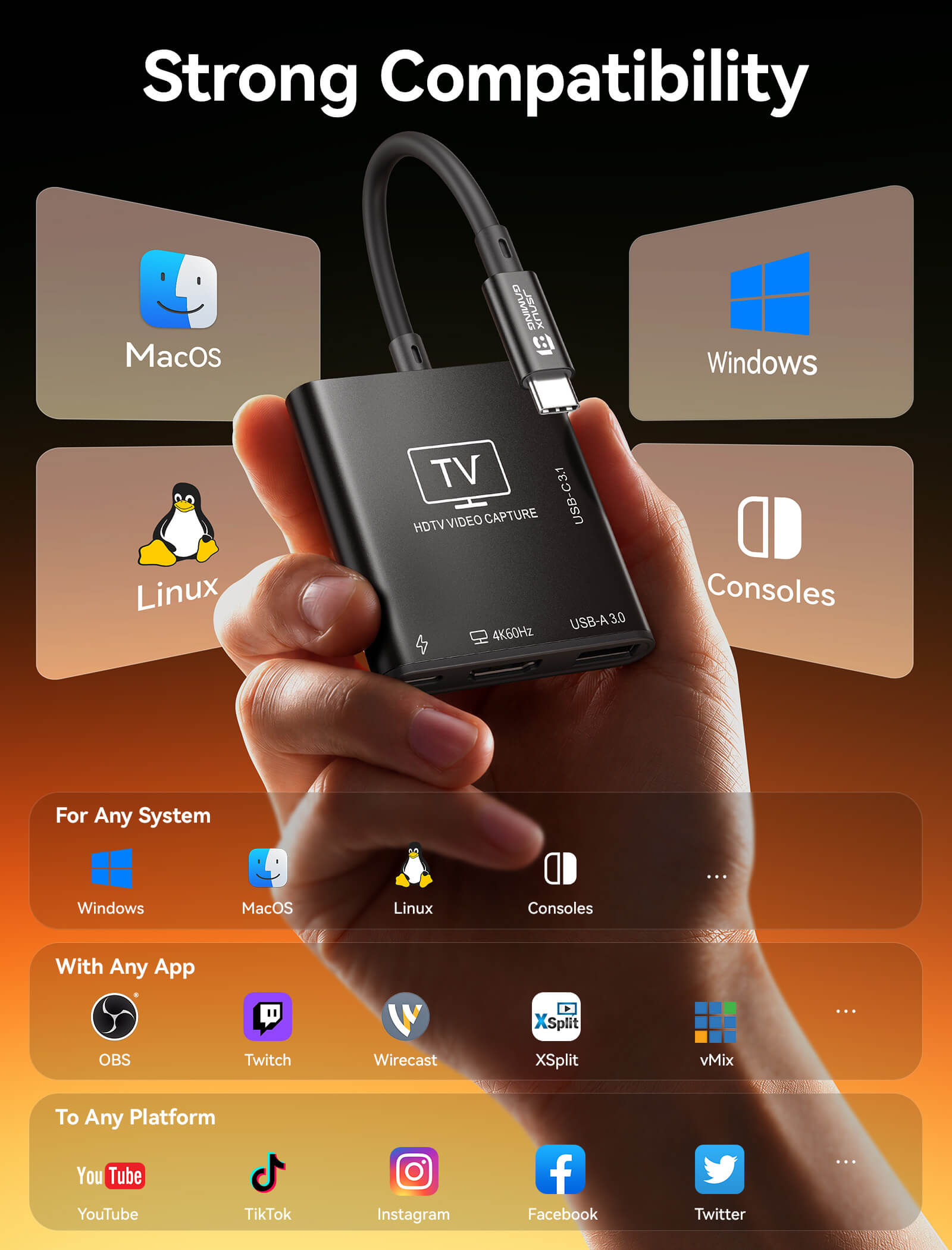
- 【複数のプラットフォームでのプラグ&プレイ互換性】ドライバーは不要です。UVC/UAC規格を介してWindows、macOS、Linux、Androidですぐに動作します。OBS、VLC、Zoom、Twitch、ほとんどのストリーミングソフトウェアと完全に互換性があります。
SPECS
SPECS
約50g
200(縦)× 58.5(横)× 11.8(厚さ)mm
-
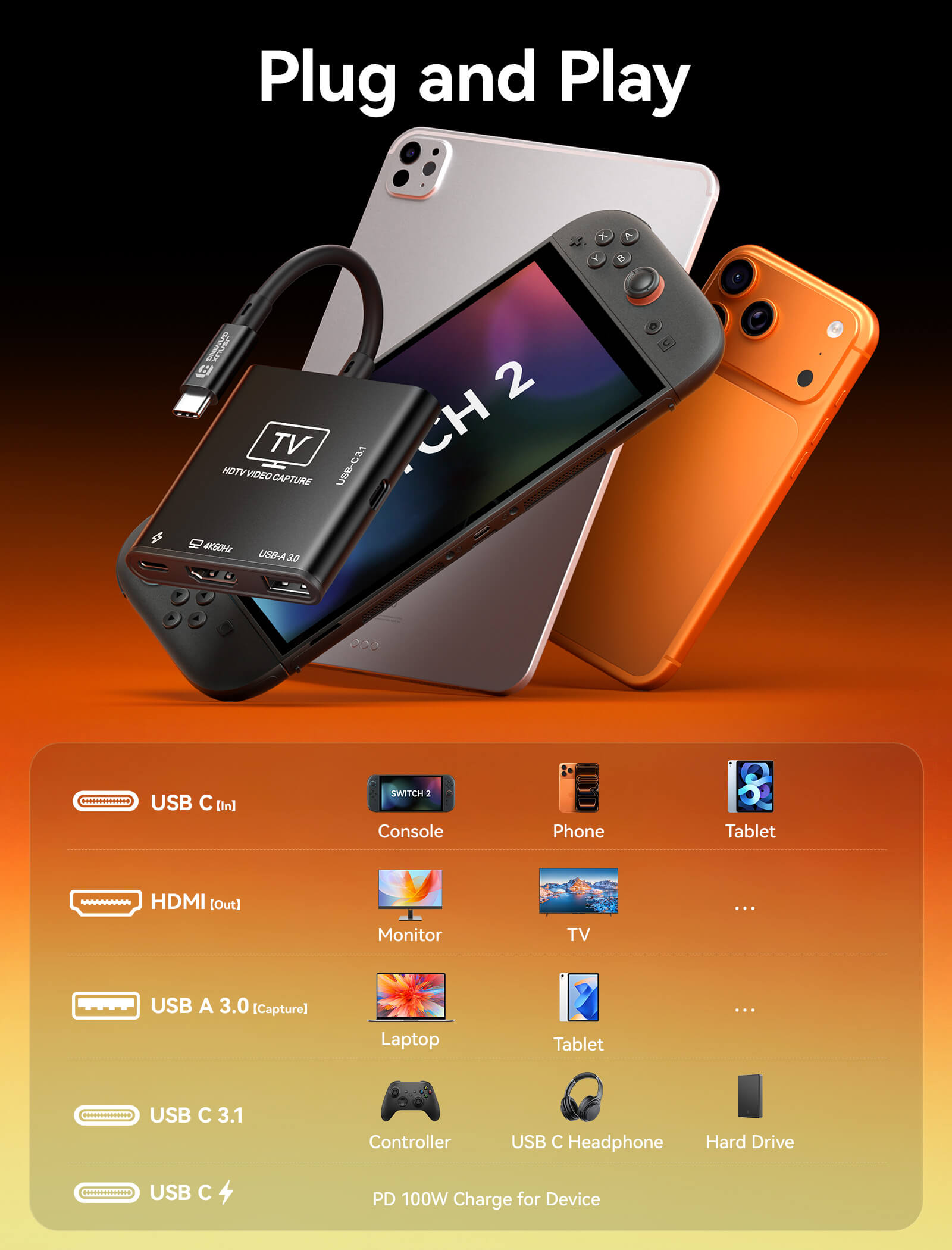
1* USB-Cポート(入力)
USBビデオ入力、PD充電、およびデバイス拡張をサポートするUSB-Cオスアップストリームポート。USB 3.2およびThunderbolt 3/4/5デバイスと互換性があります。
-
1* USB-C PD充電ポート
PD 2.0 / 3.0 / 3.1規格に対応し、最大100W(20V/5A max)の電源入力をサポートするUSB-Cメスポート。
-
1* USB-A 3.0ポート(キャプチャ)
最大4K入力信号に対応したビデオキャプチャ用のUSB 3.0インターフェース。
-
1* HDMI出力
最大4K@60Hz、18Gbps帯域幅をサポートするHDMI 2.0出力ポート。HDMI 2.0b / 1.4 / 1.3 / 1.2 / 1.1と下位互換性があります。
-
USB-Cデータポート
最大5Gbpsのデータ転送と外部デバイス用の5V/1A電源出力をサポートするUSB 3.0インターフェース。
- 携帯型ゲーム機: Switch 2、Switch、Switch OLED、Steam Deck、Steam Deck OLED、ROG BOX Ally X、ROG BOX Ally、ROG Ally X、ROG Ally、Legion Go、Legion Go S、Legion Go 2、MSI Claw A1M、MSI Claw 7 AI+、MSI Claw 8 AI+。
- オペレーティングシステム: Windows、macOS、Linux、Android。
- 対応ソフトウェア: OBS Studio、VLC、AMCap、その他すべてのUVC/UAC準拠のビデオキャプチャ、ストリーミング、再生ソフトウェアに対応。
- HDMIキャプチャ入力:最大4K@30Hz、1080P@60Hz、1080P@30Hz
- HDMIパススルー(ループアウト):最大4K@60Hz、1440P@120Hz、1080P@120Hzの高リフレッシュレートに対応
- USB 3.0データ転送:最大5Gbps(120~150MB/s)
RGB / YUV色形式で最大10-bitディープカラー対応(UVC準拠)
LPCM対応UAC準拠デジタルオーディオ伝送
SHIPPING
SHIPPING & RETURN
ご注文の前に、配送のヒントをよくお読みください
- 50ドルを超えるご注文はすべて送料無料です。
- 49.99ドル未満のご注文には、配送料として6.99ドルが課金されます。
(注:上記の配送ポリシーはFlipGoには適用されません。具体的な配送については、FlipGo製品ページをご参照ください。)
ご注意ください:
- JSAUX GAMINGは、世界中のお客様に迅速かつ効率的な配送サービスを提供しています(ただし、軍事住所(APO/FPO)および一部の離島への配送はできません)。
- 現在、すべてのご注文の処理には2~4日かかります(週末は注文処理が行われません)。
- ご注文の配送には7~12営業日かかります(予約販売品を除く)。
- 国際的な関税や税金が適用される場合がありますが、これらはチェックアウト時に計算されません。
- 予約販売品の配送時期は、商品ページに記載されている指示に従います。
物流サービスプロバイダーの要件により:
- ご注文をできるだけ早く準備し、配送の問題を避けるため、正確な家屋番号や配送会社に必要なその他の情報を含む正確な郵便番号を必ずご入力ください。
-
中国本土および台湾の場合:中国本土のお客様は、Tmallをご利用ください。香港、マカオのお客様は、お名前、身分証明書番号、配送先住所を繁体字中国語でご記入ください。
- サウジアラビアの場合:50ドル以上の送料無料は適用されません。配送料14.99ドル(VAT込み)が適用されます。
- 物流上の理由により、現在、以下の国と地域への注文サービスは一時的に提供しておりません:アフガニスタン、アルバニア、アルジェリア、アンドラ、アンゴラ、アングィラ、アルゼンチン、アルメニア、アルバ、アゼルバイジャン、バーレーン、バングラデシュ、バルバドス、ベラルーシ、バミューダ諸島、ブータン、ボスニア・ヘルツェゴビナ、ブラジル、英領ヴァージン諸島、ブルネイ、ブルキナファソ、ブルンジ、ボリビア、カンボジア、カメルーン、ケイマン諸島、中央アフリカ共和国、中国、クリスマス島、コスタリカ、コートジボワール、ジブチ、コンゴ - ブラザヴィル、コンゴ - キンシャサ、エジプト、エルサルバドル、エクアドル、フォークランド諸島、フェロー諸島、フランス領ポリネシア、ガボン、ガンビア、ジョージア、ガーナ、ジブラルタル、グリーンランド、グアドループ、グアテマラ、ガーンジー島、ギニア、ホンジュラス、アイスランド、インドネシア、ジャマイカ、ヨルダン、ジャージー、カザフスタン、ケニア、キリバス、キルギス、レバノン、レソト、リベリア、リヒテンシュタイン、モルディブ、モーリシャス、マルティニーク、モルドバ、モナコ、モンゴル、モンテネグロ、ミャンマー(ビルマ)、ナミビア、ナウル、ニューカレドニア、ニカラグア、ニジェール、ナイジェリア、ノーフォーク島、北マケドニア、ノルウェー、オマーン、パキスタン、パラグアイ、ルワンダ、サンマリノ、セネガル、セルビア、セーシェル、ソロモン諸島、南スーダン、スリランカ、スーダン、タジキスタン、トーゴ、トンガ、チュニジア、トルクメニスタン、トルコ、ツバル、ウガンダ、ウクライナ、ウルグアイ、インド、ウズベキスタン、バヌアツ、バチカン市国、米国の一部地域(プエルトリコ、グアム、アラブ首長国連邦、米領ヴァージン諸島、北マリアナ諸島、米領サモア、およびAPO、FPO、DPOなどの軍事基地を含む)。
15日間の返品:
当社の返品および交換ポリシーは、お客様が自宅で商品を受け取った日から15日間有効です。詳細については、配送ポリシーのセクションをご覧ください。
FAQ
質問:4K@30Hzの再生時にフレーム落ちや目立つカクつきが発生するのはなぜですか?
4Kビデオキャプチャには、受信側のコンピューターに高いデコード性能が求められます。
推奨ハードウェア:
統合型グラフィックス、またはRTX 3060より性能の低いGPUを使用している場合は、よりスムーズなパフォーマンスのために解像度を1080P@60Hzに下げることをお勧めします。
ハイパフォーマンス対応:
RTX 3060以上のGPUを搭載したシステムのみが、安定した4K@30Hzキャプチャに必要な高いデコード負荷に対応できます。
Q. キャプチャーカードをUSBポートに接続した後、「認識されない」または「信号なし」と表示されるのはなぜですか?
以下の手順でトラブルシューティングを行ってください。
-
USBポートの要件: デバイスがコンピューターのUSB 3.0 (青色のポート) またはそれ以上の速度のポートに接続されていることを確認してください。
-
入力ソースの確認: 信号ソース (例: ゲーム機、カメラ) の電源が入っており、HDMIケーブルがしっかりと接続されていることを確認してください。
- 権限設定: システム設定を確認し、キャプチャアプリケーション (OBSや録画ソフトウェアなど) がカメラ/デバイスの権限にアクセスすることを許可されていることを確認してください。
Q. 撮影したビデオがくすんでいたり、色がおかしいのはなぜですか?
これは通常、カラースペースの設定に関連しています。キャプチャソフトウェア(例:OBS)を以下のように調整してください。
- カラースペースをRec.709に設定
-
カラーレンジをPartial / Limitedに設定
(注:一部のディスプレイで「Full」に設定すると、黒つぶれや不正確な色出力が発生する可能性があります。)
Q. キャプチャ中に音声と映像が同期しないのはなぜですか(音声遅延)?
処理負荷が高いと、エンコードに遅延が生じる場合があります。
- ソフトウェア設定: キャプチャソフトウェアのオーディオプロパティで、「カスタムオーディオデバイスのタイムスタンプを使用する」を有効にします。
- 同期調整: わずかな遅延が続く場合は、詳細オーディオプロパティの「同期オフセット」を使用し、お使いのセットアップに応じて50ms~200msの範囲で微調整してください。
Q. キャプチャーボードは長時間使用すると熱くなりますか?性能に影響しますか?
動画のキャプチャは高負荷な処理であり、動作中に熱が発生するのは正常なことです。金属製の筐体は、効果的に放熱するのに役立ちます。
- 正常な状態:画面のちらつきや切断がない限り、デバイスは通常の温度範囲内で動作しています。
- 使用上の推奨事項:デバイスを風通しの良い場所に置き、熱源の近くに置いたり、物で覆ったりしないようにしてください。
Q. お使いのコンピューターにUSB-Aポートがない場合、キャプチャーボードをどのように使用できますか?
USB-C - USB-A変換アダプターを使用する(最も簡単な解決策)。
- 使用方法:キャプチャカードのUSB-AプラグをUSB-A - USB-C変換アダプターに接続し、次にコンピューターのType-Cポートに差し込みます。
-
重要事項:アダプターはUSB 3.0 (5Gbps)以上に対応している必要があります。
USB 2.0アダプター(携帯電話の充電によく使用されるもの)を使用すると、キャプチャカードが4Kに対応していても、帯域幅の制限により、深刻な遅延が発生したり、解像度が低下したりする可能性があります。
5.0つ星中4.0つ
2件
What Customers Are Saying on JSAUX.com