


![JSAUX anti-glare matte screen protector for ROG Ally and ROG Xbox Ally series #style_[2-pack] for all rog ally models](http://jsaux.com/cdn/shop/files/GP0113A-Anti-Glare-Screen-Protector-for-ROG-Ally-_-ROG-Xbox-Ally-Series-1_jpg.png?v=1762310072&width=92)


![Grey 2-pack 90 degree USB-C to USB-C right angle adapters #style_grey [2-pack]](http://jsaux.com/cdn/shop/files/90_-USB-C-to-USB-C-Right-Angle-Adapter-grey-1.png?v=1755238920&width=92)




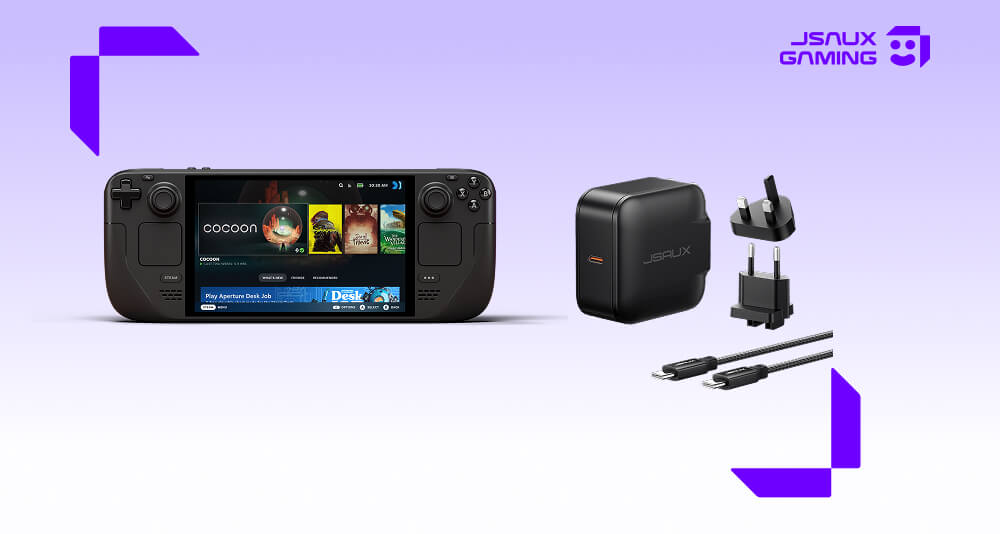
最高のSteam Deck充電器(2026年ガイド)
Steam Deckはパワフルな携帯ゲーム機ですが、長時間のセッションで使用したり、ドッキングステーションで使用したりするようになると、電力管理がはるかに重要になります。
出力の弱い、または電力不足の充電器は、充電が遅くなったり、ゲームプレイ中にバッテリーが消耗したり、複数のアクセサリを接続しているときに不安定なパフォーマンスを引き起こしたりする可能性があります。
このガイドでは、充電器を選択する際に実際に重要なことと、信頼できるセットアップを構築する方法について説明します。
❓Steam Deckに適切な充電器が必要な理由
Steam Deckは、特に次の場合に、一般的なモバイルデバイスよりも大幅に多くの電力を消費します。
- AAAゲームをプレイする
- ドッキングステーションを使用する
- 外部コントローラーまたはディスプレイを接続する
このような状況では、低ワット数の充電器では追いつかない場合があります。
👉 そのため、ほとんどのユーザーは65W以上のUSB-C充電器にアップグレードしています。
⚡ 推奨充電セットアップ
安定したSteam Deck充電セットアップには、通常以下が含まれます。
- 65W以上のUSB-C Power Delivery充電器
- 高品質のUSB-Cケーブル
- デスクセットアップ用のオプションのマルチポート充電器
これにより、激しいゲームプレイ中やドック使用中であってもデバイスの充電が維持されます。
🔌 JSAUX 65W USB-C急速充電器
ほとんどのSteam Deckユーザーにとって、65W USB-C充電器は最も安全で実用的な選択肢です。以下を提供します。
- Steam Deckおよび同様の携帯ゲーム機用の安定した急速充電
- ゲームセッション中の信頼性の高い電力出力
- ドックセットアップや旅行での使用との互換性
その他の充電オプションはこちらでご覧ください: https://jsaux.com/collections/chargers
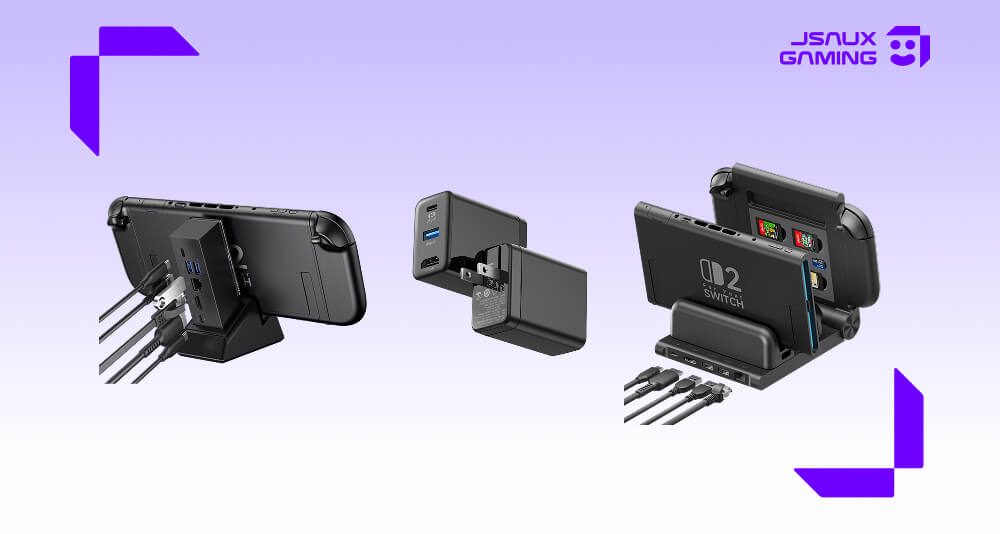
💻 ドックセットアップでの充電
ドッキングステーションを使用すると、充電器が以下もサポートするため、電力需要が増加します。
- HDMI出力
- USBアクセサリ(コントローラー、キーボードなど)
- イーサネット接続
この場合、65W以上の充電器は以下を防ぐのに役立ちます。
- プレイ中のバッテリー消耗
- 負荷時のパフォーマンス低下
- 不安定なアクセサリの動作
ほとんどのドックユーザーにとって、これは推奨される最低レベルです。ドッキングステーションを定期的に使用する予定がある場合は、Steam Deckドッキングステーションガイドでセットアップを最適化する方法も探ることができます。
✈️ 旅行用充電セットアップ
ポータブル用途では、複雑な電力よりもシンプルさが重要です。典型的な旅行用セットアップには以下が含まれます。
- コンパクトなUSB-C充電器
- 高品質のケーブル1本
- バックアップ用のオプションのモバイルバッテリー
このセットアップは、移動中にほとんどの充電ニーズをカバーしながら、軽量に保ちます。
適切なSteam Deck充電器の選び方
充電器を選択する際には、以下に焦点を当ててください。
- ワット数: 最低65Wを推奨、ドックを多用するセットアップにはより高いワット数
- USB-C Power Deliveryサポート: Steam Deckの電力要件との適切なネゴシエーションを保証します。
- 負荷時の安定性: 長時間のゲームセッション中に出力が低下する充電器は避けてください。
- ケーブル品質: 充電器が強力であっても、弱いケーブルでは性能が制限される可能性があります。
❓ FAQ
Q. Steam DeckにどのUSB-C充電器でも使えますか?
A. 使えますが、ワット数の低い充電器は充電が遅くなったり、ゲームプレイ中にバッテリーが消耗したりします。安定したパフォーマンスには、65W USB-C PD充電器をお勧めします。
Q. 65WはSteam Deck + ドッキングステーションに十分ですか?
A. はい。65W充電器は、USBアクセサリやHDMI出力を含むほとんどのドックセットアップに一般的に十分です。
Q. 急速充電はSteam Deckのバッテリーを損傷しますか?
A. いいえ。Steam Deckは電力入力管理を自動的に行います。認定されたUSB-C Power Delivery充電器を使用することは安全です。
Q. ワット数の低い充電器を使用するとどうなりますか?
A. デバイスの充電が遅くなったり、場合によっては電力消費が入力電力を超えると、プレイ中に放電したりすることがあります。
🔗 関連ガイド
完全なセットアップを構築している場合、これらも役立つかもしれません。
Steam Deckアクセサリガイド >
Steam Deckドッキングステーションガイド >
最終的な感想
適切な充電器は、特にドッキングステーションを使用したり、長時間のセッションでプレイしたりする場合、Steam Deckセットアップの最も重要な部分の1つです。
ほとんどのユーザーにとって、65W USB-C急速充電器は、安定性、携帯性、互換性の最良のバランスを提供します。
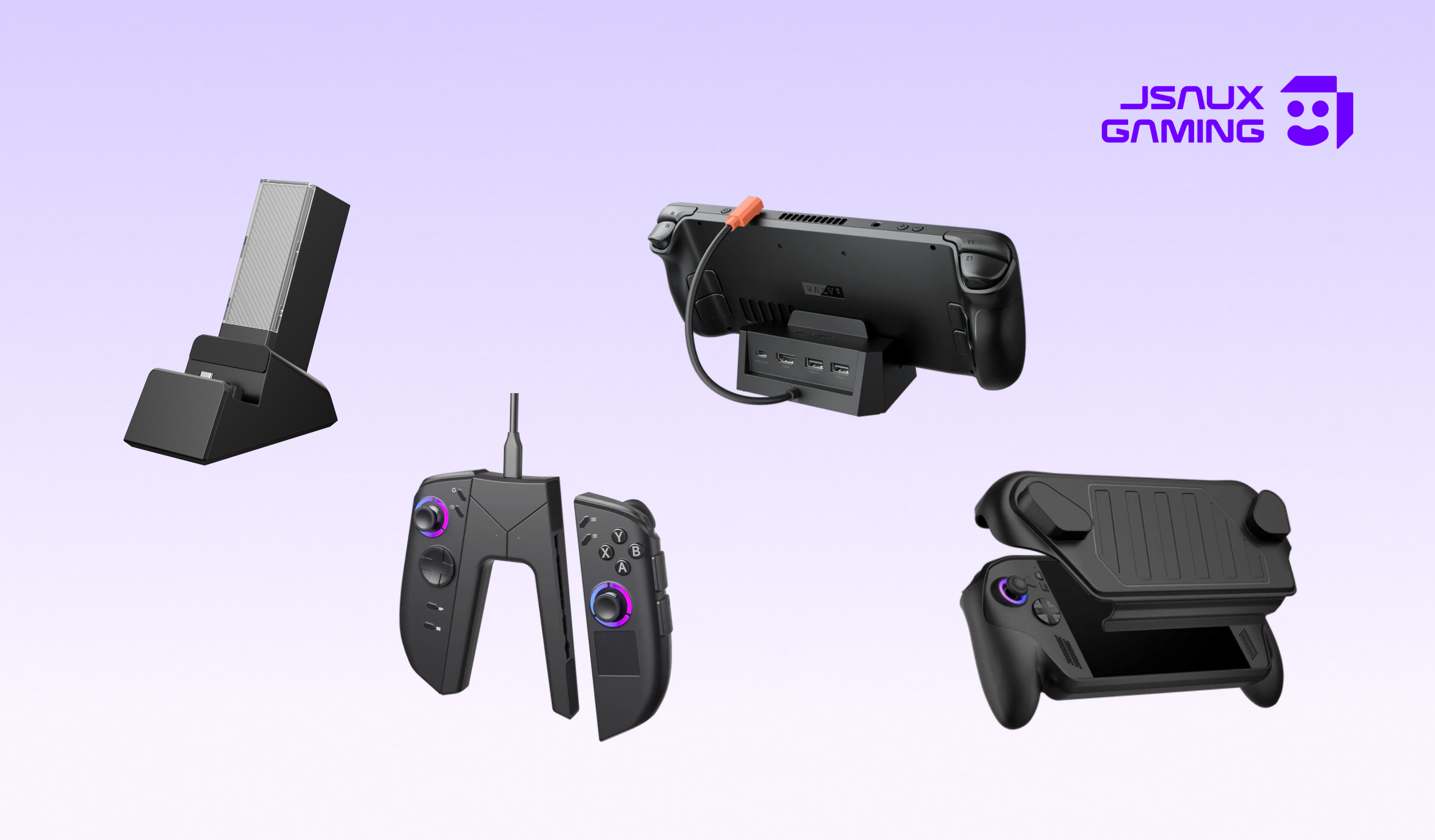
ここから、ドッキング、保護、旅行用アクセサリを含む完全なエコシステムを構築して、完全なSteam Deck体験を実現できます。

コメントを書く
全てのコメントは、掲載前にモデレートされます
このサイトはhCaptchaによって保護されており、hCaptchaプライバシーポリシーおよび利用規約が適用されます。