QUICKLINKS
From
¥1,636 JPYから
¥3,765 JPYから
¥2,946 JPYから
¥3,274 JPYから
¥6,058 JPYから
¥6,549 JPYから
¥7,532 JPYから
¥1,145 JPYから
¥5,894 JPYから
¥2,619 JPYから
¥981 JPYから
¥2,127 JPYから
カートが空です
Add to cart
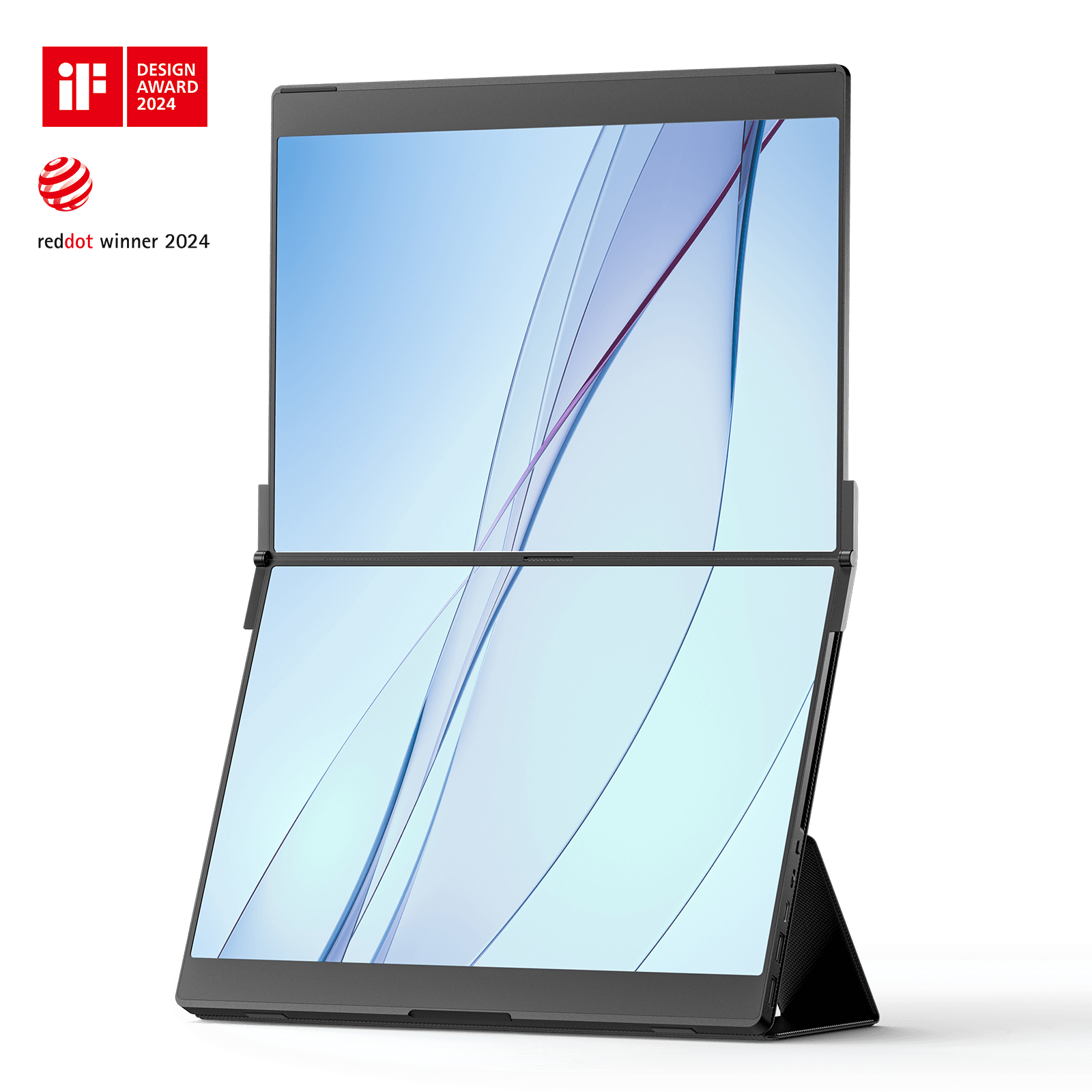
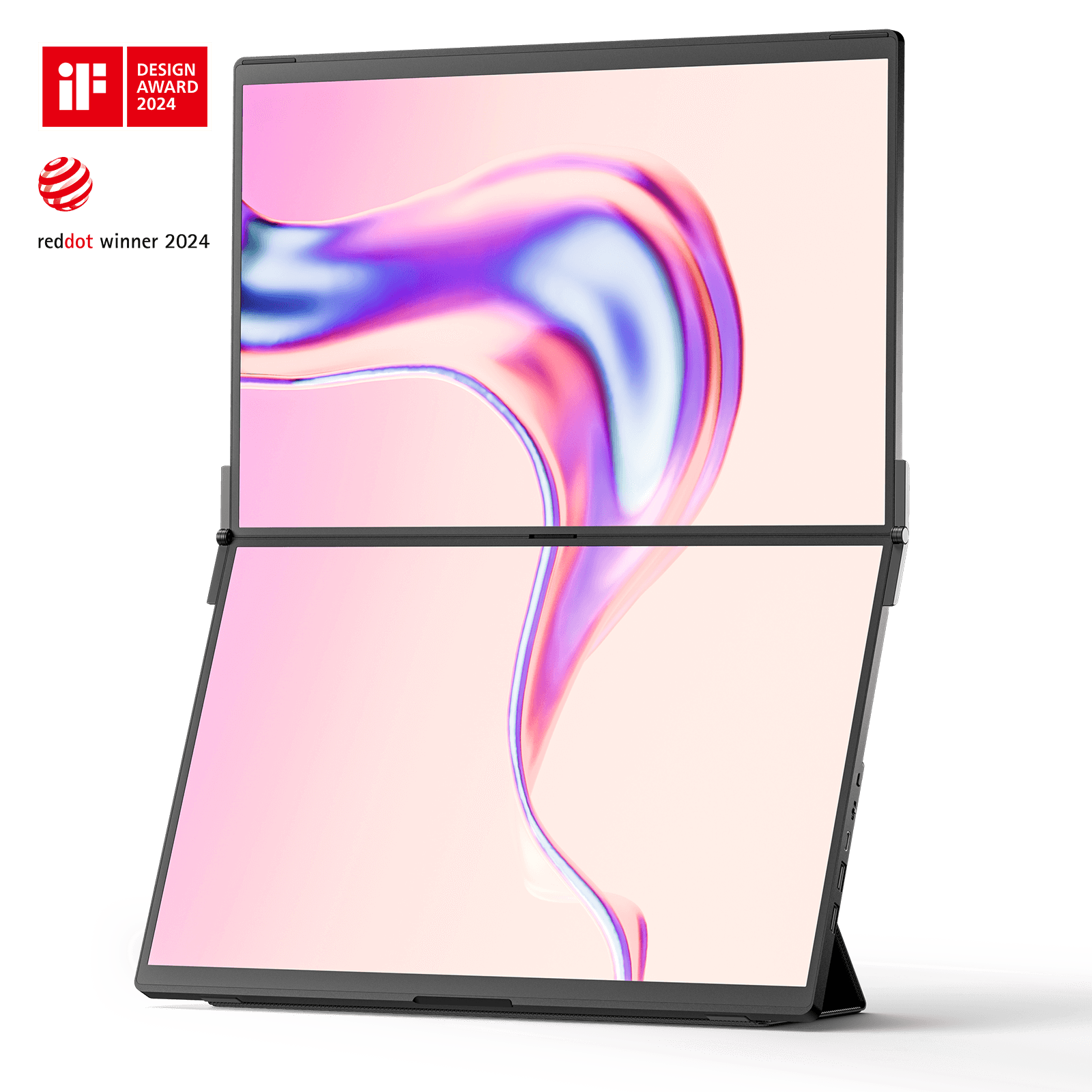
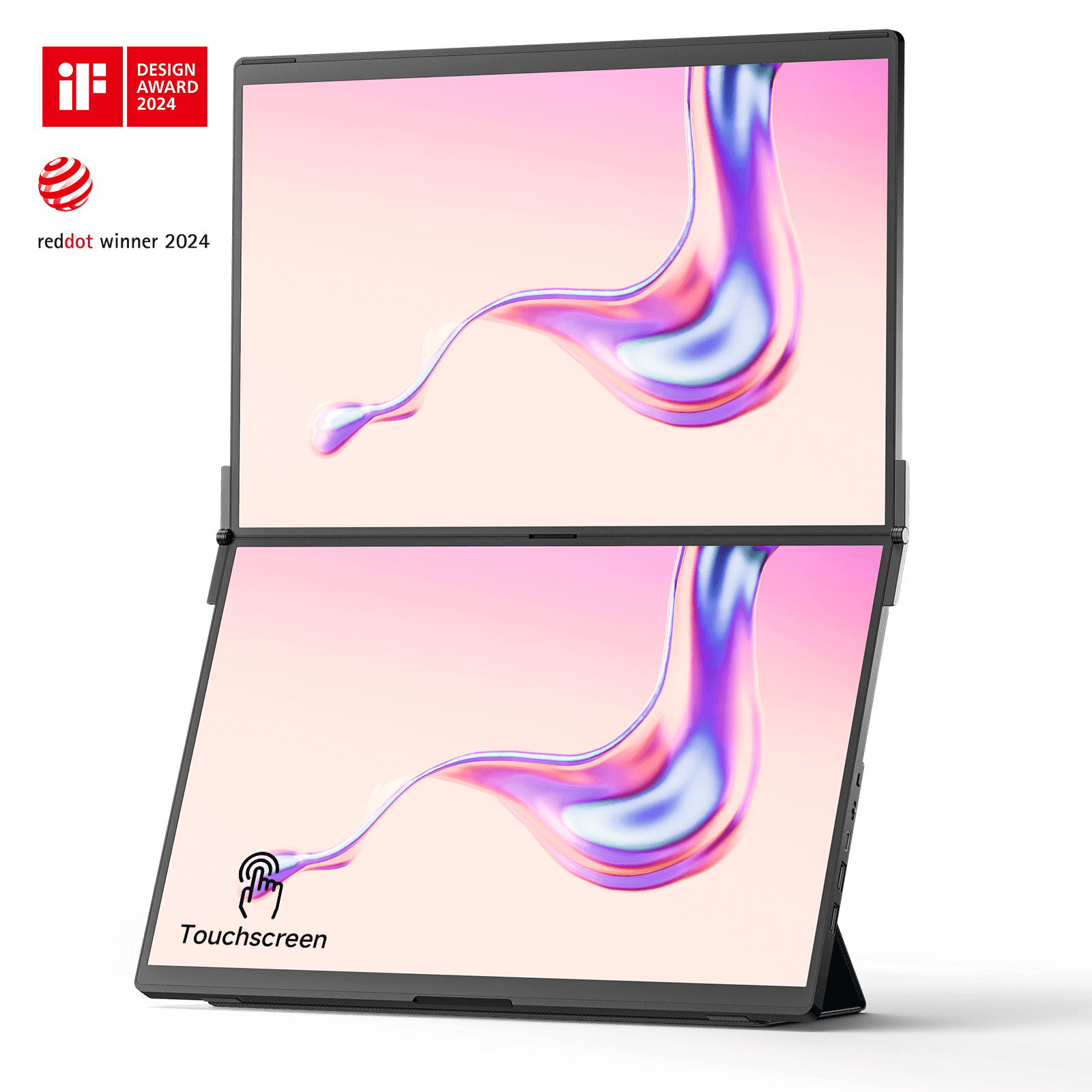
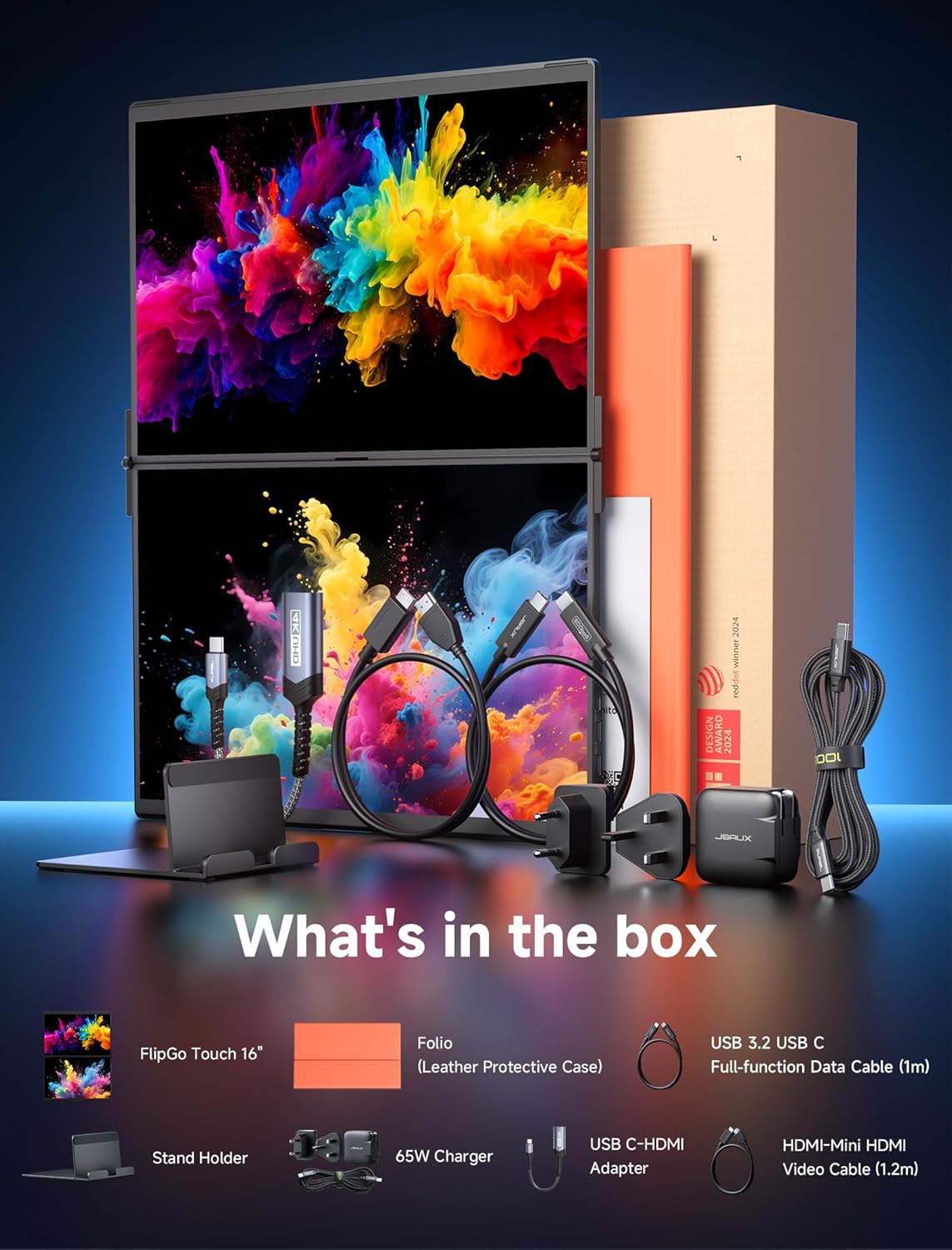
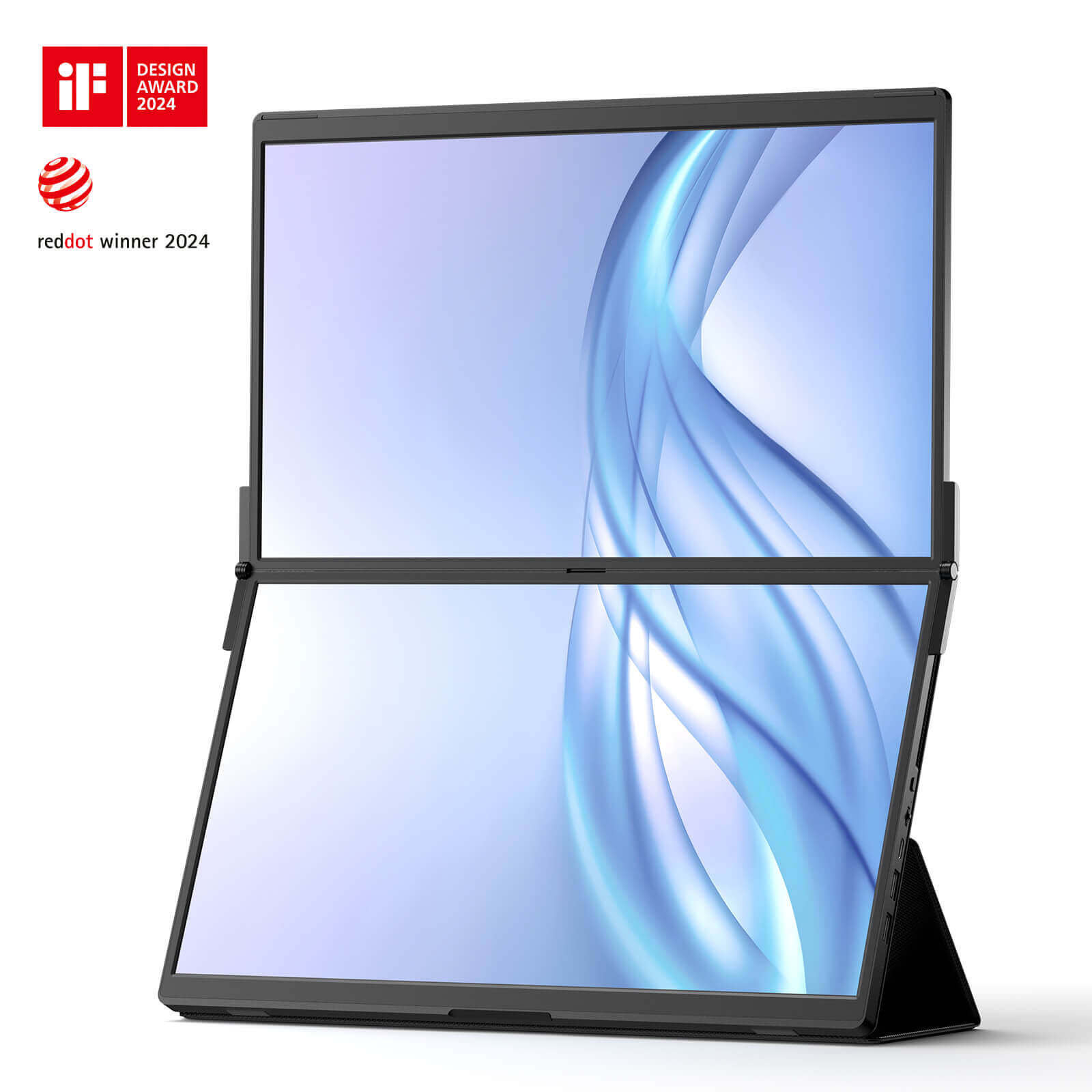
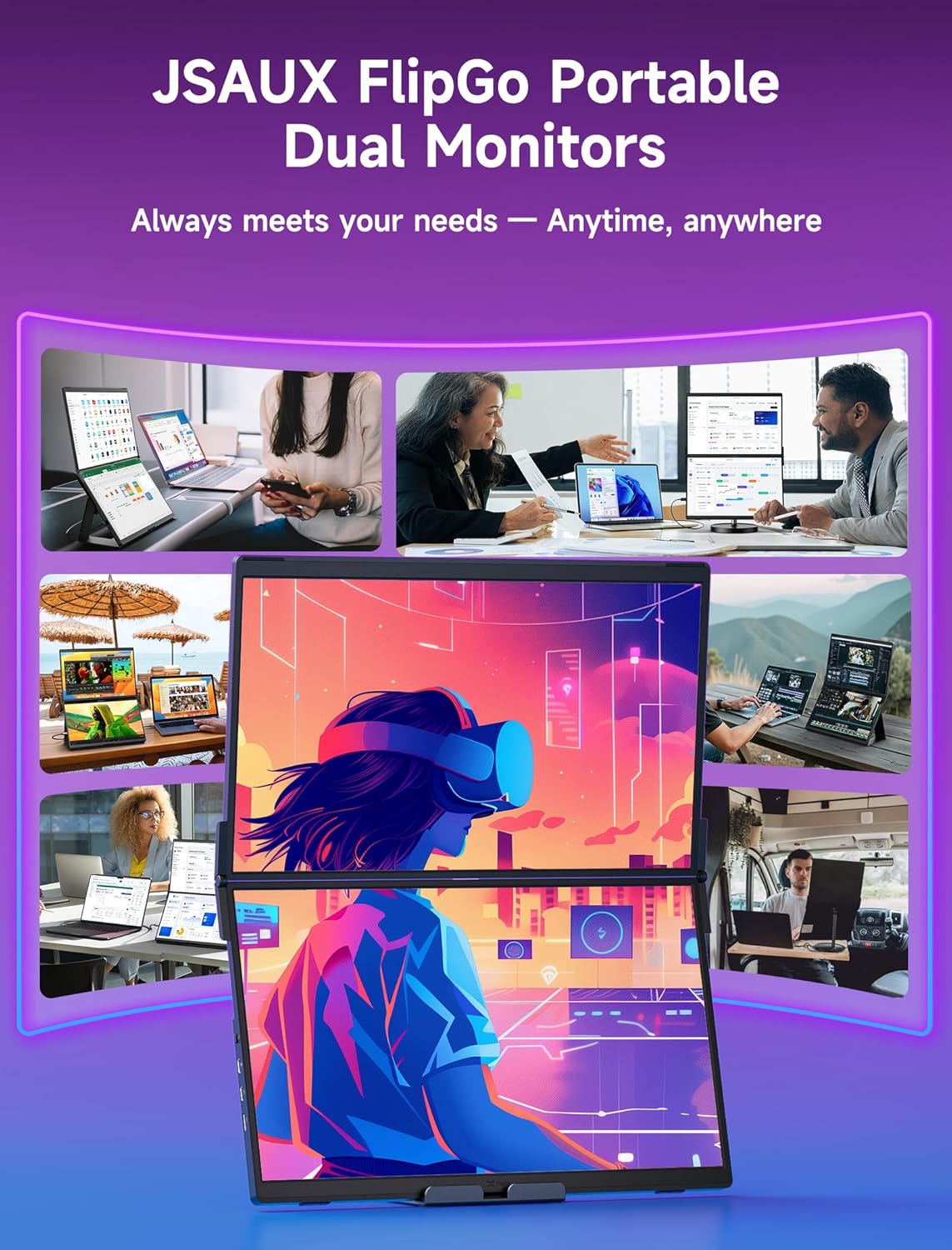
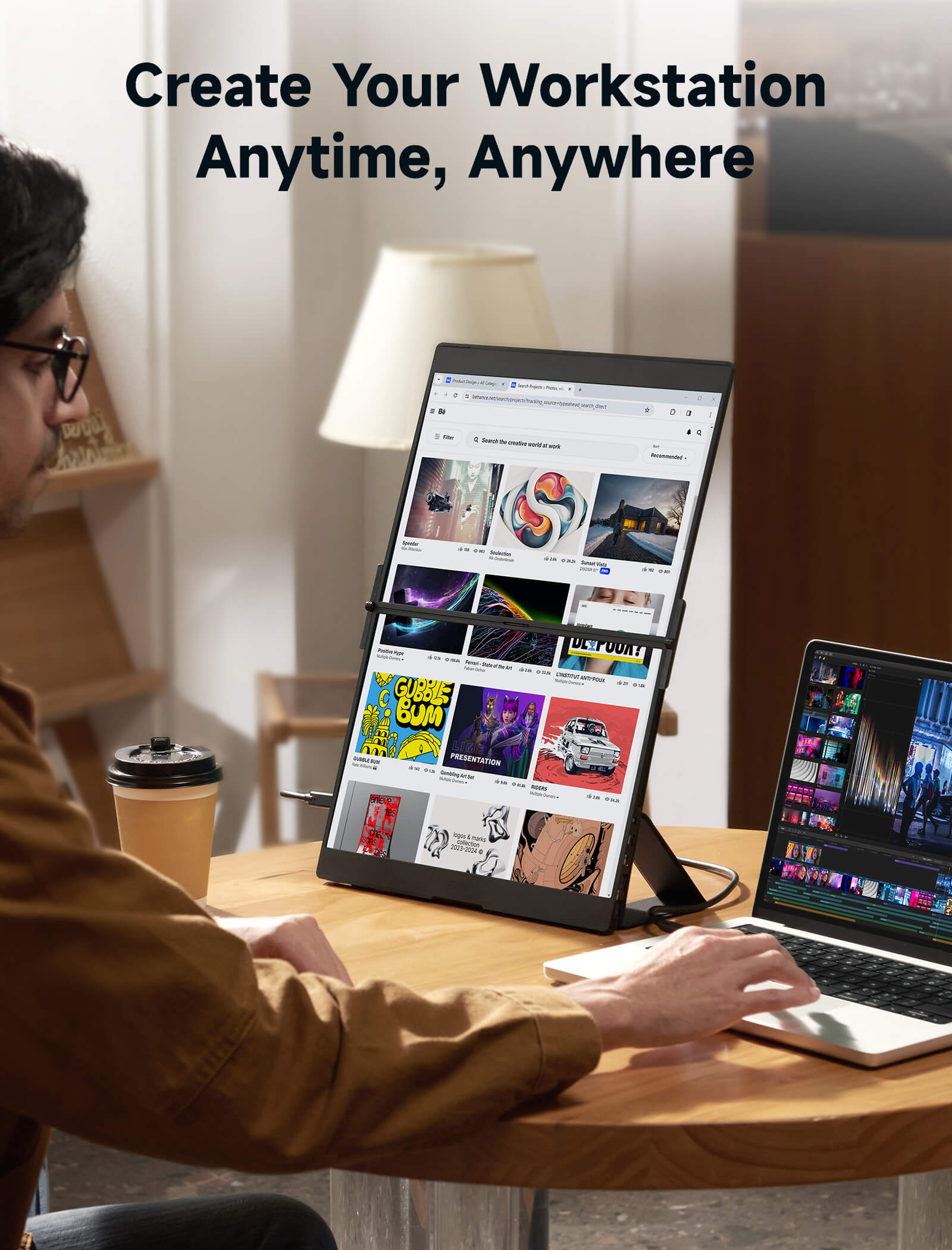
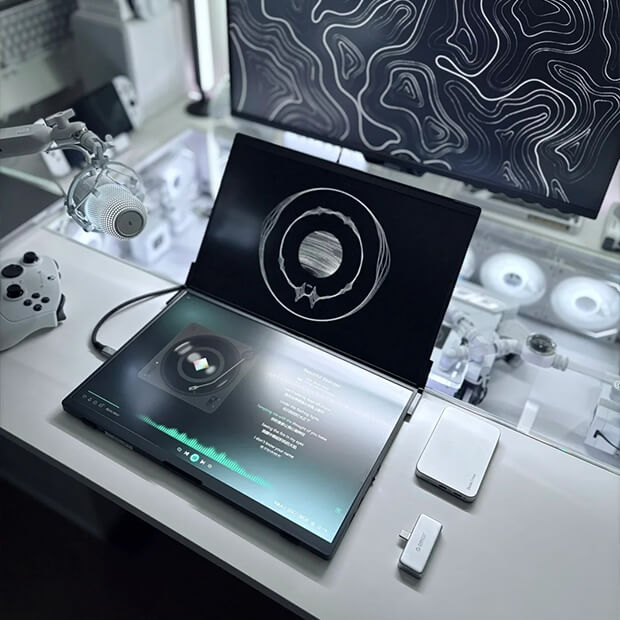
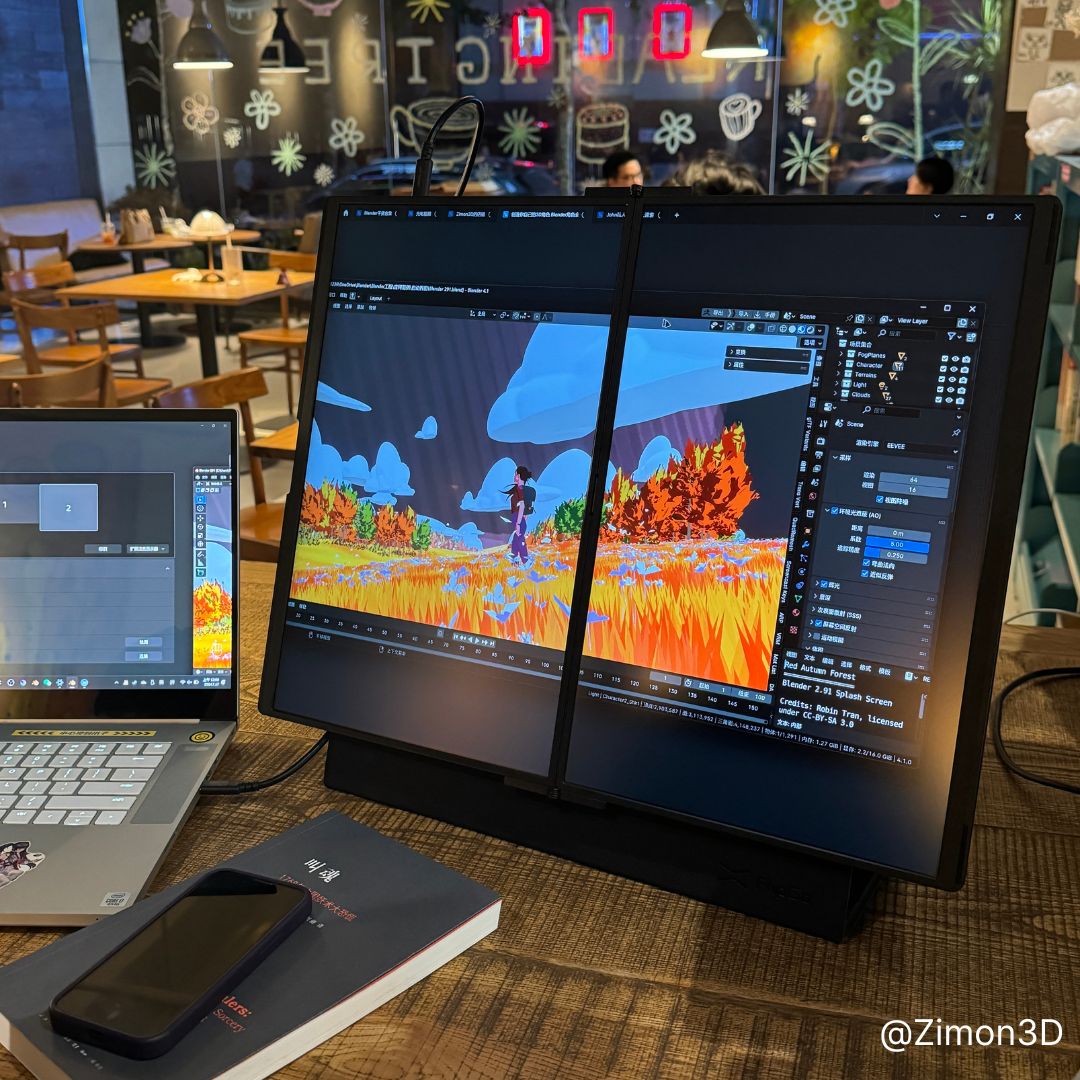
The JSAUX FlipGo Portable Monitor is a game-changing dual-display solution designed for multitasking and portability.
This setup lets you use apps in full screen mode on a single display and lets you split your workload into separate screens that you can take with you on the go or set up at a desk.
The dual-screened nature of it makes it easy to pick up and take away with you at an instant.
[The FlipGo] versatility means that no matter what platform you’re using, you can interact with your work in a way that feels natural and boosts your productivity.
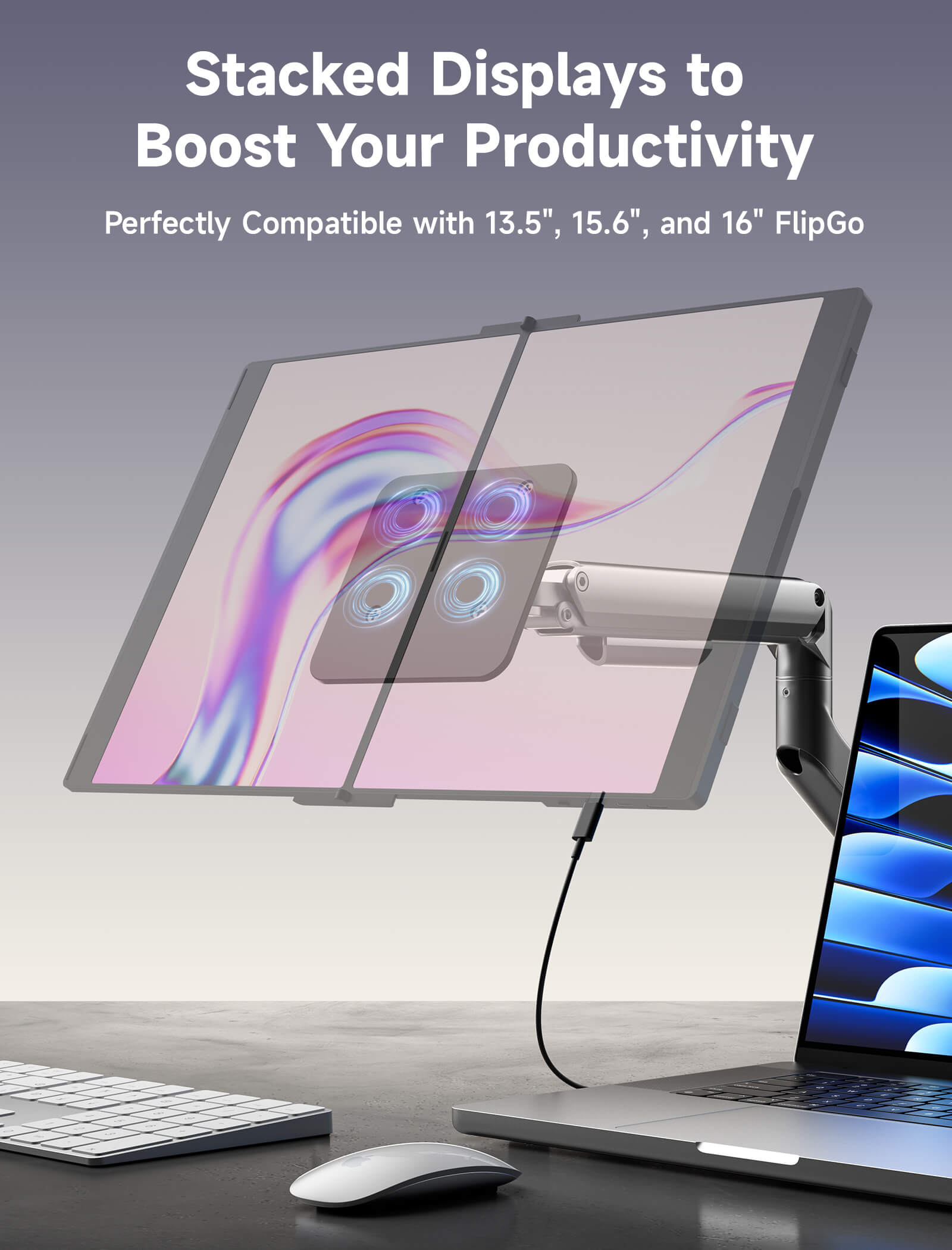
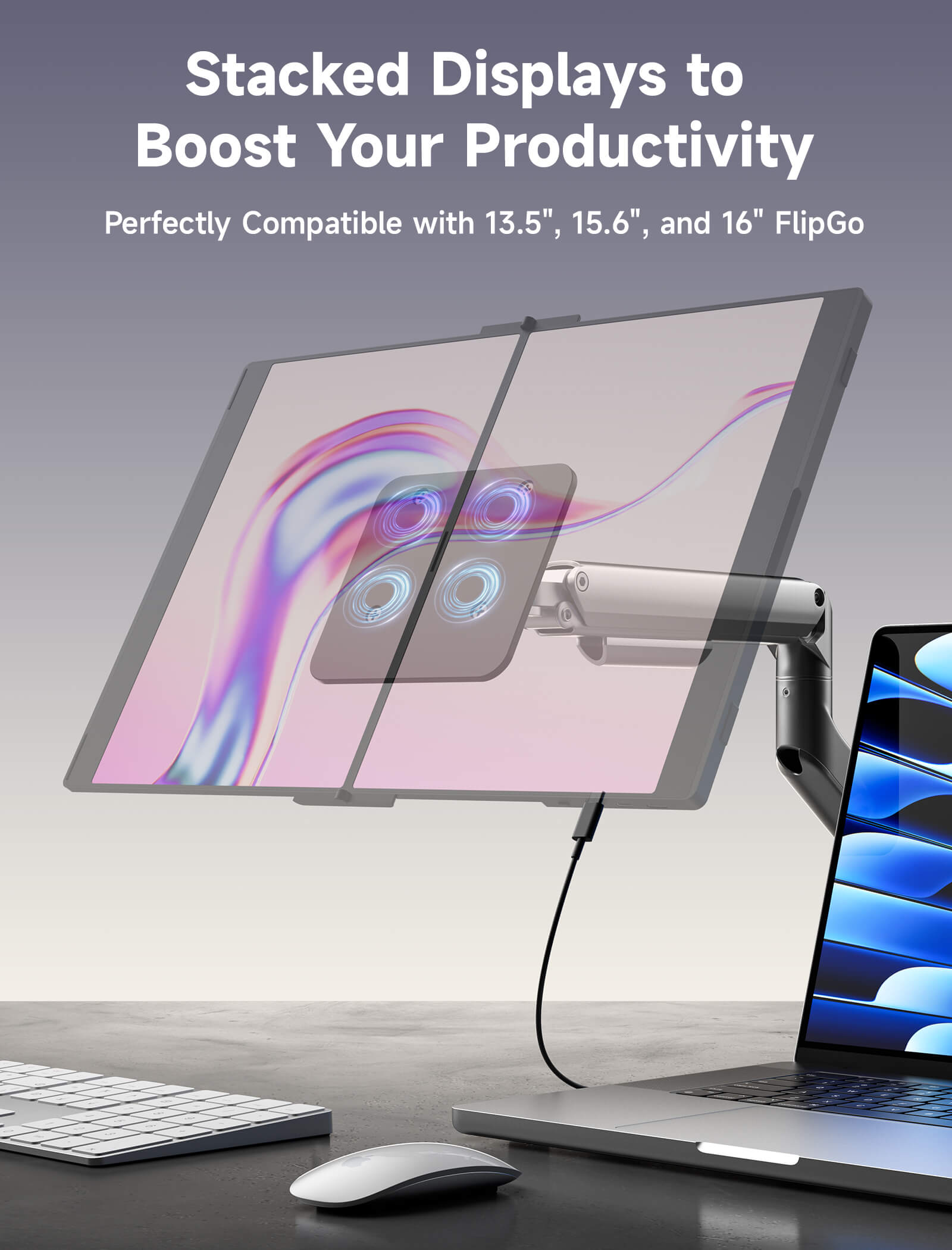
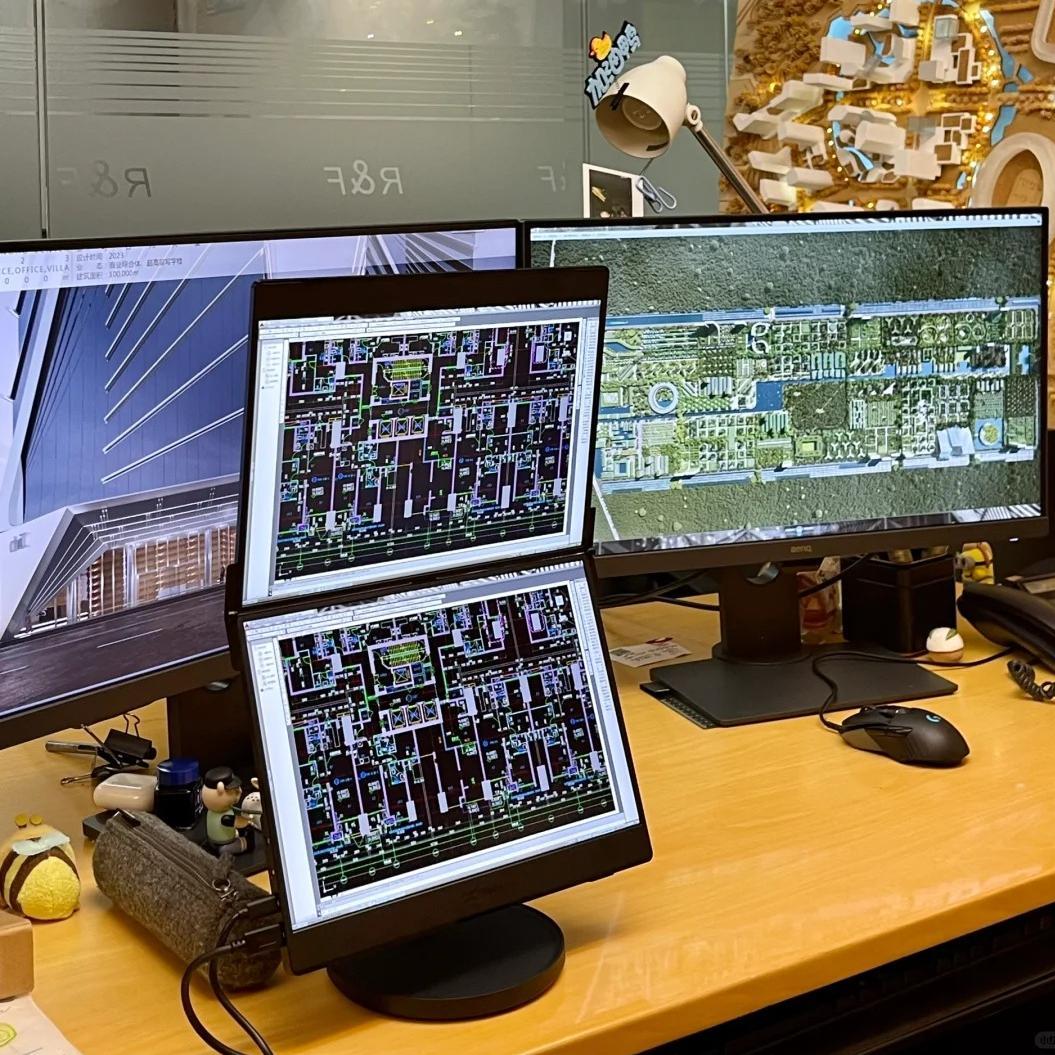
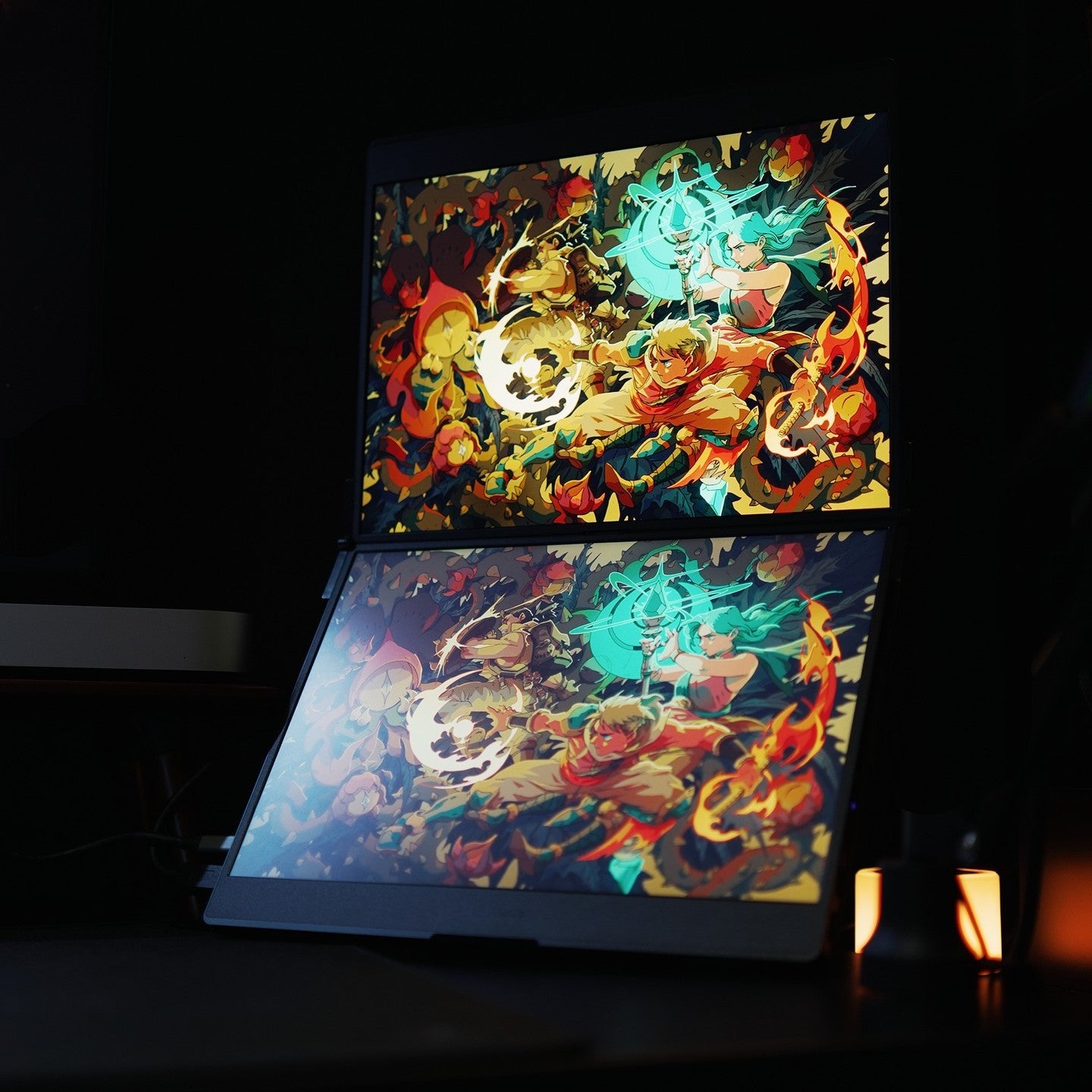
Stacked Displays to Boost Your Productivity
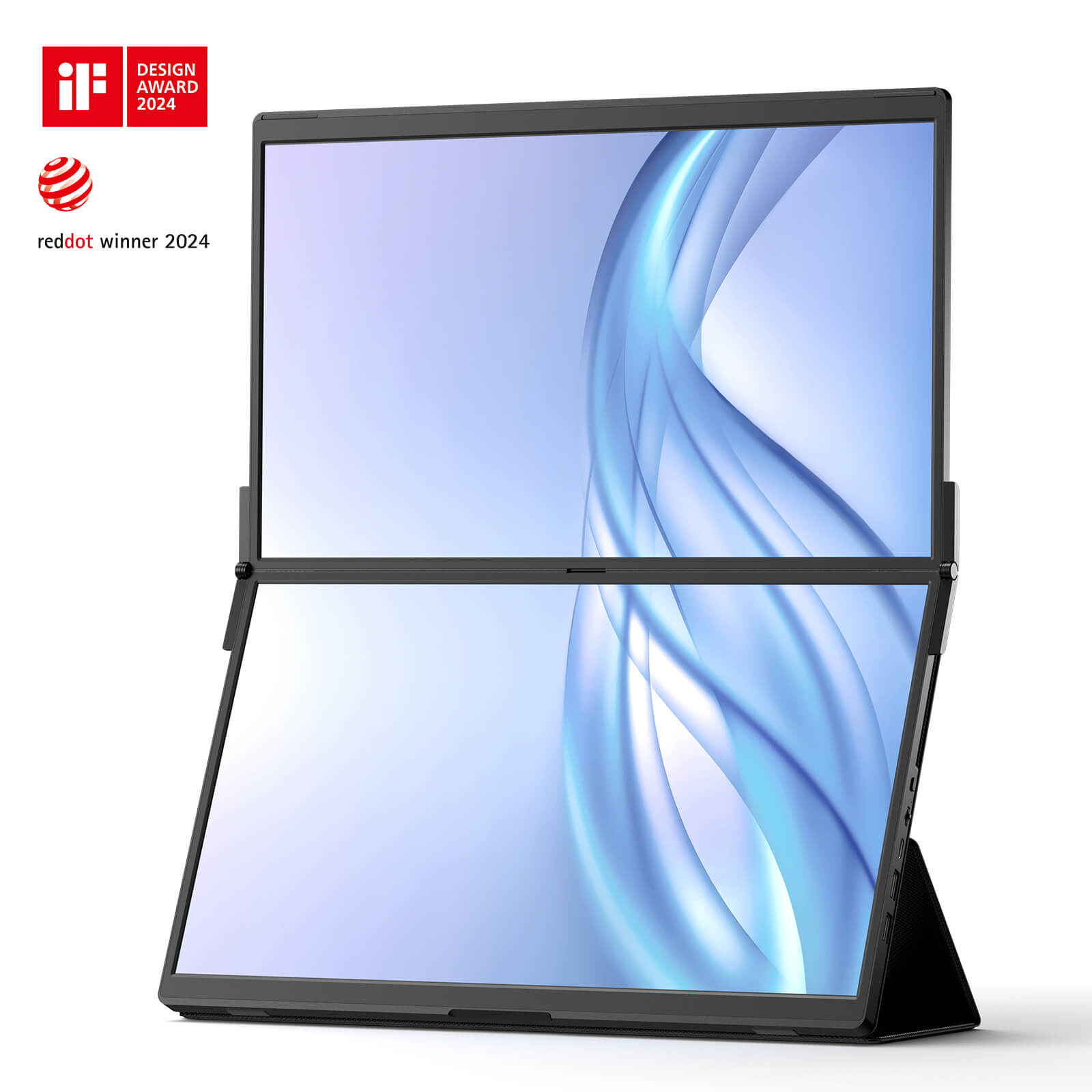
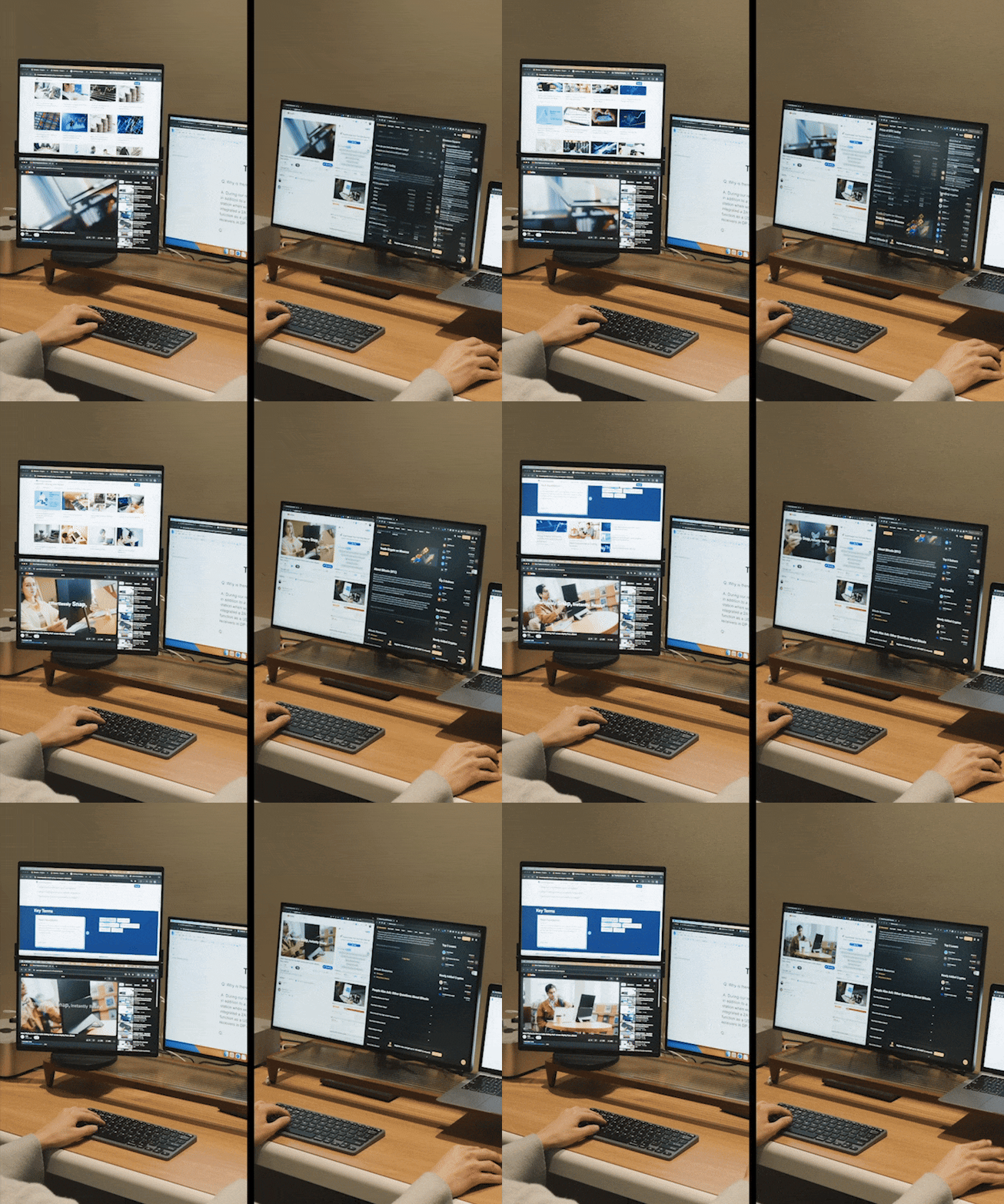
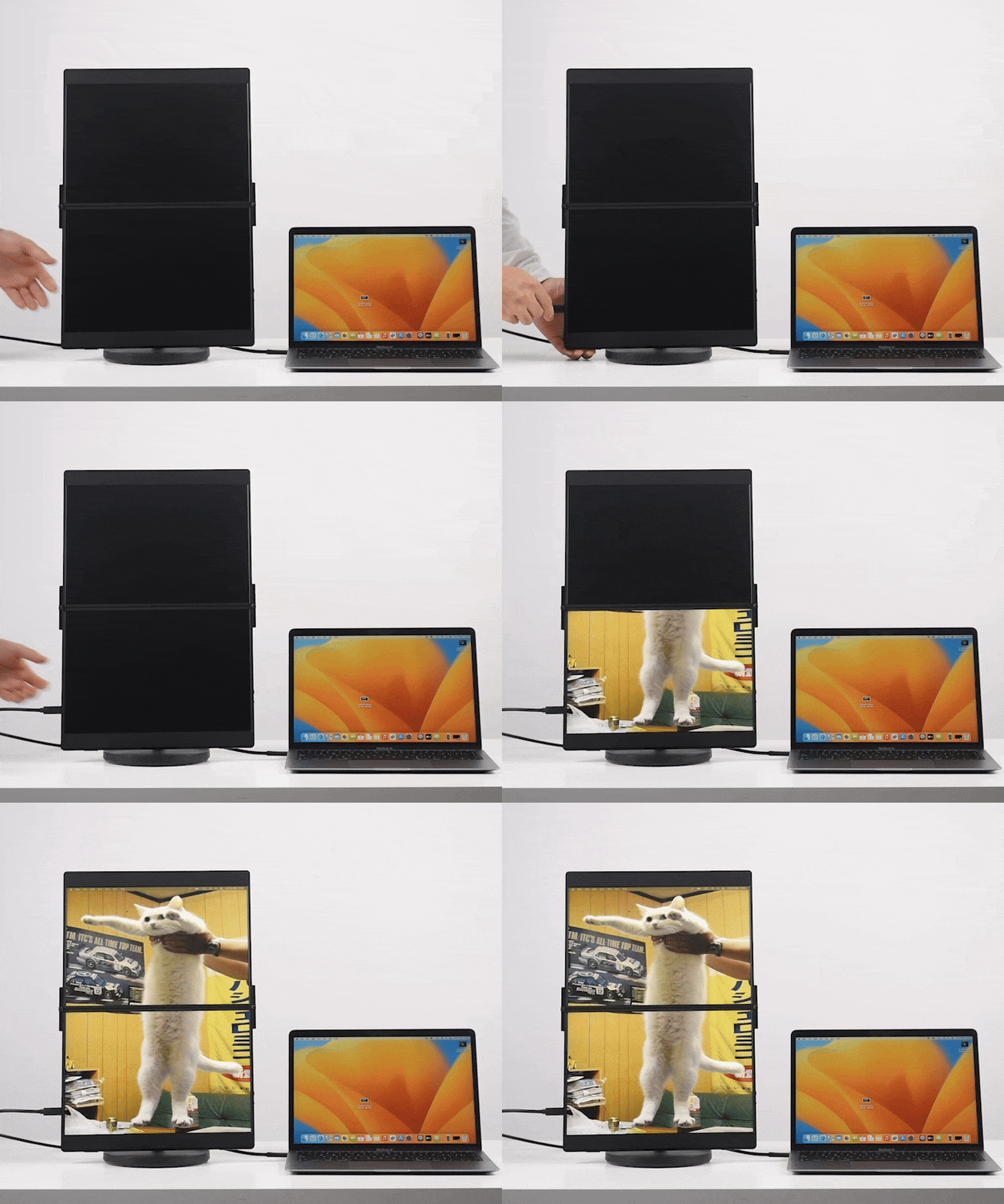
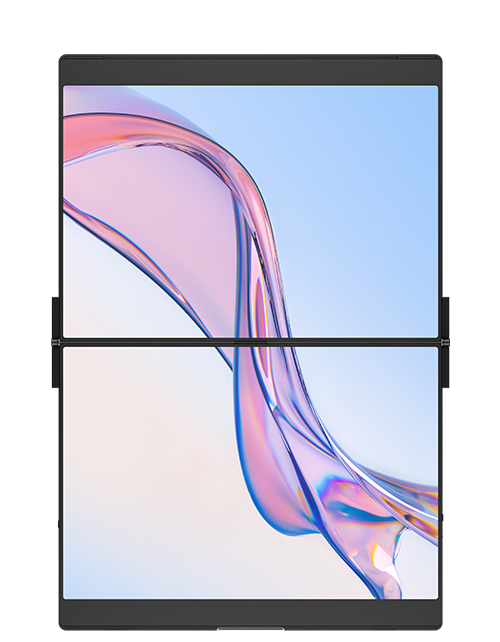
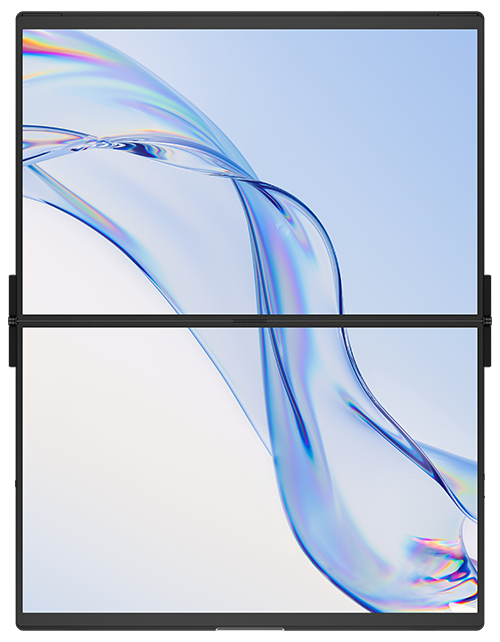
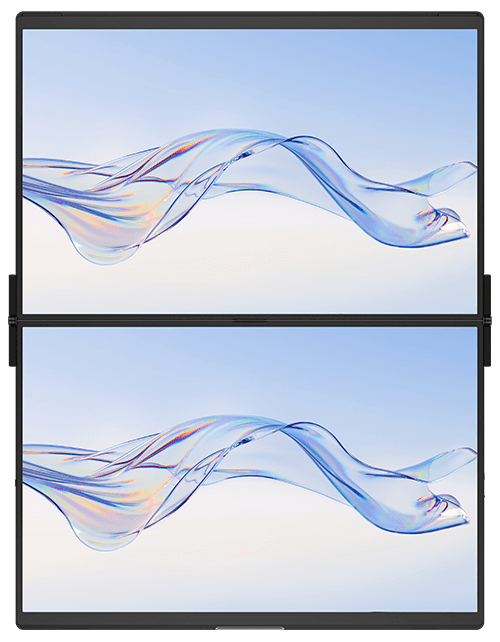
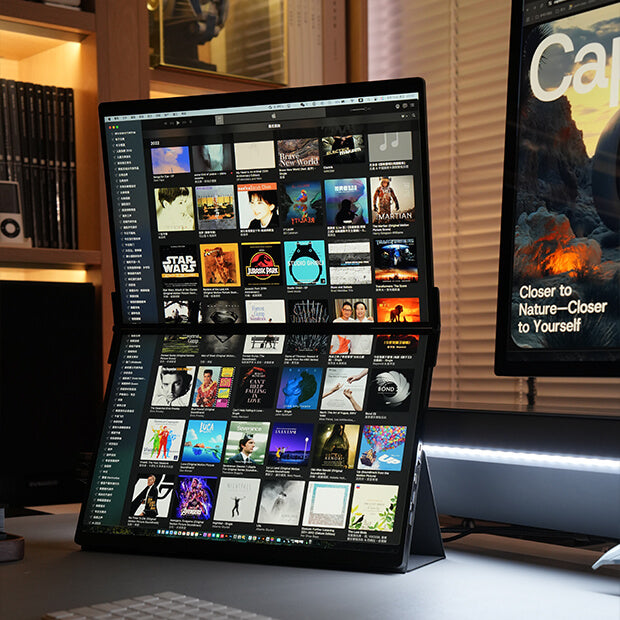
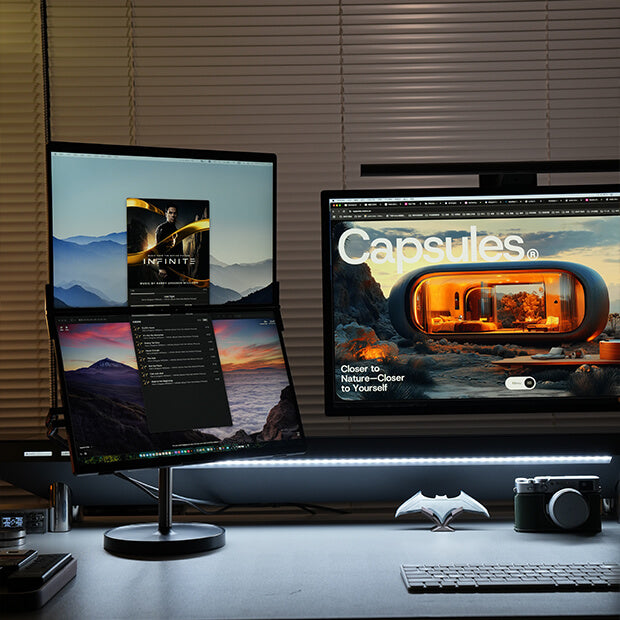
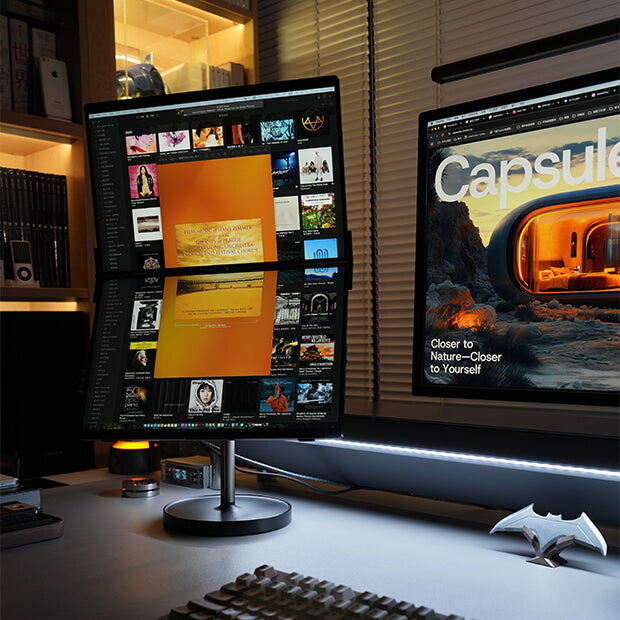
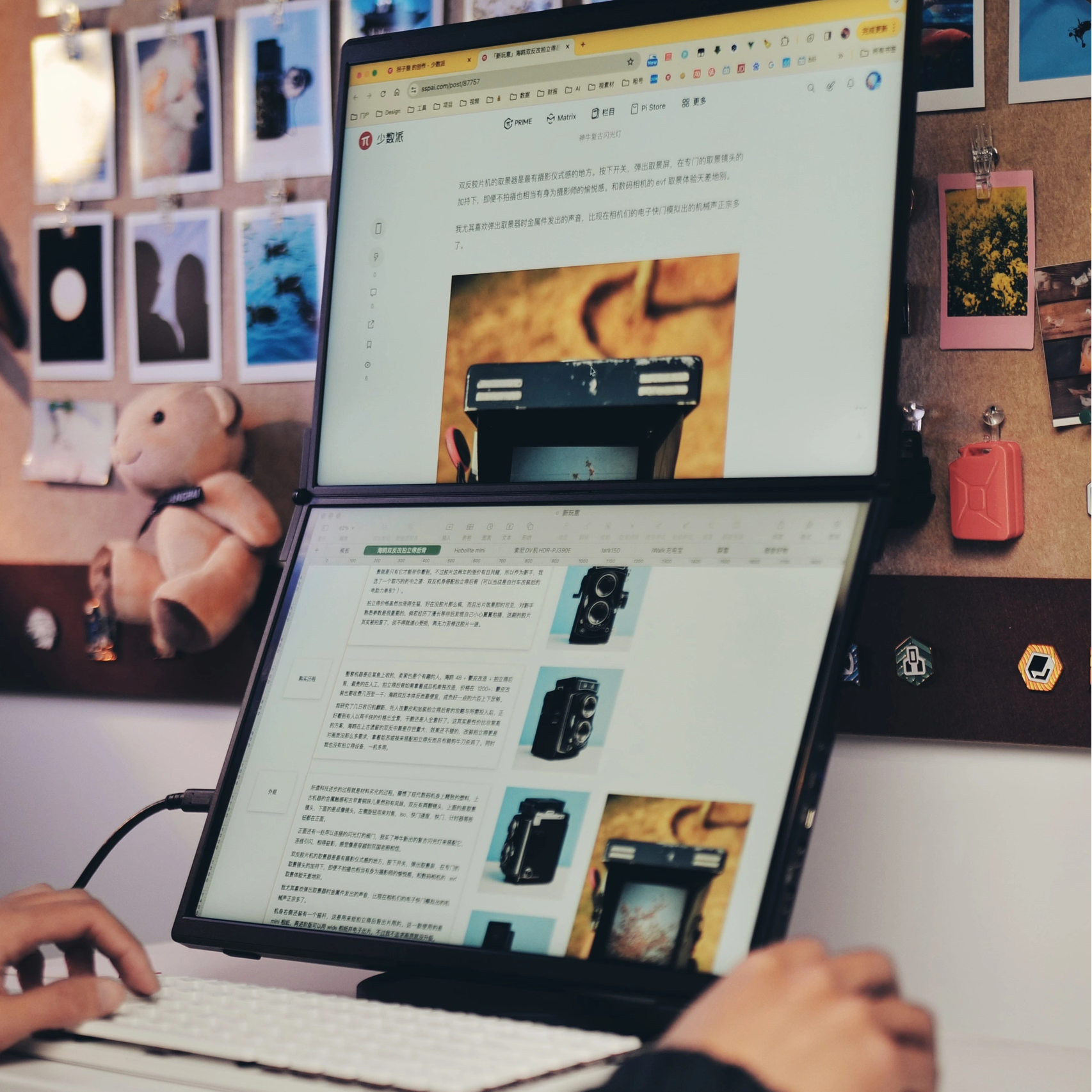
FlipGo revolutionizes desktop displays by stacking them vertically, creating a square-like aspect ratio that reduces head-turning and enhances focus and productivity. Its ultra-narrow bezel seamlessly connects the two screens, offering an immersive, uninterrupted viewing experience.
Dual Screen,Boost Your Productivity
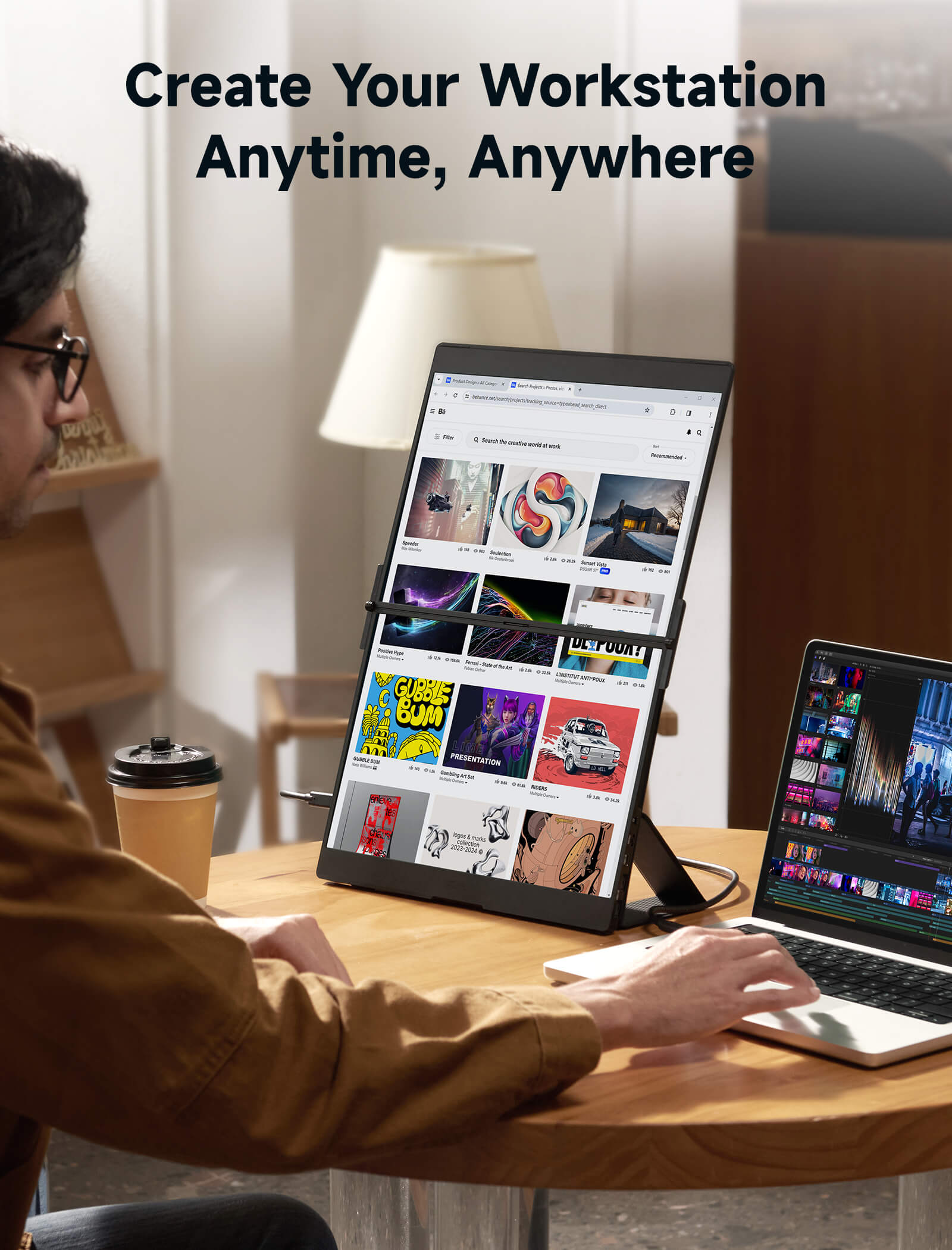
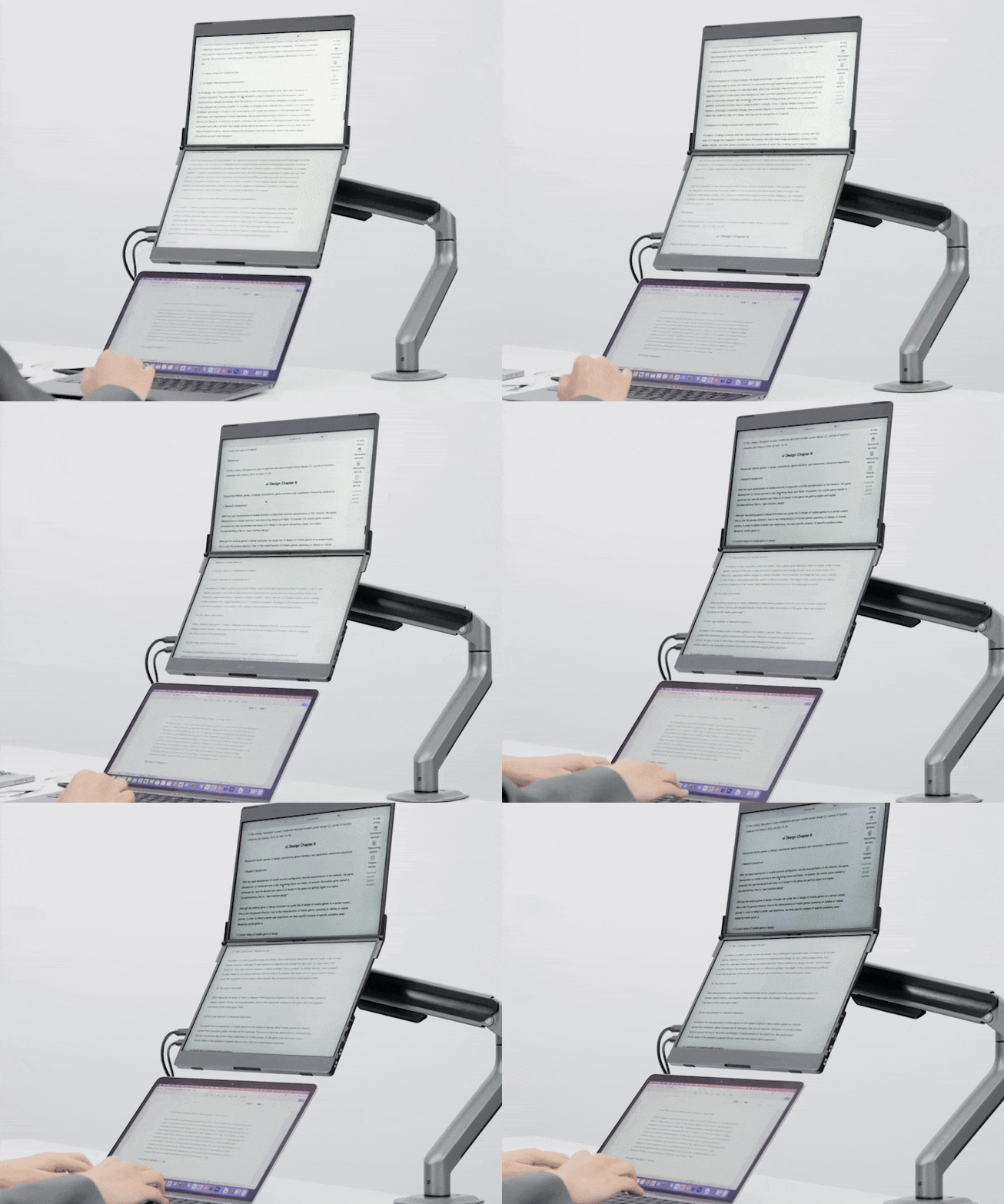
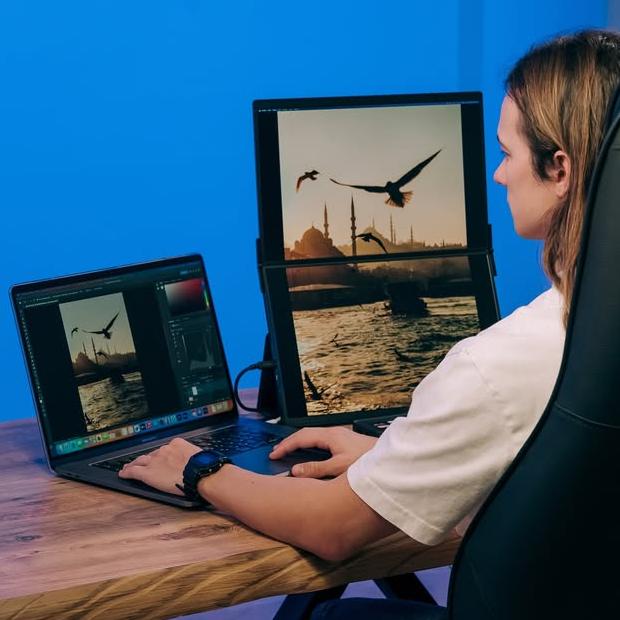
When writing papers and managing multiple sources, a dual-screen portable display streamlines the process. It enables efficient split-screen browsing, provides flexibility to track ideas and inspirations, and effortlessly manages multiple desktop windows.
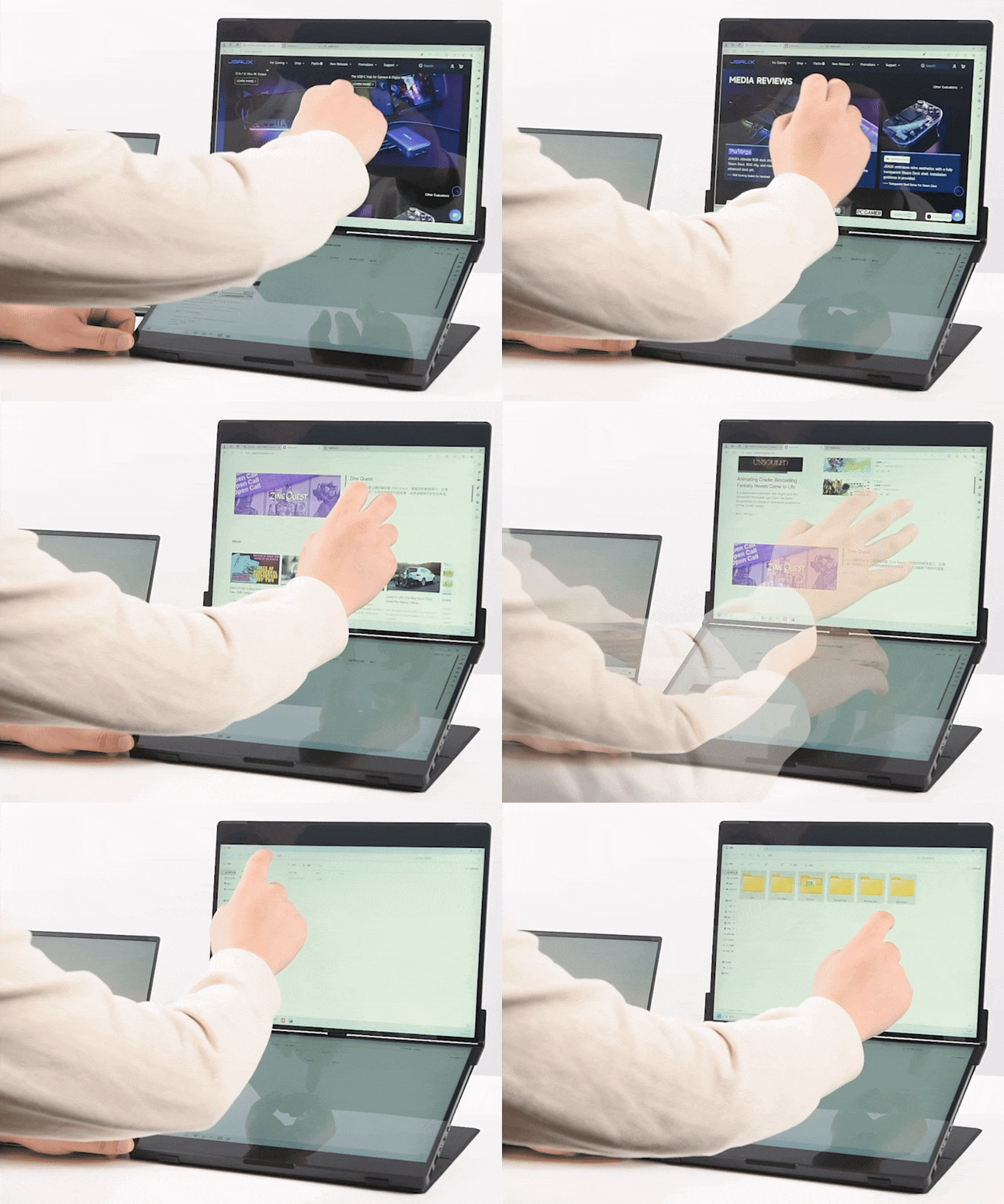
Touchable Screen for Higher Productivity
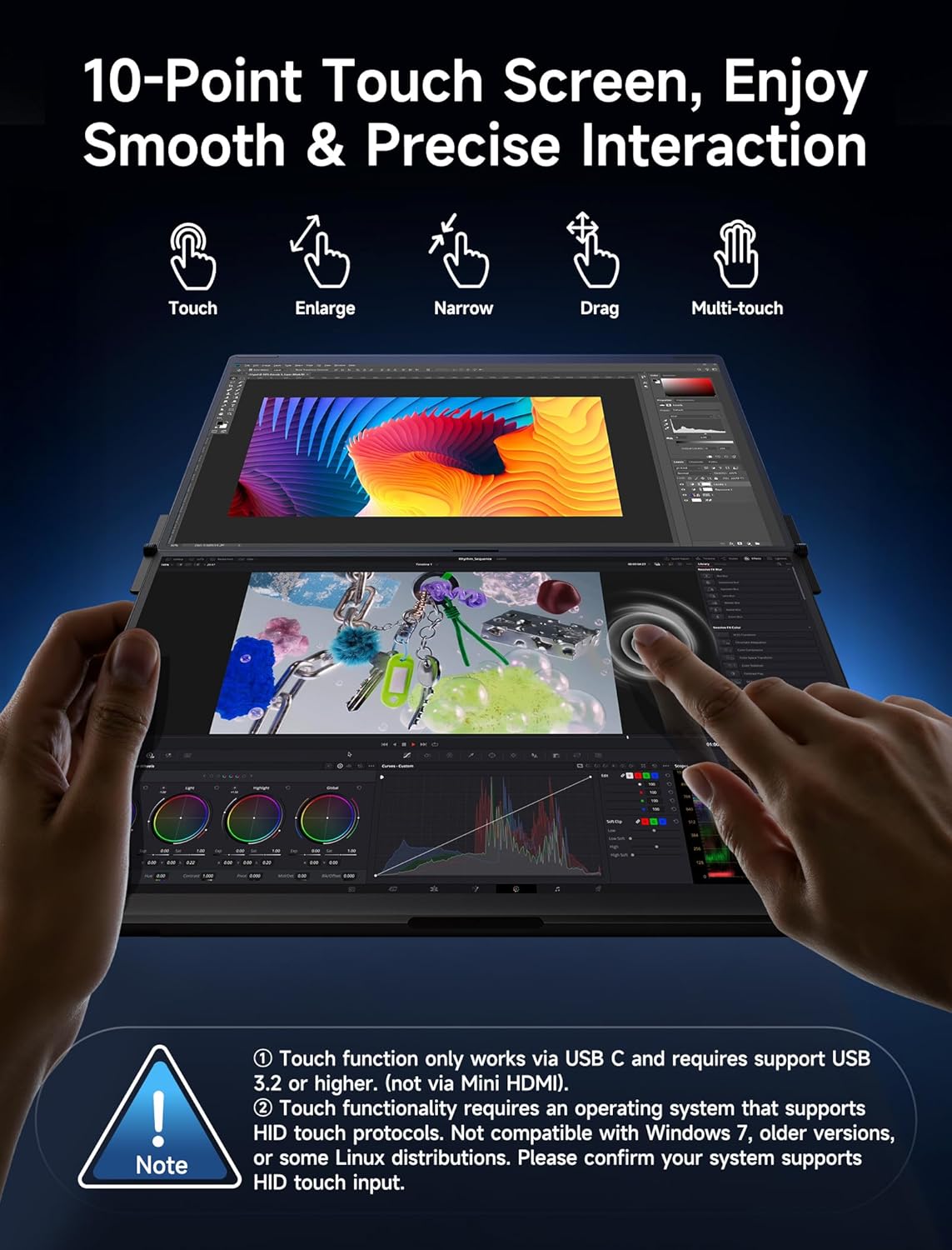
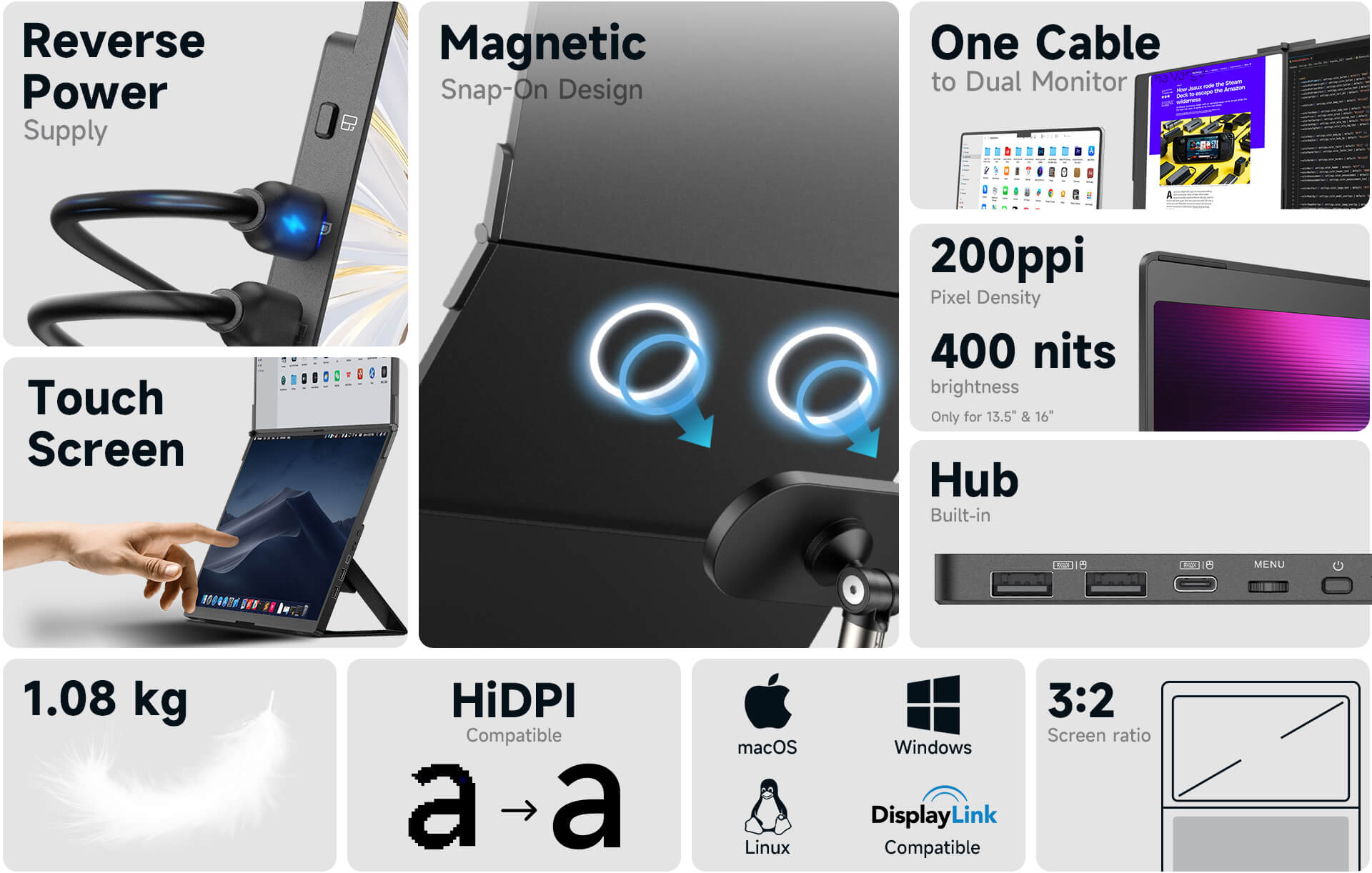
FlipGo brings dual-screen touch and gesture support to macOS and Windows. Not only can you use FlipGo as a regular touchscreen, but you can also utilize it as a second touchpad for your MacBook, unlocking your productivity to the fullest.
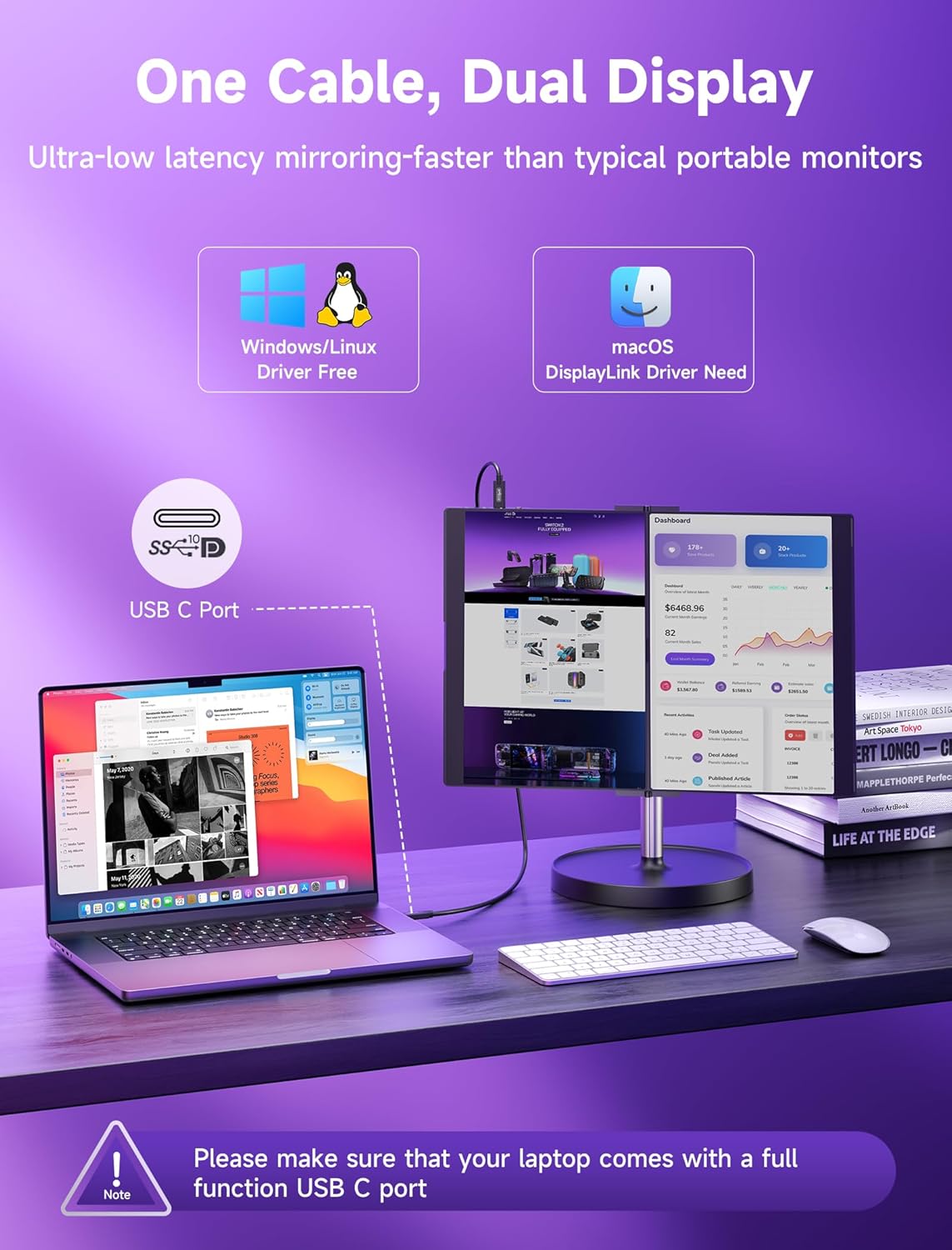
One Cable Connects Two Screens
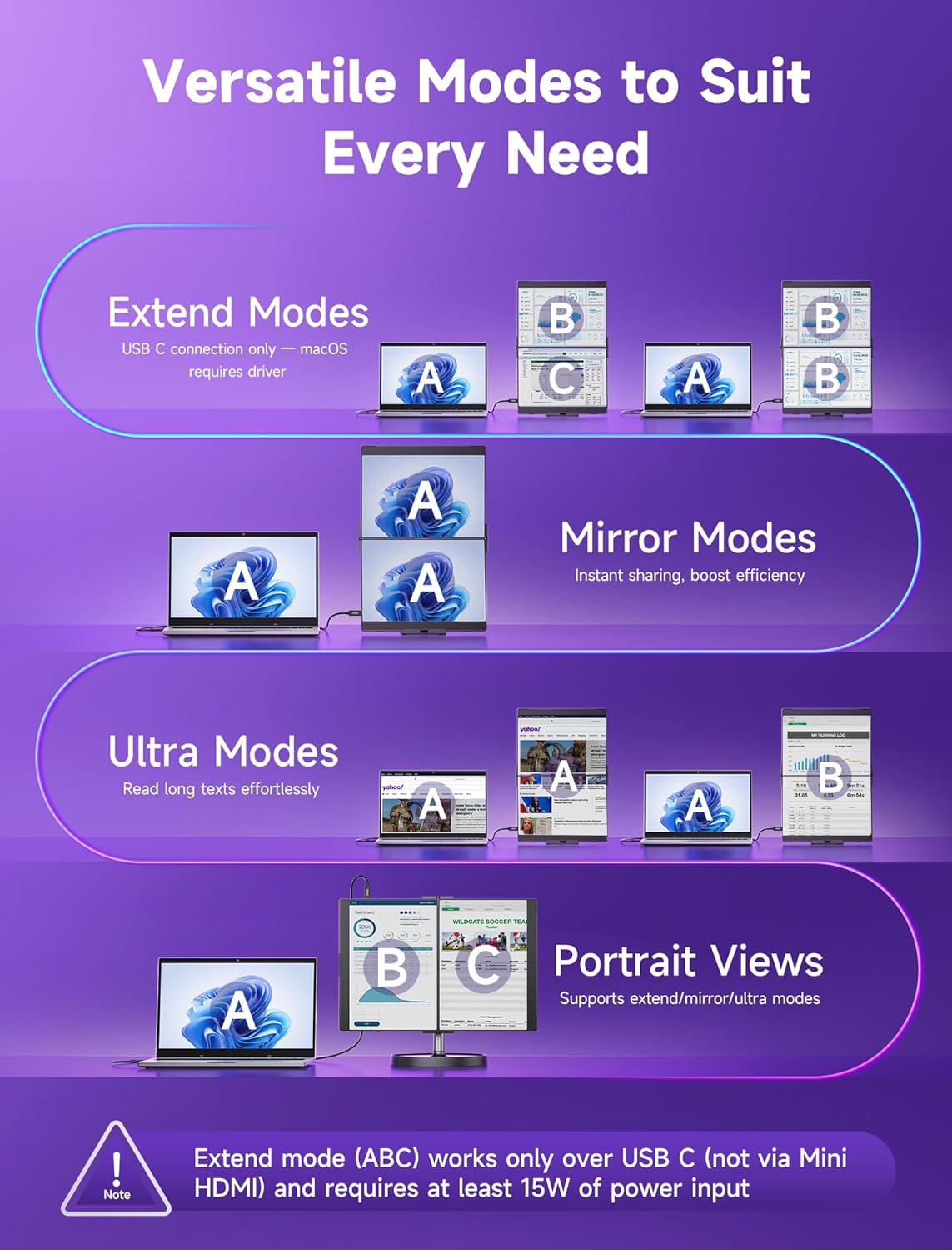
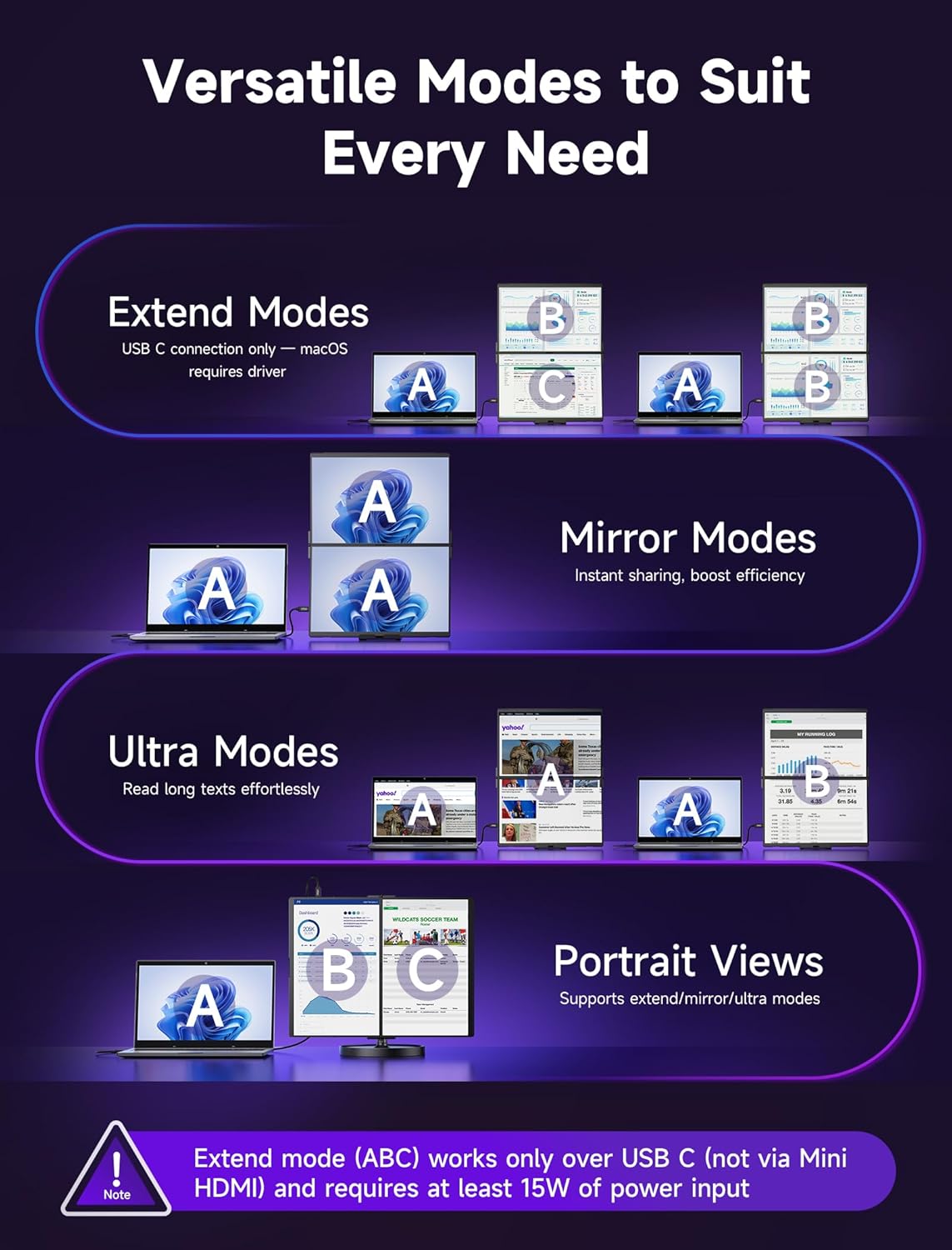
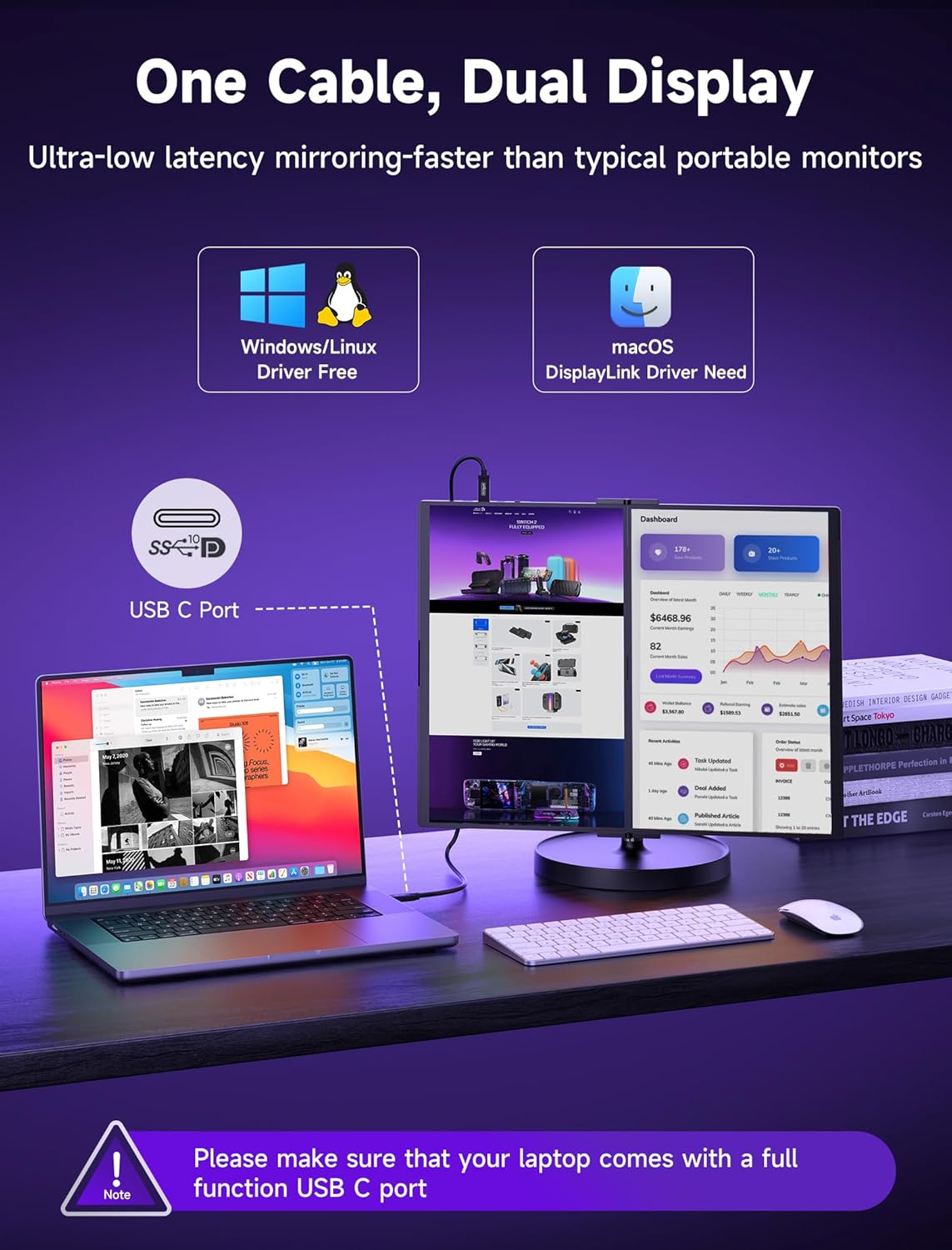
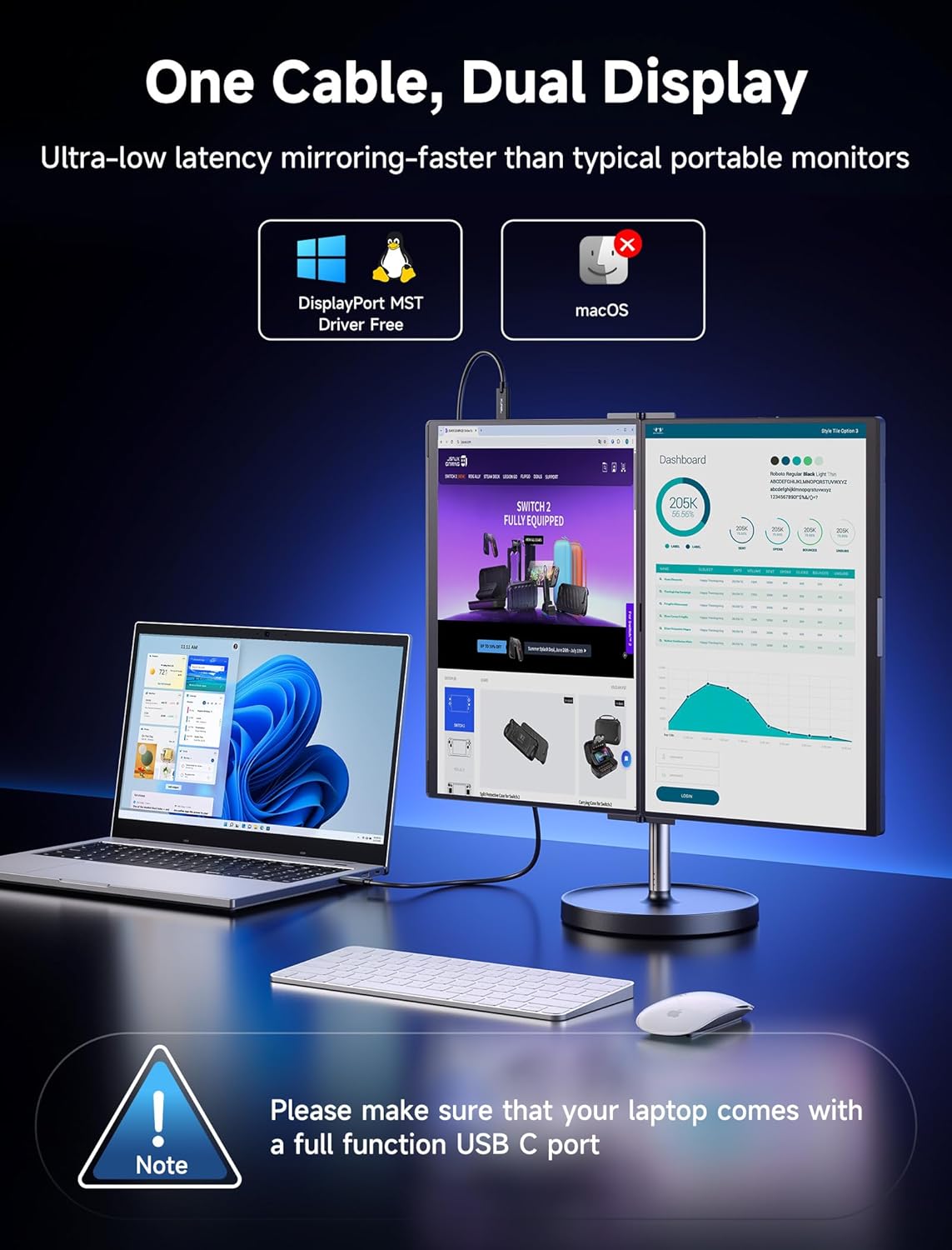
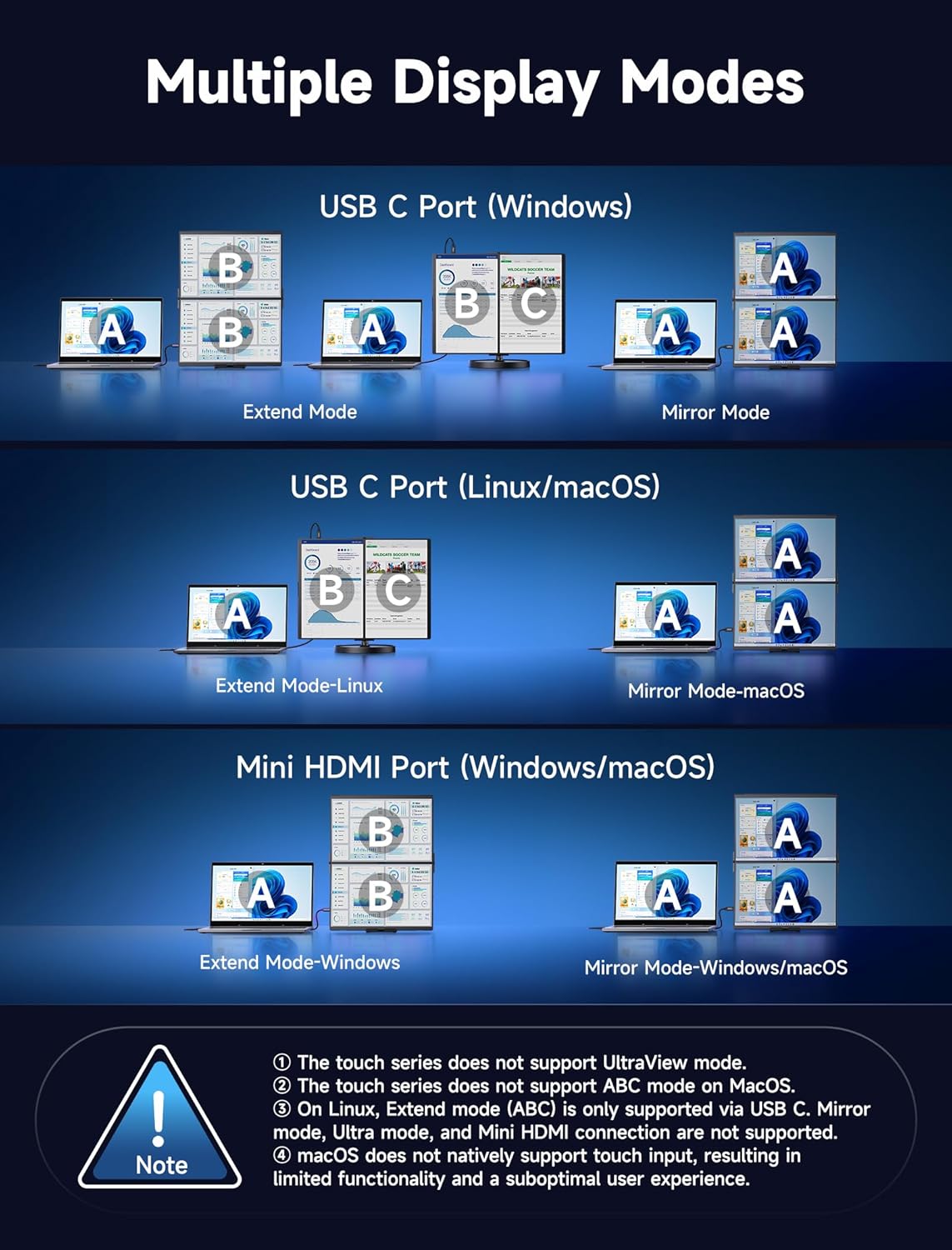
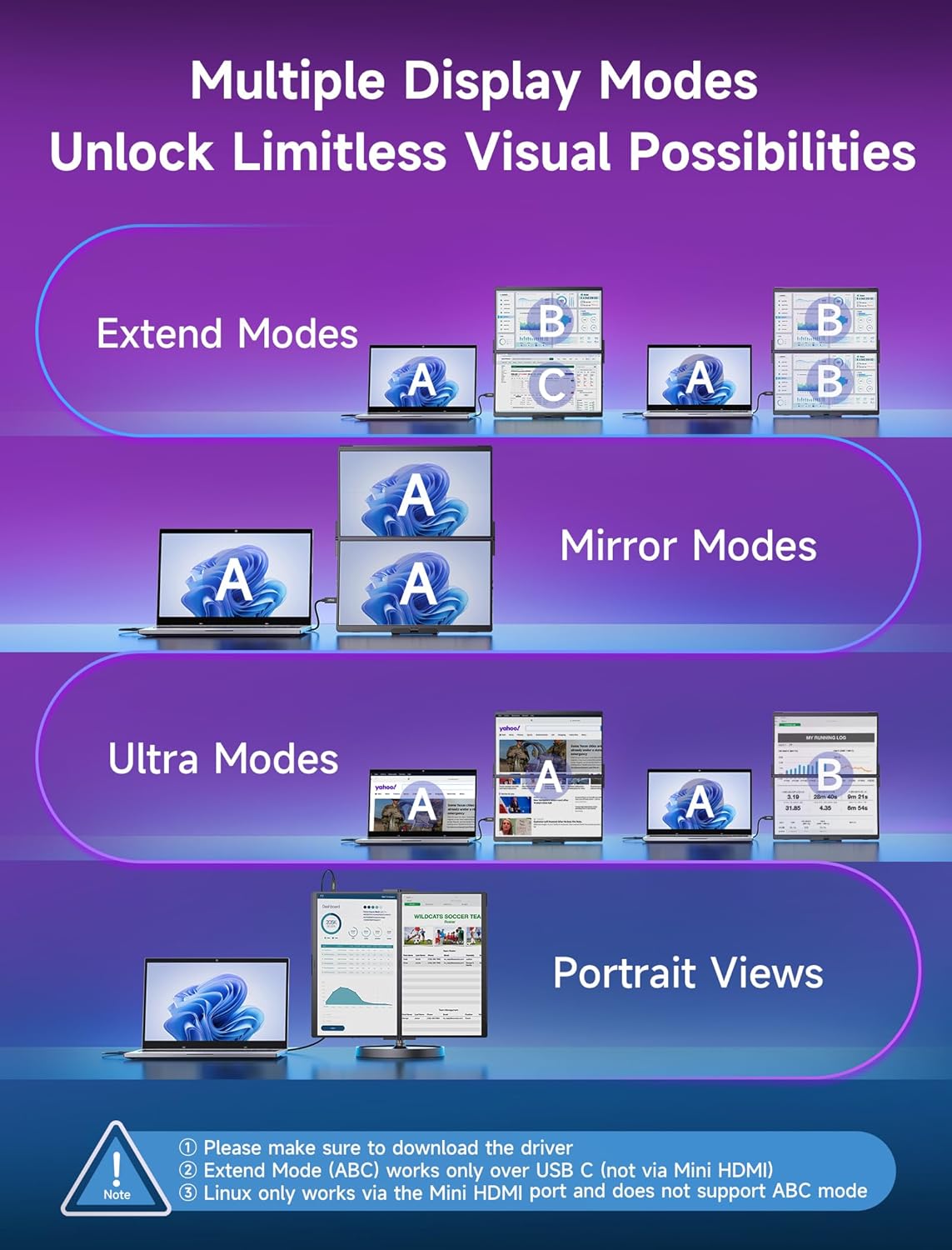
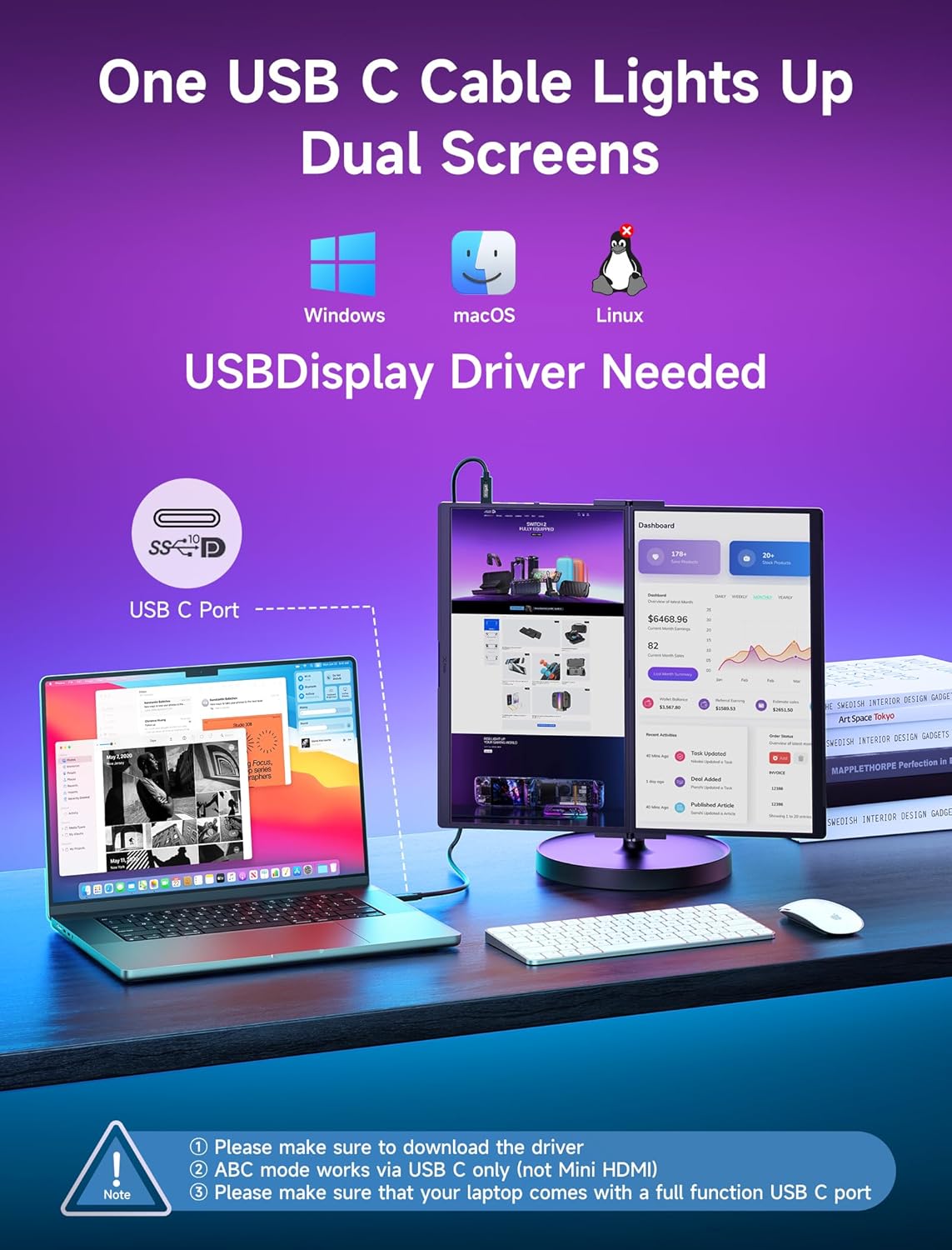
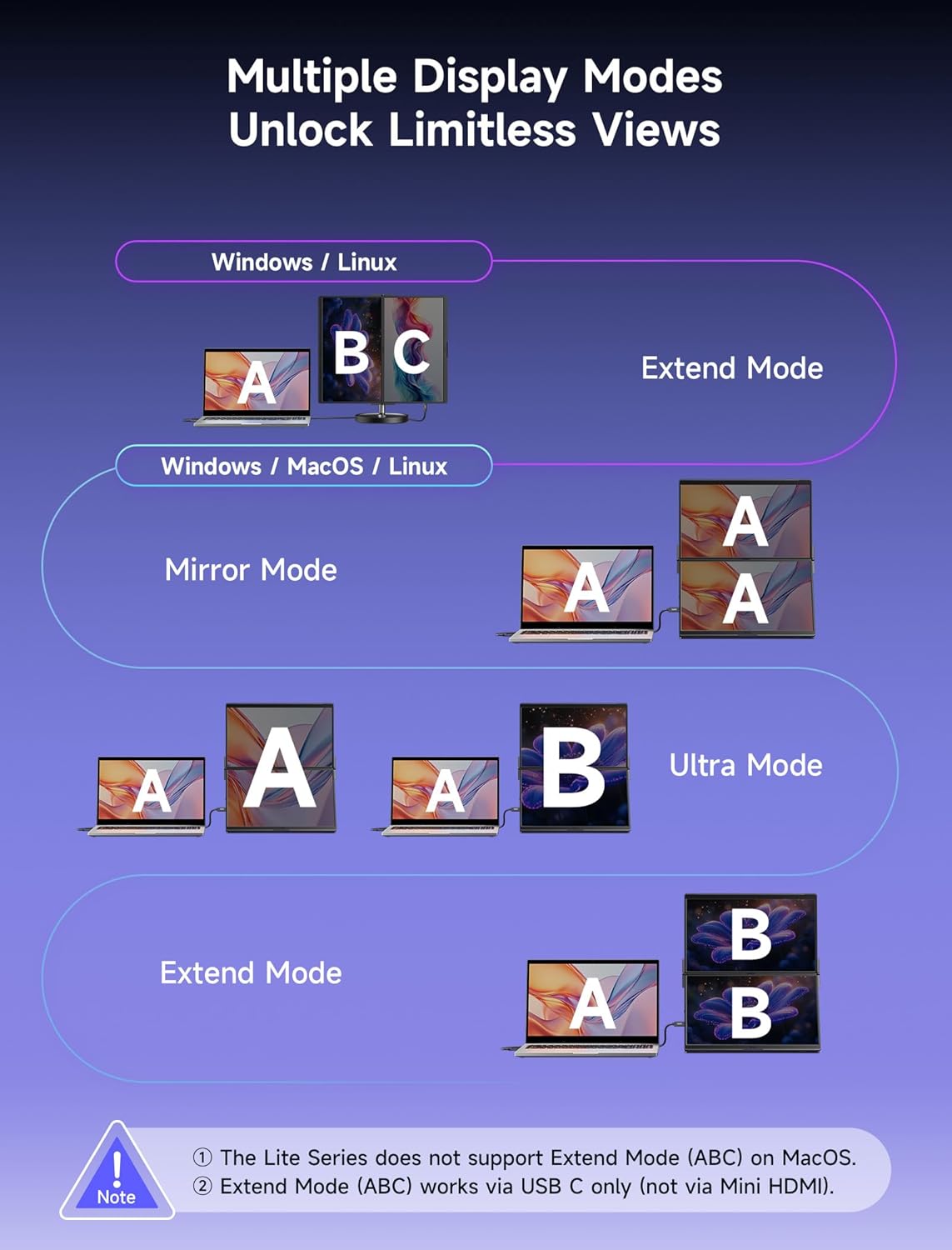
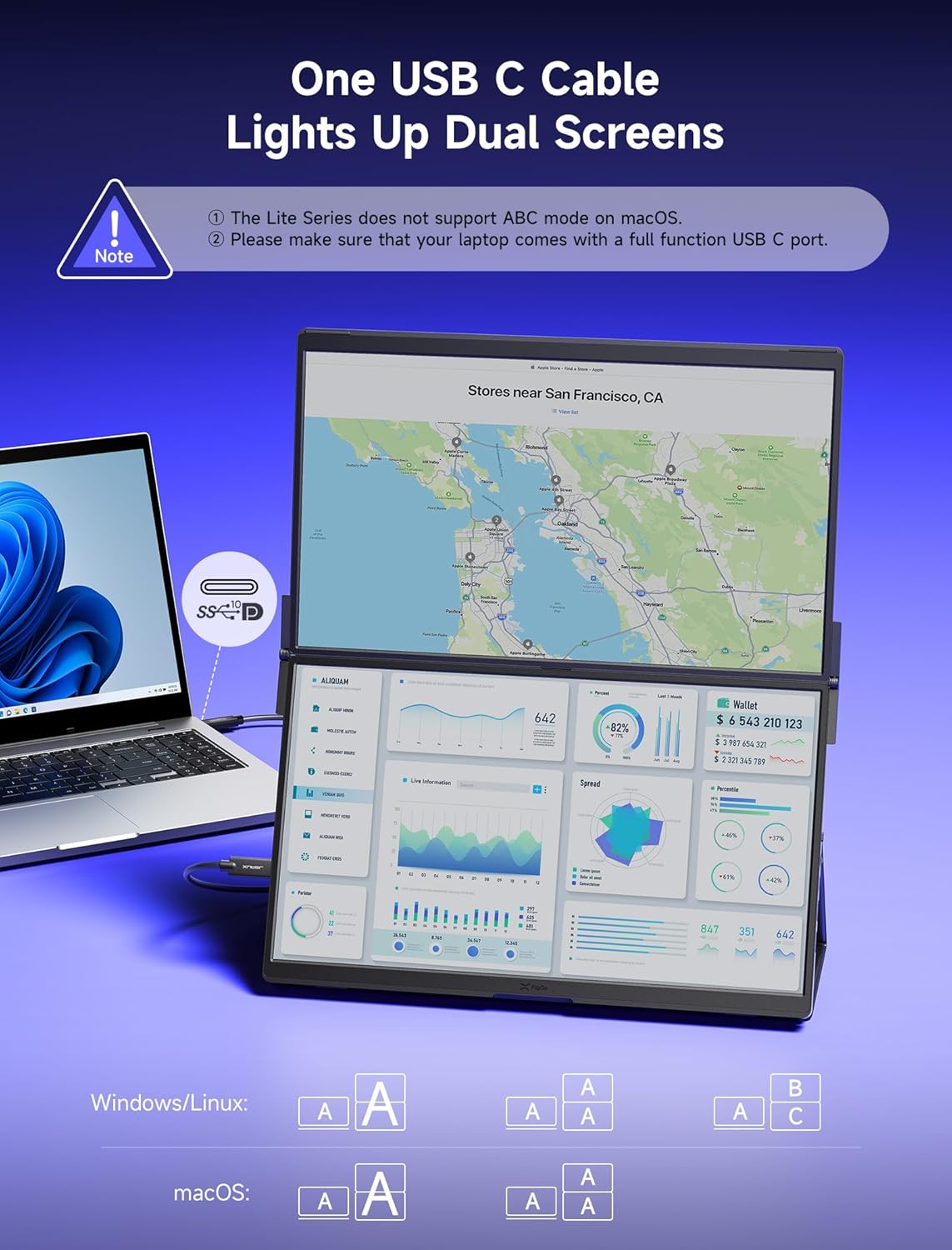
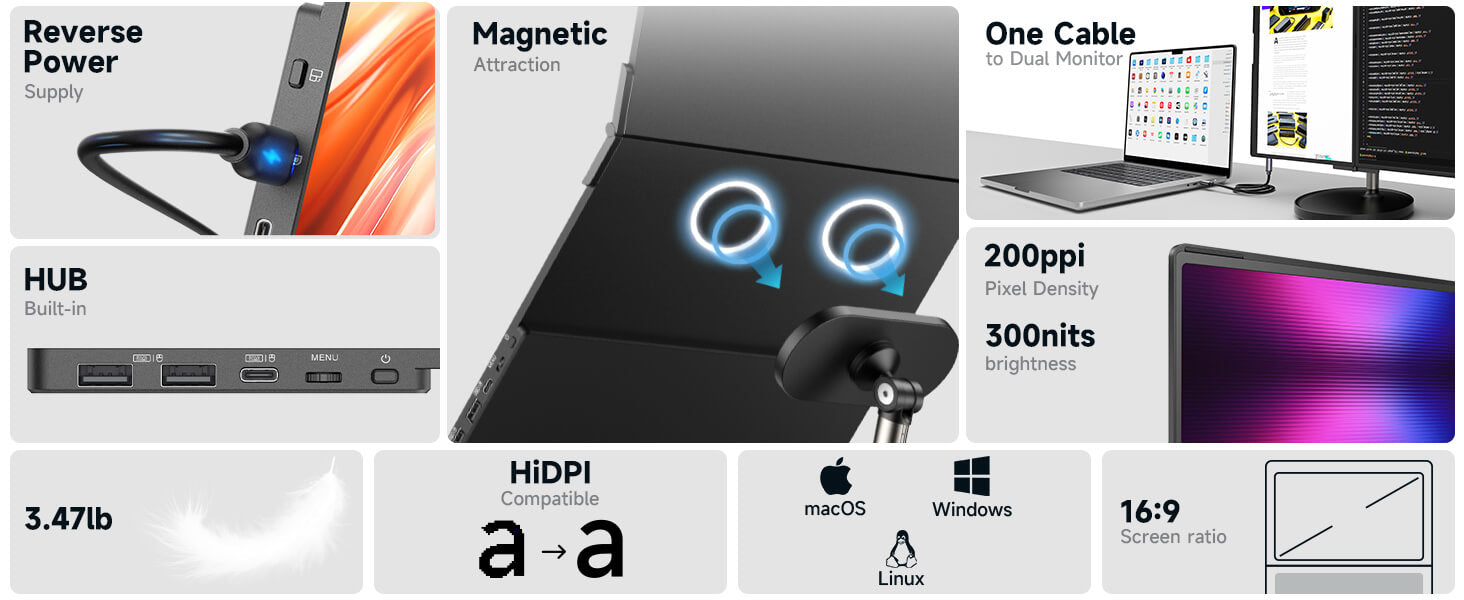
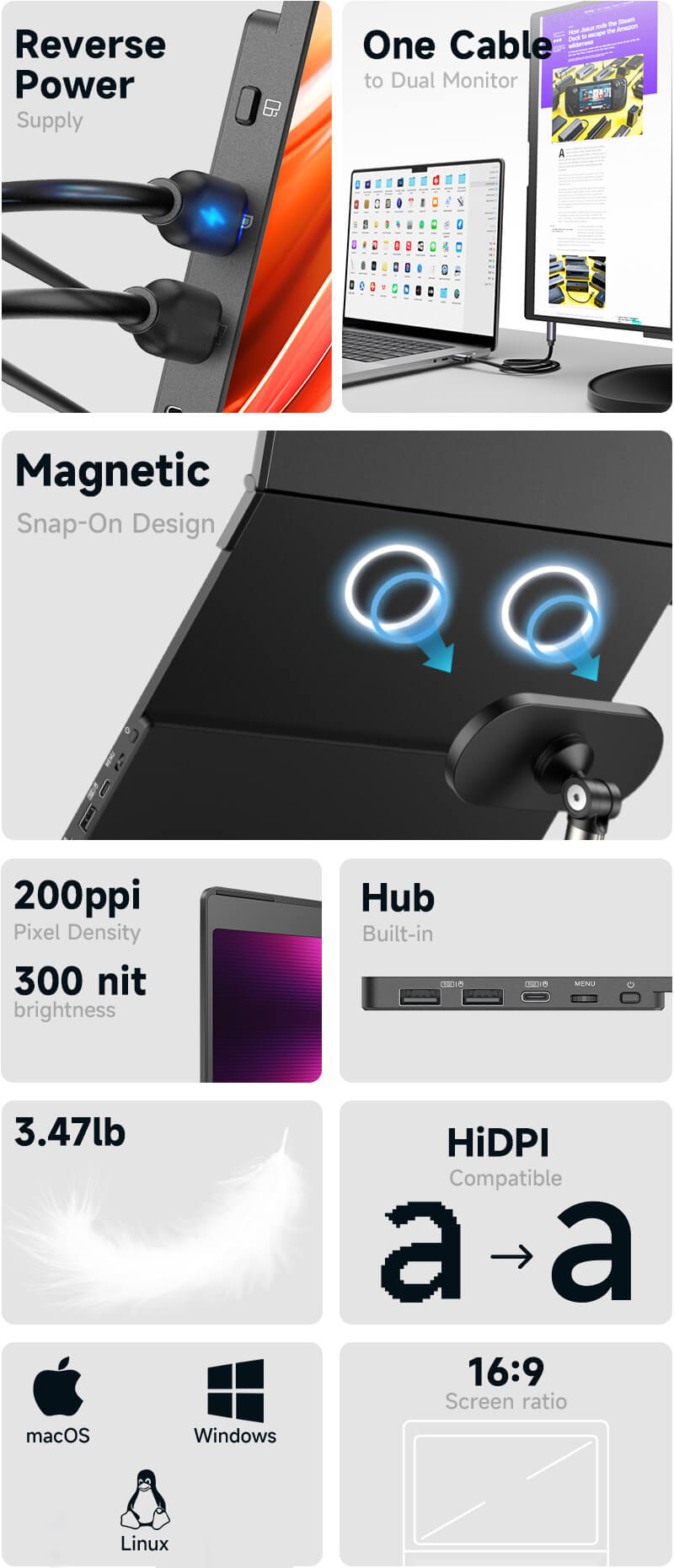
FlipGo powers up directly from the USB-C port of your laptop, using just one cable to light up two screens for DuoViews (Mac not supported) or UltraView mode. When connected to an external power supply, the laptop will be charged.
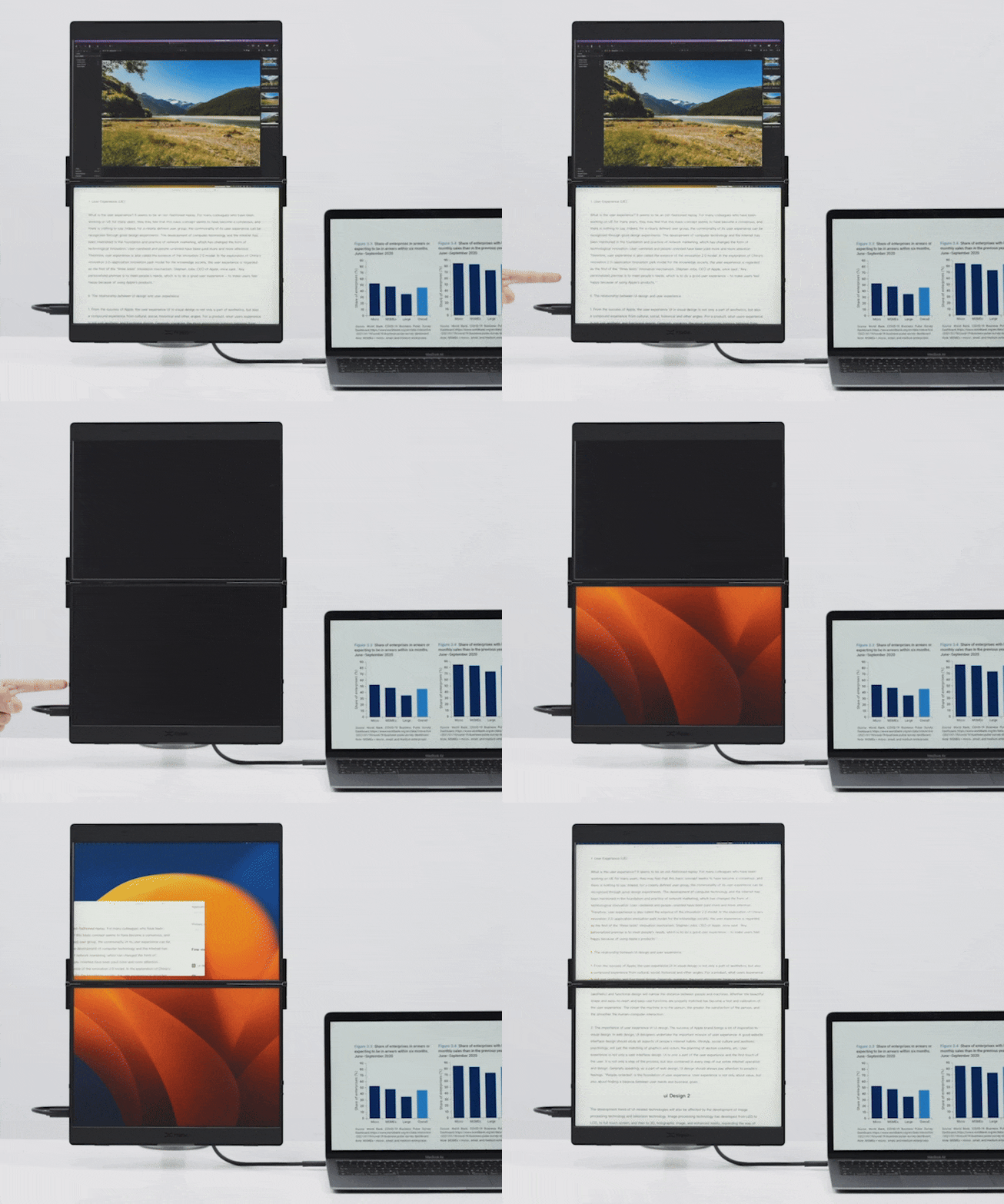
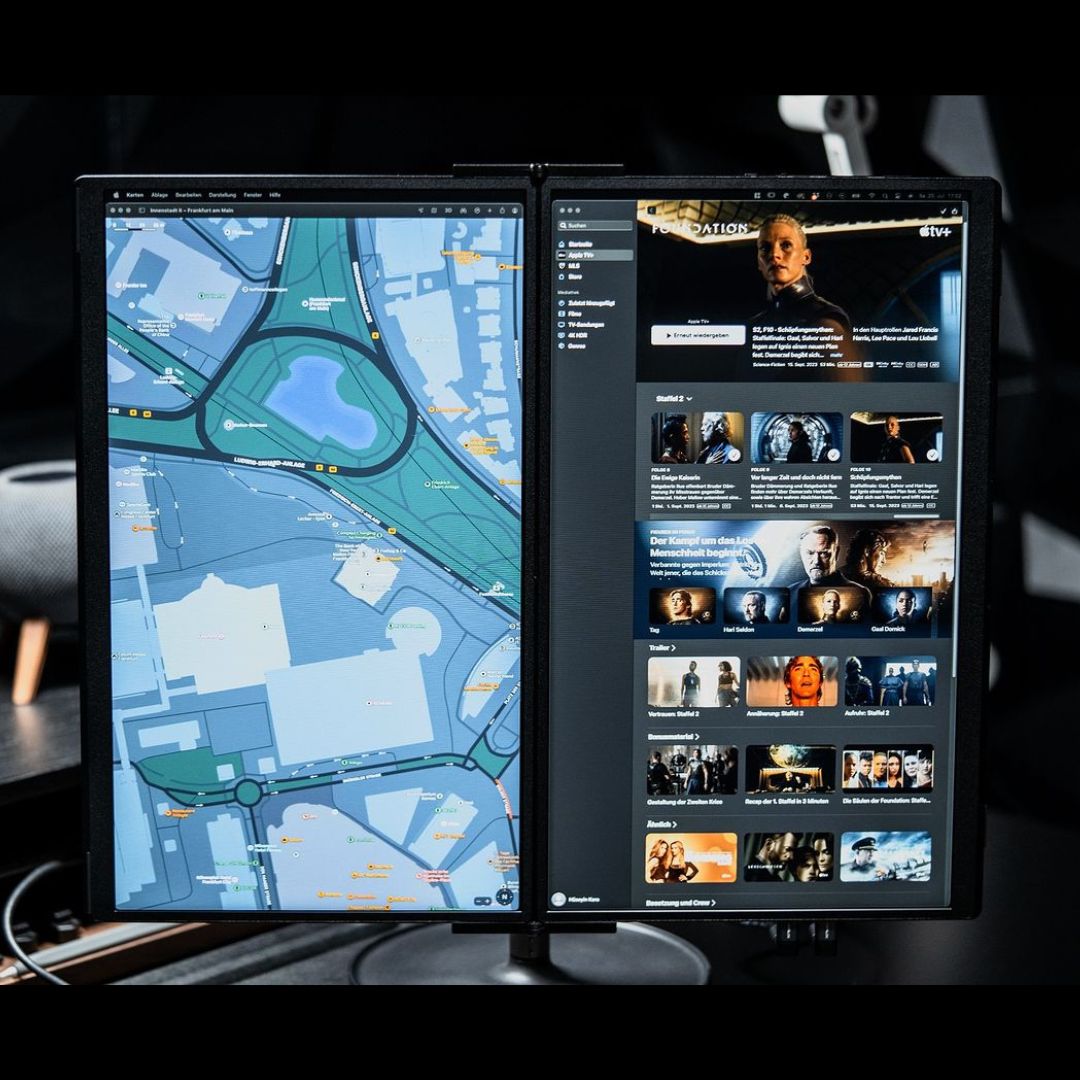
Boost Your Productivity with Different Views
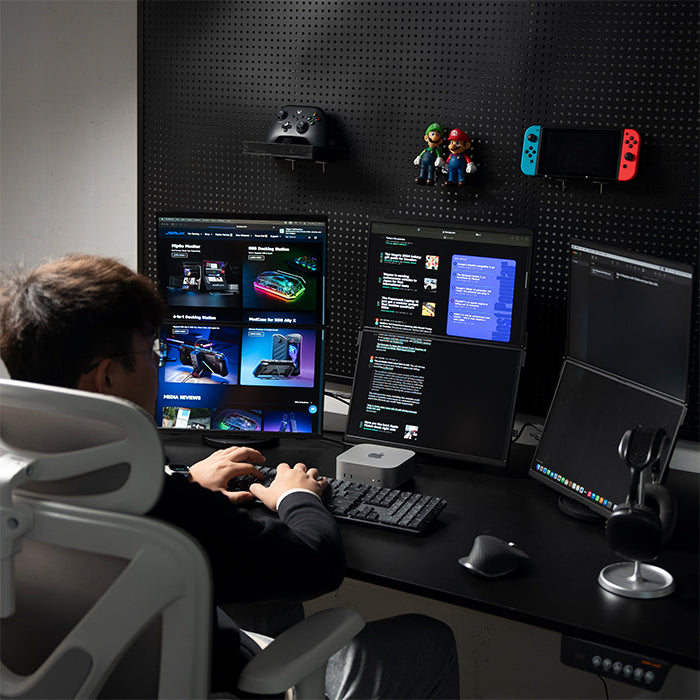
FlipGo has two separate displays, but it can act as one to display content, switching between them with just one click. Productivity shouldn't be limited and neither will your perspective.
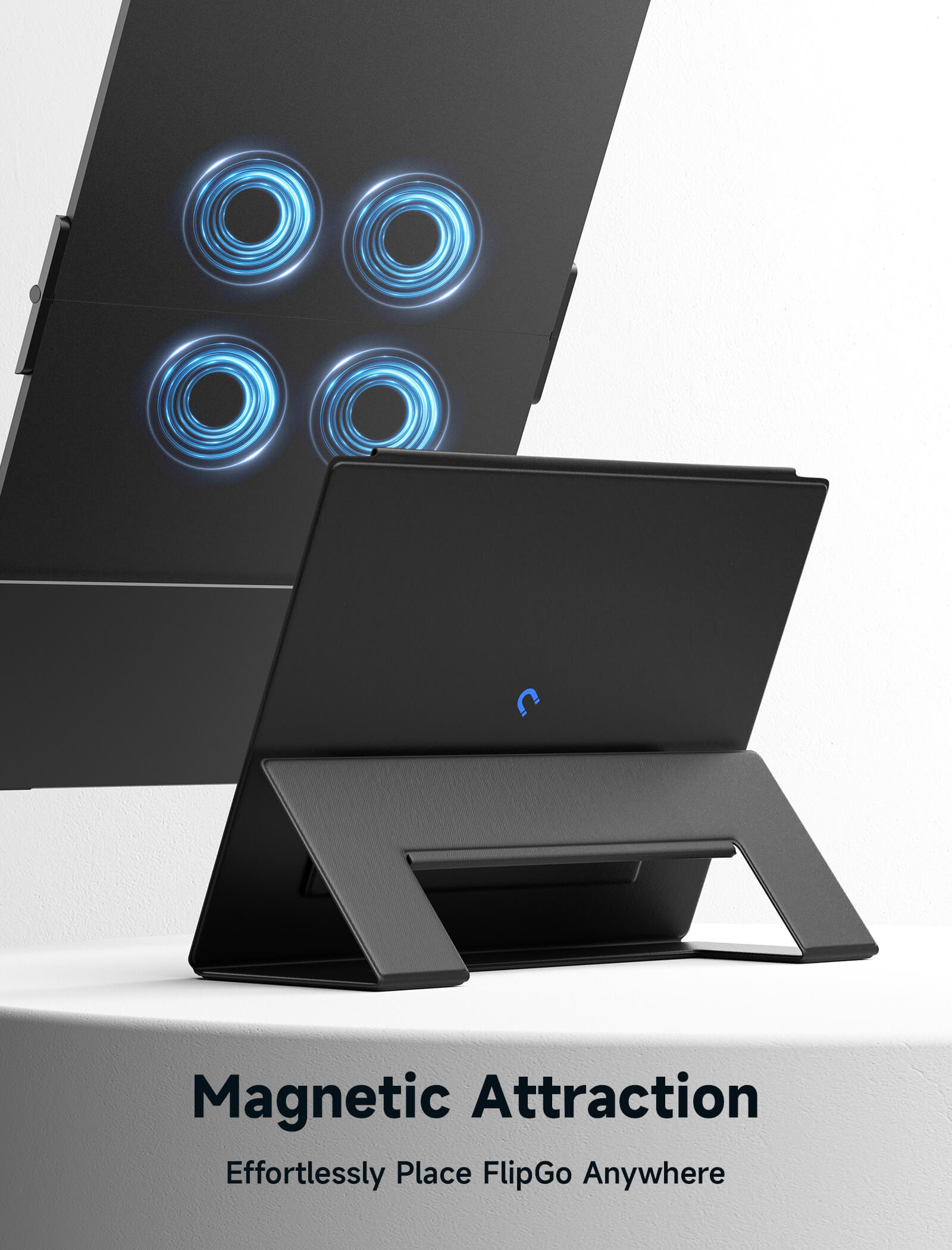
Magnetic Design
We think a great portable screen is more than just a screen, it should provide you with a complete solution, such as a stand.
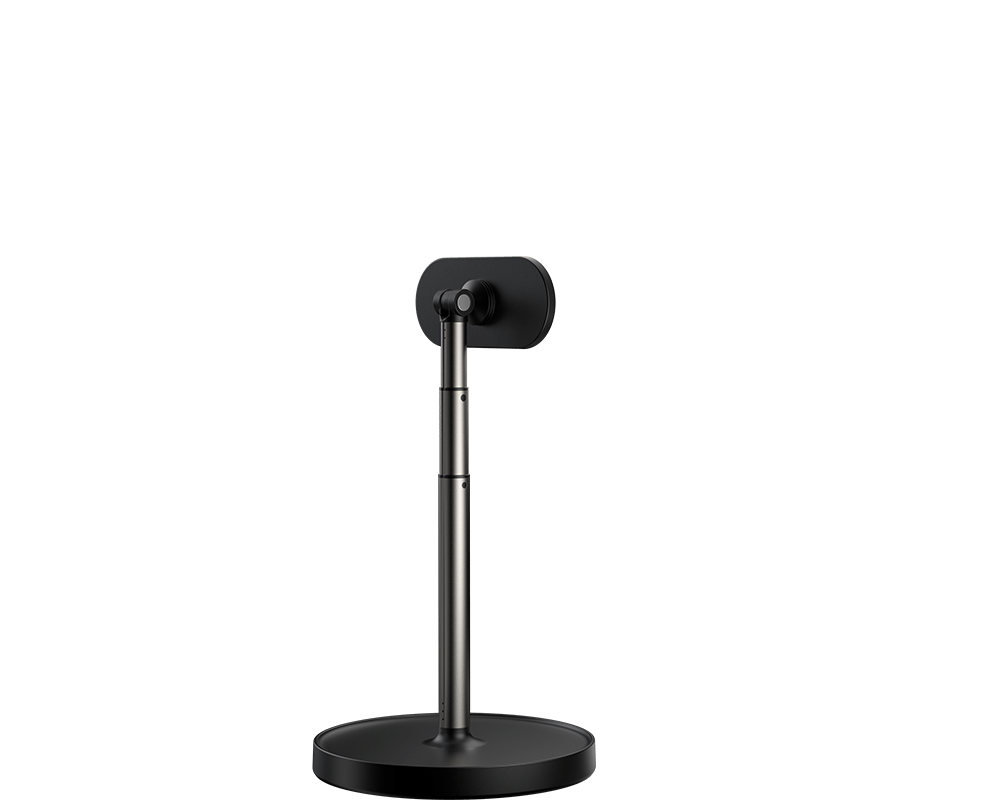
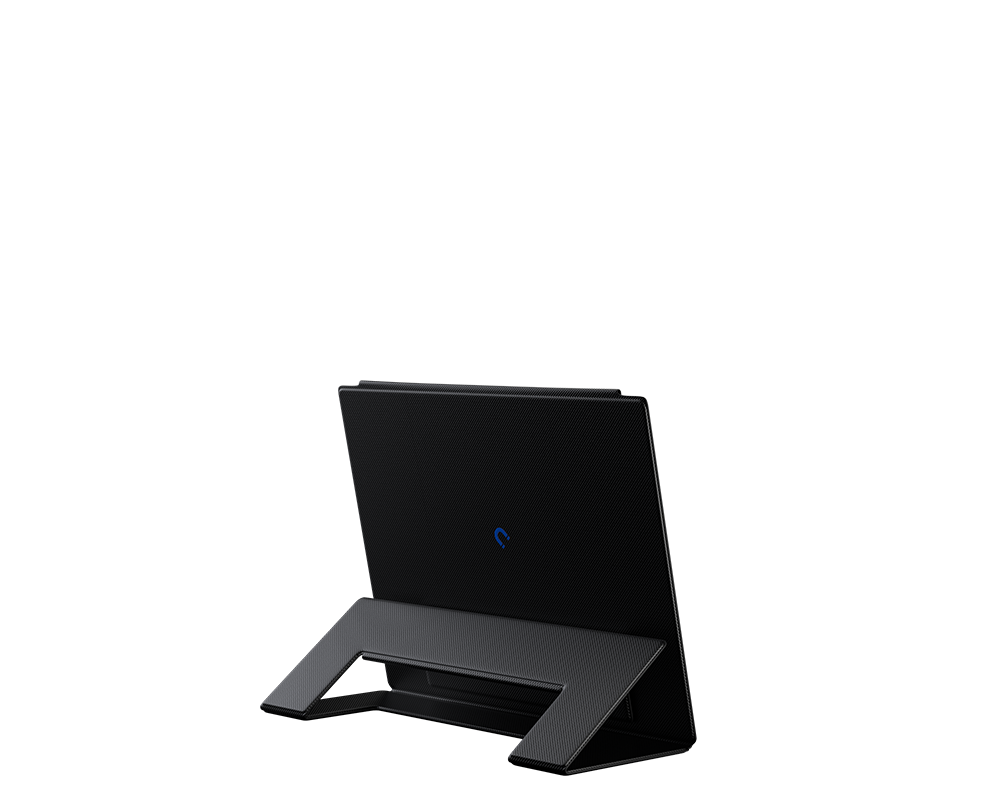
The Snap Stand is similar to a traditional monitor stand, and if you plan to use it on your desk, this stand is the way to go! 🥃
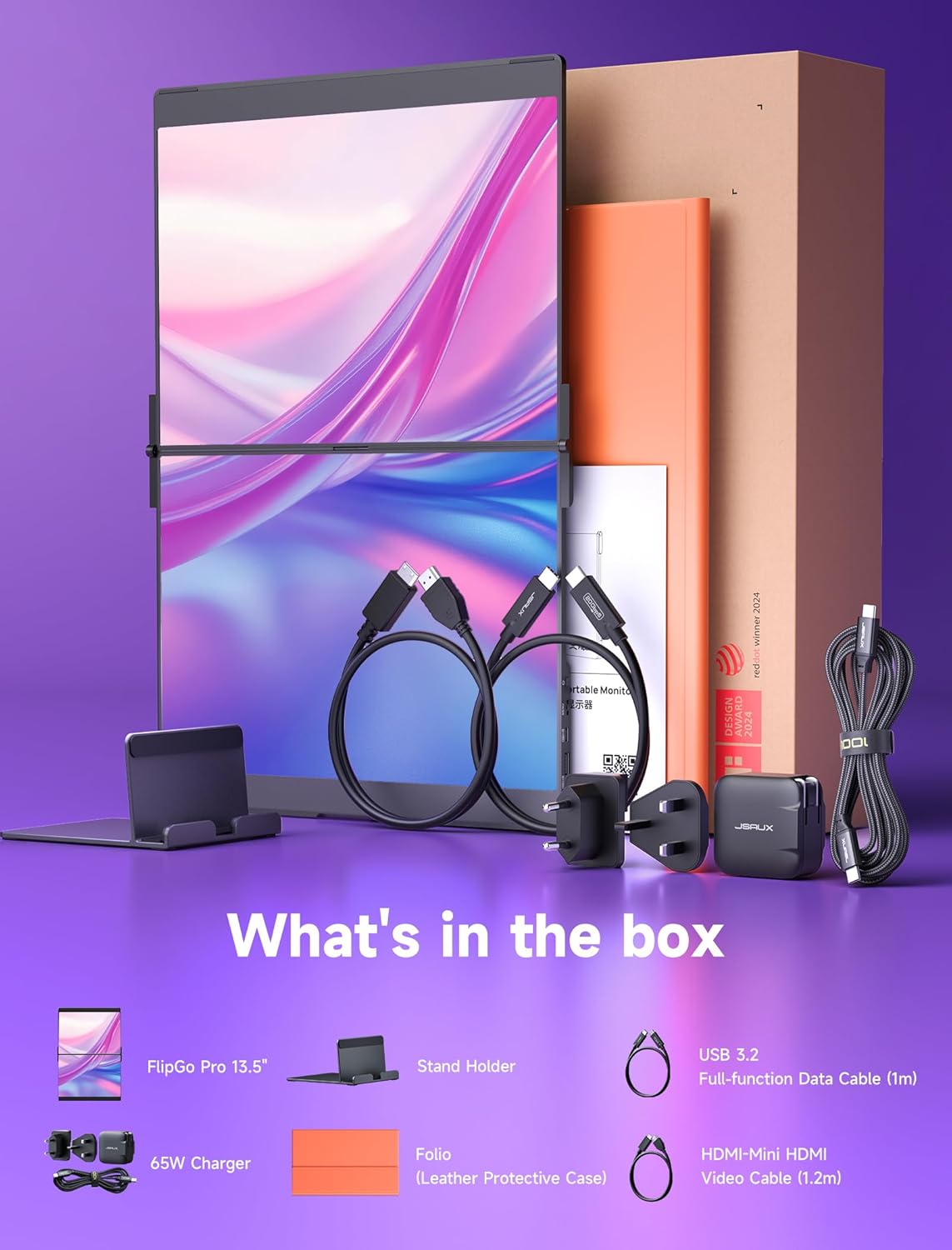
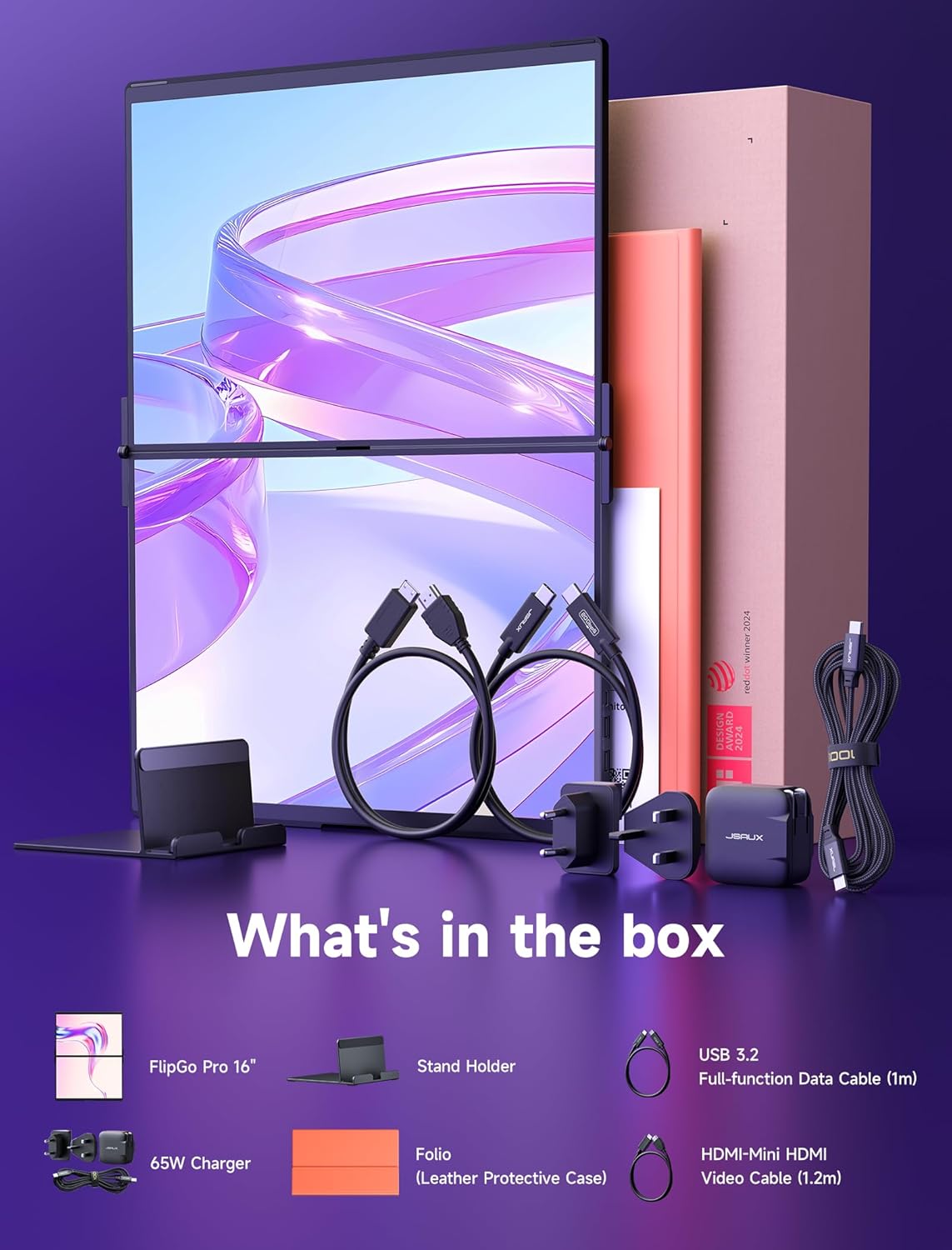
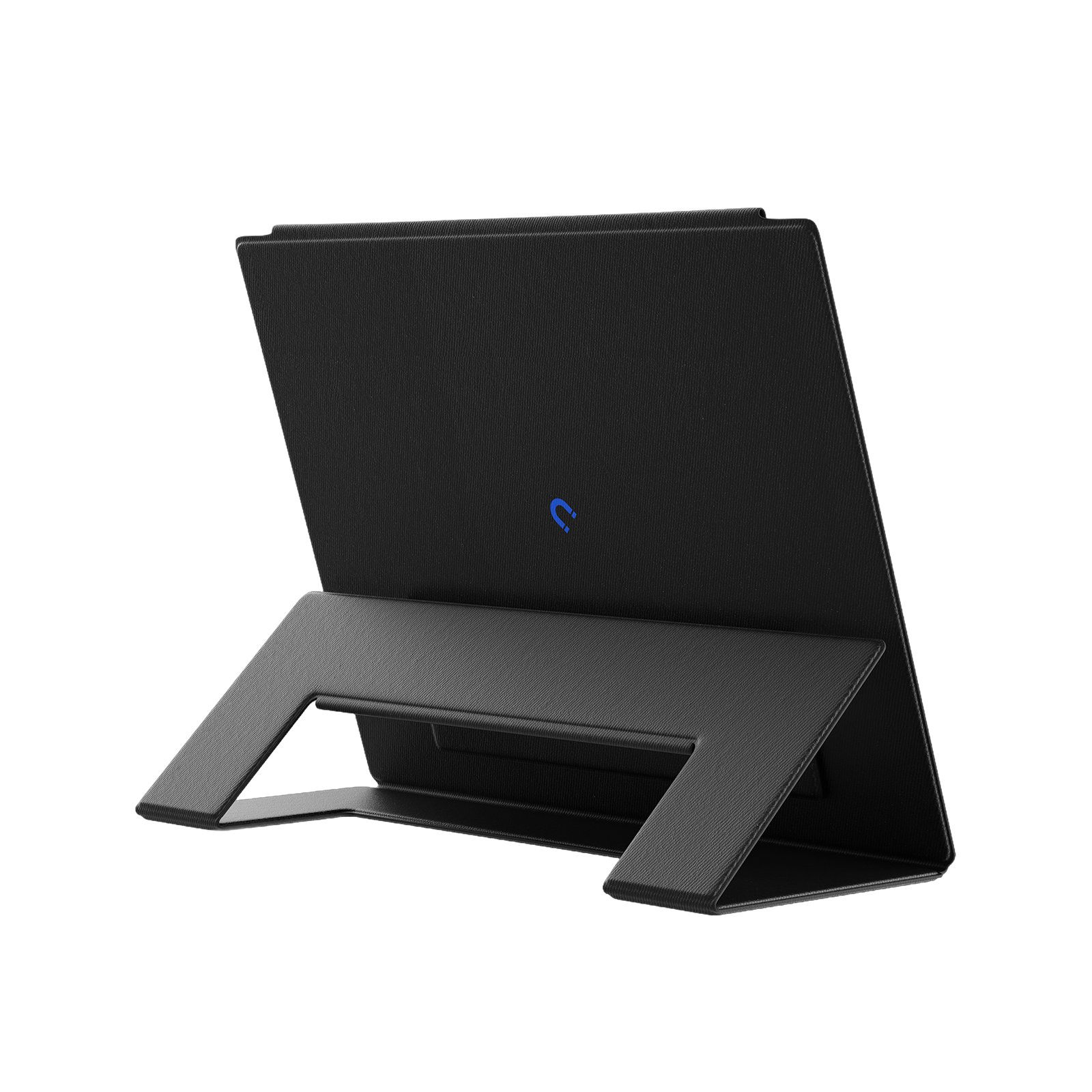
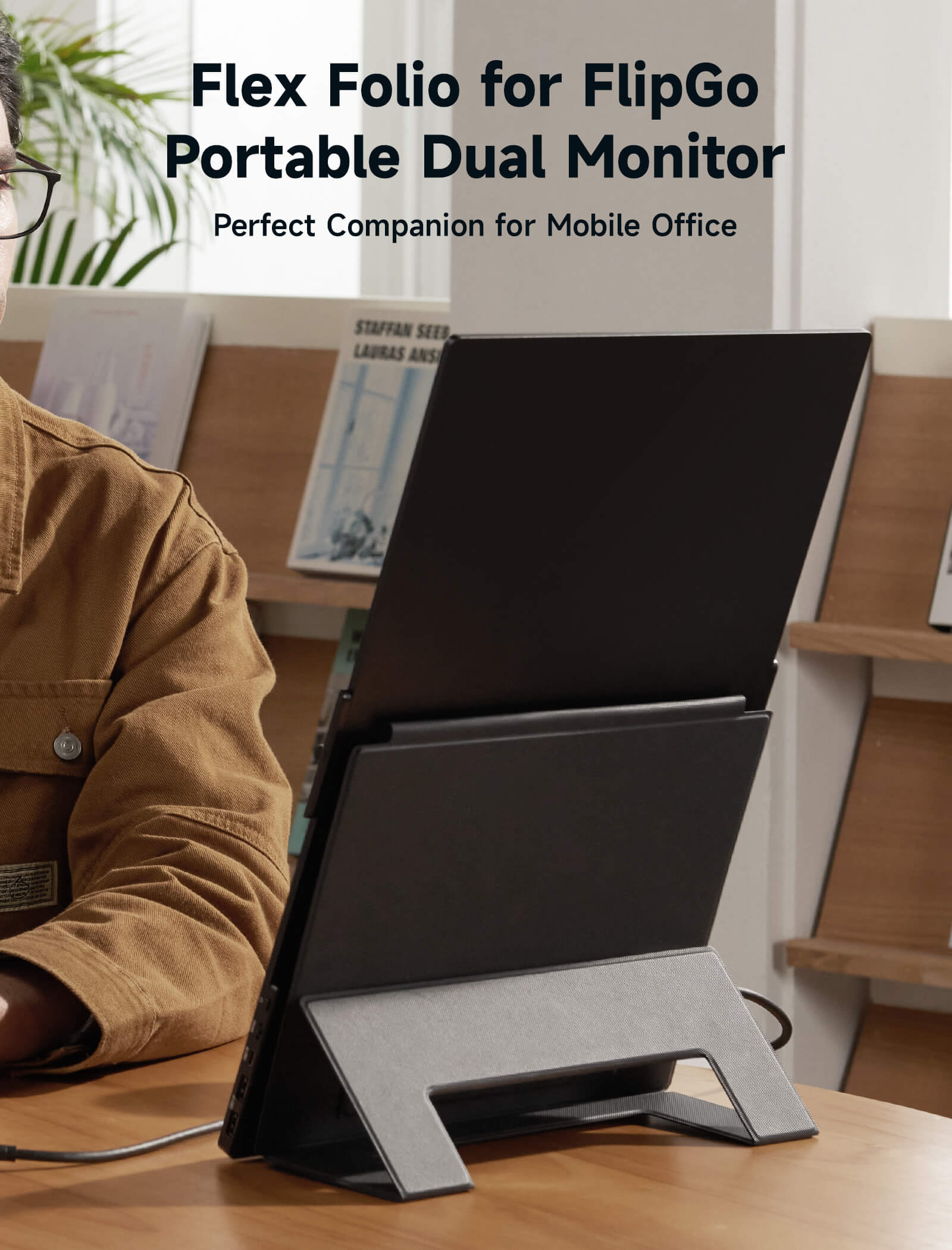
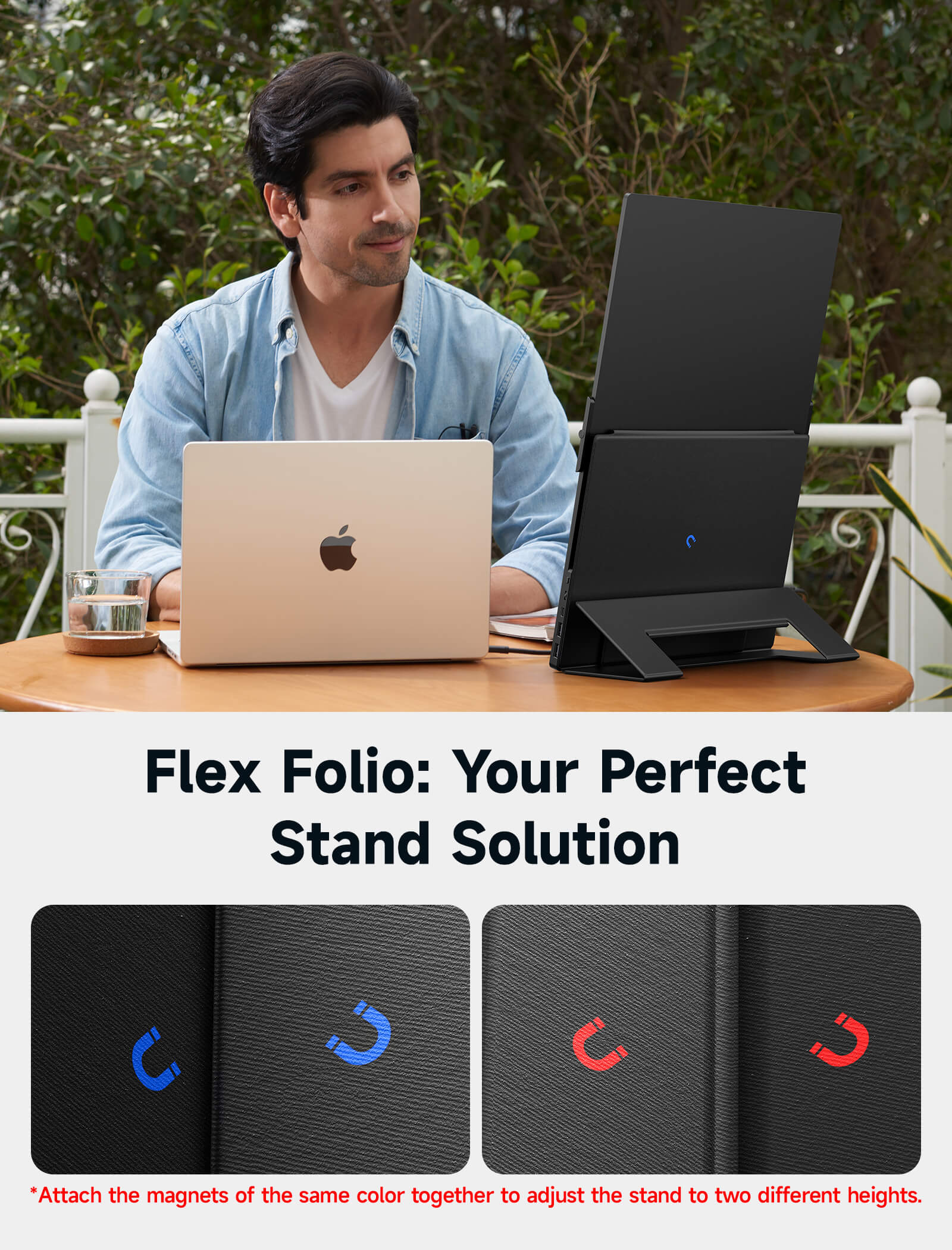
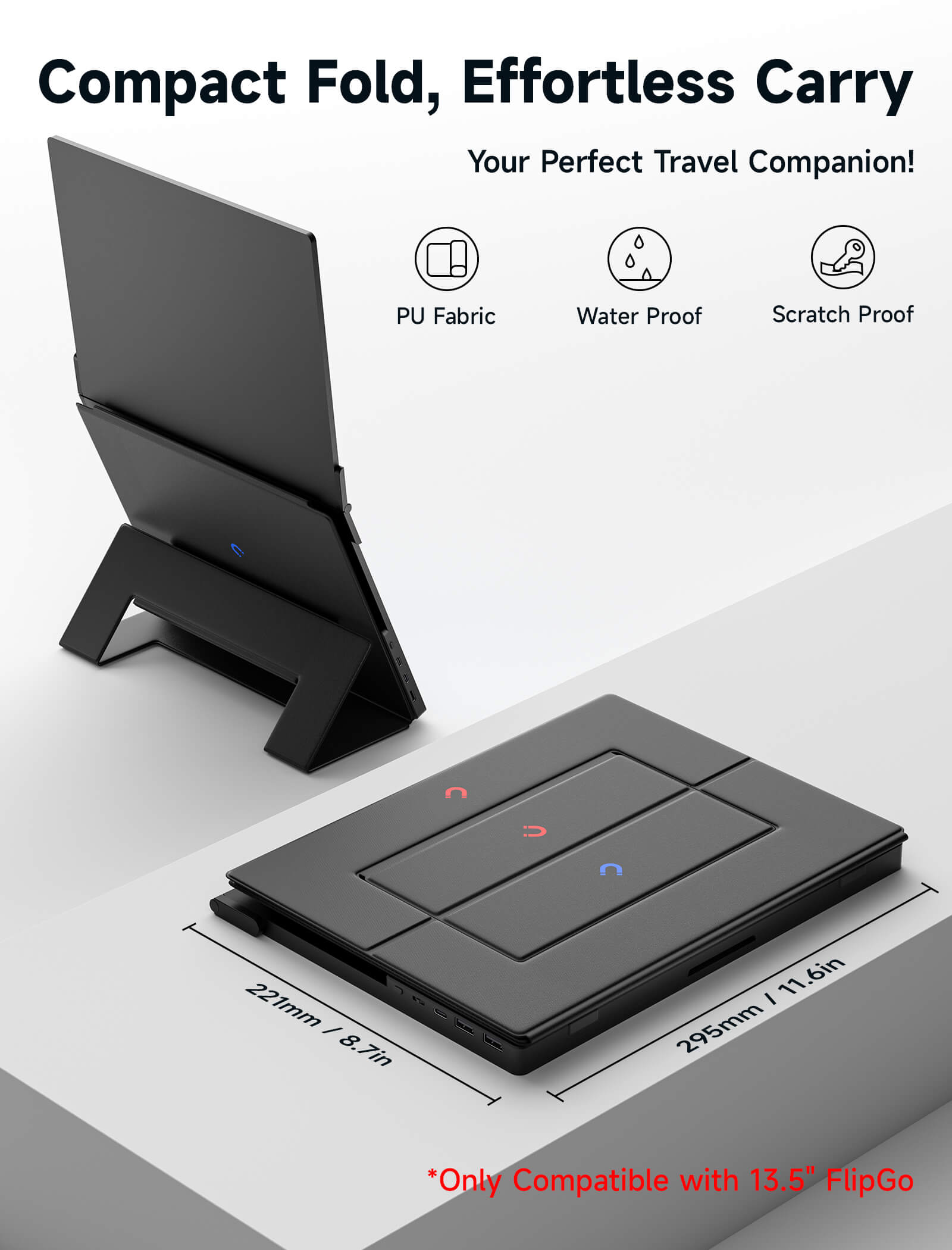
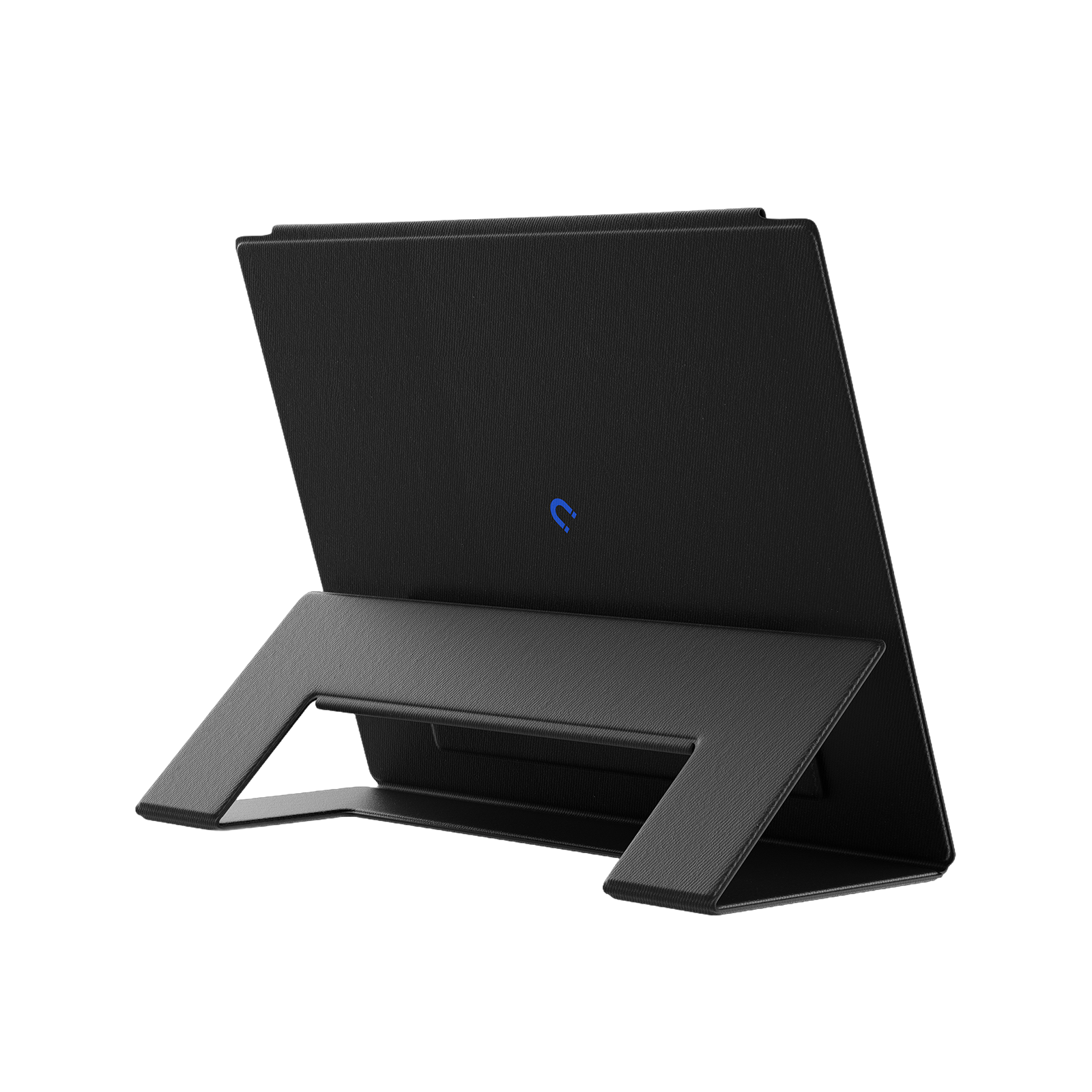
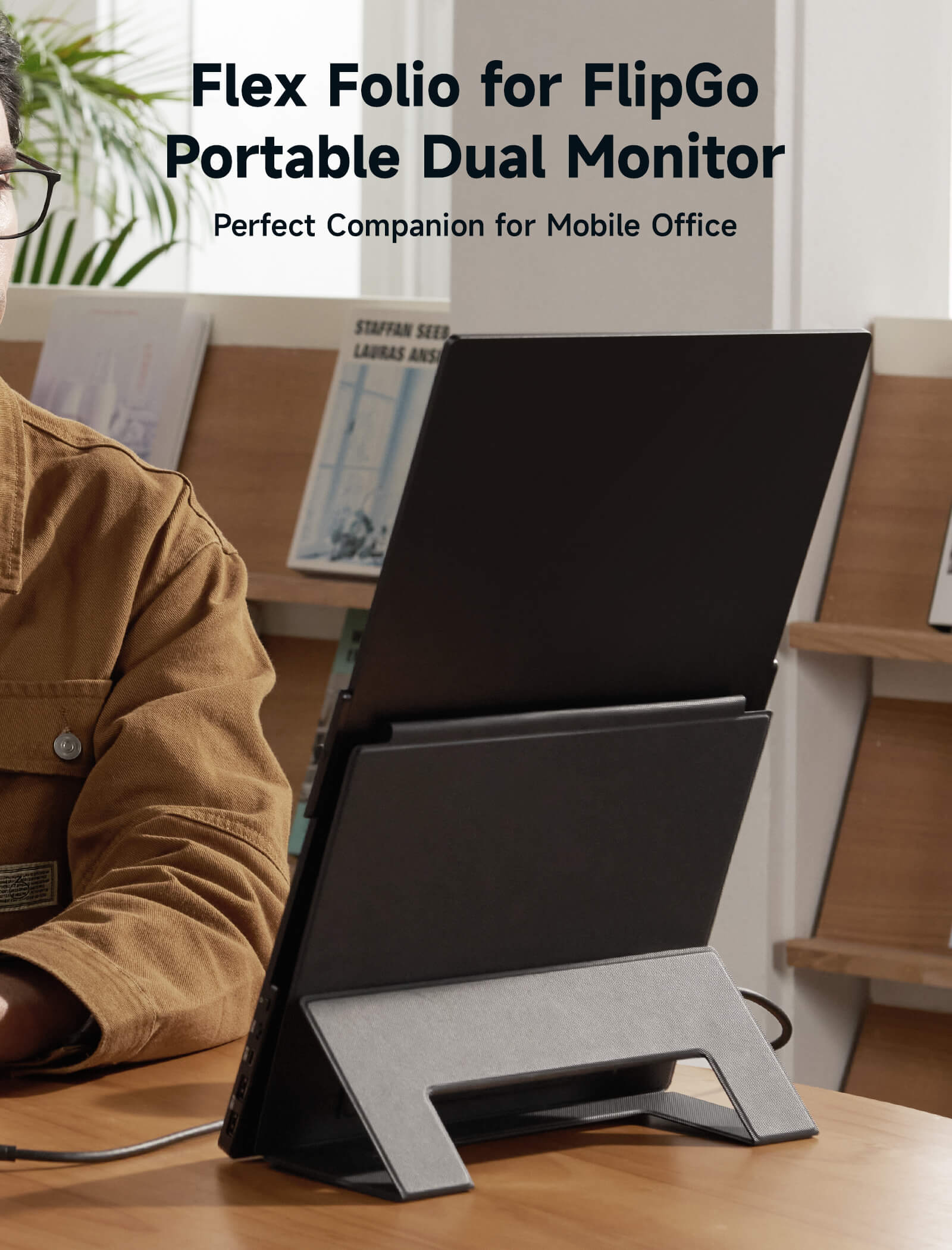
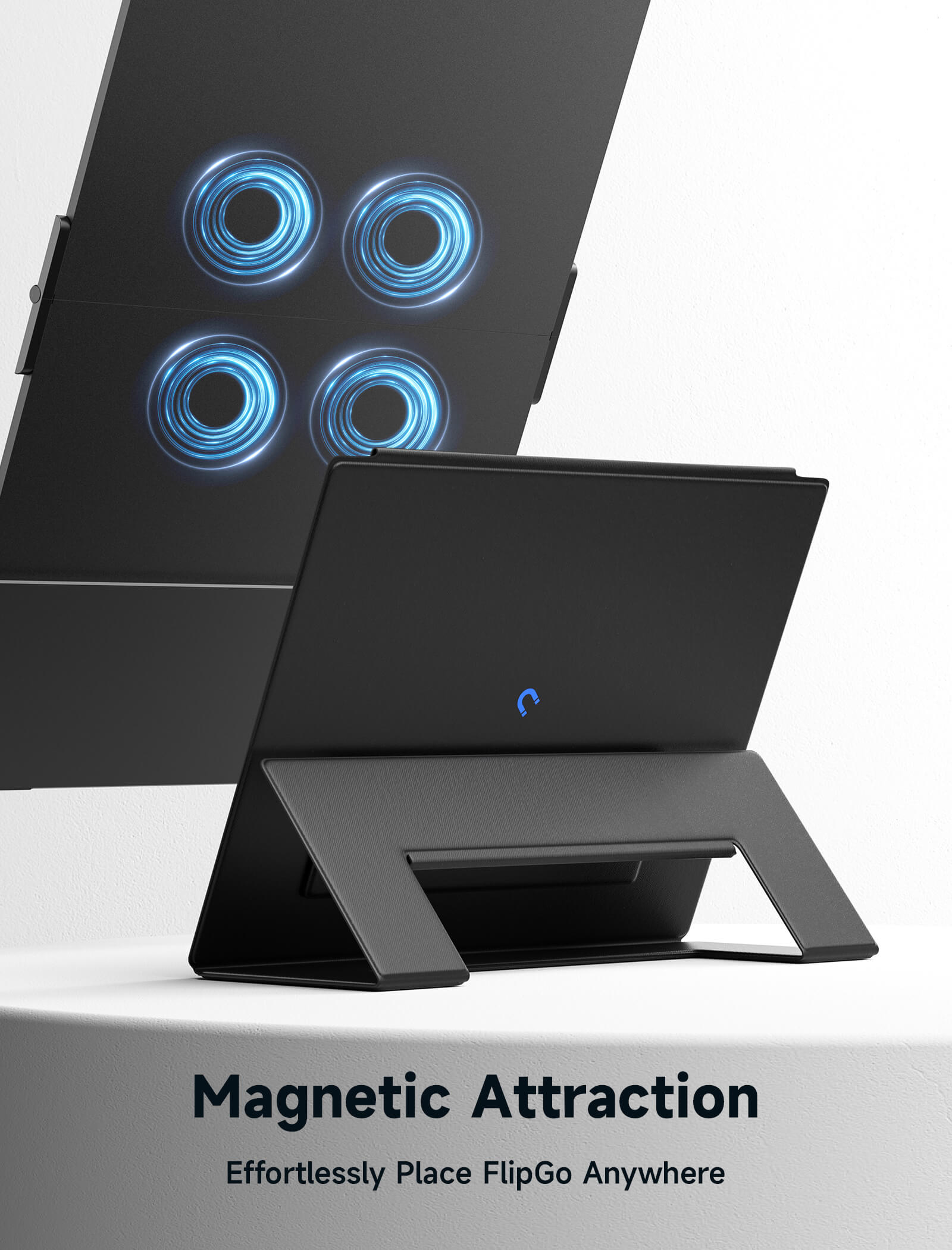
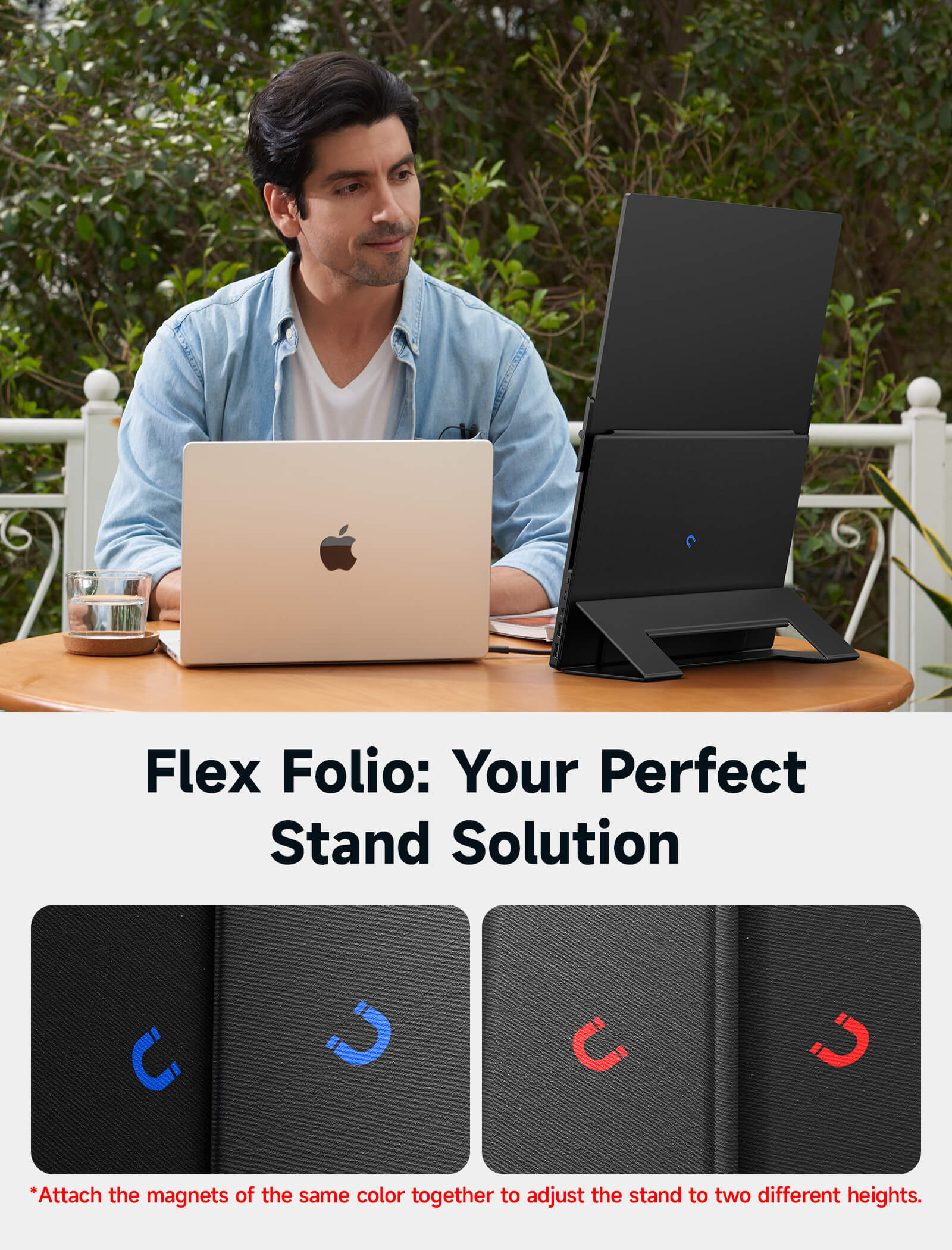
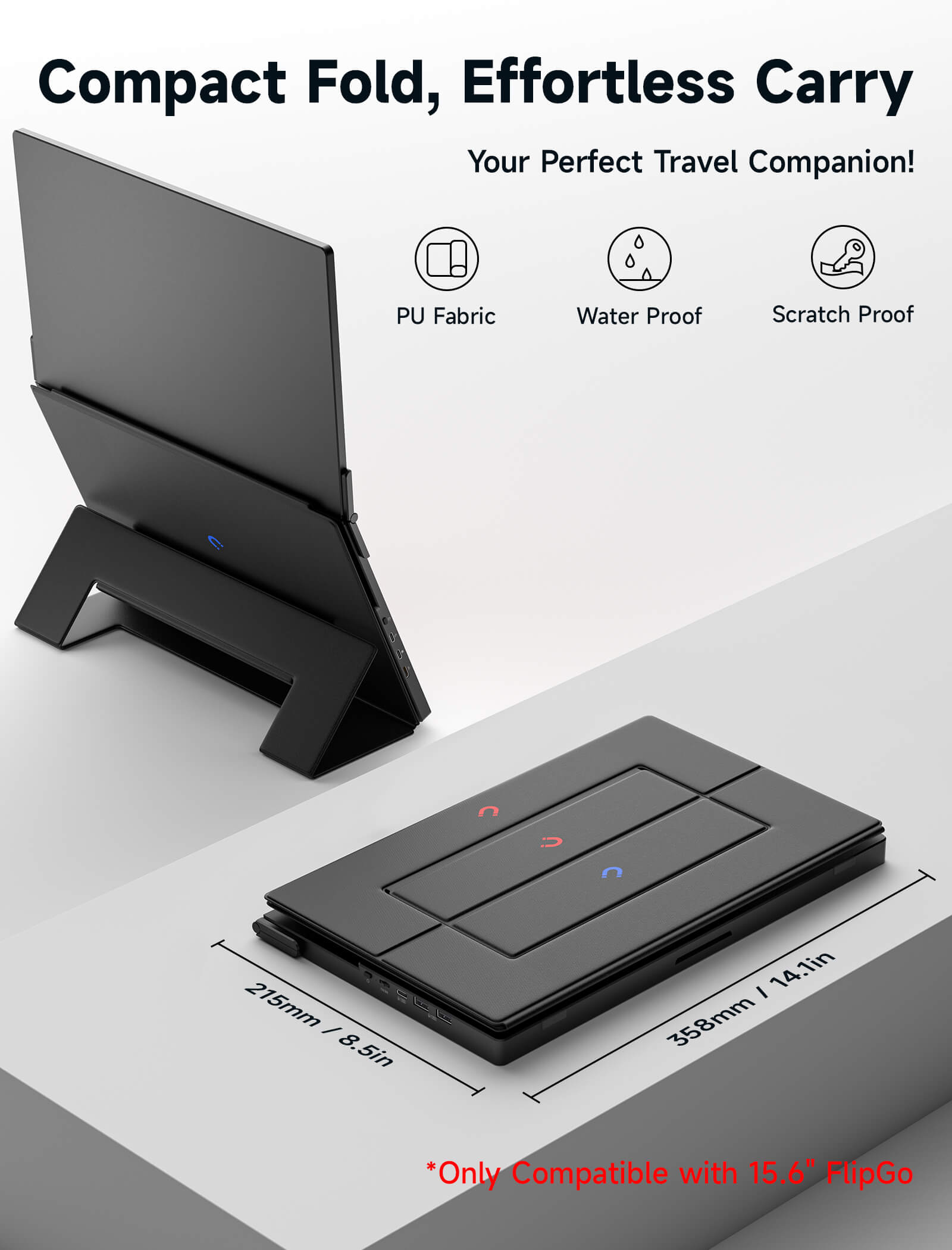
The Flex Folio is both a stand and a case. You can attach it to your FlipGo at all times, unfold it as a stand when in use, and let it protect your FlipGo from scratches when not in use..🔒
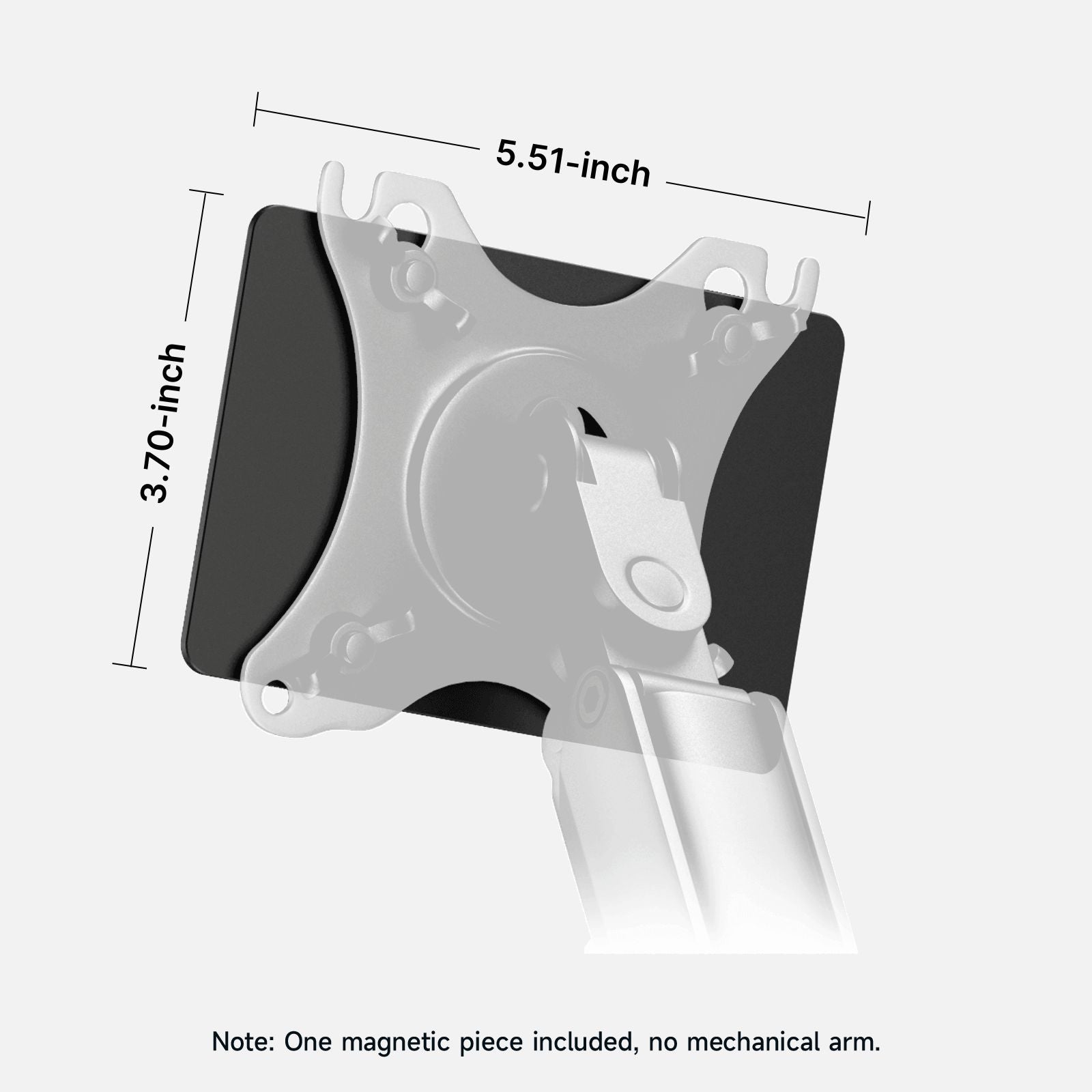
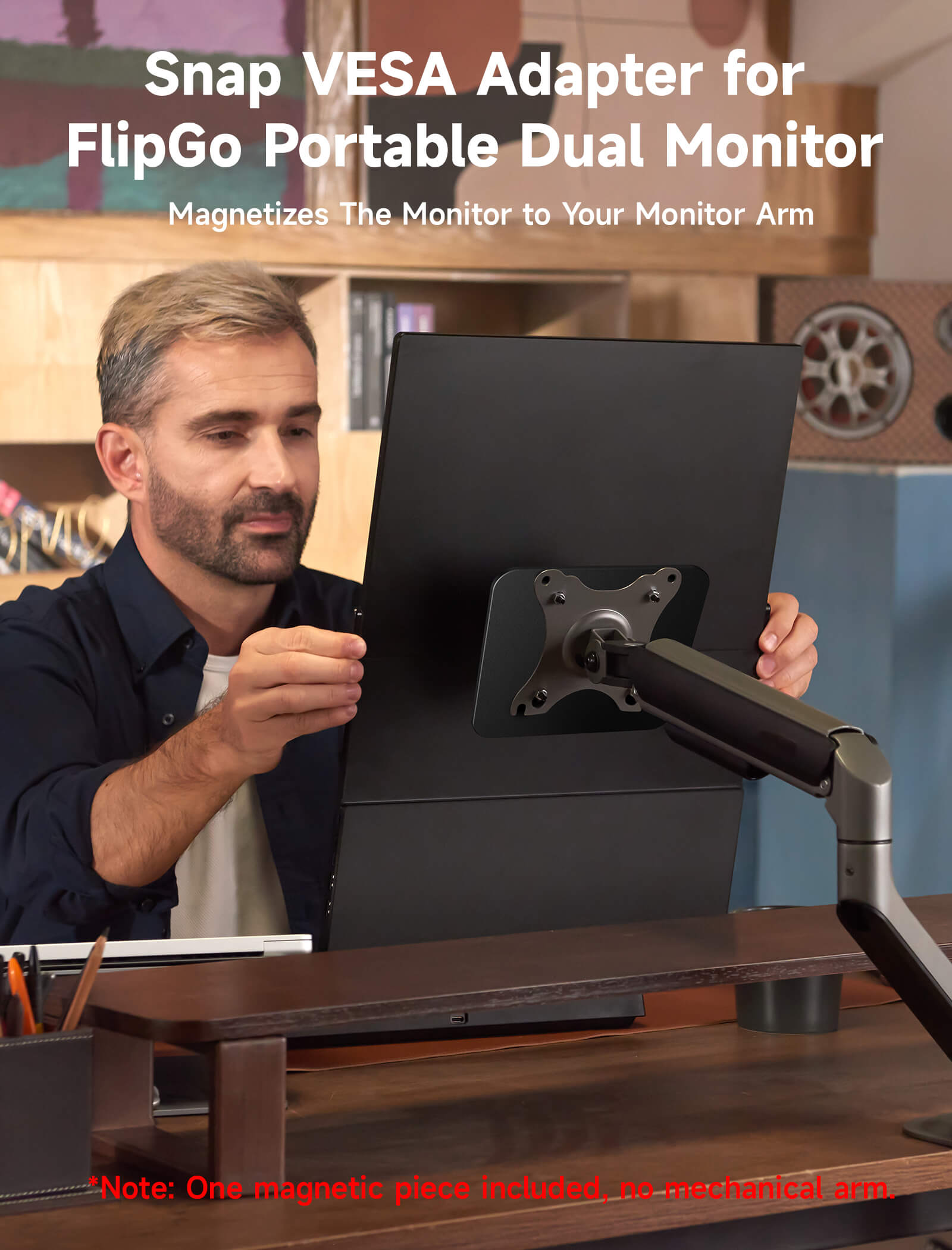
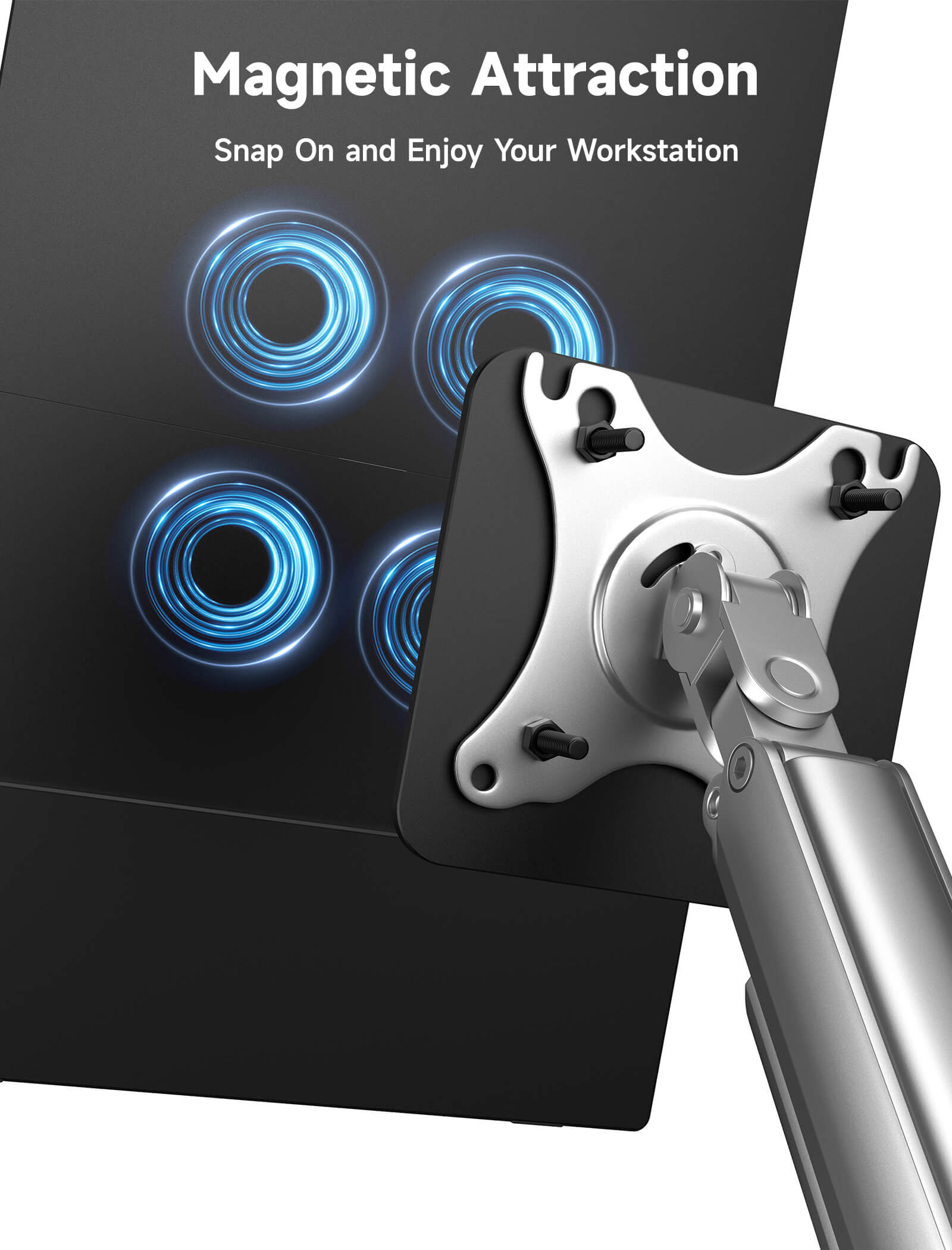
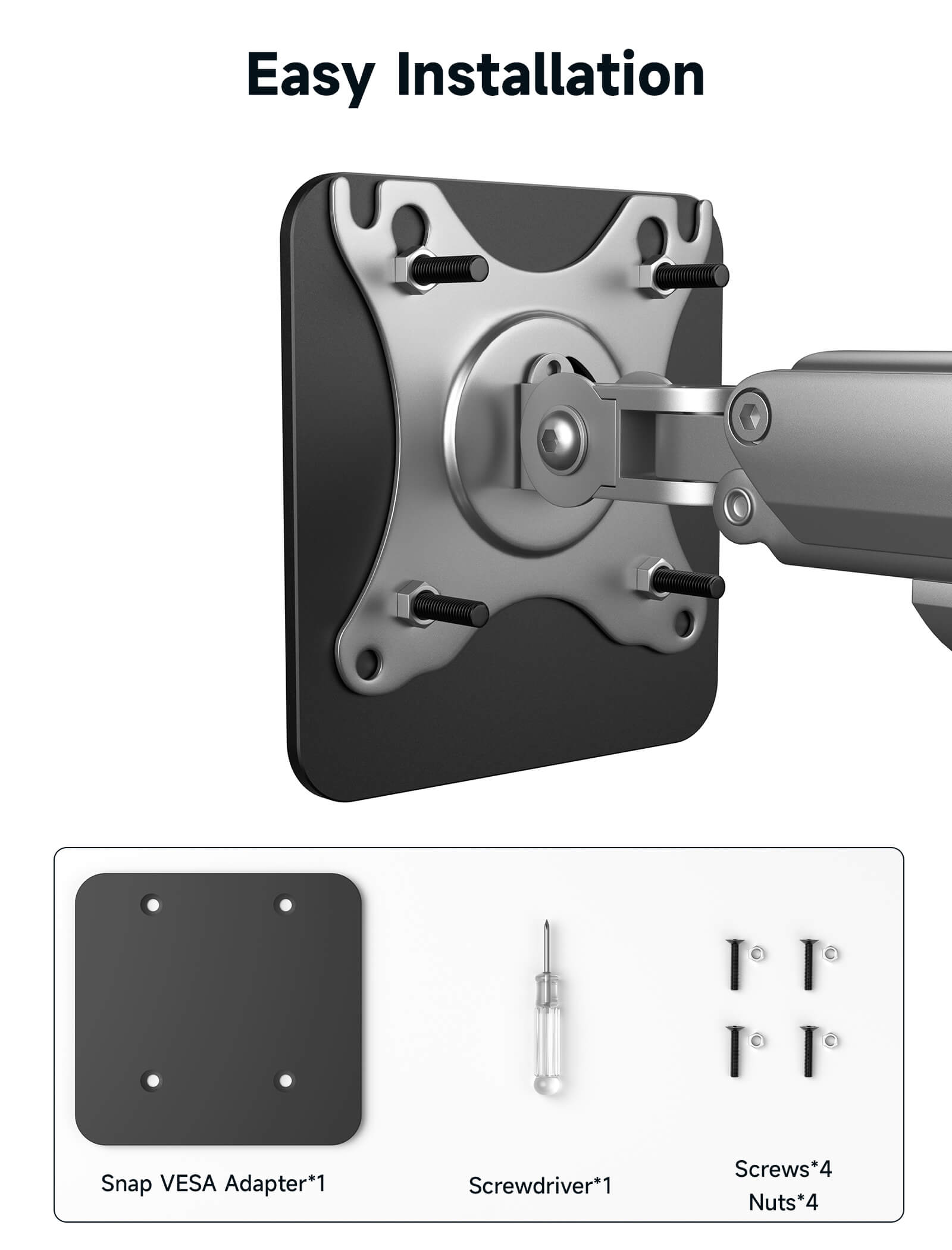
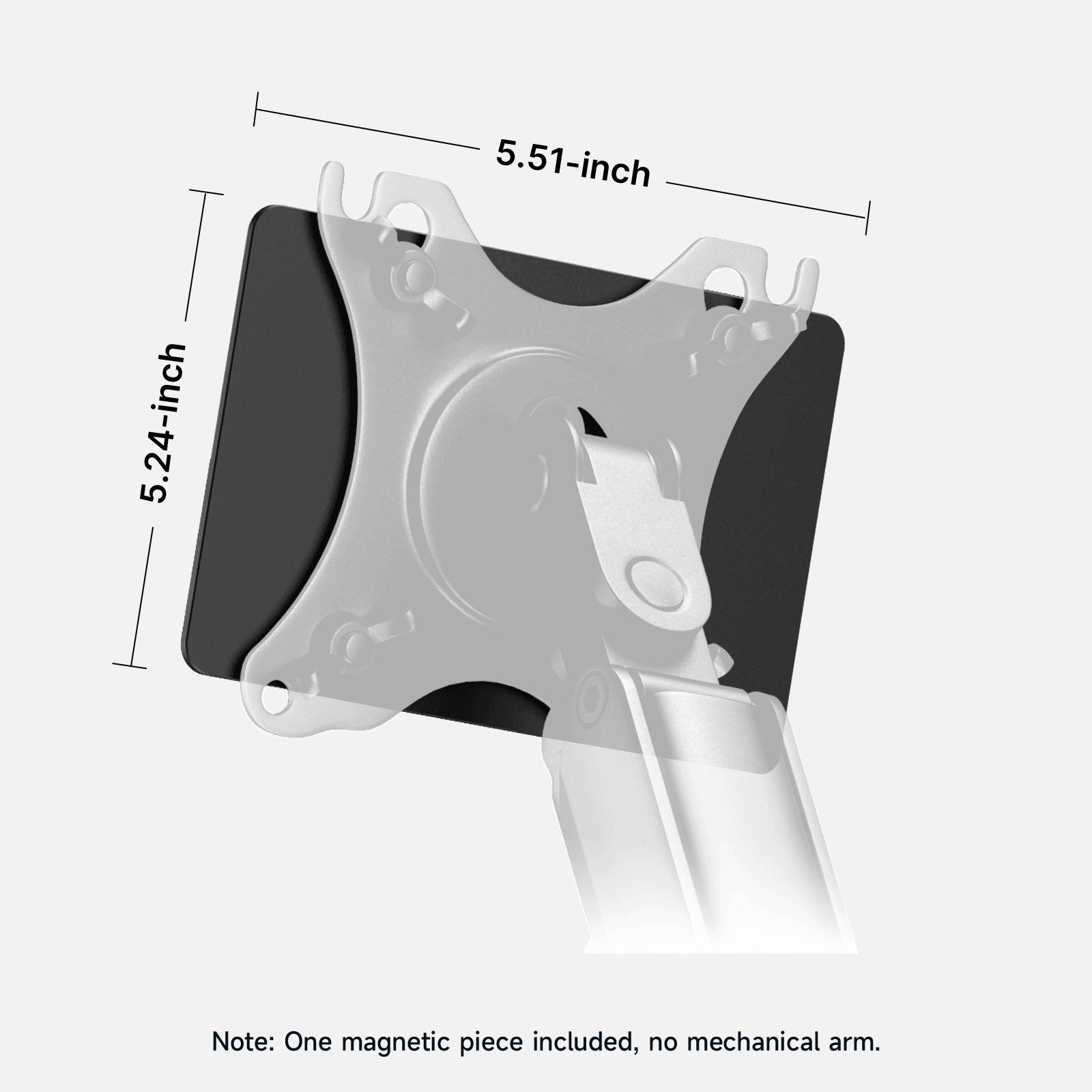
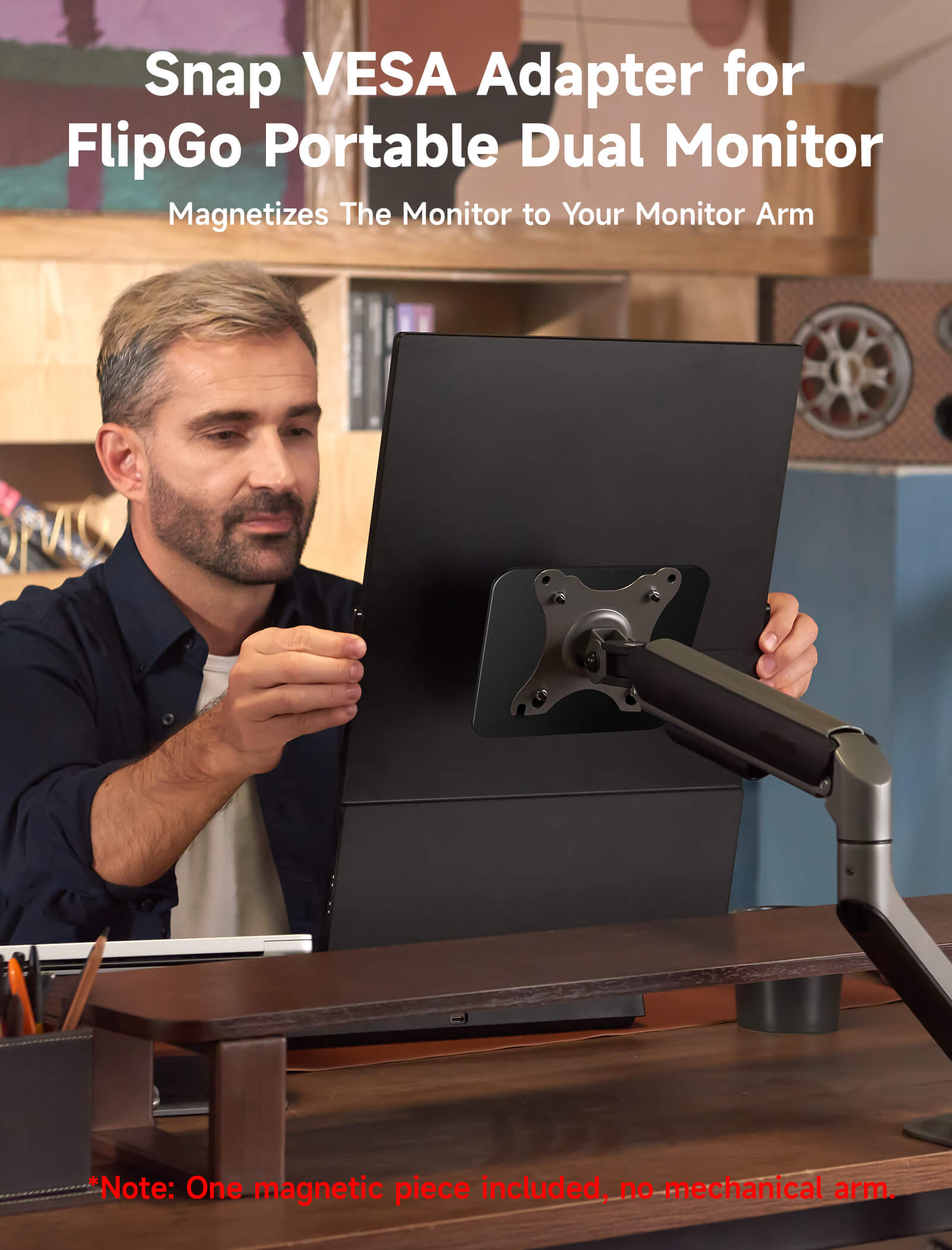
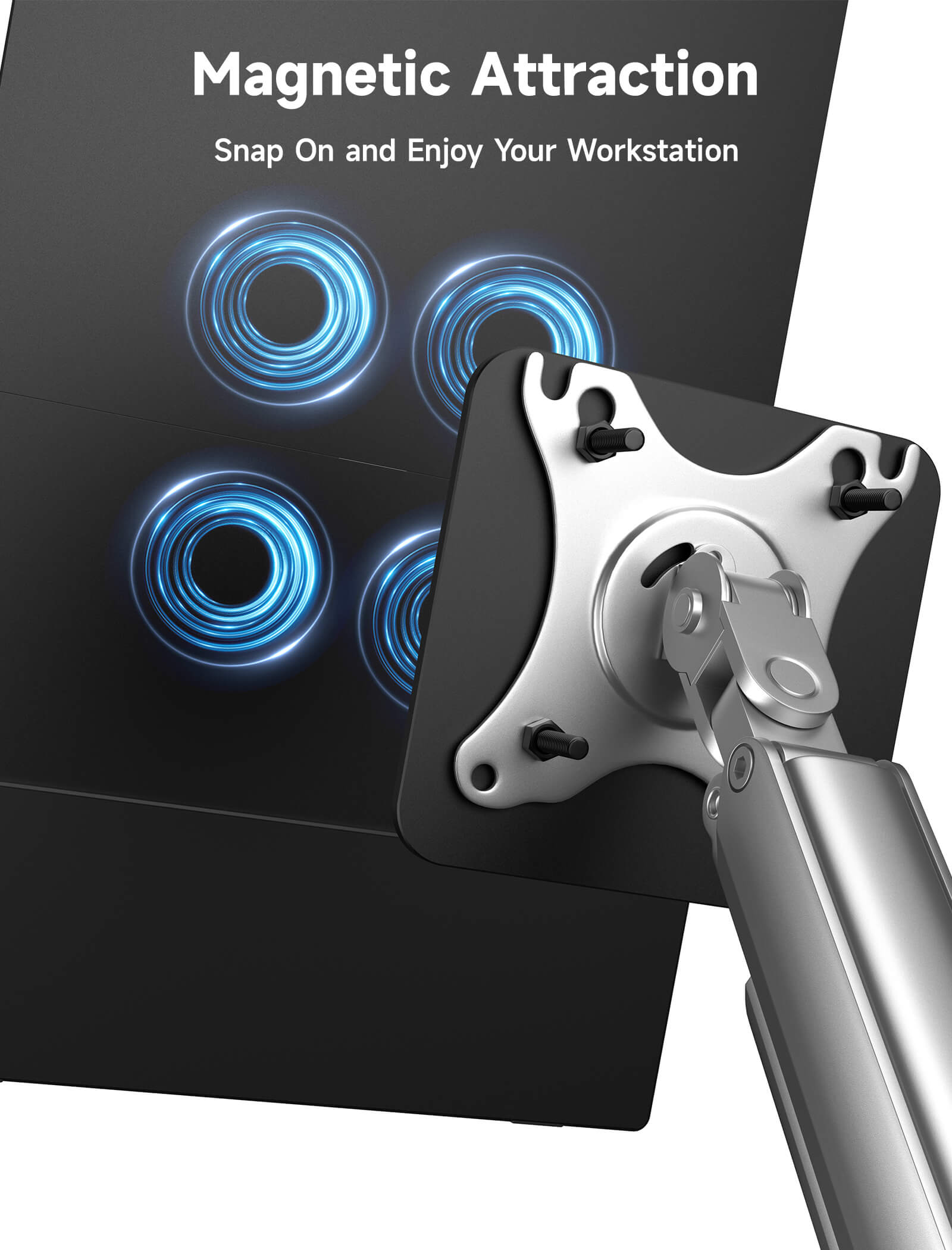
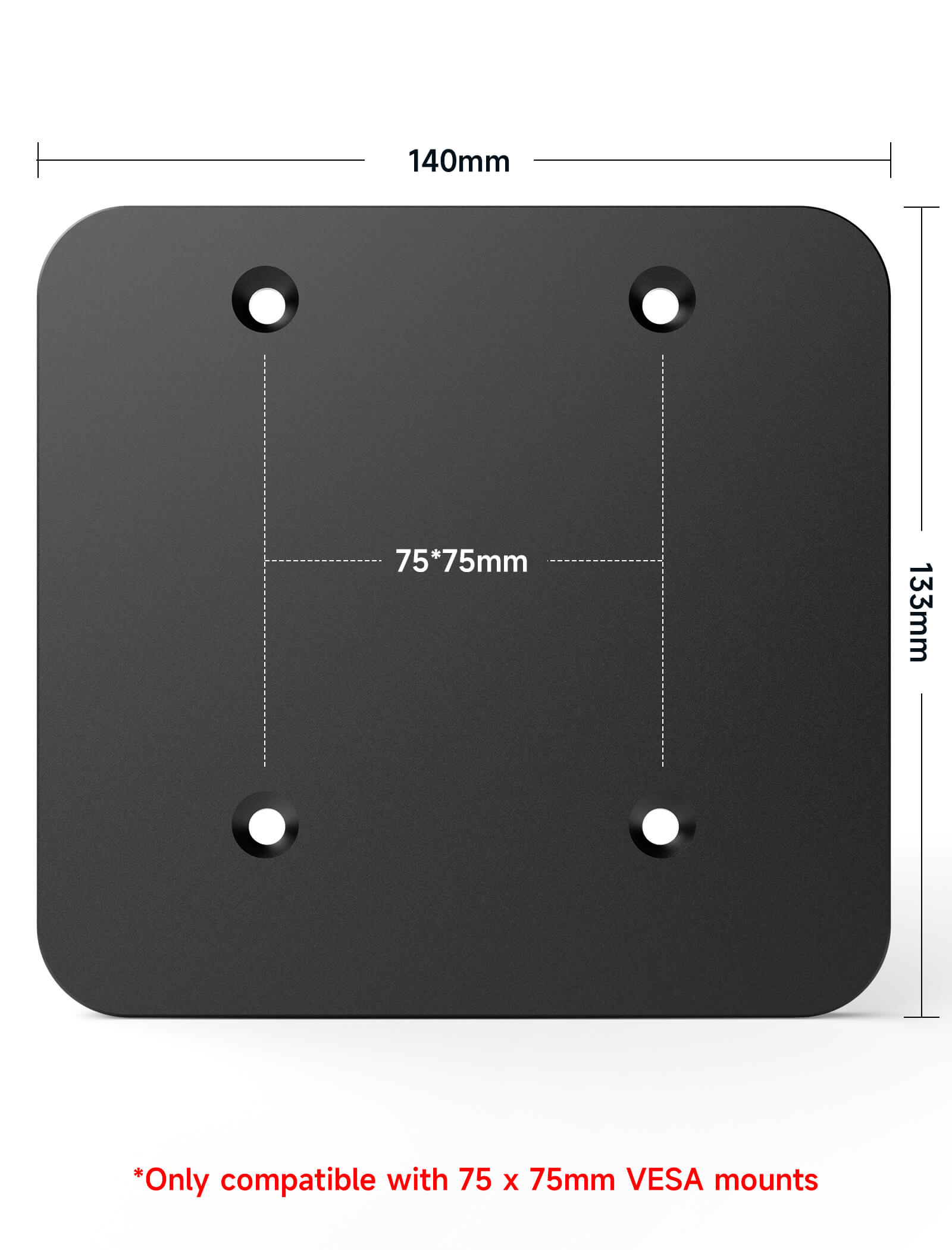
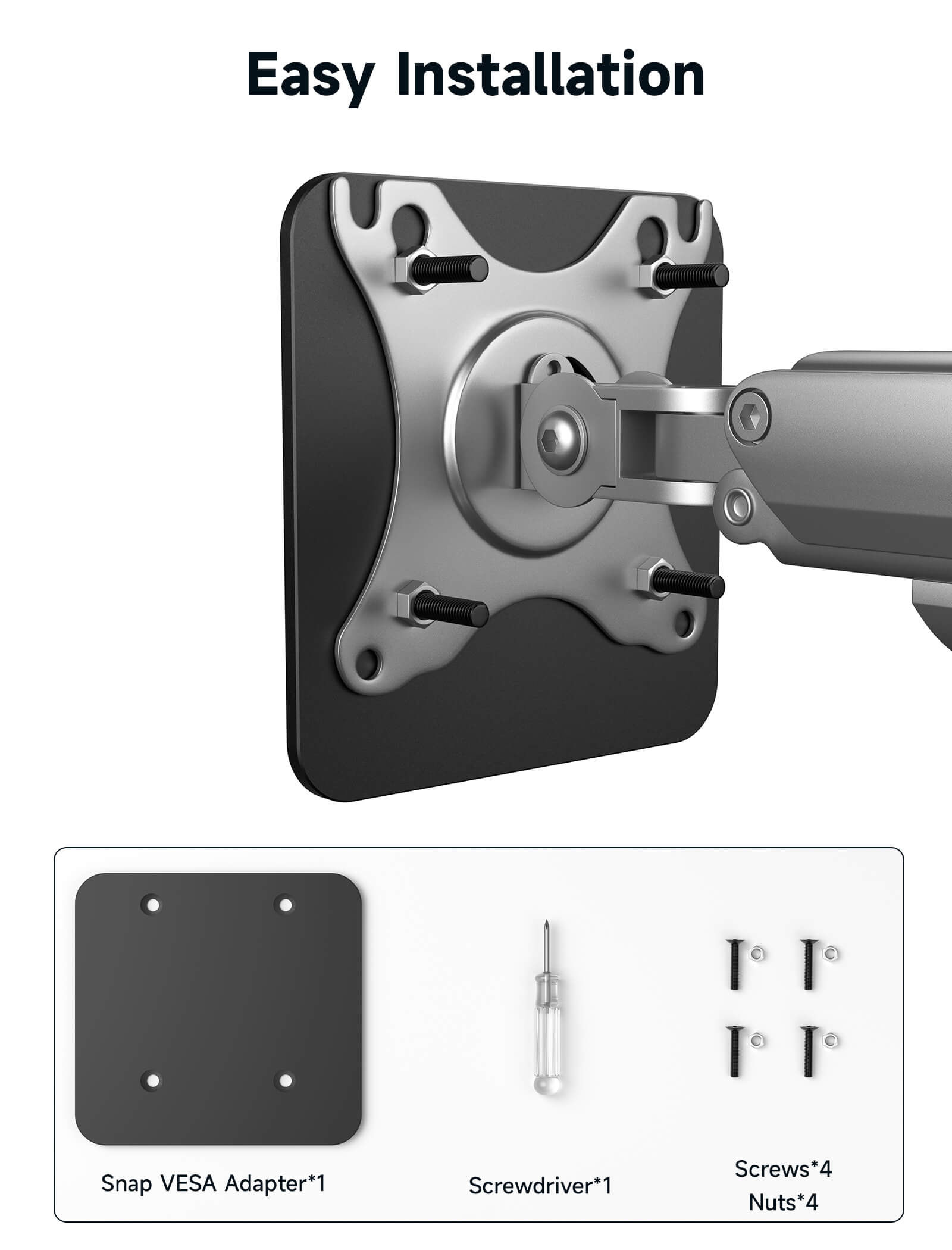
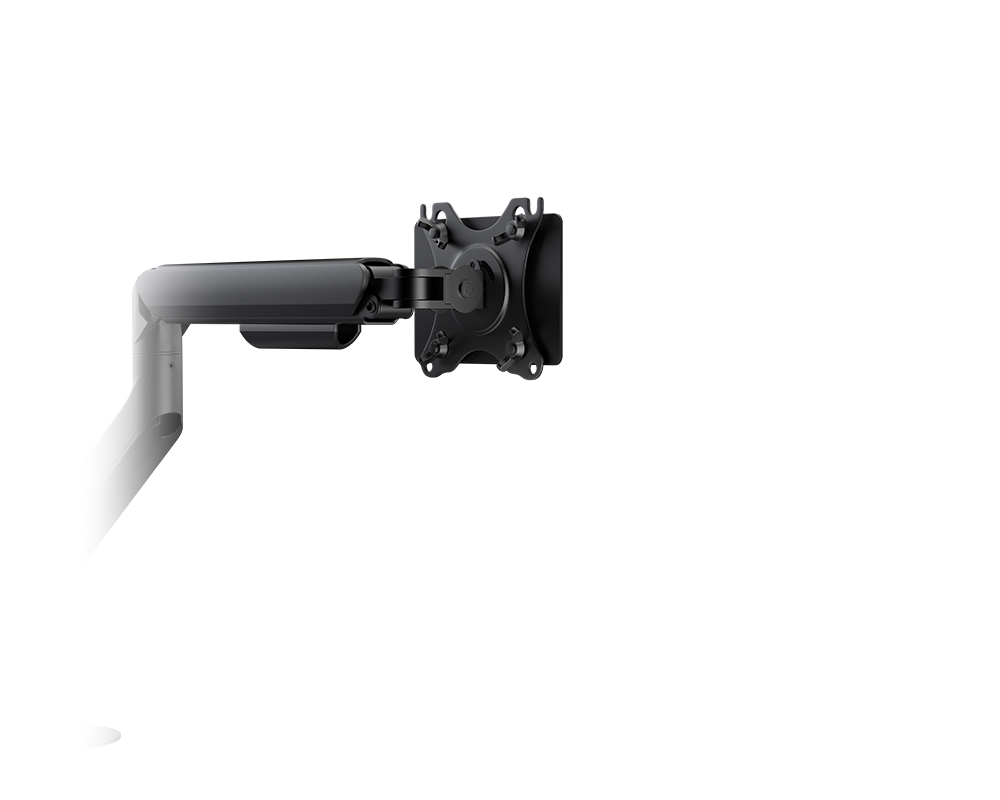
If you have a monitor arm and you work at home and away from home a lot, then the Snap VESA Adapter is definitely the perfect companion for you. 🤙
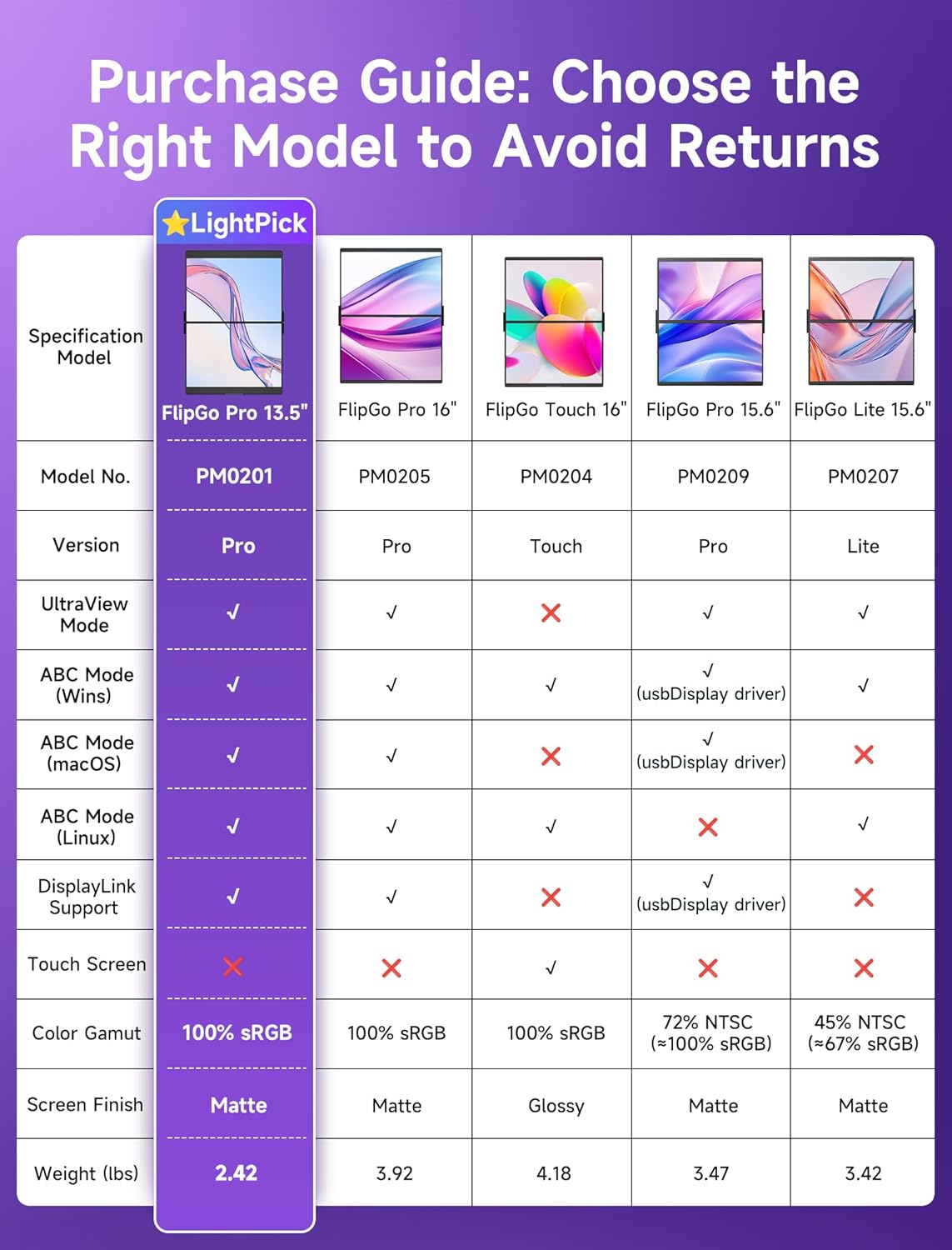
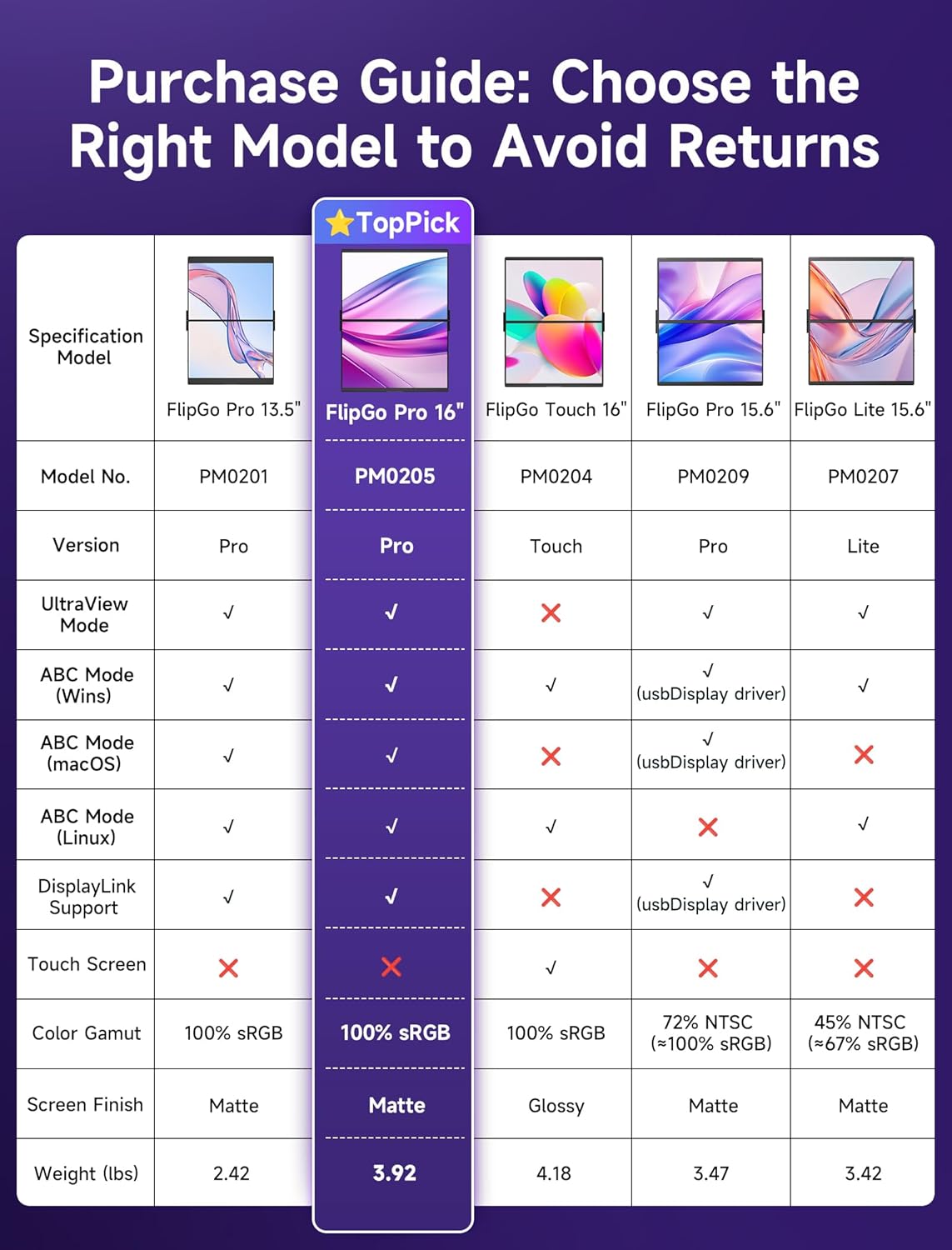
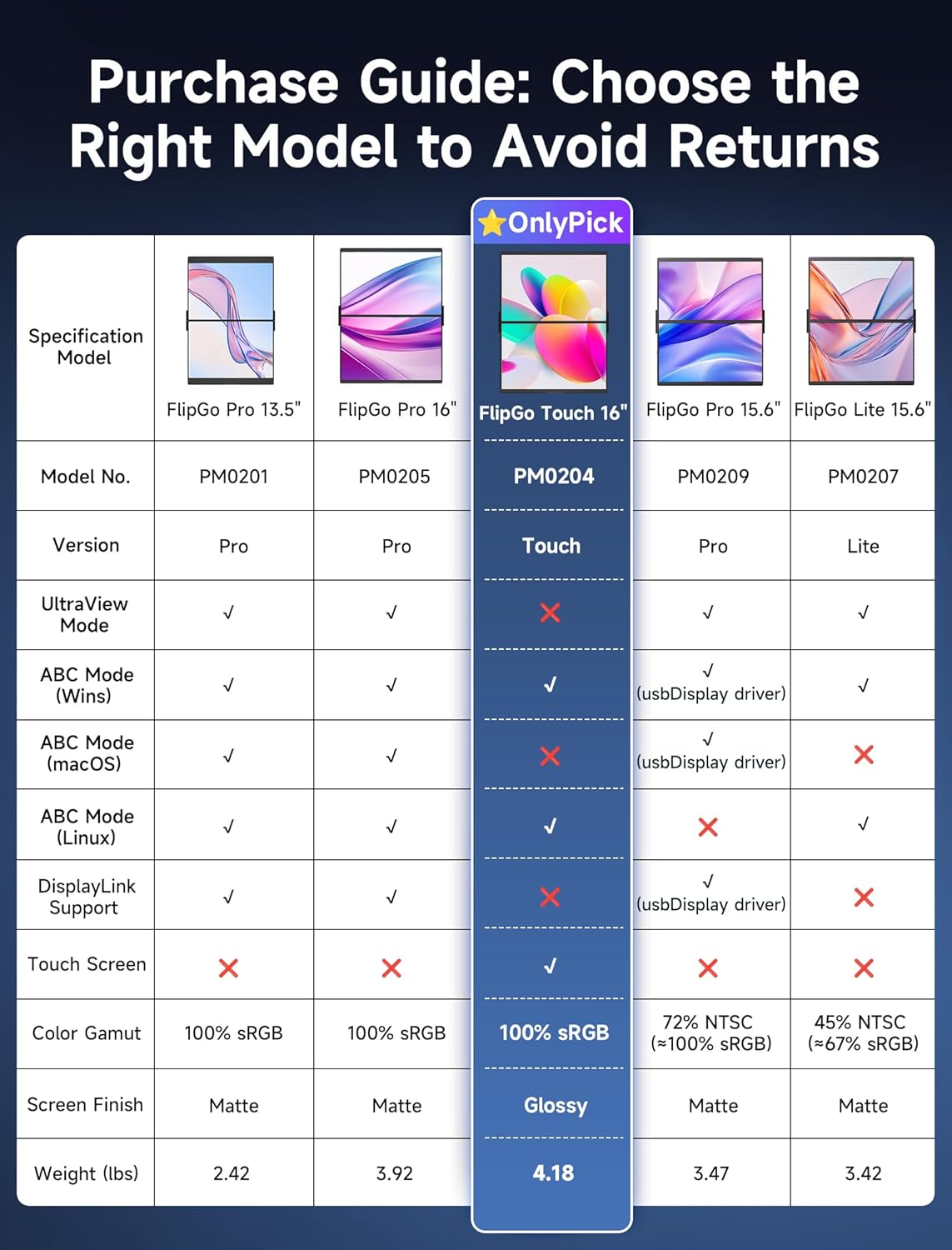
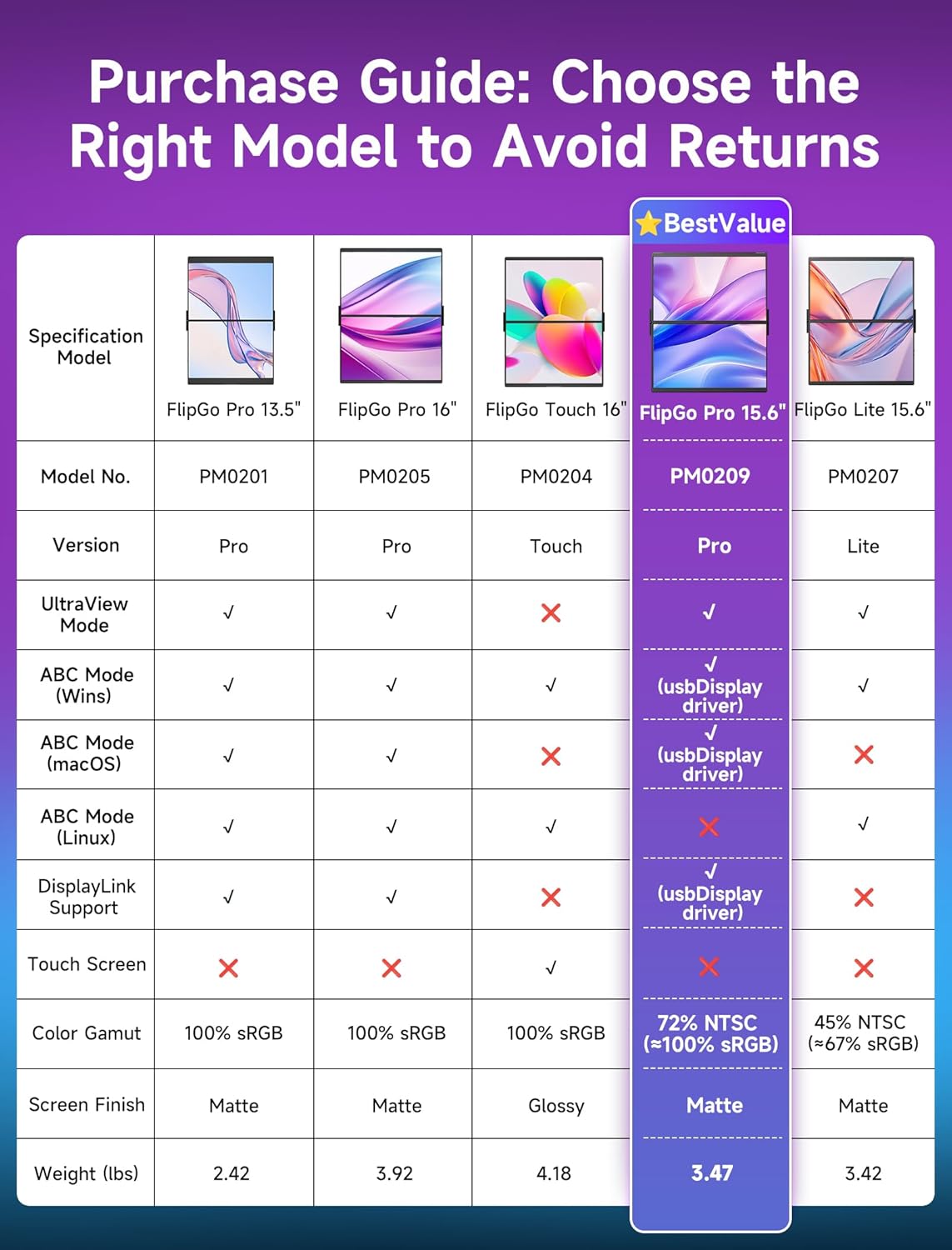
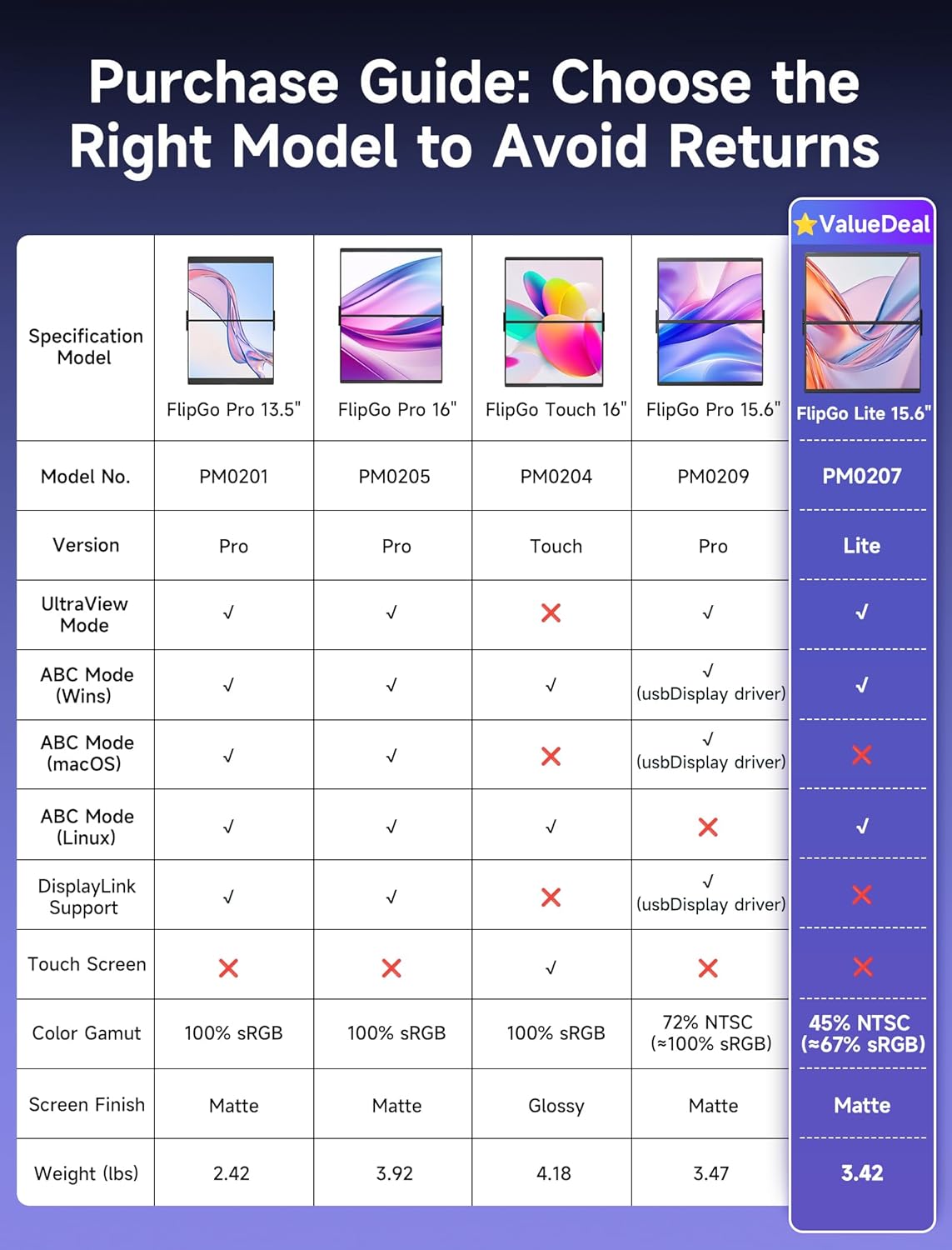
FlipGo Pro 13.5"
FlipGo Pro 16"
FlipGo Touch 16"
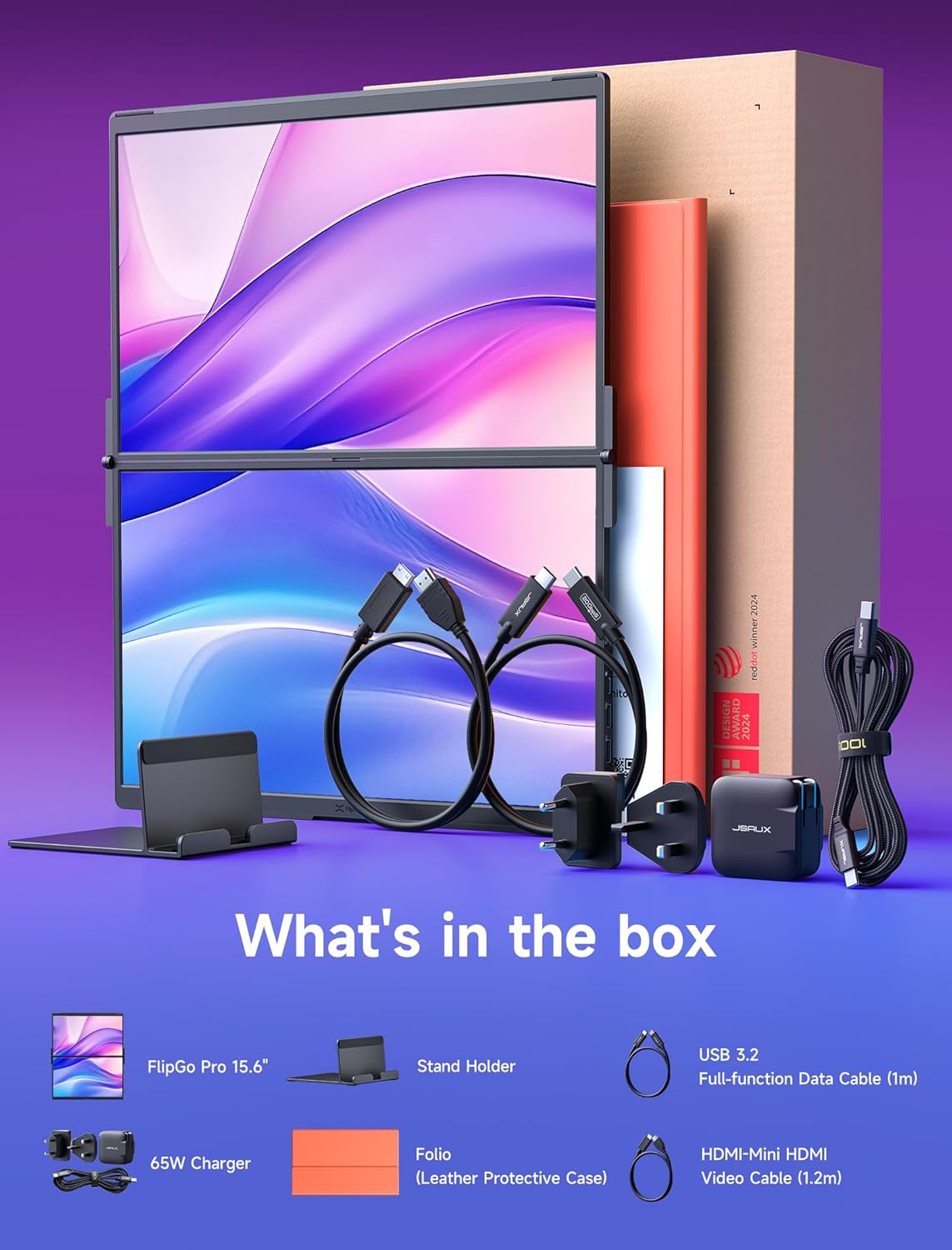
FlipGo Pro 15.6"
FlipGo Lite 15.6"
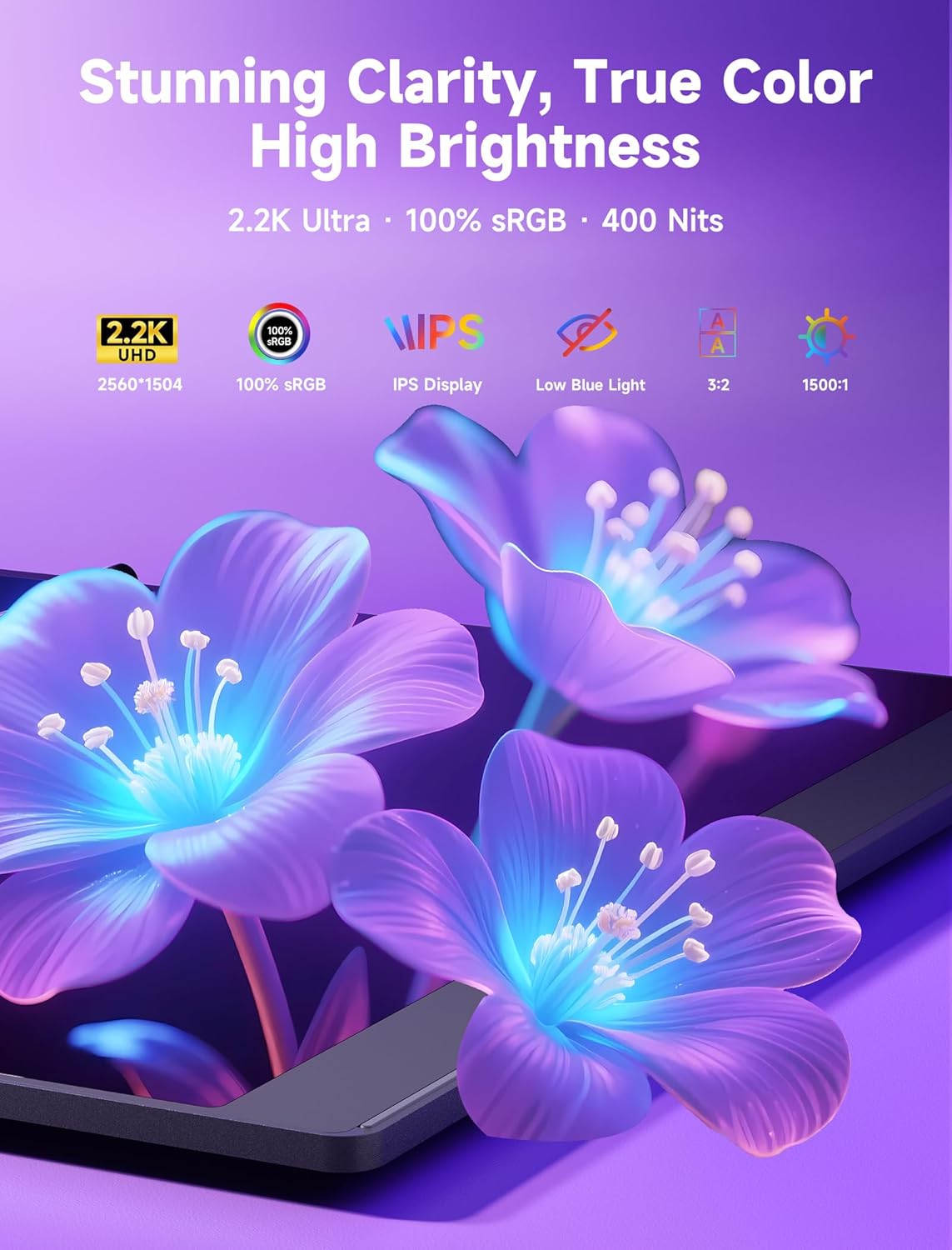
2256*1504
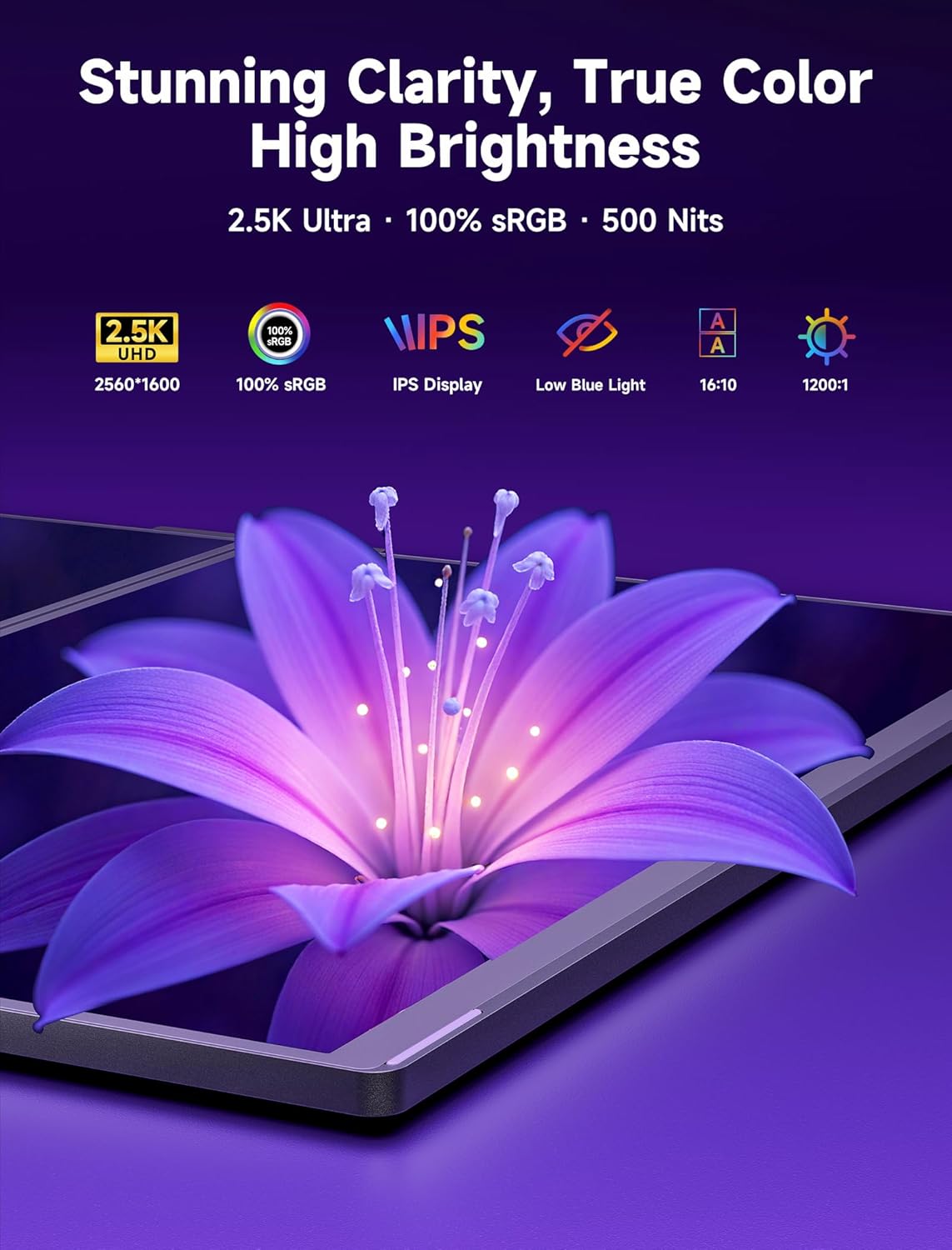
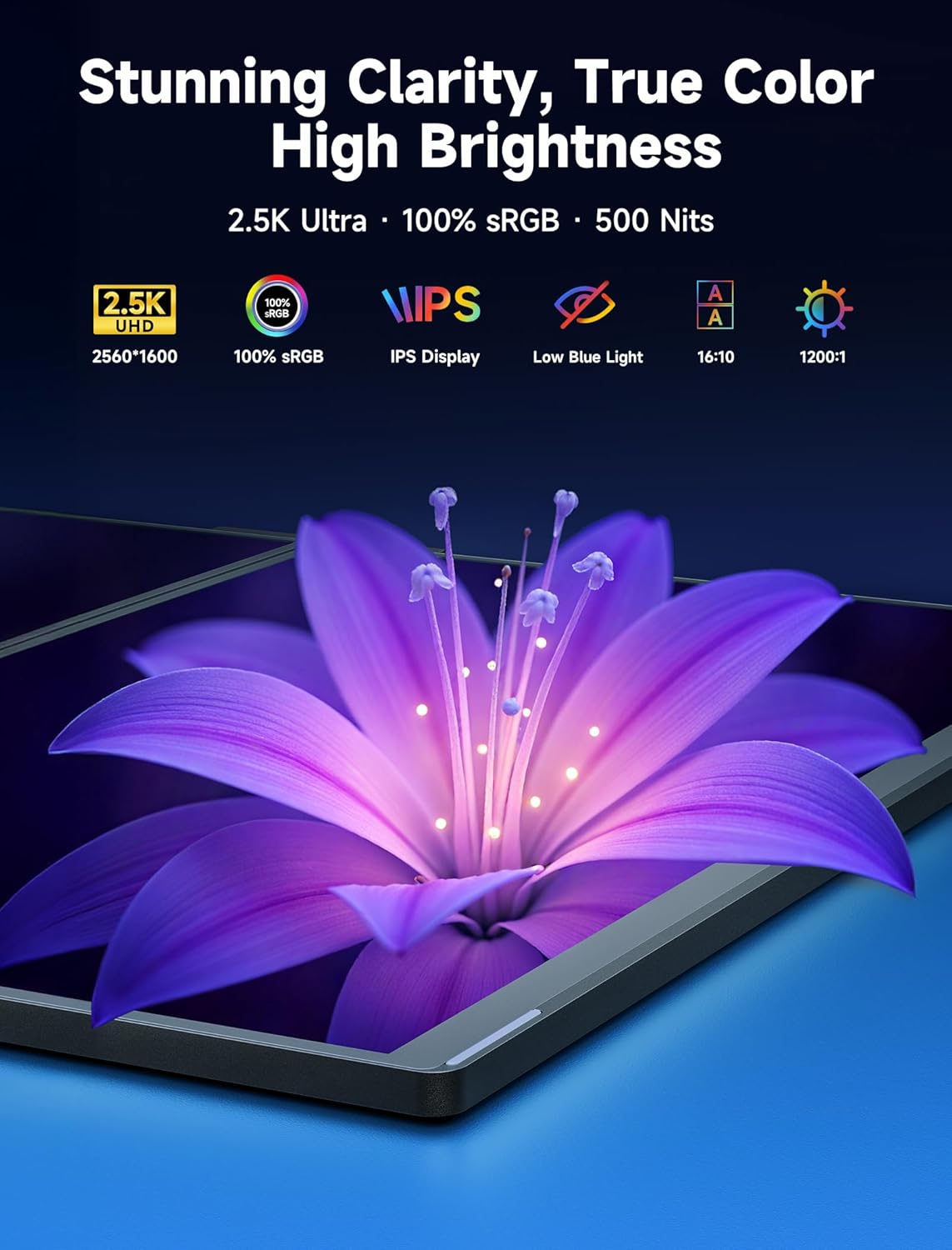
2560*1600
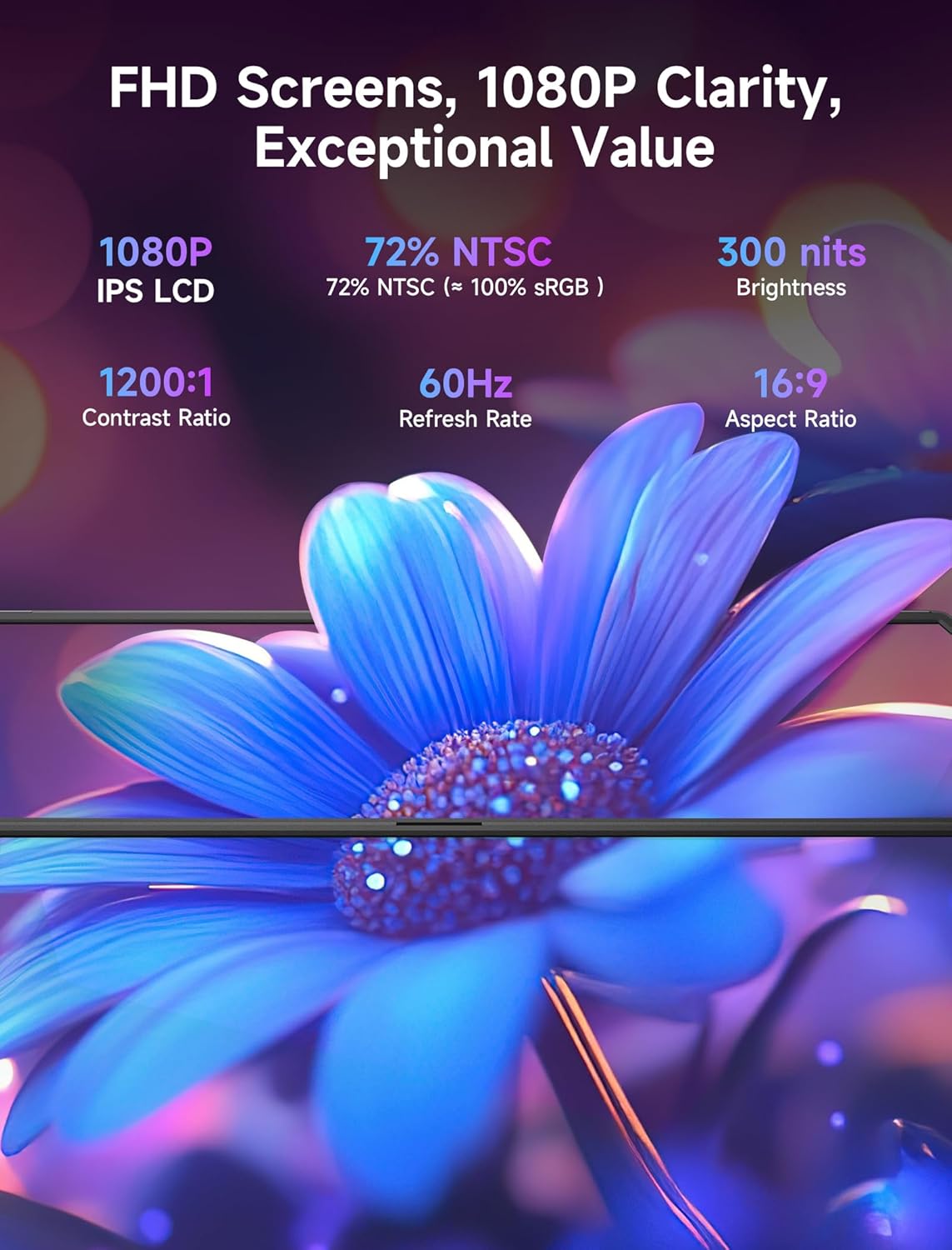
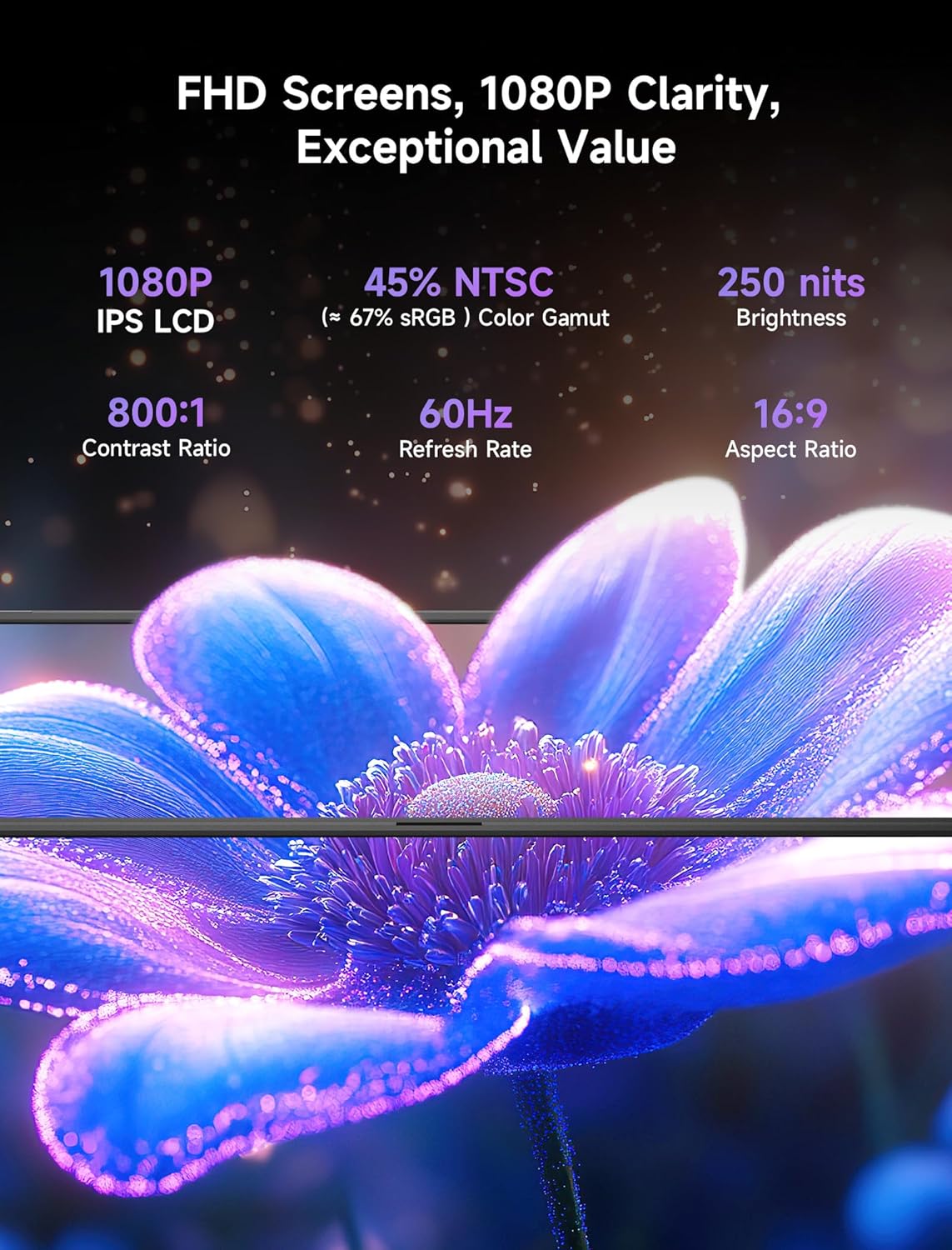
1920*1080
100% sRGB
45% NTSC (≈ 67% sRGB)
60Hz
3:2
16:10
16:9
0°-180°
0°- 180°
✔
✘
✔ (usbDisplay driver)
IPS
400 nits
500 nits
300 nits
250 nits
1500:1
1200:1
800:1
170°
178°
Aluminum Alloy + PC
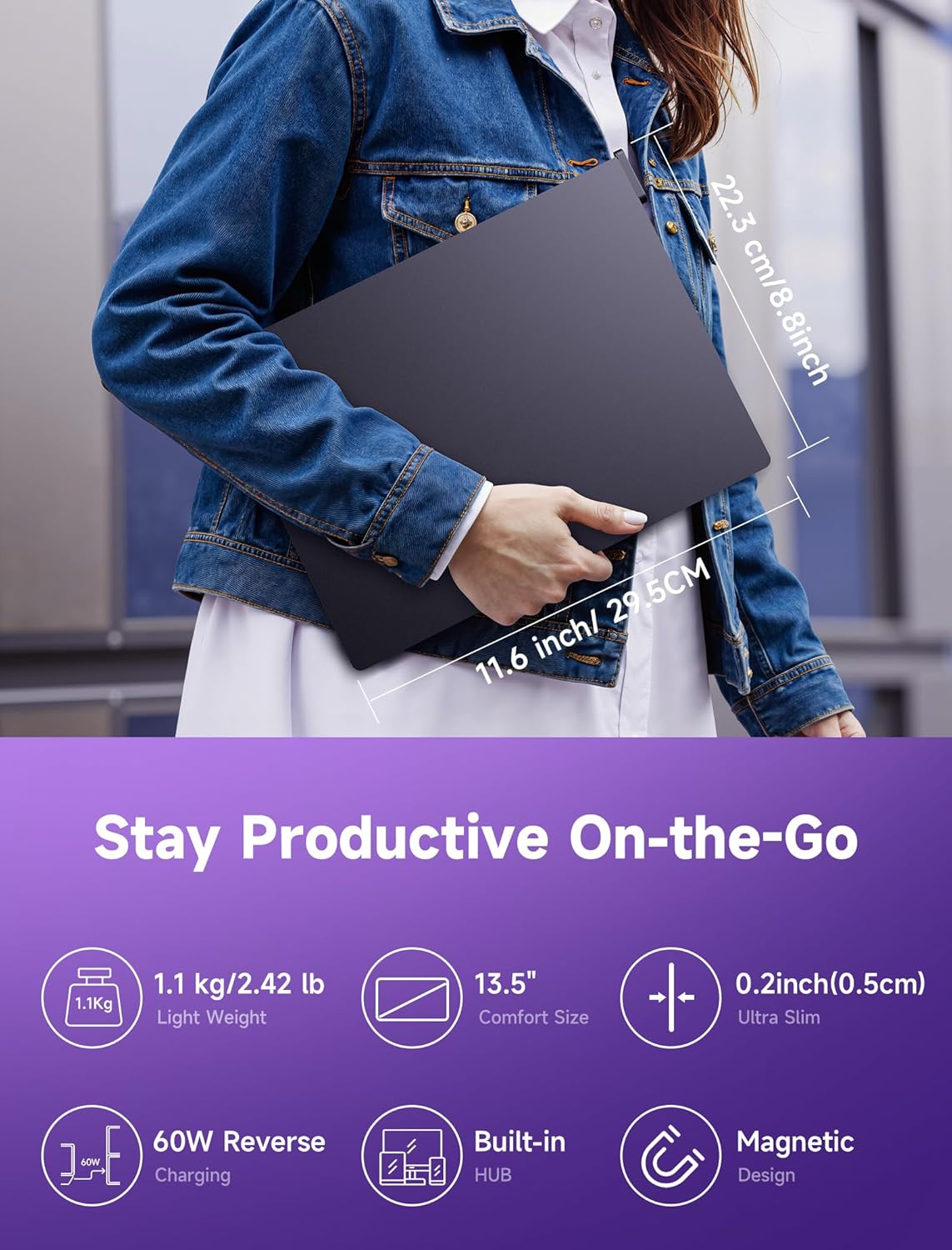
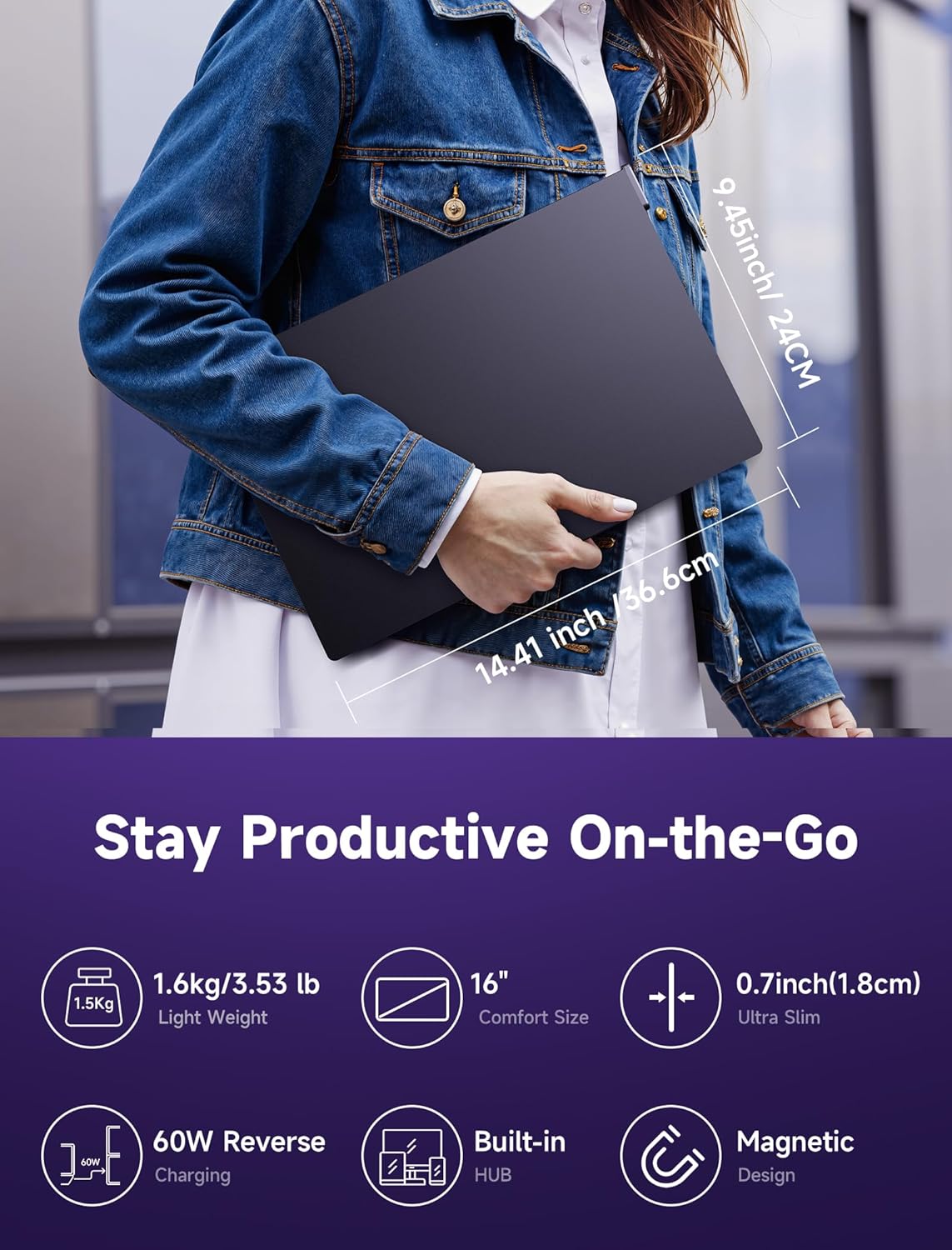
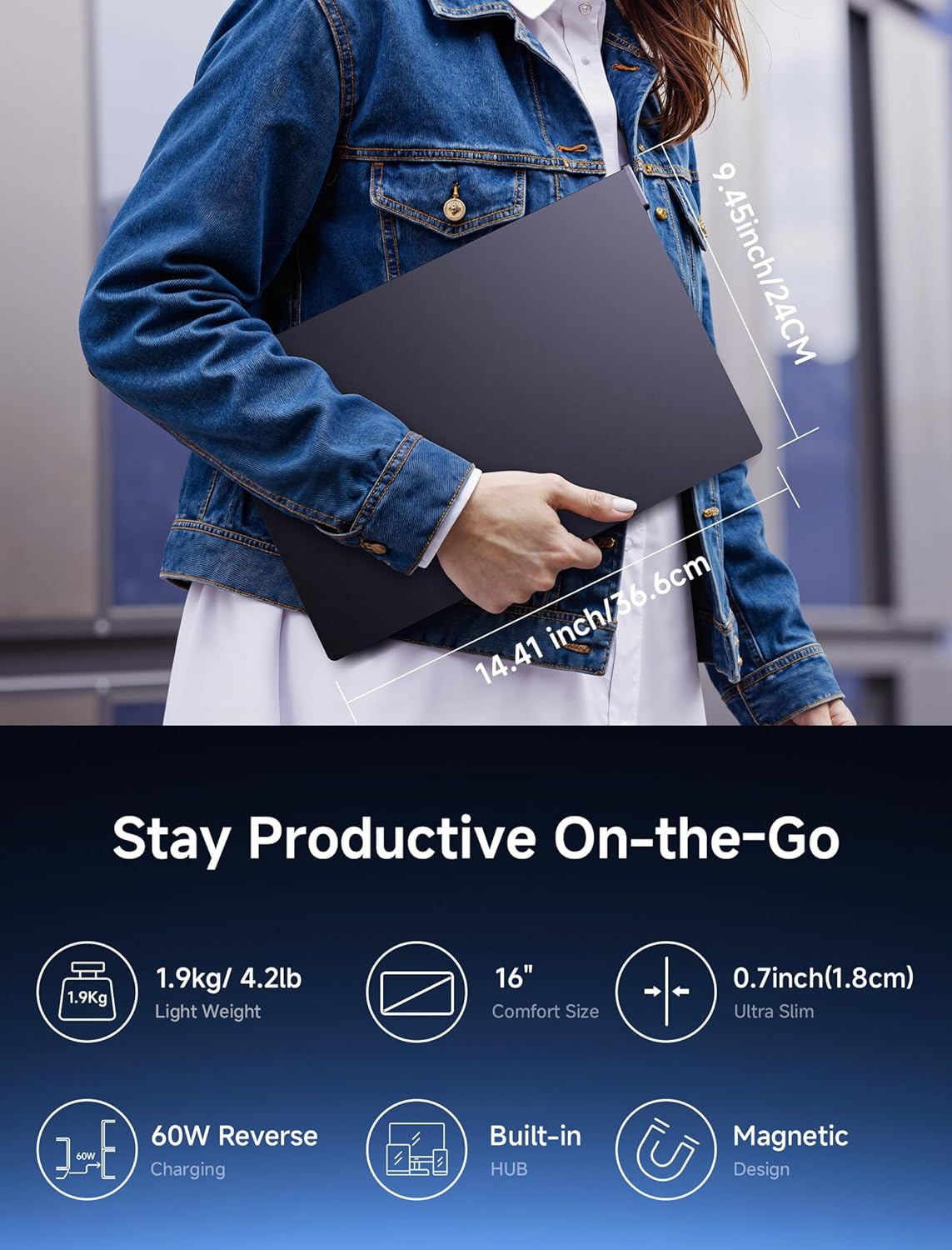
1.08kg
1.59kg
1.86kg
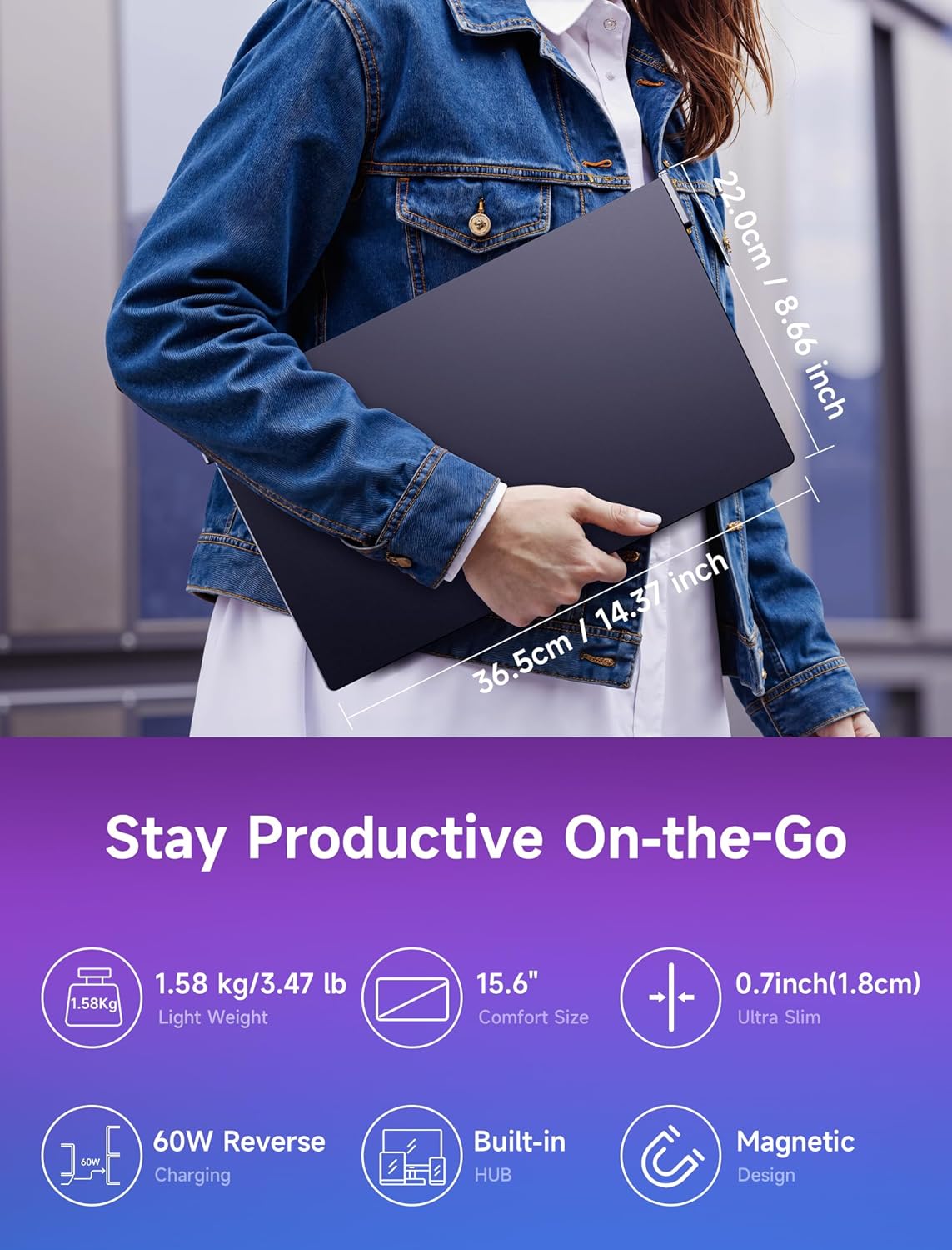
1.58kg
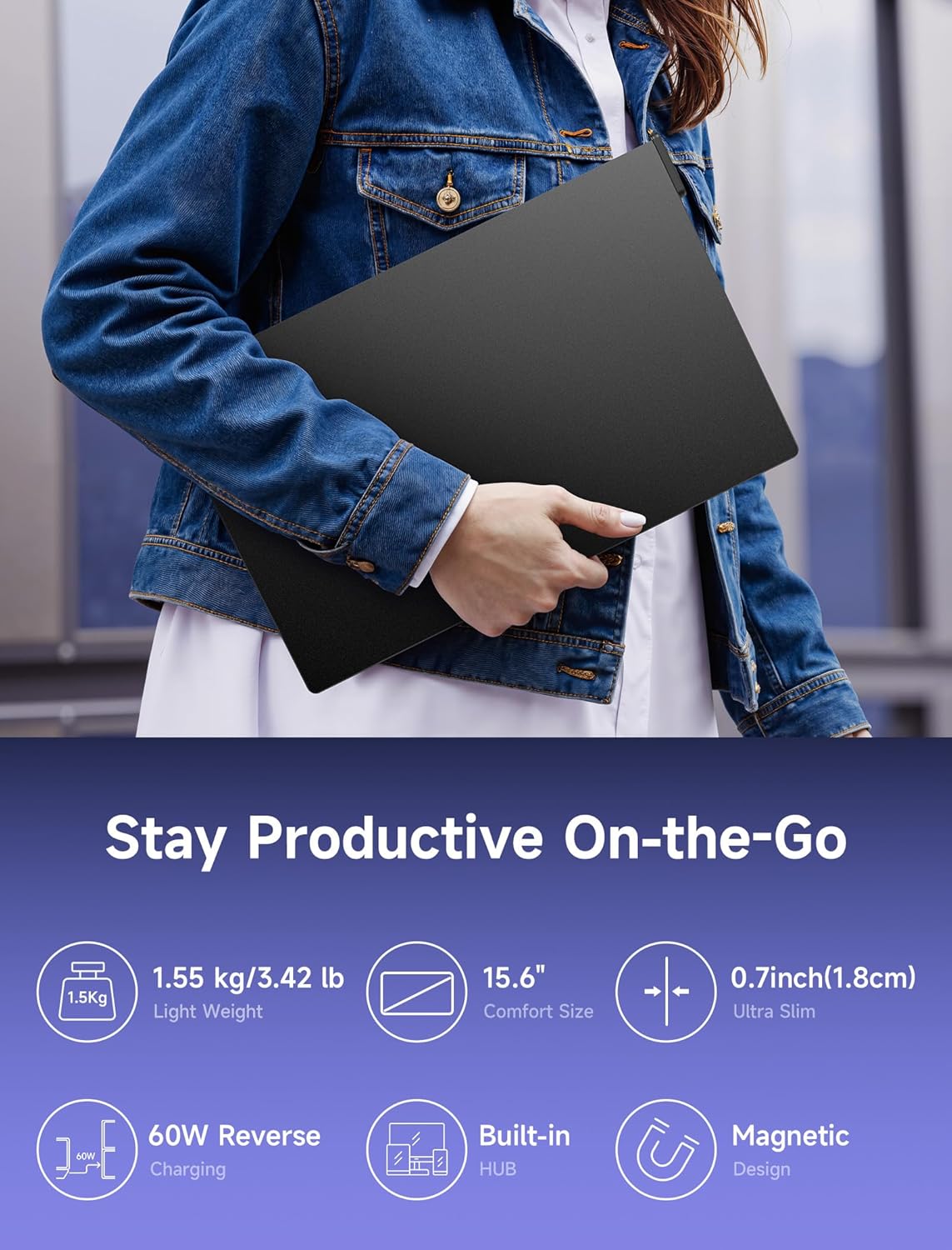
1.53kg
Matte
Glossy
FlipGo Monitor User Guide
Find Your Way. More Imagination
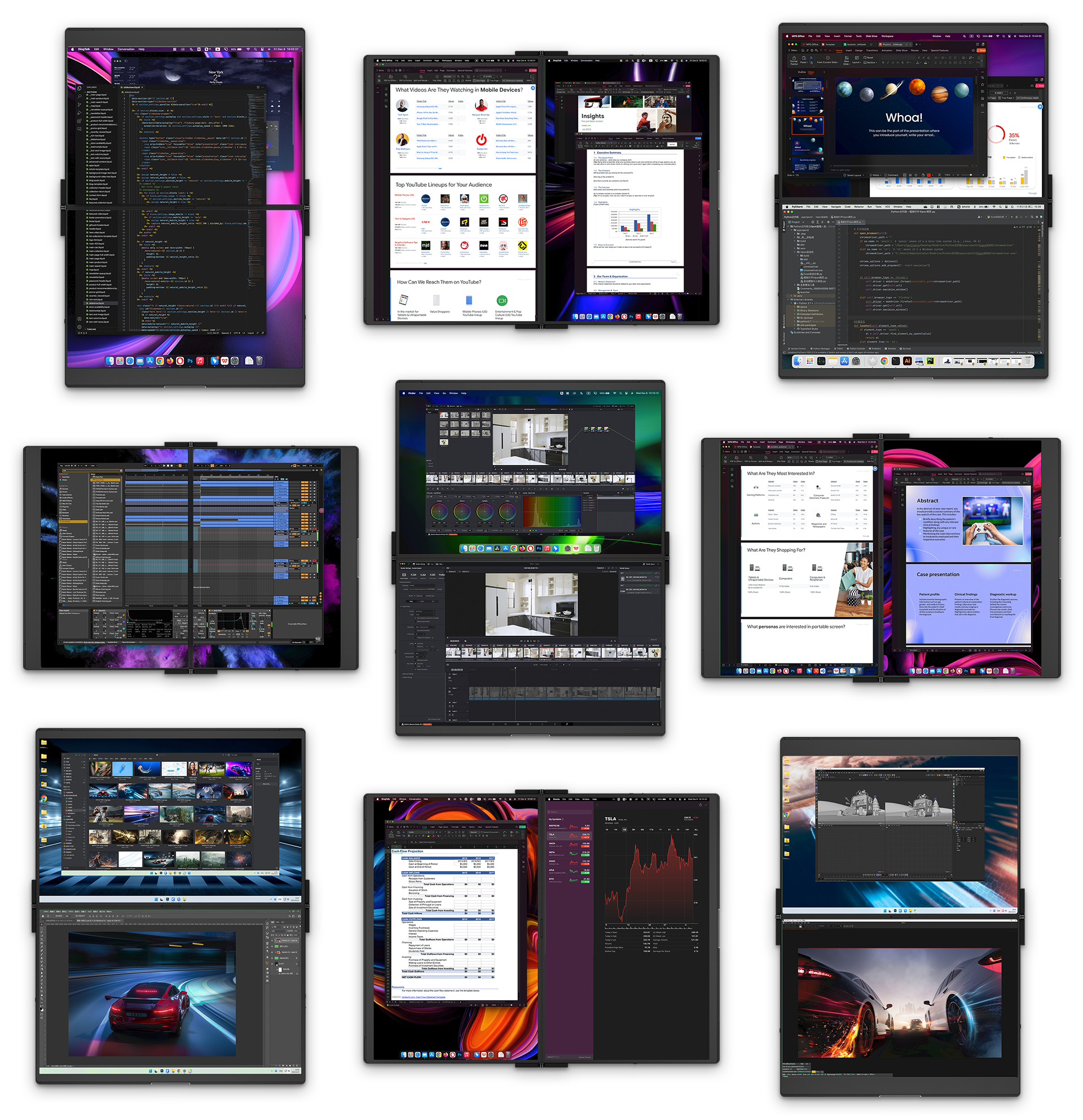
FlipGo is an innovative tool suitable for many scenarios and audiences. Whether you're a busy office worker, a creative designer, or a meticulous code editor, the FlipGo can significantly enhance your work efficiency. Its versatility and customizability allow you to tailor your workflow to your habits and needs, unlocking your creativity.🛠️
知っておくべきこと
FlipGo Pro 15.6":Before use, please ensure that the drivers are installed on your computer.➡️For Windows: Download Driver➡️For macOS: Download Driver
Note: If used without installing the driver, display issues may occur.For any issues during installation, please contact our customer support team at official@jsaux.com.
--------------------------------------------
FlipGo Lite 15.6":
1. Receiving Instructions:After purchasing items, please monitor the delivery status promptly. With our Signature Service, please receive the package face-to-face to ensure it arrives undamaged. ⚠️Please note: ---If the initial delivery attempt fails due to personal reasons (such as inability to contact the recipient or incorrect personal information such as the address), resulting in scenarios like resending, loss, or return of the package, we will not assume liability. You will be responsible for any subsequent redelivery costs. If you cannot receive the package in person, please promptly contact the courier to arrange an alternative delivery time.
---If you receive a damaged/defective product, please contact JSAUX Customer Service within 7 days of acquiring the product. We reserve the right to decline responsibility for issues reported after this period.2. Unboxing Advice:To protect your post-purchase rights (returns/exchanges/warranty), consider recording the unboxing process. Ensure the recording is unedited, capturing details inside the package and displaying the serial numbers of the items. This helps effectively assess any issues arising from human factors or manufacturing defects.3. Returns/Exchanges/Warranty:---Packaging and Accessories: Ensure both internal and external packaging are intact, with all accessories included. Please keep the packaging and accessories upon receiving the product.---No Impact on Resale Value: We reserve the right to decline returns that affect the item's resale value.---Return Shipping Costs: Customers are responsible for covering the return shipping costs for returns unrelated to product quality.---Warranty: This product comes with a 12-month limited warranty from the date of delivery. After this period, refunds, replacements, or repairs may not be available.---FlipGo Care+ Protection (Optional Paid Service): An optional paid plan that extends coverage and provides enhanced protection and priority support compared to the standard warranty. View> 📢Attention: Due to the product's unique characteristics, it does not qualify for our standard hassle-free return policy. Except for quality issues, JSAUX reserves the right to decline returns. Please consider this carefully before purchasing.
Thank you for your understanding and support!
ご注文の前に、配送に関するヒントをよくお読みください。
FlipGo 13.5インチおよび16インチの場合:
------米国および一部のヨーロッパ地域の場合:
-----その他の遠隔地の場合:
------南アフリカとスウェーデンの場合:
FlipGoアクセサリ(スタンド、バッグ、充電器)の場合:
ご注文に FlipGo が含まれていない場合、送料は以下の規則に従って適用されます。
ご注意ください:
物流サービスプロバイダーの要件により、
A.The best FlipGo model depends on how you work. If you want the best balance of portability and screen quality for travel, FlipGo Pro 13.5"is a strong choice for most users. If you want a larger workspace, touch support, or a more affordable option, other models may fit better. For a full comparison, read our guide >.
A1. FlipGo supports Windows, macOS, and Linux.
A2.
A3. As most current PC motherboards & graphics cards lack full-function USB-C, we generally recommend the Standard version. It can connect to two screens via HDMI1+HDMI2+power (PC needs two HDMI ports).For UltraView mode: choose the Pro or Lite version.For ABC mode with one cable on Windows PCs, choose any suitable version and use a DisplayPort to USB-C or bi-directional DisplayPort USB-C adapter (JSAUX doesn't guarantee compatibility; JSAUX may release related accessories in the future). Note that the touch functionality won't work with DP to USB-C adapters (touch signals are transmitted via USB), and power input is needed.
A4. These devices often come with specific display output limitations, such as locked resolutions or unique video output settings. When connected to FlipGo, this may lead to display anomalies, image distortion, a lack of support for single-cable multi-screen setups, or even no output at all.
Please understand that while our product is designed for broad compatibility, certain limitations set by device manufacturers may affect the overall user experience.
A1. All FlipGo versions can connect two screens to devices supporting DP MST USB-C (Windows laptops, ROG Ally, handhelds) with one cable, as FlipGo supports DP MST (ABC extension mode). This daisy-chaining technology is used in many monitors and docking stations.However, for macOS devices not supporting standard DP MST (Mac only supports MST via Thunderbolt), only ABB extension mode is possible, requiring two inputs to connect the Standard version for dual-screen.Thus, the Pro version introduces DisplayLink and UltraView modes for single-cable solutions on all Macs.The Lite version introduces UltraView mode, also supporting single cable connection for both screens (recognized as one screen).
A2. Yes, but it depends on the connecting device's capability. The key factor is the graphics card, which determines the maximum output and the number of FlipGo units it can support. For example, MacBooks may vary in capability based on SoC configuration and whether the laptop lid is open or closed. Consult the device manufacturer for specifics.Additionally, each FlipGo in DisplayLink mode is recognized as two virtual displays, and different devices and operating systems vary in virtual display support.
A3. Pro/Lite versions can only connect to one host. The Standard and Touch versions can connect to two different devices (Standard and Touch versions can connect via USB-C + HDMI or HDMI + HDMI).
A4. FlipGo supporting UltraView mode will be recognized as a single monitor or as two separate monitors in DuoViews mode.
A1.
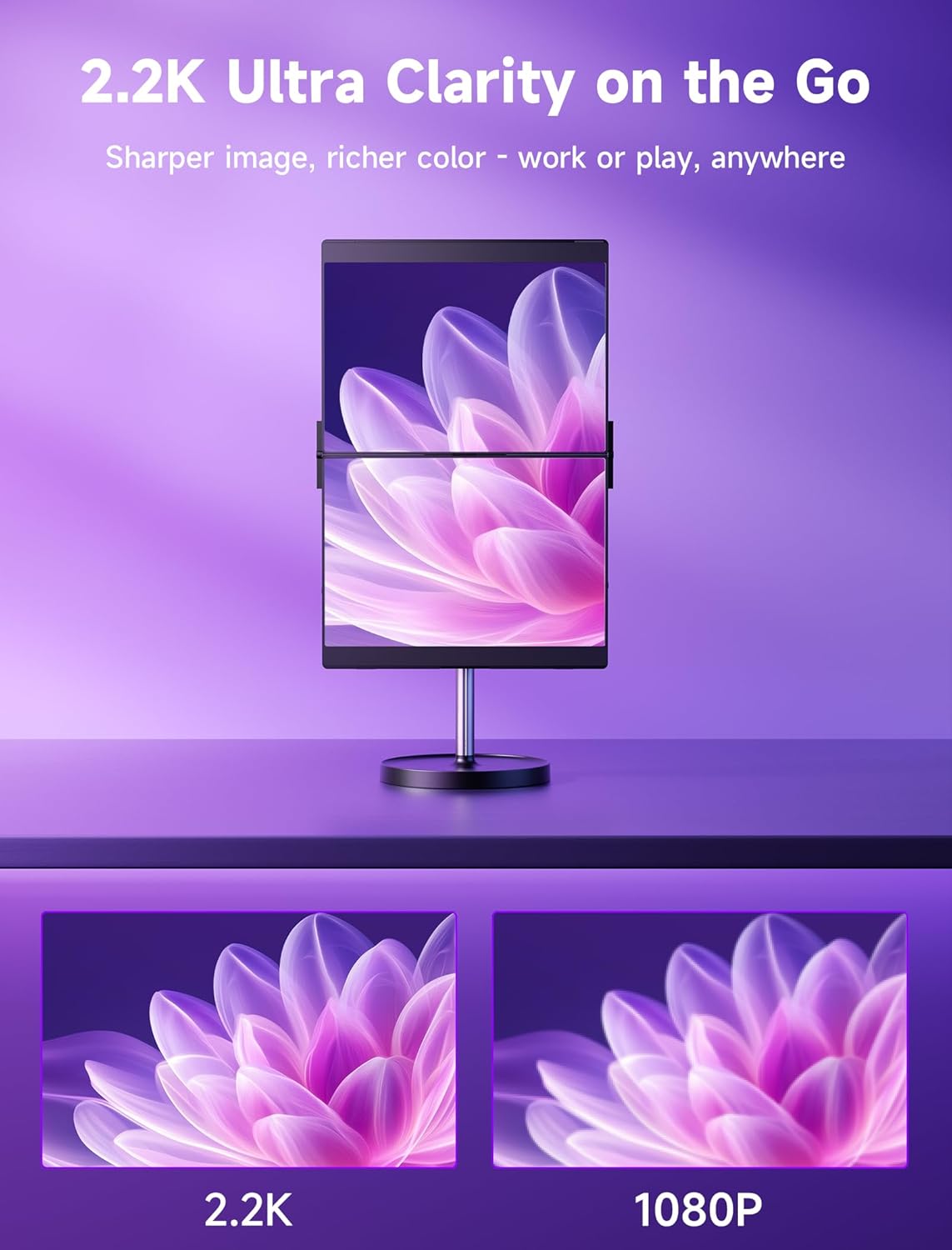
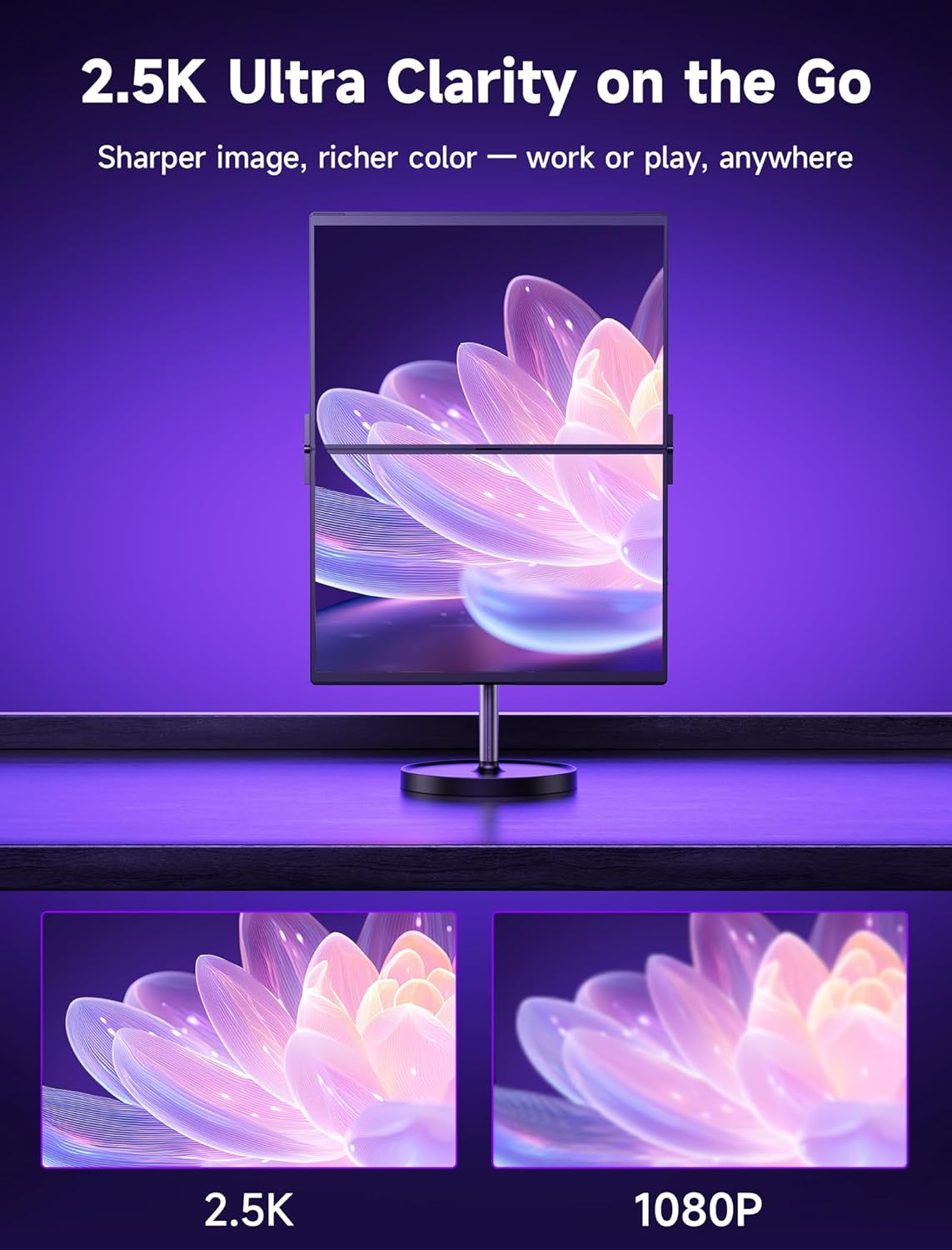
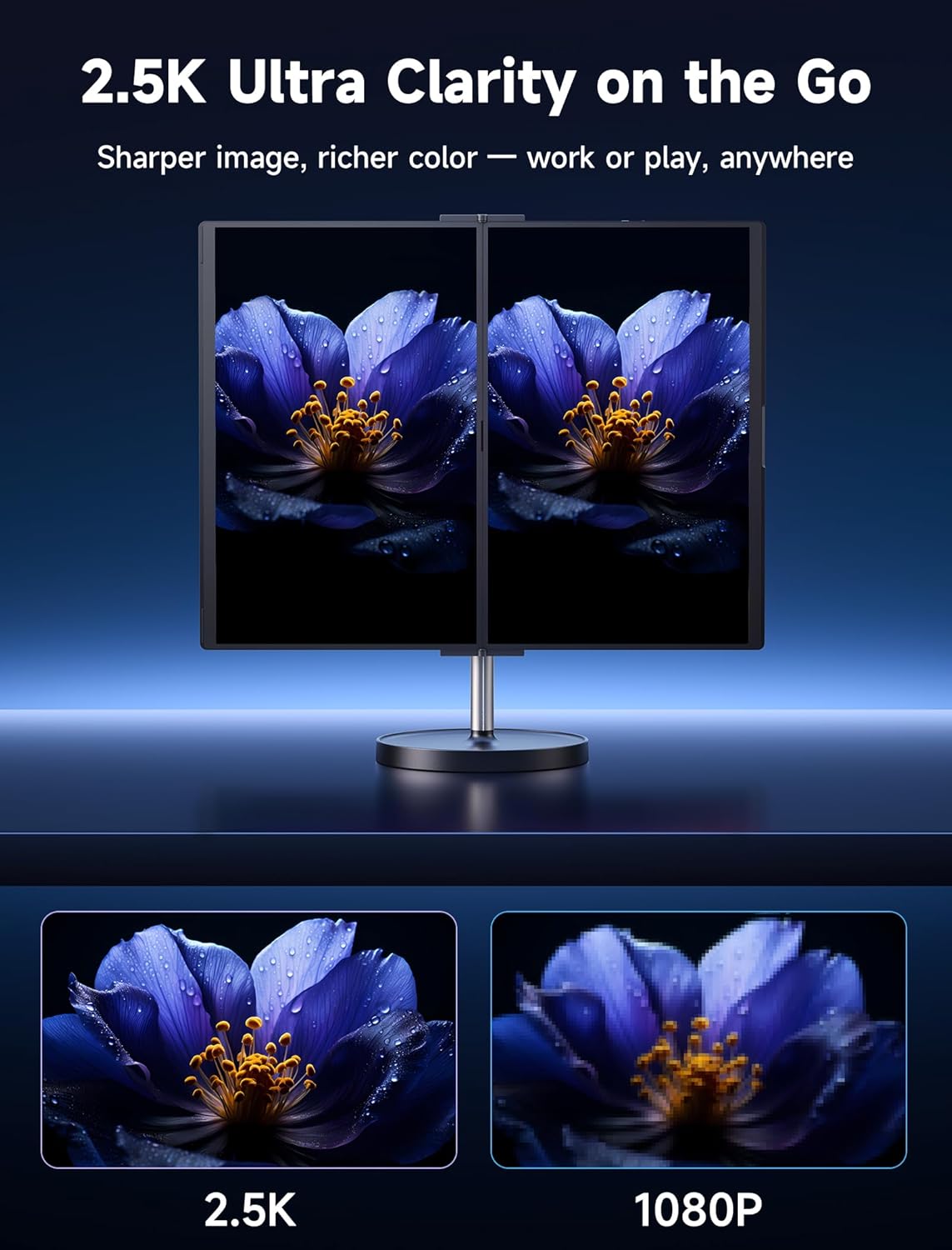
A1. Each FlipGo screen is 1080P/2.2K/2.5K resolution.
A2. DisplayLink and UltraView modes are hardware chip-based. Due to current chip capabilities and DP (DisplayPort) bandwidth limits, FlipGo supports up to 60Hz in all versions. DP MST splits a single DP bandwidth into two for dual-screen single cable connection, reducing bandwidth for each screen.
A3. It uses IPS panels.
A1. DisplayLink is a hardware and software technology that transmits video signals to monitors, TVs, or projectors via common interfaces like USB, Wi-Fi, or Ethernet. Widely used in multi-monitor setups, it's popular among users working across multiple screens.
A2. Due to Apple's restrictions on M1, M2, and M3 MacBooks, some models can connect only one external display even with the lid closed. Even higher-end MacBooks like M3 Max can't connect two monitors with one cable (no standard DP MST support). DisplayLink is the best solution for this limitation, commonly used in high-end docking stations. We've innovatively applied it to dual-screen portable monitors, significantly improving the dual-monitor experience for Macs.
A3. Install drivers: Download and install the necessary drivers from DisplayLink's official website (https://www.synaptics.com/products/displaylink-graphics). Ensure you choose the version compatible with your OS.
Connect devices: Use a USB-C cable to connect FlipGo 13.5 Pro and 16 Pro's C2 port to the host device.
Start using: After completing the above steps, you can start using the additional monitors for work, study, or entertainment.
A4.
A5. Driver installation is required upon first connection, a simple process. You may receive warning prompts, but rest assured these are usually false alarms. Our drivers are safe and won't harm your system. Ensure DisplayLink Manager is up-to-date for compatibility and bug fixes.
A6. Both upper and lower screens support touch, recommended to connect to Windows for the best experience. macOS doesn't natively support touch (FlipGo Touch simulated via a wireless touchpad); Linux generally lacks multi-touch support (requires specific Linux desktop environments and complex command line manual setup).
A1. Unfortunately, no. It does not support VRR, FreeSync, or G-Sync.
A2. No, it does not have built-in speakers.
5.0つ星中4.6つ42件
レビュー
This is just what i needed for my mac. I was always limited to pne screen when i was out, but now inhave more real estate.
Can colapse if you dont get the balance correct
Thank you for your feedback! We appreciate your suggestion and apologize for any inconvenience you may have experienced. In the meantime, we recommend adjusting the angle and ensuring the base is on a stable surface for better balance. Let us know if you need any assistance!
Works well enough. Would be nice if could choose to turn off a screen instead of just having to be stuck with mirror mode when using hdmi.
The monitor works great and I like how sturdy it feels plus the portability is good.
Only problem I really have is with the snap stand, since it kinda snaped... while trying to remove the monitor from the stand it kinda broke the base and the stick got separated from the magnet, I guess at least the magnets are strong, just wish the build quality was a little bit better since the only thing holding it together is some hot glue.
Using it with my PC, Macbook Pro and Steam Deck. Easy to control and great for what I use it for!
Downs: Brightness Max doesn’t store and I need to up it to 100 again after losing power.
DisplayLink doesn’t work at all. Not on any device and the software never detects the display correctly.
OSX is fine as I can simply use Spectacle or full screen windows and tab the desktops around. Windows is more tricky and doesn’t behave well quite often.
📢Note:
1. Please add this plan within 7 days of your FlipGo monitor purchase. Requests afterward cannot be accepted.
2. FlipGo Care+ is only applicable to FlipGo Monitors purchased on JSAUX.com.
Get 10% OFF Your First Order
Don't worry, we hate spam too 💩