


![JSAUX anti-glare matte screen protector for ROG Ally and ROG Xbox Ally series #style_[2-pack] for all rog ally models](http://jsaux.com/cdn/shop/files/GP0113A-Anti-Glare-Screen-Protector-for-ROG-Ally-_-ROG-Xbox-Ally-Series-1_jpg.png?v=1762310072&width=92)


![Grey 2-pack 90 degree USB-C to USB-C right angle adapters #style_grey [2-pack]](http://jsaux.com/cdn/shop/files/90_-USB-C-to-USB-C-Right-Angle-Adapter-grey-1.png?v=1755238920&width=92)




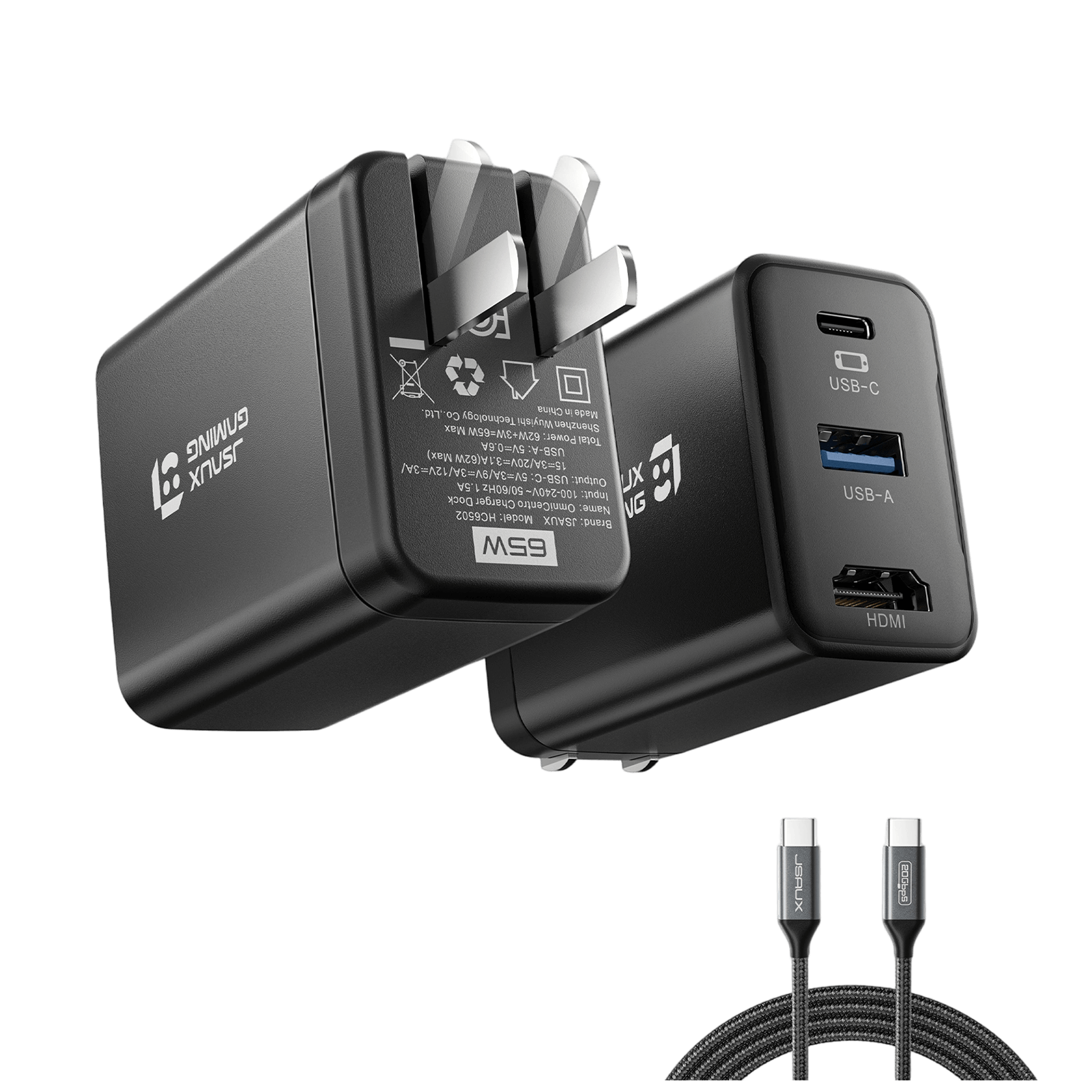
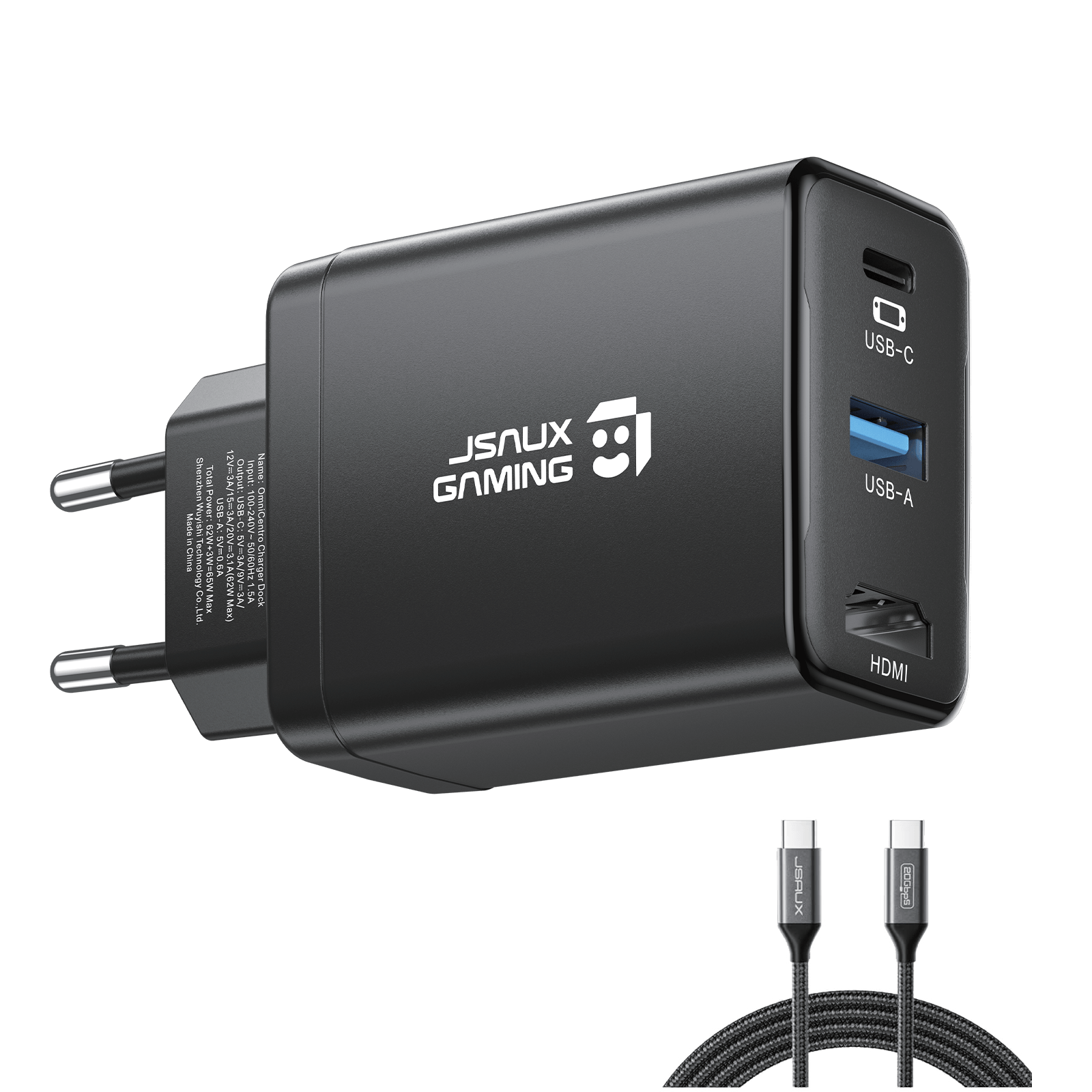
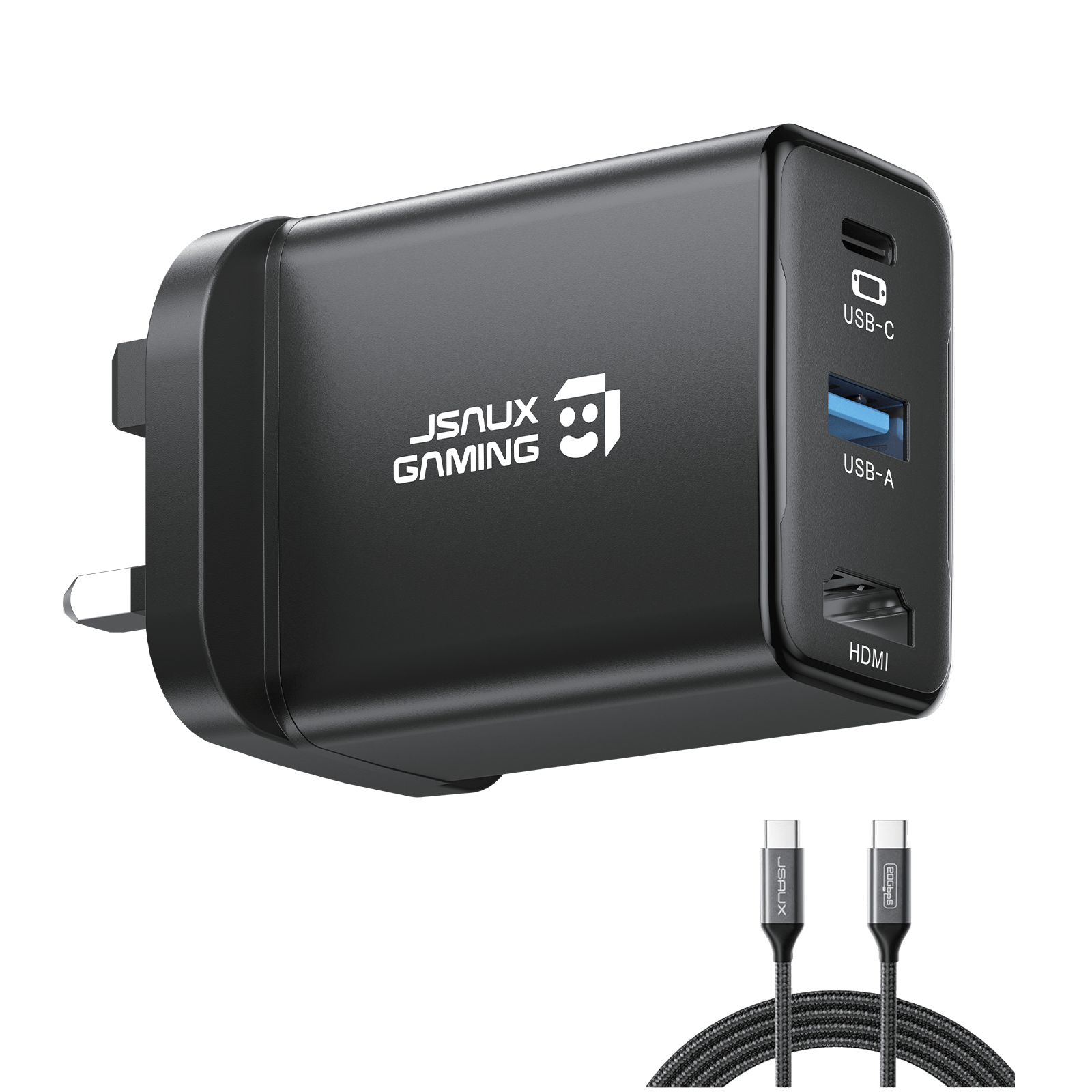
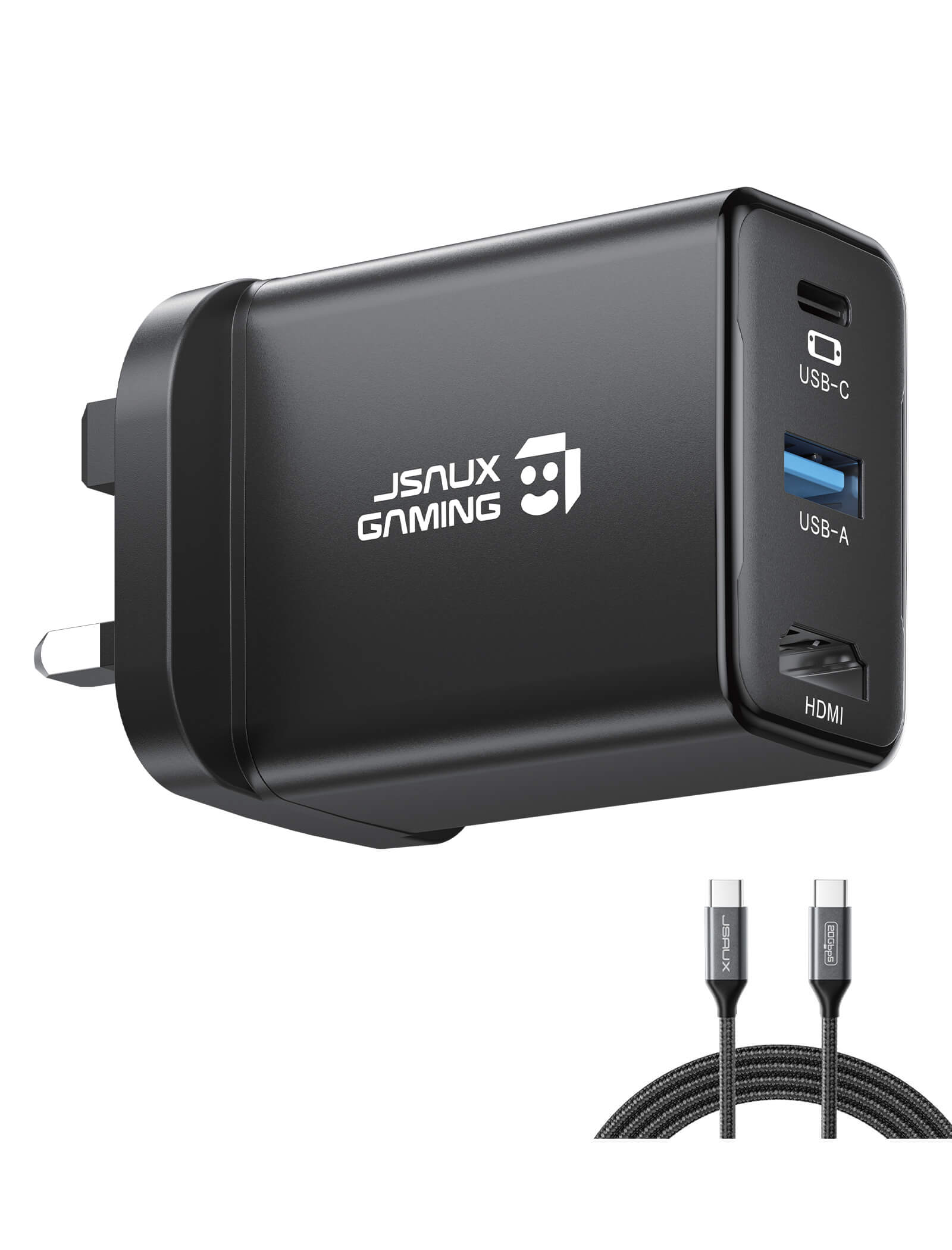
OmniCentro 充電ドック(Switch 2用)
This product currently does not support VRR , and the feature cannot be enabled through a firmware update. Do not update it with Nintendo’s official dock firmware, as this may cause compatibility issues.
特徴
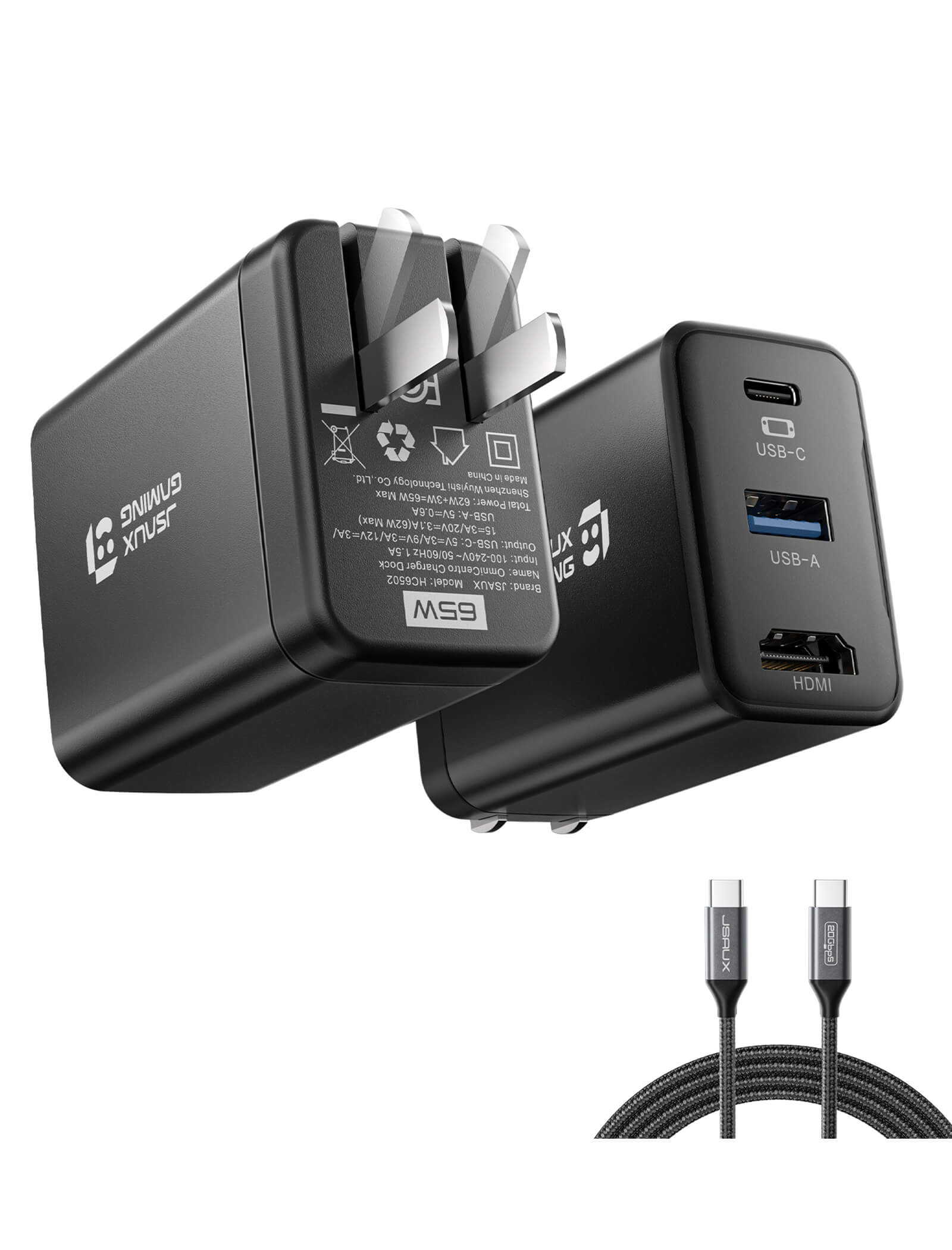
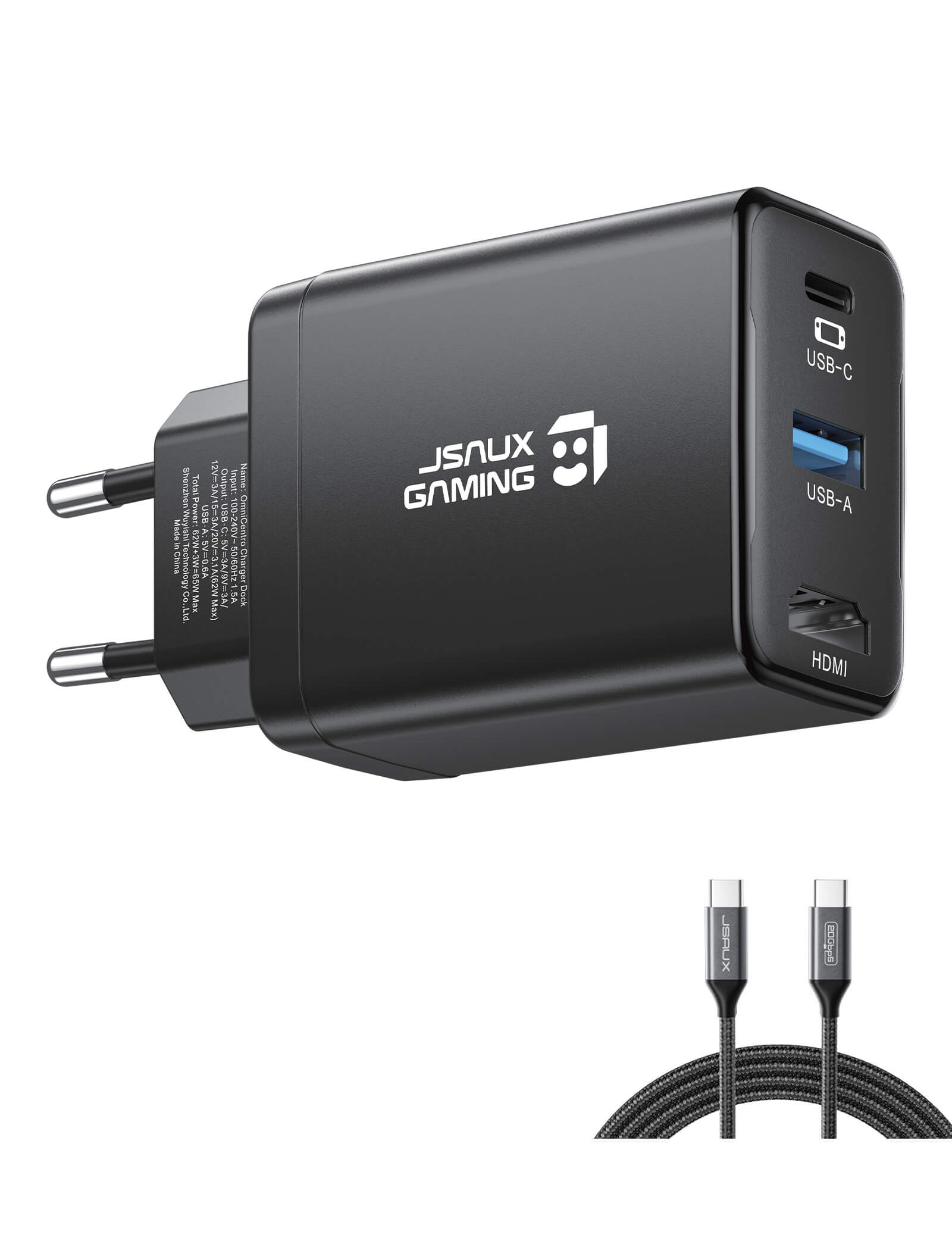
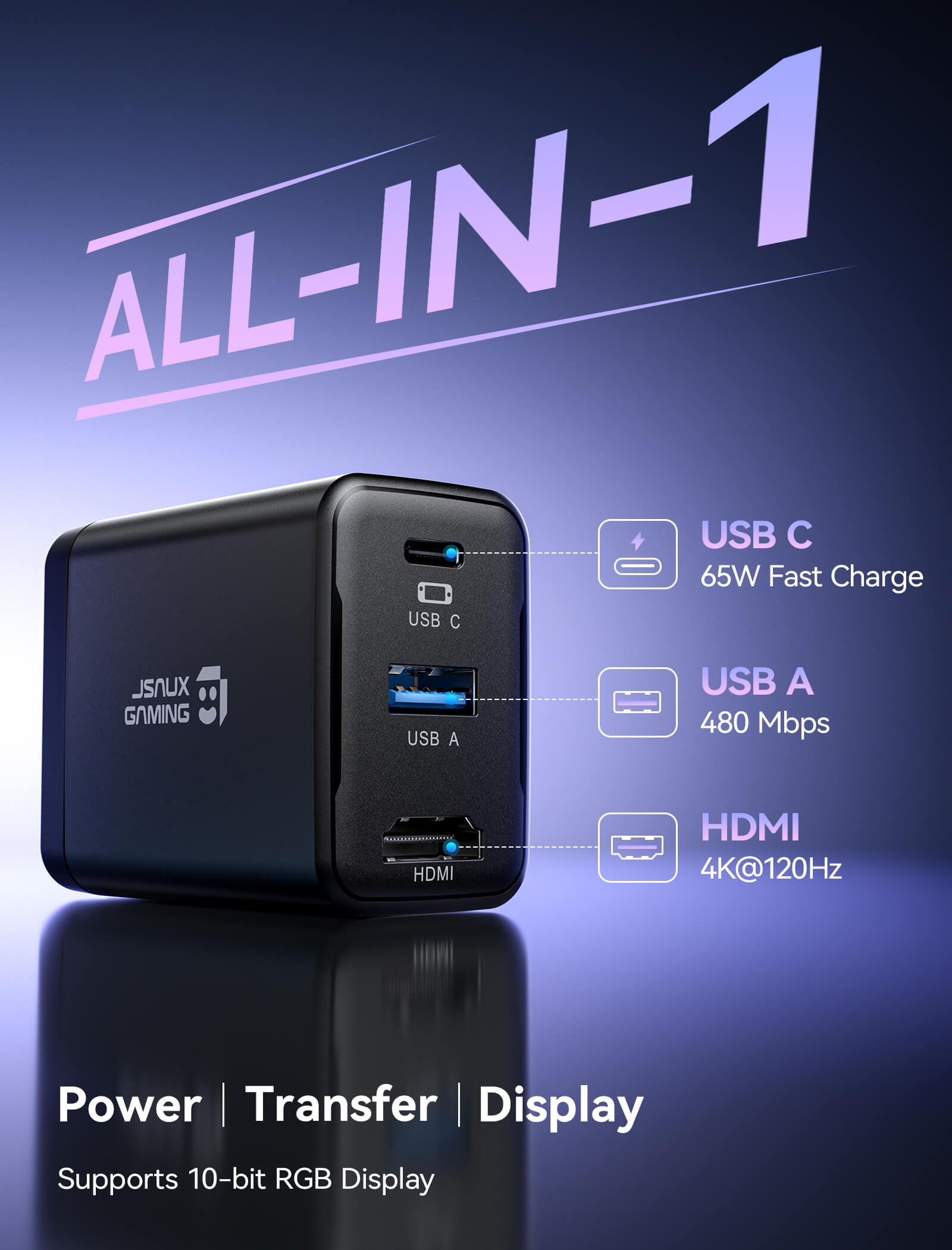
- Switch 2用3-in-1 TVドック – HDMI、USB、PD充電対応
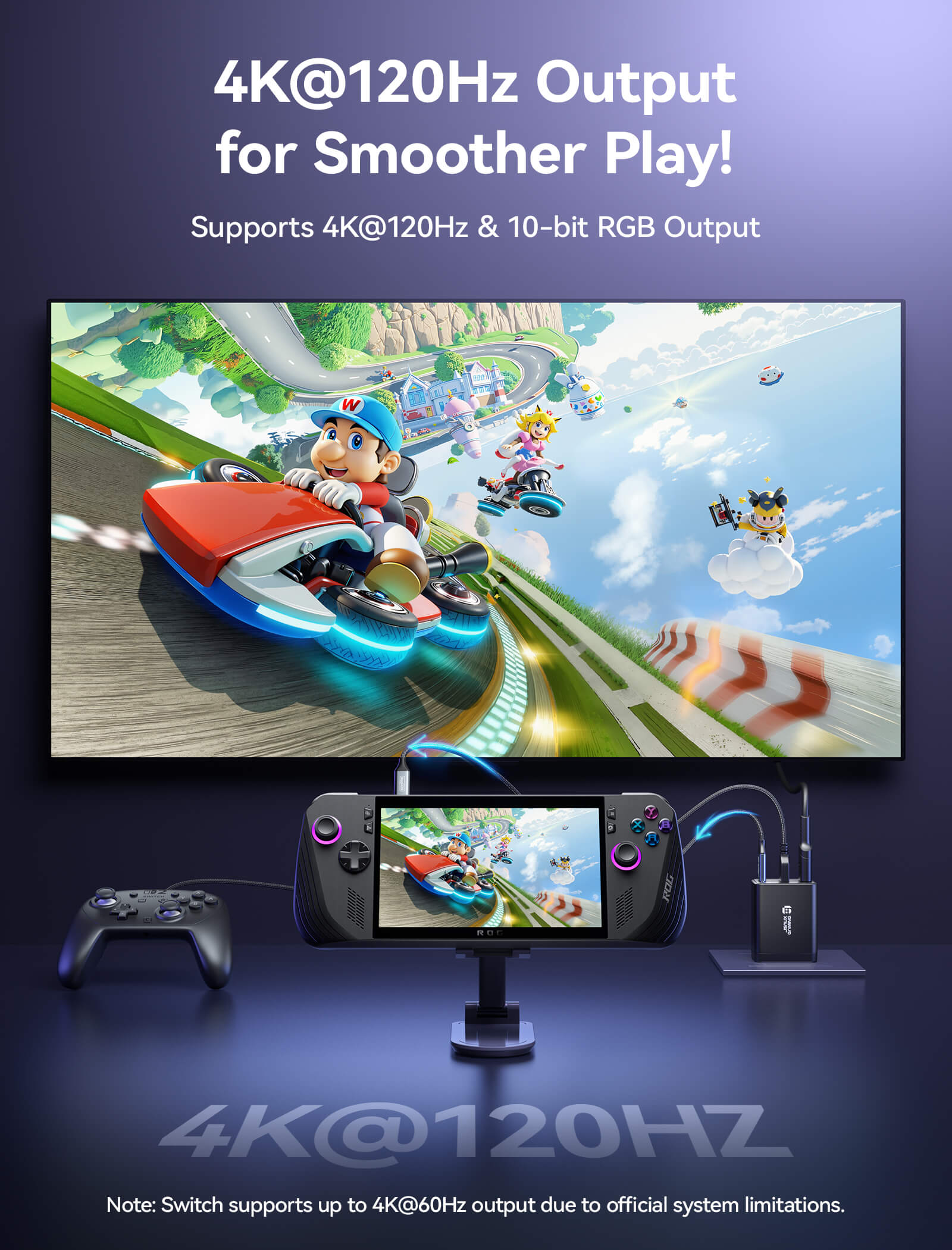
- 4K@120Hz HDMI
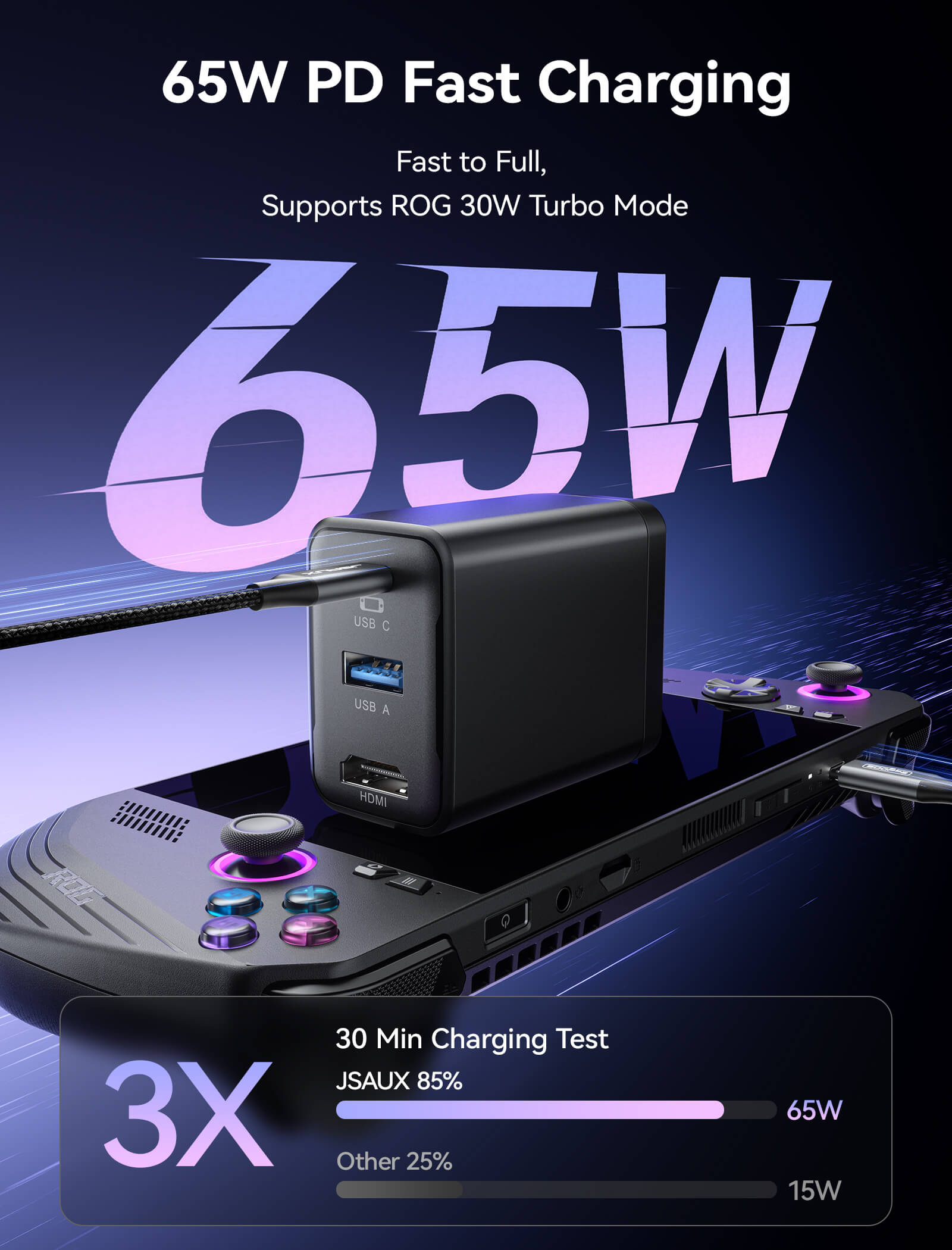
- 65W USB-C急速充電
- USB A 2.0ポート
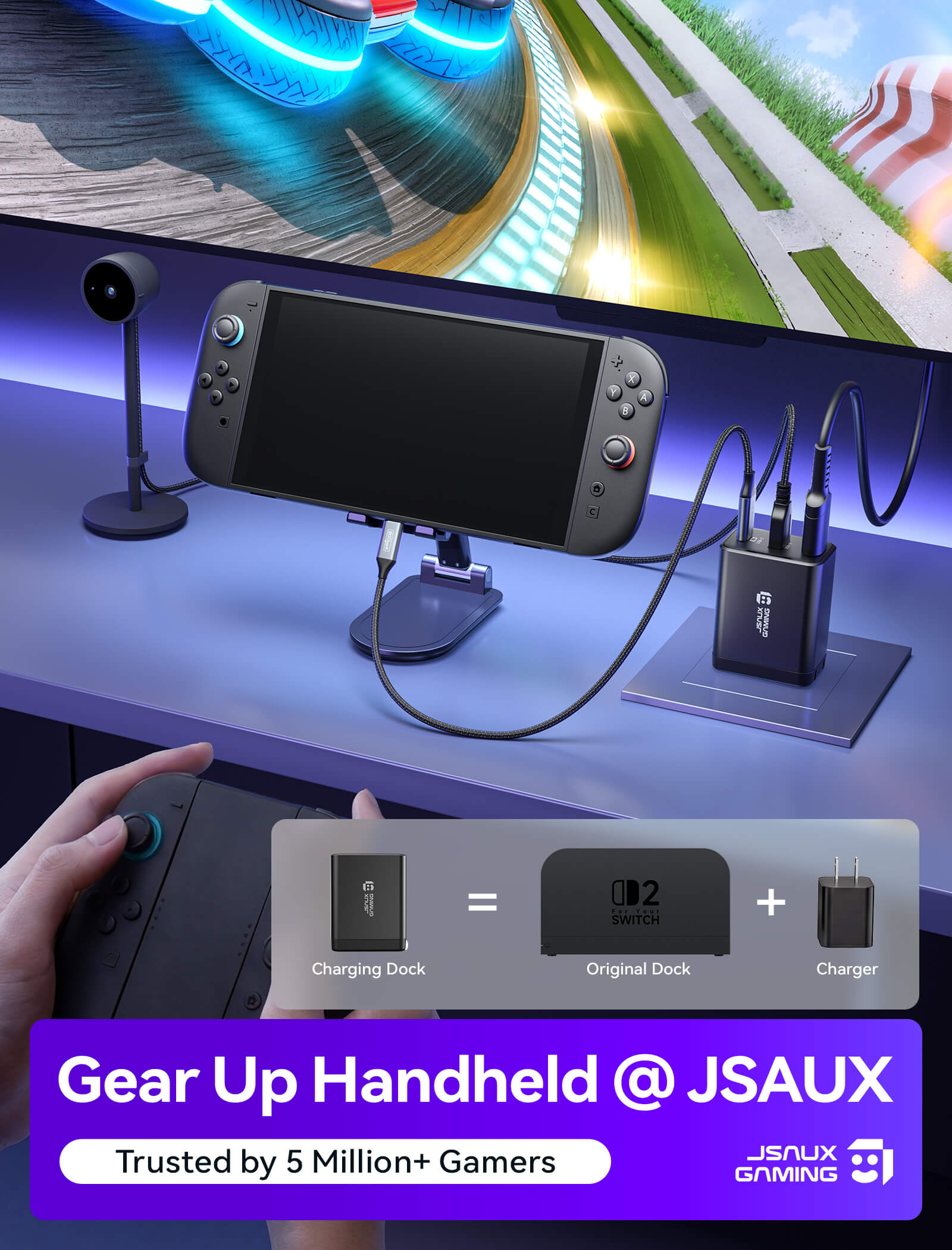
- 幅広い互換性のあるポータブルドック
配送


特徴
説明文
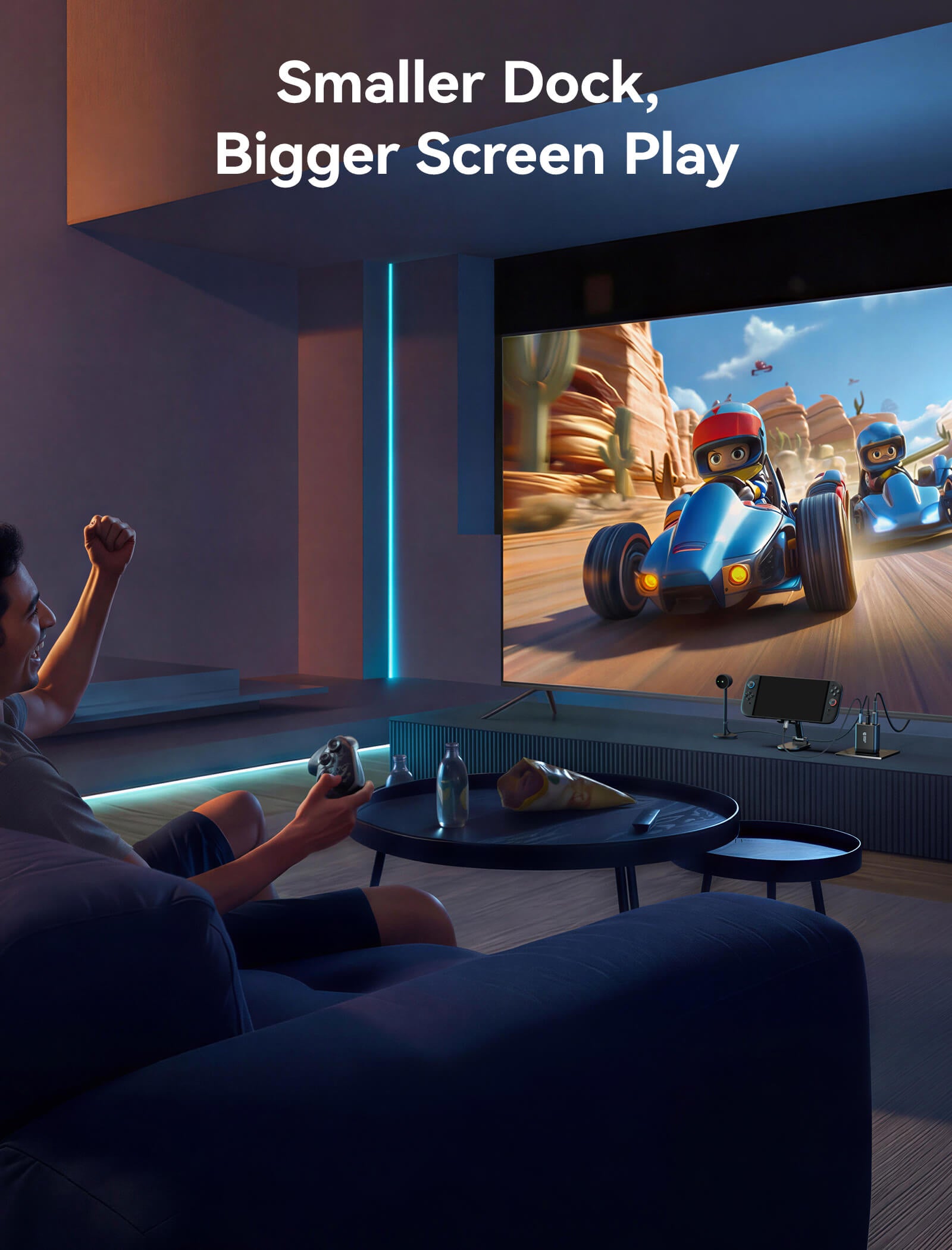
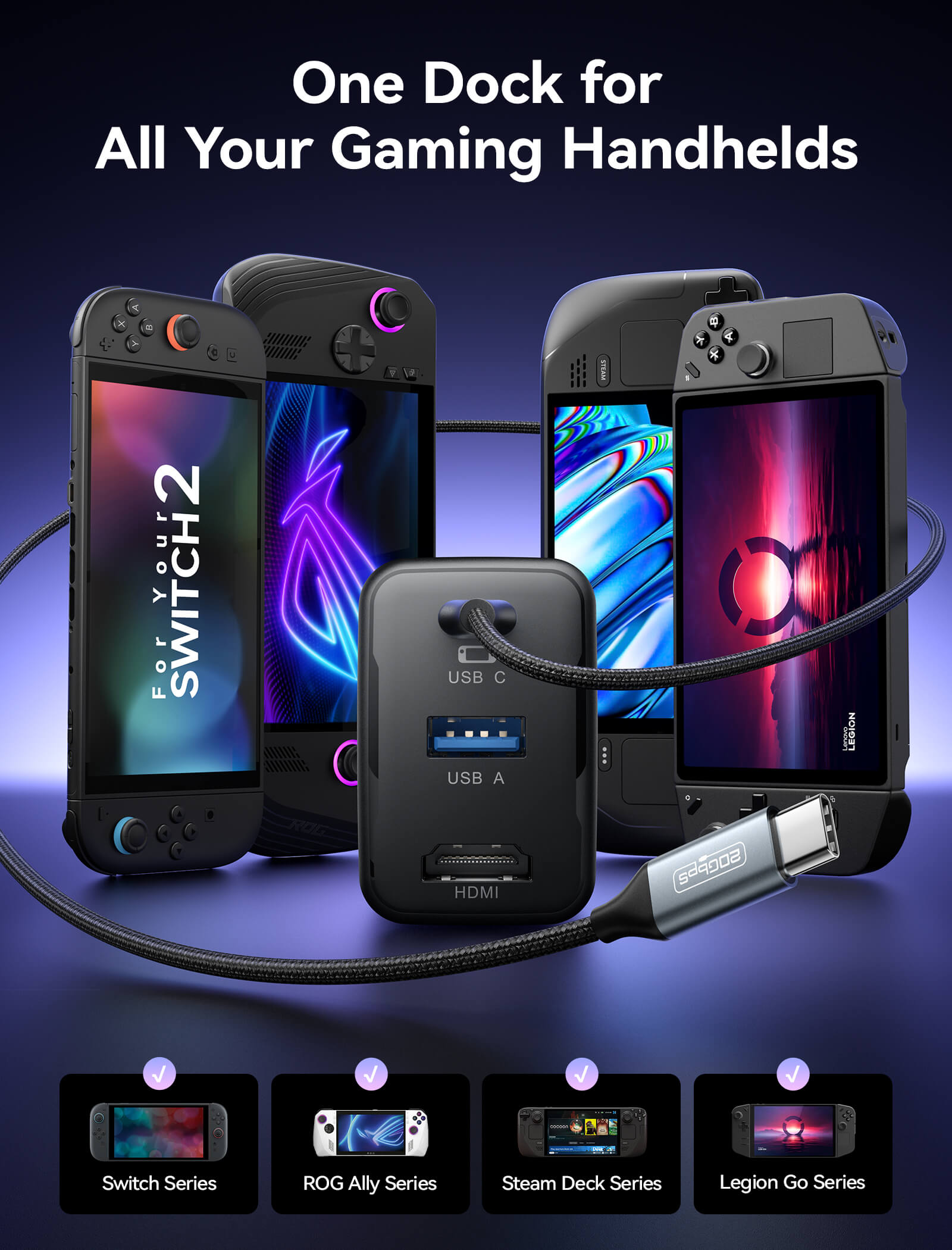
- 【Switch 2 用 3-in-1 TV ドック - HDMI、USB、PD 充電】このコンパクトなドック 1 つで、4K HDMI 出力、USB-A 2.0 データ転送、65W PD 高速充電が可能です。Switch 2 やその他の携帯ゲーム機を接続すれば、追加のアダプターやかさばるドックなしで、大画面でのゲームやアクセサリの接続が楽しめます。
- 【4K@120Hz HDMI】4K@120Hz 出力と鮮明でスムーズな映像で、ゲームを大画面でお楽しみください。Switch では、数秒でテレビに映し出し、いつでも TV モードに切り替えられます。注: Switch 2 の場合、公式システムの制限によりビデオ出力は 4K@60Hz に制限されます。
- 【プレイ中も 65W PD 急速充電】最大 65W の USB C PD 出力により、このドックは TV モードでのプレイ中に Switch 2 を高速充電し続けます。また、スマートフォン、タブレット、Steam Deck、ROG Ally、USB C ノートパソコンも充電できるため、このコンパクトな充電器 1 つで仕事、ゲーム、旅行に対応できます。
- 【USB A 2.0 ポート】USB A 2.0 ポートは、最大 480Mbps のデータ転送と 5V 0.6A の出力をサポートしており、キーボード、USB ワイヤレスレシーバー、ドライブに最適です。Switch はゲームデータの管理や互換性のあるアクセサリーの接続を簡単に行えます。注: Switch 2 はサードパーティ製コントローラーをサポートしていません。Switch Pro コントローラーまたはワイヤレス Bluetooth コントローラーの使用をお勧めします。
-
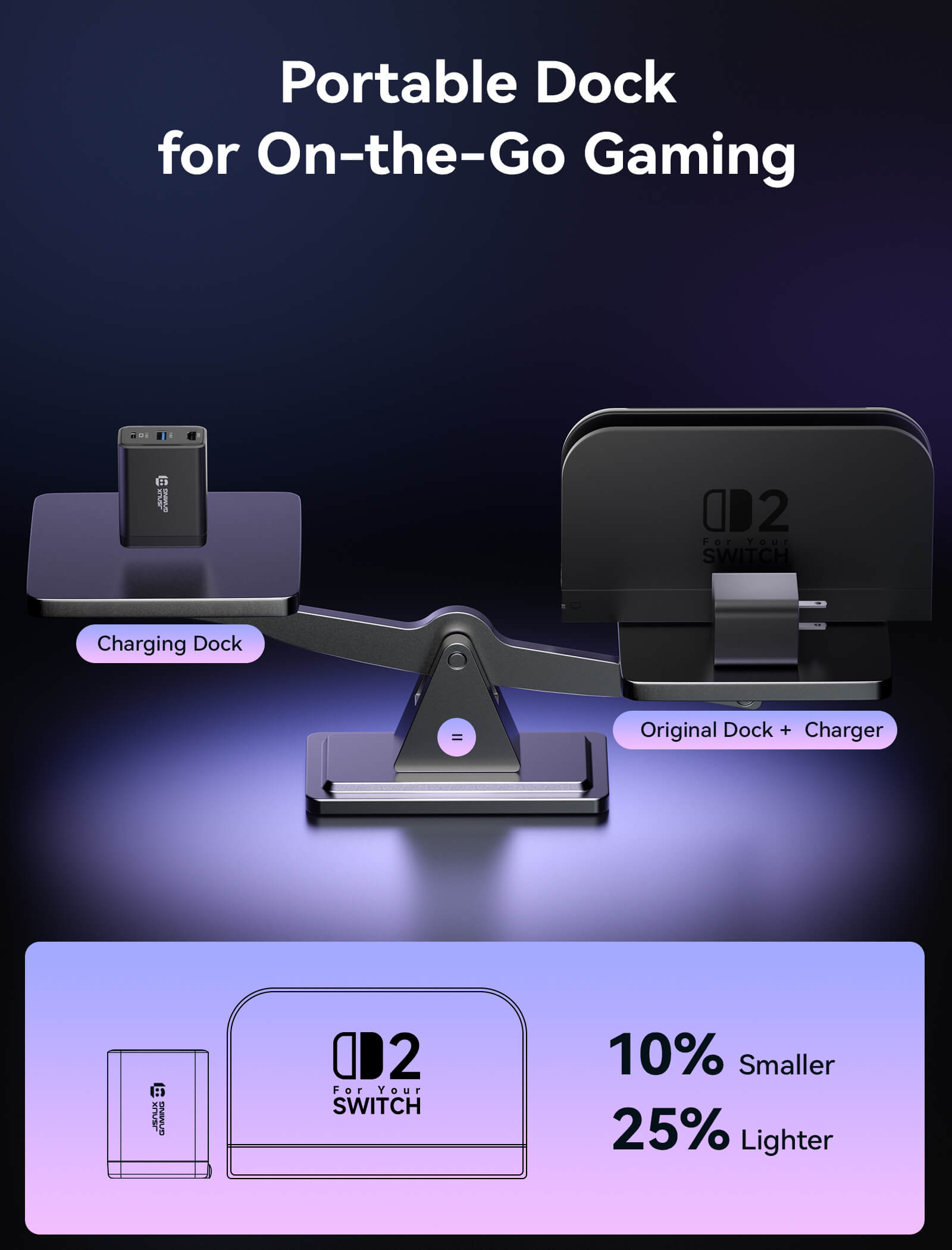
【幅広い互換性のあるポータブルドック】オリジナルの Switch ドックよりも小さく軽量なこの 65W 充電器は、あらゆる Switch 2 バッグに簡単に収まり、Switch / Steam Deck / ROG Ally / Samsung DeX / iPad / MacBook などと互換性があるため、荷物を軽くしてどこでも TV モードでゲームを楽しむことができます。
⚠️注意:
- 30W ターボ/強化モードを確保するには、まず HC6502 をハンドヘルドに接続してから、USB ドライブ、HDMI ディスプレイ、その他の周辺機器を接続してください。ターボモード対応: ROG Ally は最大 25W、ROG Ally X は最大 30W、ROG Xbox Ally は最大 20W、ROG Xbox Ally X は最大 30W
仕様
仕様
Switch 2 / Switch 1 / ROG Ally X / ROG Ally / ROG Xbox Ally X / ROG Xbox Ally / Steam Deck OLED / Steam Deck LCD / Legion Go / Legion Go S / Legion Go 2
59.9×47.4×31mm
折りたたみ式プラグ
-
USB-Cポート:
USB-C オス。最大 65W の PD 急速充電とすべての USB-C デバイスの機能拡張をサポートします。 - HDMI出力:
HDMI メス; HDMI メス; 4K@60Hz 出力、18Gbps 帯域幅、HDMI 2.0 をサポート; HDMI 1.1/1.2/1.3/1.4/2.0b と下位互換性があります。 - USB-A出力:
USB 2.0 A メス。最大 480Mbps のデータ転送と 5V/1A 出力をサポートします。
- USB-C :
---デバイスの最大62W(5V/3A、9V/3A、12V/3A、15V/3A、20V/3.1A)の急速充電をサポートします。
---充電プロトコル: PPS、PD3.0、QC3.0、BC1.2、AFC、FCP、SFCP、Apple 2.4A、PE2.0。 - USB-A : 周辺機器に5V/0.6A (3W) を供給します。
- 同時出力(USB-C + USB-A) :62W + 3W。
- 4K@60Hz HDR 、10ビットRGB 4:4:4、4K@30Hzとの下位互換性あり
- 2K@120Hz HDR、 10ビットRGB 4:4:4、1080P@120Hzとの下位互換性あり
- 色深度: 鮮やかな映像を実現するために最大 10 ビットの YUV 4:4:4 をサポートします。
100-240V 50/60Hz 最大1.5A
- Nintendo Switch 2: 4K@60Hz、10ビット/RGB
- Nintendo Switch 1: 1080p@60Hz、8ビット/RGB
- ROG Ally / ROG Ally X: 4K@120Hz、10ビット/RGB
- Steamデッキ / SteamデッキOLED: 4K@120Hz、10ビット/RGB
- Legion Go / Legion Go S / Legion Go 2: 4K@120Hz、10ビット/RGB
- ROG Xbox Ally / ROG Xbox Ally X:4K@120Hz、10ビット/RGB
- ROG Ally: 25Wターボモードをサポート
- ROG Ally X: 30Wターボモードをサポート
- ROG Xbox Ally: 20Wターボモードをサポート
- ROG Xbox Ally X: 30Wターボモードをサポート
ドライバー不要、ホットスワップ可能なのでセットアップが簡単です。
USB 2.0規格、最大480Mbps
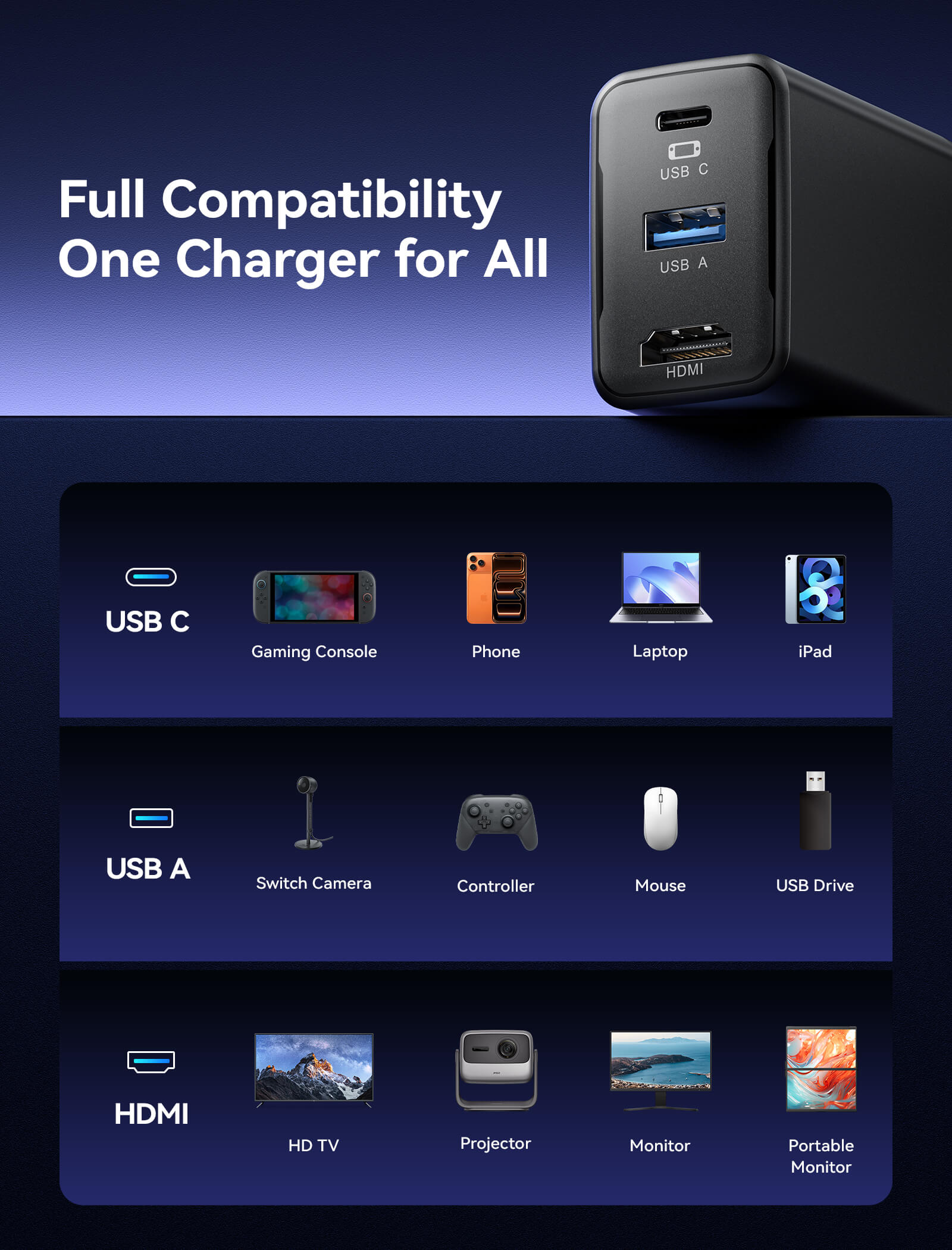
- USB-C:ゲーム機、携帯電話、ノートパソコン、iPad
- USB-A:コントローラー、キーボード、マウス、USBドライブ
- HDMI:プロジェクター、モニター、テレビ
- OmniCentro 充電ドック × 1
- USB-C - USB-C 3.2 5A ケーブル (ブラック、アルミケース、1m) × 1
キットスペック
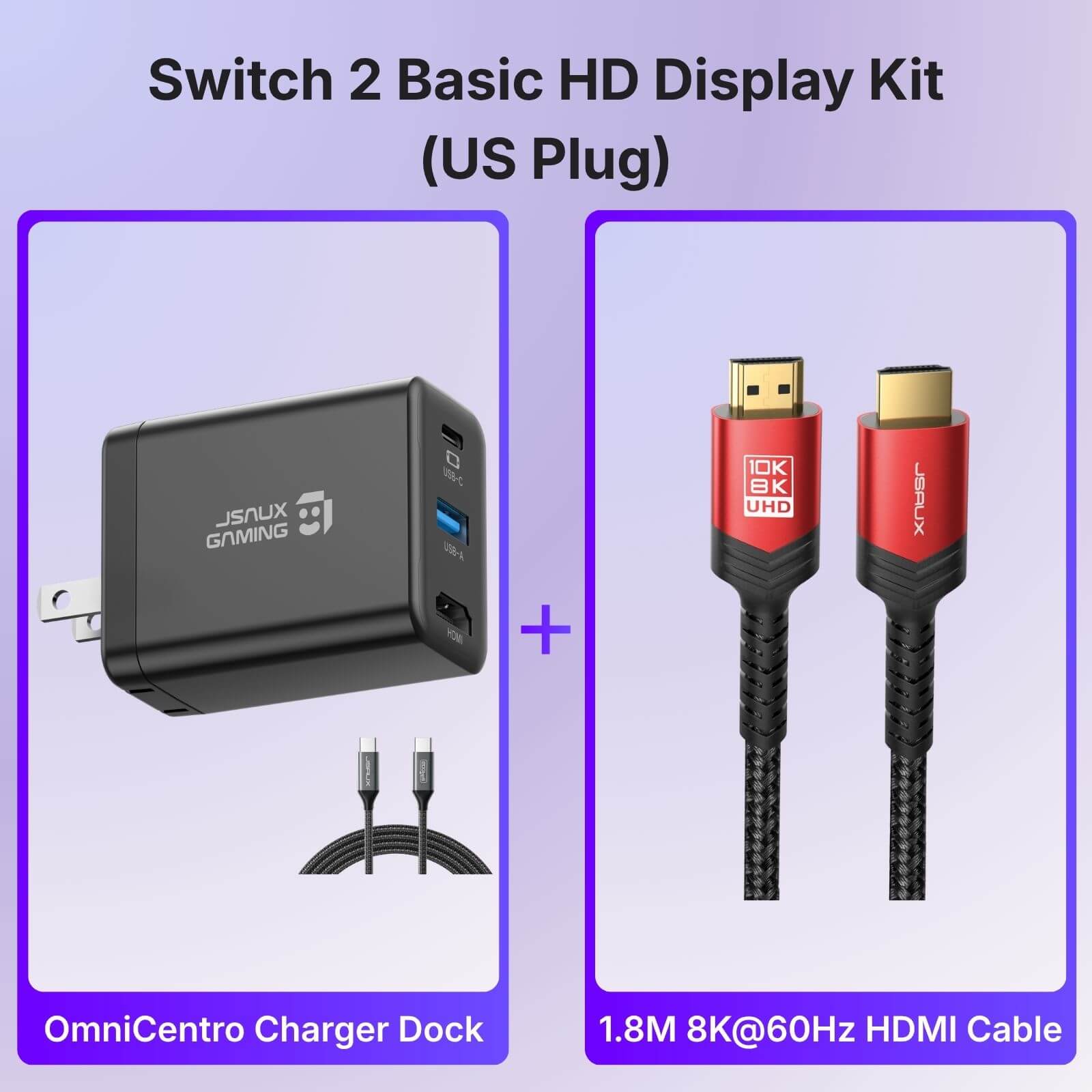
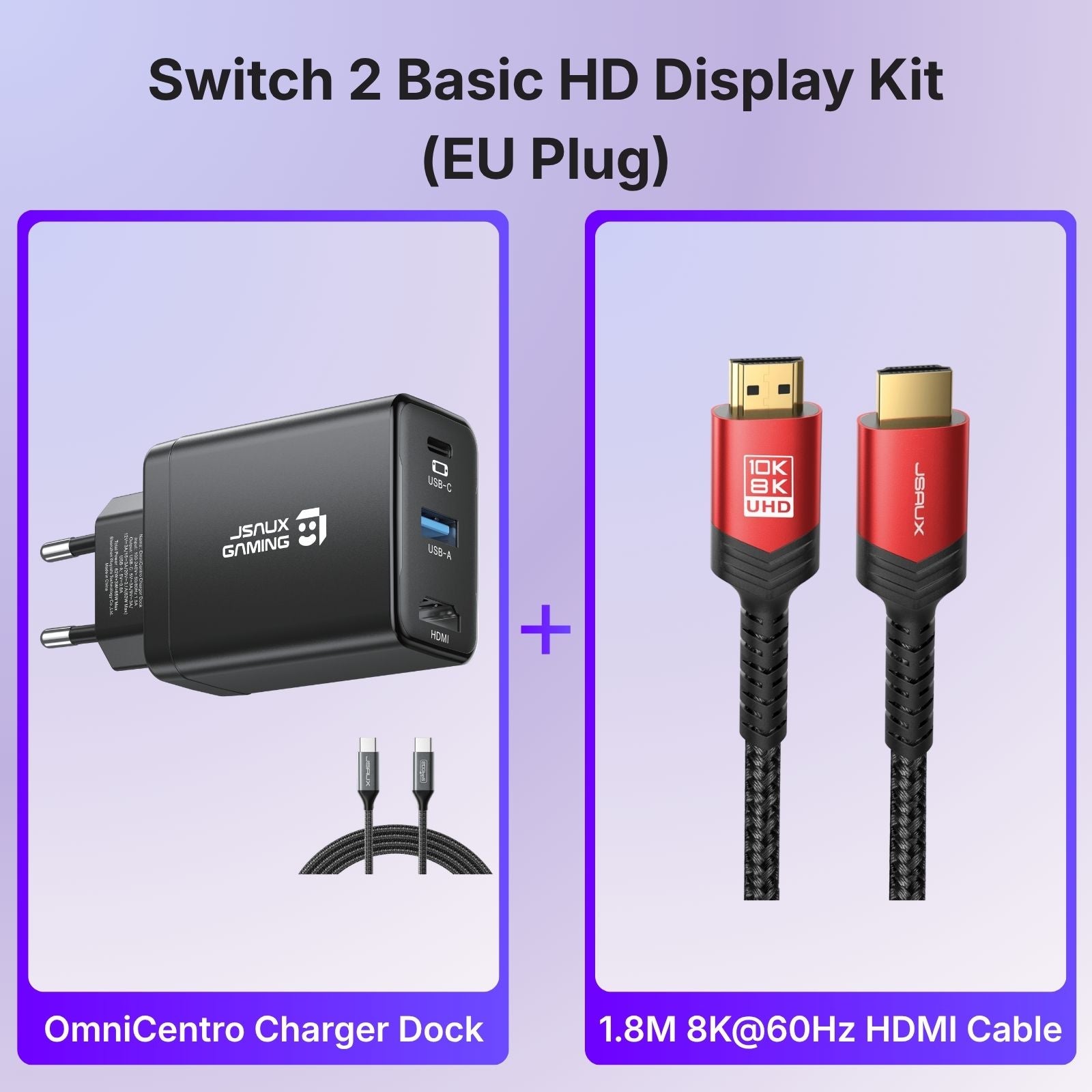
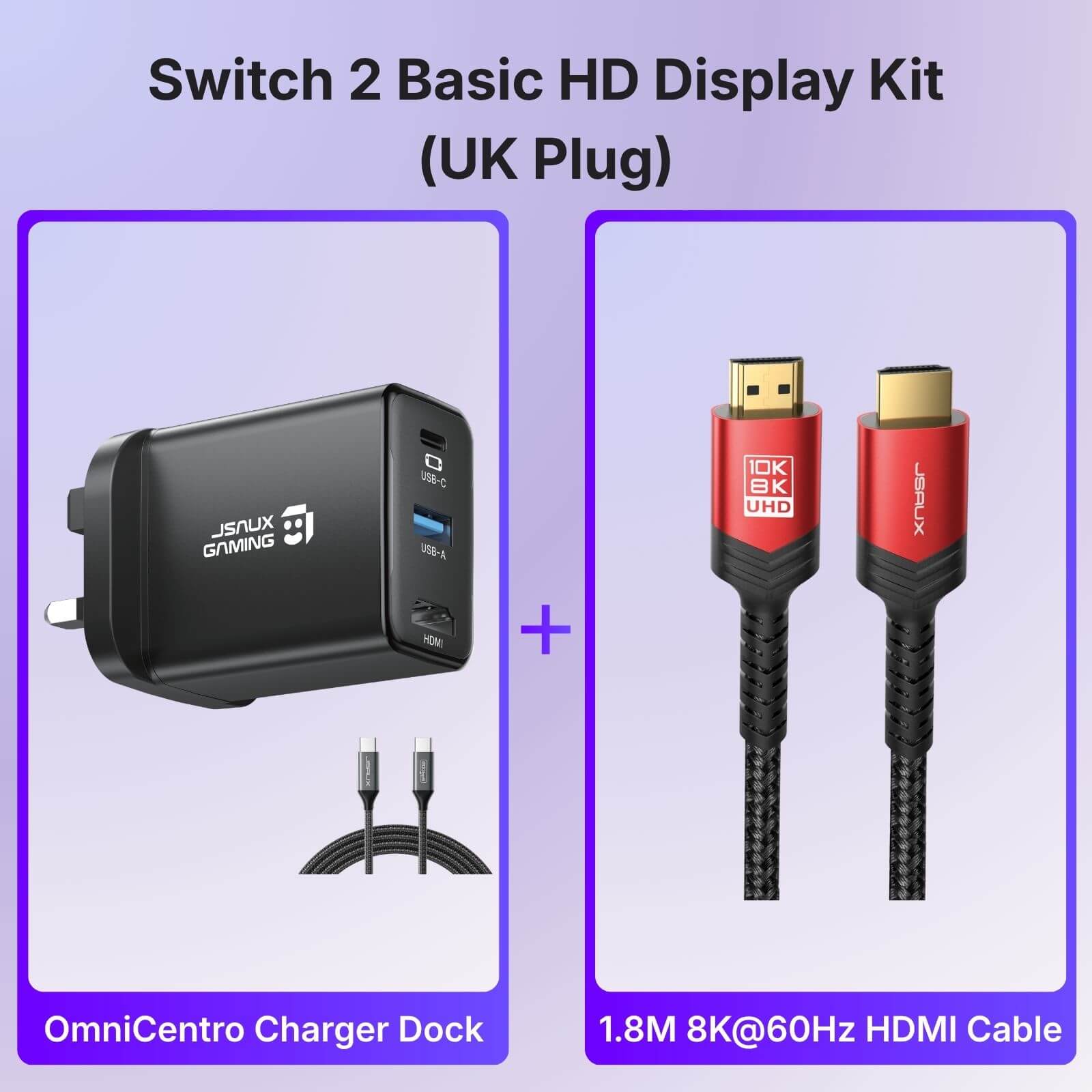
基本キット:
1* Switch 2用 OmniCentro 充電ドック (1m USB-C - USB-C 3.2 5Aケーブル1本付属)
1* 1M 4K@60Hz HDMIケーブル
デイリーキット:
1* Switch 2用 OmniCentro 充電ドック (1m USB-C - USB-C 3.2 5Aケーブル1本付属)
1* 1M 4K@60Hz HDMIケーブル
Switch 2用メガキャリーケース1個
トラベルキット:
スイッチ2用OmniCentro充電ドック x 1 (1m USB-C - USB-C 3.2 5Aケーブル x 1付属)
1* 1M 4K@60Hz HDMIケーブル
FlexFormシリーズ | Switch 2用キャリングケース - コンソールケース + 大型ケースセットx 1
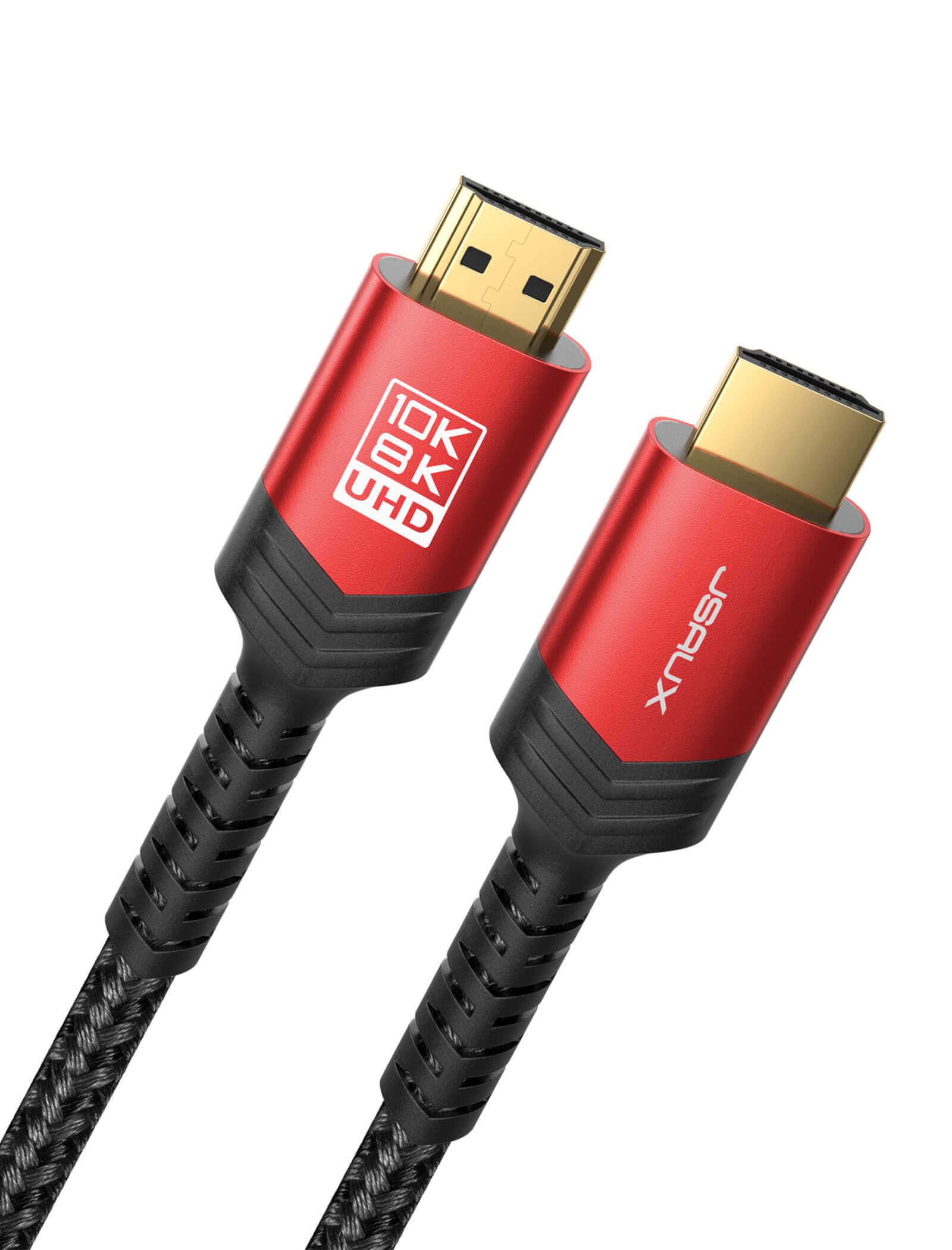
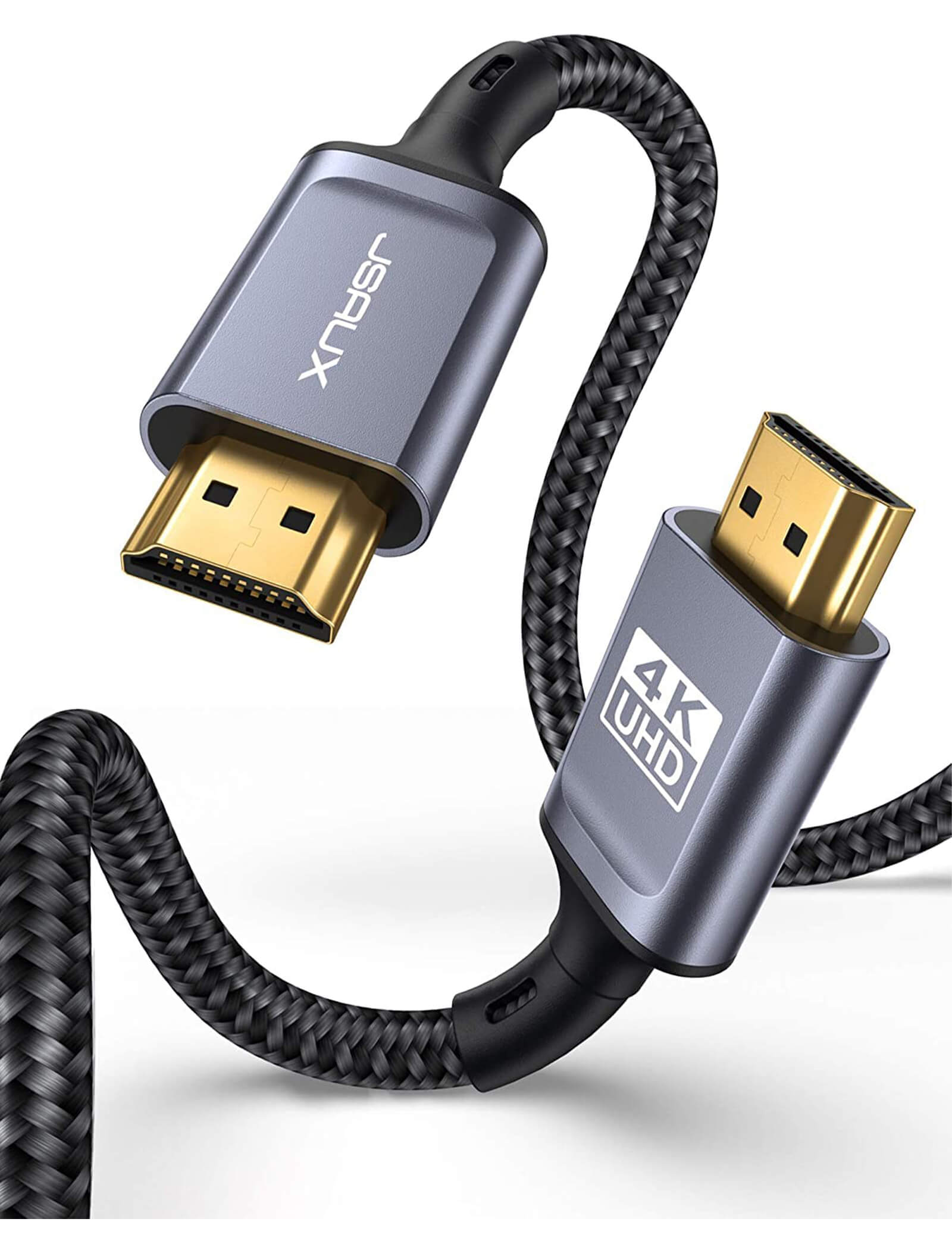
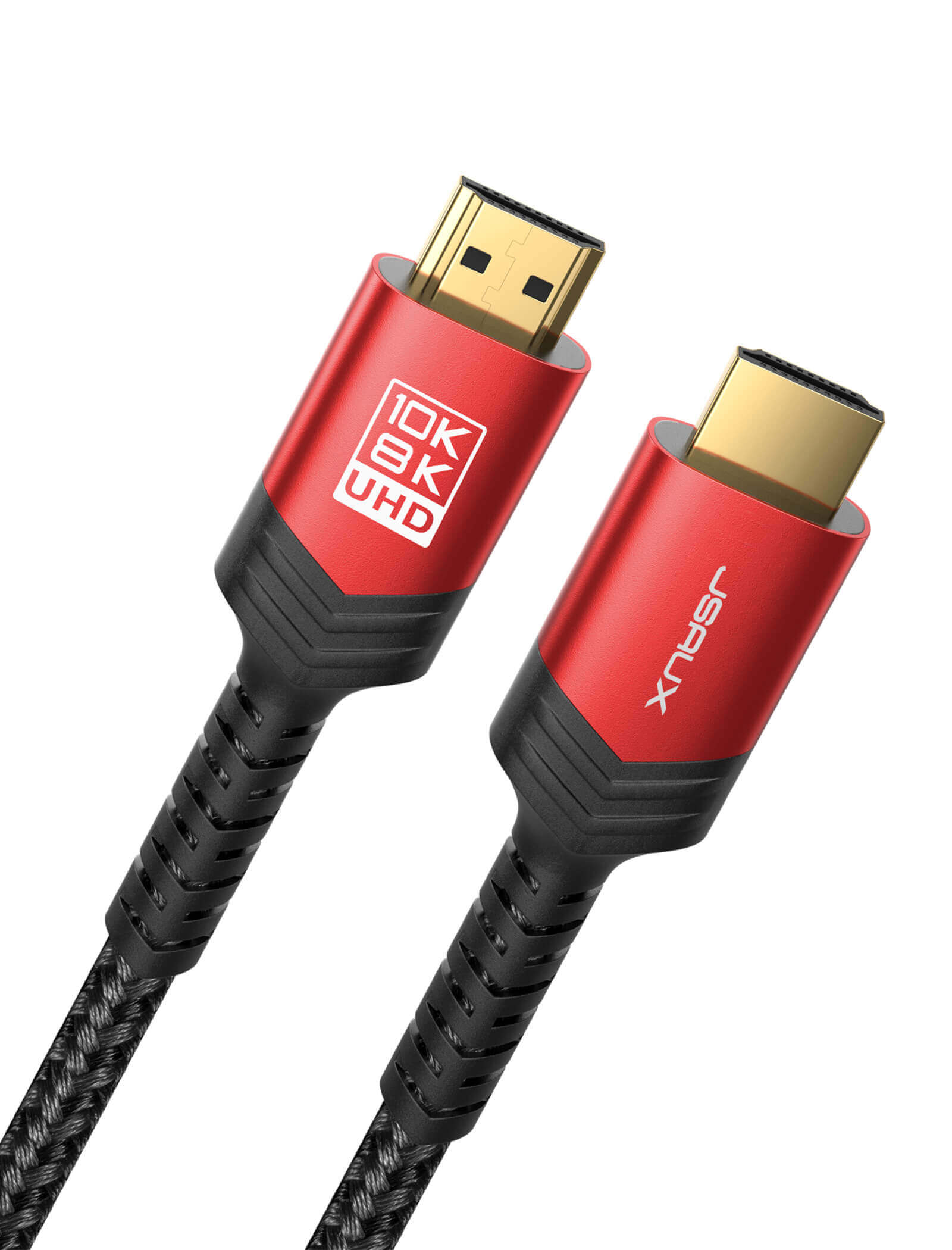
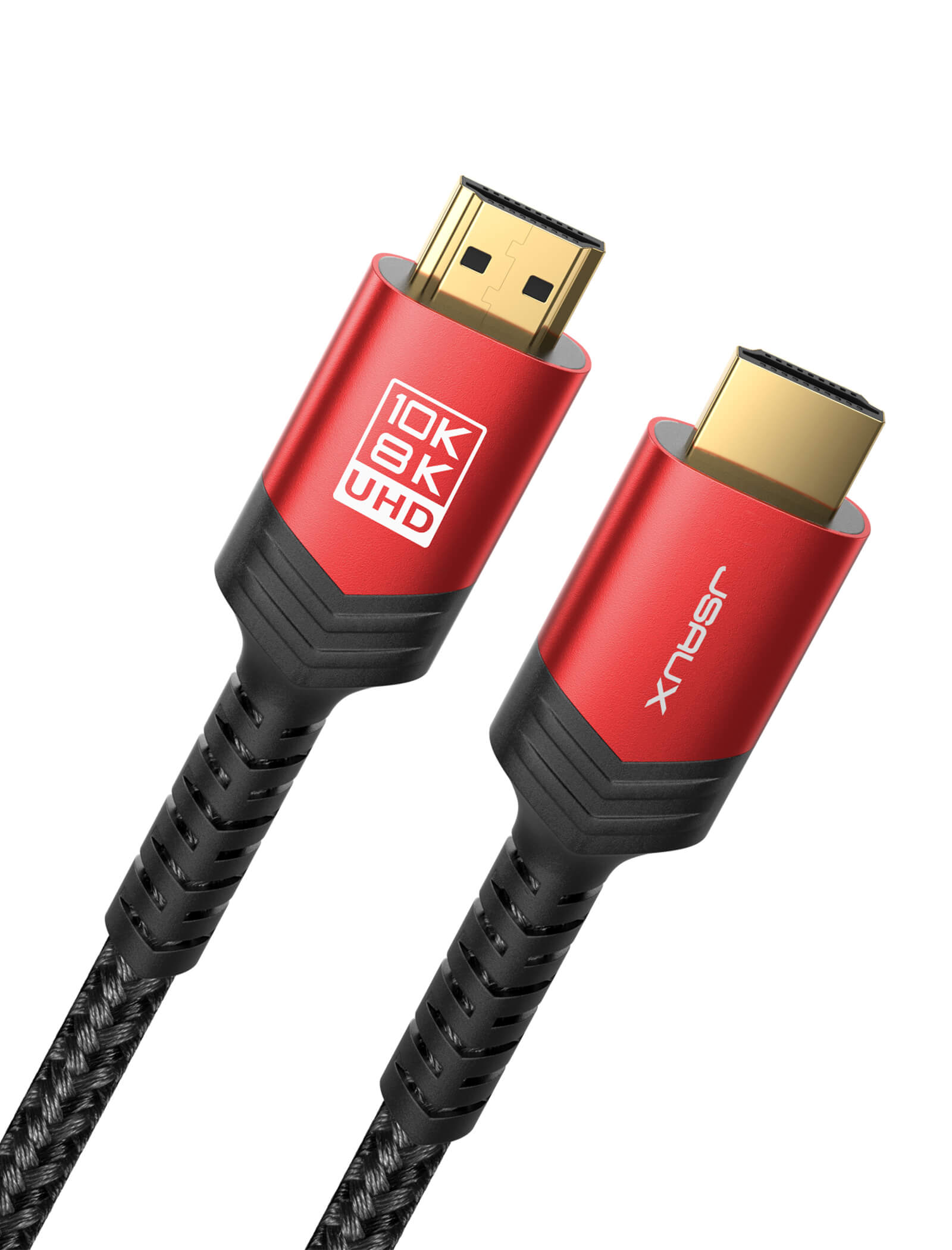
- HDMIバージョン: HDMI 2.1 (HDMI 2.0b / 2.0a / 1.4 / 1.3と下位互換性あり)
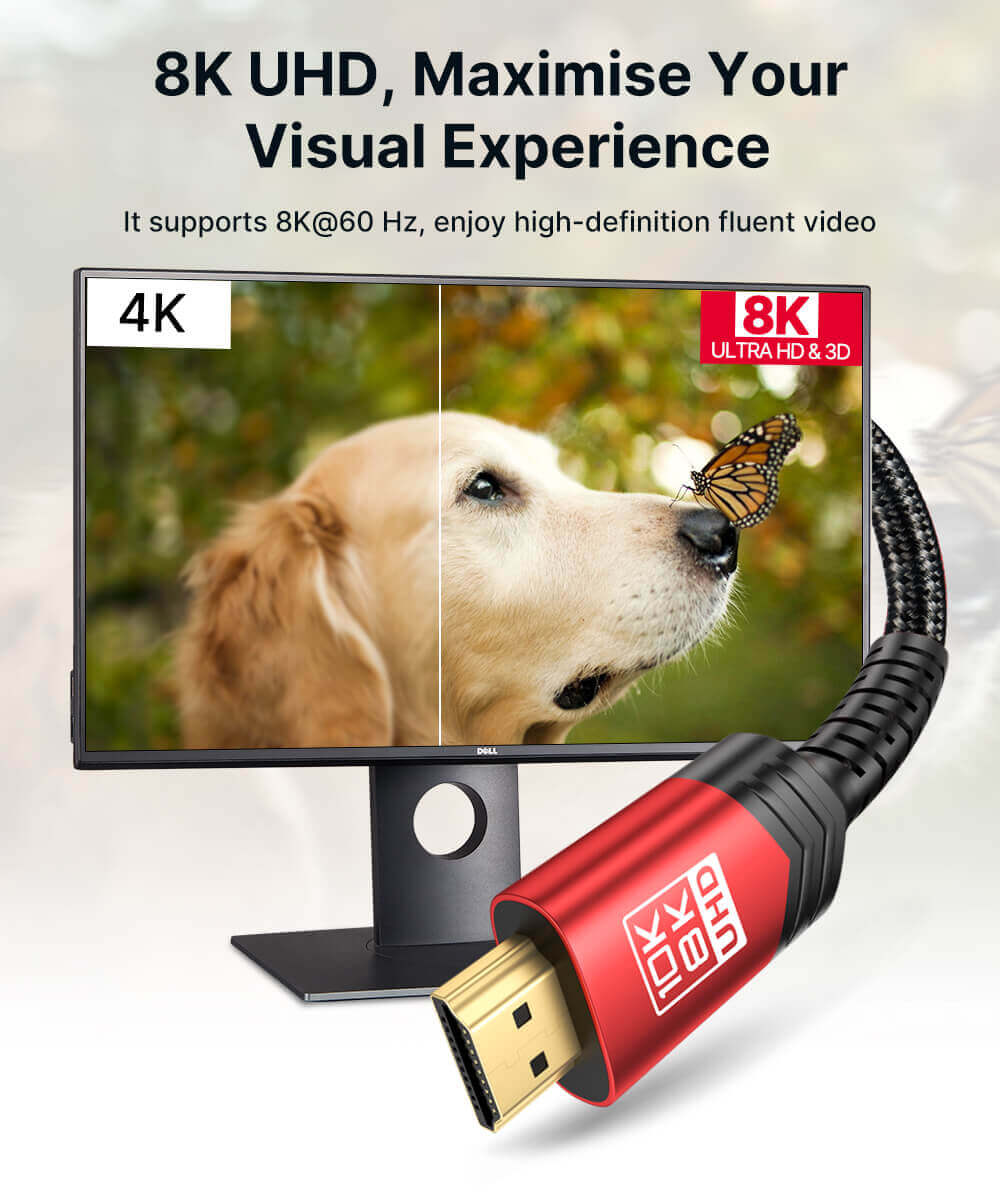
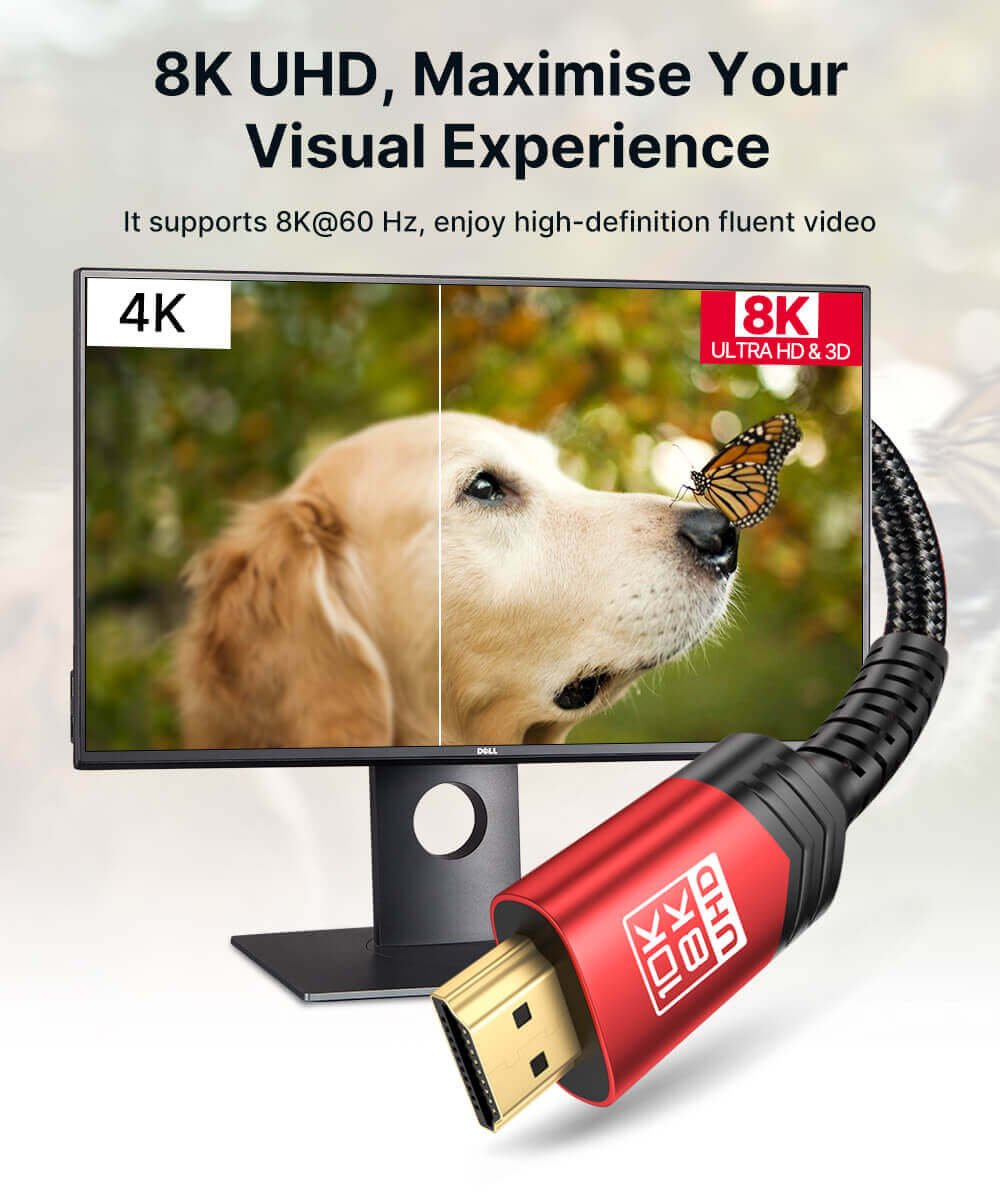
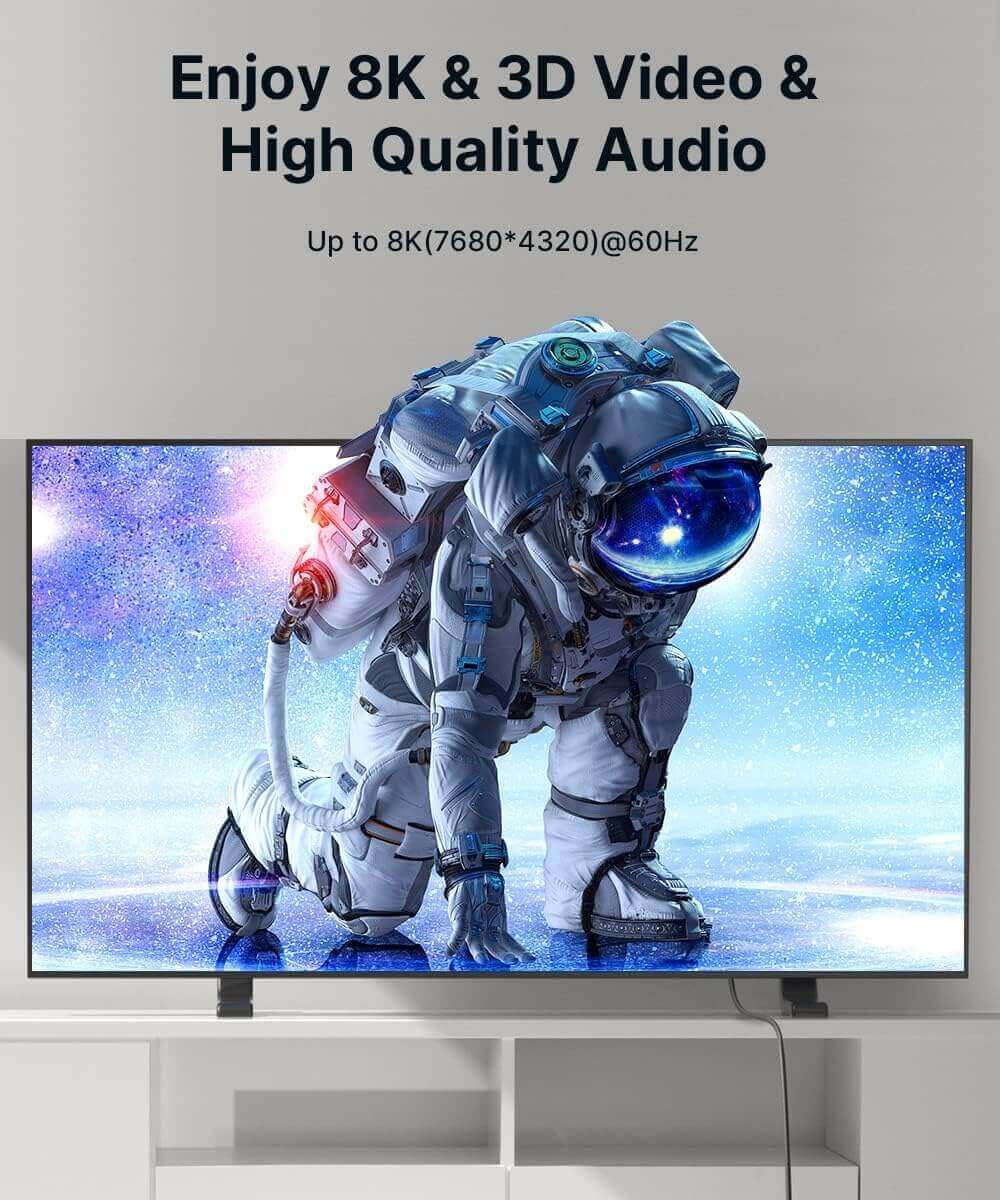
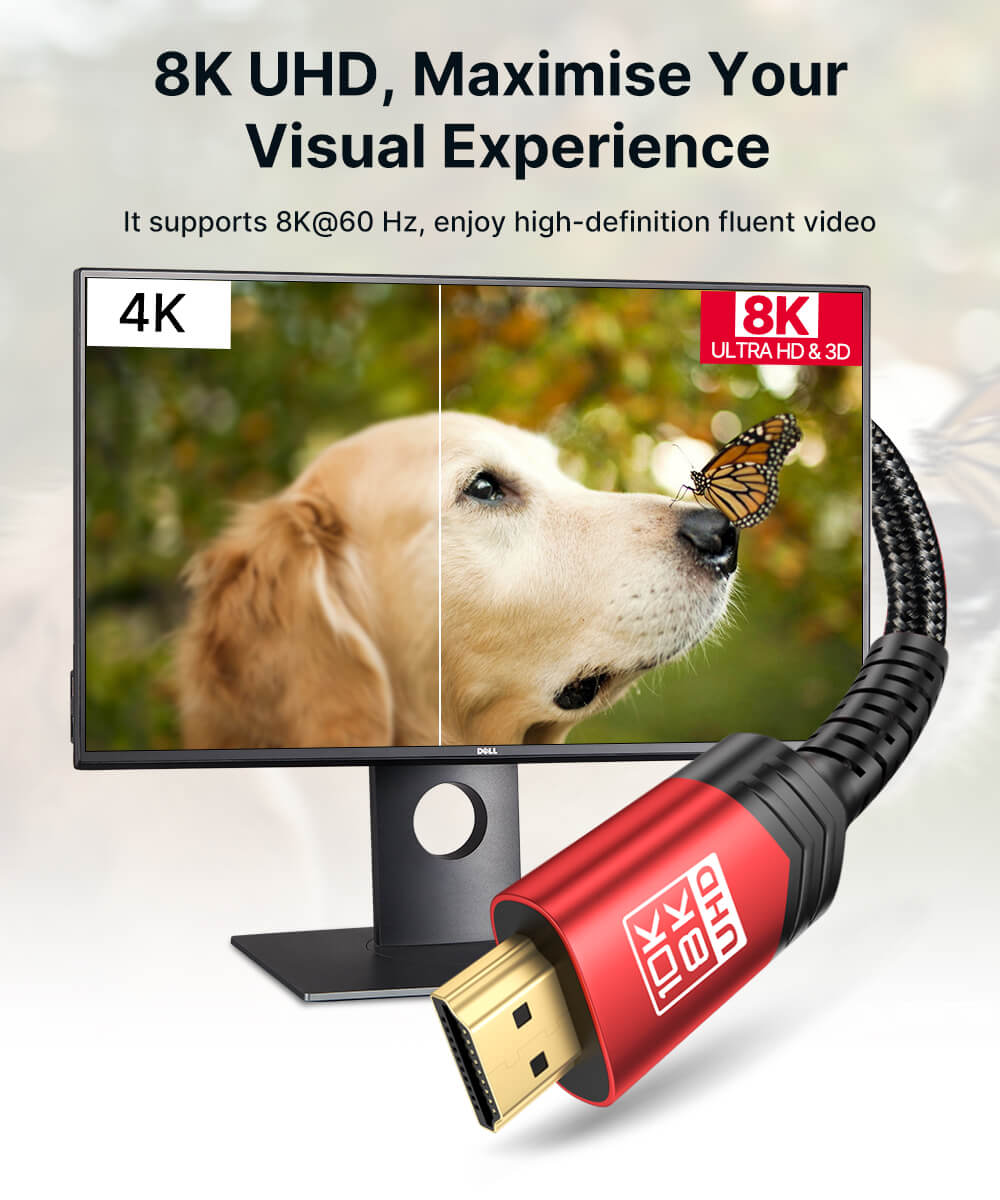
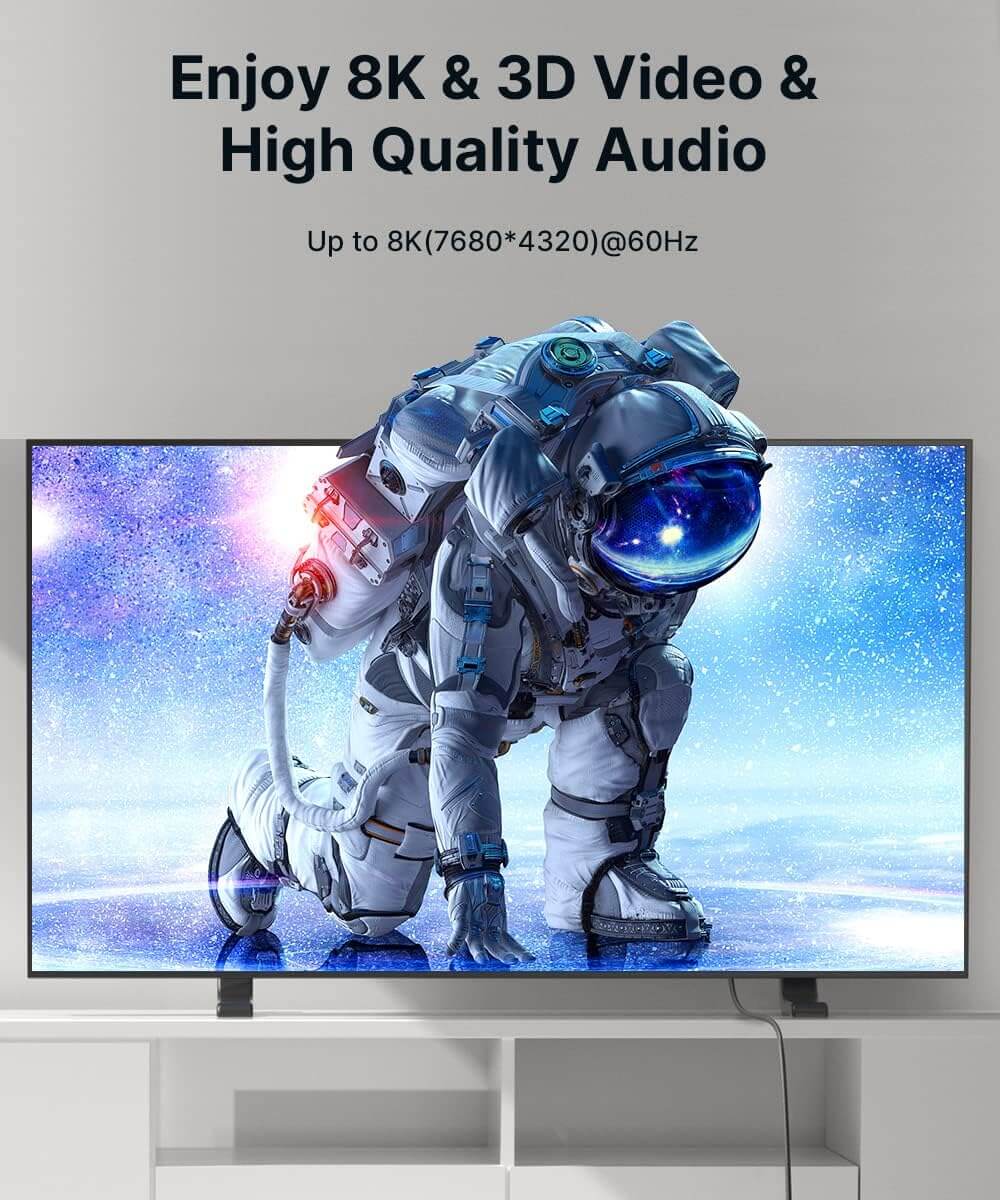
- 最大解像度と帯域幅: 最大8K (7680 × 4320) @ 60Hz、48Gbps
- 対応解像度: 8K@60Hz、5K@60Hz、4K@144Hz、4K@120Hz、4K@60Hz、1440p@240Hz、1440p@144Hz、1080p@240Hz
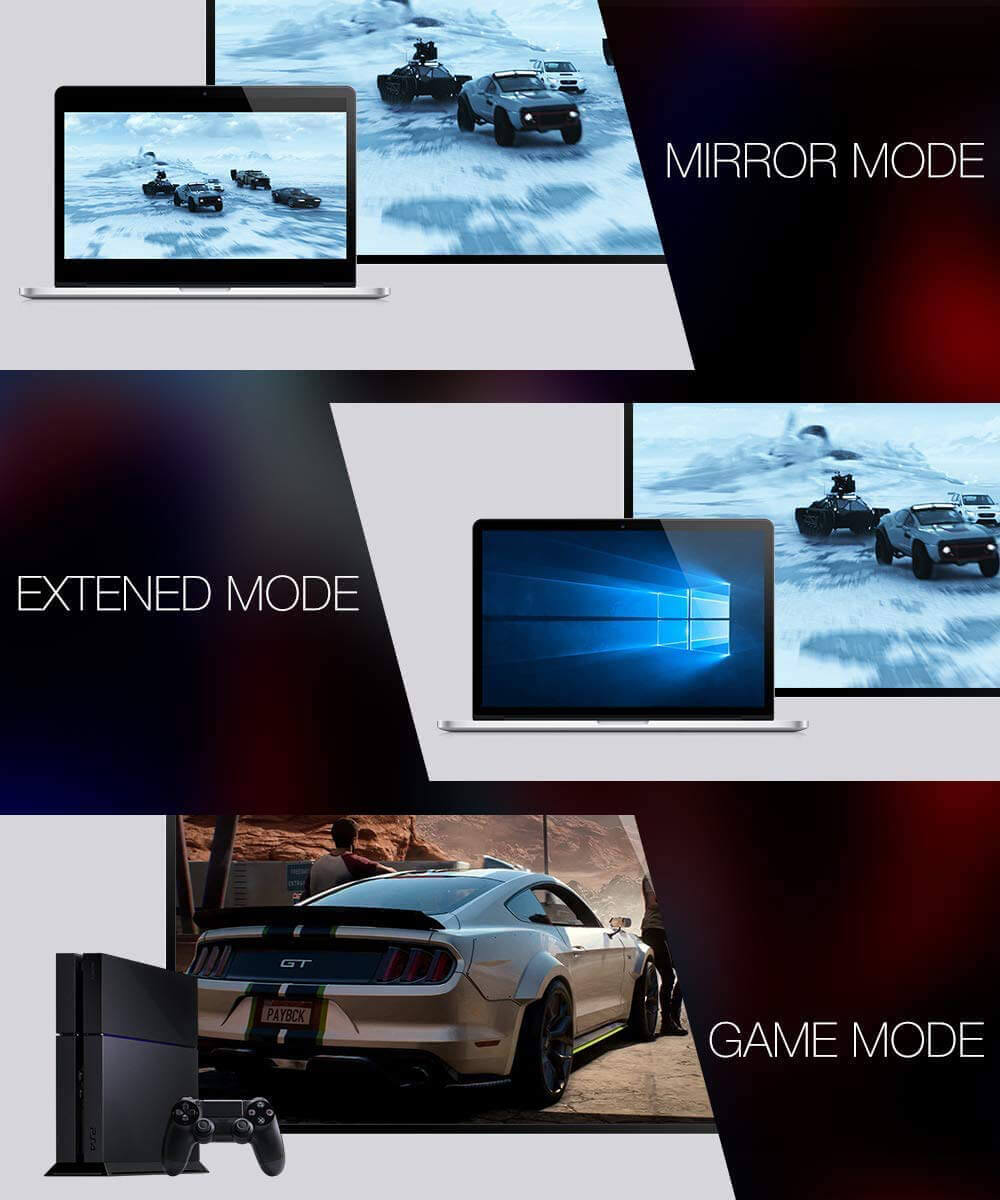
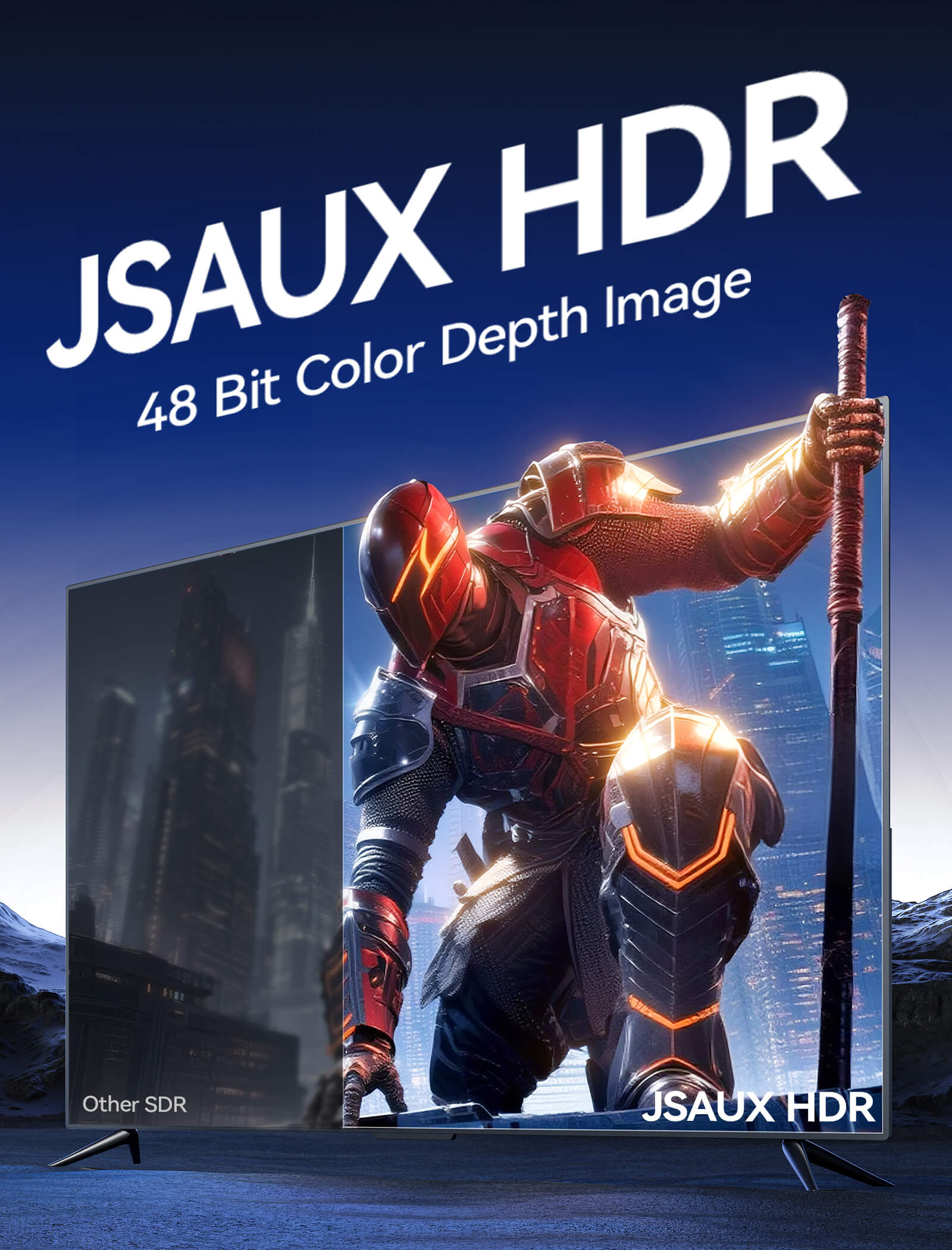
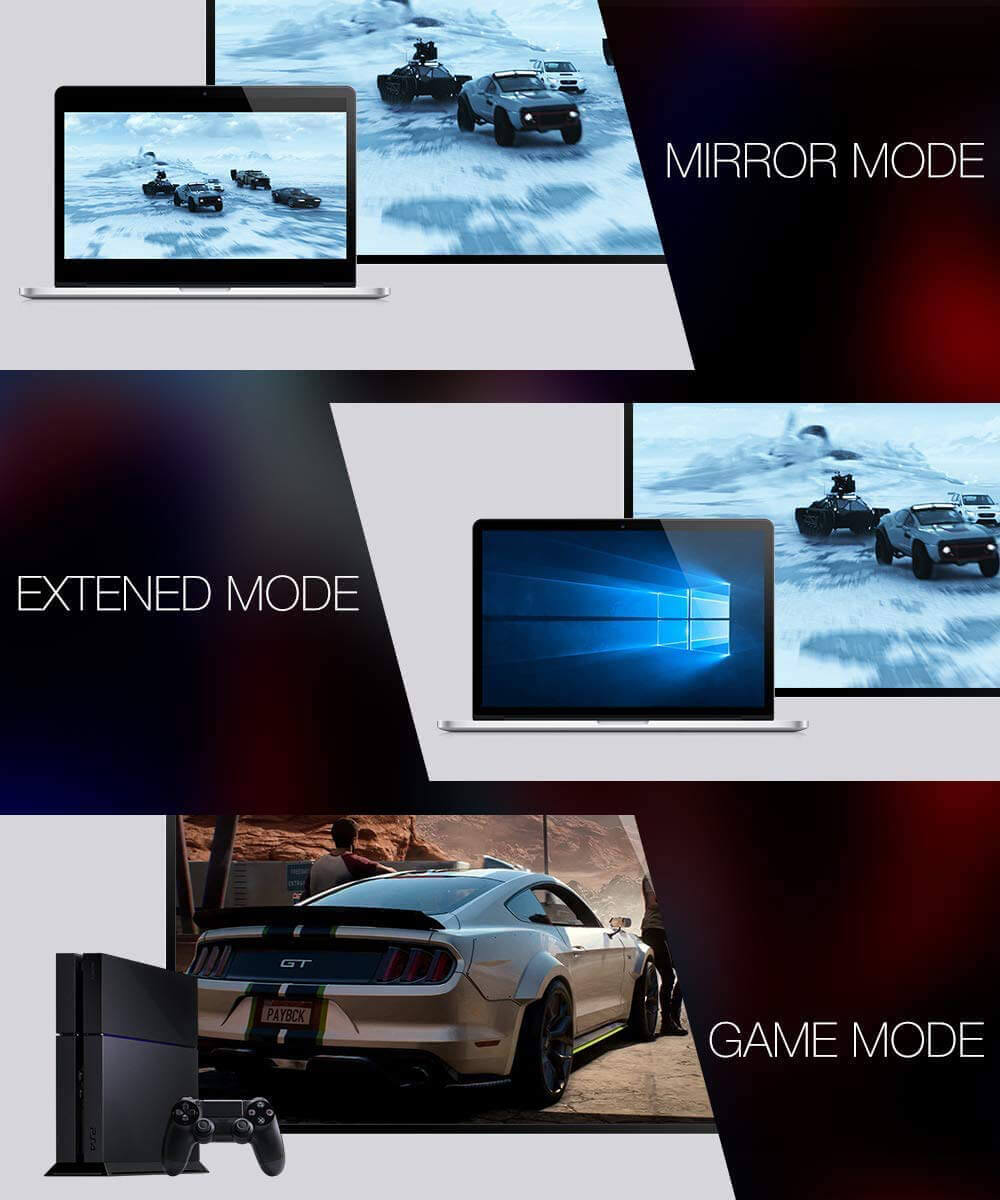
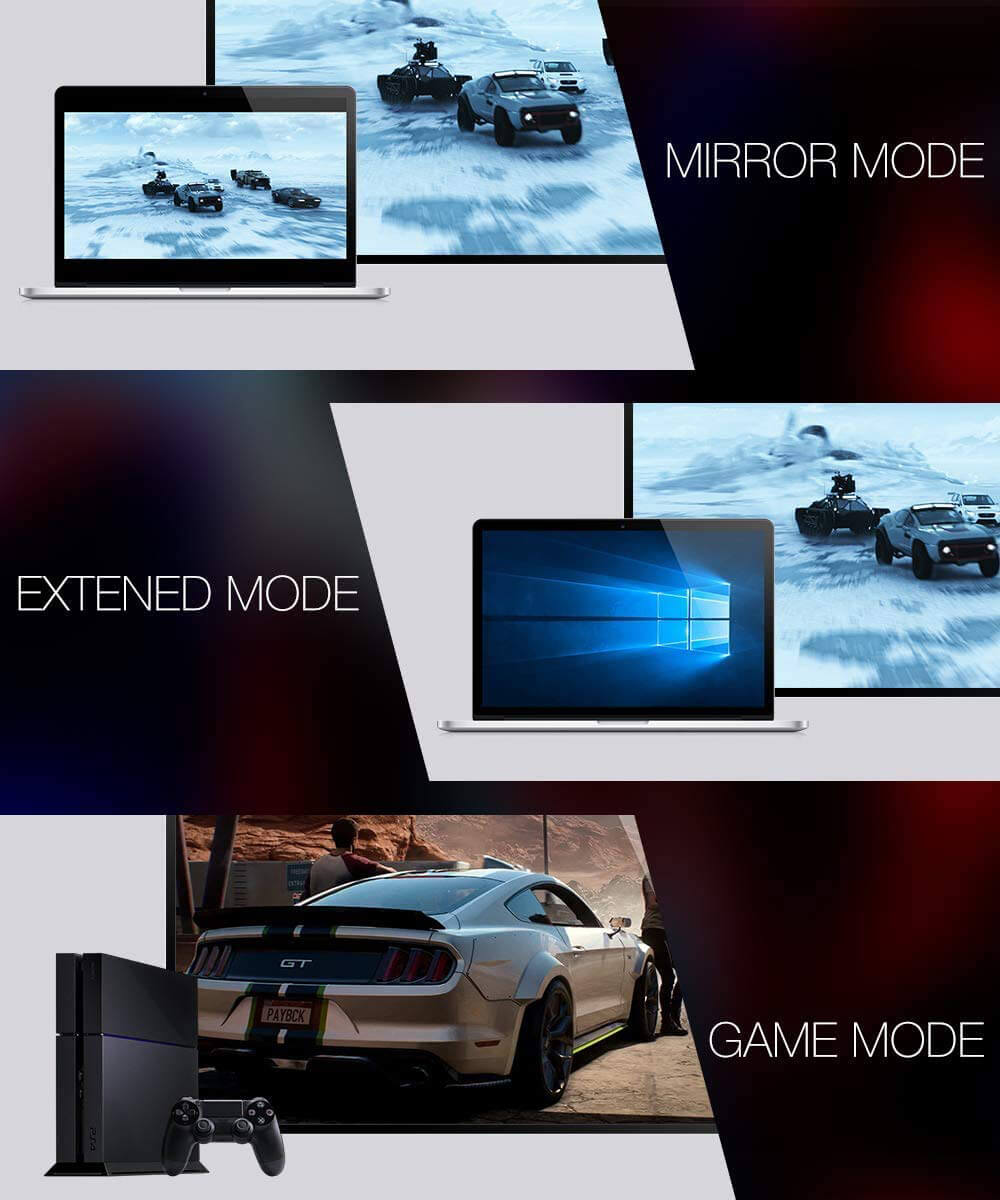
- HDRとビデオ機能: ダイナミックHDR、HDR10、HDR10+、ドルビービジョン、3D、ミラー&拡張モード、VRR、ALLM、QMS、QFT
- オーディオサポート: eARC、ARC、ドルビーアトモス、ドルビーTrueHD 7.1、DTS:X、LPCM 7.1
- HDCP: HDCP 2.3 / 2.2
- コネクタとシールド: HDMIオス-オス、28AWG銅線、トリプルシールド、ナイロン編組ケーブル、金メッキ耐腐食性コネクタ
- ケーブル長: 1.8 m (6 ft)
- 互換性: PS5、PS4 Pro、Xbox Series X/S、Nintendo Switch、RTX 30/40シリーズGPU、Apple TV、Fire TV、Blu-rayプレーヤー、PC、モニター、テレビ、プロジェクター、その他HDMIデバイス
- プラグ&プレイ: はい
配送
SHIPPING & RETURN
ご注文の前に、配送のヒントをよくお読みください
- 50ドルを超えるご注文はすべて送料無料です。
- 49.99ドル未満のご注文には、配送料として6.99ドルが課金されます。
(注:上記の配送ポリシーはFlipGoには適用されません。具体的な配送については、FlipGo製品ページをご参照ください。)
ご注意ください:
- JSAUX GAMINGは、世界中のお客様に迅速かつ効率的な配送サービスを提供しています(ただし、軍事住所(APO/FPO)および一部の離島への配送はできません)。
- 現在、すべてのご注文の処理には2~4日かかります(週末は注文処理が行われません)。
- ご注文の配送には7~12営業日かかります(予約販売品を除く)。
- 国際的な関税や税金が適用される場合がありますが、これらはチェックアウト時に計算されません。
- 予約販売品の配送時期は、商品ページに記載されている指示に従います。
物流サービスプロバイダーの要件により:
- ご注文をできるだけ早く準備し、配送の問題を避けるため、正確な家屋番号や配送会社に必要なその他の情報を含む正確な郵便番号を必ずご入力ください。
-
中国本土および台湾の場合:中国本土のお客様は、Tmallをご利用ください。香港、マカオのお客様は、お名前、身分証明書番号、配送先住所を繁体字中国語でご記入ください。
- サウジアラビアの場合:50ドル以上の送料無料は適用されません。配送料14.99ドル(VAT込み)が適用されます。
- 物流上の理由により、現在、以下の国と地域への注文サービスは一時的に提供しておりません:アフガニスタン、アルバニア、アルジェリア、アンドラ、アンゴラ、アングィラ、アルゼンチン、アルメニア、アルバ、アゼルバイジャン、バーレーン、バングラデシュ、バルバドス、ベラルーシ、バミューダ諸島、ブータン、ボスニア・ヘルツェゴビナ、ブラジル、英領ヴァージン諸島、ブルネイ、ブルキナファソ、ブルンジ、ボリビア、カンボジア、カメルーン、ケイマン諸島、中央アフリカ共和国、中国、クリスマス島、コスタリカ、コートジボワール、ジブチ、コンゴ - ブラザヴィル、コンゴ - キンシャサ、エジプト、エルサルバドル、エクアドル、フォークランド諸島、フェロー諸島、フランス領ポリネシア、ガボン、ガンビア、ジョージア、ガーナ、ジブラルタル、グリーンランド、グアドループ、グアテマラ、ガーンジー島、ギニア、ホンジュラス、アイスランド、インドネシア、ジャマイカ、ヨルダン、ジャージー、カザフスタン、ケニア、キリバス、キルギス、レバノン、レソト、リベリア、リヒテンシュタイン、モルディブ、モーリシャス、マルティニーク、モルドバ、モナコ、モンゴル、モンテネグロ、ミャンマー(ビルマ)、ナミビア、ナウル、ニューカレドニア、ニカラグア、ニジェール、ナイジェリア、ノーフォーク島、北マケドニア、ノルウェー、オマーン、パキスタン、パラグアイ、ルワンダ、サンマリノ、セネガル、セルビア、セーシェル、ソロモン諸島、南スーダン、スリランカ、スーダン、タジキスタン、トーゴ、トンガ、チュニジア、トルクメニスタン、トルコ、ツバル、ウガンダ、ウクライナ、ウルグアイ、インド、ウズベキスタン、バヌアツ、バチカン市国、米国の一部地域(プエルトリコ、グアム、アラブ首長国連邦、米領ヴァージン諸島、北マリアナ諸島、米領サモア、およびAPO、FPO、DPOなどの軍事基地を含む)。
15日間の返品:
当社の返品および交換ポリシーは、お客様が自宅で商品を受け取った日から15日間有効です。詳細については、配送ポリシーのセクションをご覧ください。
Product Comparison
JSAUX GAMING Switch 2用ドック全機種比較 – あなたにぴったりの一台を見つけよう 🎮
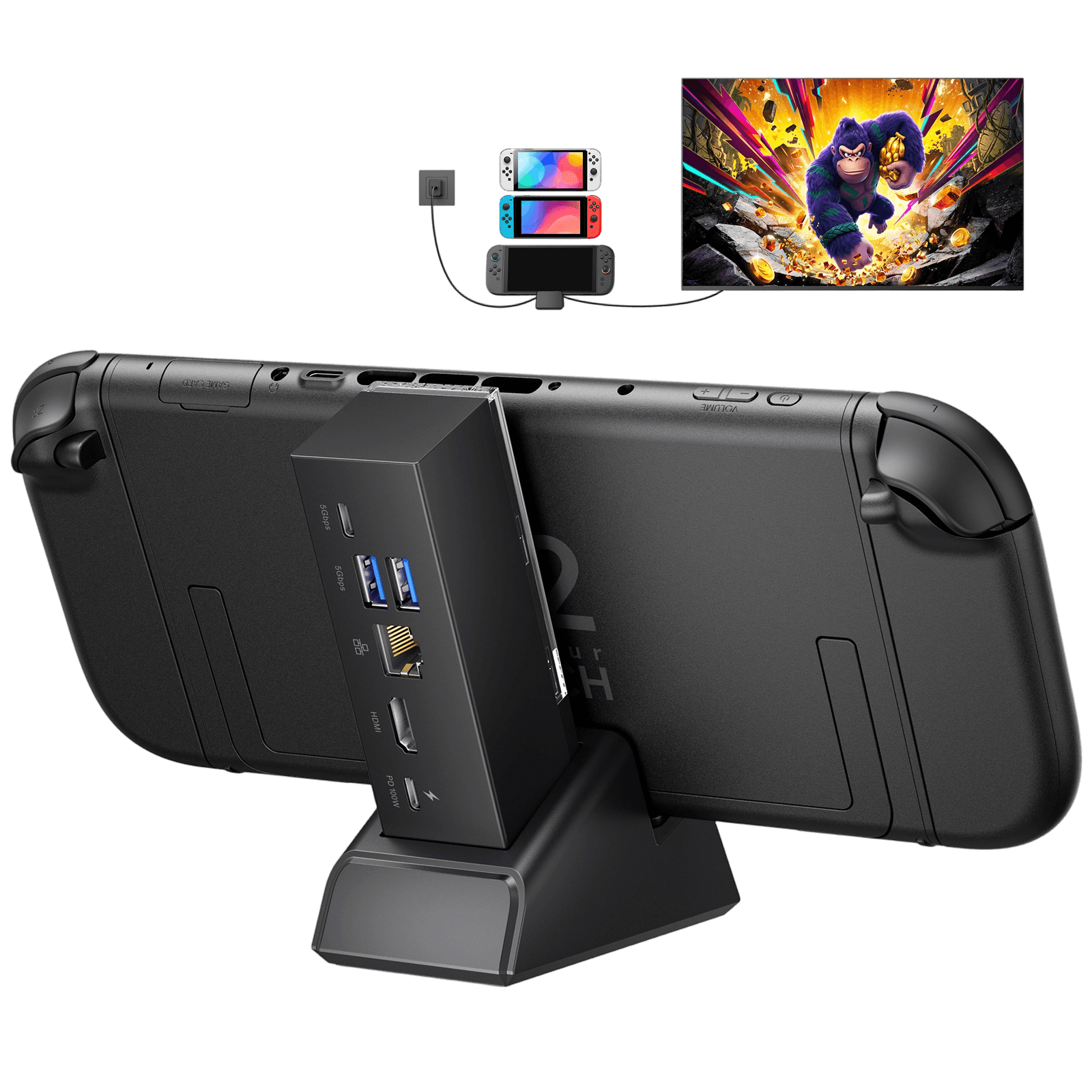
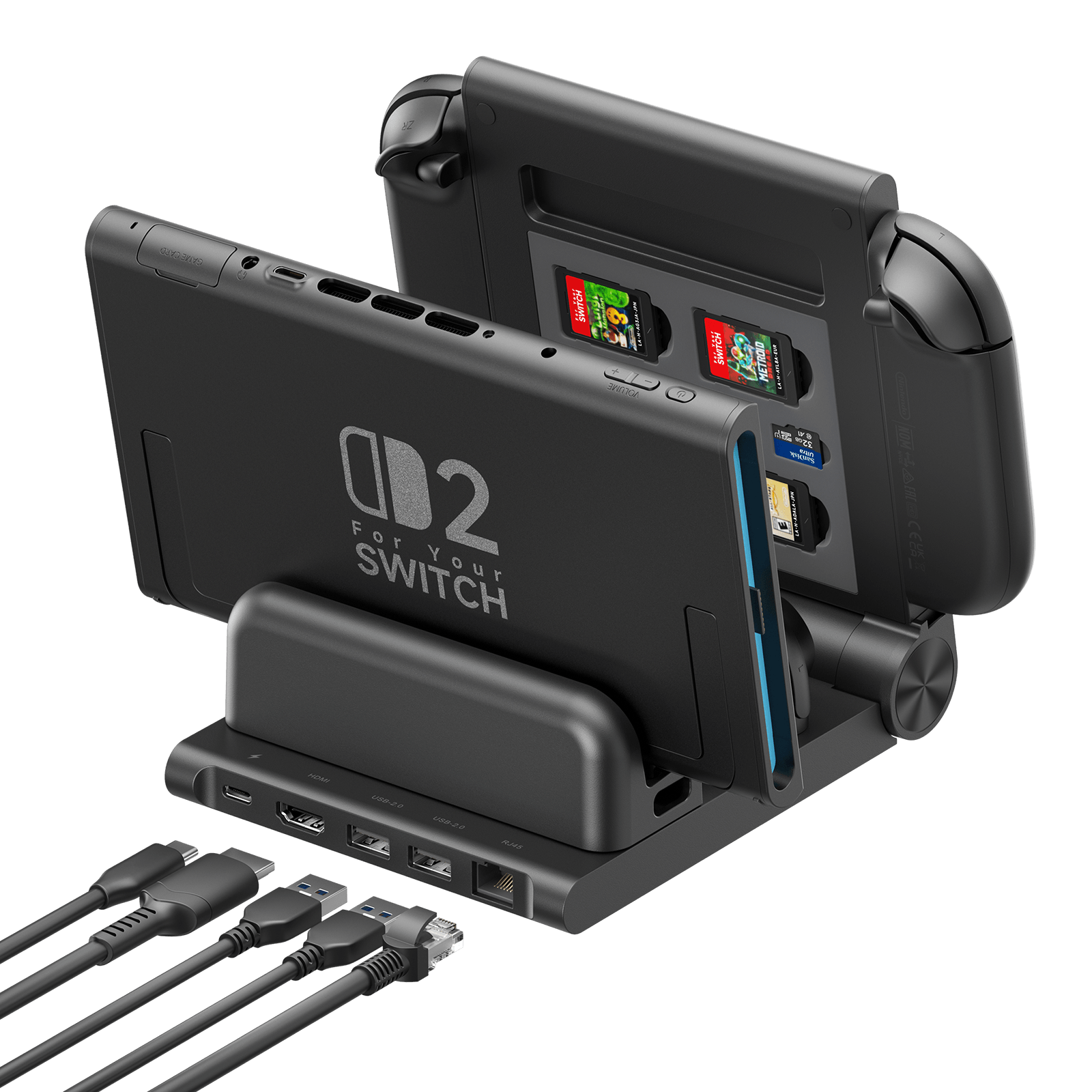
OmniCentro充電ドック(HC6502)
7-in-1多機能ドッキングステーション(HB0704)
6-in-1ゲーミングドック (HB0610)
Switch 2 / Switch、ROG Ally / Ally X、ROG Xbox Ally / Ally X、Steam Deck LCD / OLED、Legion Go / Go S / Go 2
Switch 2 / Switch / Switch 有機ELモデル
スイッチ2
USプラグバージョン:
59.9*47.4*31mm
124g
ドック:108 x 33 x 31mm
ドック + スタンド:125 x 85 x 49mm
296g
133 × 161 × 163 mm
405g
- 1* USB-C: 65W PD充電
- 1* HDMI: 最大4K@120Hz
- 1* USB-A: 480Mbps
- USB-C 3.1 x 1:5Gbps + 5V/1A
- USB-A 3.1 x 2:5Gbps + 5V/1A
- RJ45 x 1:1000Mbps
- HDMI 2.1 x 1:最大4K@120Hz
- USB-C PD x 1:最大100W入力
- HDMI 2.0 x 1: 最大4K@60Hz
- USB-C PD x 1: 最大100W
- USB-A 2.0 x 2: 480Mbps + 5V/1A
- RJ45 x 1: 1000Mbps
- Joy-Conスロット x 4: 同時充電
- Proコントローラースロット x 1: コントローラー / 本体充電
旅行、シンプルなテレビモード設定、普段使い
家庭でのセットアップ、多くのポート、有線ゲーミング
共有ゲームスペース、コントローラー充電、整理されたセットアップ
どのSwitch 2用ドックを選べばいいかお悩みですか?当社の2026年版 Switch 2ドックガイドで全オプションを比較 >
よくある質問
Q. OmniCentro Charger Dock を使用しているときに、ROG Ally X が 30W ターボ モードにならないのはなぜですか?
A. ROG Ally X が 30W ターボモードを適切にアクティブ化できるようにするには、正しい接続順序に従ってください。
推奨される接続順序:
まずOmniCentro Charger DockをROG Ally Xに接続し、次にUSBフラッシュドライブやHDMIディスプレイなどの外部周辺機器を接続します。これにより、30Wターボモードが正しく機能します。
重要な注意事項:
ROG Ally Xの前に外部周辺機器(USBドライブやHDMIディスプレイなど)が接続されている場合、システムはそれらのデバイス(ストレージデバイスやビデオコントローラチップなど)への電力供給を優先します。その結果、ハンドヘルドは残りの電力しか供給されず、30Wターボモードに移行できない場合があります。
最高のパフォーマンスと電力供給を実現するには、必ず最初に ROG Ally X を接続してください。
Q. Switch 2 はどのくらいの電力をサポートしていますか?
A. OmniCentro充電ドックは、Switch 2本体に15V/2A(30W)の電力を供給します。参考までに、Switch 2の公式ドックも最大30W(20V/1.2A)の電力をサポートしています。
Q. オリジナルの Switch または OLED バージョンをサポートしていますか?
A. はい!OmniCentro 充電ドックは、Switch、Switch Lite、Switch OLED、Switch 2 と互換性があります。
Q. Switch 2 はこのドック経由でどのようなビデオ出力をサポートしますか?
A. Switch 2は4K@60Hz、10ビットRGBビデオ出力をサポートしています。Switch、Switch Lite、Switch OLEDなどの他のモデルは、1080P@60Hz、8ビットRGBビデオ出力をサポートしています。
Q. USB-A - USB-C ケーブルで充電できますか?
A. いいえ。USB-A - USB-Cケーブルでは電力供給が不十分なため、Switchの充電ができず、ビデオ出力が無効になる可能性があります。最適なパフォーマンスを得るには、適切なUSB-C PD充電器をご使用ください。
Q. 他のデバイスにも対応していますか?
A. はい。OmniCentro 充電ドックは他の USB-C デバイスもサポートし、充電とビデオ出力の両方の機能を提供します。
Q. Xbox コントローラーやその他の有線コントローラーはサポートされていますか?
A. いいえ。Switch 2本体はサードパーティ製の有線コントローラーをサポートしていません。Switch 2とのスムーズな接続には、ワイヤレスBluetoothコントローラーのご使用をお勧めします。
Q. 私の環境に最適なSwitch 2ドックはどれですか?
A. 最高のSwitch 2用ドックは、あなたのプレイスタイルによって異なります。TVモード、充電、旅行用にコンパクトなドックが欲しいなら、Switch 2用OmniCentro充電ドックが最適です。さまざまなドックタイプの比較については、こちらのガイドをご覧ください。2026年版Switch 2用ベストドック:JSAUXの3つのオプションを比較。
5.0つ星中4.5つ
24件
What Customers Are Saying on JSAUX.com