![JSAUX anti-glare matte screen protector for ROG Ally and ROG Xbox Ally series #style_[2-pack] for all rog ally models](http://jsaux.com/cdn/shop/files/GP0113A-Anti-Glare-Screen-Protector-for-ROG-Ally-_-ROG-Xbox-Ally-Series-1_jpg.png?v=1762310072&width=92)


![Grey 2-pack 90 degree USB-C to USB-C right angle adapters #style_grey [2-pack]](http://jsaux.com/cdn/shop/files/90_-USB-C-to-USB-C-Right-Angle-Adapter-grey-1.png?v=1755238920&width=92)




クイック比較:
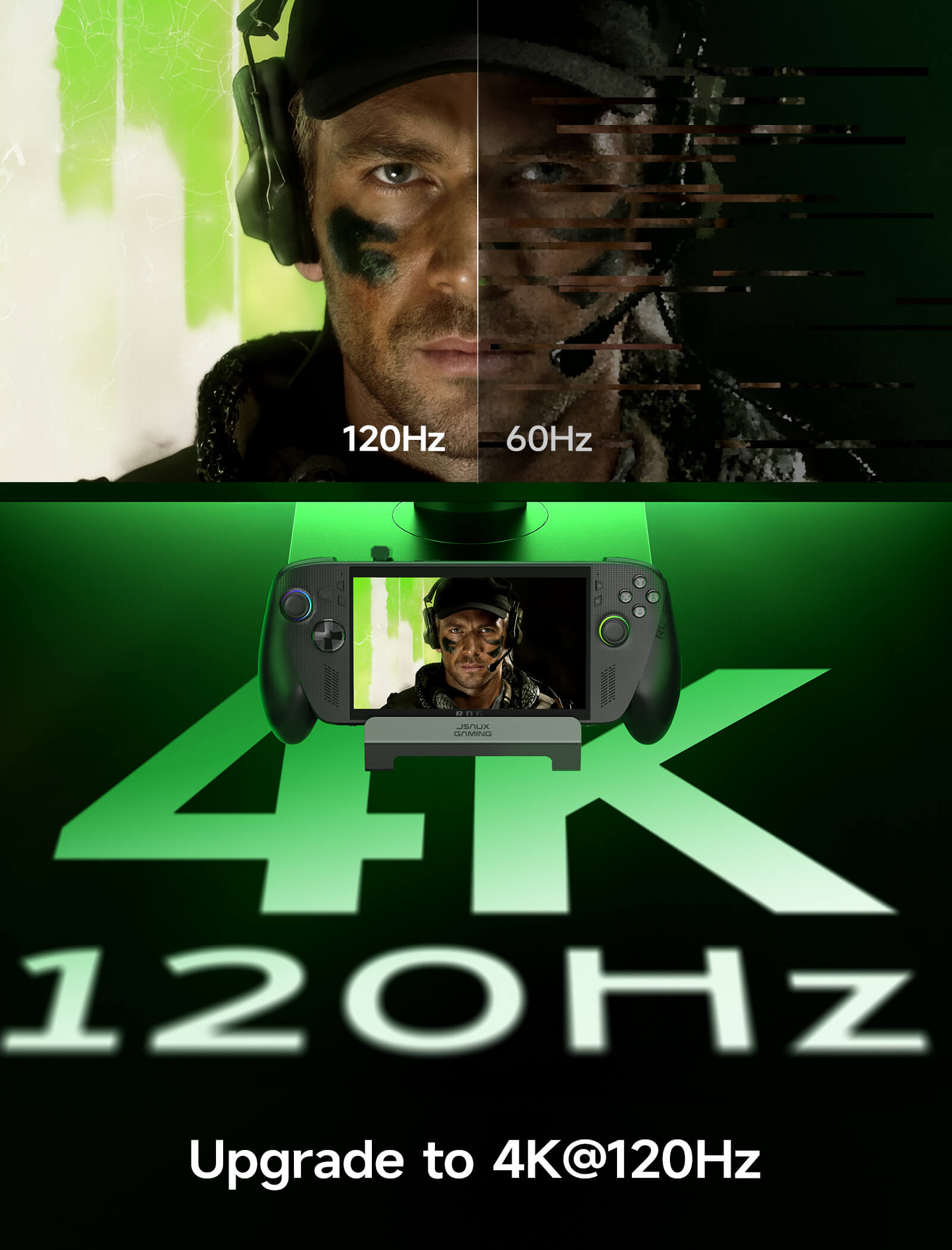
HB0603S – アップグレード版: HDMI 2.1 (4K@120Hz)
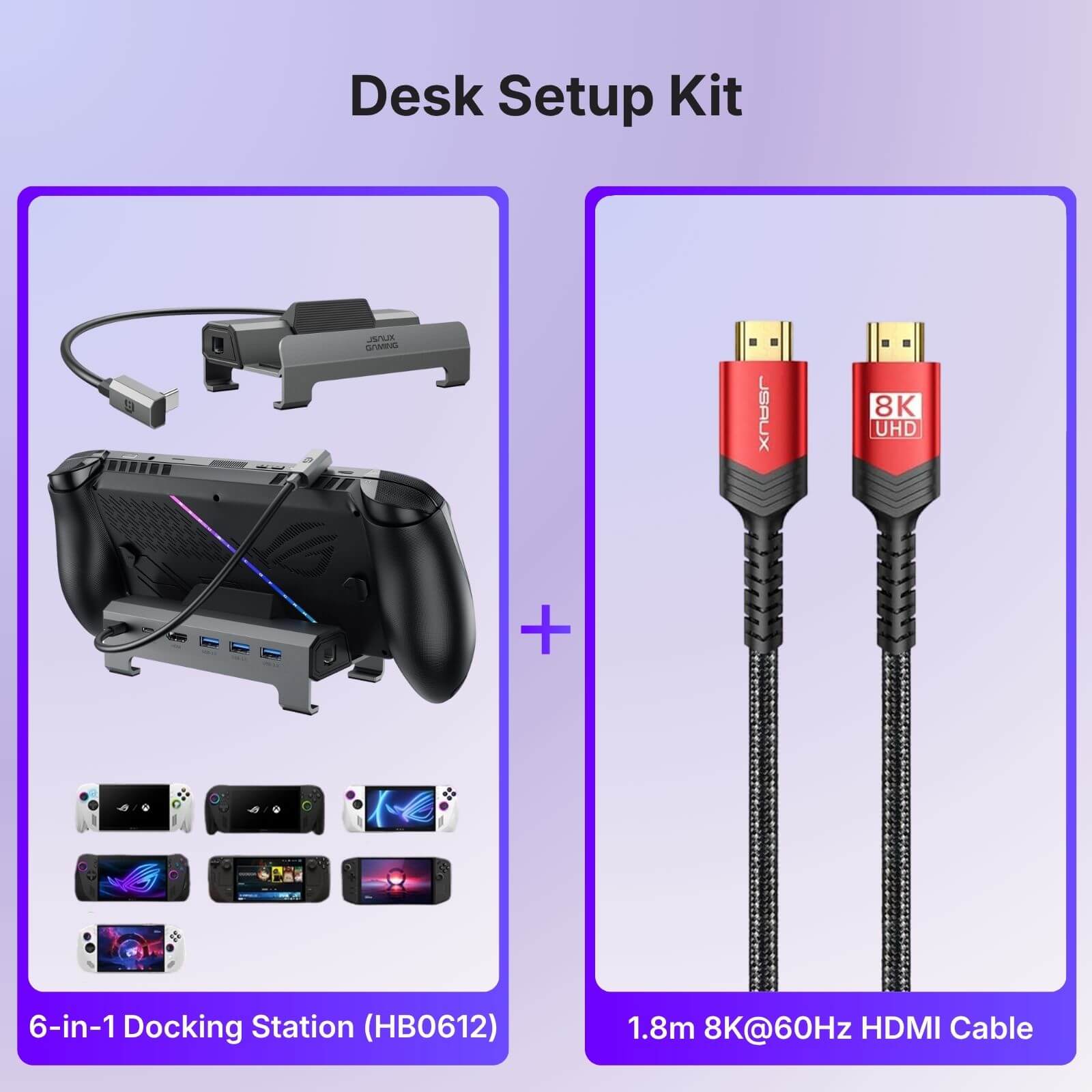
HB0612 – アップグレード版 (ROG Xbox Ally/X): HB0603Sと同じHDMI 2.1仕様で、ROG Xbox Ally/Xに対応
HB0603 – 標準版: HDMI 2.0 (4K@60Hz)、ROG Ally X、ROG Xbox Ally/Xには非対応




15 DAYS REFUND
Fast, Free shipping over $50
Quick Customer Support
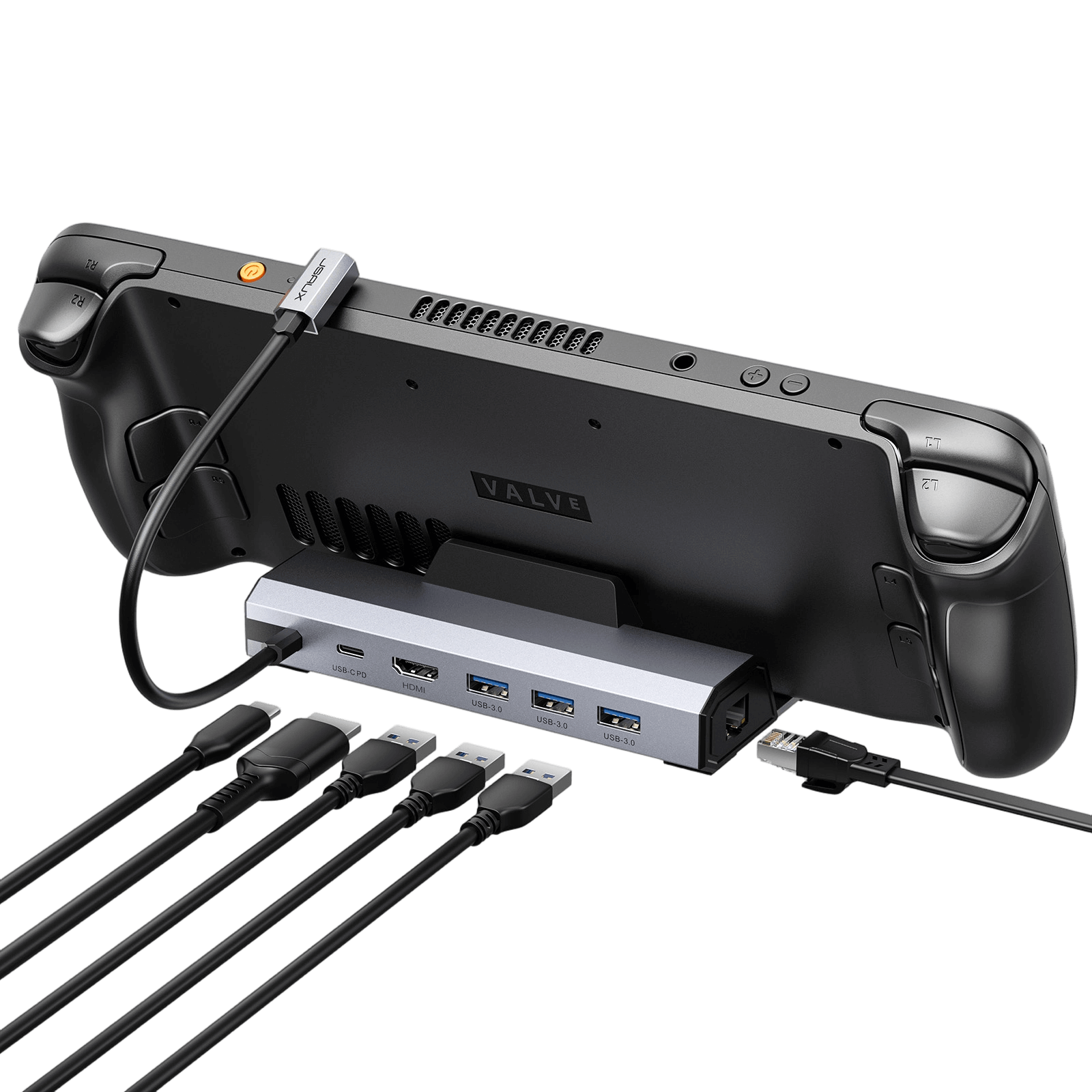
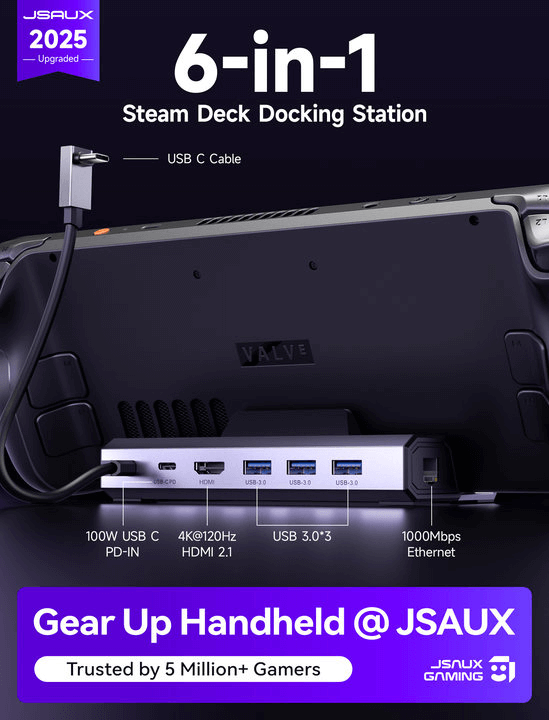
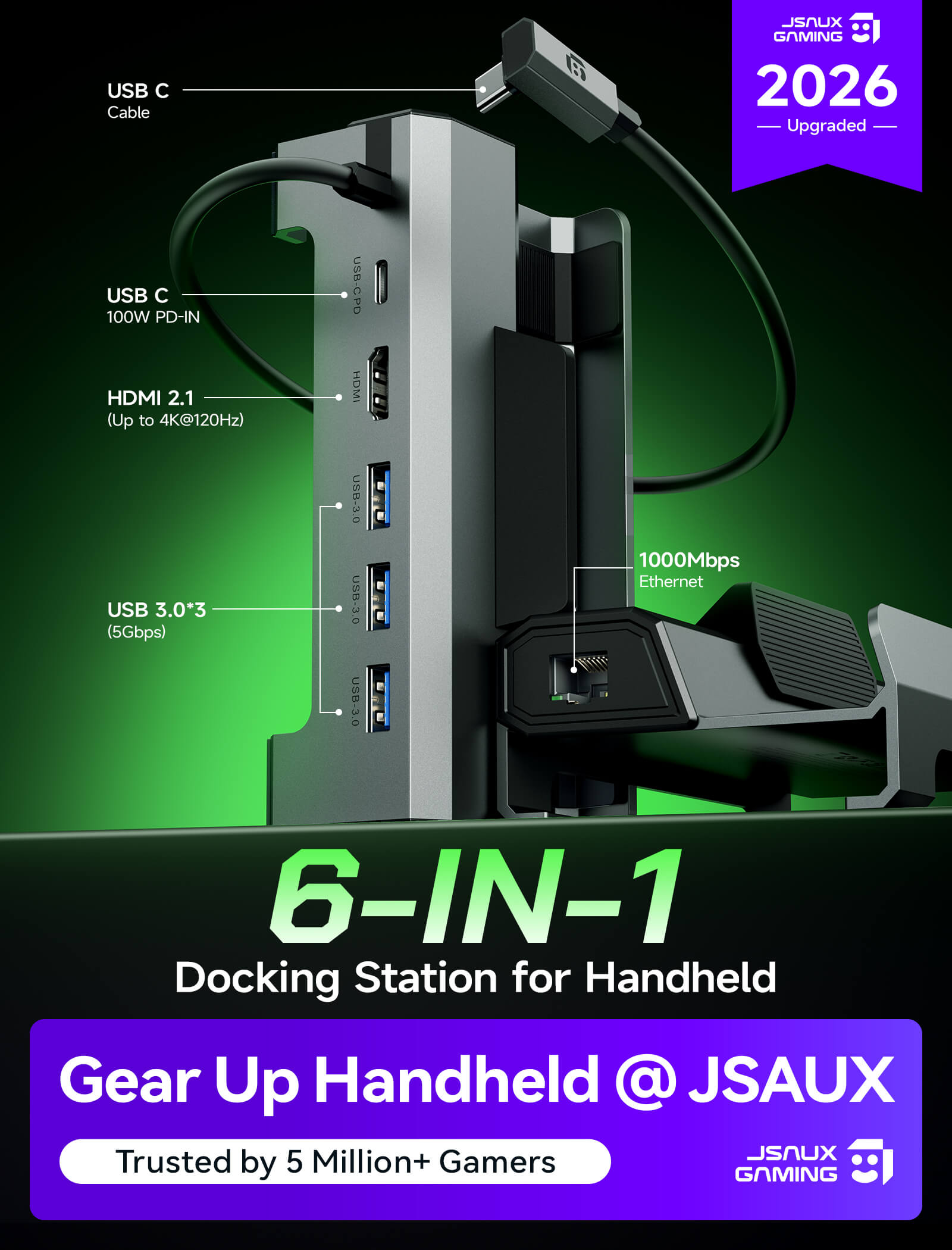
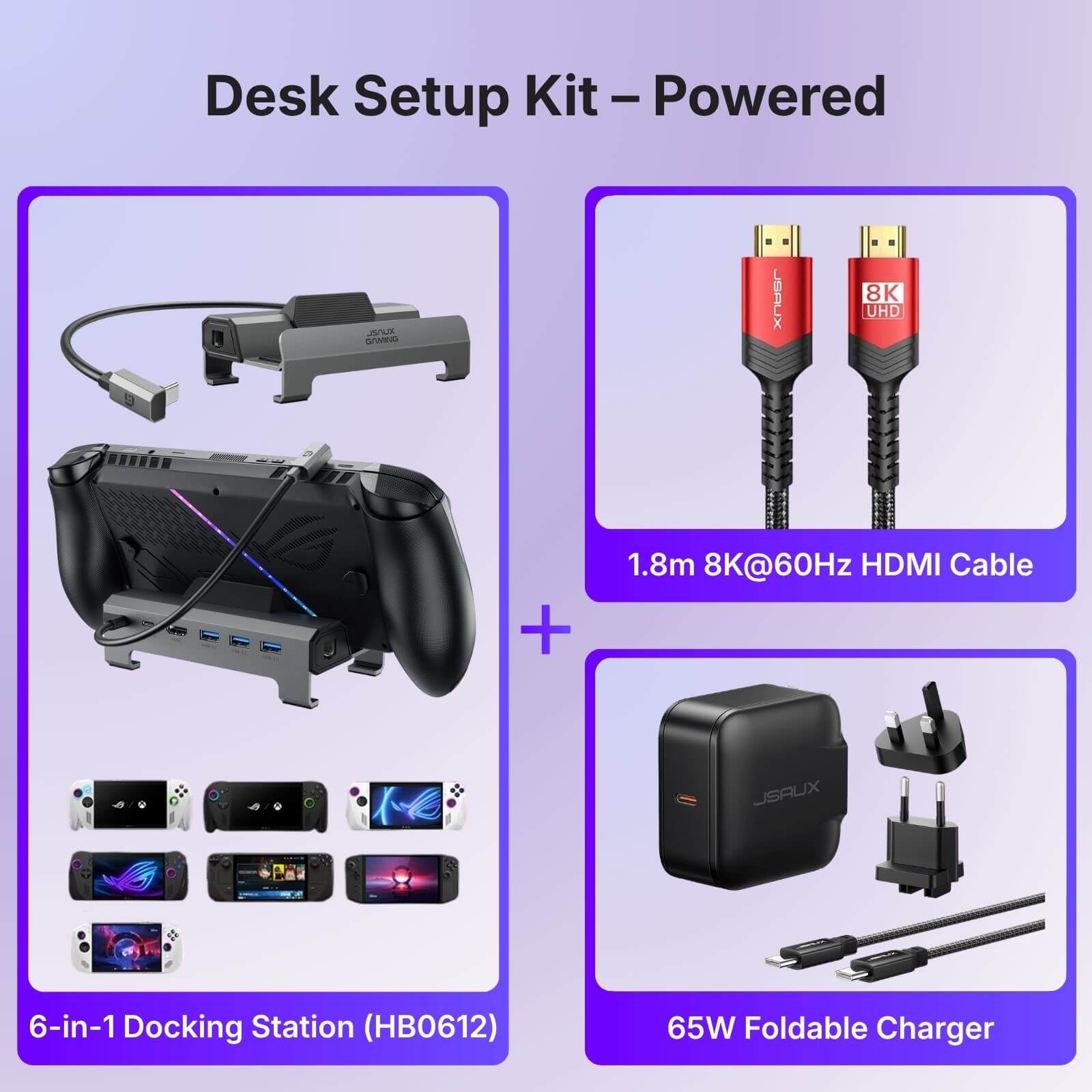
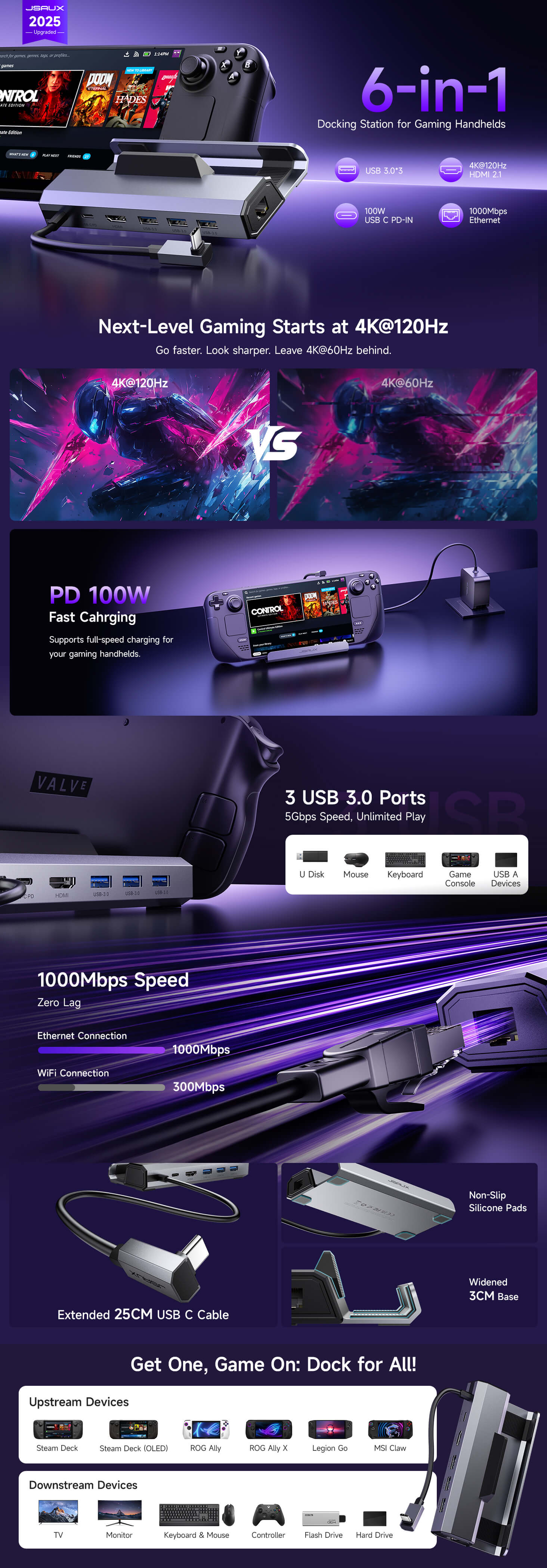
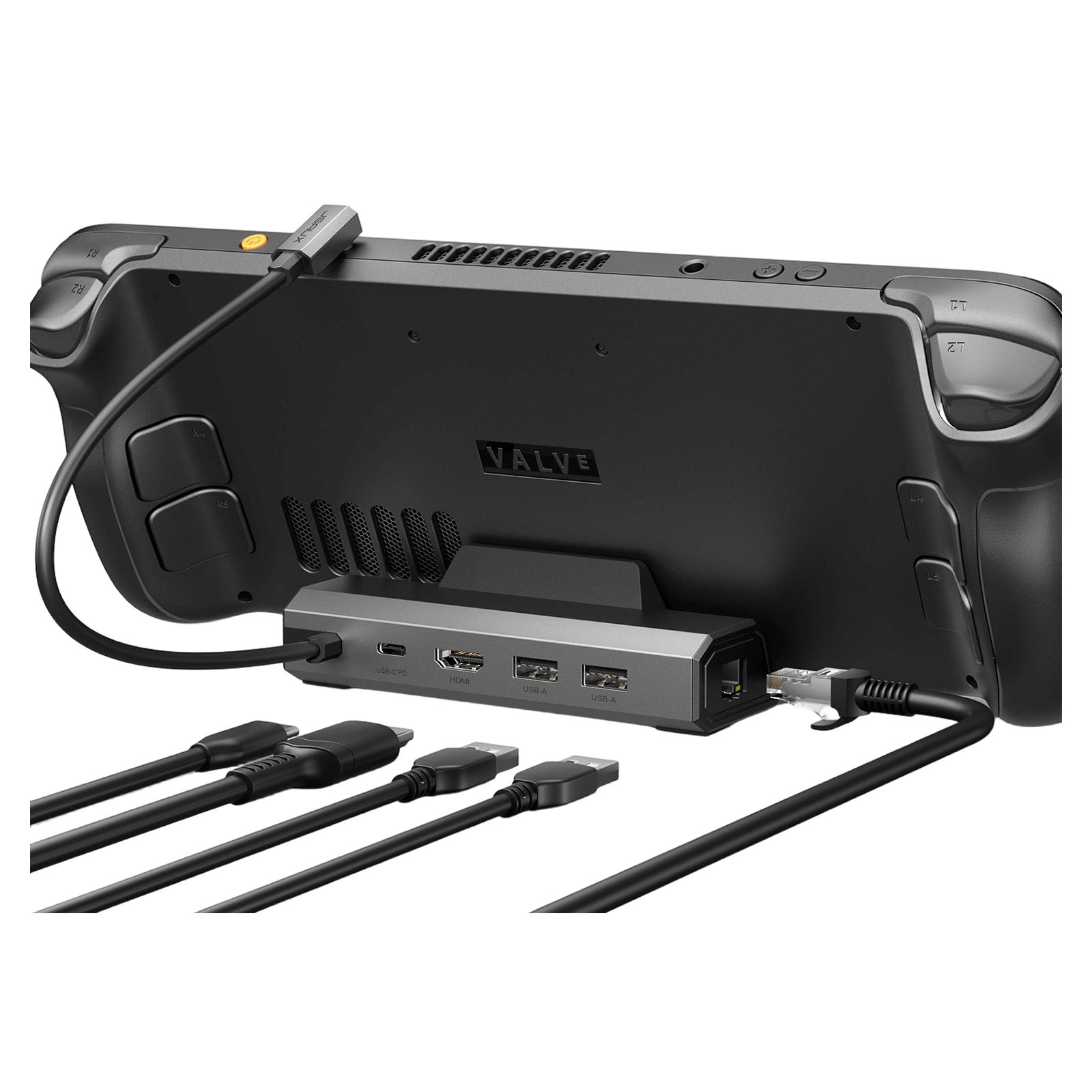
6-in-1ドッキングステーション
HB0603S および HB0612
- HB0603S – アップグレード版:HDMI 2.1 (4K@120Hz)
- HB0612 – アップグレード版(ROG Xbox Ally/X対応):HB0603Sと同じHDMI 2.1仕様、ROG Xbox Ally/Xとの互換性を追加
- HB0603 – 標準版:HDMI 2.0 (4K@60Hz)、ROG Ally XおよびROG Xbox Ally/X非対応
Pay with Ease
FEATURES
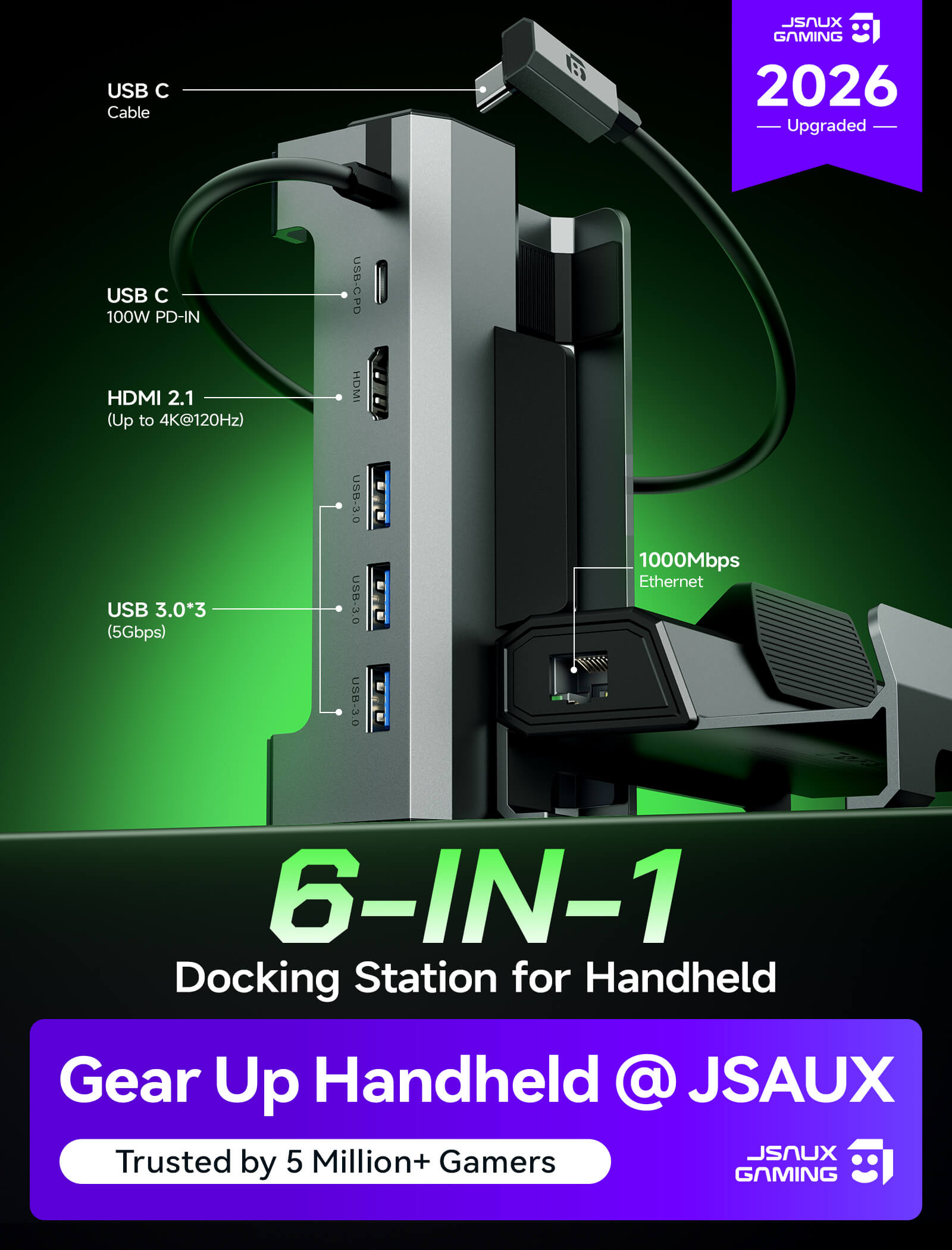
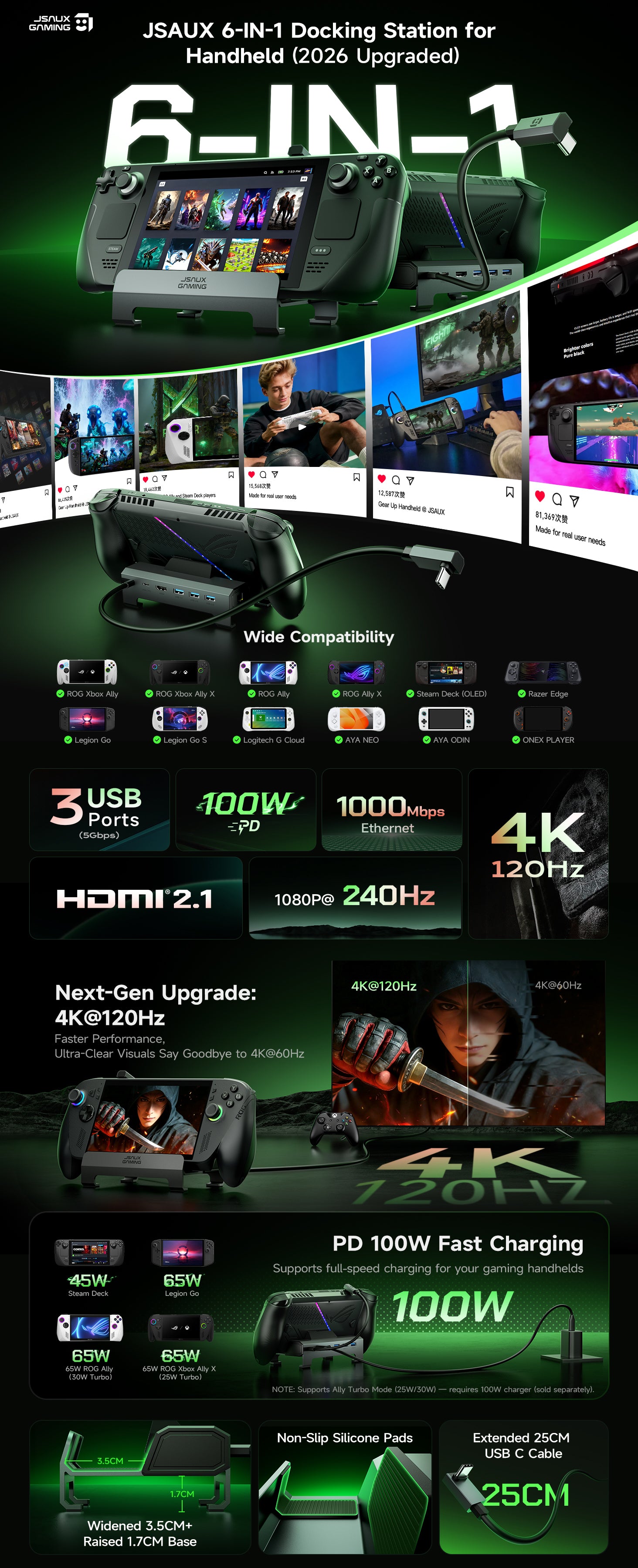
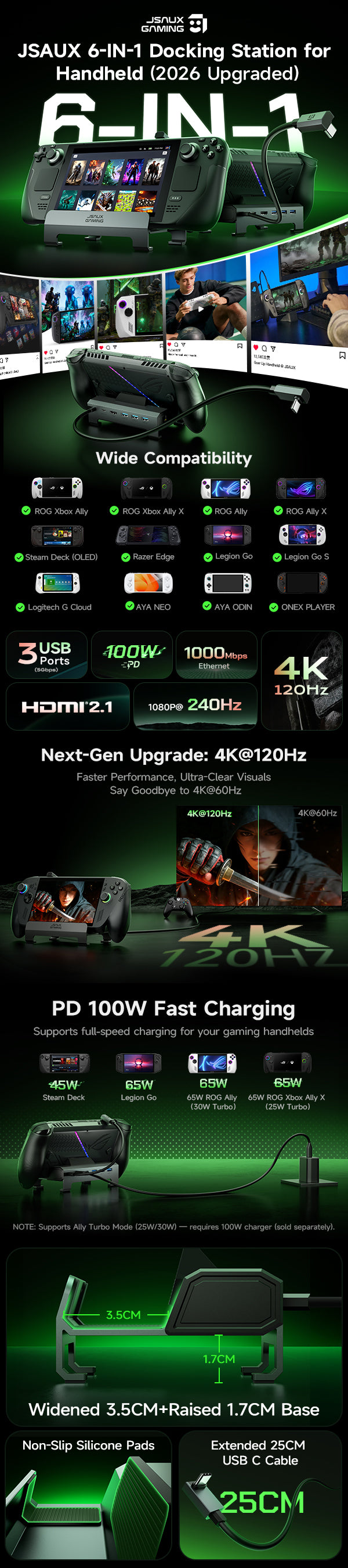
- アップグレードされた6-in-1ドッキングステーション
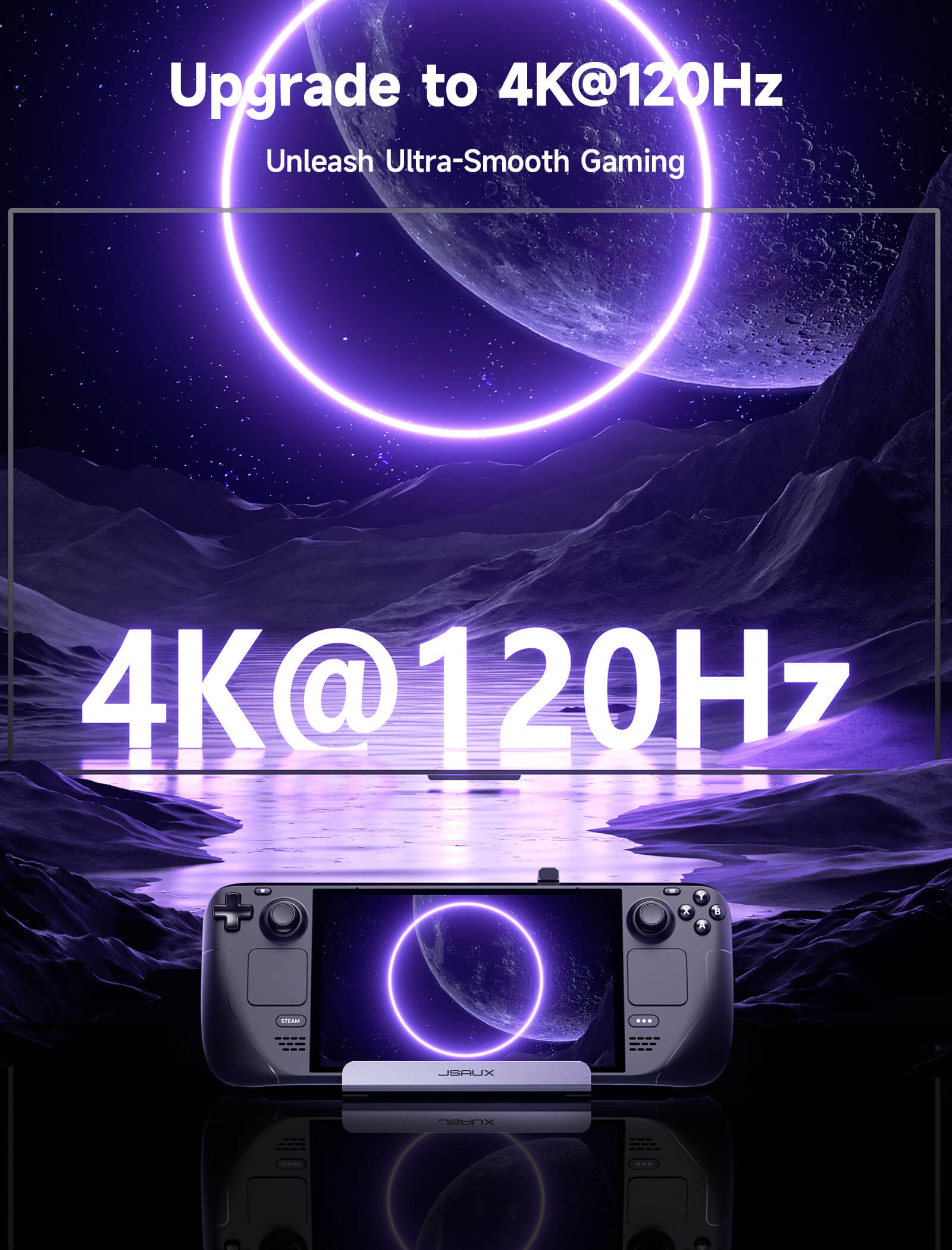
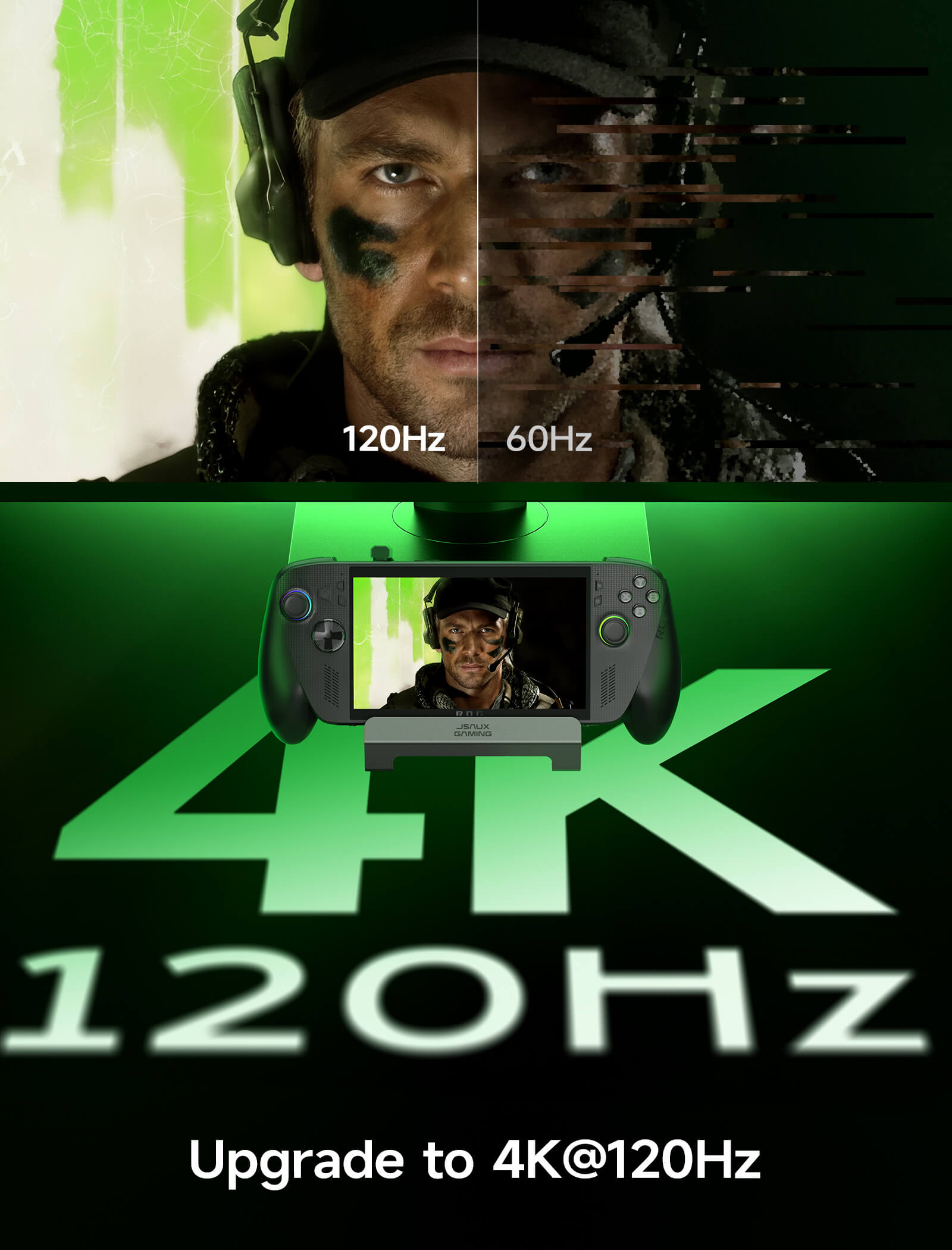
- 4K@120Hz HDMI出力(アップグレード)
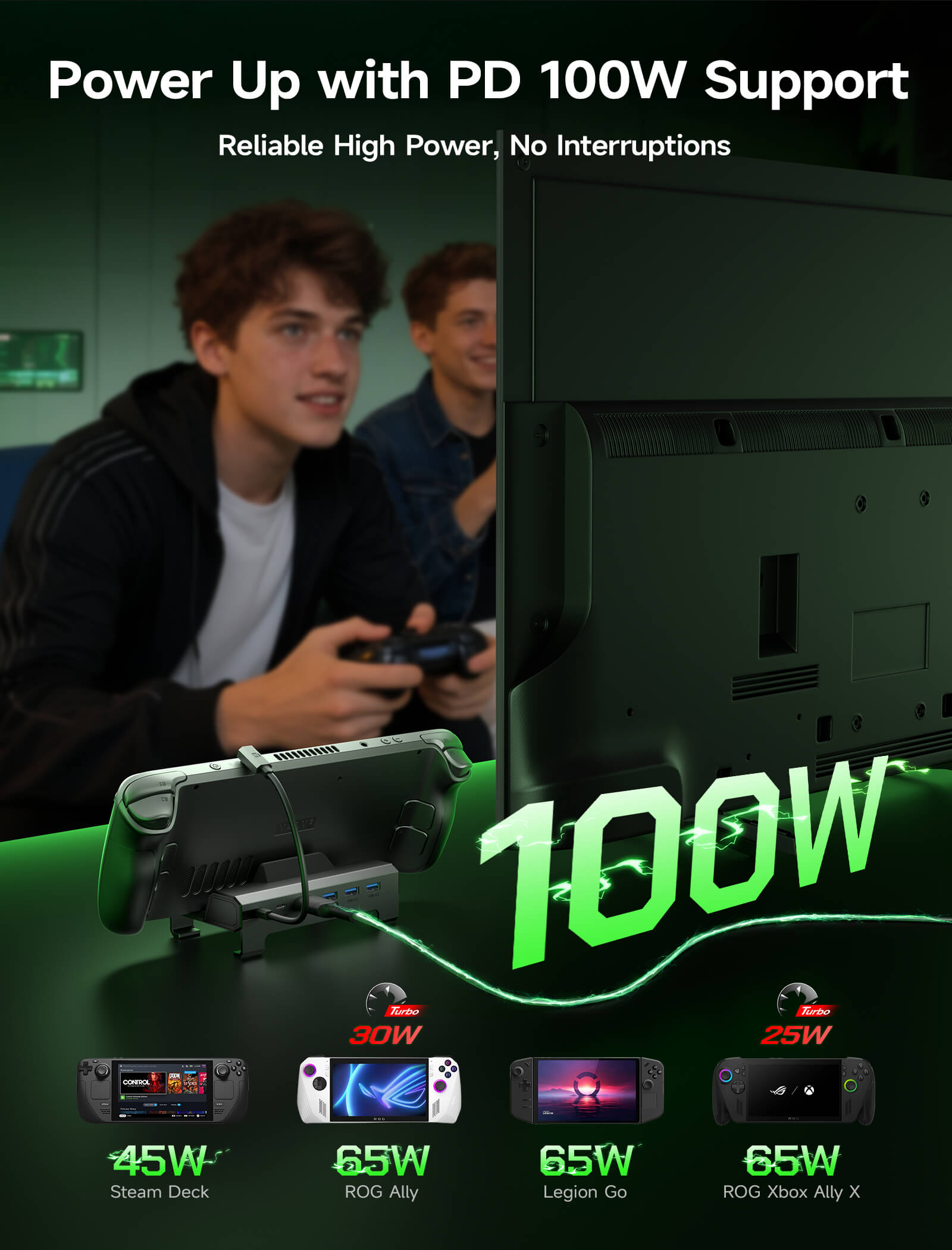
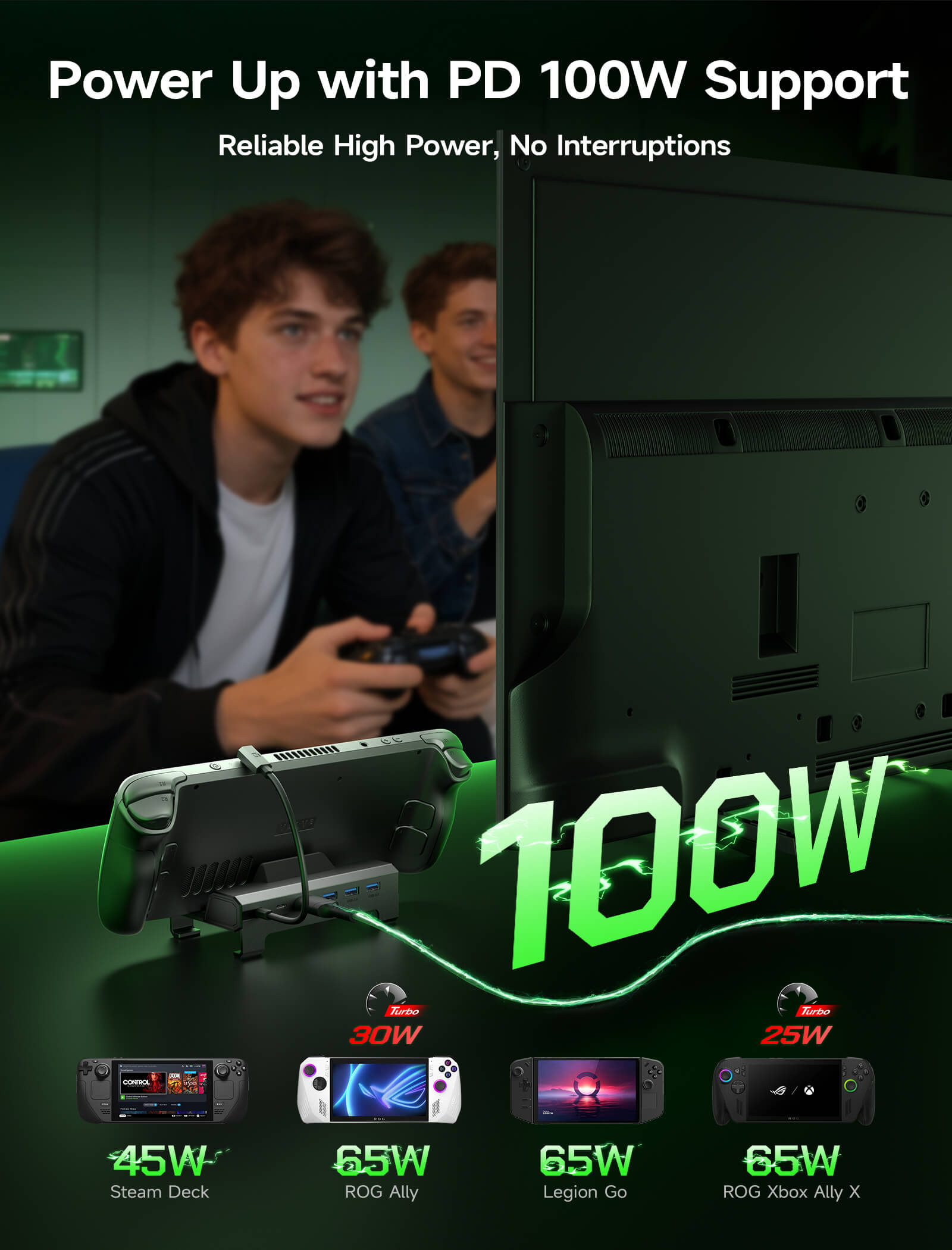
- フルスピード100W充電
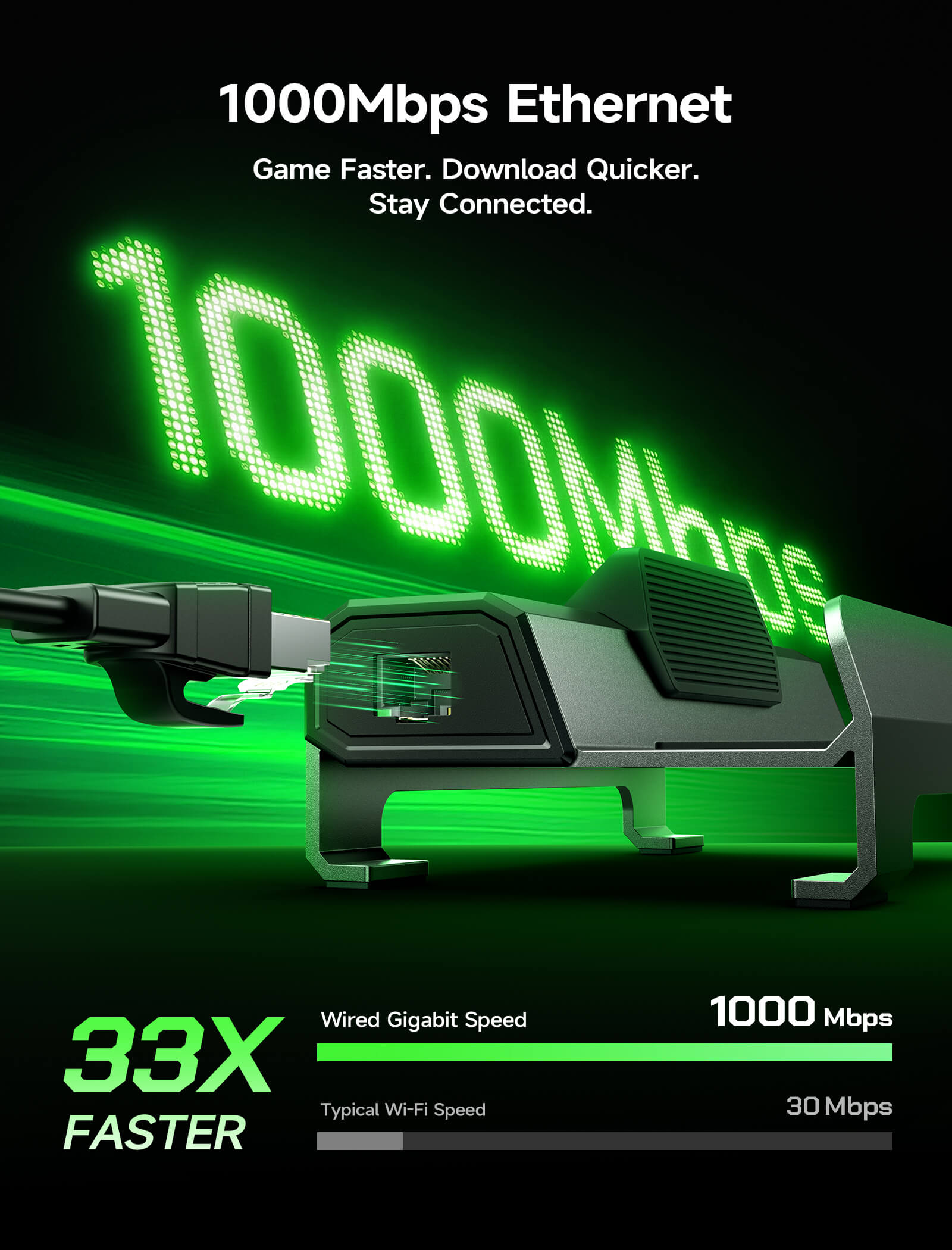
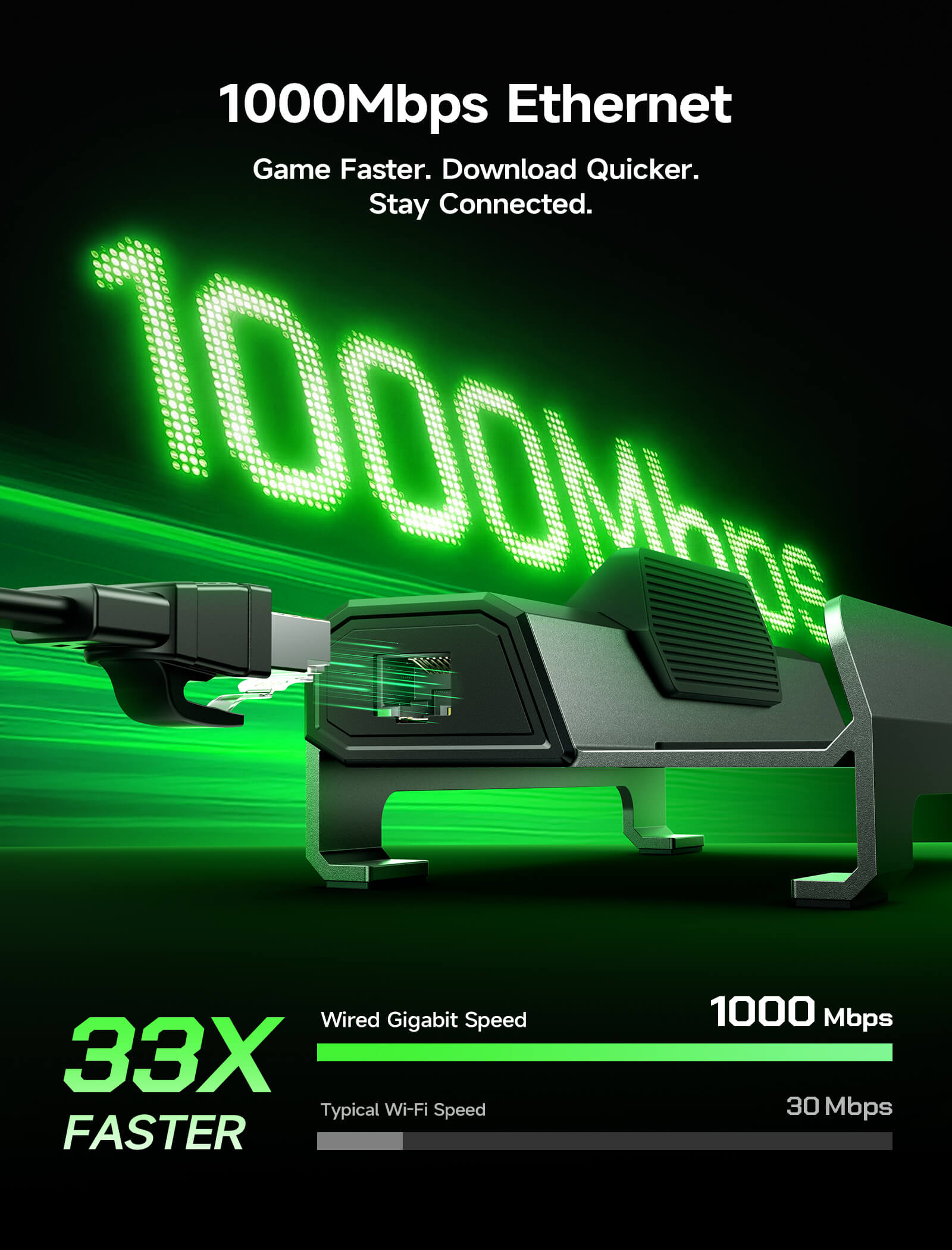
- ギガビットイーサネット
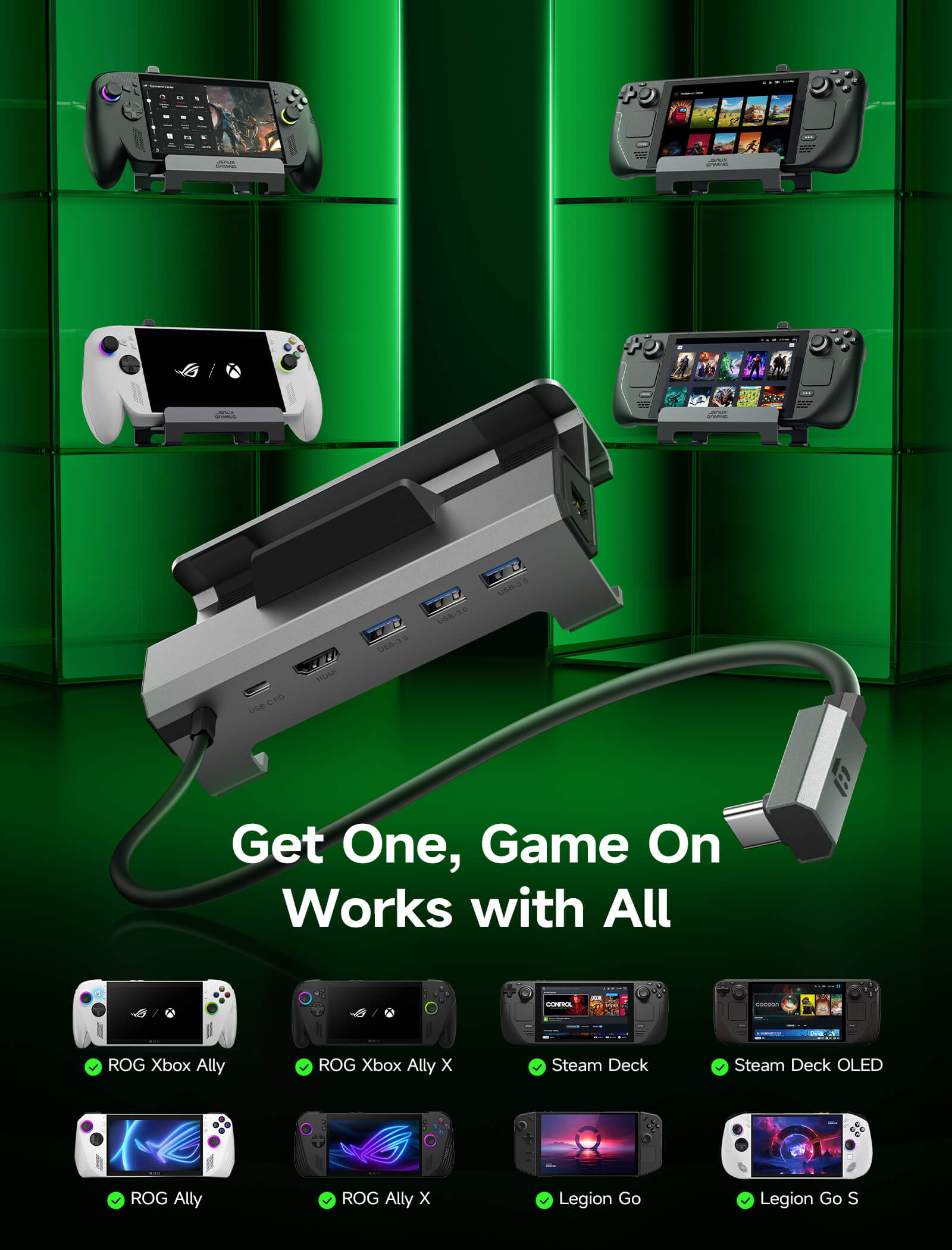
- 拡張されたデバイス互換性
SHIPPING

6-in-1ドッキングステーション
6-in-1ドッキングステーション
セール価格¥6,457 JPY
通常価格¥8,071 JPY (/)
HB0603S
HB0612

完璧なセットアップを構築する方法がわからない?
製品比較


Model
6-in-1 ドッキングステーション HB0603S
6-in-1 ドッキングステーション HB0612
6-in-1 Multifunctional Docking Station HB0609
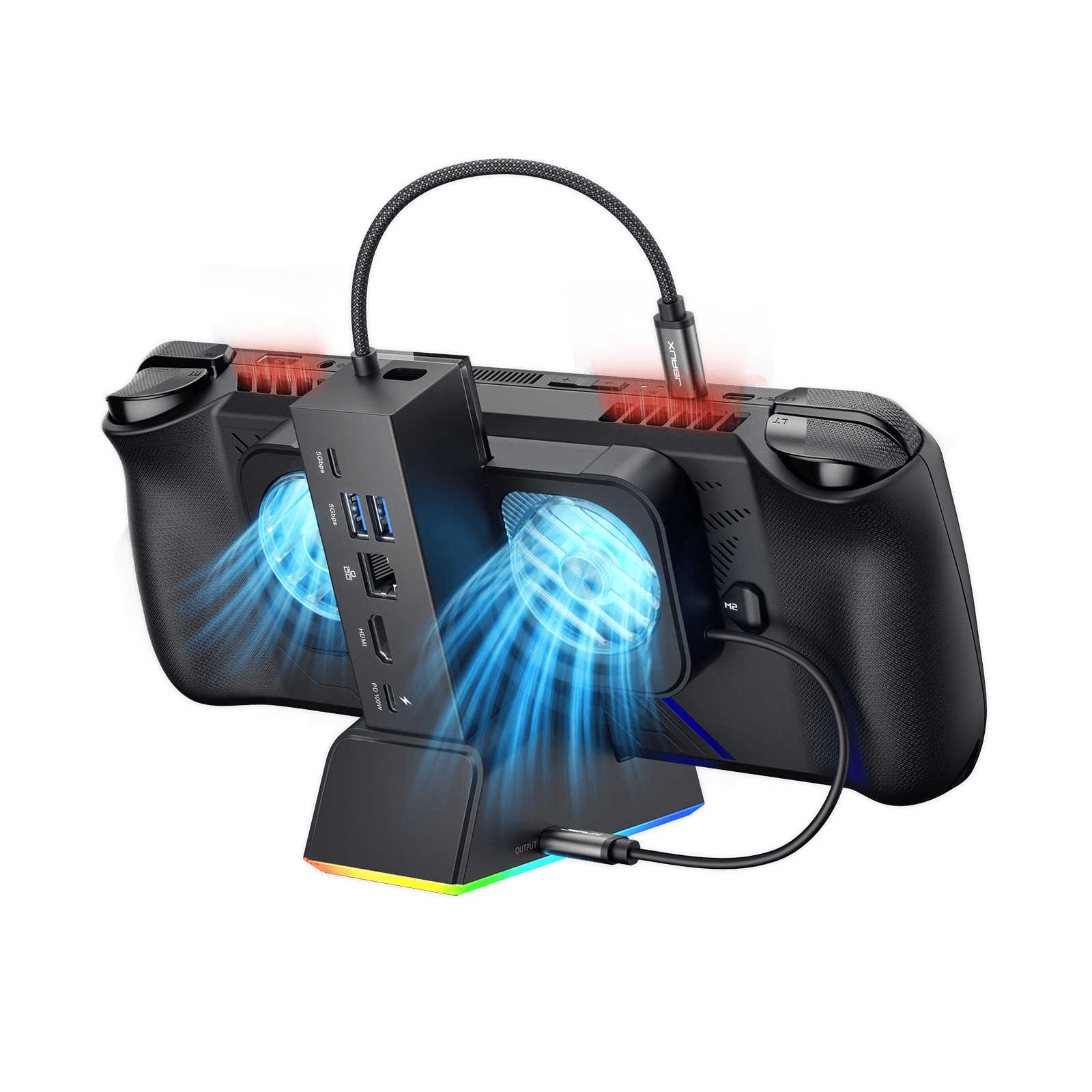
7-in-1 RGB Cooling Docking Station HB0705
5-in-1 ドッキングステーション HB0602S
4-in-1 ドッキングステーション HB0503
Size & Weight
140×77.5×36mm
141g
140×85×58 mm
170g
125×85×49mm
179g
138×145×143mm
360g
120×77.5×36mm
124g
116.5*93.2*51.6mm
156g
PD port
140×77.5×36mm
141グラム
1x USB-C
(100W)
1* USB-C
(100W)
1 * USB-C
(100W)
120×77.5×36mm
124グラム
USB-Cポート x 1
(100W)
HDMI
HDMI 2.1 x 1
(4K@120Hz)
HDMI 2.1 x 1
(4K@120Hz)
HDMI 2.1 x 1
(4K@120Hz)
HDMI 2.1 x 1
(4K@120Hz)
ゲーミング機能: VRR、ALLM、HDR、QFT
HDMI 2.1 x 1
(4K@120Hz)
HDMI 2.0 × 1
(4K@60Hz)
USB Port
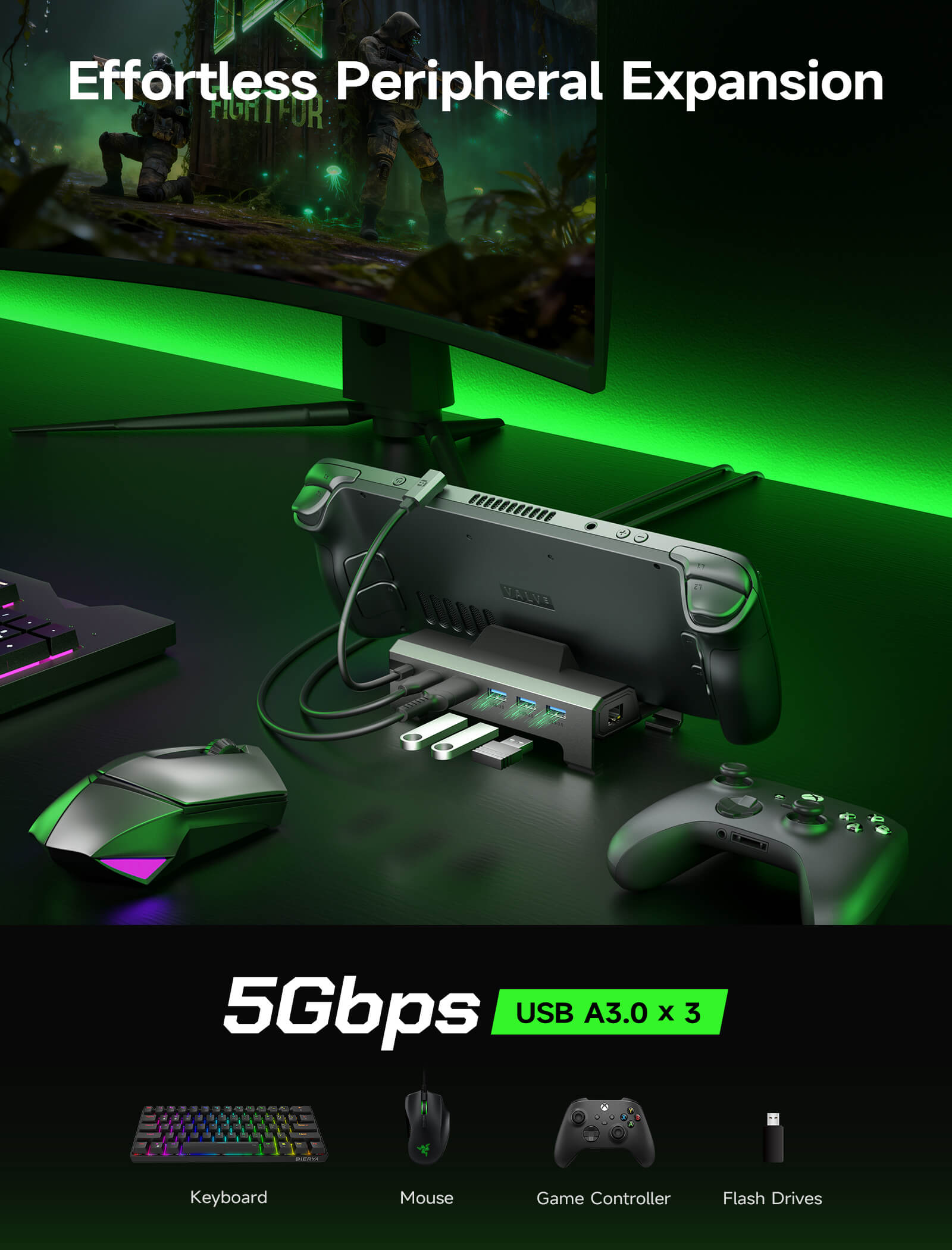
USB-A 3.0 × 3
(5 Gbps)
USB-A 3.0ポート x 3
(5Gbps)
USB-A 3.0 *2
USB-C 3.0*1
(5 Gbps)
USB-A 3.0 *2
USB-C 3.0*1
RGB対応 USB-C *1
USB-A 2.0 x 2
(480Mbps)
USB-A 2.0 × 2
(480Mbps)
Gigabit Ethernet Port
ギガビットイーサネット
(1000Mbps)
ギガビットイーサネット
(1000Mbps)
ギガビットイーサネット
(1000Mbps)
ギガビットイーサネット
(1000Mbps)
イーサネットRJ45
(100Mbps)
✘
Handheld Compatible
Steam Deck / OLED
ROG Ally / X
Legion Go / Go 2 / Go S
Steam Deck / OLED
ROG Xbox Ally / X
ROG Ally / X
Legion Go / Go 2 / Go S
Steam Deck / OLED
ROG Xbox Ally / X
ROG Ally / X
Legion Go / Go 2 / Go S
Steam Deck / OLED
ROG Ally / X
Legion Go / Go 2 / Go S
Steam Deck / OLED
ROG Ally / X
Legion Go / Go 2 / Go S
Steam Deck / OLED
ROG Xbox Ally / X
ROG Ally / X
Legion Go / Go 2 / Go S
FEATURES
説明文
- 【アップグレードされた6-in-1ドッキングステーション】:超スムーズでクリアな映像のためのHDMI 2.1 4K@120Hz出力、100W PD充電、3つの高速USB A 3.0ポート、超高速ギガビットイーサネット接続を搭載。ROG Ally XとLegion Go Sに対応し、シームレスな大画面ゲーミング体験をさらに楽しめます。注意:HB0603SはROG XBOX Ally / XBOX Ally Xには対応していません。
- 【4K@120Hz HDMI出力(アップグレード済み)】:従来の4K@60Hzバージョンと比較して、リフレッシュレートが2倍になりました。オンラインでバトルしている場合でも、映画のようなカットシーンを見ている場合でも、外部モニターで非常にスムーズなゲームプレイと画面のティアリングの低減をお楽しみいただけます。
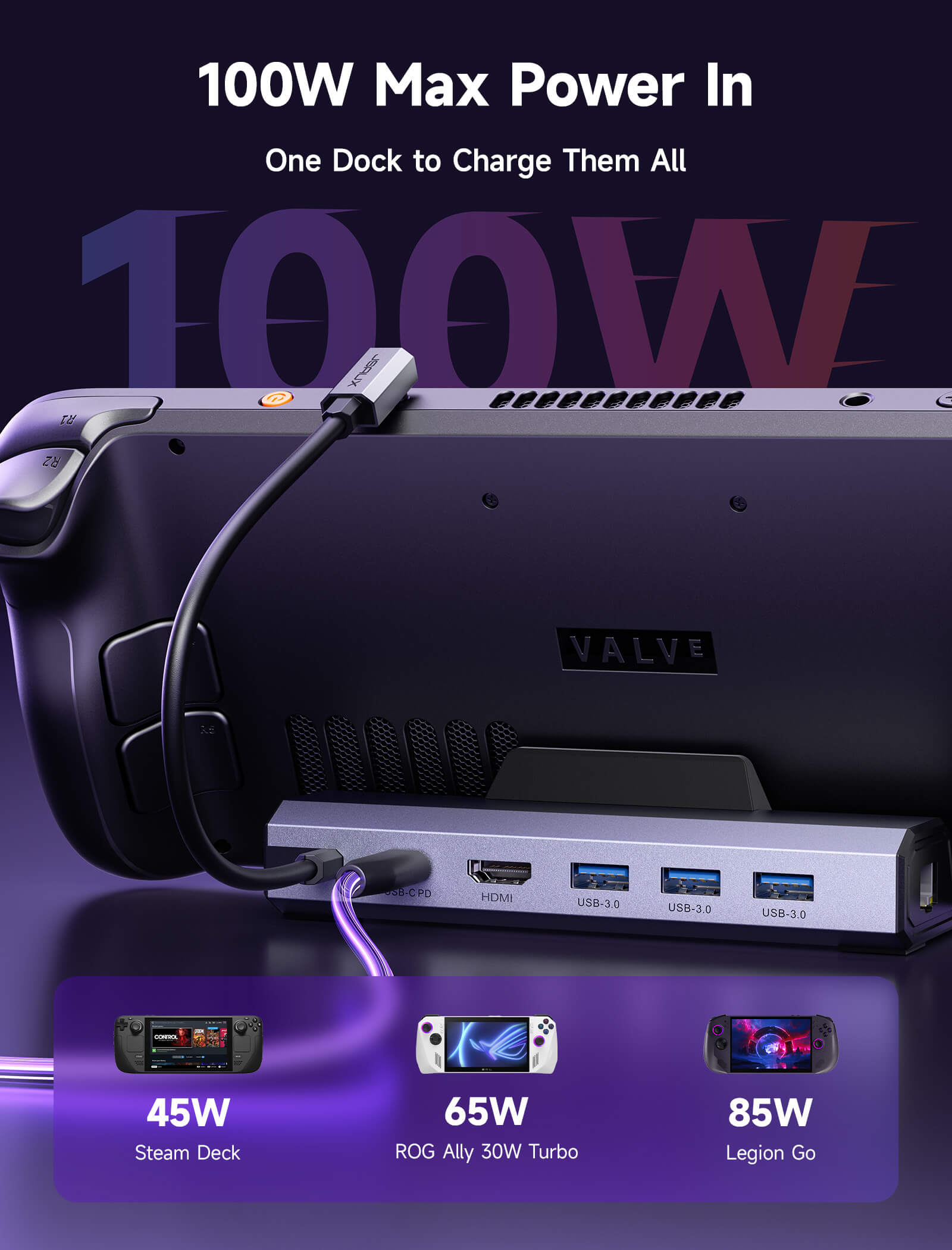
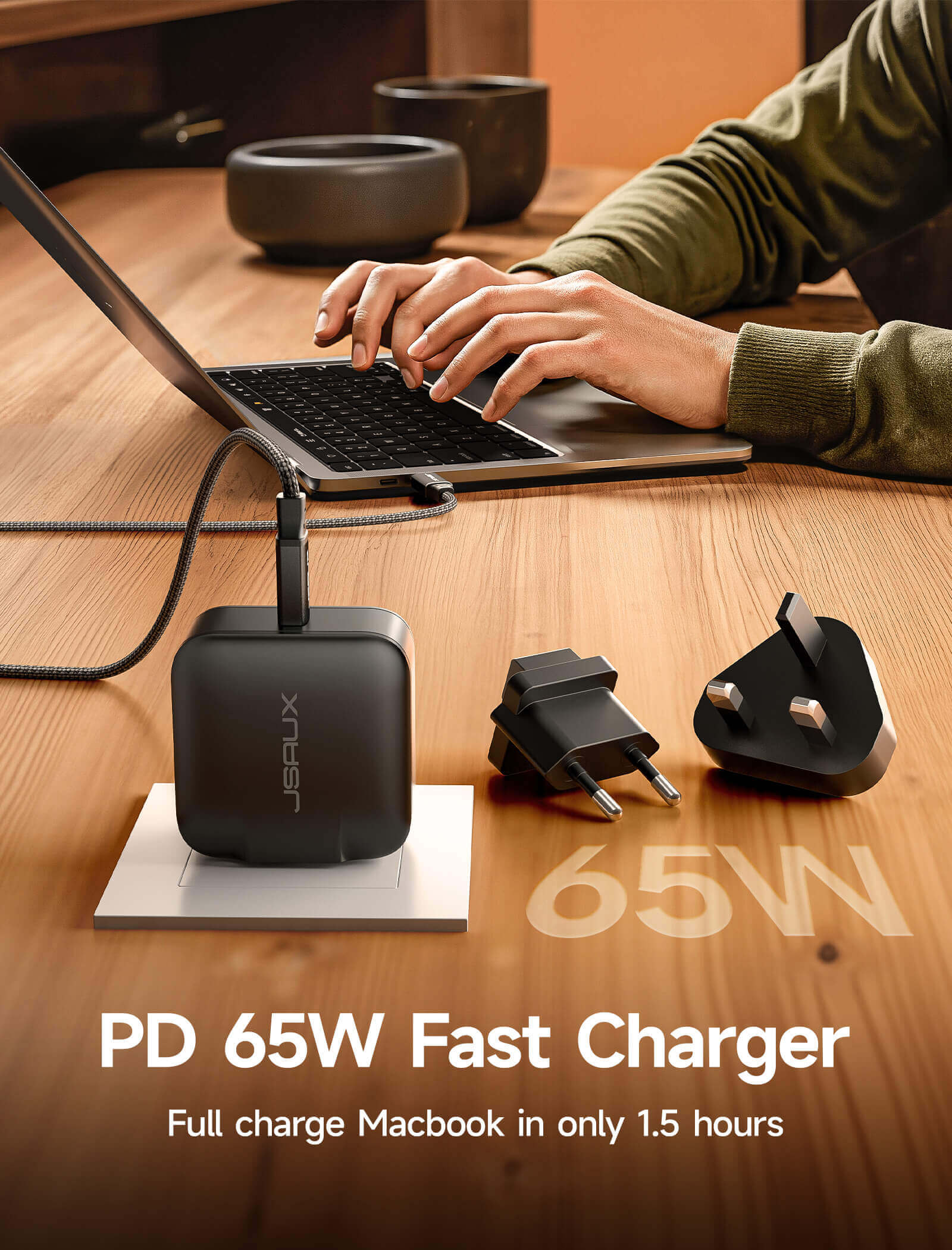
- 【フルスピード100W充電】:最大100WのPD充電に対応し、ターボモードでもハンドヘルドに簡単に給電できます。マラソンプレイ中もバッテリー切れを心配することなく、ゲームセッションを中断させません。注:ROG Allyの30Wターボモードには完全に対応していますが、100W充電器の使用を推奨します。
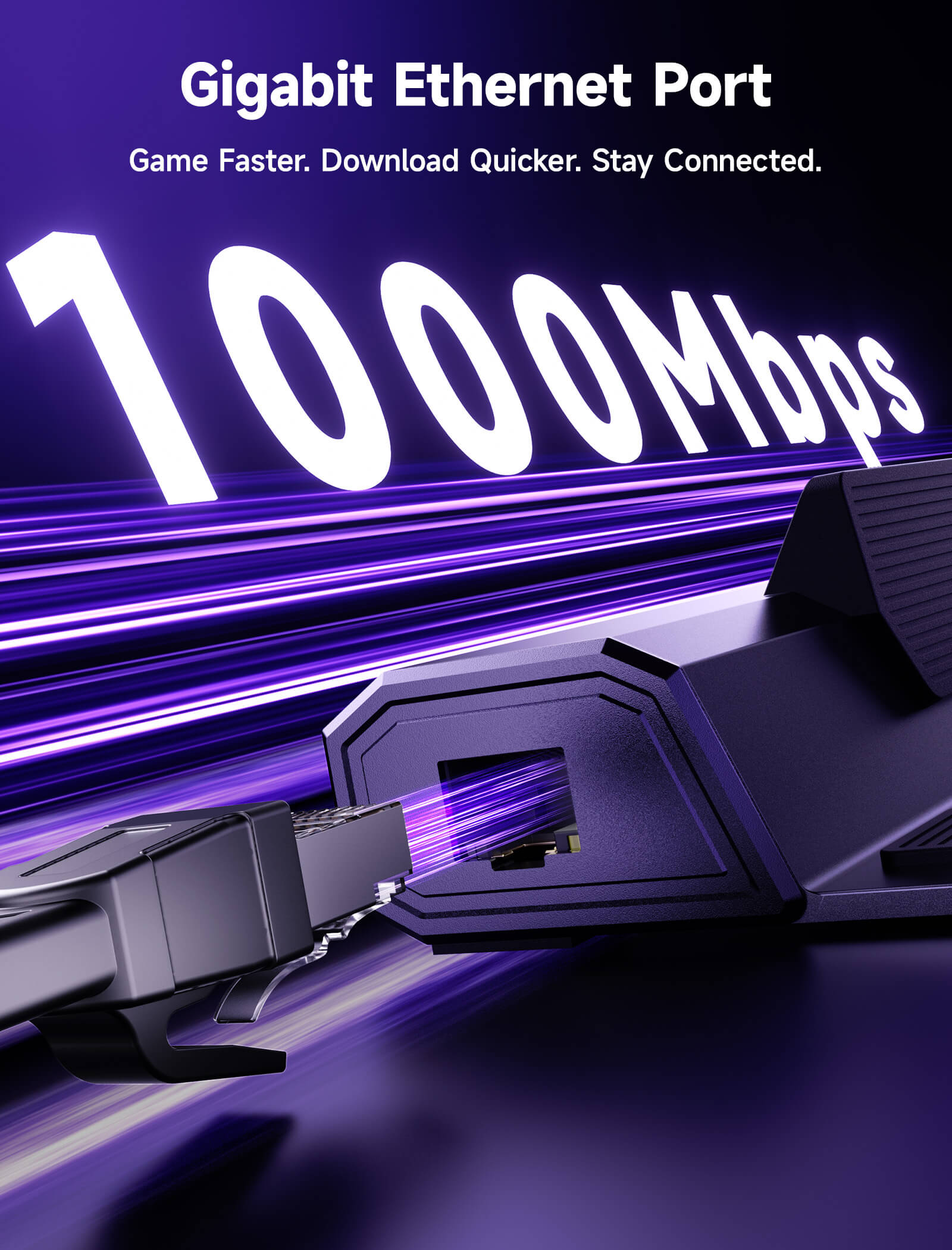
- 【ギガビットイーサネット】:ギガビットイーサネットでゲーム体験を向上させ、シームレスなオンラインプレイ、迅速なアップデート、高速ファイル転送を実現します。超高速のダウンロードとアップロードを楽しみ、ラグと遅延をなくして中断のないセッションを。
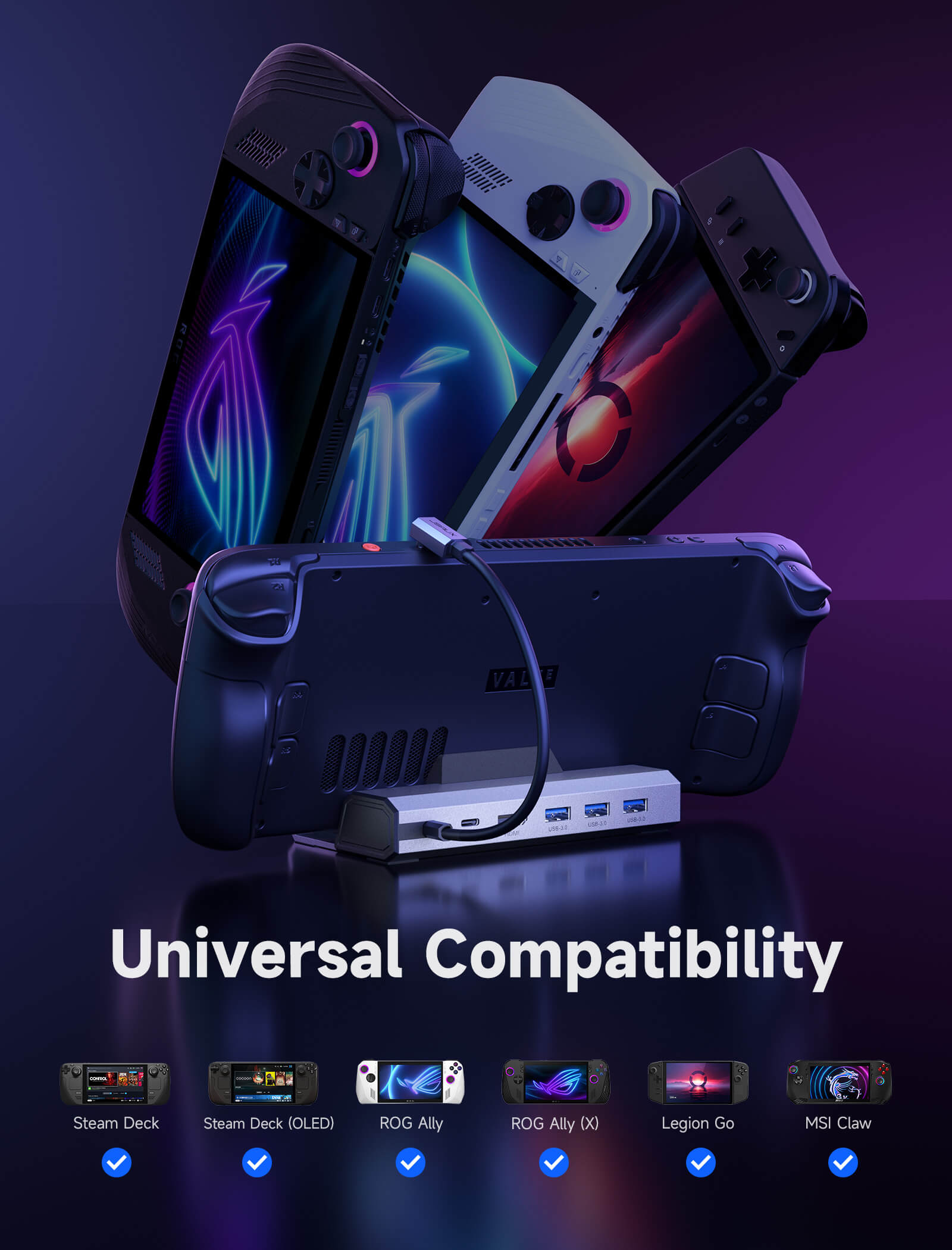
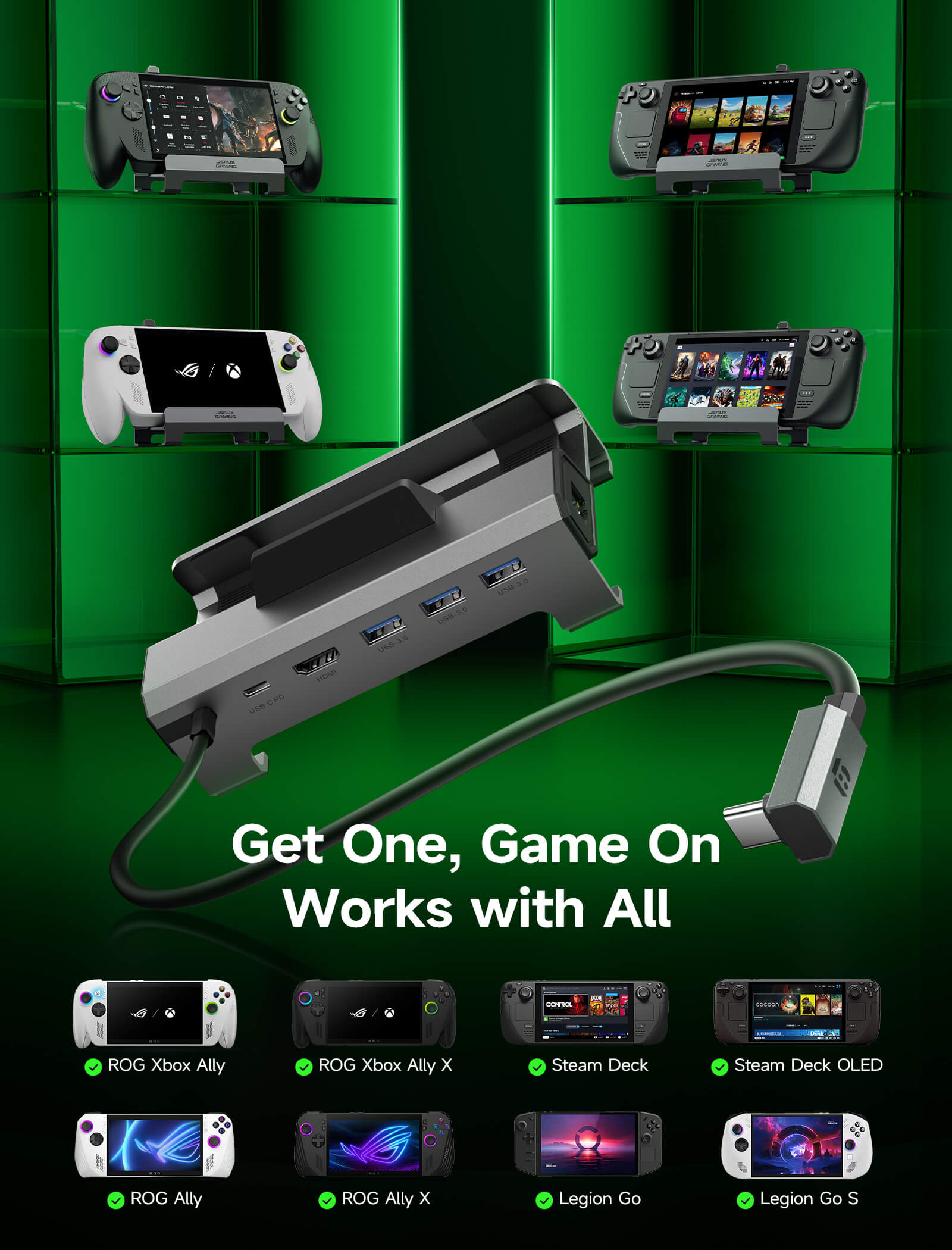
- 【拡張されたデバイス互換性】:Steam Deck LCD/OLED、ROG Ally / Ally X、Legion Go / Go S、およびMSI Clawに対応し、複数のハンドヘルドに対応するオールインワンソリューションとなります。注意:HB0603SはROG XBOX Ally / XBOX Ally Xには対応していません。
📢注意:
SPECS
SPECS(HB0603SおよびHB0603)
Model
HB0603S
HB0612
Compatibility
対応デバイス: Steam Deck LCD/OLED、ROG Ally/X、Legion Go/Go 2/Go S、MSI Claw
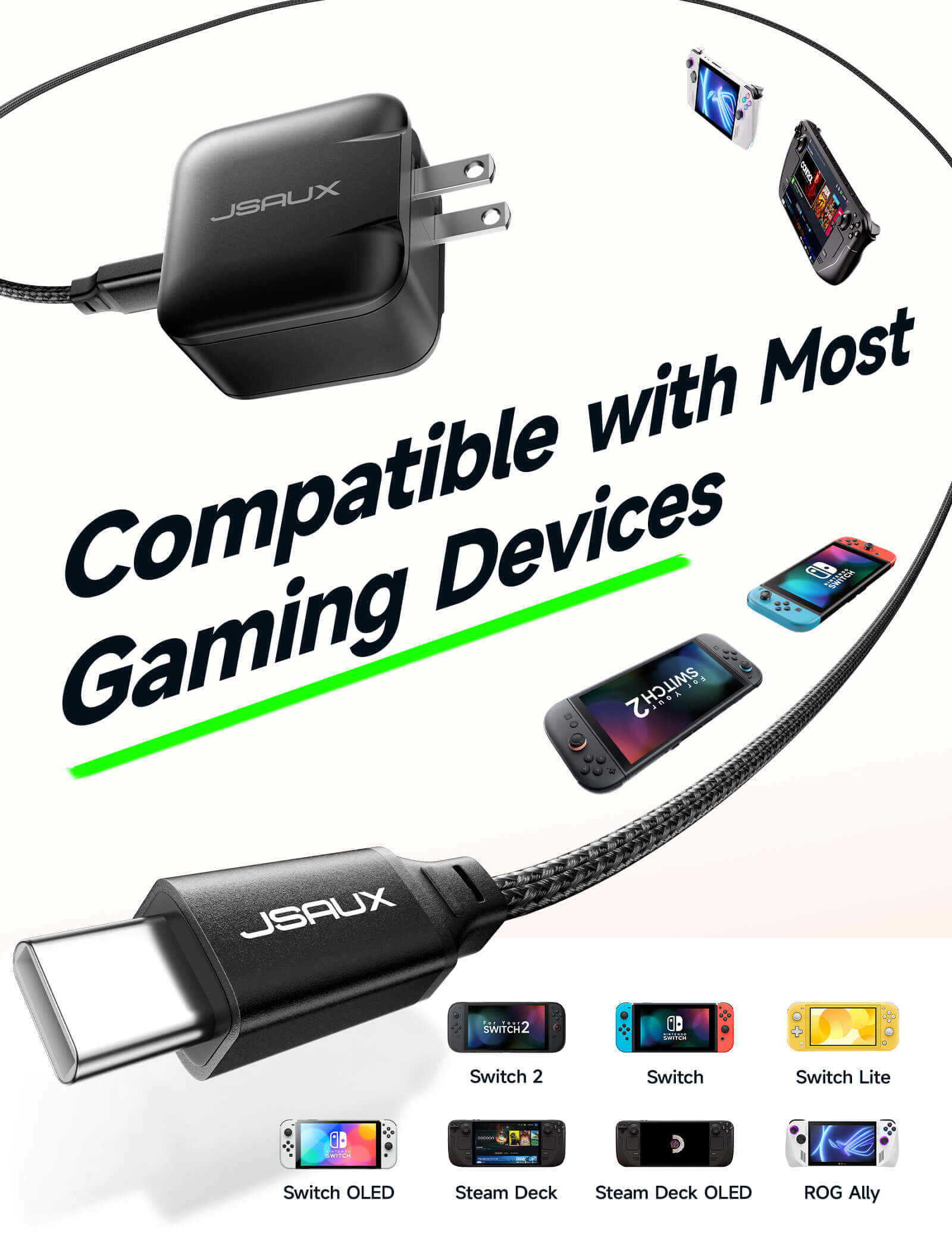
非対応デバイス: ROG XBOX Ally/X、Switch、Switch 2
対応デバイス: Steam Deck LCD/OLED、ROG Ally、Legion Go/Go 2/Go S、MSI Claw
非対応デバイス: ROG Ally X、ROG XBOX Ally/X、Switch、Switch 2
Ports
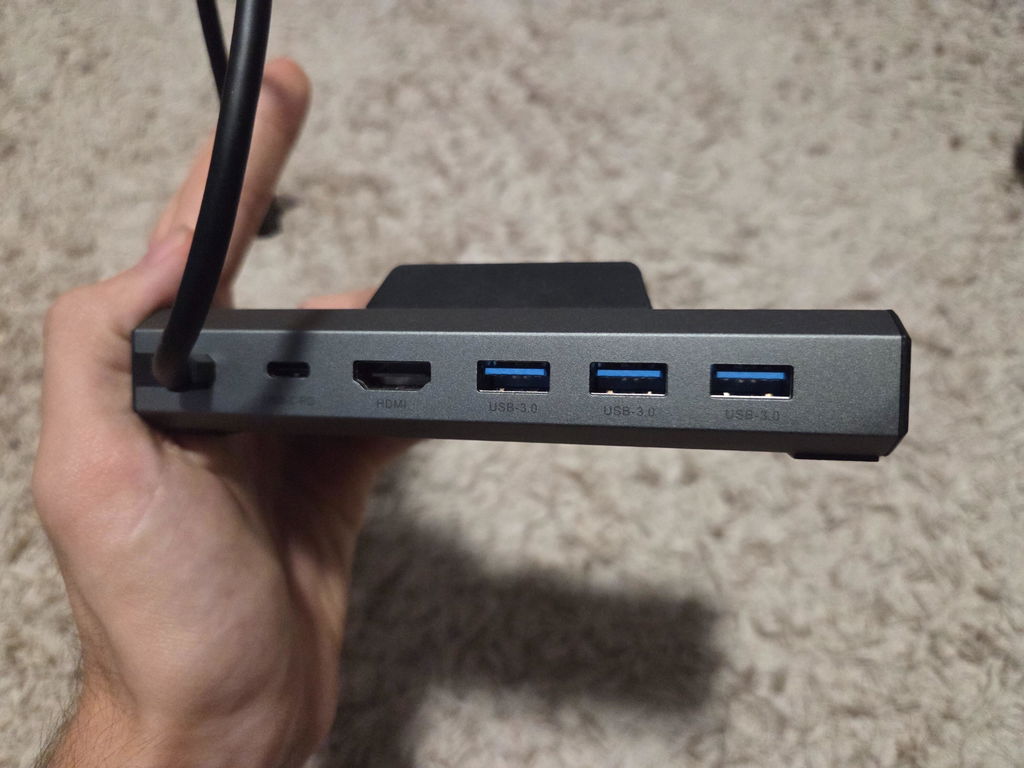
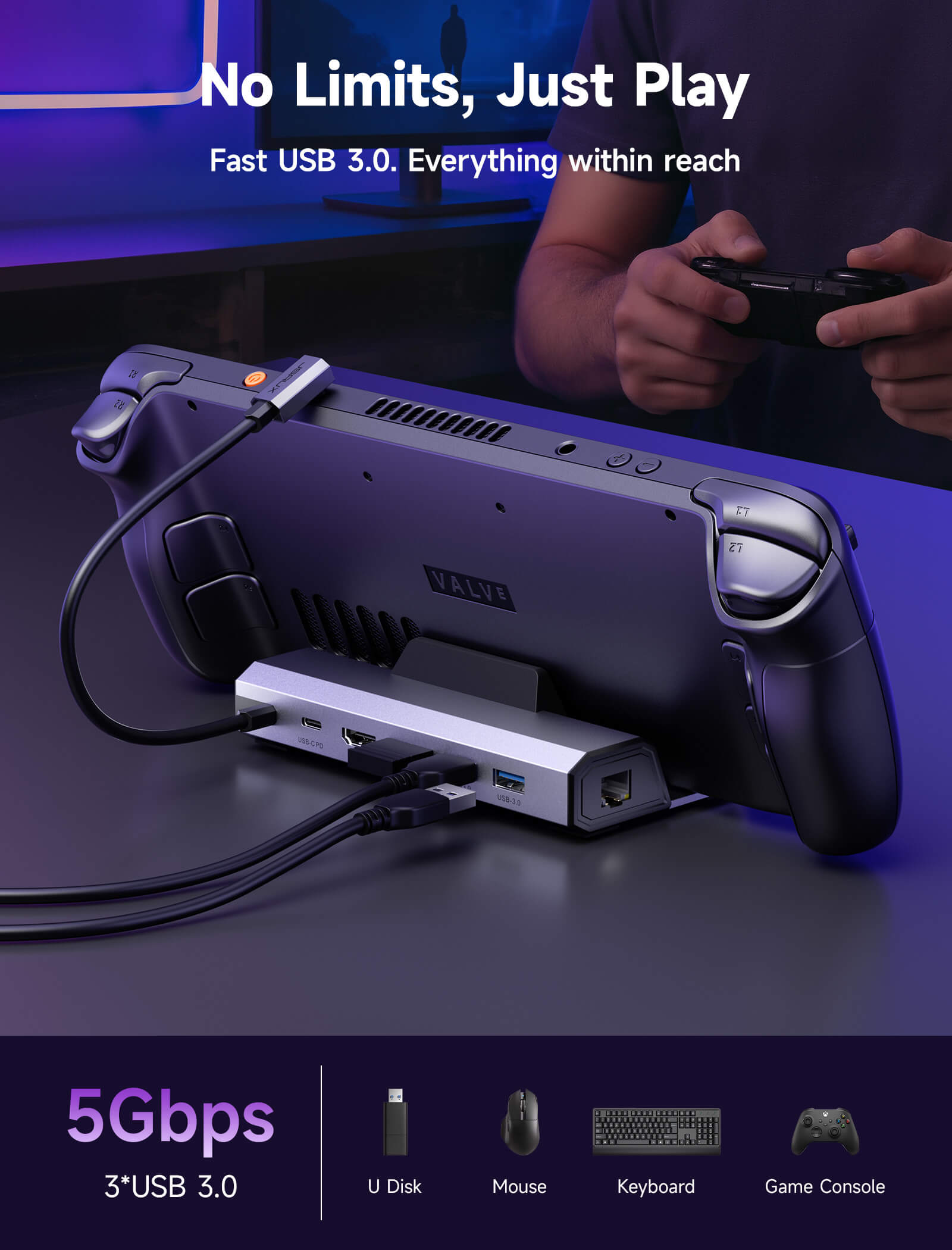
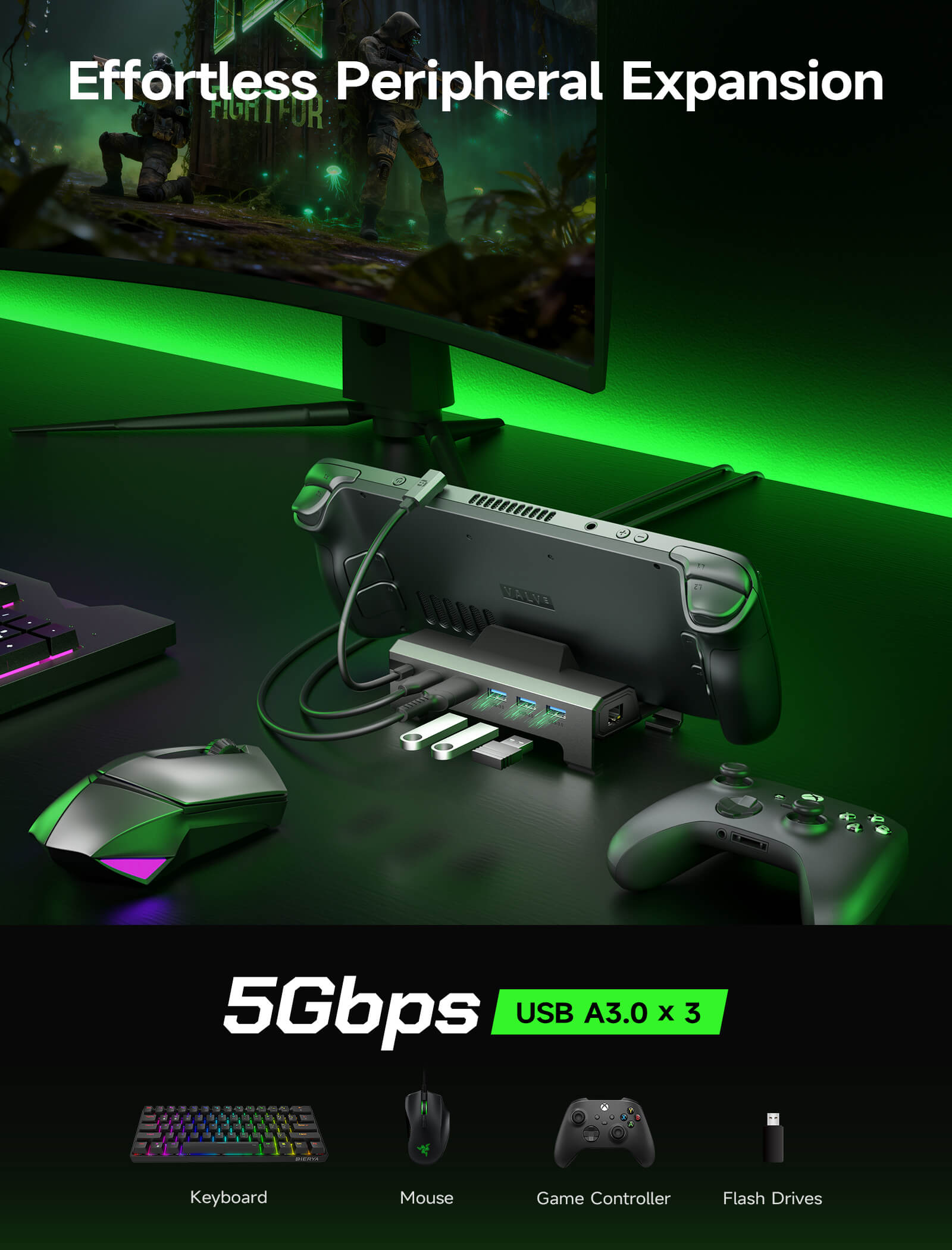
3* USB-A 3.0: 5G bps伝送をサポート
1* PD USB-C: PD 100W充電をサポート
HDMI 2.1 x 1:最大4K@120Hzをサポート
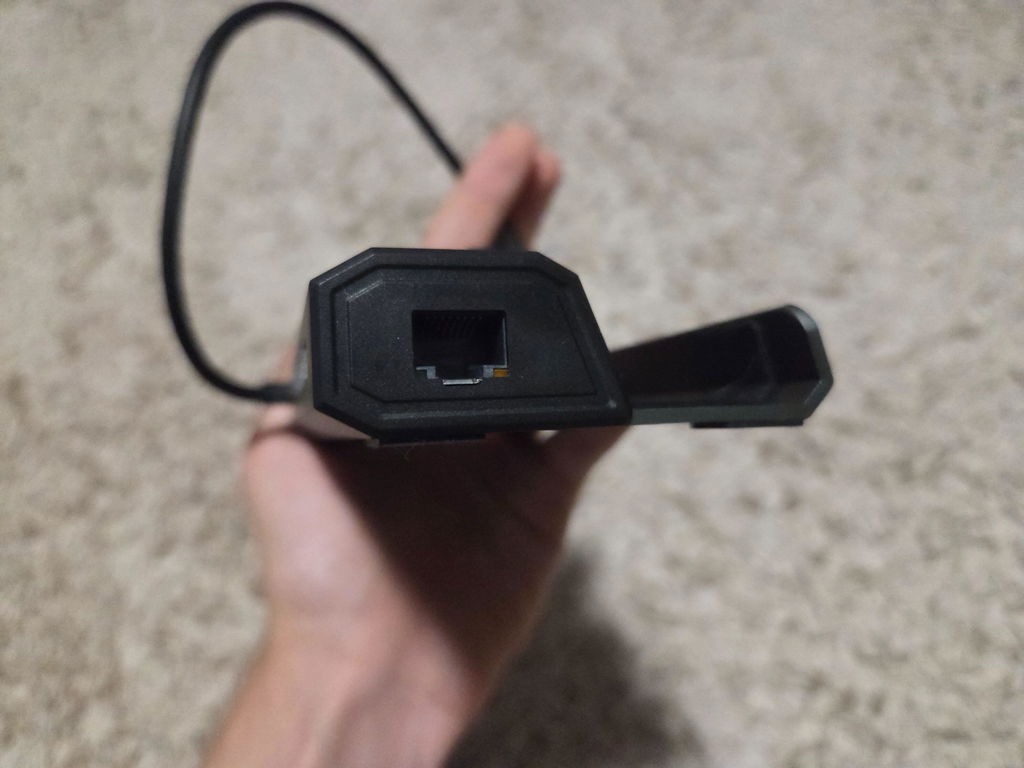
1* RJ45:アダプティブ 1000/100/10M イーサネット
3* USB-A 3.0: 5G bps伝送をサポート
1* PD USB-C: PD 100W充電をサポート
HDMI 2.0 x 1:最大4K@60Hzをサポート
1* RJ45:アダプティブ 1000/100/10M イーサネット
Size
140(長さ)×77.5(幅)×36(高さ)mm
ワイヤー長さ25cm
140×65×28mm
ワイヤー長さ14cm
Weight
141グラム
150グラム
Material
TPE + aluminum
Aluminum alloy + ABS + TPE
Video Output
- 外部モニターの解像度とリフレッシュ レートを次の標準に設定してください: 3840*2160@30Hz/60Hz/120Hz、5120*2880@30Hz、2560*1440@60Hz、または 1920*1080@60Hz/120Hz/144Hz。
- 4K@120Hz 出力の場合は、デバイスがサポートしていることを確認し、HDMI 2.1 標準ケーブルを使用してください。
- ドックをご使用の際は、 PD電源アダプターをドックに接続してください。外部電源がないと、ドックはデバイスの充電や安定したビデオ出力を行うことができません。
- デッキ LCD/OLED に関する注意: 45W PD 充電器はフルスピードで充電できますが、ドッキング時には 65W PD 充電器を使用することをお勧めします。これにより、特に複数の USB アクセサリを接続する場合に、より安定した電力供給とより速い充電が保証されます。
- ROG Ally/ROG Ally X/MSI Claw に関するご注意:最高の体験を得るには、特に30Wターボモード使用時に、100W PD充電器のご使用をお勧めします。ワット数の高いアダプターを使用することで、本体とドックの両方に十分な電力が供給され、パフォーマンスの低下、バッテリーの消耗、アクセサリ接続時の充電速度の低下を防ぐことができます。
- Legion Go/Go 2/Go S に関するご注意:コンソールの性能を最大限に引き出すには、ドッキング時に100W PD充電器のご使用をお勧めします。この追加電力により、コンソール本体への安定した65W充電が確保されると同時に、ドックと接続されたアクセサリにも十分な電力が供給され、多用時のバッテリー消耗や充電速度の低下を防ぎます。
- パフォーマンスに関するヒント:高負荷のゲームをプレイする際、高解像度設定では消費電力と発熱が増加し、ドッキング中にフレーム落ちやバッテリーの消耗につながる可能性があります。よりスムーズなゲームプレイと外部デバイスとの遅延の低減を実現するには、ゲームの解像度またはグラフィック設定を少し下げることを検討してください。
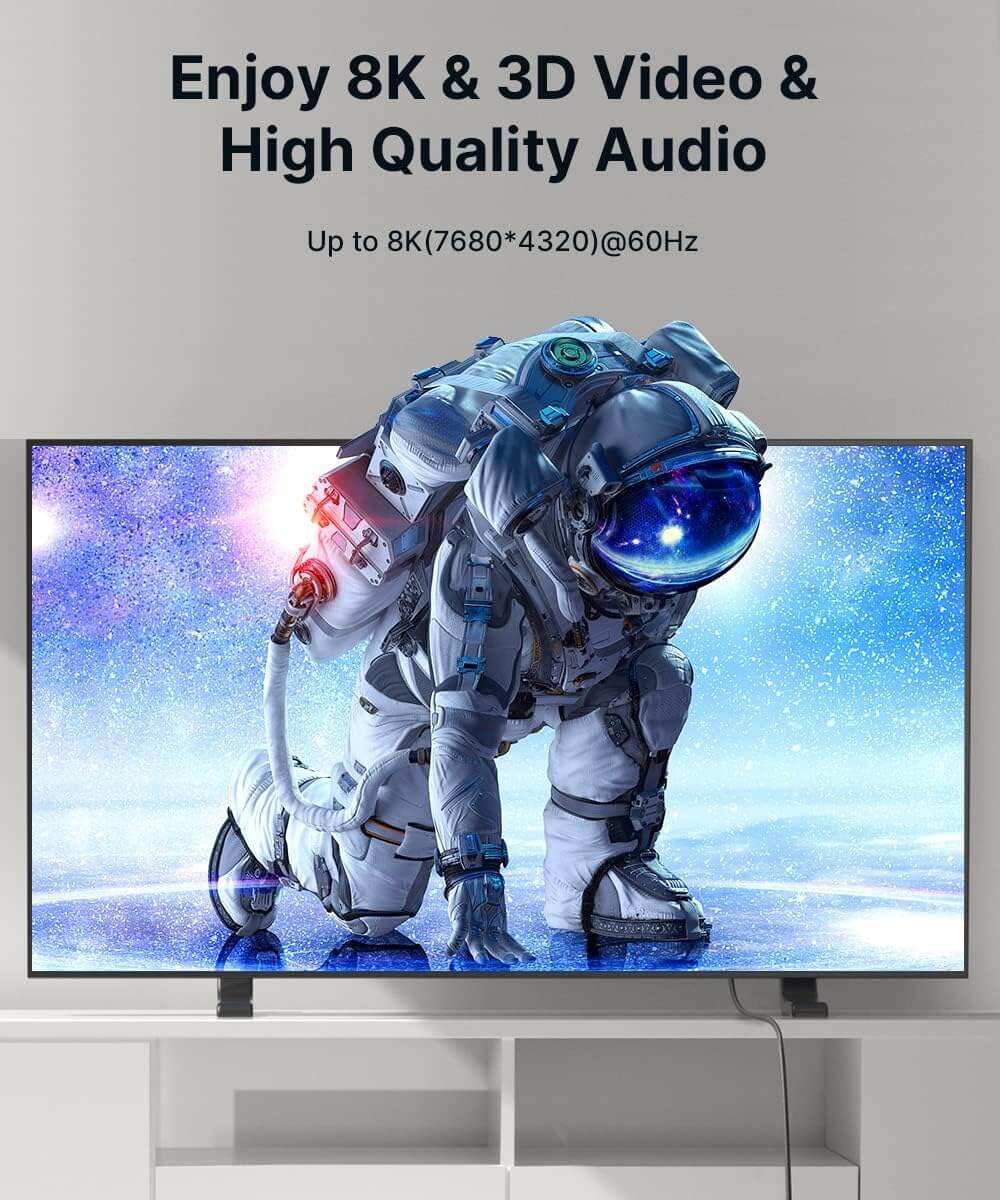
4K/120Hz HDR (10-bit, RGB4:4:4)
2K/144Hz HDR, 1080p/120Hz
Supports 3D video output and HDR mode
Audio Support
eARC / ARC compatible
Supports up to 192kHz / 24-bit audio decoding
eARC / ARC compatible
Supports up to 192kHz / 24-bit audio decoding
Plug & Play
Driver-free, hot-swappable
Driver-free, hot-swappable
Power Delivery for ROG Ally / Ally X
- Supports devices with PD input up to 100W
- Optimized charging modes based on charger wattage:
≤45W PD charger: 25W mode
45–65W PD charger: Normal charging, no power drop
≥65W PD charger: 30W enhanced mode
- Supports devices with PD input up to 100W
- Optimized charging modes based on charger wattage:
≤45W PD charger: 25W mode
45–65W PD charger: Normal charging, no power drop
≥65W PD charger: 30W enhanced mode
SHIPPING
SHIPPING & RETURN
ご注文の前に、配送のヒントをよくお読みください
- 50ドルを超えるご注文はすべて送料無料です。
- 49.99ドル未満のご注文には、配送料として6.99ドルが課金されます。
(注:上記の配送ポリシーはFlipGoには適用されません。具体的な配送については、FlipGo製品ページをご参照ください。)
ご注意ください:
- JSAUX GAMINGは、世界中のお客様に迅速かつ効率的な配送サービスを提供しています(ただし、軍事住所(APO/FPO)および一部の離島への配送はできません)。
- 現在、すべてのご注文の処理には2~4日かかります(週末は注文処理が行われません)。
- ご注文の配送には7~12営業日かかります(予約販売品を除く)。
- 国際的な関税や税金が適用される場合がありますが、これらはチェックアウト時に計算されません。
- 予約販売品の配送時期は、商品ページに記載されている指示に従います。
物流サービスプロバイダーの要件により:
- ご注文をできるだけ早く準備し、配送の問題を避けるため、正確な家屋番号や配送会社に必要なその他の情報を含む正確な郵便番号を必ずご入力ください。
-
中国本土および台湾の場合:中国本土のお客様は、Tmallをご利用ください。香港、マカオのお客様は、お名前、身分証明書番号、配送先住所を繁体字中国語でご記入ください。
- サウジアラビアの場合:50ドル以上の送料無料は適用されません。配送料14.99ドル(VAT込み)が適用されます。
- 物流上の理由により、現在、以下の国と地域への注文サービスは一時的に提供しておりません:アフガニスタン、アルバニア、アルジェリア、アンドラ、アンゴラ、アングィラ、アルゼンチン、アルメニア、アルバ、アゼルバイジャン、バーレーン、バングラデシュ、バルバドス、ベラルーシ、バミューダ諸島、ブータン、ボスニア・ヘルツェゴビナ、ブラジル、英領ヴァージン諸島、ブルネイ、ブルキナファソ、ブルンジ、ボリビア、カンボジア、カメルーン、ケイマン諸島、中央アフリカ共和国、中国、クリスマス島、コスタリカ、コートジボワール、ジブチ、コンゴ - ブラザヴィル、コンゴ - キンシャサ、エジプト、エルサルバドル、エクアドル、フォークランド諸島、フェロー諸島、フランス領ポリネシア、ガボン、ガンビア、ジョージア、ガーナ、ジブラルタル、グリーンランド、グアドループ、グアテマラ、ガーンジー島、ギニア、ホンジュラス、アイスランド、インドネシア、ジャマイカ、ヨルダン、ジャージー、カザフスタン、ケニア、キリバス、キルギス、レバノン、レソト、リベリア、リヒテンシュタイン、モルディブ、モーリシャス、マルティニーク、モルドバ、モナコ、モンゴル、モンテネグロ、ミャンマー(ビルマ)、ナミビア、ナウル、ニューカレドニア、ニカラグア、ニジェール、ナイジェリア、ノーフォーク島、北マケドニア、ノルウェー、オマーン、パキスタン、パラグアイ、ルワンダ、サンマリノ、セネガル、セルビア、セーシェル、ソロモン諸島、南スーダン、スリランカ、スーダン、タジキスタン、トーゴ、トンガ、チュニジア、トルクメニスタン、トルコ、ツバル、ウガンダ、ウクライナ、ウルグアイ、インド、ウズベキスタン、バヌアツ、バチカン市国、米国の一部地域(プエルトリコ、グアム、アラブ首長国連邦、米領ヴァージン諸島、北マリアナ諸島、米領サモア、およびAPO、FPO、DPOなどの軍事基地を含む)。
15日間の返品:
当社の返品および交換ポリシーは、お客様が自宅で商品を受け取った日から15日間有効です。詳細については、配送ポリシーのセクションをご覧ください。
FAQ
Q1. How to ensure the output of 4K@60Hz?
A1. Please use HDMI to HDMI 2.0/2.1 Cable shorter than 15 feet in length and use as few cable adapters as possible. Then manually debug into desktop mode and set 4K@60Hz output. You also need to set it in-game if necessary.
Q2. Why do external devices such as mouse and keyboard not work well when docking?
A2. When you dock your Steam Deck, please connect your power adapter to provide sufficient power supply.
Q3. Why does thr Ethernet not work?
A3. After the SteamOS is upgraded, you need to manually enter the desktop mode and connect the wired network. Turn off Wi-Fi, or set the wired connection priority.
Q4. Why does the TV not recognize my sound barrier and deactivate the CEC device?
A4. In the Steam settings, click Audio, there is output, and click "External Devices", and the audio can be transmitted to the TV.
Q5. Why does my Steam Deck have a black screen and only display images on the monitor when I connect it to a monitor via an HDMI cable in game mode.
A5. This is a normal phenomenon in game mode. Currently, the only way to enable two screens is to reboot into desktop mode.
What Customers Are Saying on Amazon
5.0つ星中4.7つ
1185件
What Customers Are Saying on JSAUX.com