


![Grey 2-pack 90 degree USB-C to USB-C right angle adapters #style_grey [2-pack]](http://jsaux.com/cdn/shop/files/90_-USB-C-to-USB-C-Right-Angle-Adapter-grey-1.png?v=1755238920&width=92)


![JSAUX anti-glare matte screen protector for ROG Ally and ROG Xbox Ally series #style_[2-pack] for all rog ally models](http://jsaux.com/cdn/shop/files/GP0113A-Anti-Glare-Screen-Protector-for-ROG-Ally-_-ROG-Xbox-Ally-Series-1_jpg.png?v=1762310072&width=92)


![JSAUX anti-glare screen protector 2-pack for Lenovo Legion Go 2 with alignment frame #model_for legion go 2 [2-pack]](http://jsaux.com/cdn/shop/files/GP0132-Anti-Glare-Screen-Protector-for-Legion-Go-2-1.png?v=1766136633&width=92)






In a day and age where we are more or less permanently connected to the internet, the idea of offline gaming seems almost like a nightmarish thought. However, despite that there is a silver lining- using your Switch 2 without the internet is not only possible, it is actually one of the biggest -albeit quiet- strengths of the console. Once you have your games downloaded, most single player titles run fully offline with absolutely no restrictions. You can go through Story modes, local multiplayer and even couch co-op without ever seeing a single Wi-Fi prompt. Media such as screenshots and saved videos are stored locally, and this also includes your game data remaining accessible during offline mode. In fact, people have gone so far as to claim that the Switch 2 is a lot more suitable for offline play compared to other consoles that constantly require an online connection to check in. That freedom is what gives the Switch 2 the title of being such a solid companion whether you’re gaming at home, commuting or even during a long haul flight.
A Little Preparation…
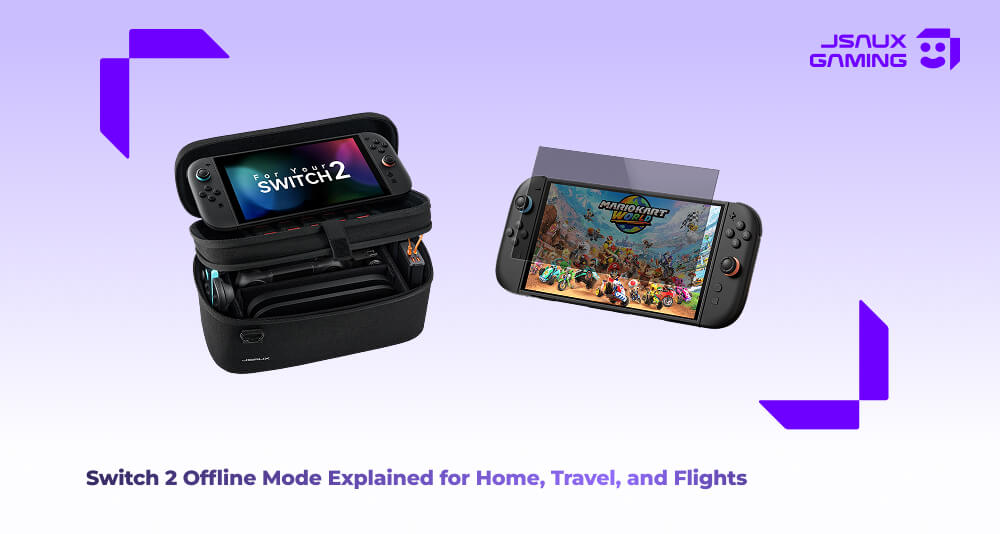
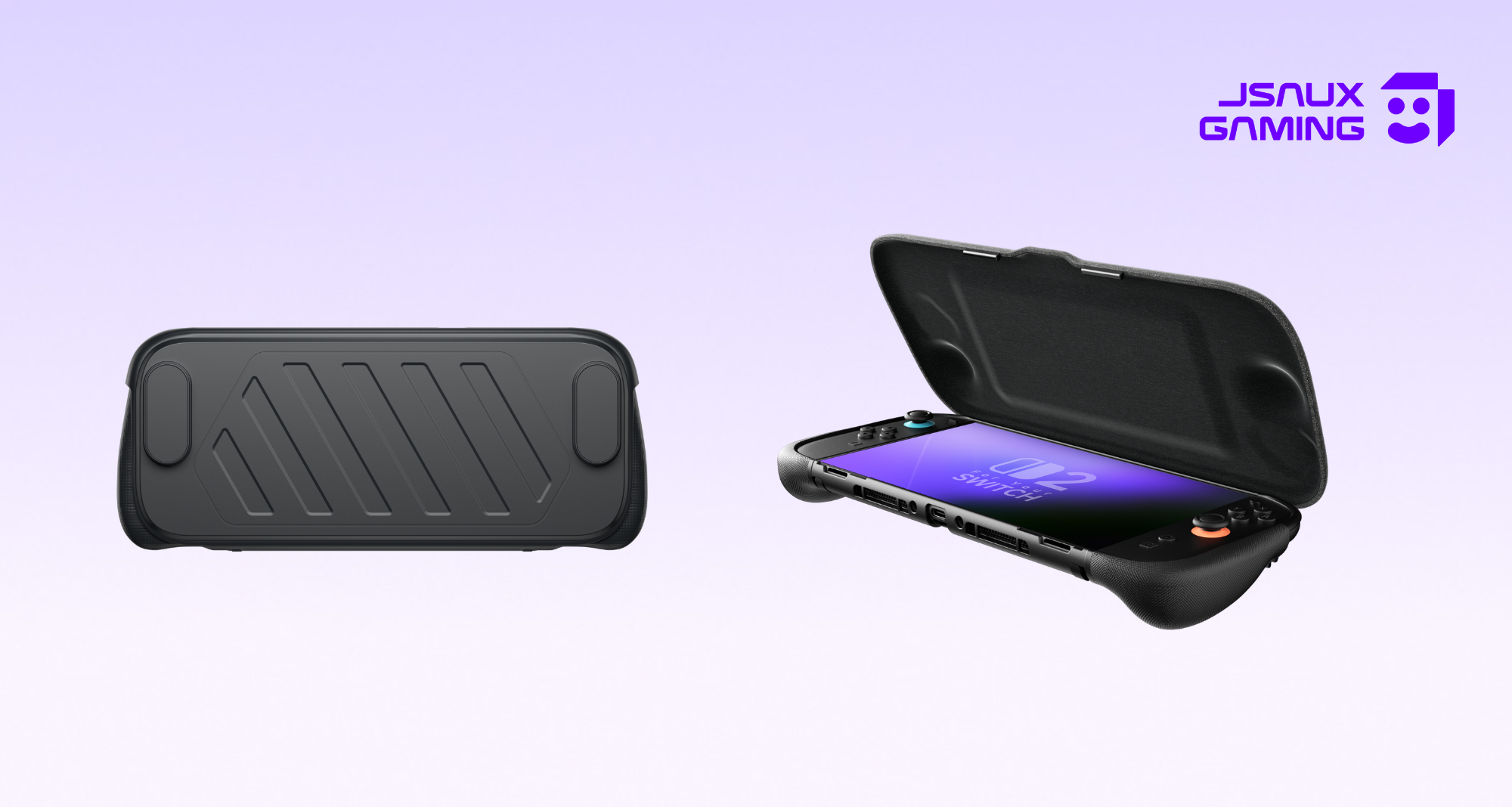
Bear in mind that before you’re actually going to be offline, a little preparation will go a long way by taking the time to ensure that all your games that you might play such as Breath of the Wild or Super Mario Odyssey are fully downloaded and updated, and launched at least once while connected to the internet. This simple step allows the console to help verify game licenses and prevents annoying startup checks at a later date. It’s also a good idea to ensure you spend some time managing your storage early, since redownloading once you’re offline is obviously not an option. This is where organization matters, especially when when you’re travelling with physical game copies, and where a compact carrying solution such as the JSAUX Carrying Case is useful for keeping your console, cartridges, accessories and anything else together in one place, so that you’re not having to dive through different bags to find what you’re looking for when playing in offline mode on the go. 
Offline play thrives especially when you’re travelling. For example, the console’s Airplane mode disables wireless features while ensuring all your installed games are fully playable. Local wireless multiplayer still works for games that are supported, ensuring an easy to share gaming session with friends or family nearby. Bright cabins and window seats can usually make screens harder to see, but there is a solution for this in the form of the JSAUX AR Screen Protector, which helps reduce glare as well as provide visual clarity when you’re gaming in unfavourable conditions such as strong lights, which honestly is a small upgrade that makes a massive difference to your gaming immersion experience. 
At home, offline use is also just as practical. The switch 2 can be set up as your primary console so that digital games will remain accessible even when you lack an internet connection. Parental controls, save management and even system settings all function during offline mode. In fact, there have been many users that have even claimed that the console genuinely felt faster and more focused during the offline mode, since menus load more or less instantly without any sort of background checks, resulting in an overall calm experience, especially when you just want to relax without having to worry about an update interrupting your gaming session.
Some Things to Remember
Having said all of that, there are some cons that come with offline gaming too. Obviously, online gaming, cloud synced saves and game updates cannot happen without the internet. Some games come with the “always online” requirements as well, which means they simply will not launch.
Summary
Bearing all of that in mind, planning ahead is definitely the key to avoiding any sort of frustration. Download what you need, test games once online and pack smart if you’re travelling. When you’re prepared appropriately, the Switch 2 in offline mode feels just as intentional, reliable and simple. It turns the console into exactly what it was designed to be- a portable gaming system that works for you wherever you are, whatever the circumstance.


Leave a comment
All comments are moderated before being published.
This site is protected by hCaptcha and the hCaptcha Privacy Policy and Terms of Service apply.