


![Grey 2-pack 90 degree USB-C to USB-C right angle adapters #style_grey [2-pack]](http://jsaux.com/cdn/shop/files/90_-USB-C-to-USB-C-Right-Angle-Adapter-grey-1.png?v=1755238920&width=92)


![JSAUX anti-glare matte screen protector for ROG Ally and ROG Xbox Ally series #style_[2-pack] for all rog ally models](http://jsaux.com/cdn/shop/files/GP0113A-Anti-Glare-Screen-Protector-for-ROG-Ally-_-ROG-Xbox-Ally-Series-1_jpg.png?v=1762310072&width=92)


![JSAUX anti-glare screen protector 2-pack for Lenovo Legion Go 2 with alignment frame #model_for legion go 2 [2-pack]](http://jsaux.com/cdn/shop/files/GP0132-Anti-Glare-Screen-Protector-for-Legion-Go-2-1.png?v=1766136633&width=92)









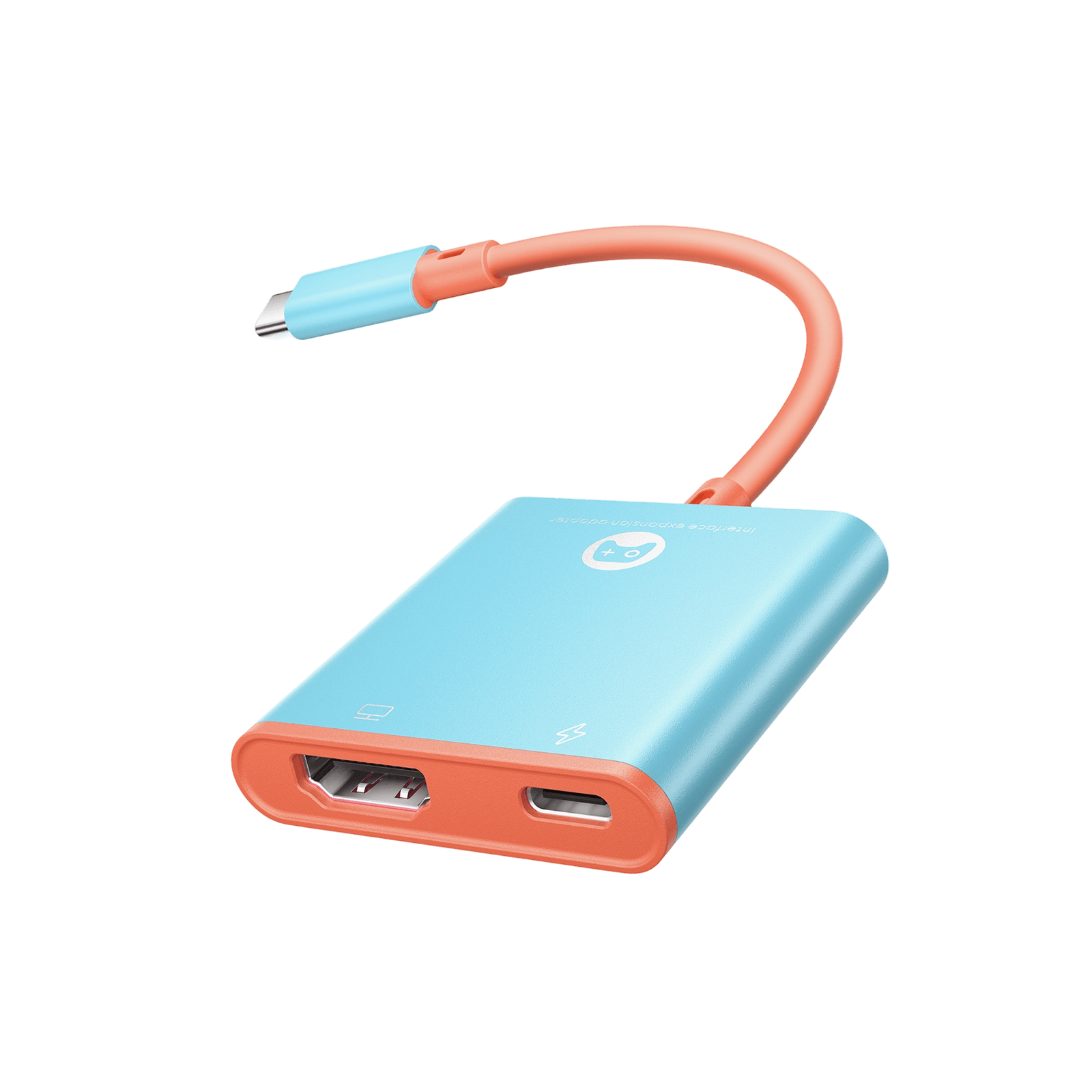
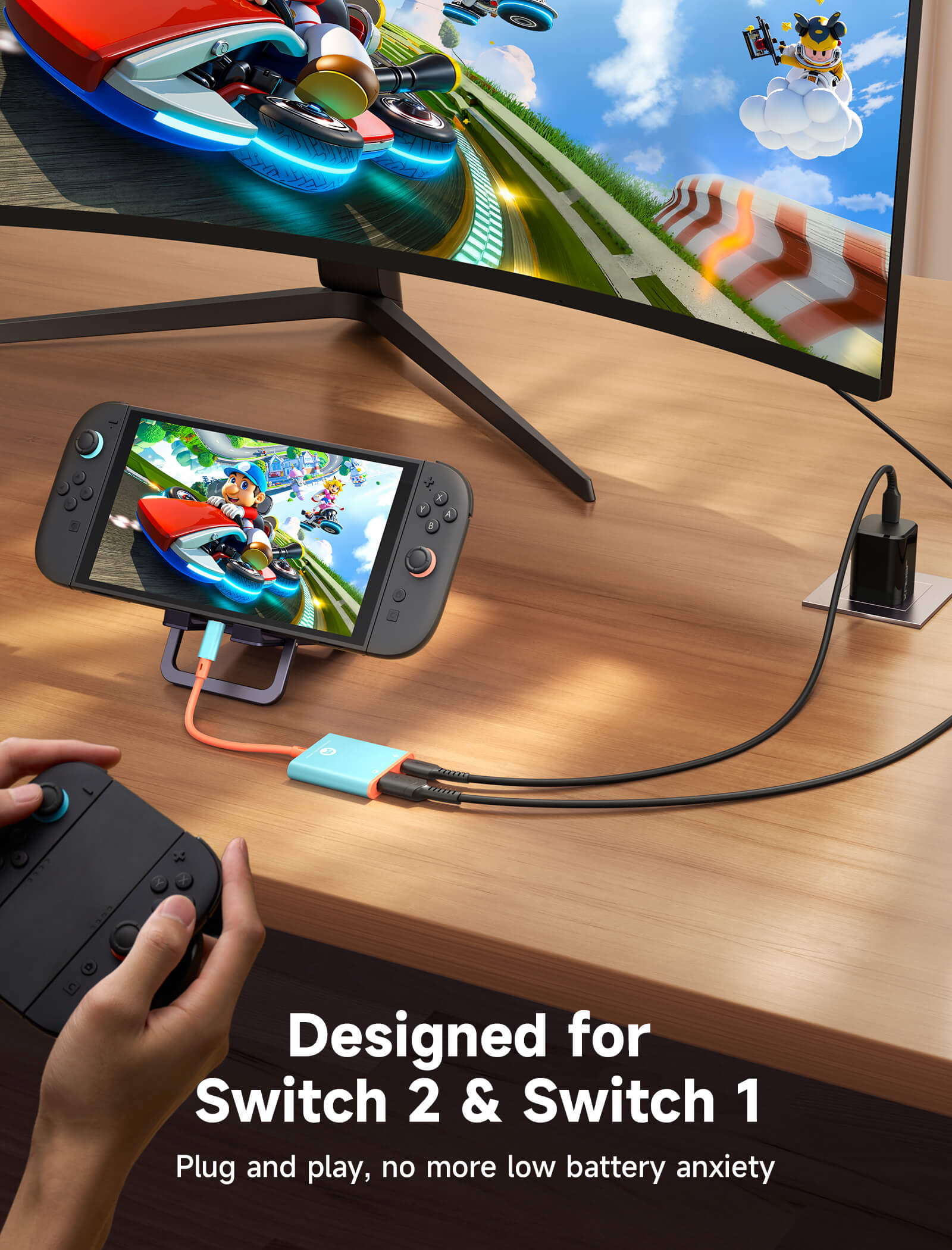
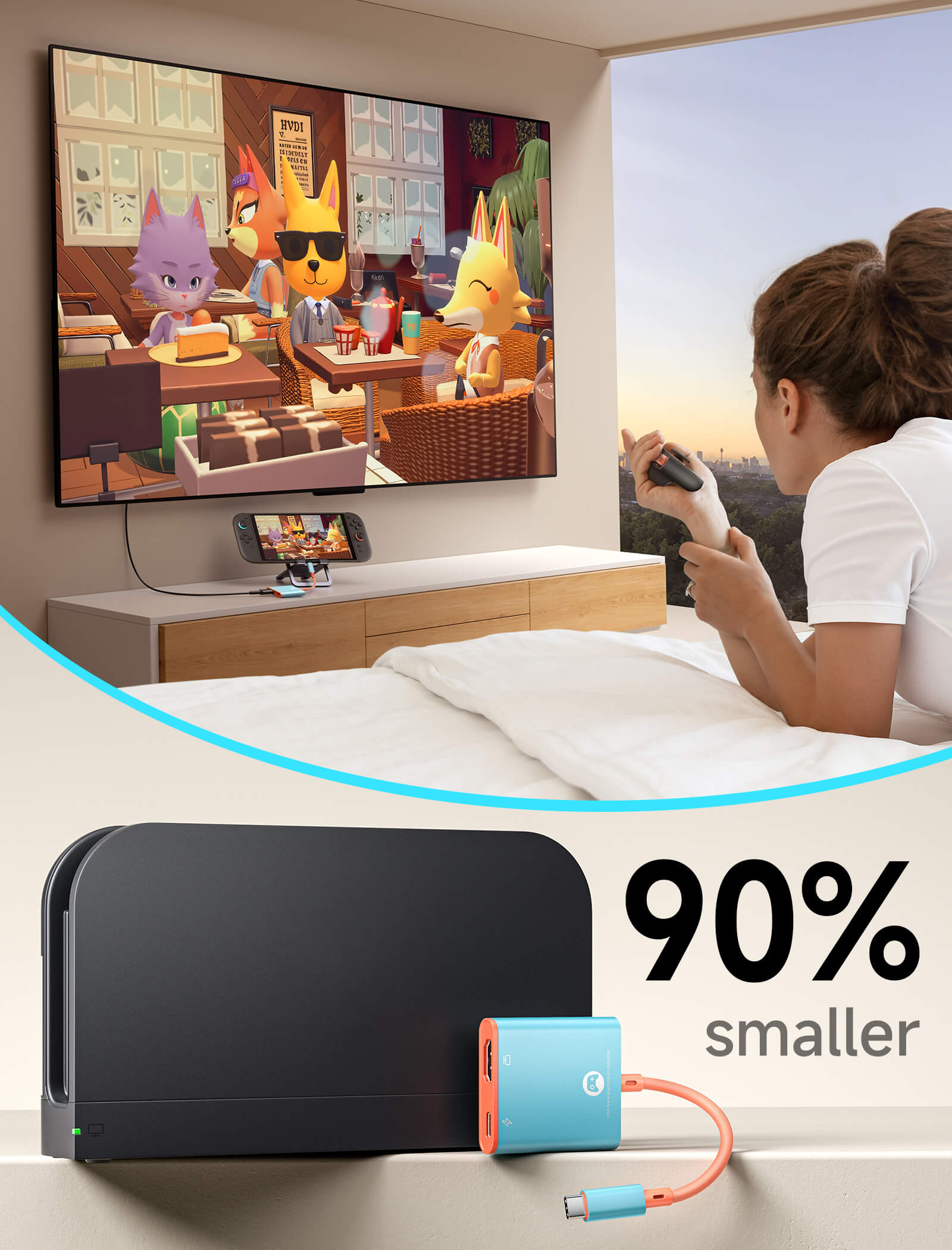
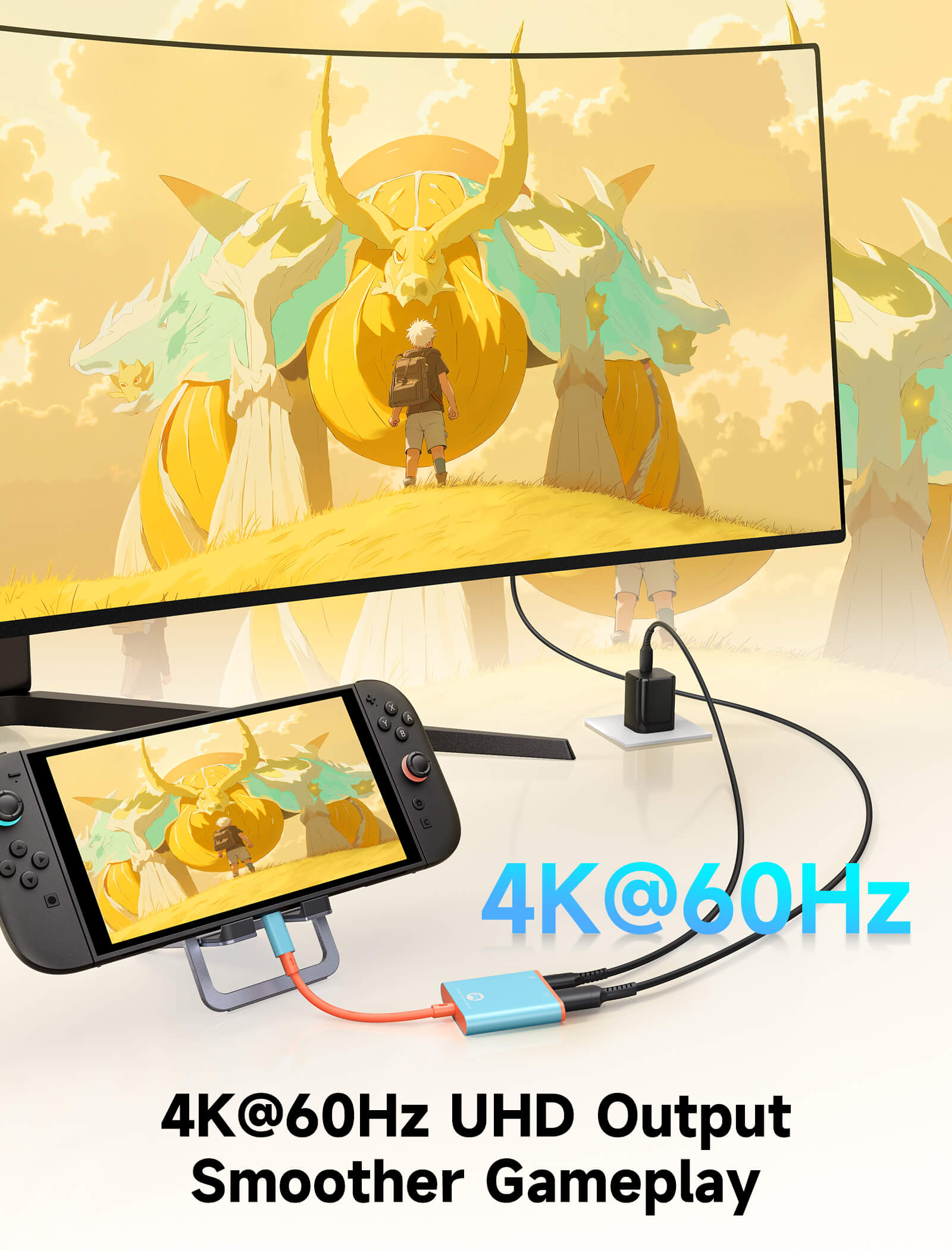
Dock Adapter for Switch 2
This product currently does not support VRR , and the feature cannot be enabled through a firmware update. Do not update it with Nintendo’s official dock firmware, as this may cause compatibility issues.
FEATURES
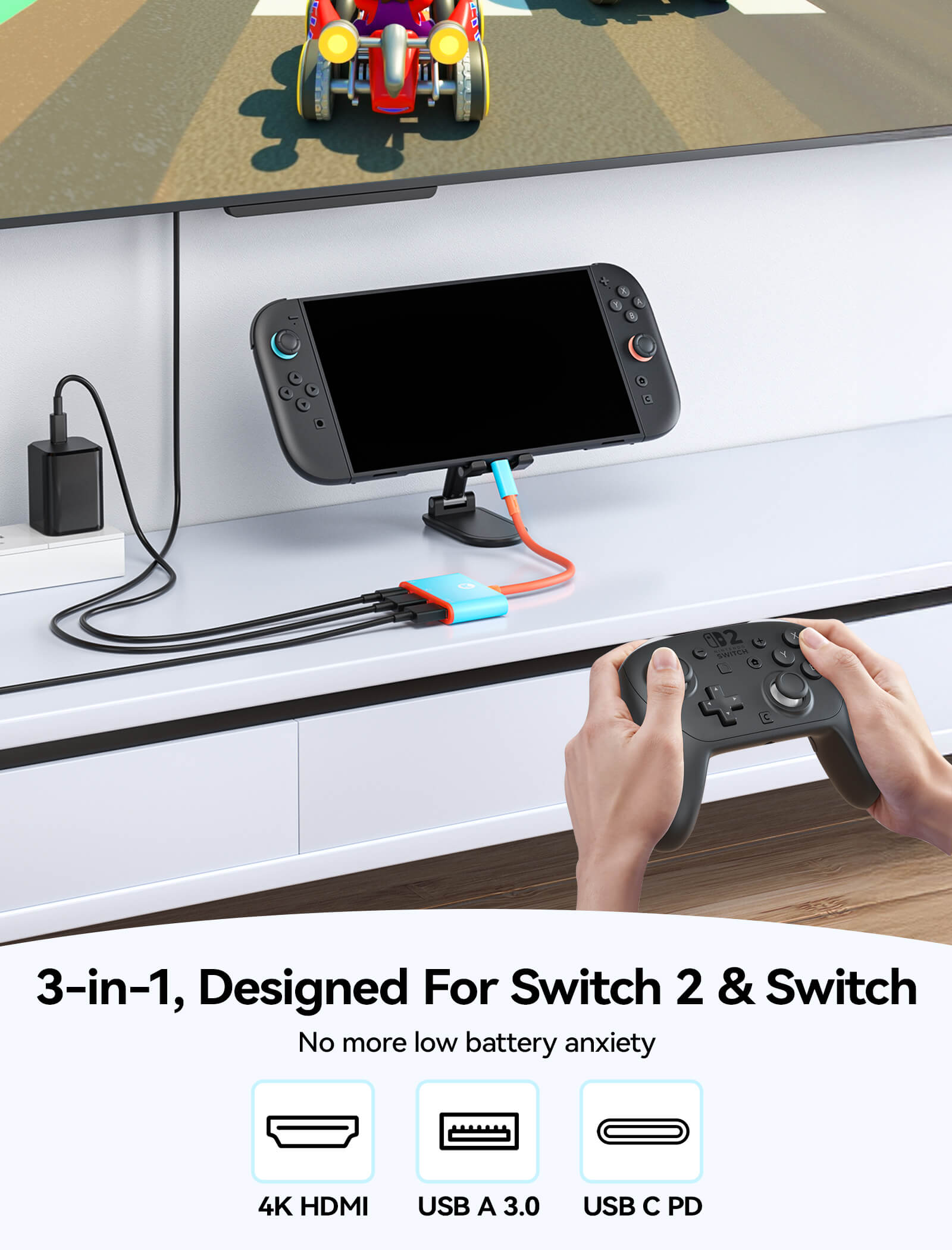
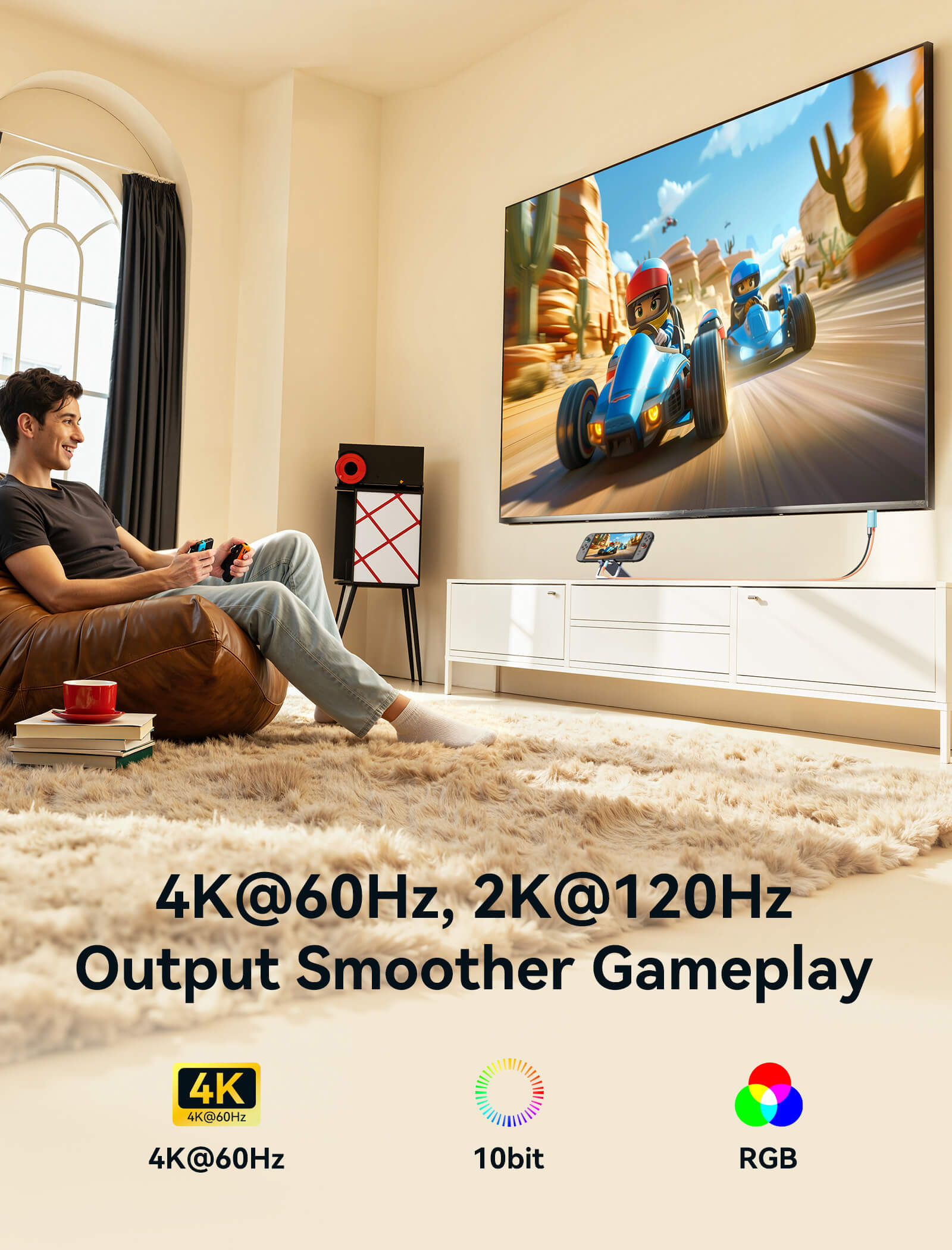
- Switch 2 Dock Adapter with 4K@60Hz HDMI Output
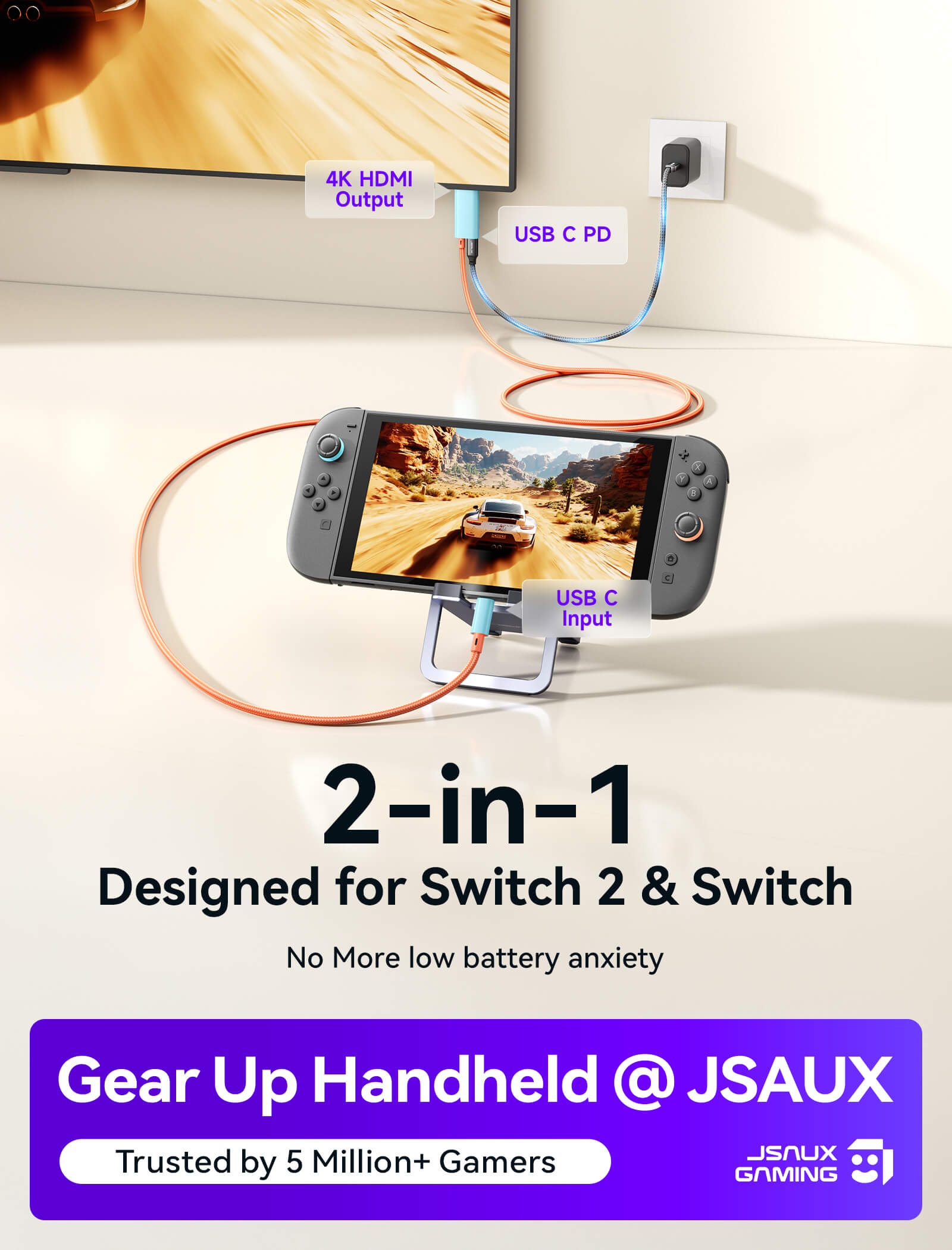
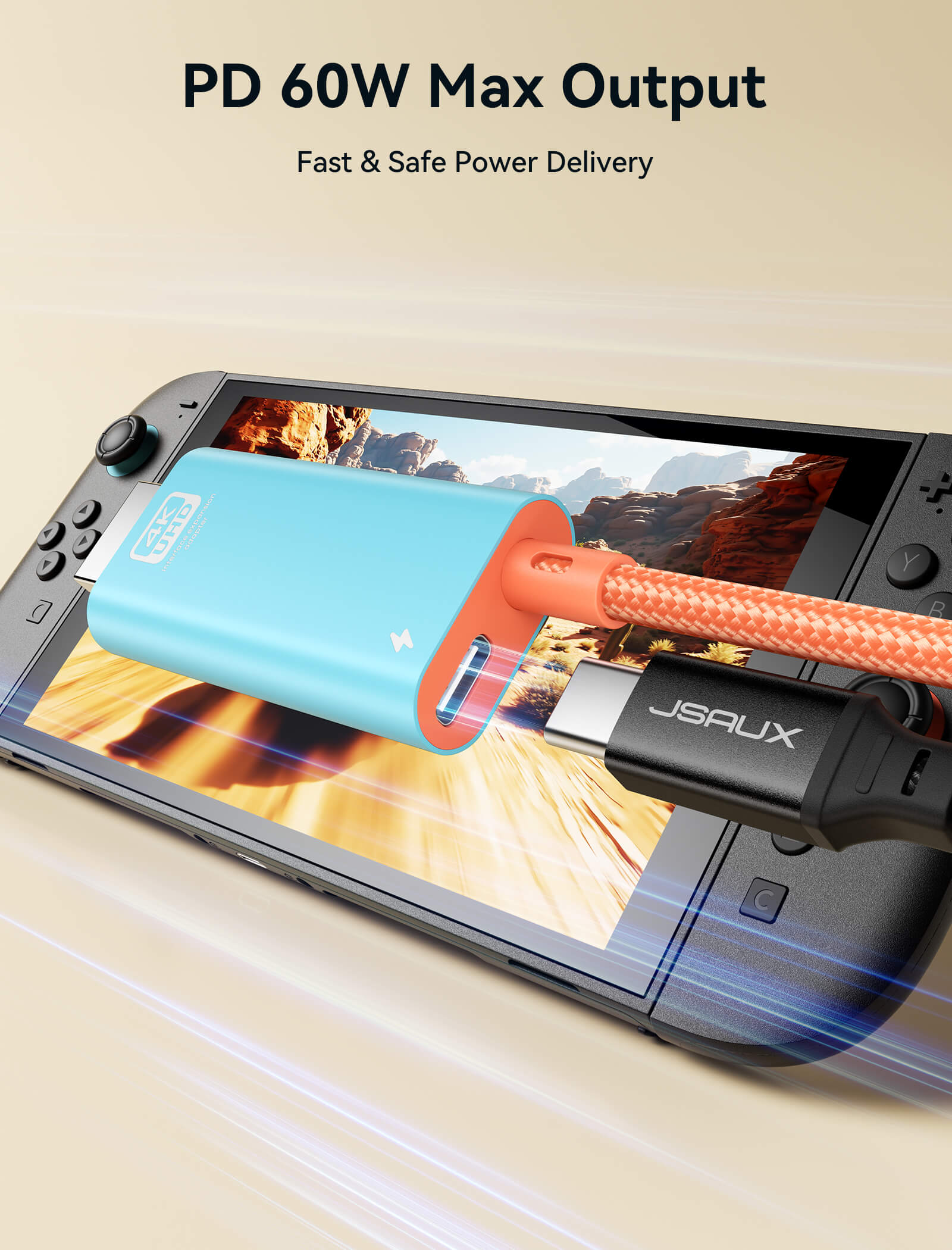
- Charge While Playing with PD Fast Charging
- USB-A 3.1 Expansion for Accessories
- HDR 4K HDMI Gaming Experience
- Portable Plug & Play USB-C Dock Adapter
SHIPPING


FEATURES
Description
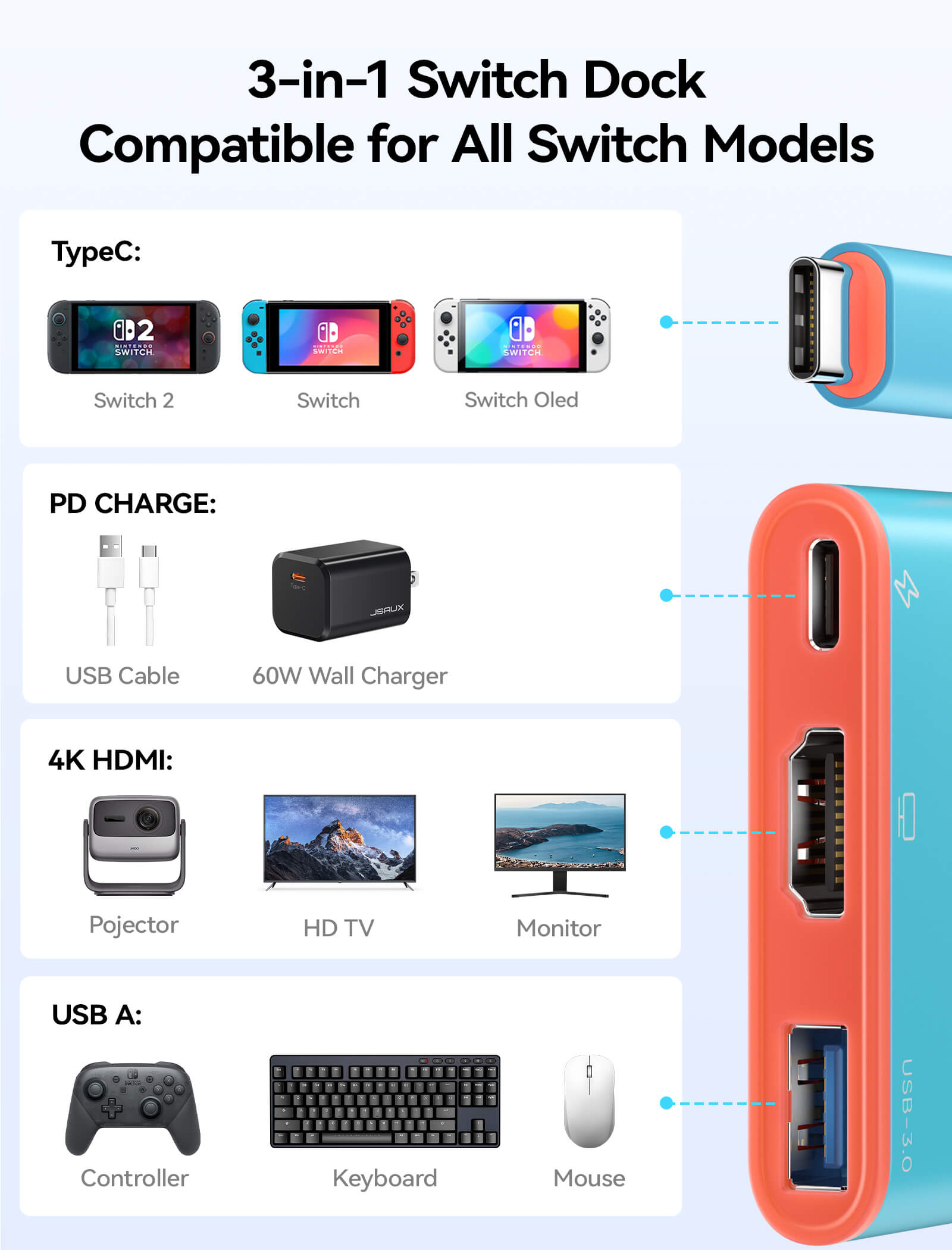
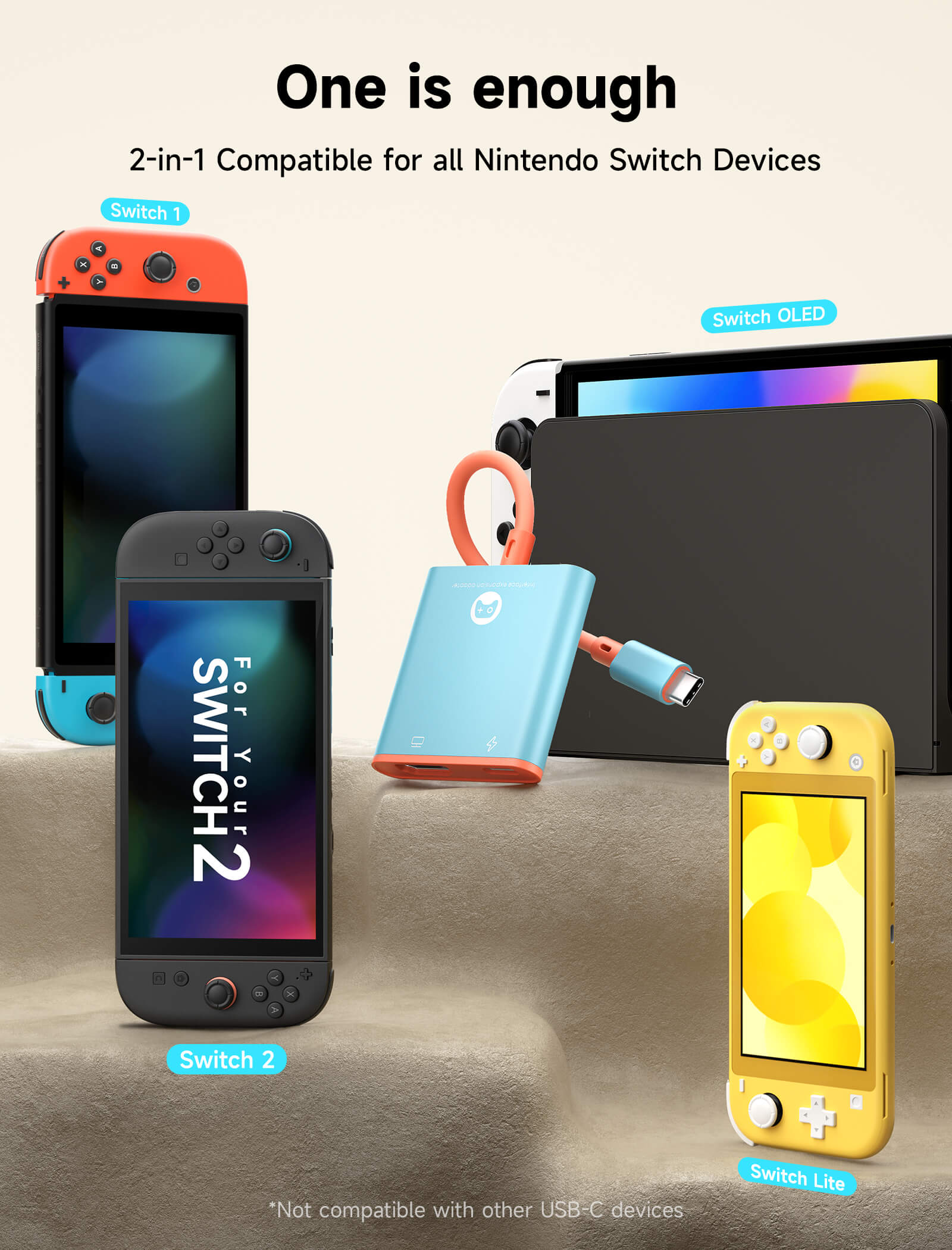
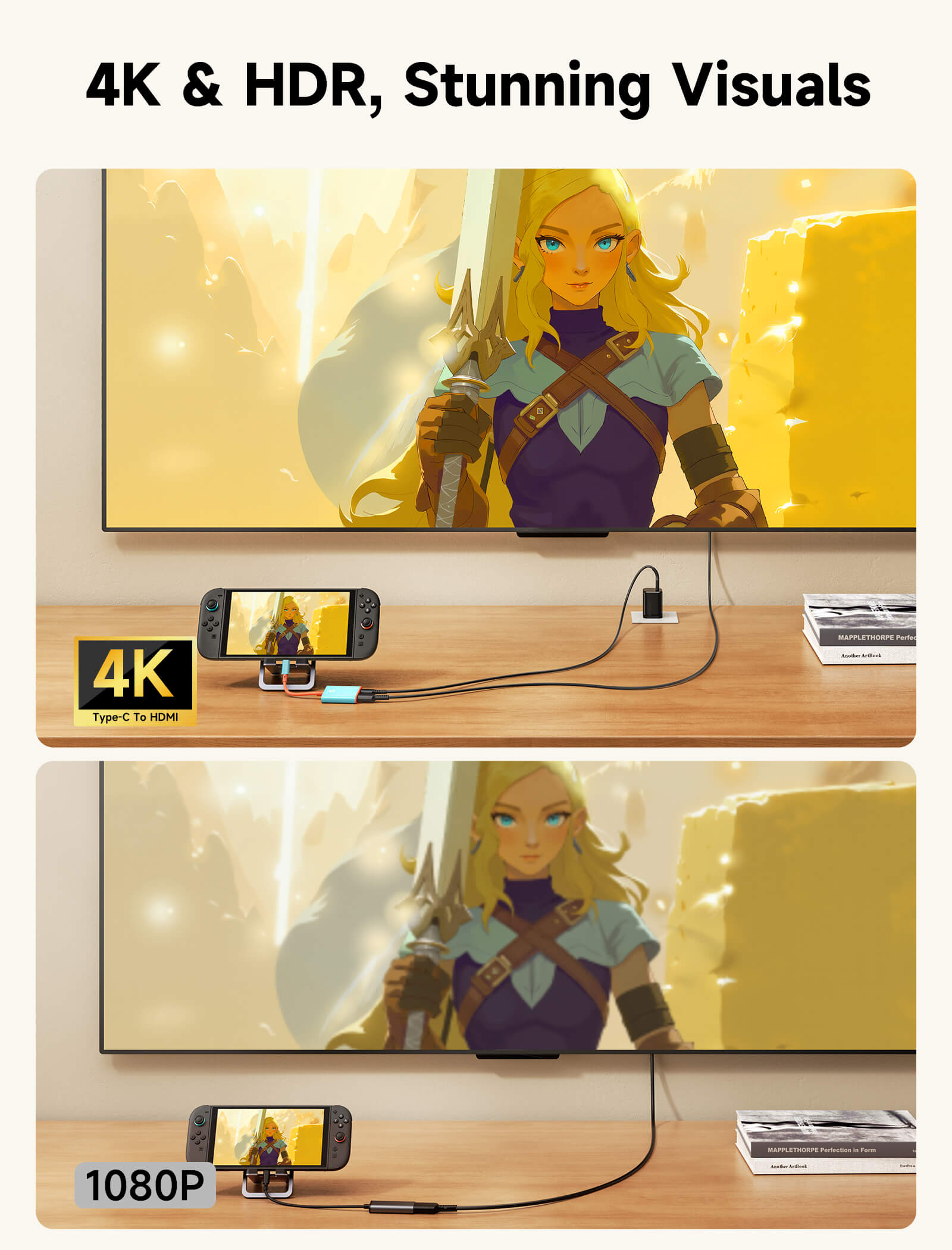
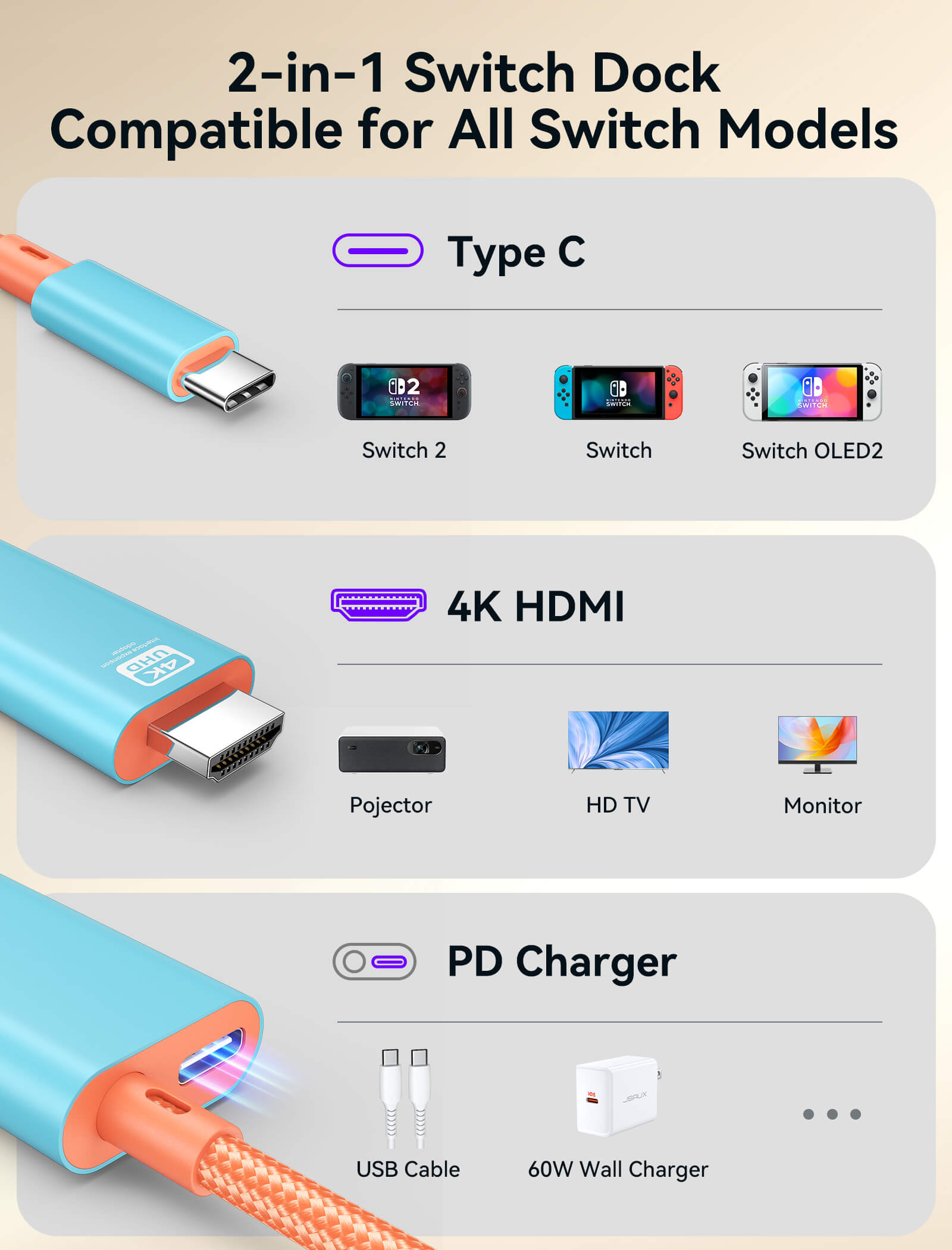
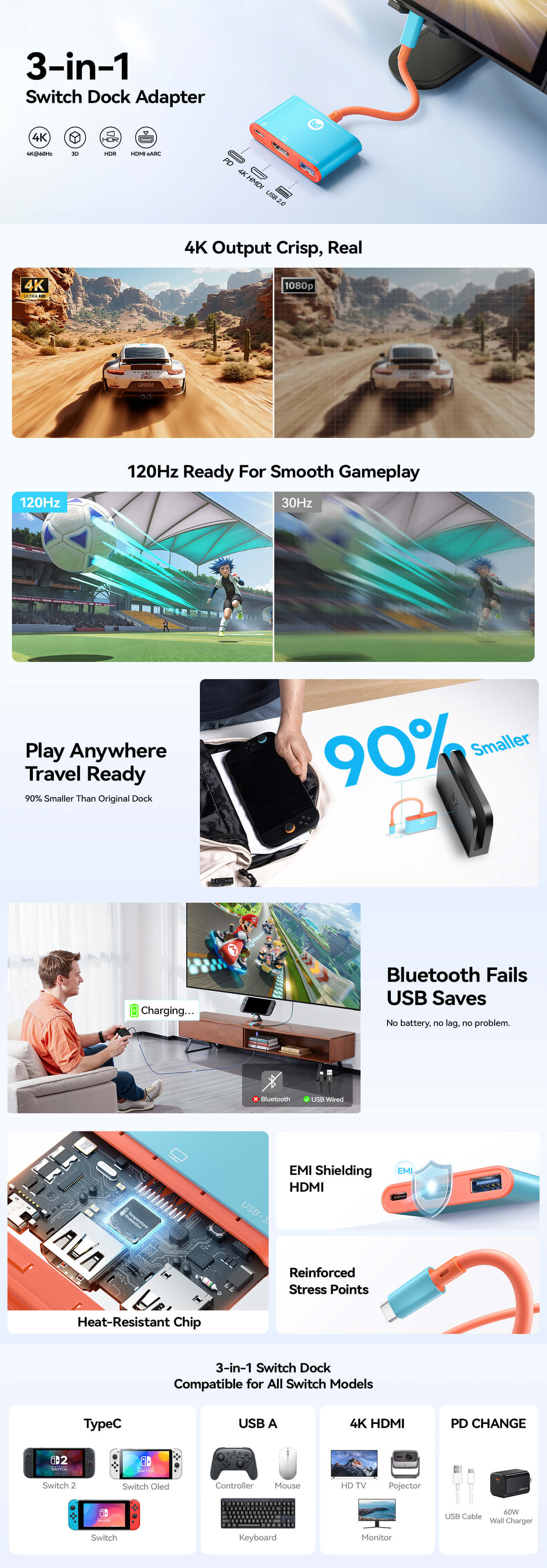
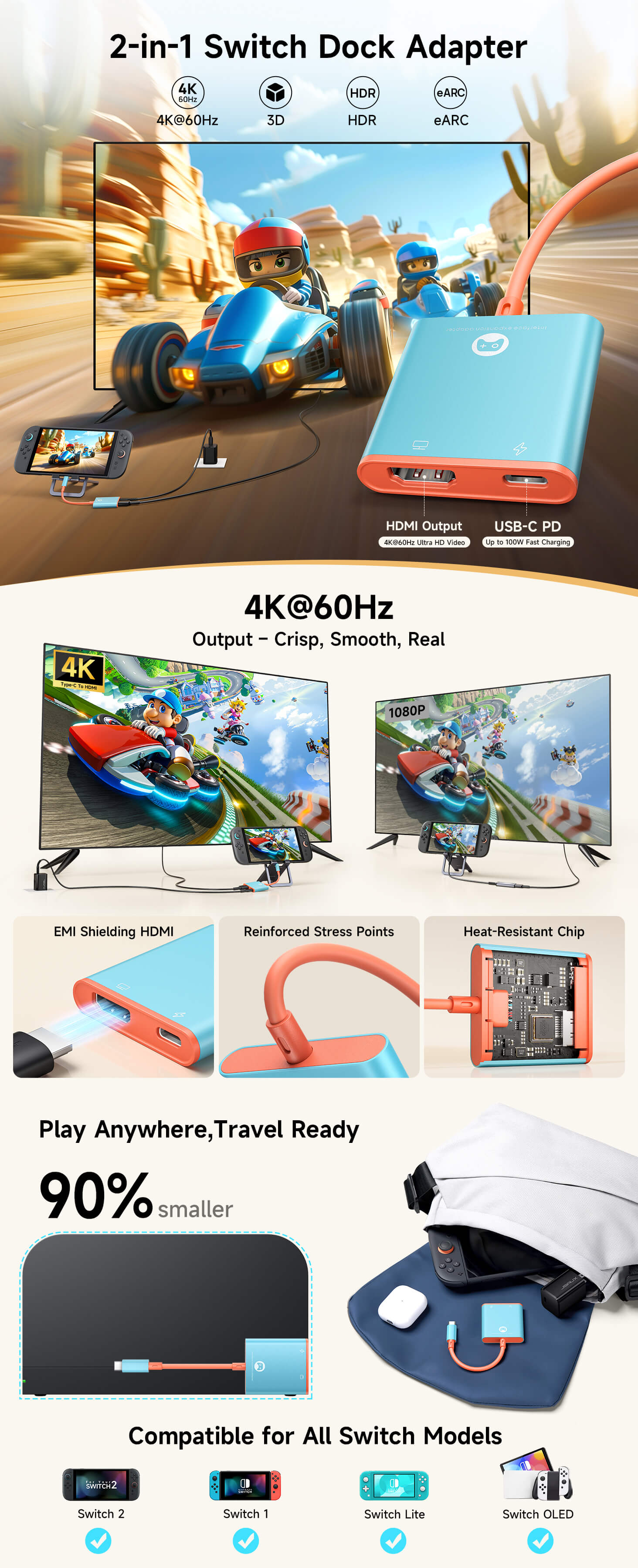
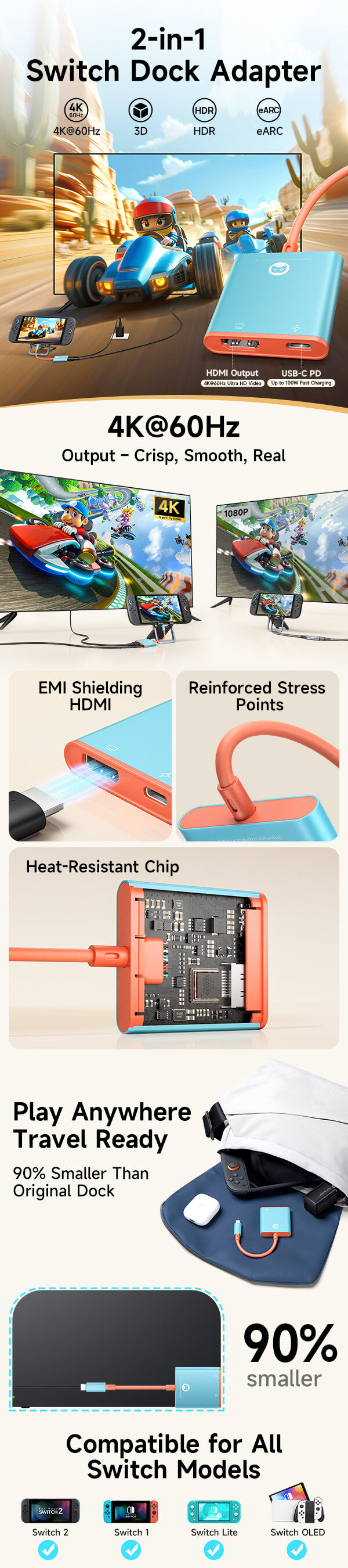
- 【Switch 2 Dock Adapter with 4K@60Hz HDMI Output】Transform your Switch 2 setup with a compact USB-C dock adapter that connects your console to TVs and monitors for smooth 4K@60Hz gameplay. Also supports Nintendo Switch and Switch OLED with up to 1080p@60Hz output.
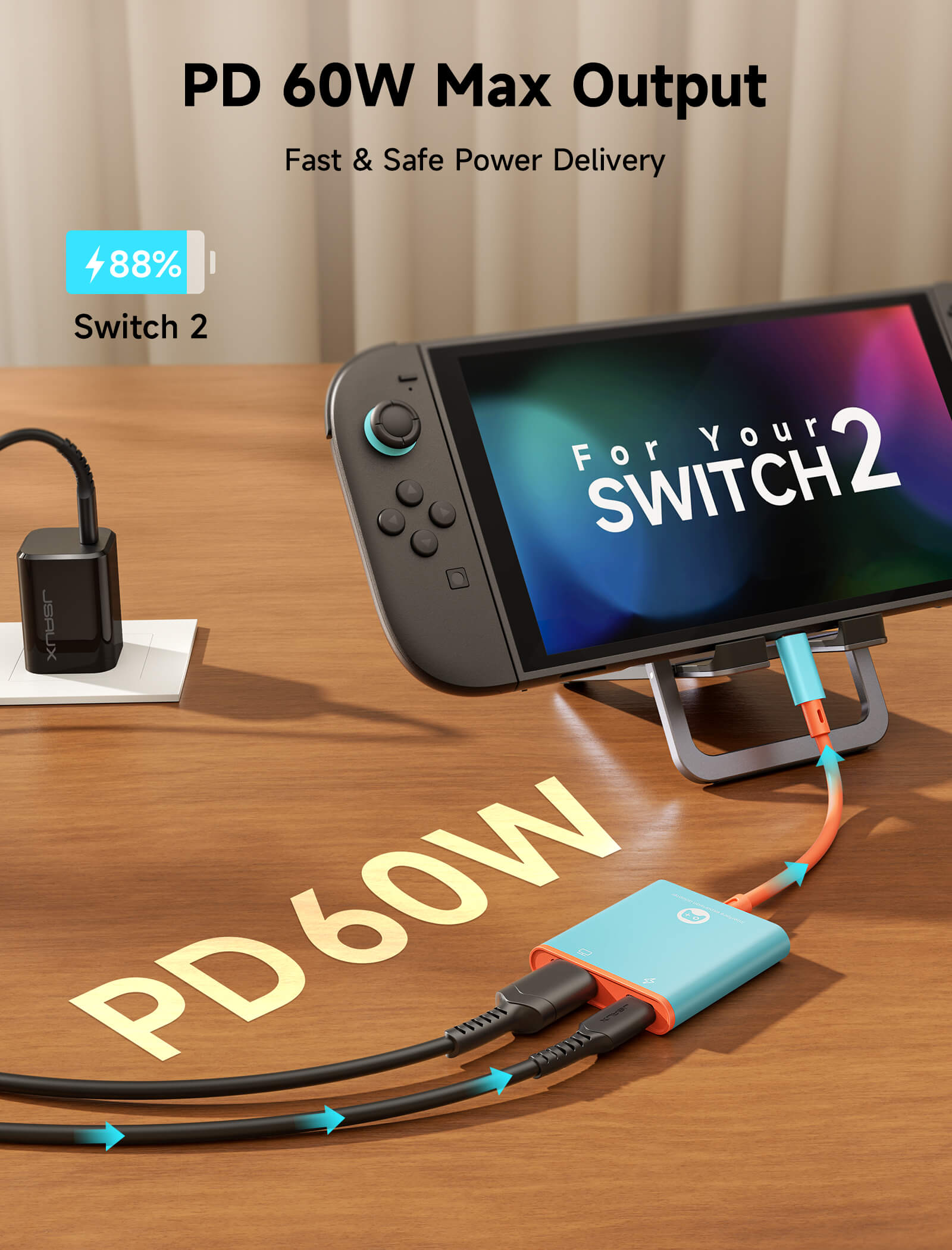
- 【Charge While Playing with PD Fast Charging】Stay powered during long gaming sessions with 30W charging support for Switch 2 and up to 100W PD charging for compatible laptops, tablets, and other USB-C devices.
- 【USB-A 3.1 Expansion for Accessories】Built-in USB-A 3.1 Gen 1 port supports up to 5Gbps data transfer for compatible devices, while Switch 2 USB limitations are supported for reliable accessory connection.
- 【HDR 4K HDMI Gaming Experience】Enjoy clear visuals with 4K@60Hz HDMI output, HDR support, and audio pass-through for compatible displays, creating a seamless big-screen gaming experience.
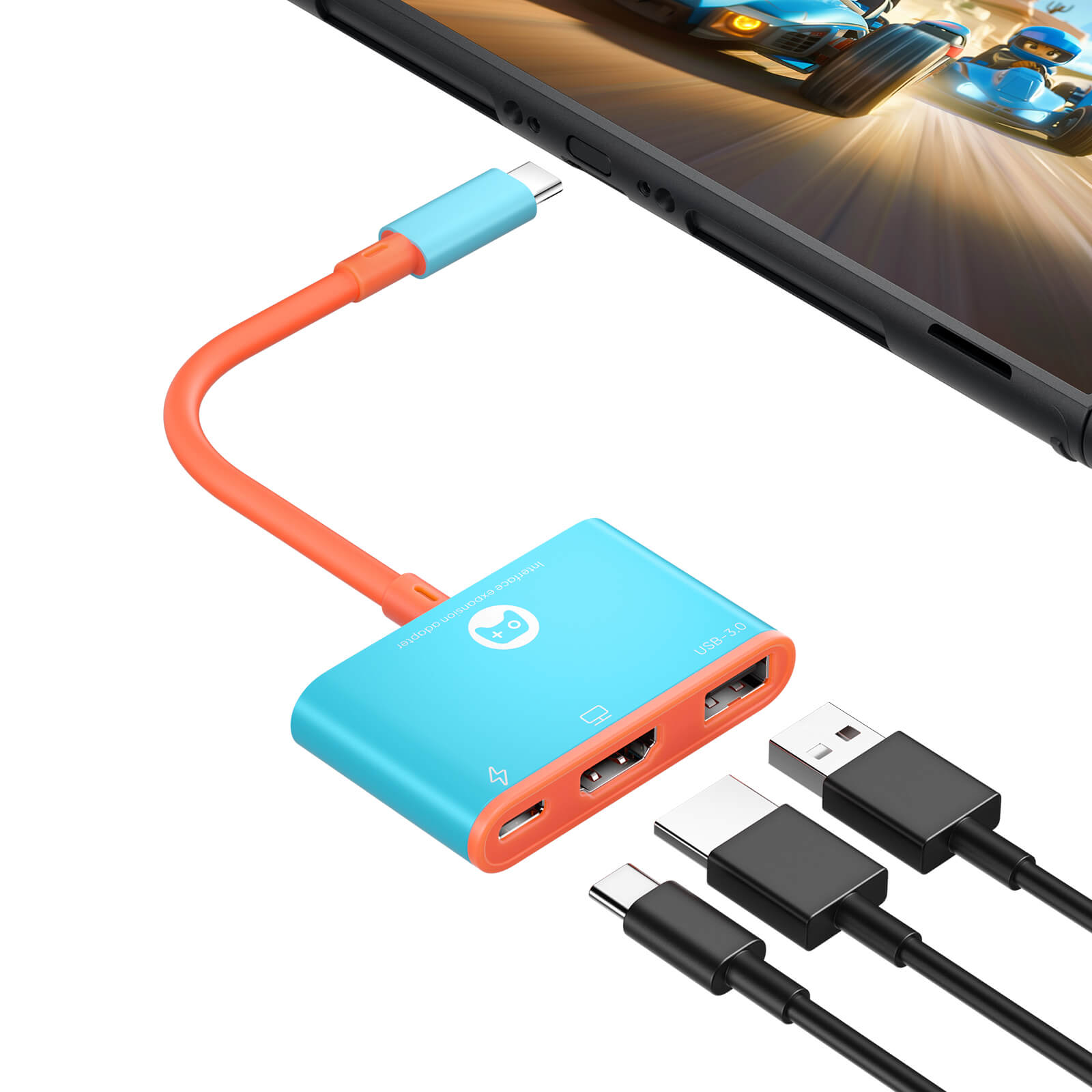
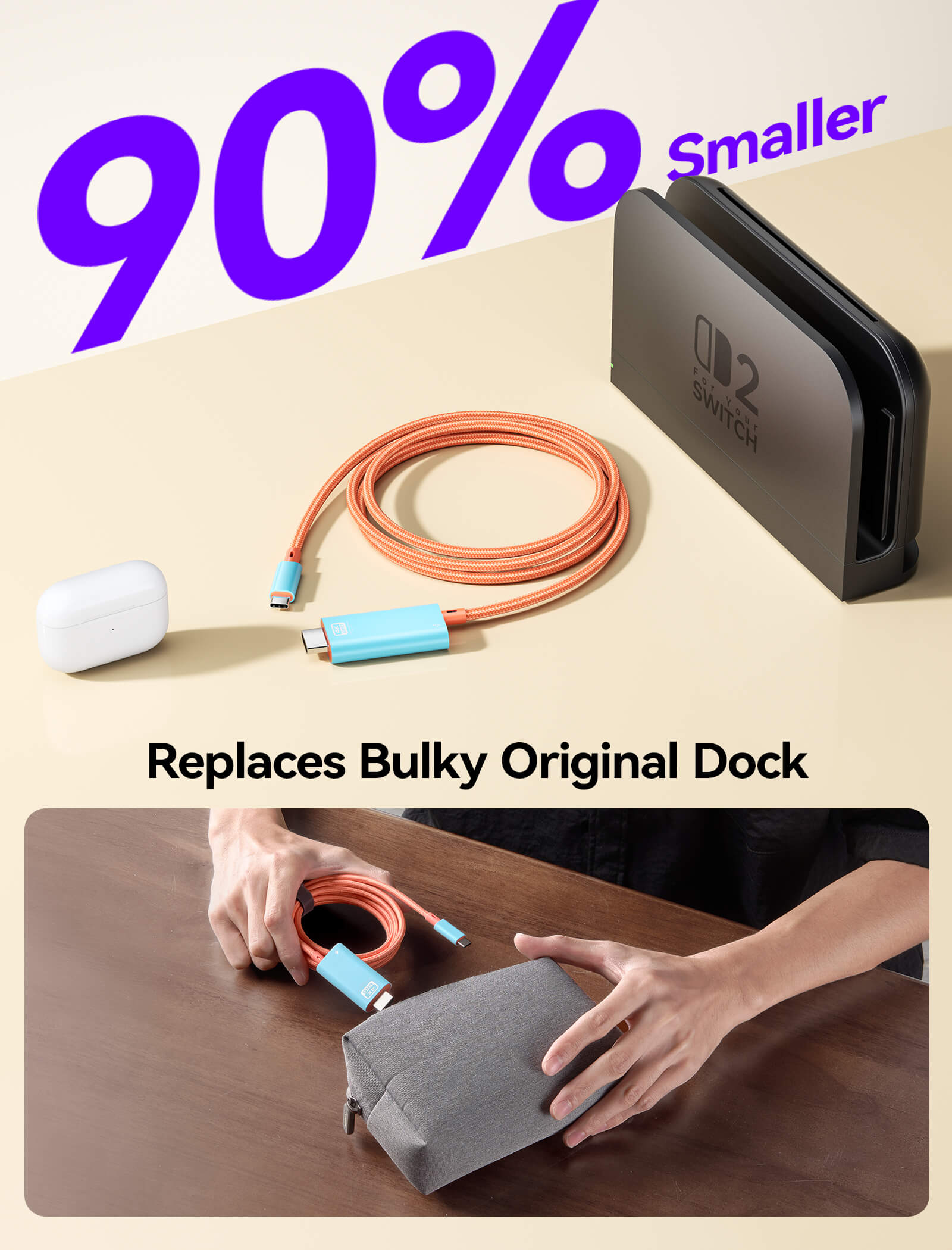
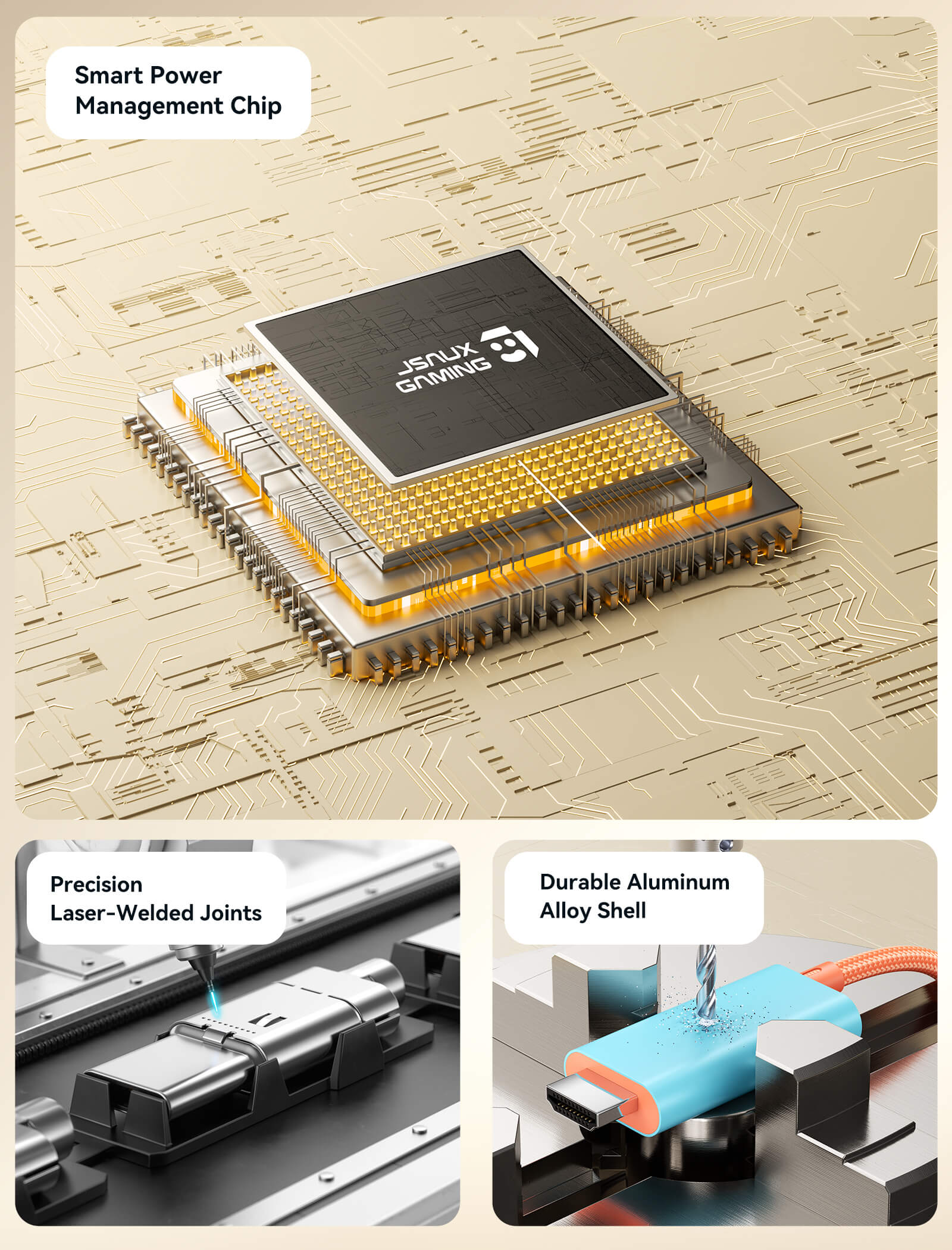
- 【Portable Plug & Play USB-C Dock Adapter】Featuring a lightweight aluminum design with no drivers required, this travel-friendly adapter is easy to carry for gaming at home or on the go.
📢Note:
- Due to hardware limitations, Switch Lite supports charging only and does not support video output.
- Due to compatibility issues in the Switch 2 system version 21.0.0, a firmware update is required for the 3-in-1 (CV0087) to function properly. Click here to view the upgrade guide.
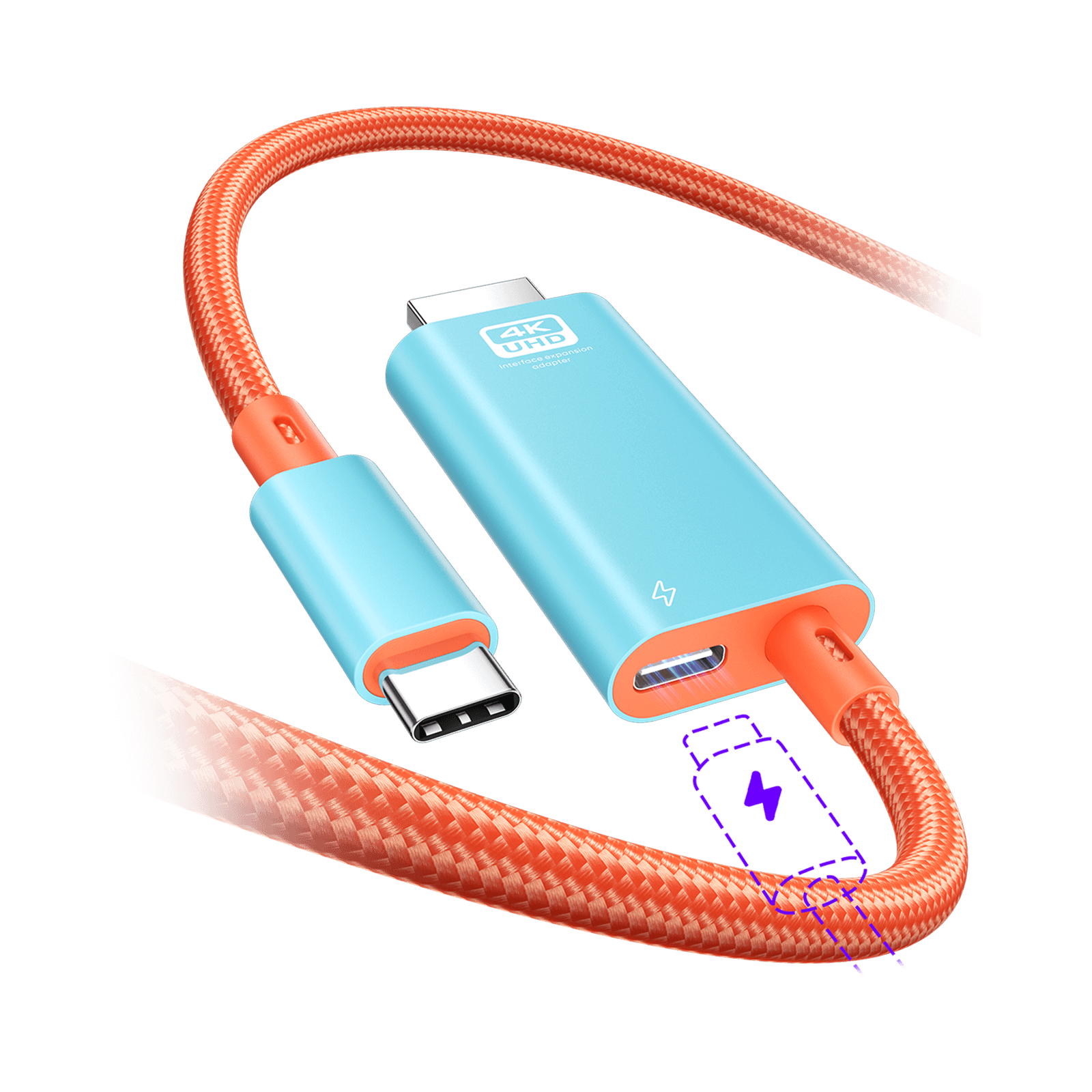
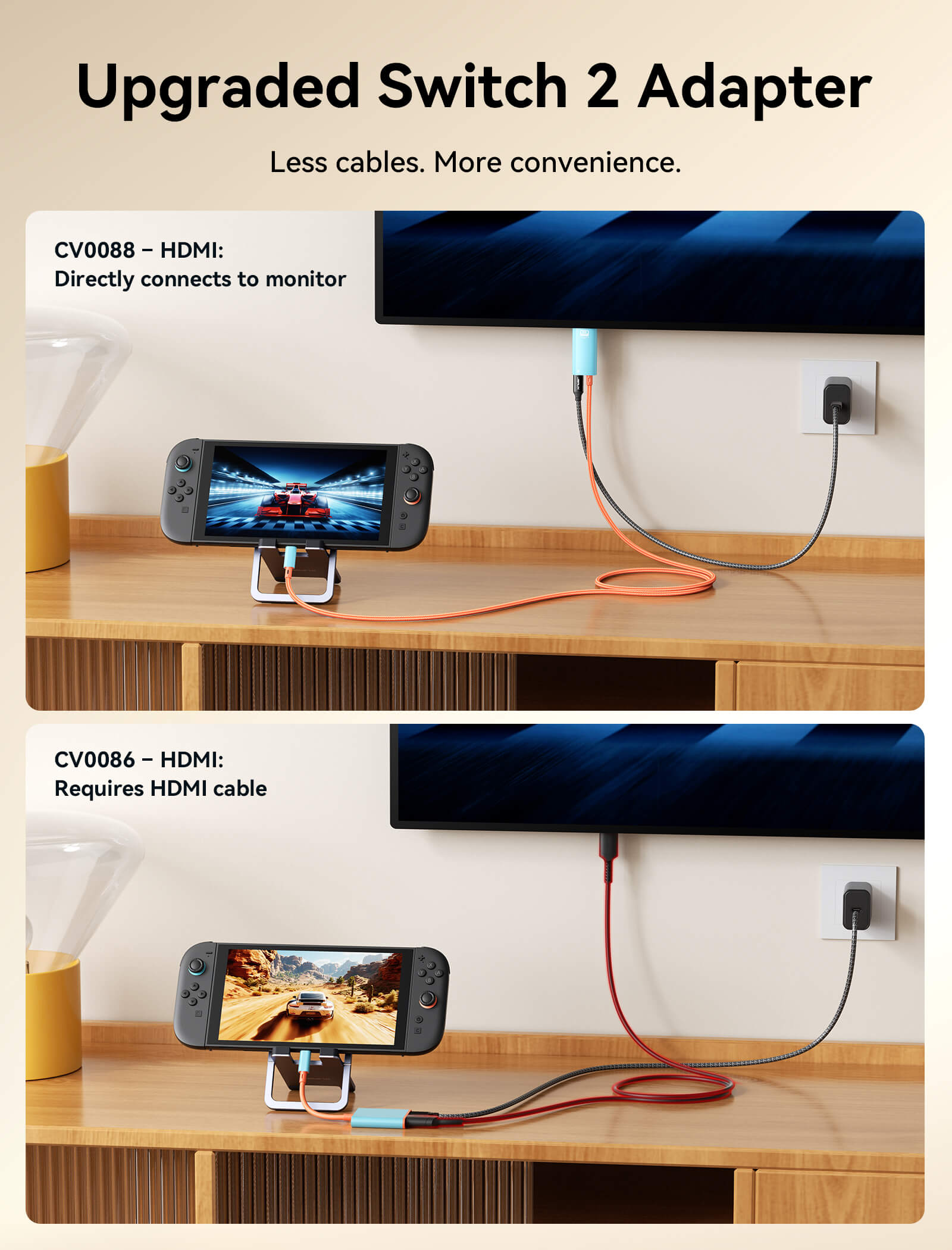
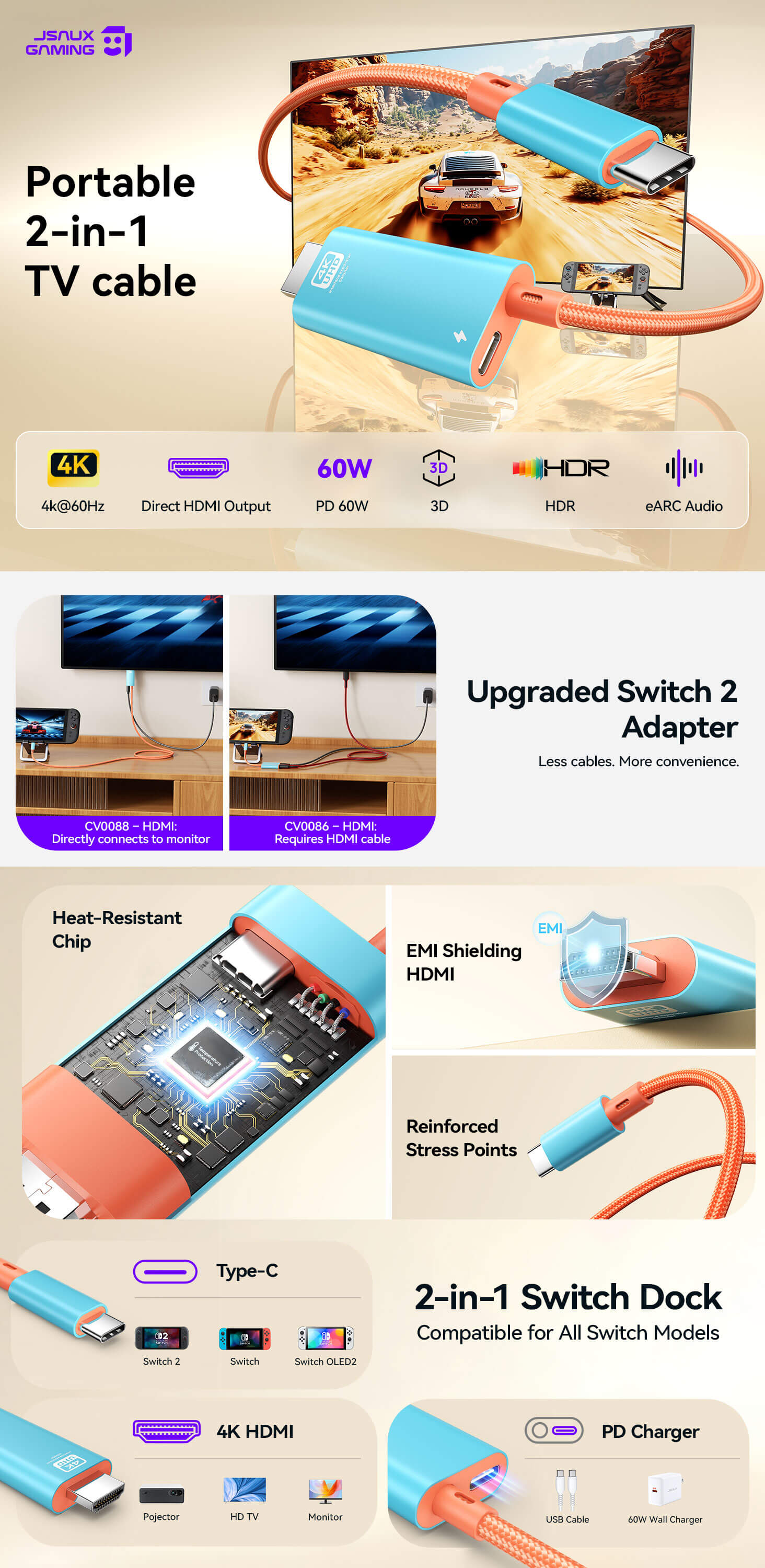
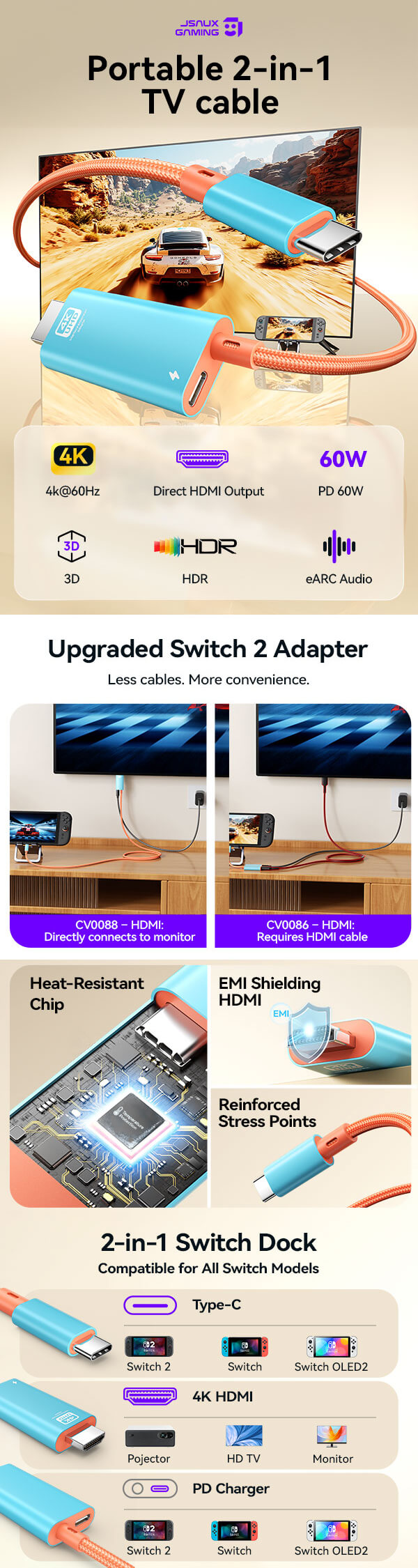
- Compared with the 2-in-1 Cable (CV0086), the 2-in-1 TV Cable (CV0088) has an HDMI male connector for direct connection to monitors or TVs. The CV0086 uses an HDMI female port, requiring an extra HDMI cable.
SPECS
3-IN-1 & 2-IN-1 (CV0087 & CV0086)
3-in-1 (CV0087)
2-in-1 (CV0086)
Nintendo Switch 2, Switch, Switch OLED, and Switch Lite
⚠️Note: Due to hardware limitations, Switch Lite supports charging only and does not support video output.
Nintendo Switch 2, Switch, Switch OLED, and Switch Lite
⚠️Note: Due to hardware limitations, Switch Lite supports charging only and does not support video output.
Size: 180*53*12mm
Weight: about 33g
Cable Length: Approx. 0.2m ±10mm
Size: 180*46*12mm
Weight: about 31g
Cable Length: Approx. 0.2m ±10mm
Aluminum alloy housing with TPE cable
Aluminum alloy housing with TPE cable
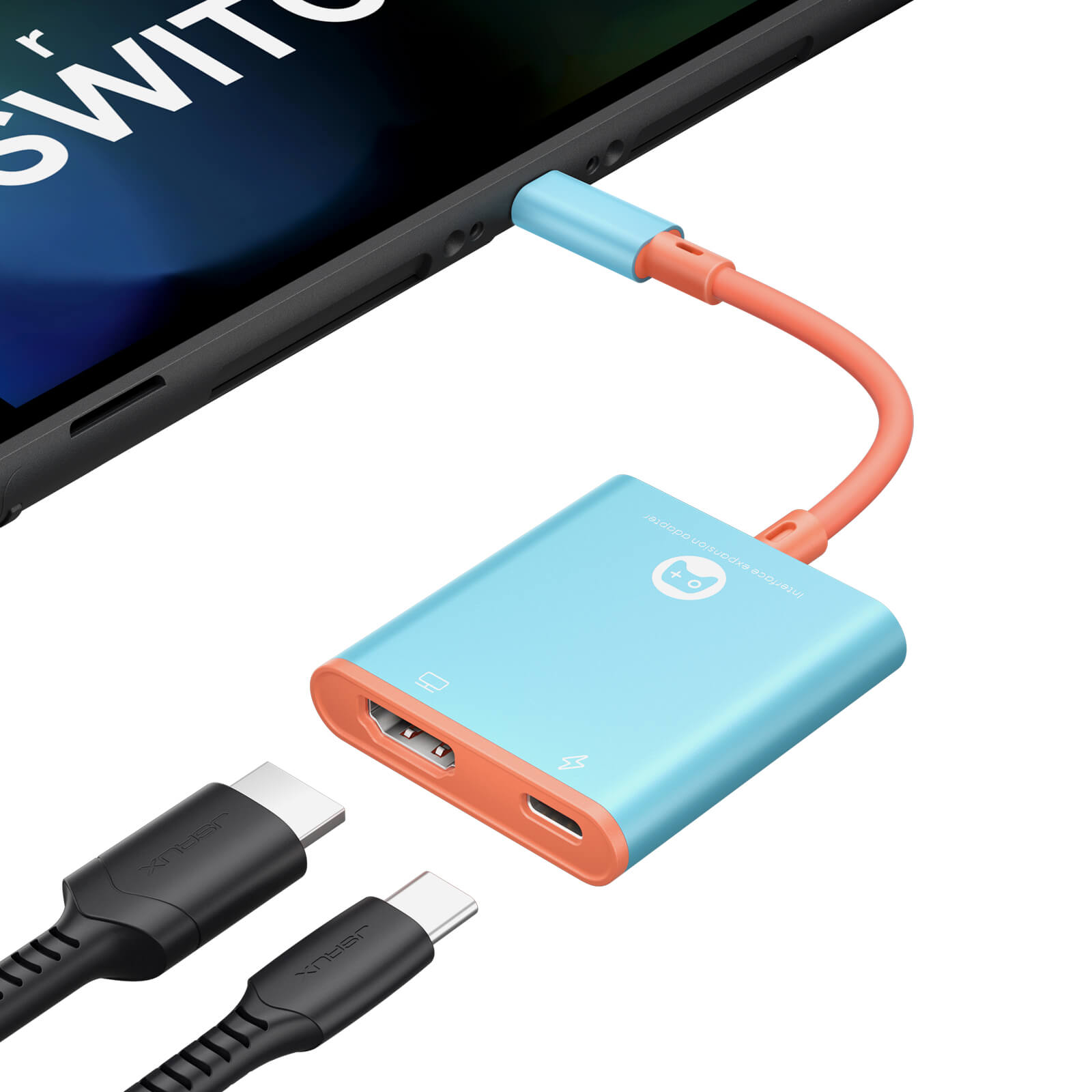
- USB-C Male Connector
Upstream port supporting PD charging and function expansion for all USB-C devices - HDMI Female Connector
Function: Supports 4K@60Hz video output, HDMI 2.1 compliant.
Backward compatible with HDMI versions 1.1 / 1.2 / 1.3 / 1.4 - USB-C Female Connector
Supports PD charging input up to 100W.
Supports PD 2.0 and QC 2.0; compatible with QC 3.0 and PD 3.0; max input 20V/5A (100W) - USB-A Female Connector
USB 3.1 port, Supports high-speed data transfer up to 5Gbps.
Note: Switch2 handheld console’s USB port supports USB 2.0 protocol only, limiting transfer speed to 480Mbps.
- USB-C Male Connector
Upstream port supporting PD charging and function expansion for all USB-C devices - HDMI Female Connector
Function: Supports 4K@60Hz video output, HDMI 2.1 compliant.
Backward compatible with HDMI versions 1.1 / 1.2 / 1.3 / 1.4 - USB-C Female Connector
Supports PD charging input up to 100W.
Supports PD 2.0 and QC 2.0; compatible with QC 3.0 and PD 3.0; max input 20V/5A (100W)
- USB-C PD fast charging up to 100W (20V/5A)
- Supports 60W max charging for Switch
- USB-C PD fast charging up to 100W (20V/5A)
- Supports 60W max charging for Switch
2-in-1 TV Cable (CV0088)
2-in-1 TV Cable (CV0088)
Nintendo Switch 2, Switch, Switch OLED, Switch Lite
⚠️Note: Due to hardware limitations, Switch Lite supports charging only and does not support video output.
Size: 180*46*12mm
Weight: about 64.3g
Cable Length: 2M
Aluminum alloy housing with TPE cable
- USB-C Male Connector: Upstream USB-C port supporting PD charging and functional expansion for all USB-C devices.
- HDMI Male Connector: supports 4K @ 60 Hz video output, HDMI 2.1 compliant. Backward compatible with HDMI 1.1 / 1.2 / 1.3 / 1.4 standards.
- USB-C Female Connector: USB-C PD input port supporting power delivery up to 100 W (max 20 V / 5 A). Supports PD 2.0 and QC 2.0, compatible with PD 3.0 and QC 3.0 charging protocols.
- USB-C PD fast charging up to 100W (20V/5A)
- Supports 60W max charging for Switch
SHIPPING
SHIPPING & RETURN
Please read our shipping tips carefully before you place your order
- All orders above $50 are free shipping.
- Orders under $49.99 will be charged $6.99 as shipping cost.
(Note: The above shipping policy does not apply to FlipGo. Please refer to the FlipGo product page for specific shipping details.)
Please Note:
- The current processing time for all orders takes 2-4 days(Orders are not processed on weekends).
- Order delivery time will be at 7-12 business days(pre-sale items excluded).
- International duties & taxes may apply and are not calculated at checkout.
- Shipping time for pre-sale products is subject to the instructions on the product page.
- For EU shipments, a $3 customs duty may apply per eligible physical product (virtual products excluded). The same product is charged only once per order, while bundles are charged based on the number of eligible products included. Learn More
Due to the requirements of logistics service providers:
- In order to get your order ready as soon as possible and avoid shipping issues, make sure to introduce an accurate postal address including your exact house number and any other info that may be necessary for the delivery company.
-
For mainland China & Taiwan China: For mainland China customers, please use Tmall to place your order. Hong Kong, Macao, please include your name, ID number and shipping address in traditional Chinese.
- For Saudi Arabia: Free shipping over $50 is not available. A shipping fee of $14.99 (VAT included) applies.
- Due to logistical reasons, we are temporarily not providing order services to the following countries and regions: Afghanistan, Albania, Algeria, Andorra, Angola, Anguilla, Argentina, Armenia, Aruba, Azerbaijan, Bahrain, Bangladesh, Barbados, Belarus, Bermuda, Bhutan, Bosnia & Herzegovina, Brazil, British Virgin Islands, Brunei, Burkina Faso, Burundi,Bolivia, Cambodia, Cameroon, Cayman Islands, Central African Republic, China, Christmas Island, Costa Rica, Côte d'Ivoire, Djibouti, Congo - Brazzaville, Congo - Kinshasa, Egypt, El Salvador, Ecuador,Falkland Islands, Faroe Islands,French Polynesia, Gabon, Gambia, Georgia, Ghana, Gibraltar, Greenland, Guadeloupe, Guatemala, Guernsey, Guinea, Honduras,Iceland, Indonesia, Jamaica, Jordan,Jersey, Kazakhstan, Kenya, Kiribati, Kyrgyzstan, Lebanon, Lesotho, Liberia, Liechtenstein, Maldives, Mauritius, Martinique, Moldova, Monaco,Mongolia, Montenegro, Myanmar (Burma), Namibia, Nauru, New Caledonia, Nicaragua, Niger, Nigeria, Norfolk Island, North Macedonia, Norway,Oman, Pakistan, Paraguay, Rwanda, San Marino, Senegal, Serbia, Seychelles, Solomon Islands, South Sudan, Sri Lanka, Sudan, Tajikistan, Togo, Tonga, Tunisia, Turkmenistan, Türkiye, Tuvalu, Uganda, Ukraine, Uruguay, India, Uzbekistan, Vanuatu, Vatican City, Some regions in the United States (including Alaska, Hawaii, Puerto Rico, Guam, U.S. Virgin Islands, Northern Mariana Islands, American Samoa, and military addresses such as APO (AA), FPO (AE), and DPO (AP)).
15-Days RETURN:
Our return & exchange policy will be active for 15 days from the very same day you receive your product(s) at home. For more information, please visit our Shipping Policy section.
This product is rated 4.3 of 5.0 stars.
It has received 28 reviews.
What Customers Are Saying on JSAUX.com