


![Grey 2-pack 90 degree USB-C to USB-C right angle adapters #style_grey [2-pack]](http://jsaux.com/cdn/shop/files/90_-USB-C-to-USB-C-Right-Angle-Adapter-grey-1.png?v=1755238920&width=92)


![JSAUX anti-glare matte screen protector for ROG Ally and ROG Xbox Ally series #style_[2-pack] for all rog ally models](http://jsaux.com/cdn/shop/files/GP0113A-Anti-Glare-Screen-Protector-for-ROG-Ally-_-ROG-Xbox-Ally-Series-1_jpg.png?v=1762310072&width=92)


![JSAUX anti-glare screen protector 2-pack for Lenovo Legion Go 2 with alignment frame #model_for legion go 2 [2-pack]](http://jsaux.com/cdn/shop/files/GP0132-Anti-Glare-Screen-Protector-for-Legion-Go-2-1.png?v=1766136633&width=92)






15 DAYS REFUND
Fast, Free shipping over $50
Quick Customer Support
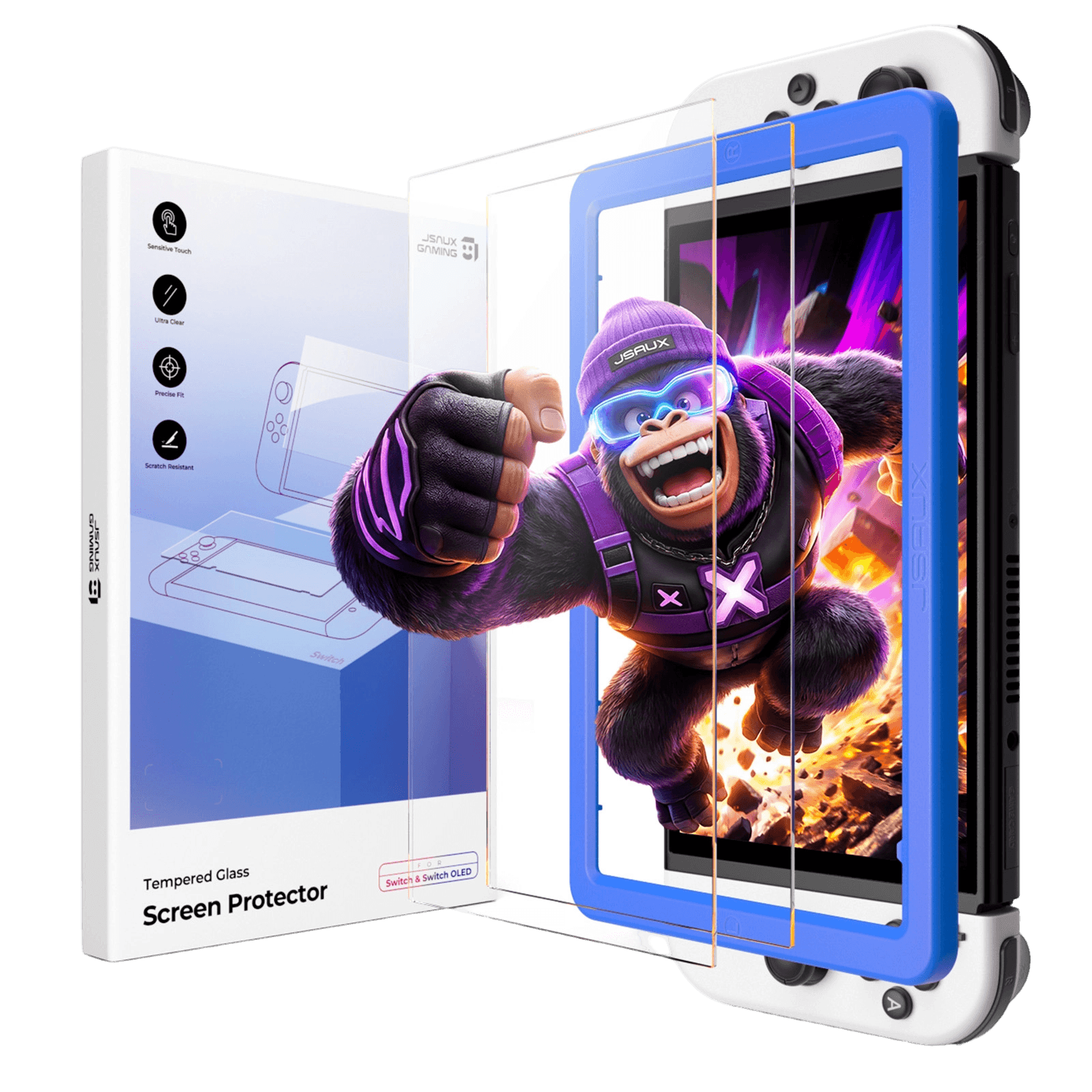
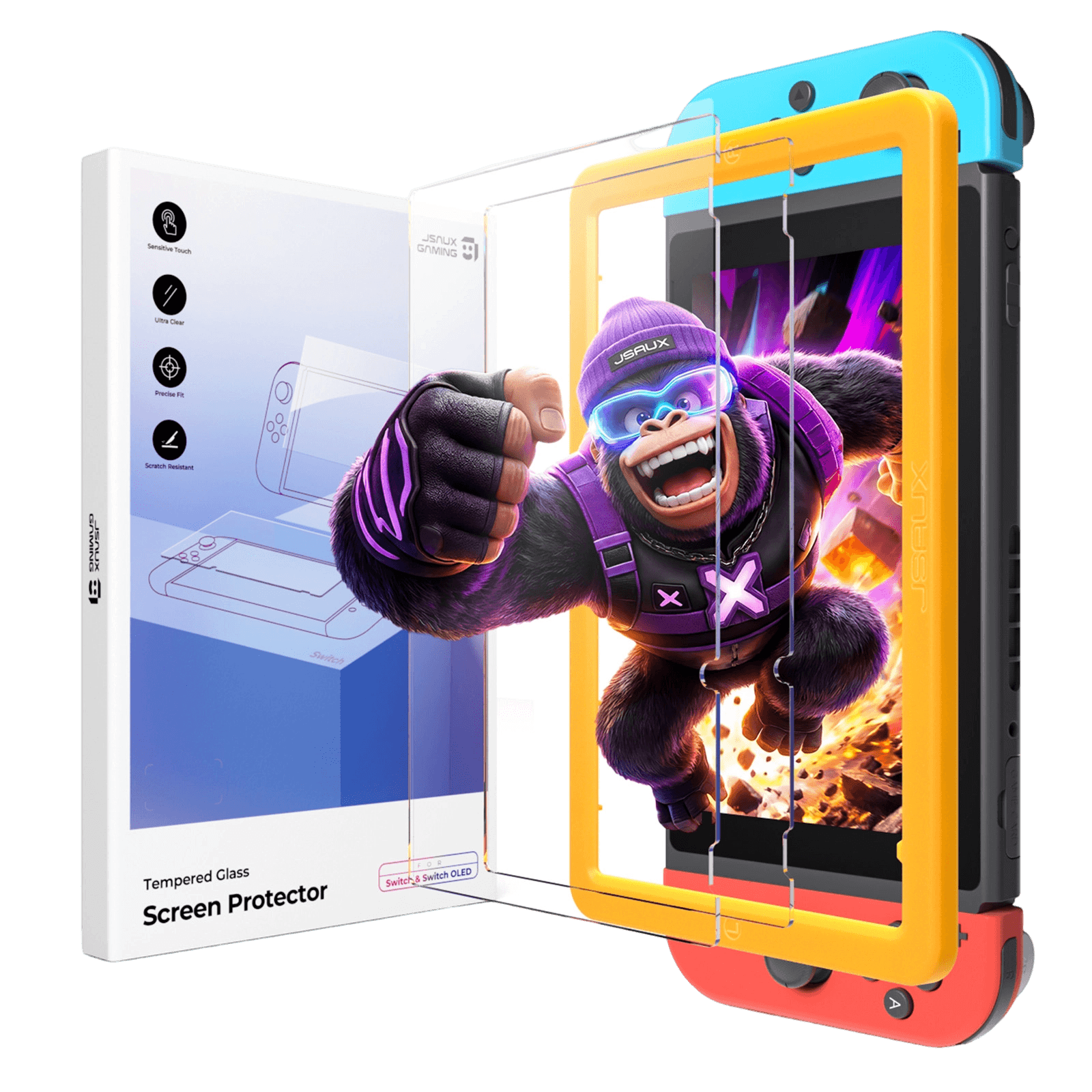
HD Tempered Glass Screen Protector for Switch Series
GP0123A & GP0134 & GP0135
Pay with Ease
FEATURES
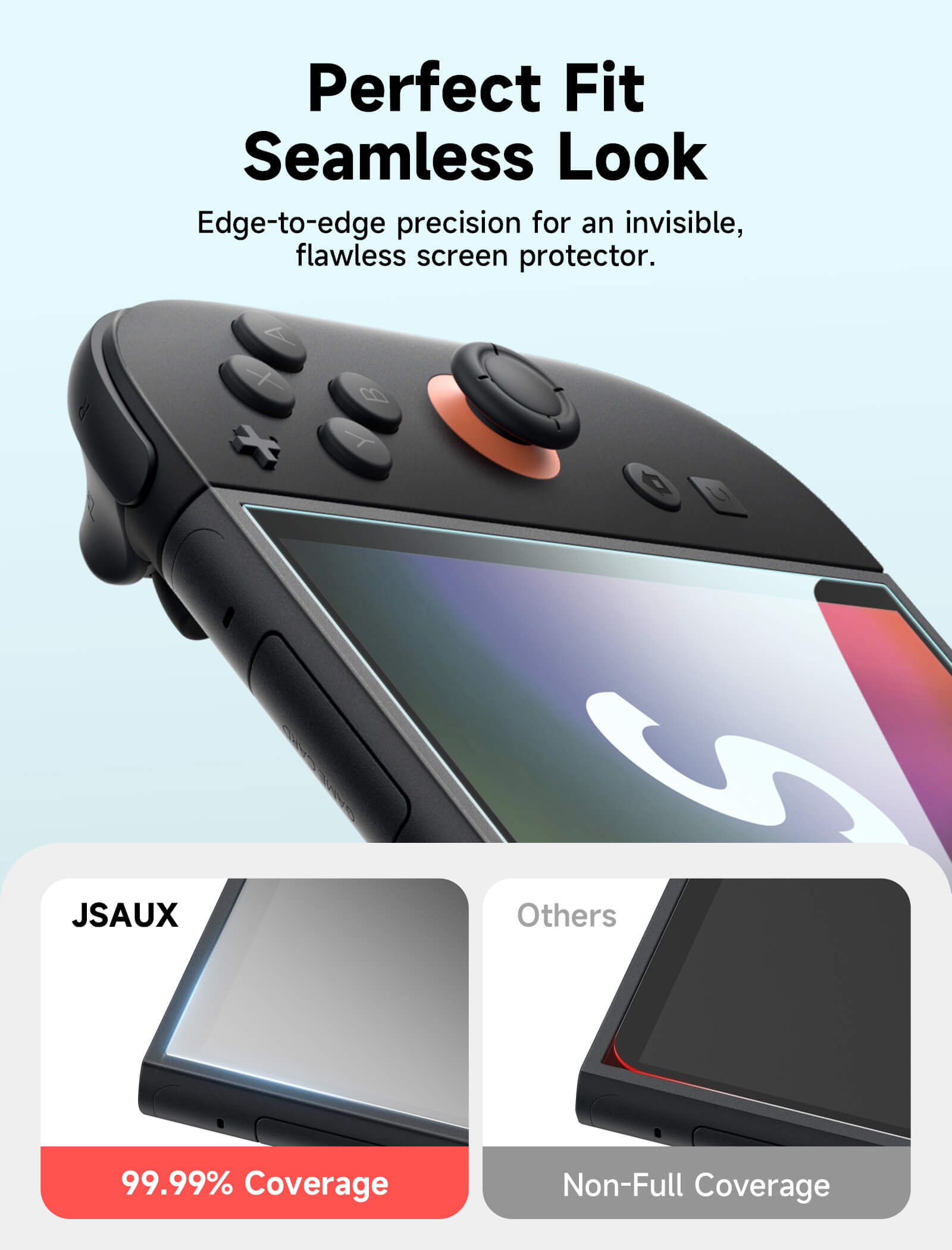
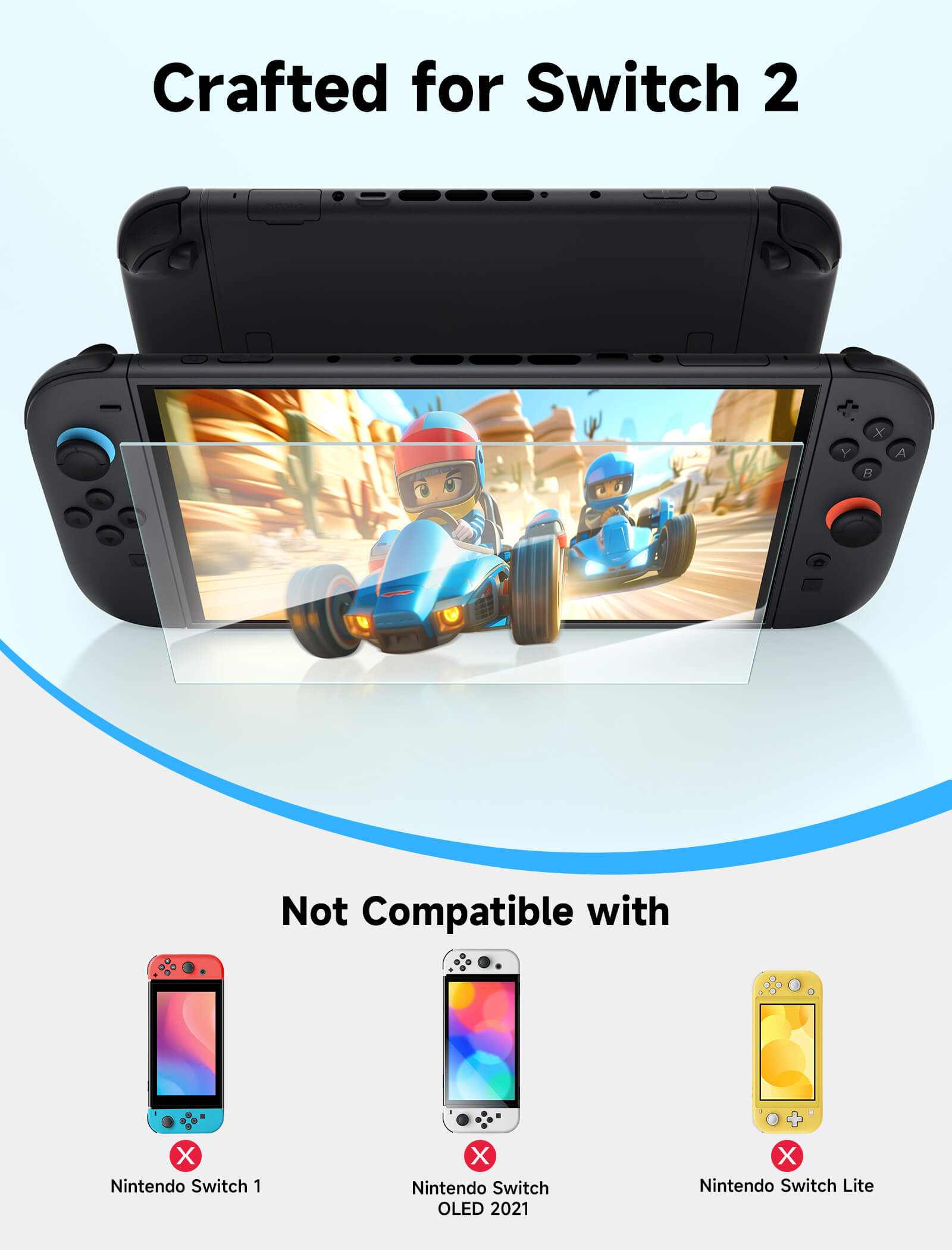
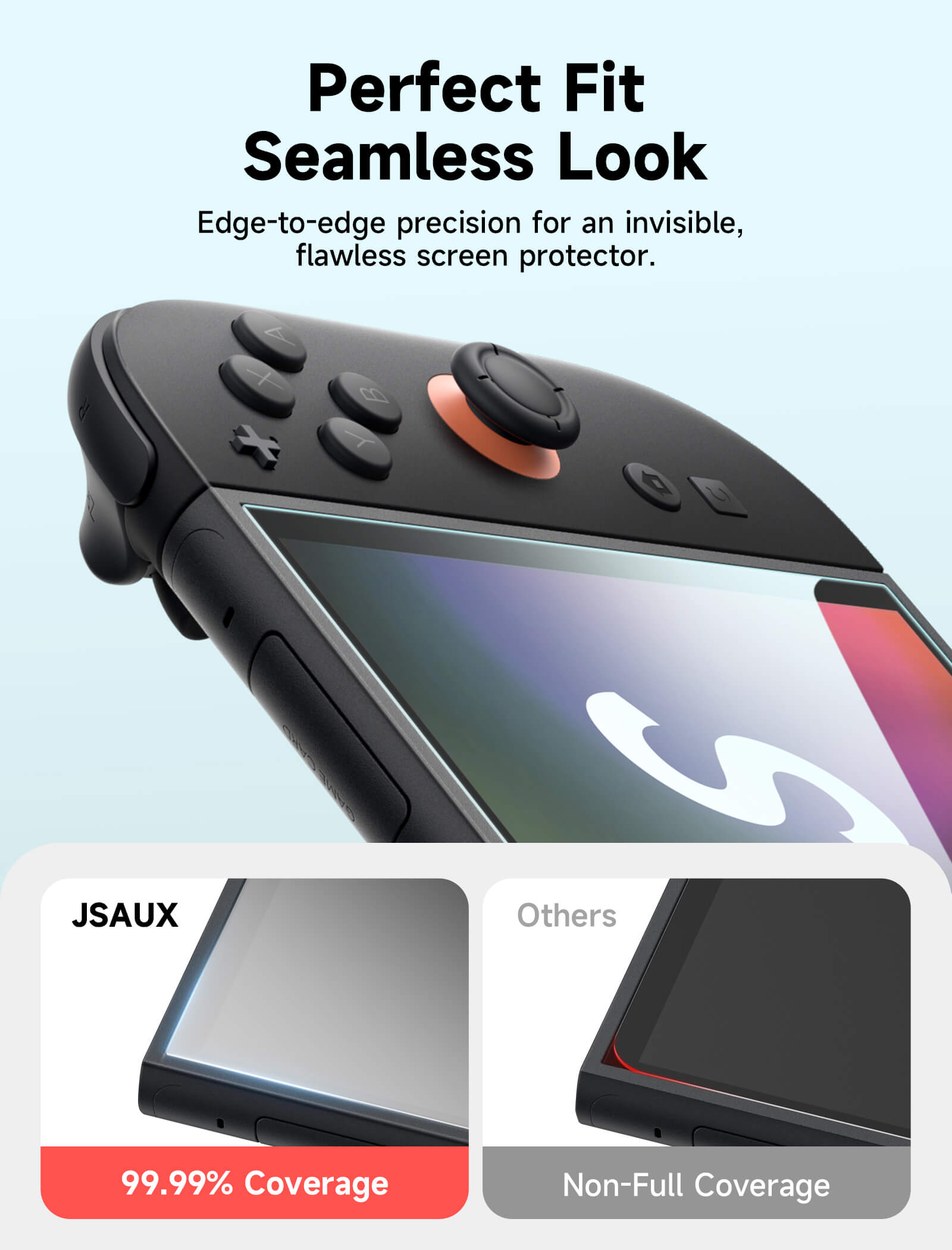
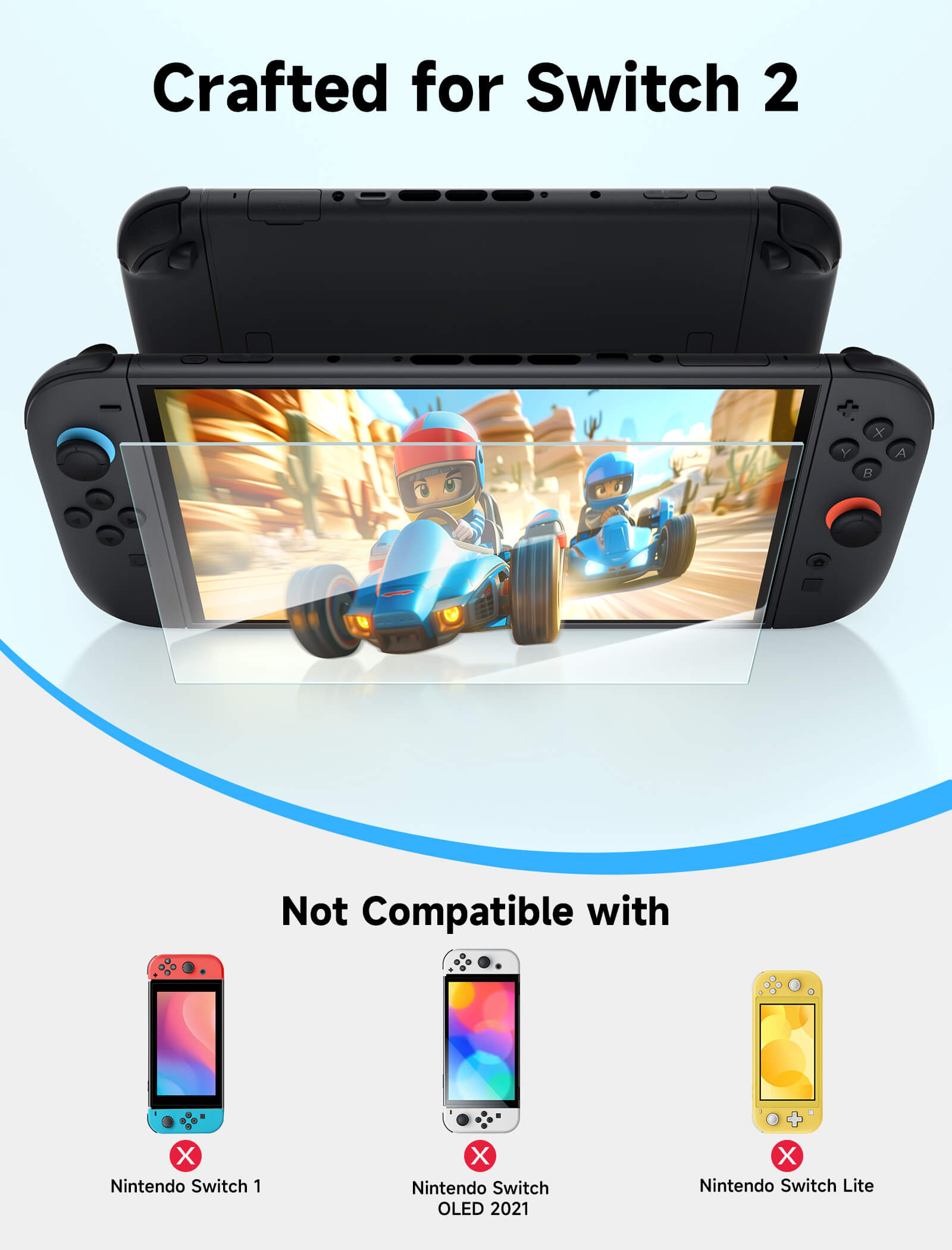
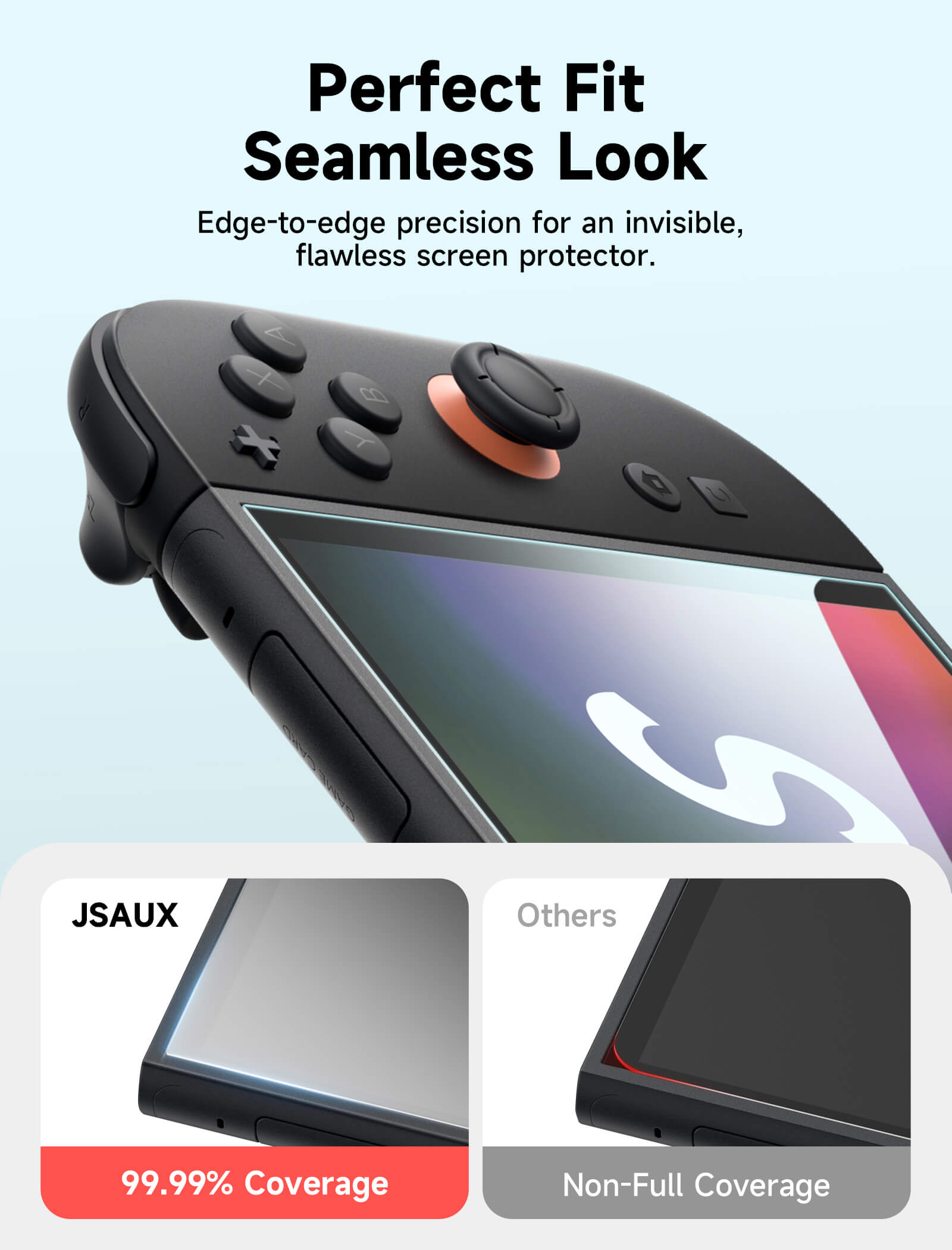
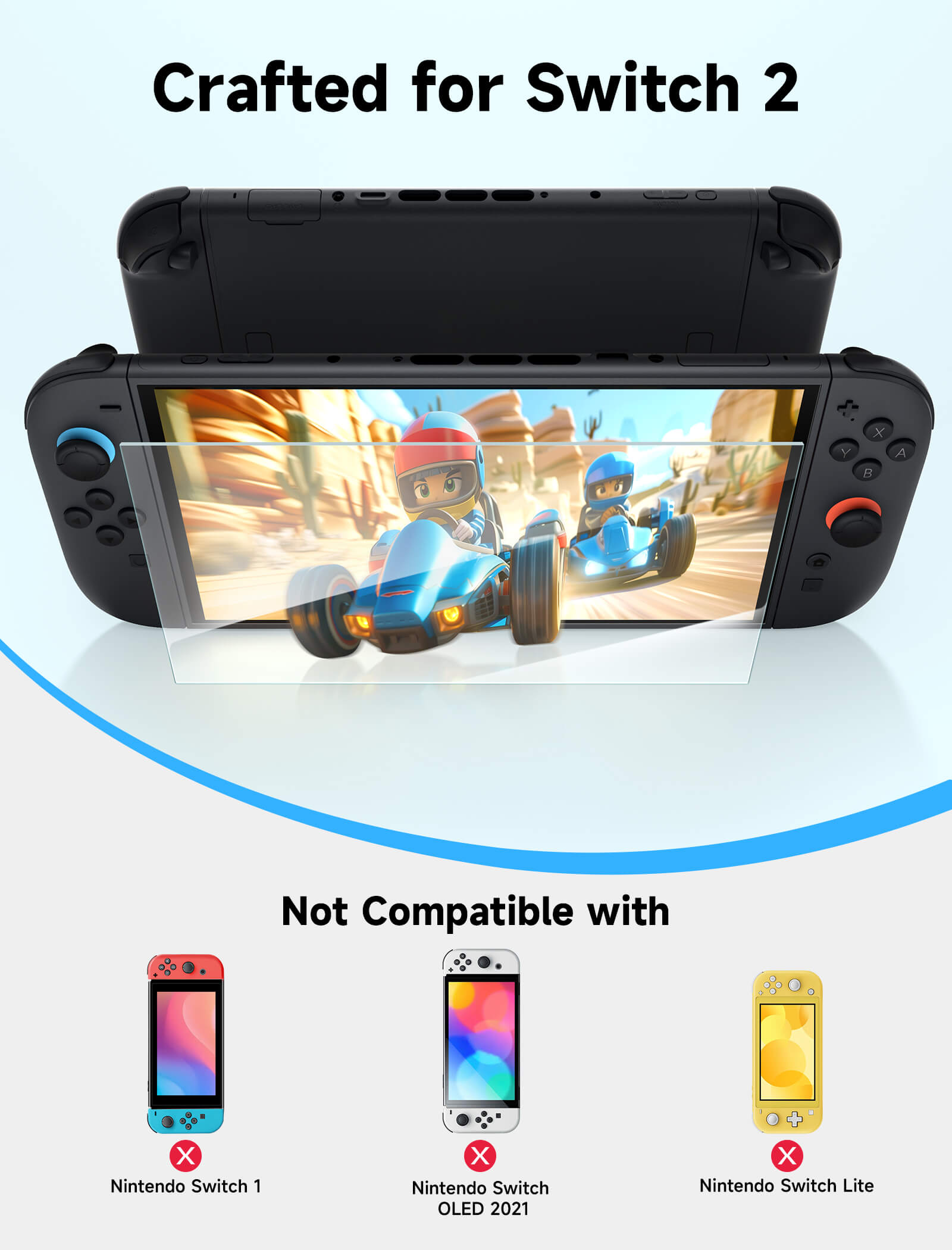
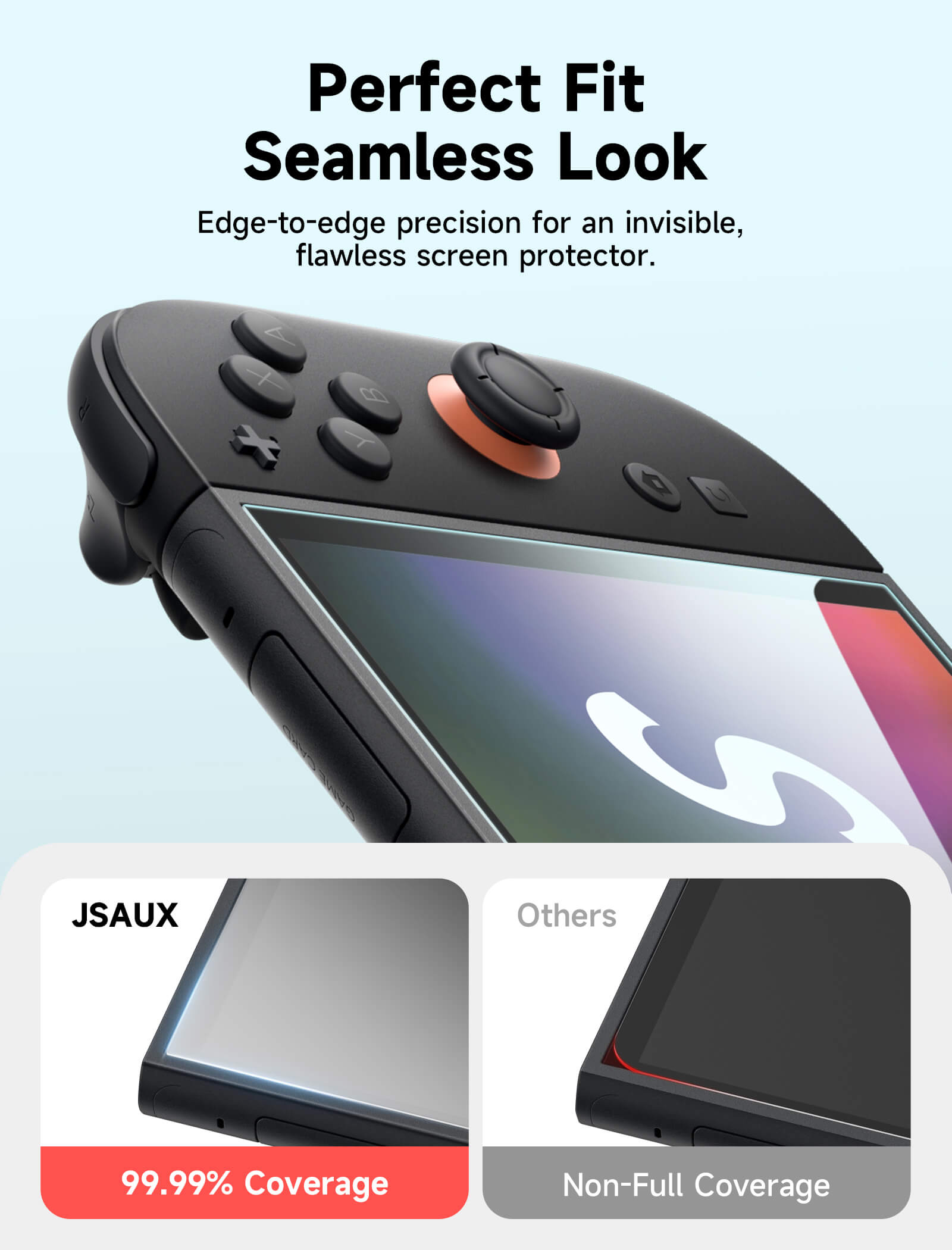
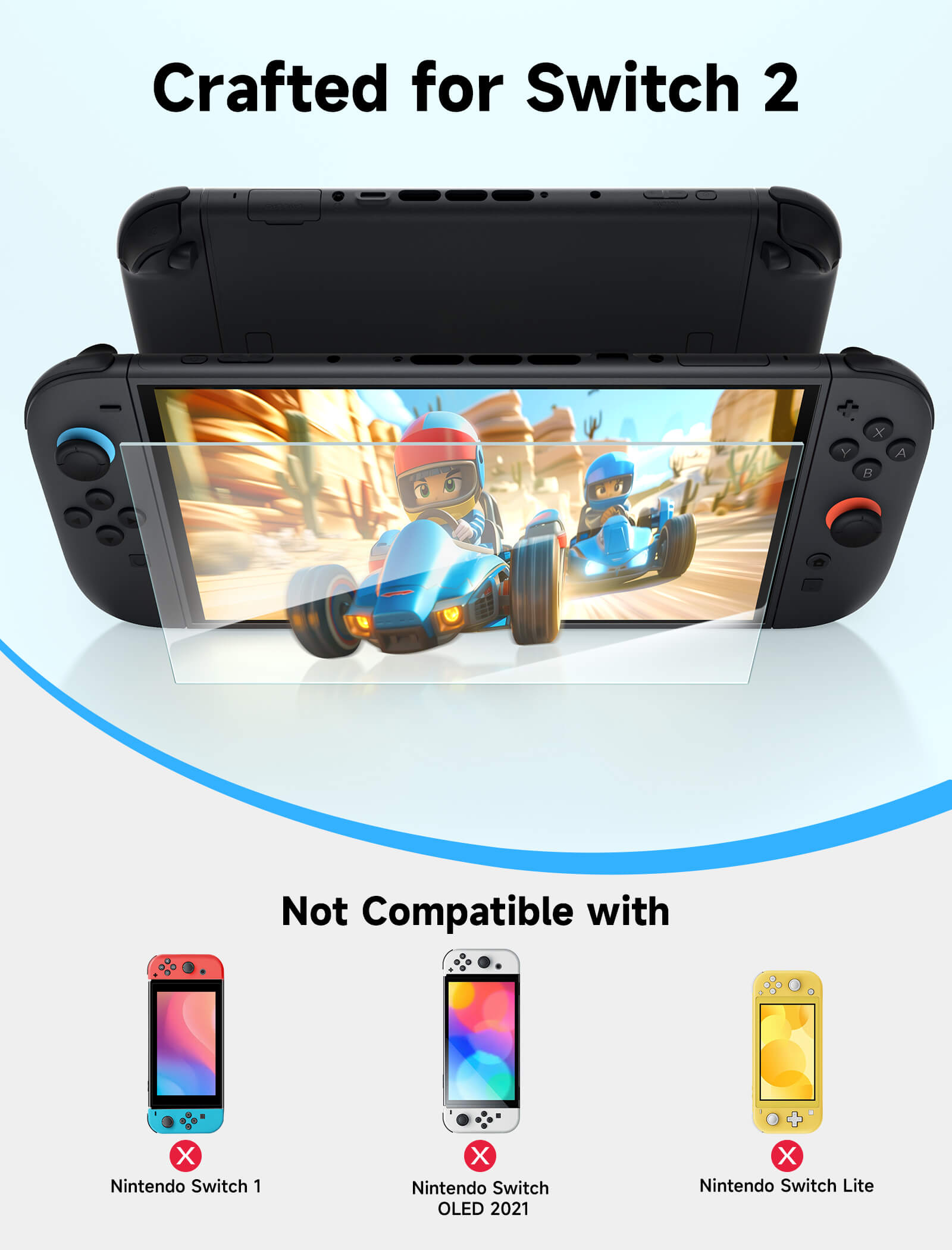
- Universal Fit for Switch 2 / Switch OLED / Switch
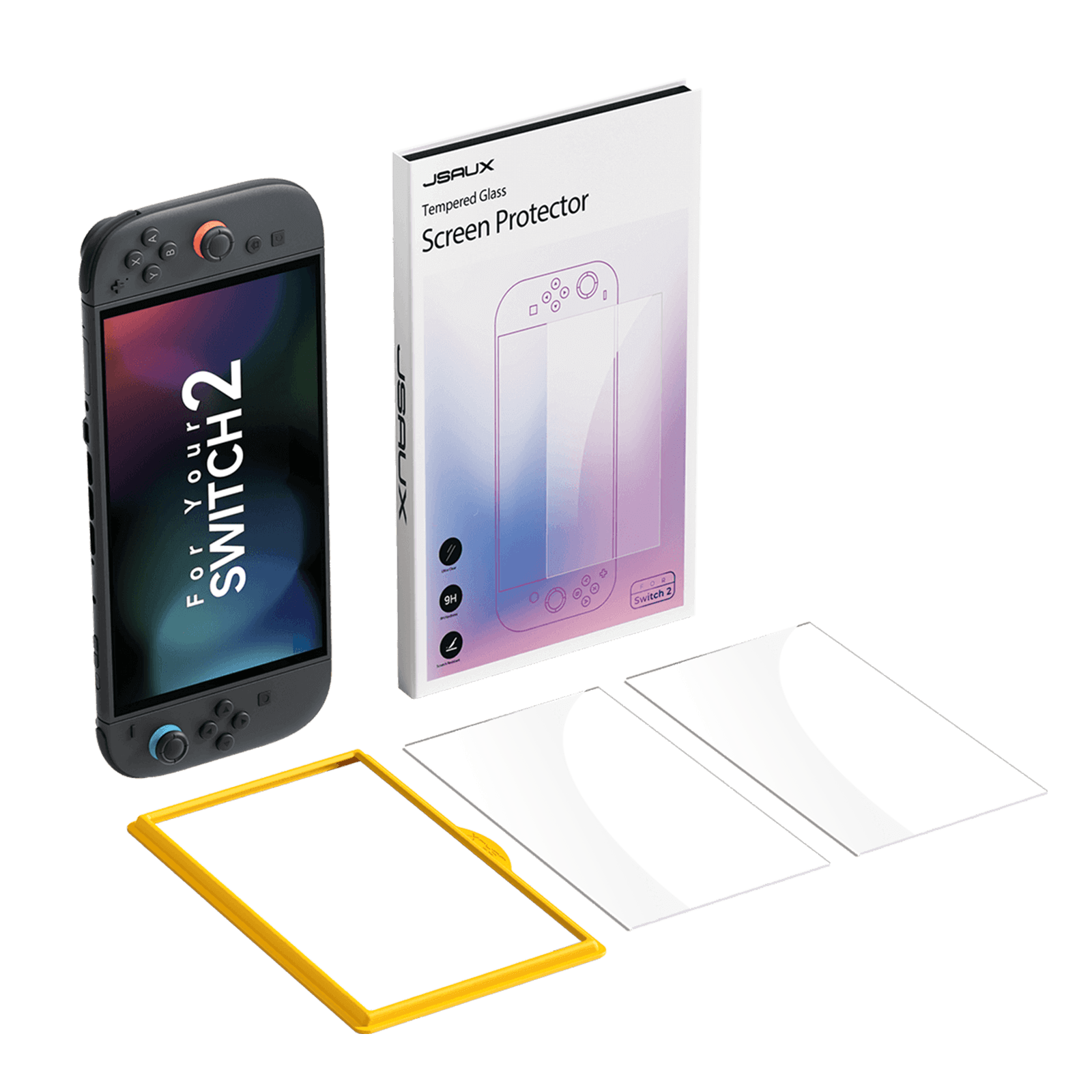
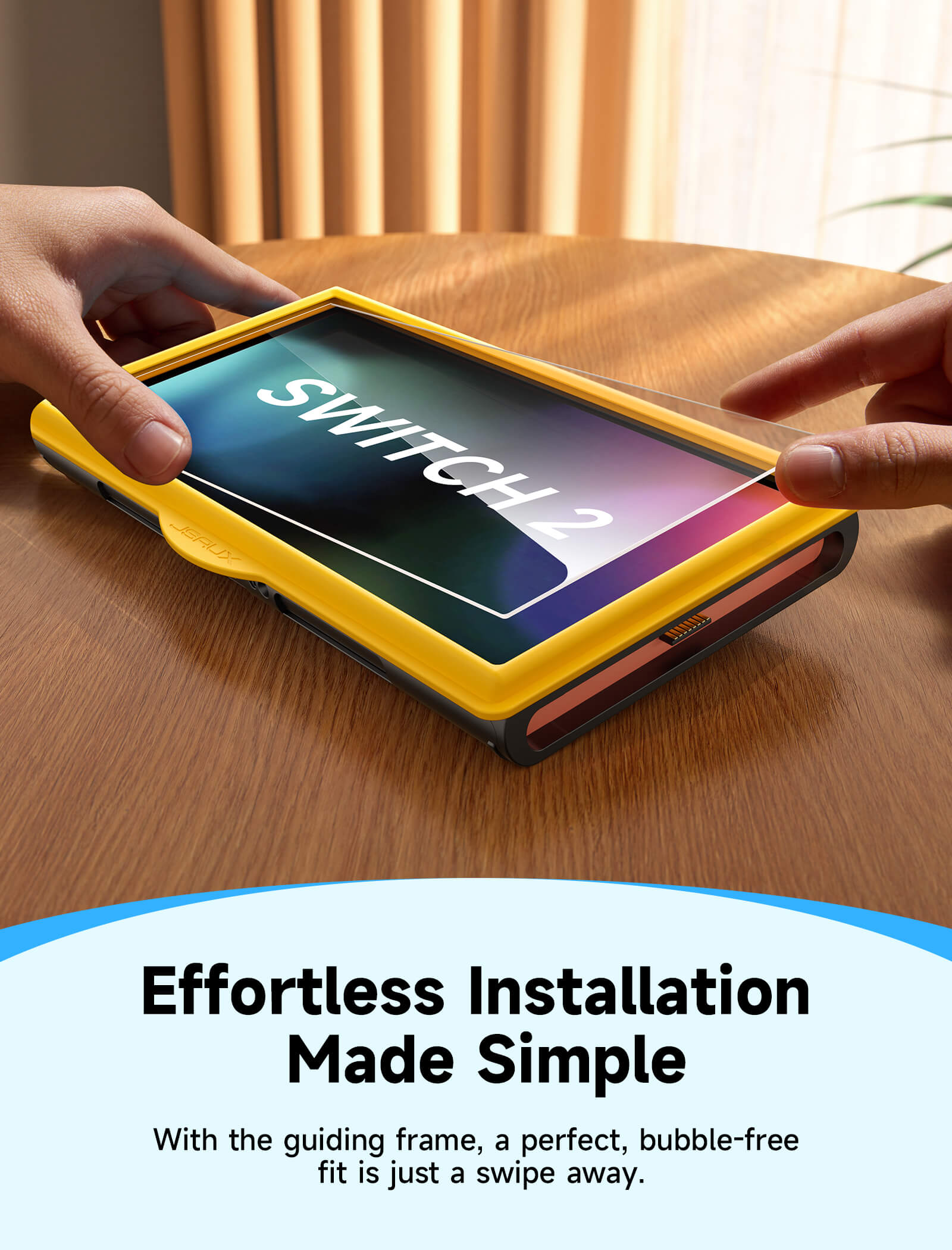
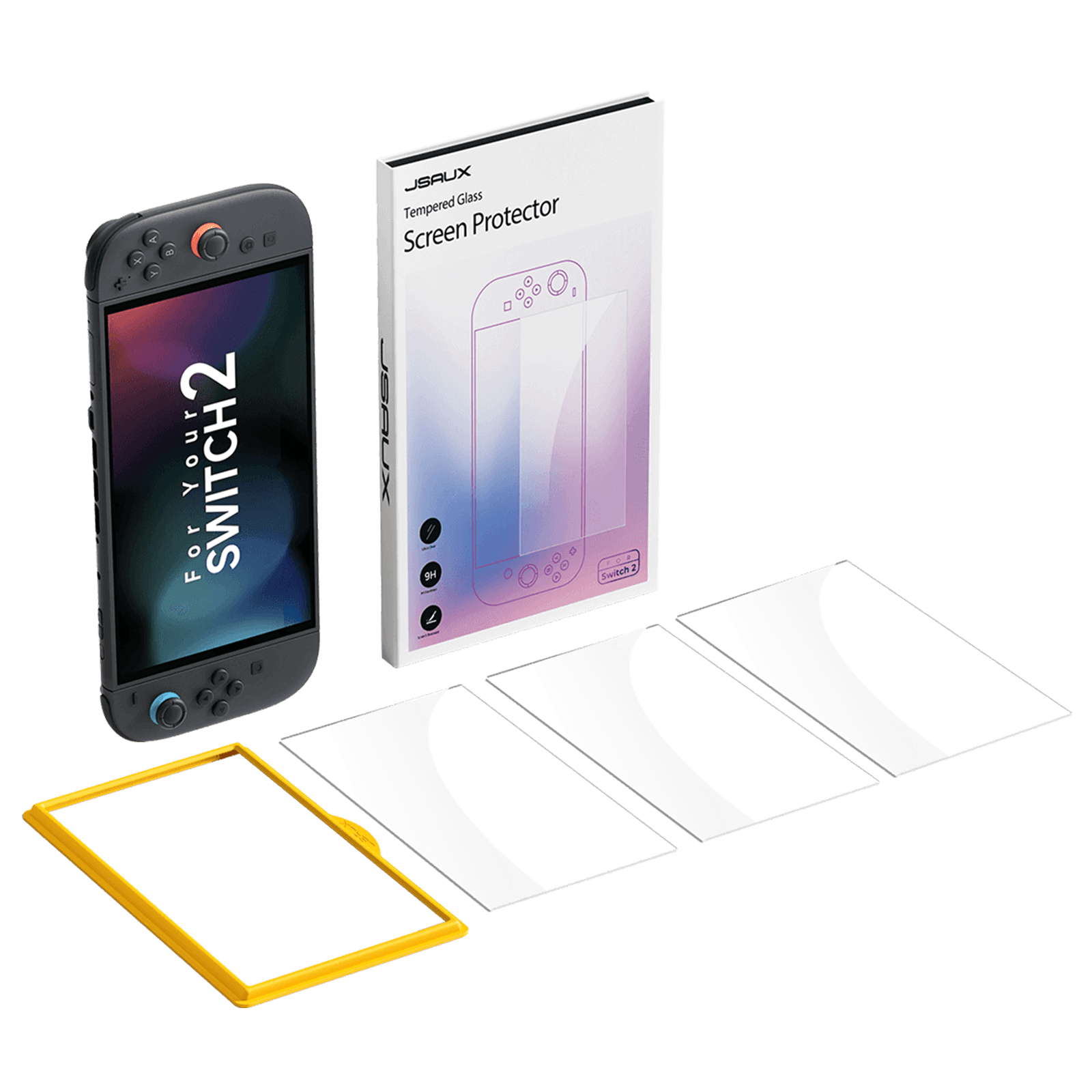
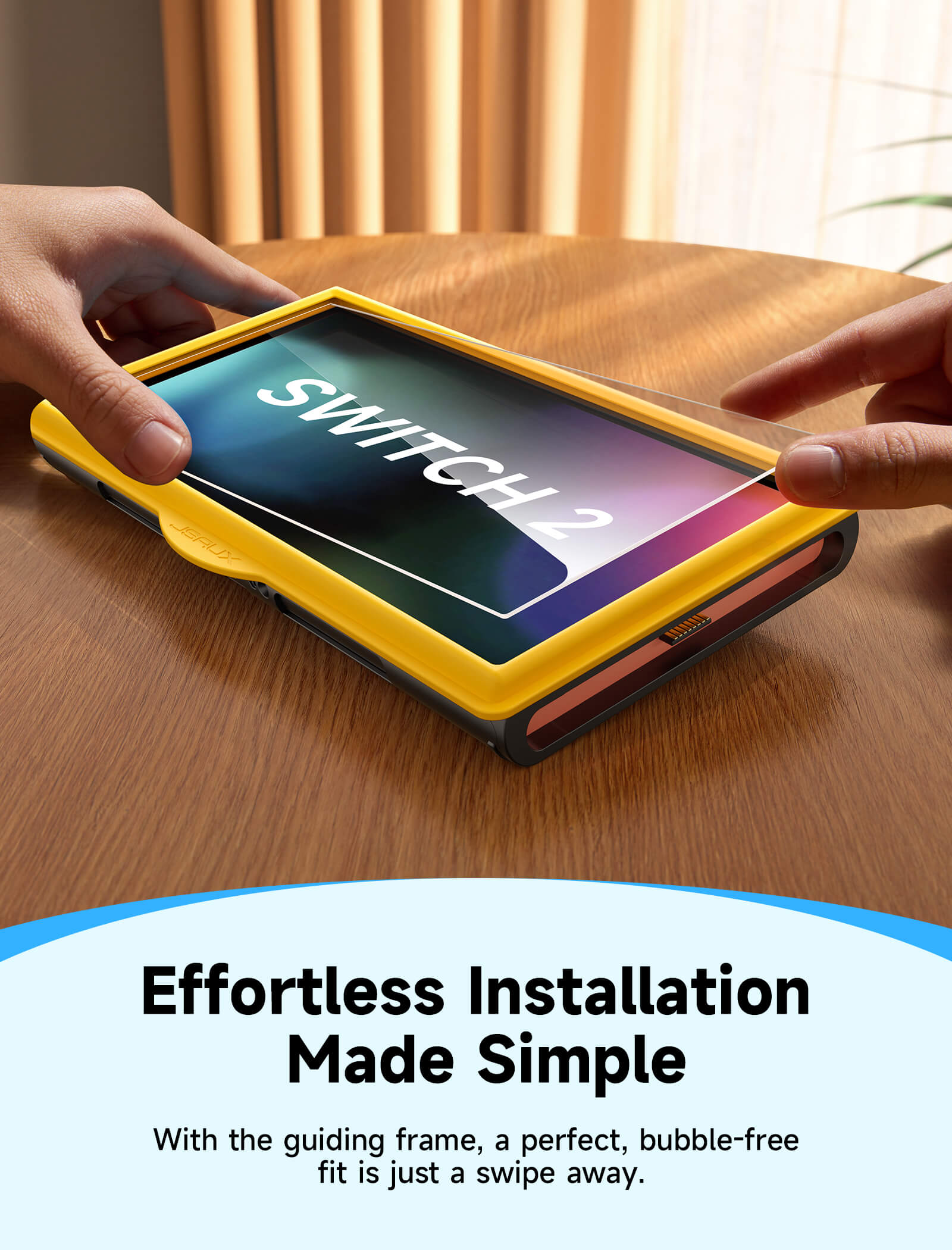
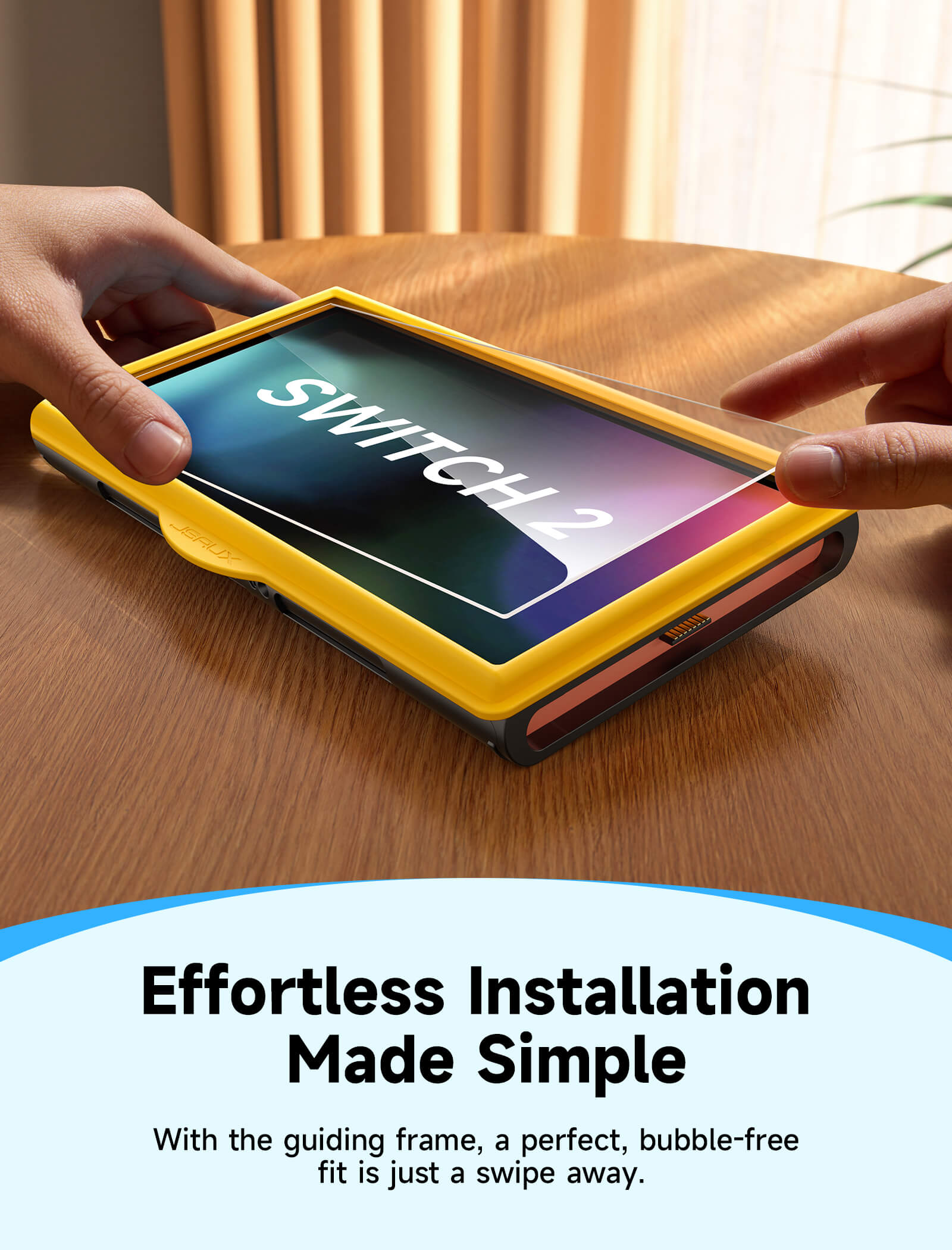
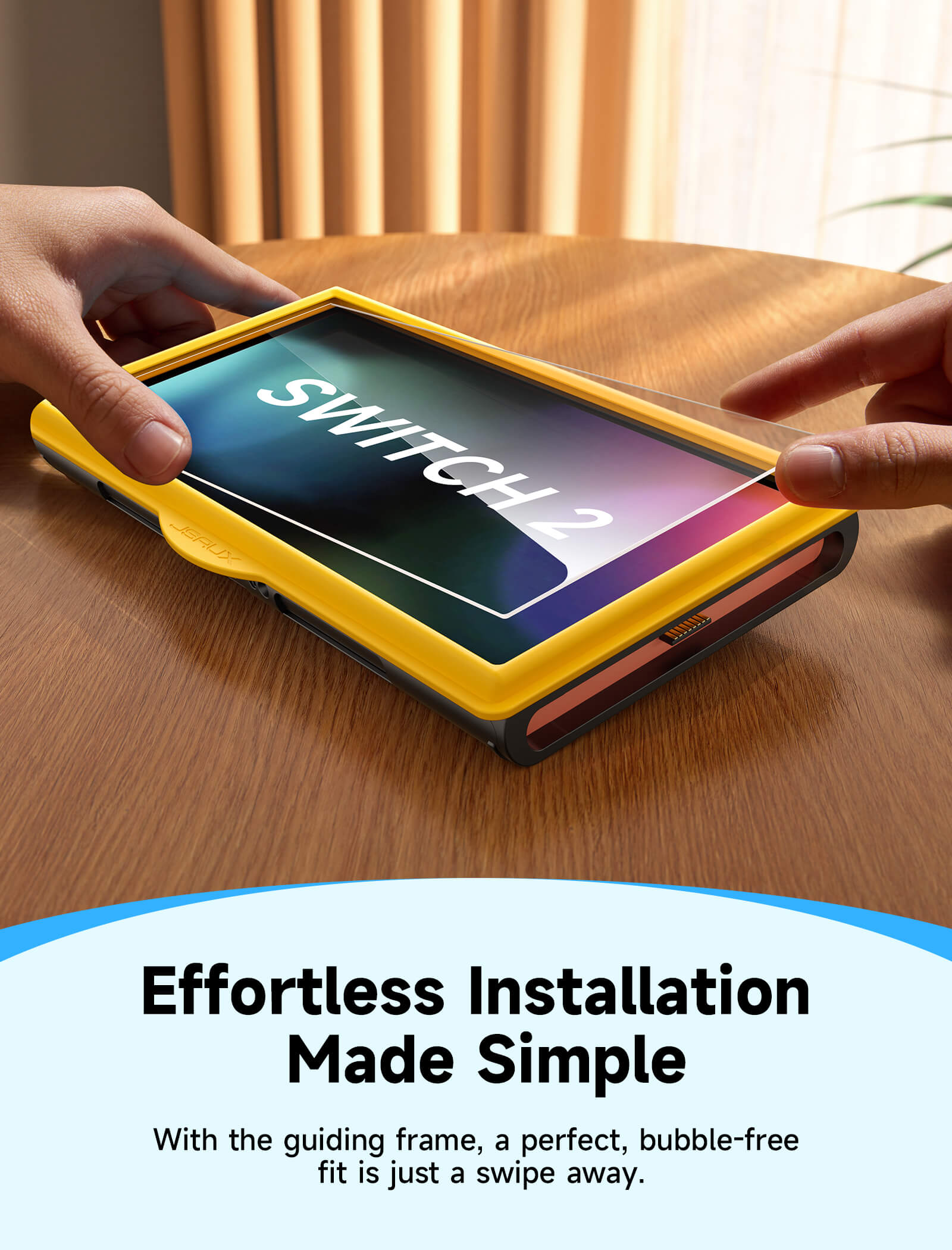
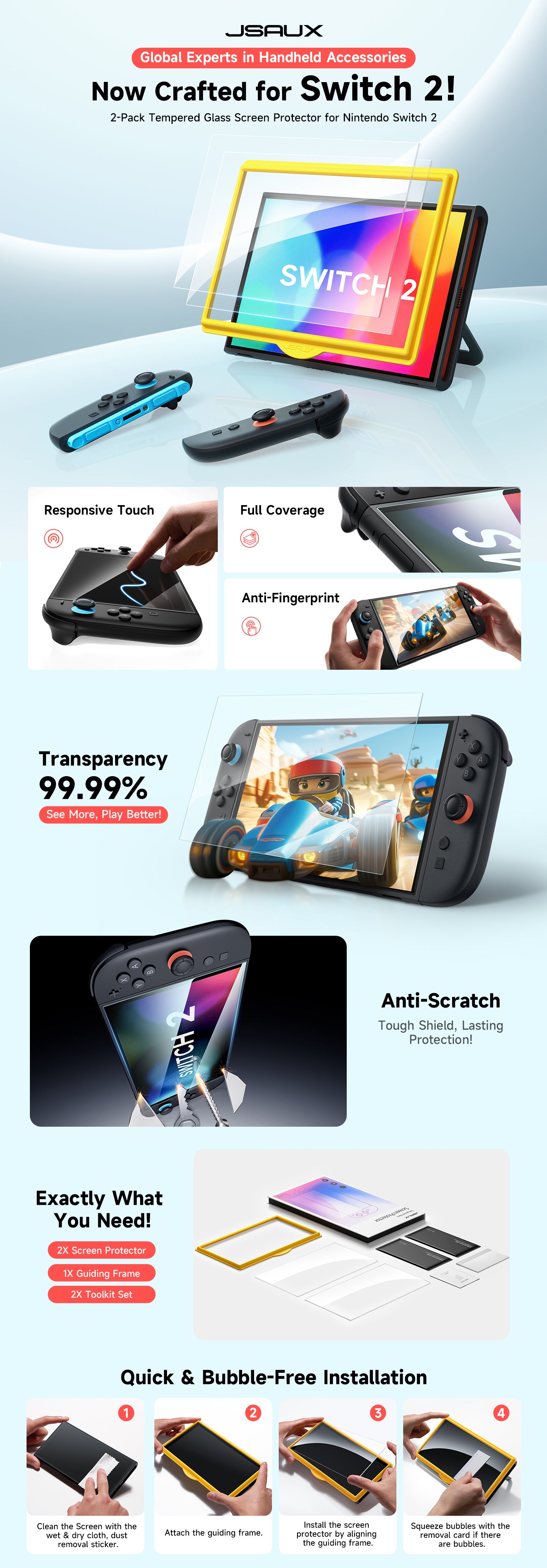
- Easy Bubble-Free Installation with Alignment Frame
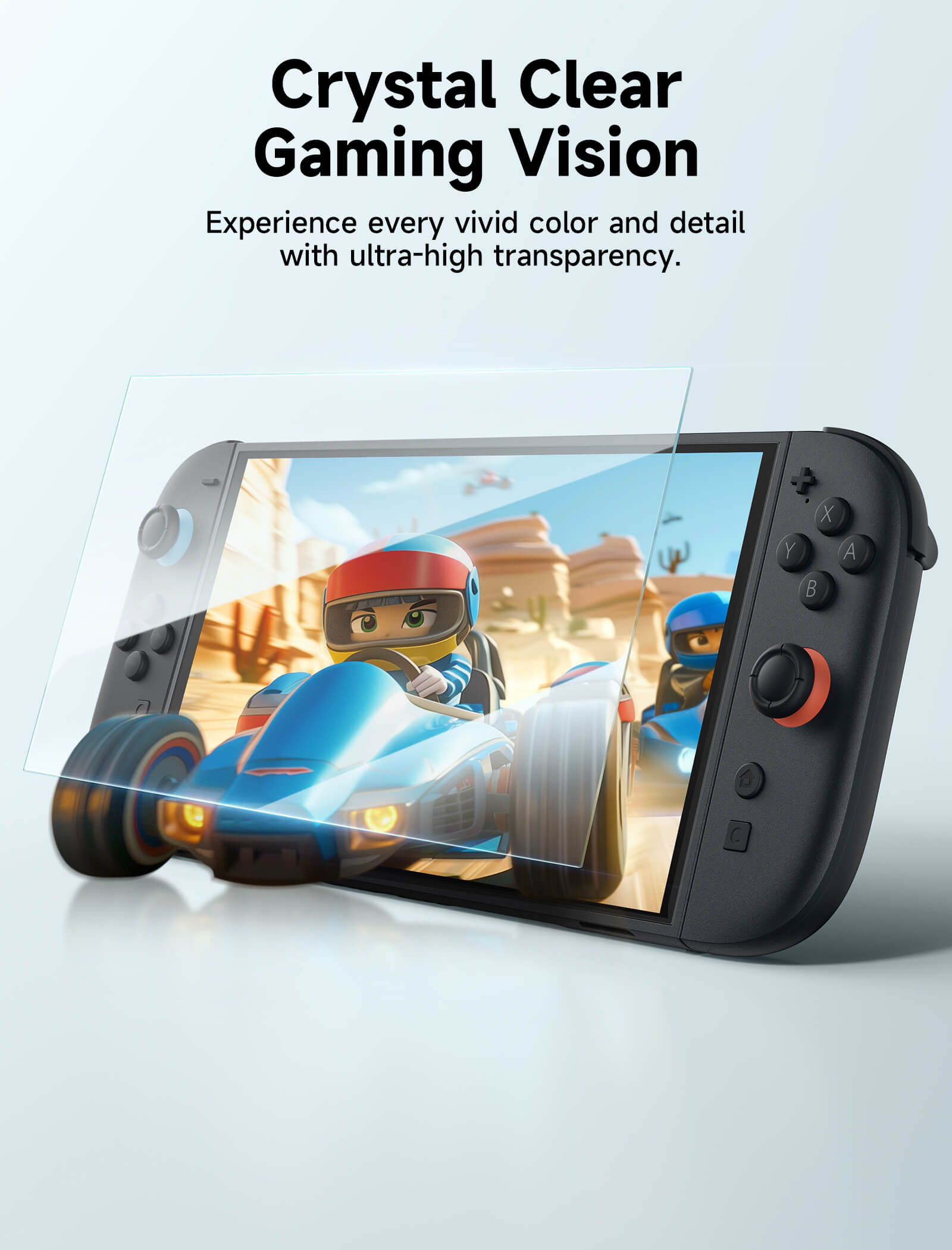
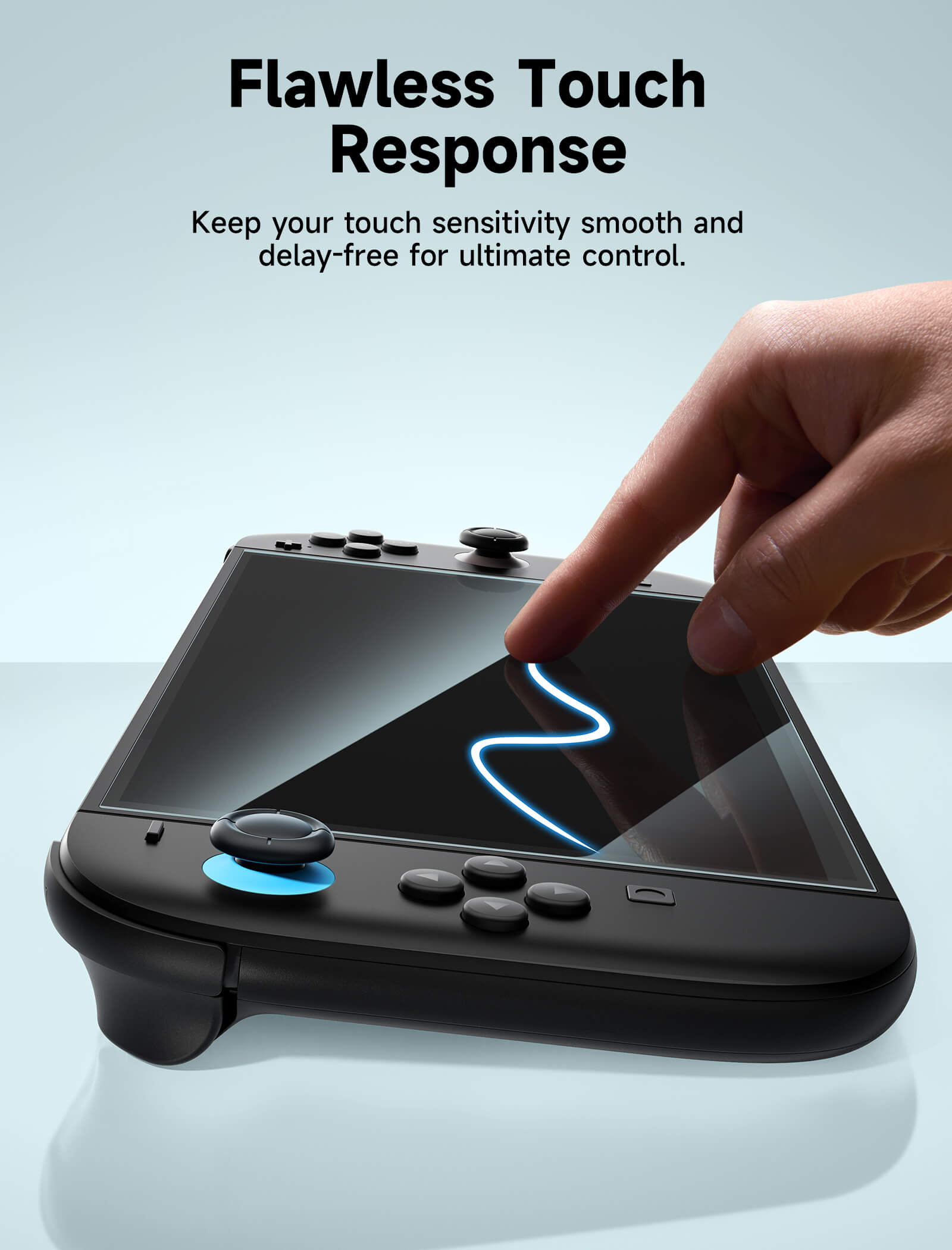
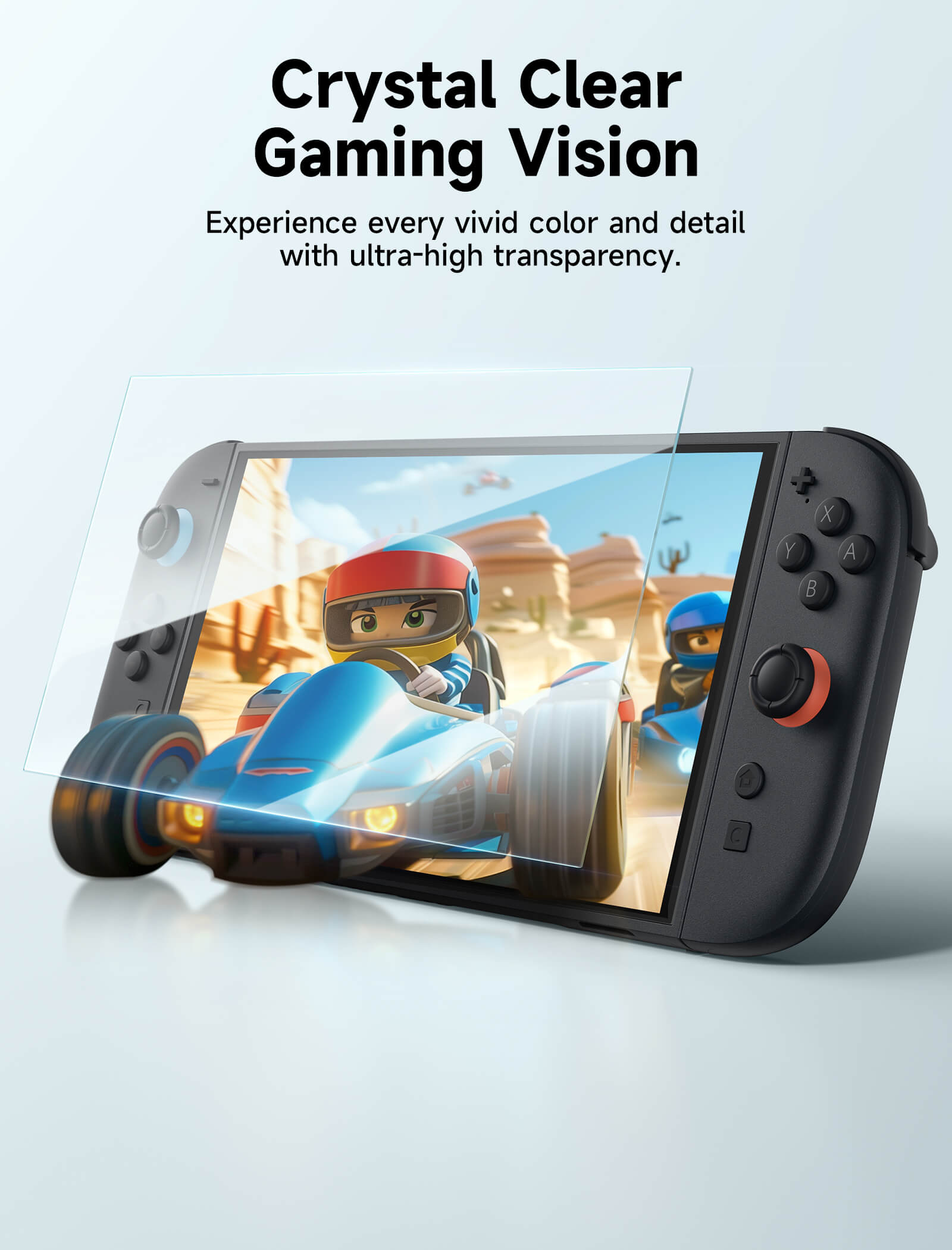
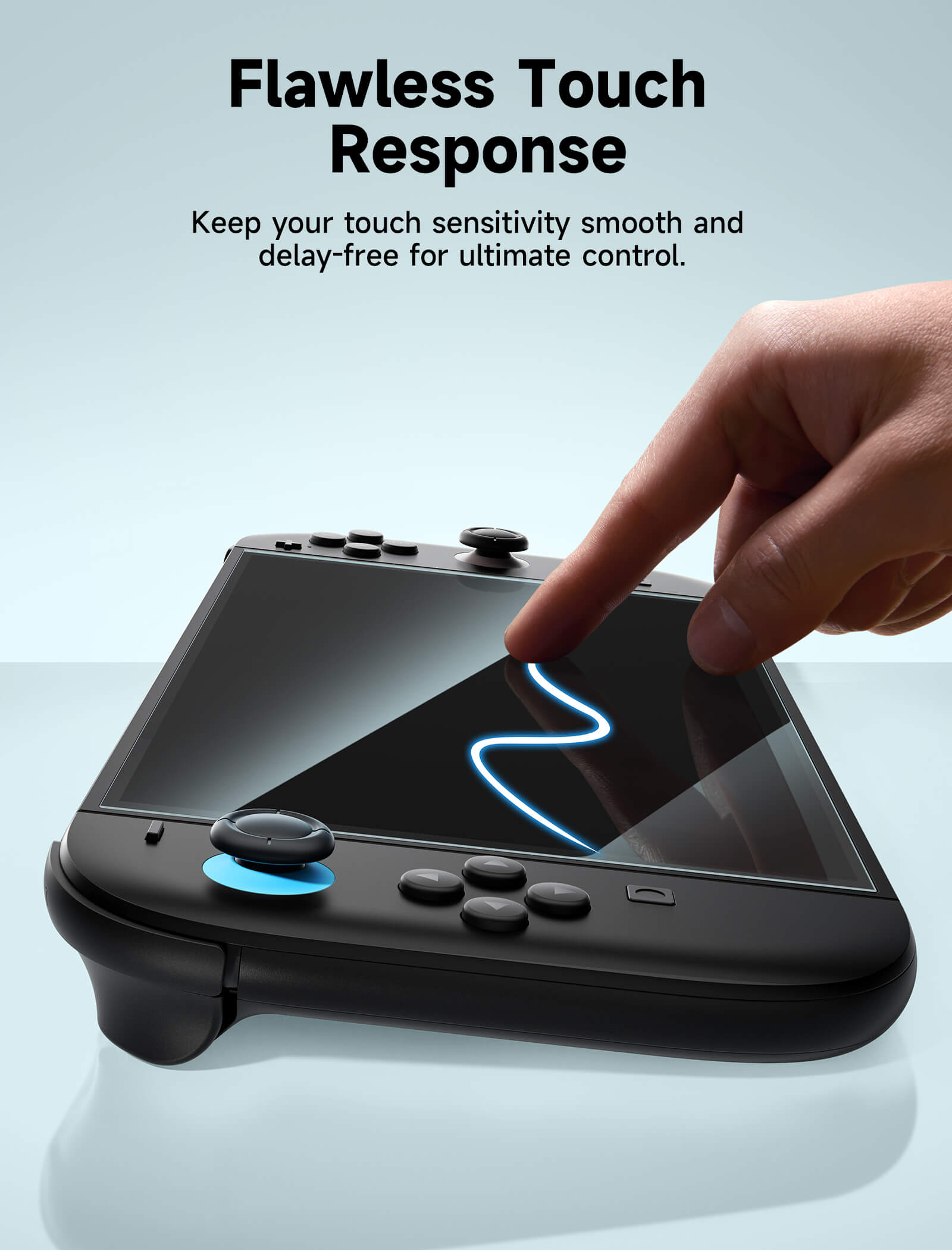
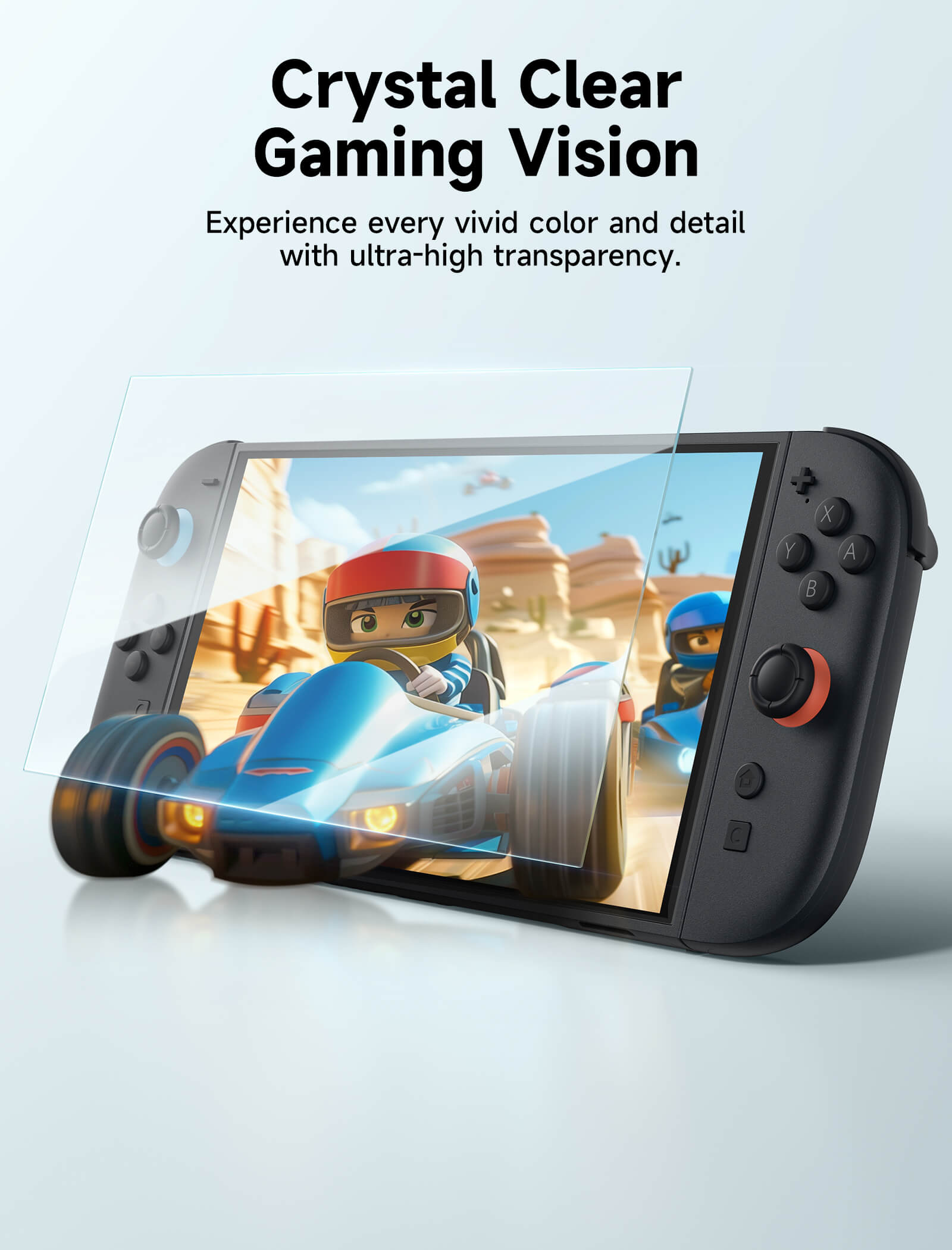
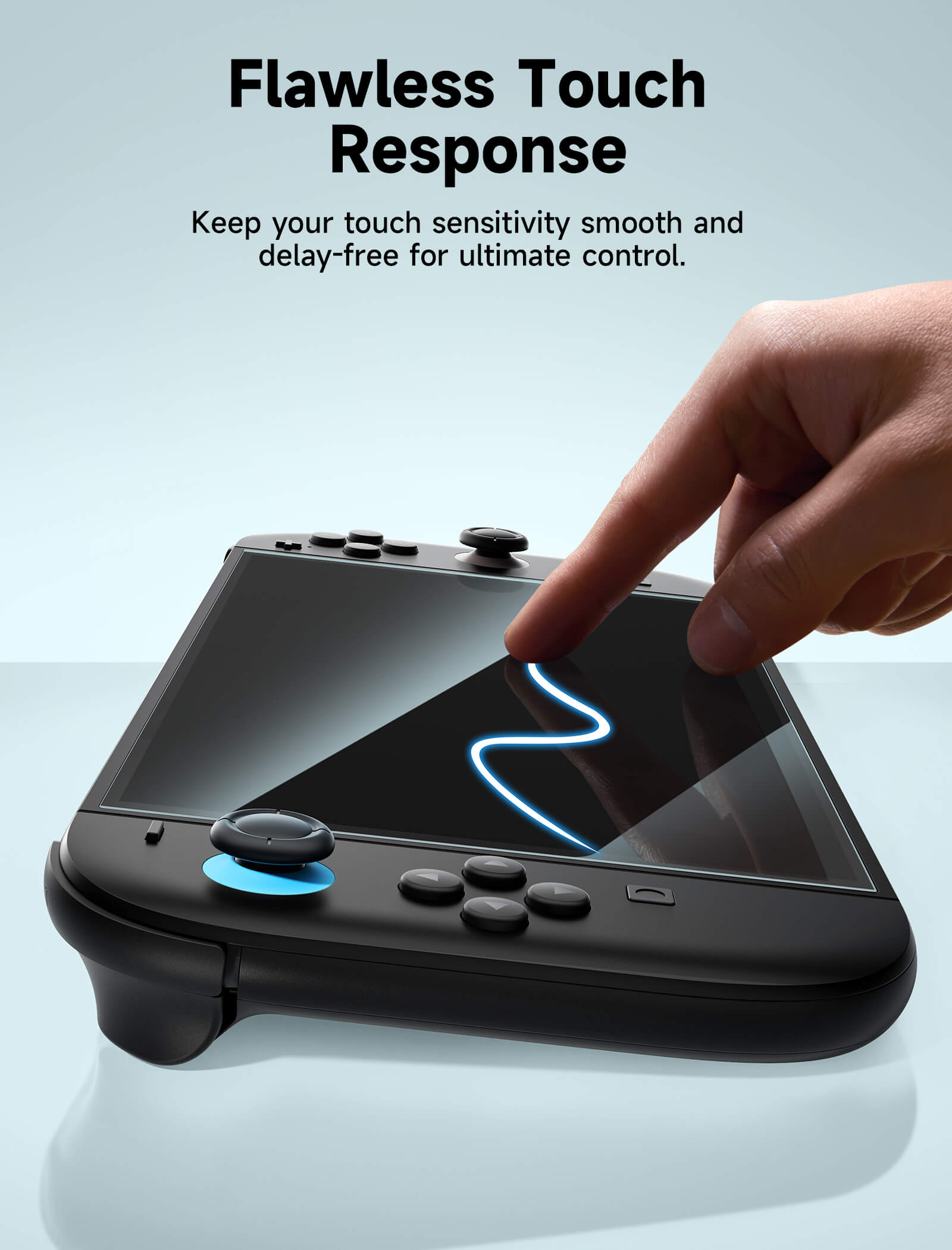
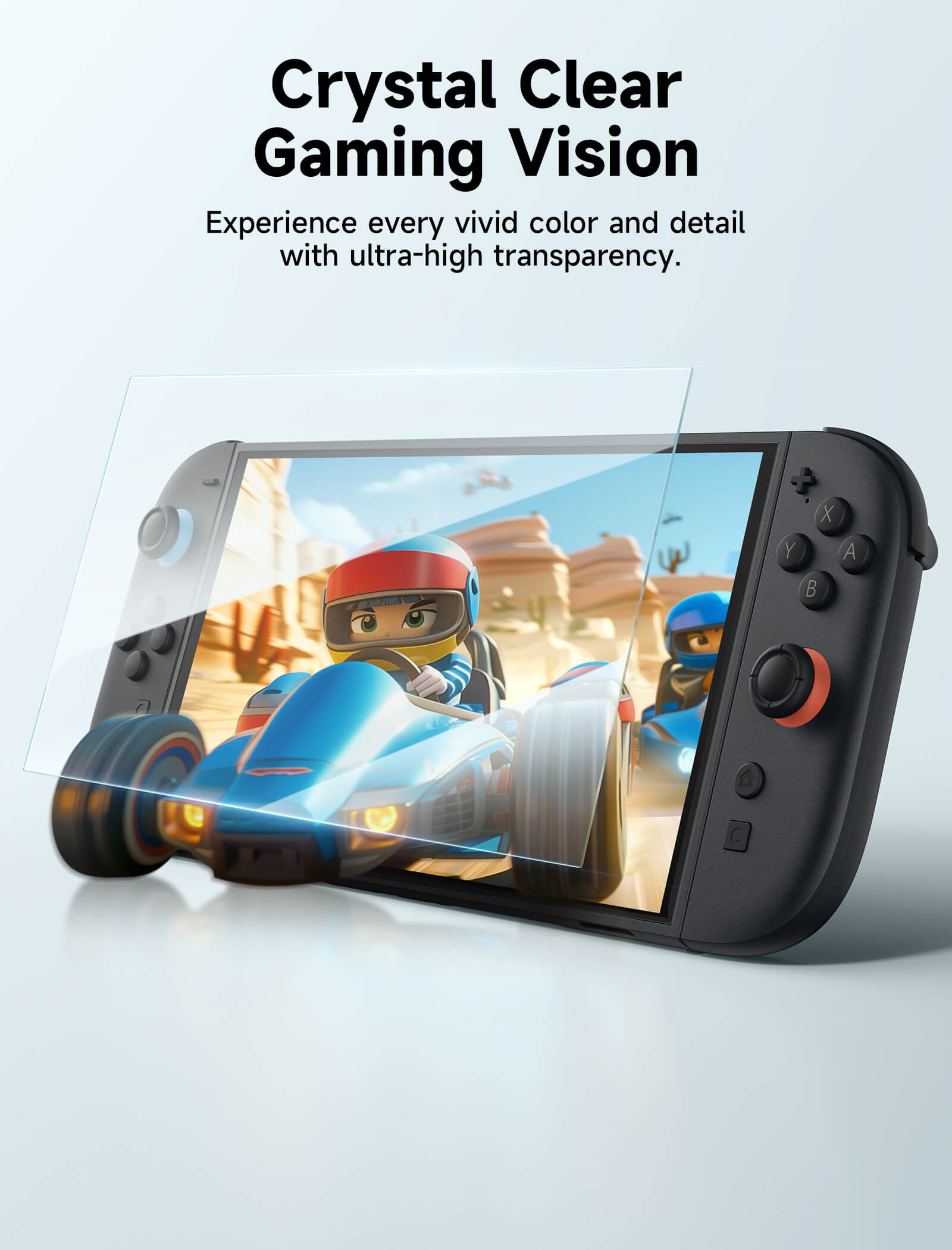
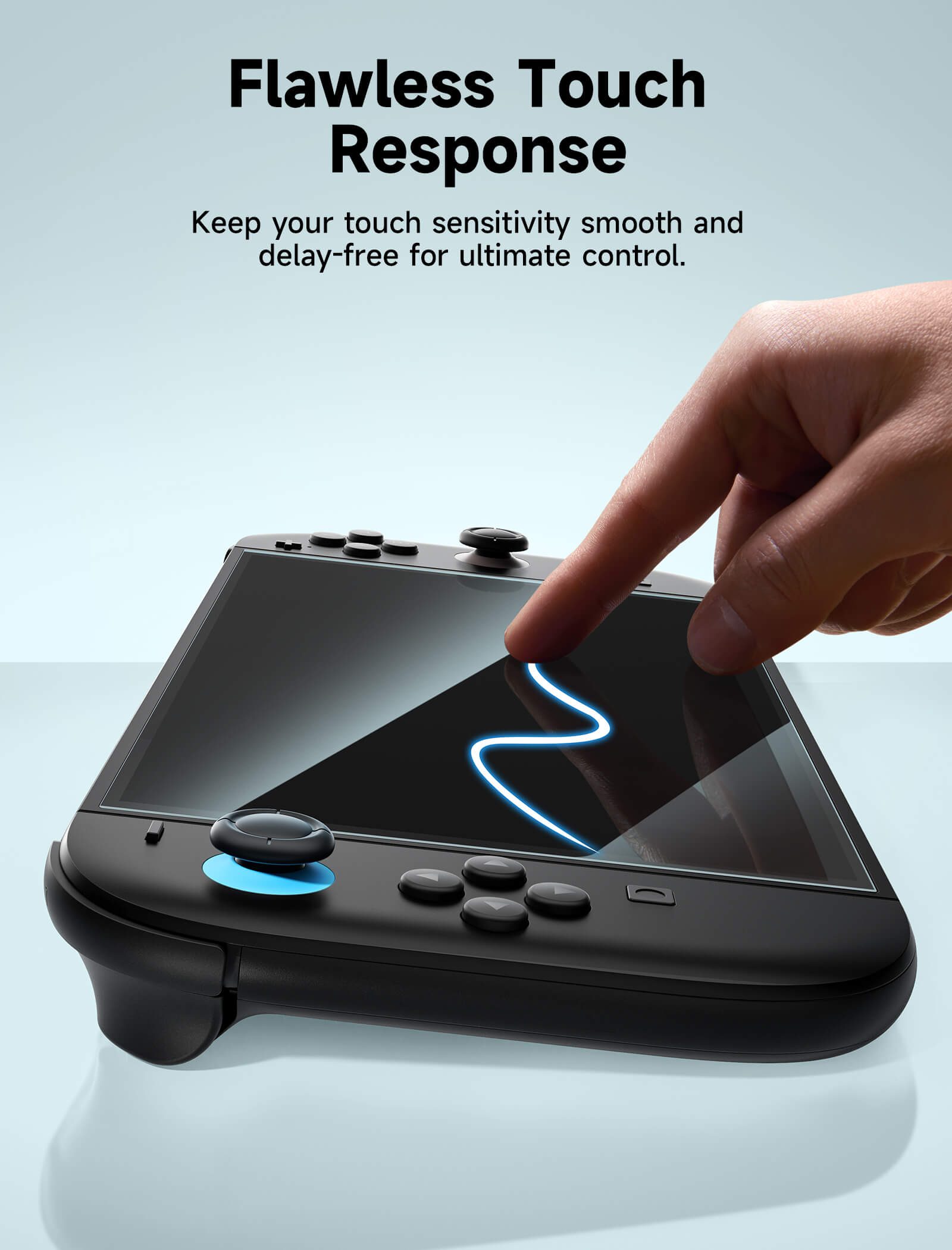
- Ultra-Clear HD Transparency (99% Clarity)
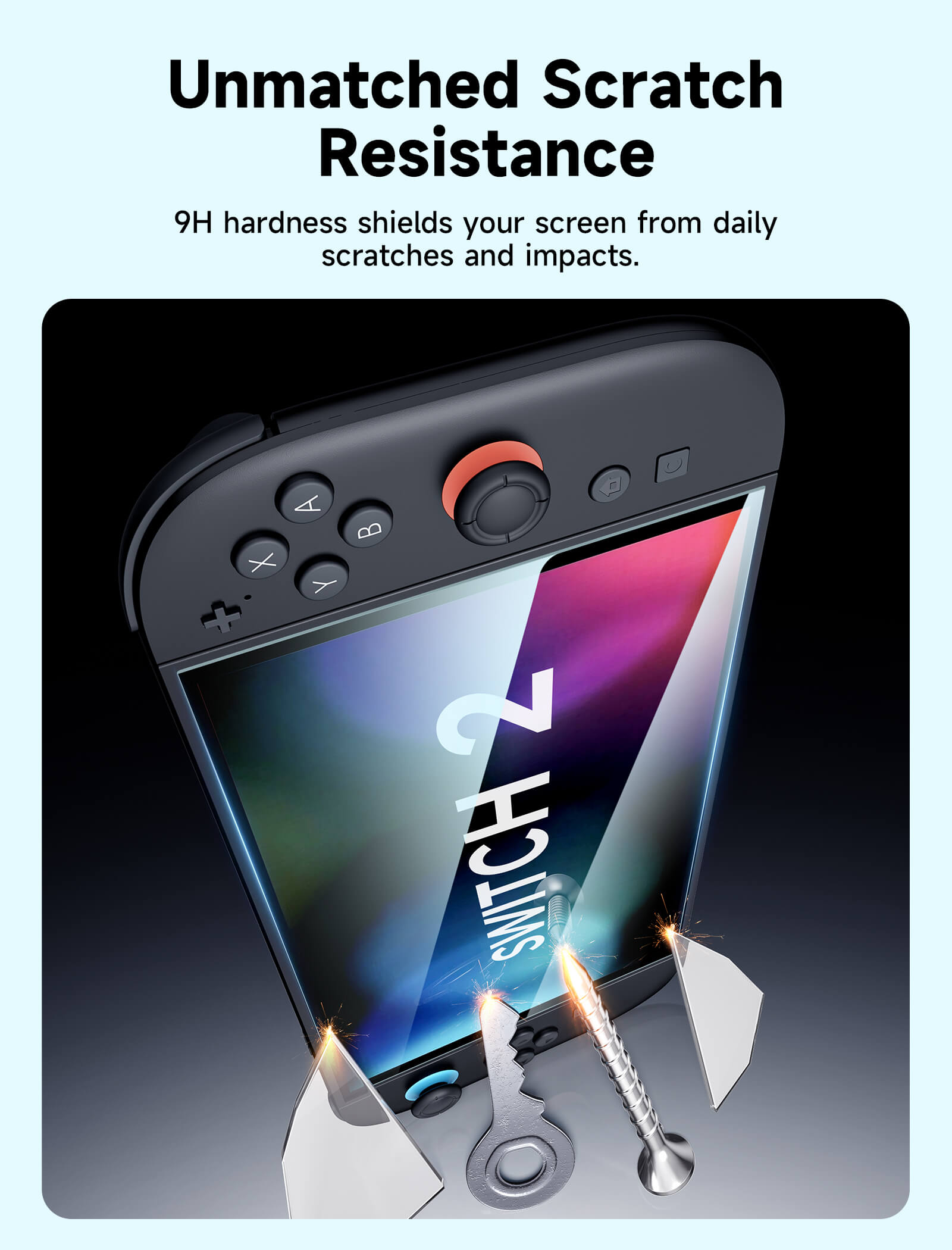
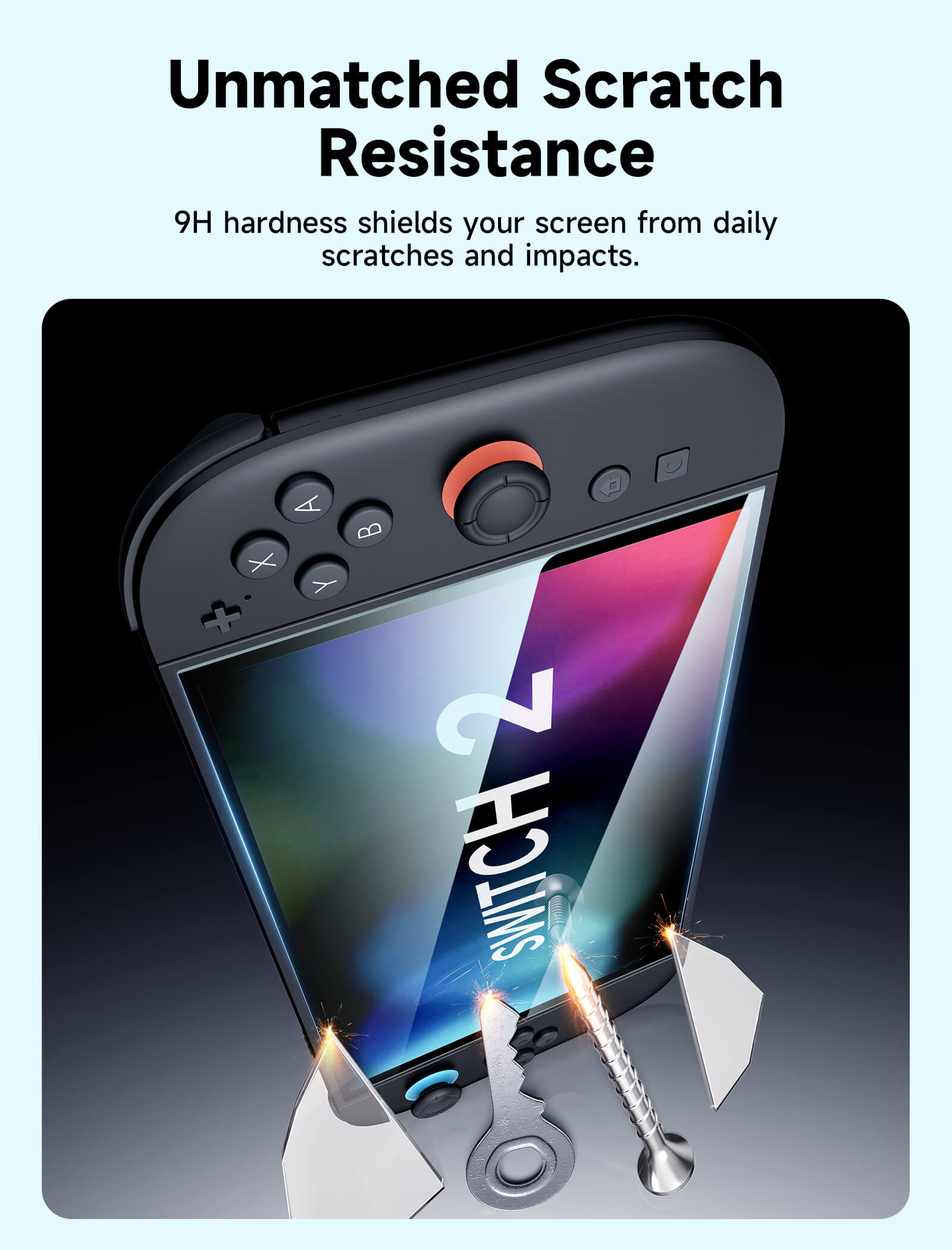
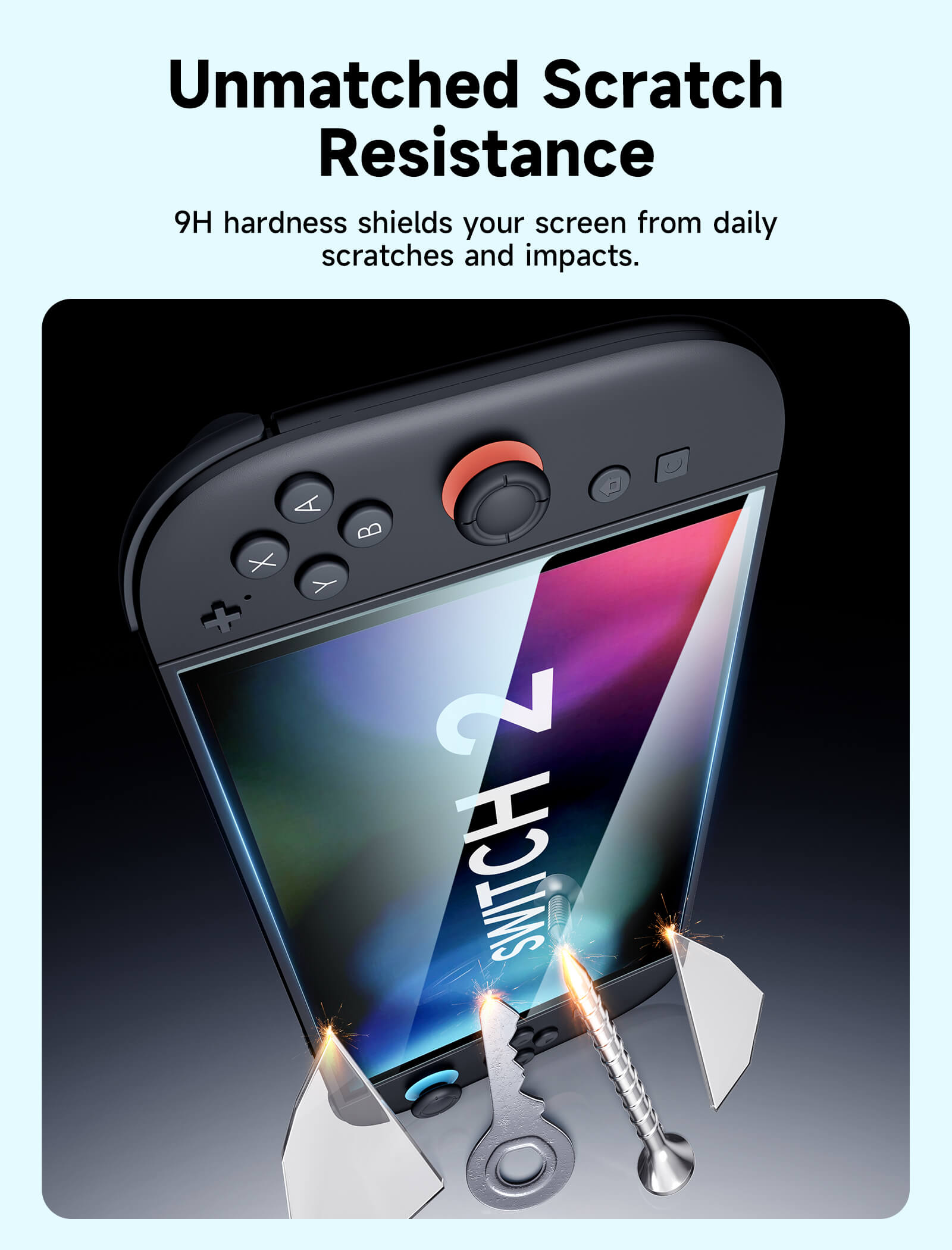
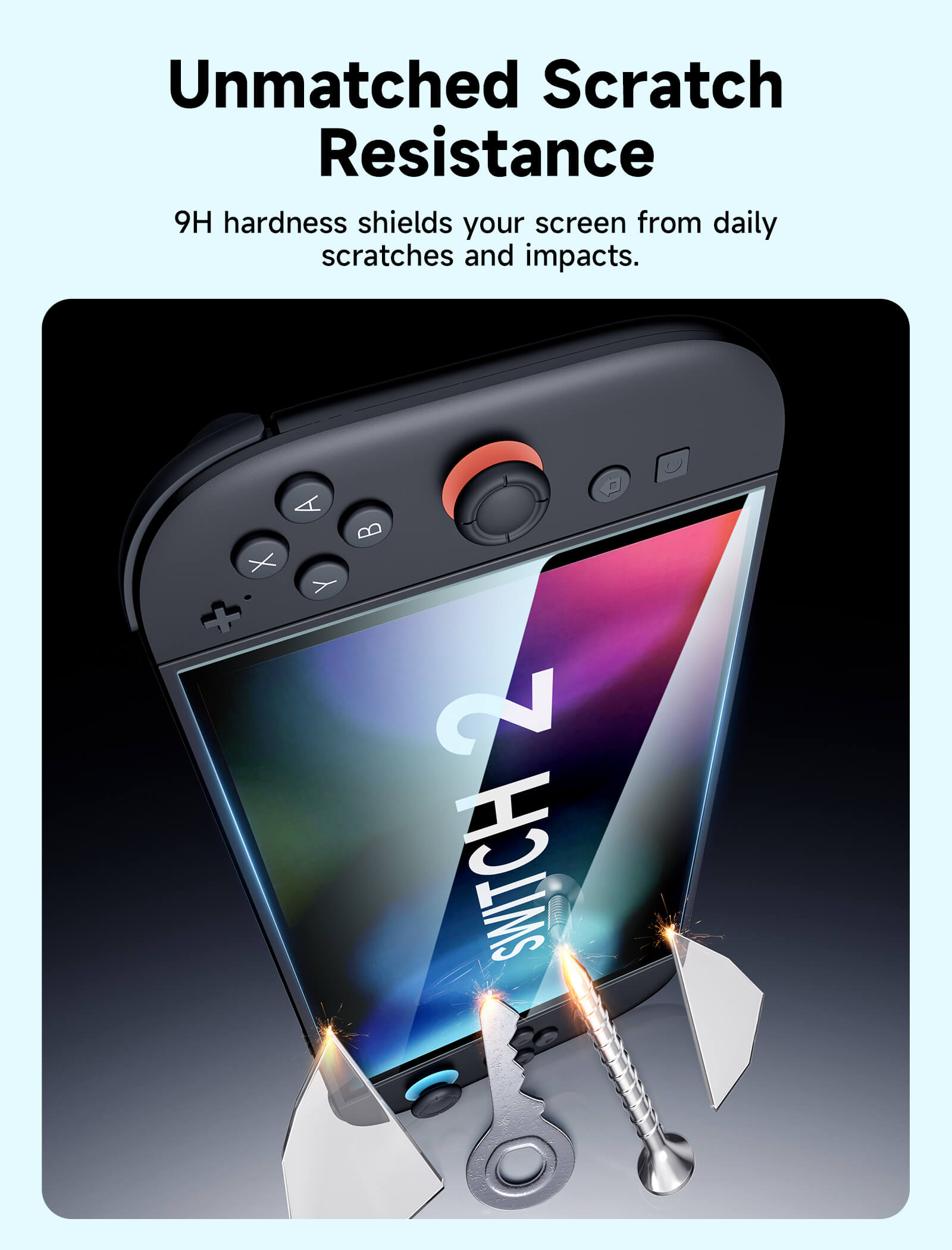
- 9H Hardness Tempered Glass Protection
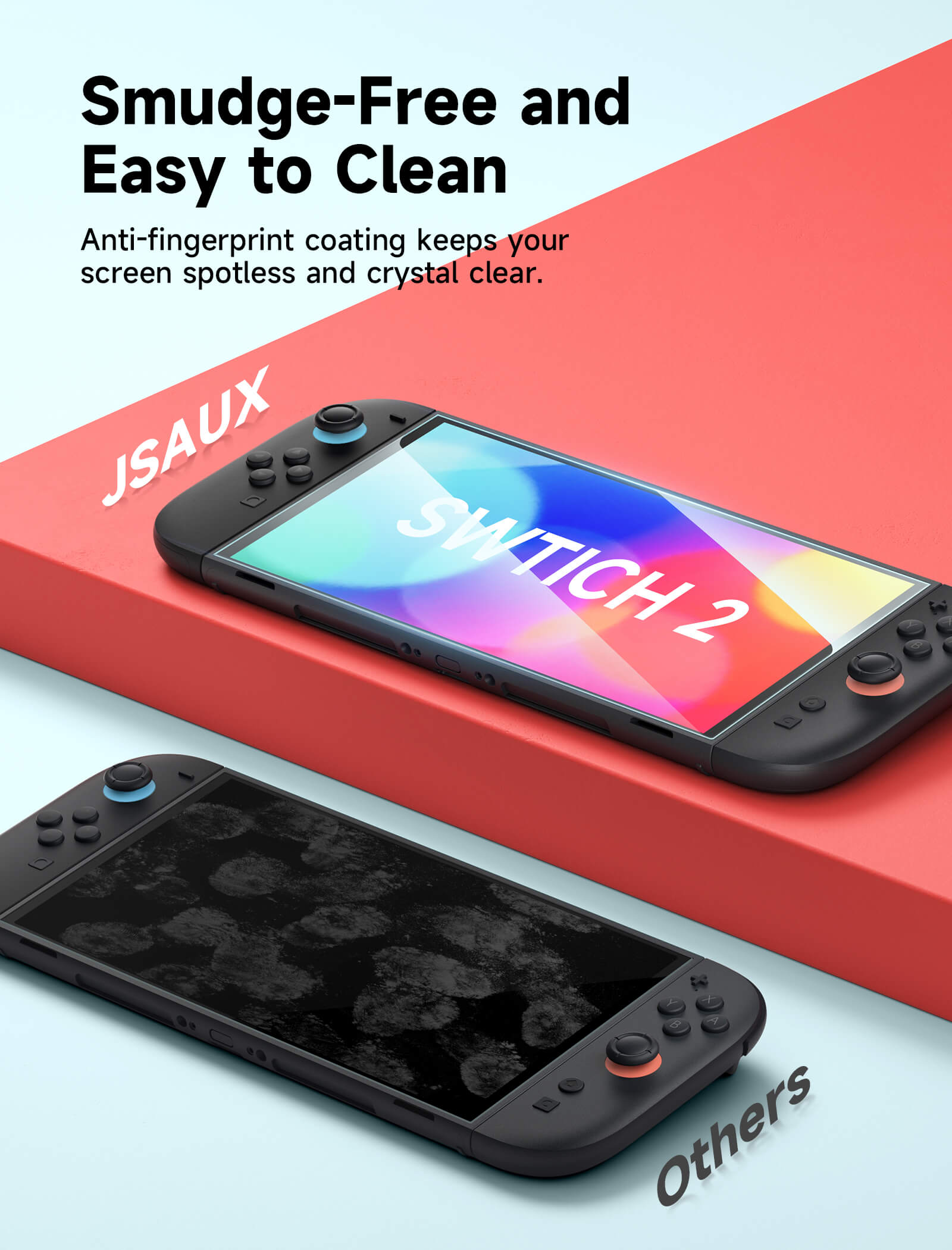
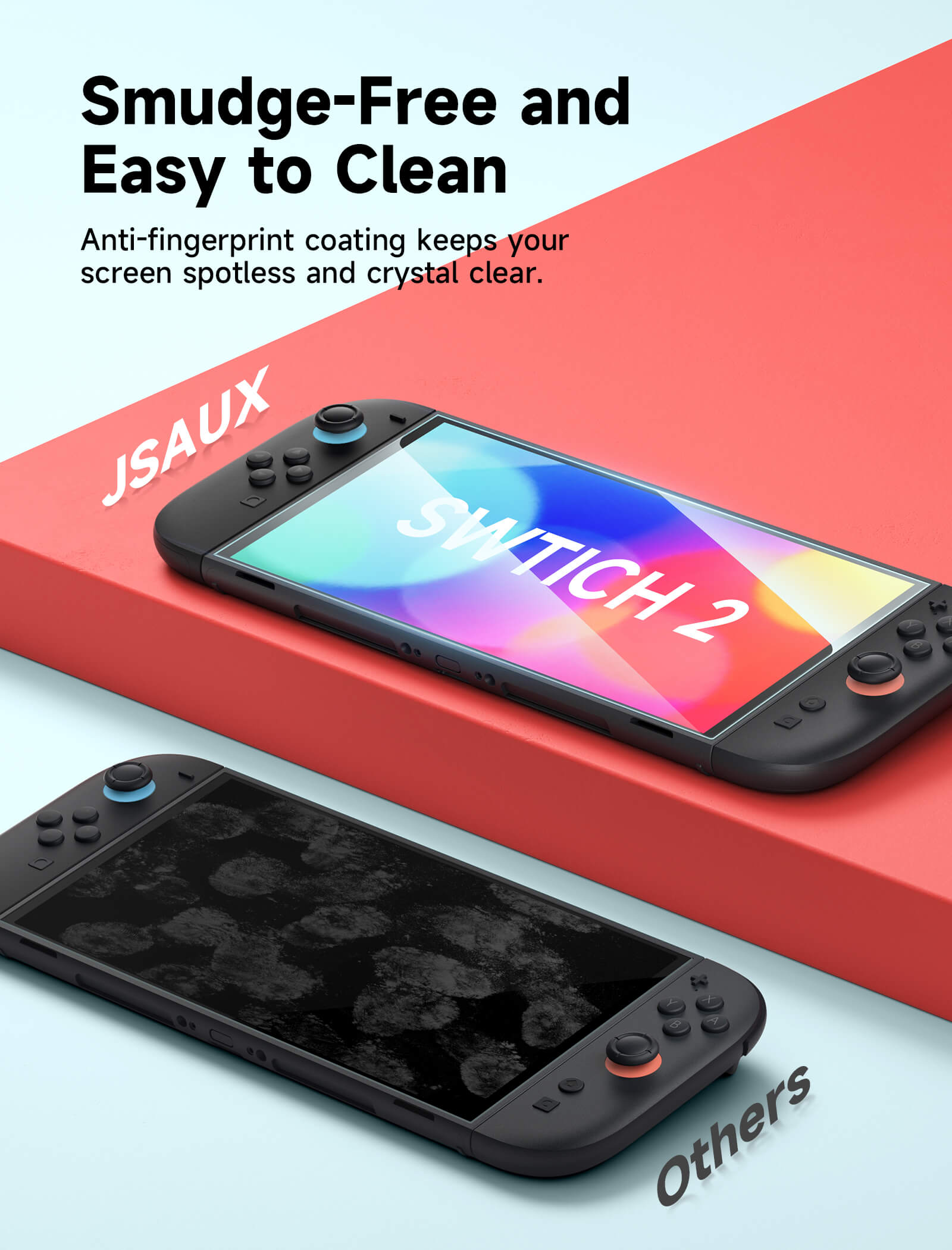
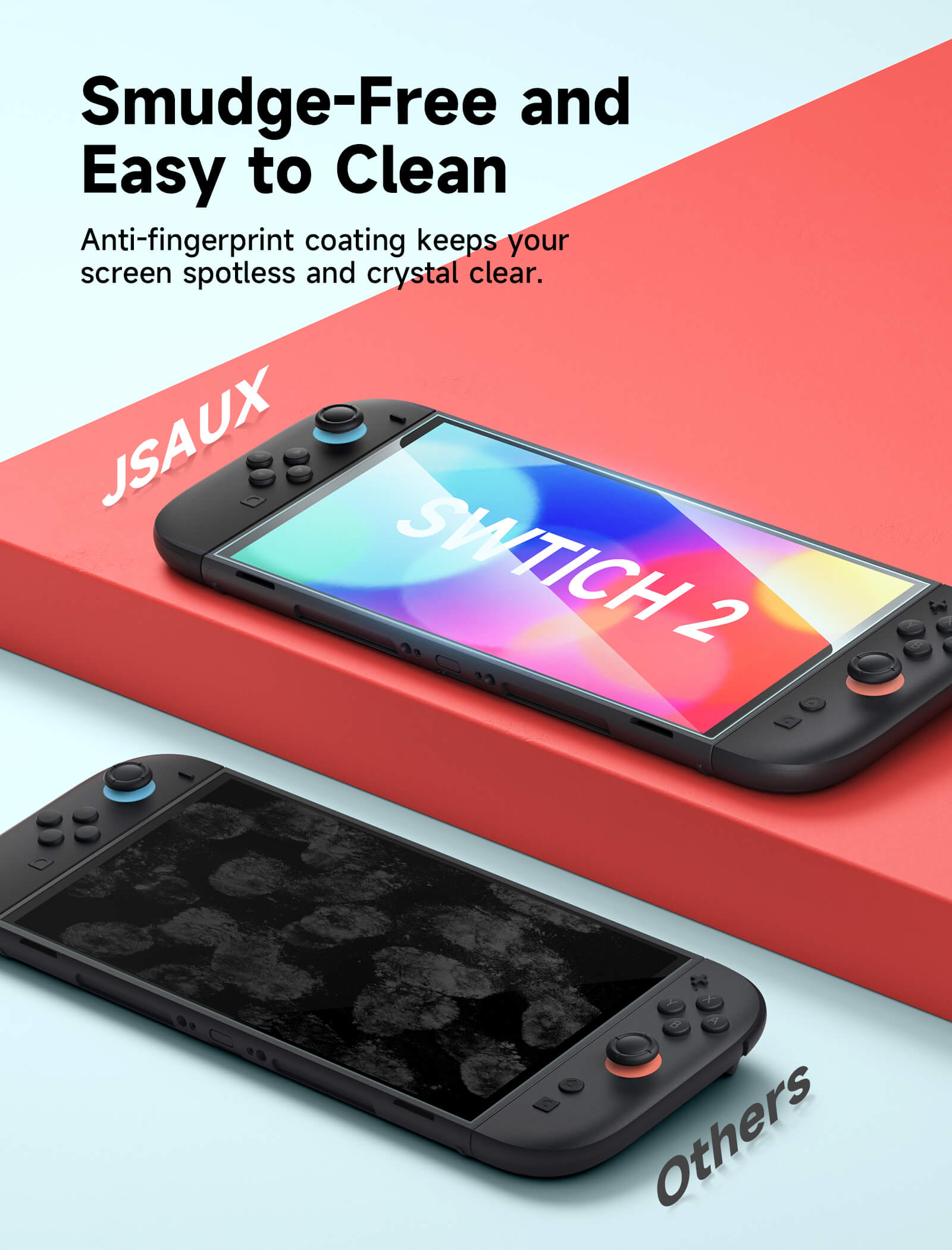
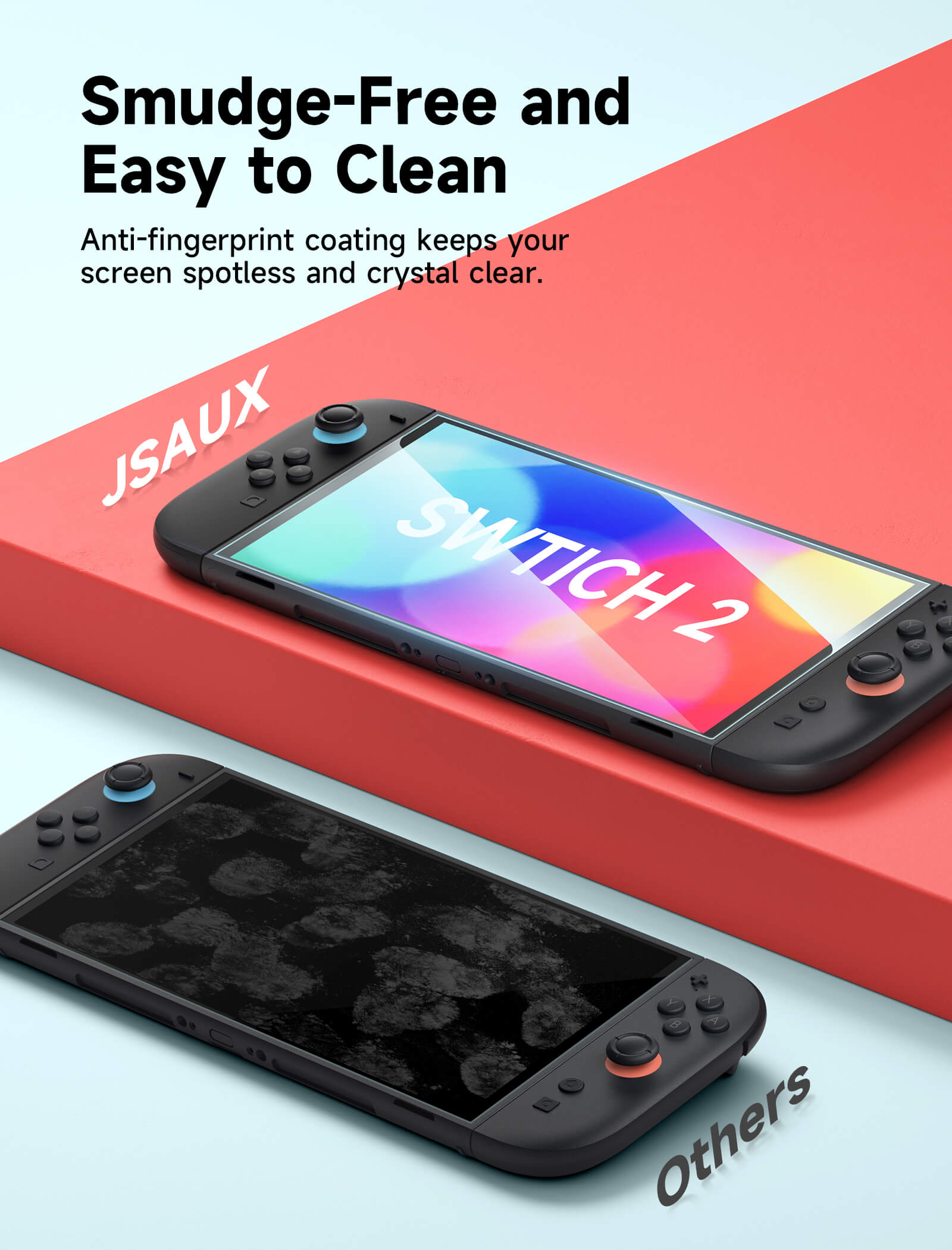
- Anti-Fingerprint Oleophobic Coating
SHIPPING

HD Tempered Glass Screen Protector for Switch Series
HD Tempered Glass Screen Protector for Switch Series
Sale price$9.99
Regular price$12.99 (/)
In The Press
If, like me, you prefer matte screen protectors, these glass protectors are an excellent choice. I recommend them especially for those who often play on the go or in bright light. They are one of those small details that truly enhance the comfort of using the console.

Once applied, the visual effect is immediately noticeable. The glass slightly mattifies the screen, giving images an almost printed look with a smooth, elegant satin finish. Colors lose a bit of vibrancy, but in return, you get significantly improved readability and clarity in bright environments.


FEATURES
Description
- 【Universal Fit for Switch 2 / Switch OLED / Switch】Precision-engineered tempered glass screen protector compatible with Nintendo Switch 2 (2025), Switch OLED, and Switch, offering edge-to-edge protection for each model with a perfect fit experience.
- 【Easy Bubble-Free Installation with Alignment Frame】Includes a guide frame for fast and accurate installation, ensuring perfect alignment and a smooth, bubble-free application within seconds.
- 【Ultra-Clear HD Transparency (99% Clarity)】Maintains original screen brightness, color accuracy, and sharpness, delivering a true-to-life visual experience across Switch 2 and Switch OLED displays.
- 【9H Hardness Tempered Glass Protection】High-strength 9H tempered glass resists scratches, impacts, and daily wear from keys, drops, and travel, ensuring long-lasting screen safety.
- 【Anti-Fingerprint Oleophobic Coating】Advanced oil-resistant coating reduces fingerprints and smudges, keeping the screen clean and smooth even during extended gaming sessions.
📢Note:
- Please do not remove the original protective film that comes pre-applied on the screen. You can apply this tempered glass screen protector directly over the existing film without affecting its function or performance.
- Attach the guiding frame securely—make sure it doesn’t wobble. Line it up with the inner top or bottom edges, then install.
- Before using the screen protector, please remove the Joy-Con.
SPECS
SPECS
Compatibility
Nintendo Switch 2, Nintendo Switch OLED, Nintendo Switch
Quantity
2-Pack / 3-Pack
Material
Tempered Glass + Nano Coating with Fingerprint-Resistant Layer.
Hardness
9H (Extra-reinforced)
SHIPPING
SHIPPING & RETURN
Please read our shipping tips carefully before you place your order
- All orders above $50 are free shipping.
- Orders under $49.99 will be charged $6.99 as shipping cost.
(Note: The above shipping policy does not apply to FlipGo. Please refer to the FlipGo product page for specific shipping details.)
Please Note:
- The current processing time for all orders takes 2-4 days(Orders are not processed on weekends).
- Order delivery time will be at 7-12 business days(pre-sale items excluded).
- International duties & taxes may apply and are not calculated at checkout.
- Shipping time for pre-sale products is subject to the instructions on the product page.
- For EU shipments, a $3 customs duty may apply per eligible physical product (virtual products excluded). The same product is charged only once per order, while bundles are charged based on the number of eligible products included. Learn More
Due to the requirements of logistics service providers:
- In order to get your order ready as soon as possible and avoid shipping issues, make sure to introduce an accurate postal address including your exact house number and any other info that may be necessary for the delivery company.
-
For mainland China & Taiwan China: For mainland China customers, please use Tmall to place your order. Hong Kong, Macao, please include your name, ID number and shipping address in traditional Chinese.
- For Saudi Arabia: Free shipping over $50 is not available. A shipping fee of $14.99 (VAT included) applies.
- Due to logistical reasons, we are temporarily not providing order services to the following countries and regions: Afghanistan, Albania, Algeria, Andorra, Angola, Anguilla, Argentina, Armenia, Aruba, Azerbaijan, Bahrain, Bangladesh, Barbados, Belarus, Bermuda, Bhutan, Bosnia & Herzegovina, Brazil, British Virgin Islands, Brunei, Burkina Faso, Burundi,Bolivia, Cambodia, Cameroon, Cayman Islands, Central African Republic, China, Christmas Island, Costa Rica, Côte d'Ivoire, Djibouti, Congo - Brazzaville, Congo - Kinshasa, Egypt, El Salvador, Ecuador,Falkland Islands, Faroe Islands,French Polynesia, Gabon, Gambia, Georgia, Ghana, Gibraltar, Greenland, Guadeloupe, Guatemala, Guernsey, Guinea, Honduras,Iceland, Indonesia, Jamaica, Jordan,Jersey, Kazakhstan, Kenya, Kiribati, Kyrgyzstan, Lebanon, Lesotho, Liberia, Liechtenstein, Maldives, Mauritius, Martinique, Moldova, Monaco,Mongolia, Montenegro, Myanmar (Burma), Namibia, Nauru, New Caledonia, Nicaragua, Niger, Nigeria, Norfolk Island, North Macedonia, Norway,Oman, Pakistan, Paraguay, Rwanda, San Marino, Senegal, Serbia, Seychelles, Solomon Islands, South Sudan, Sri Lanka, Sudan, Tajikistan, Togo, Tonga, Tunisia, Turkmenistan, Türkiye, Tuvalu, Uganda, Ukraine, Uruguay, India, Uzbekistan, Vanuatu, Vatican City, Some regions in the United States (including Alaska, Hawaii, Puerto Rico, Guam, U.S. Virgin Islands, Northern Mariana Islands, American Samoa, and military addresses such as APO (AA), FPO (AE), and DPO (AP)).
15-Days RETURN:
Our return & exchange policy will be active for 15 days from the very same day you receive your product(s) at home. For more information, please visit our Shipping Policy section.
This product is rated 5.0 of 5.0 stars.
It has received 10 reviews.
What Customers Are Saying on JSAUX.com