



3-in-1 Video Capture Kit
 BLACK FRIDAY Sale
BLACK FRIDAY: Up To 60% Off
FEATURES
- 3-in-1 Gaming Connectivity Kit
- Xbox Compatibility
- 4K60Hz HDMI Passthrough & 4K30fps Capture
- 100W PD Charging & 5Gbps USB-C Expansion
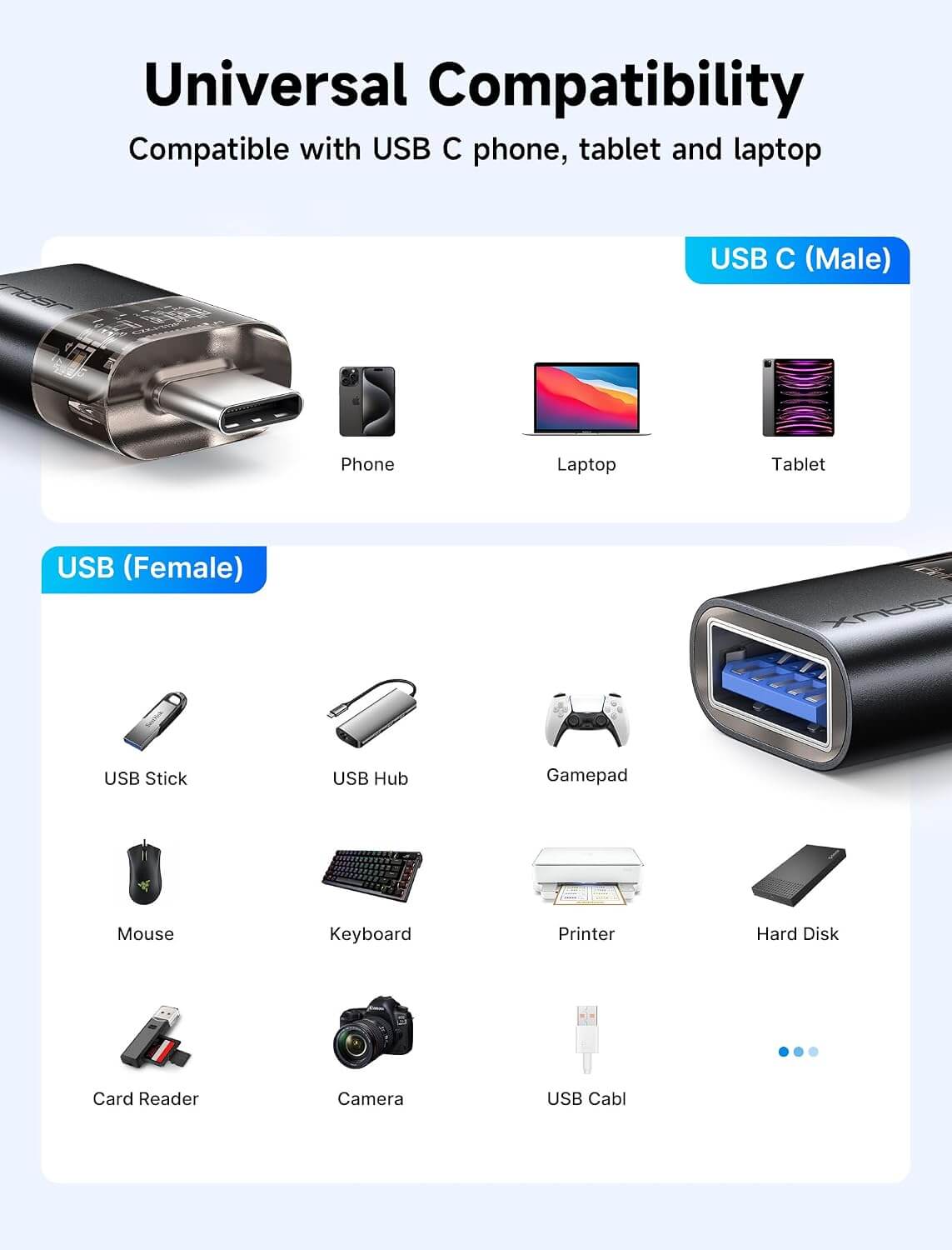
- 5Gbps USB-C to USB-A Adapter
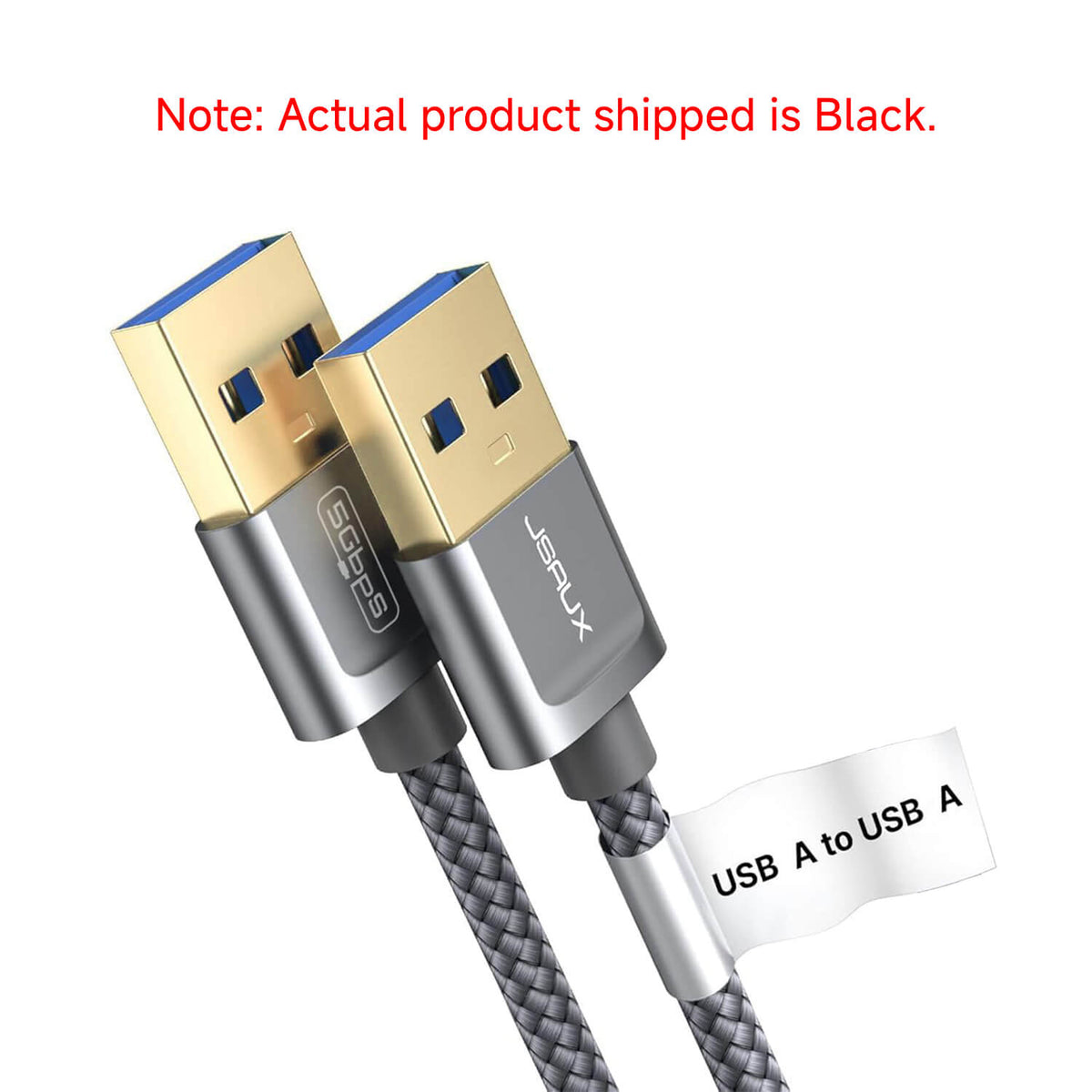
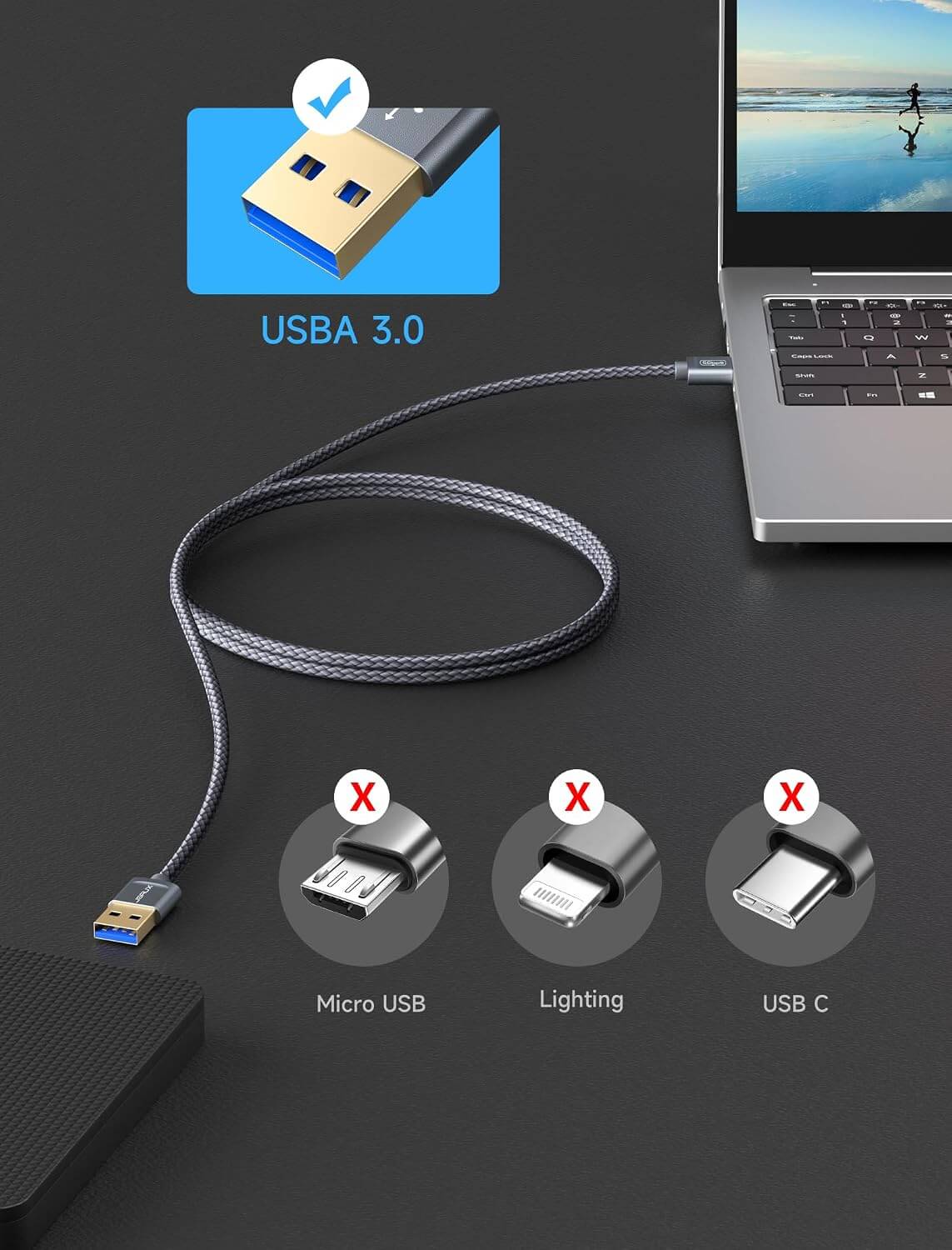
- 1M USB 3.0 A Male to Male Cable
SHIPPING

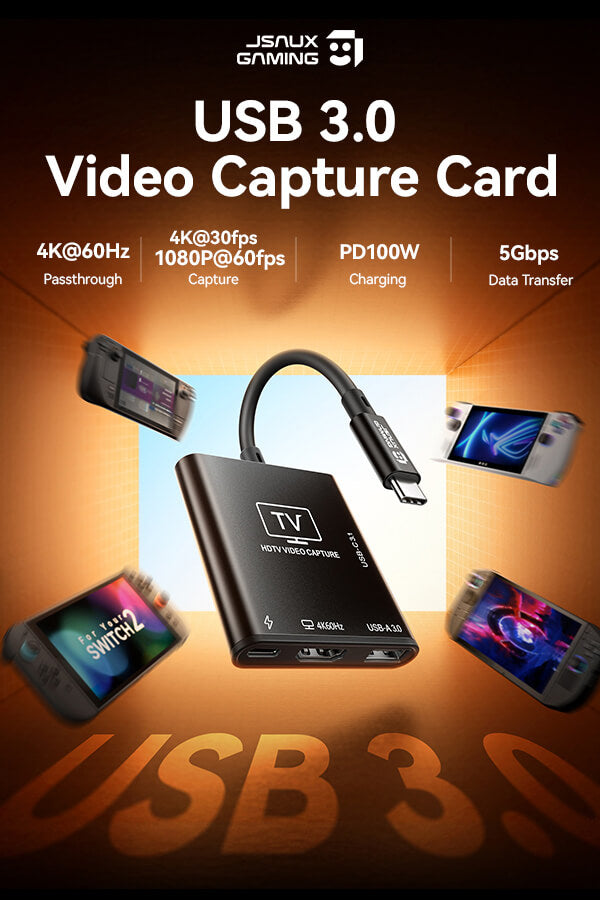


FEATURES
Description
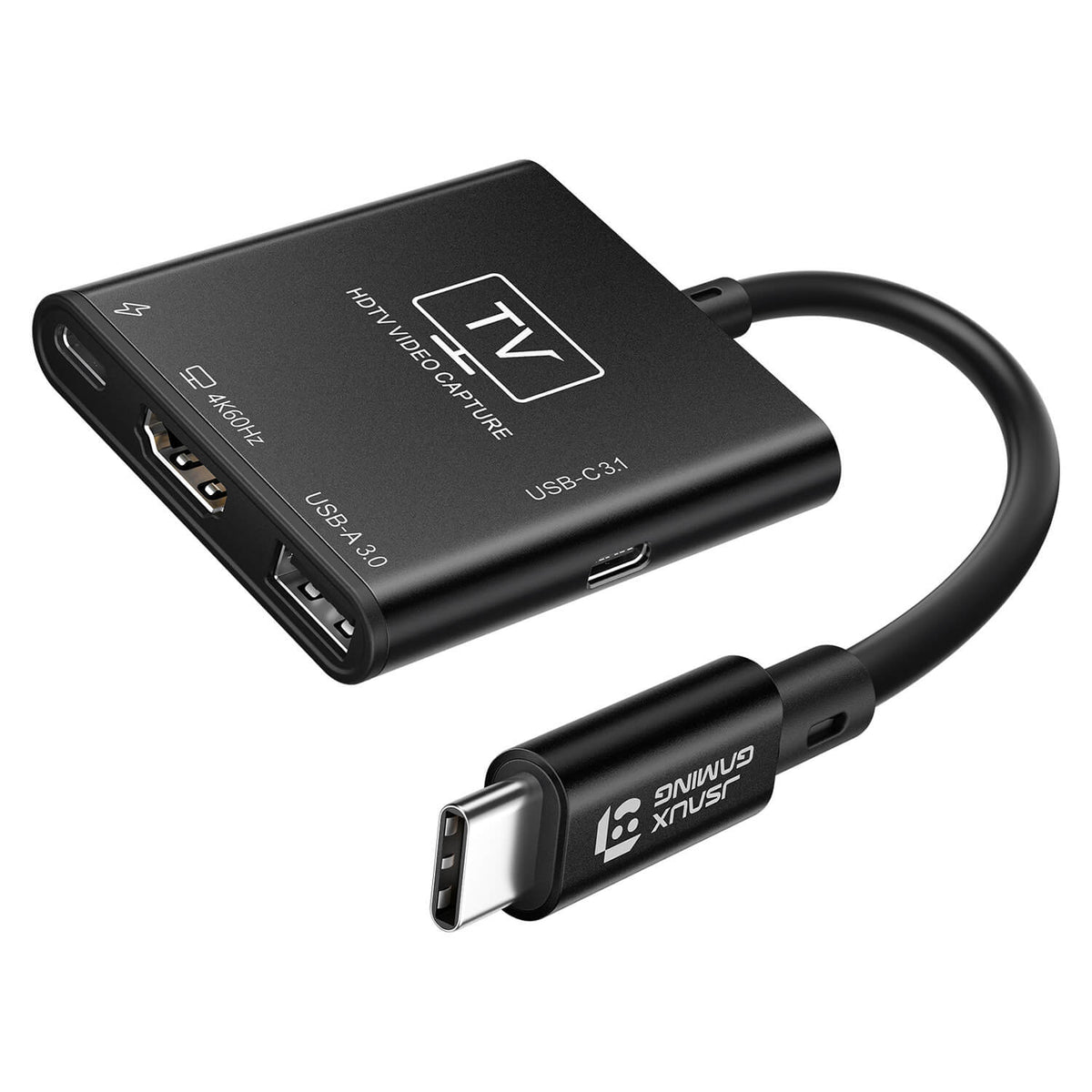
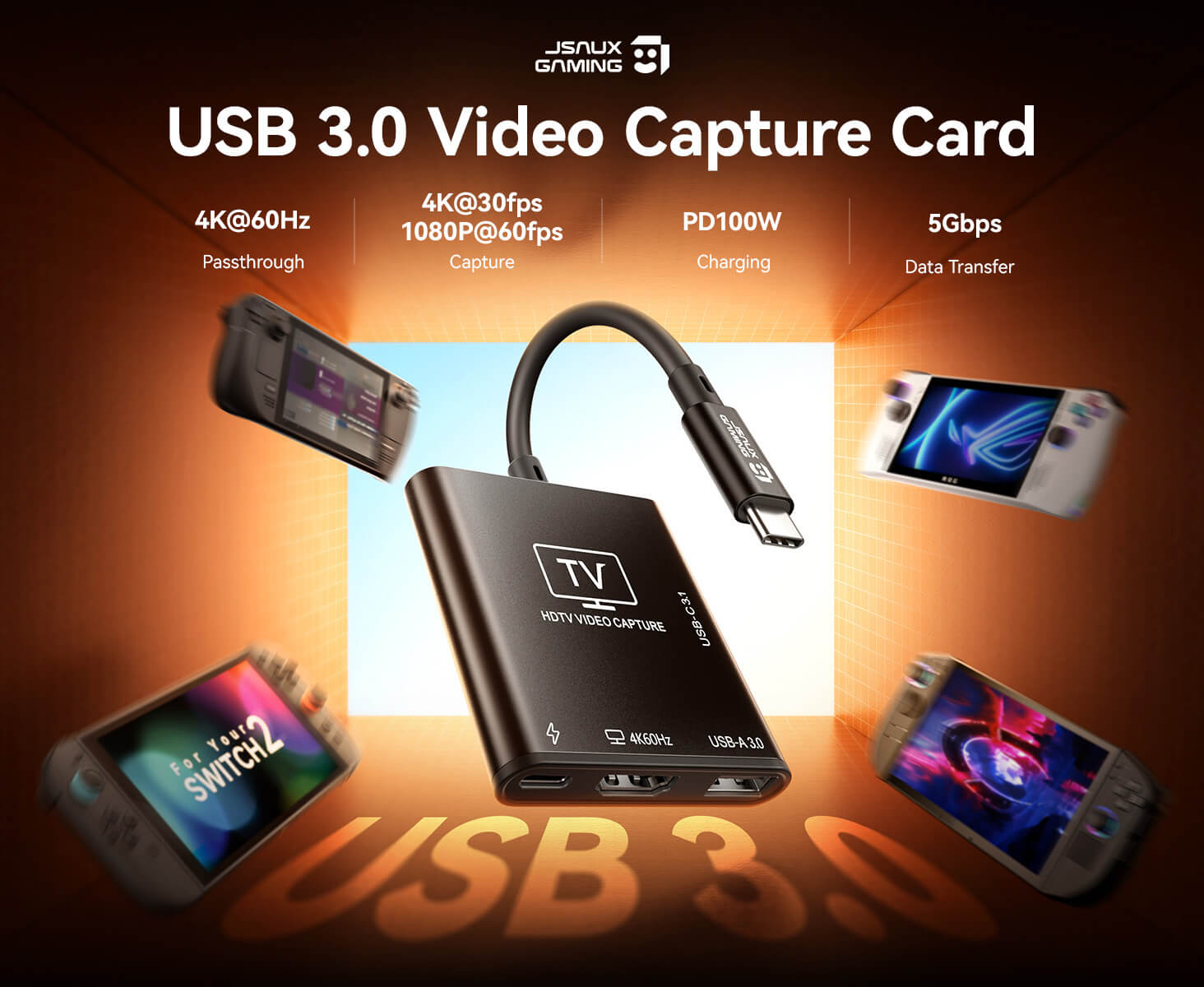
- 【3-in-1 Gaming Connectivity Kit】Get more from your setup with 1× 2-in-1 Video Capture Card, 1× USB-C to USB-A Adapter, and 1× 1M USB 3.0 A Male to Male Cable. A practical bundle for gaming, streaming, recording, and everyday connectivity.
-
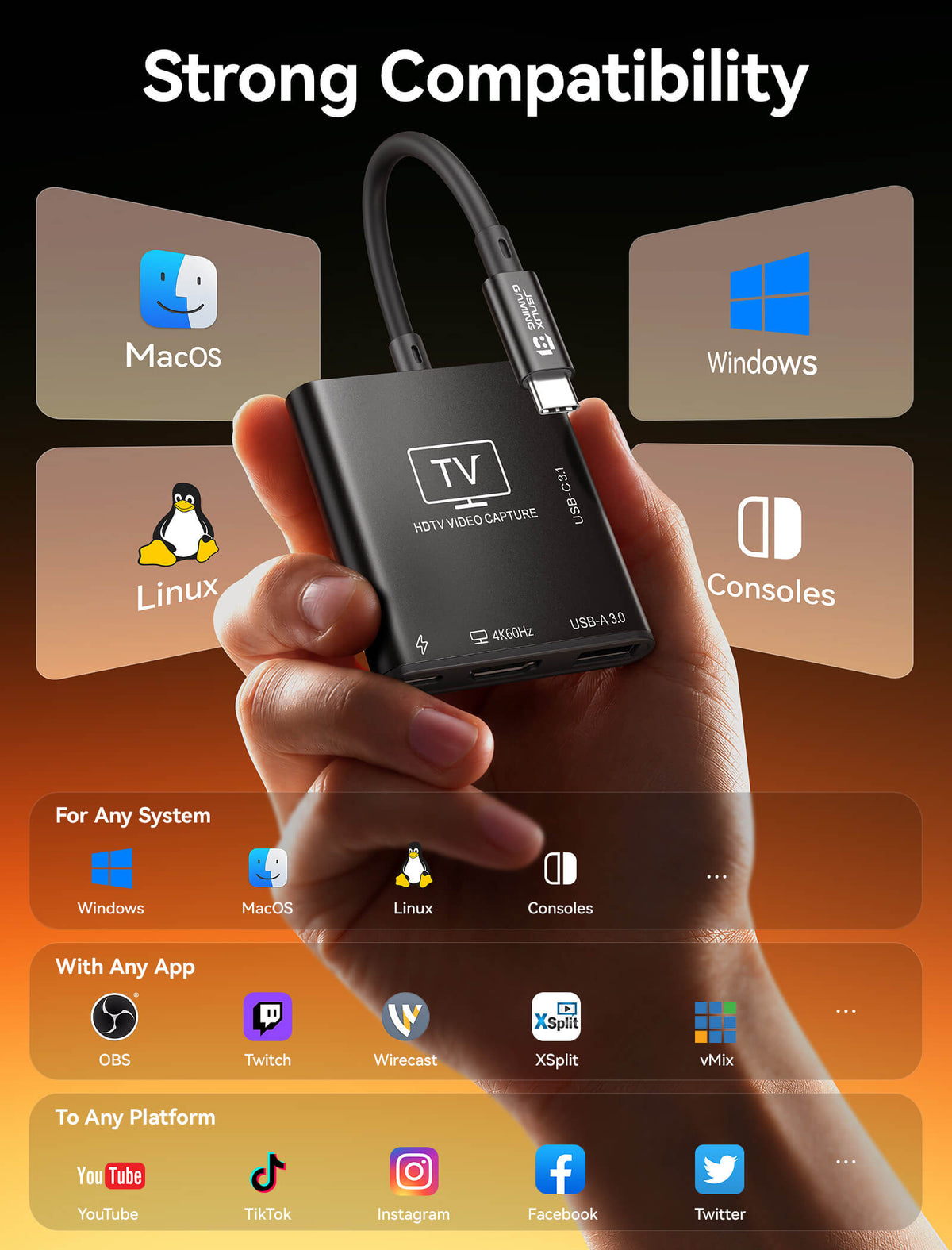
【Xbox Compatibility】Compatible with Xbox consoles for HDMI video passthrough and gameplay capture. Connect your Xbox to a TV or monitor while capturing gameplay on your PC for recording or live streaming.
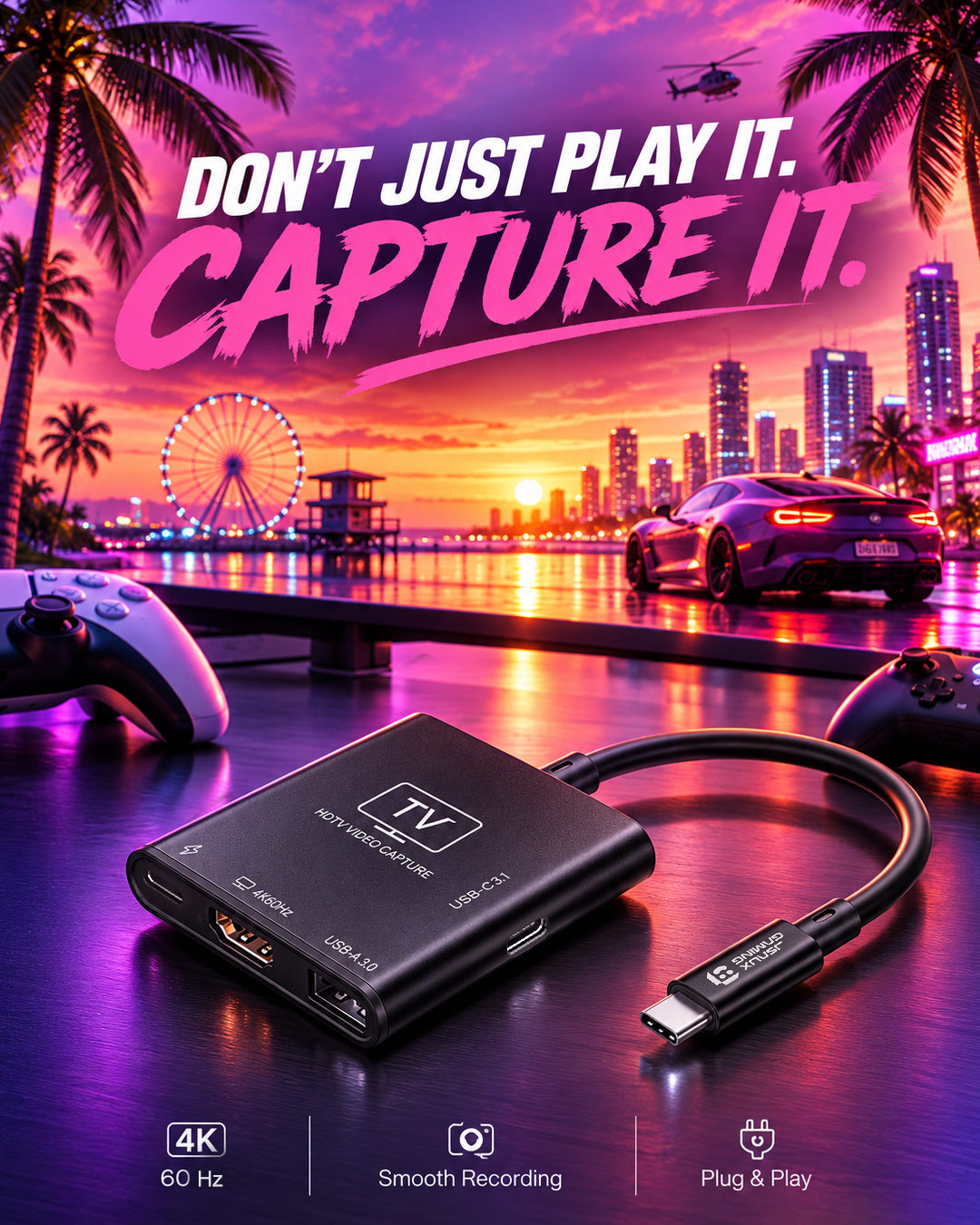
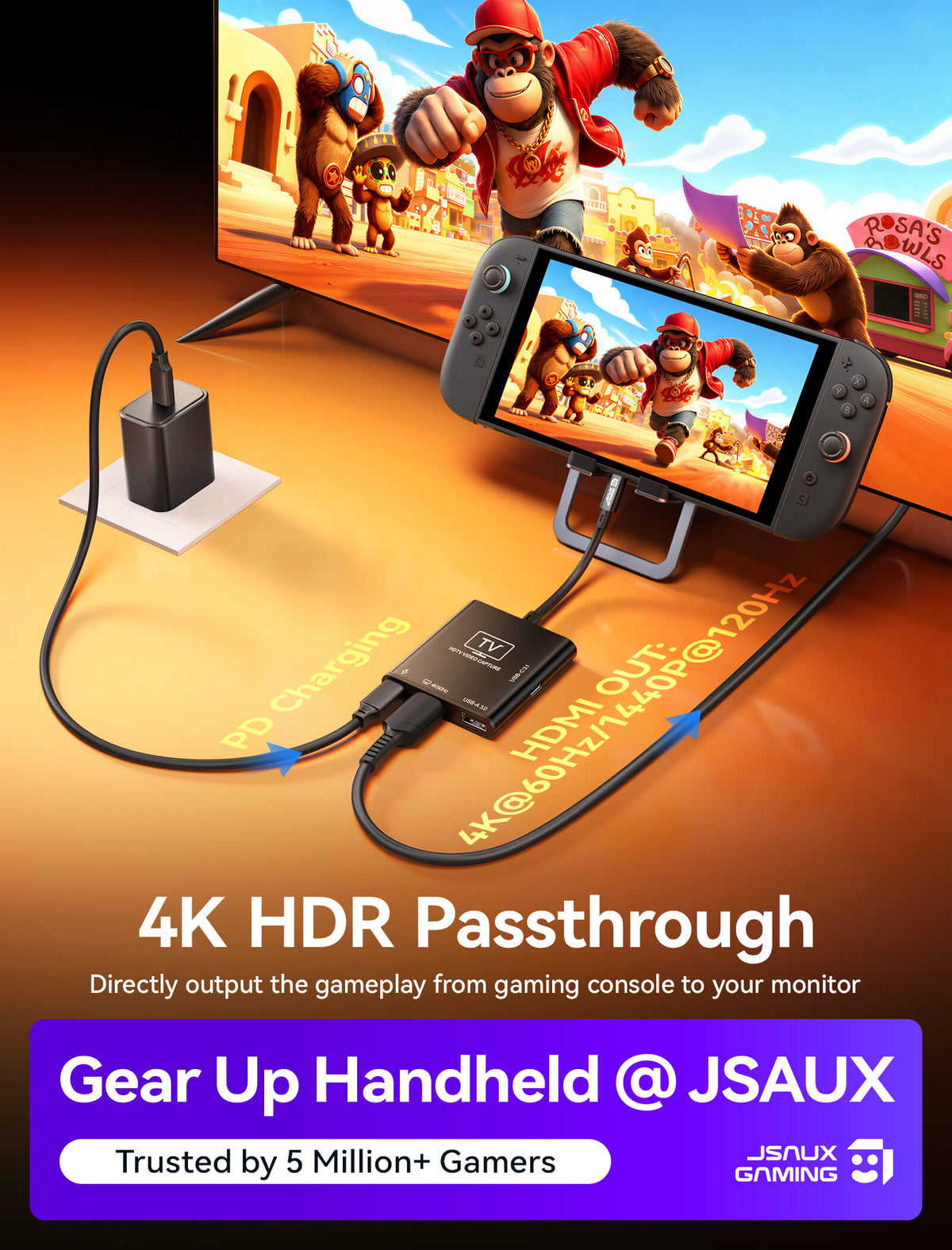
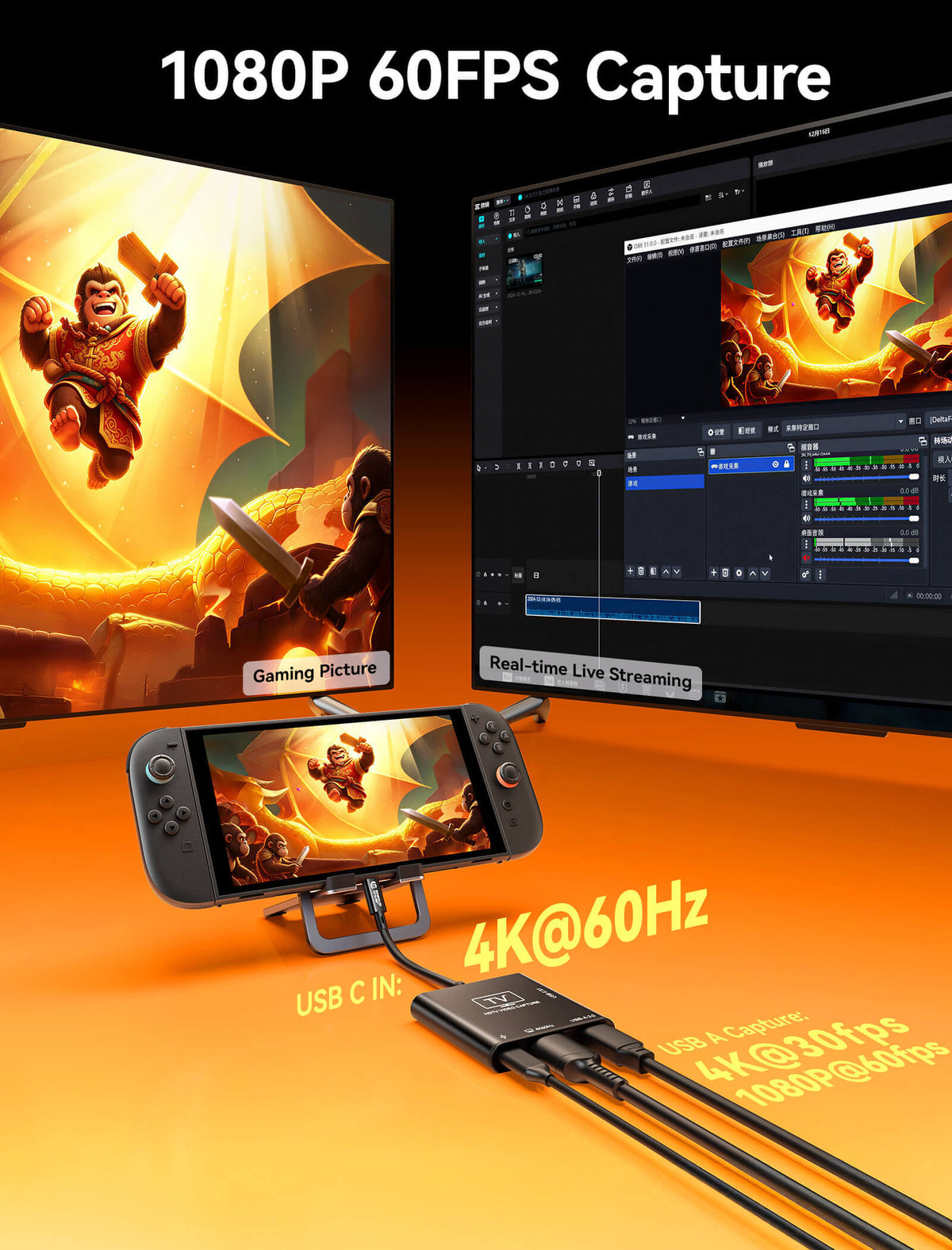
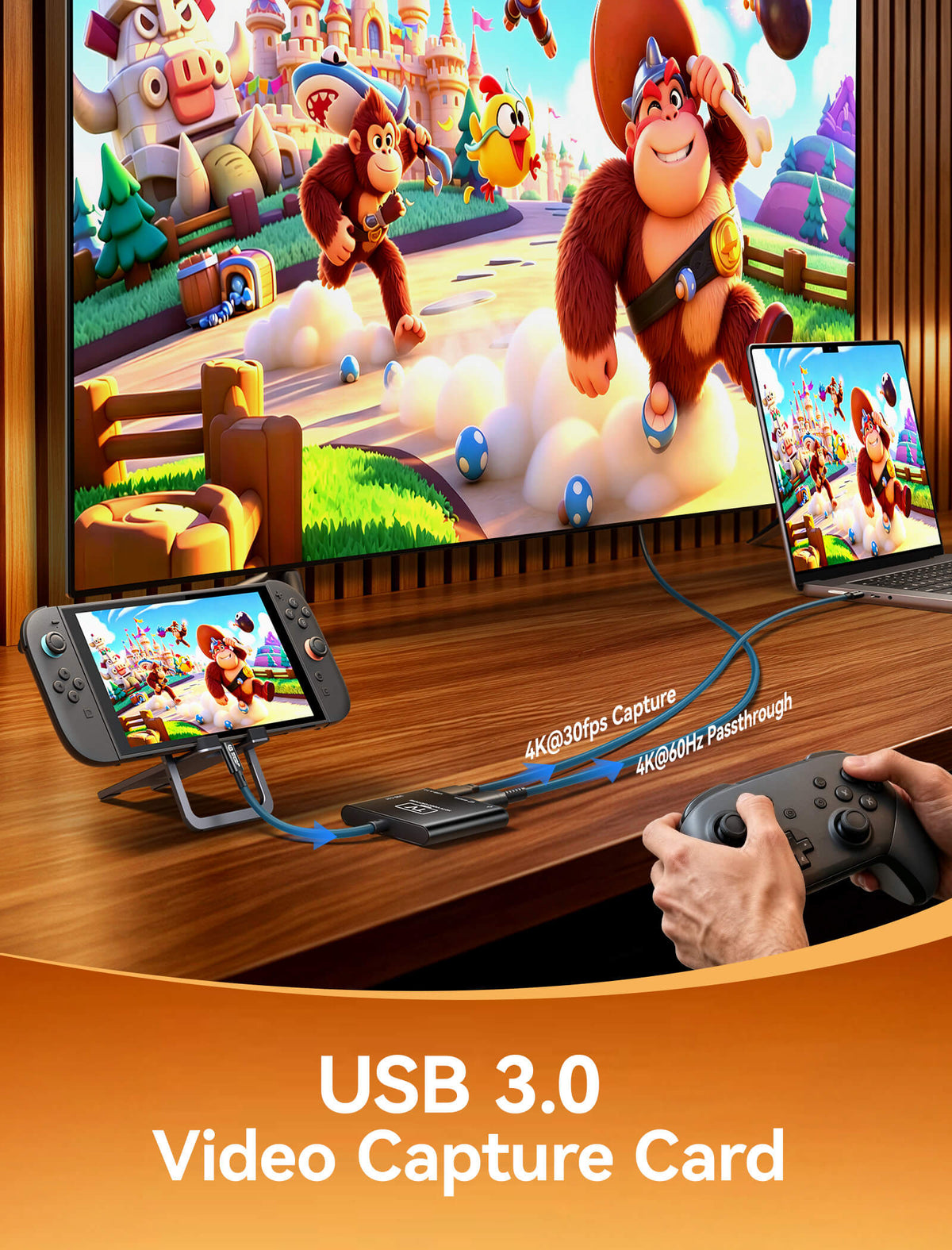
- 【4K HDMI Passthrough & Game Capture】Enjoy up to 4K@60Hz or 1440p@120Hz HDMI passthrough, with video capture up to 4K@30fps or 1080p@60fps. Compatible with Xbox consoles, Nintendo Switch 2, Steam Deck, and ROG Ally. Also works as a portable dock for compatible handheld gaming devices. Supports OBS Studio and Streamlabs.
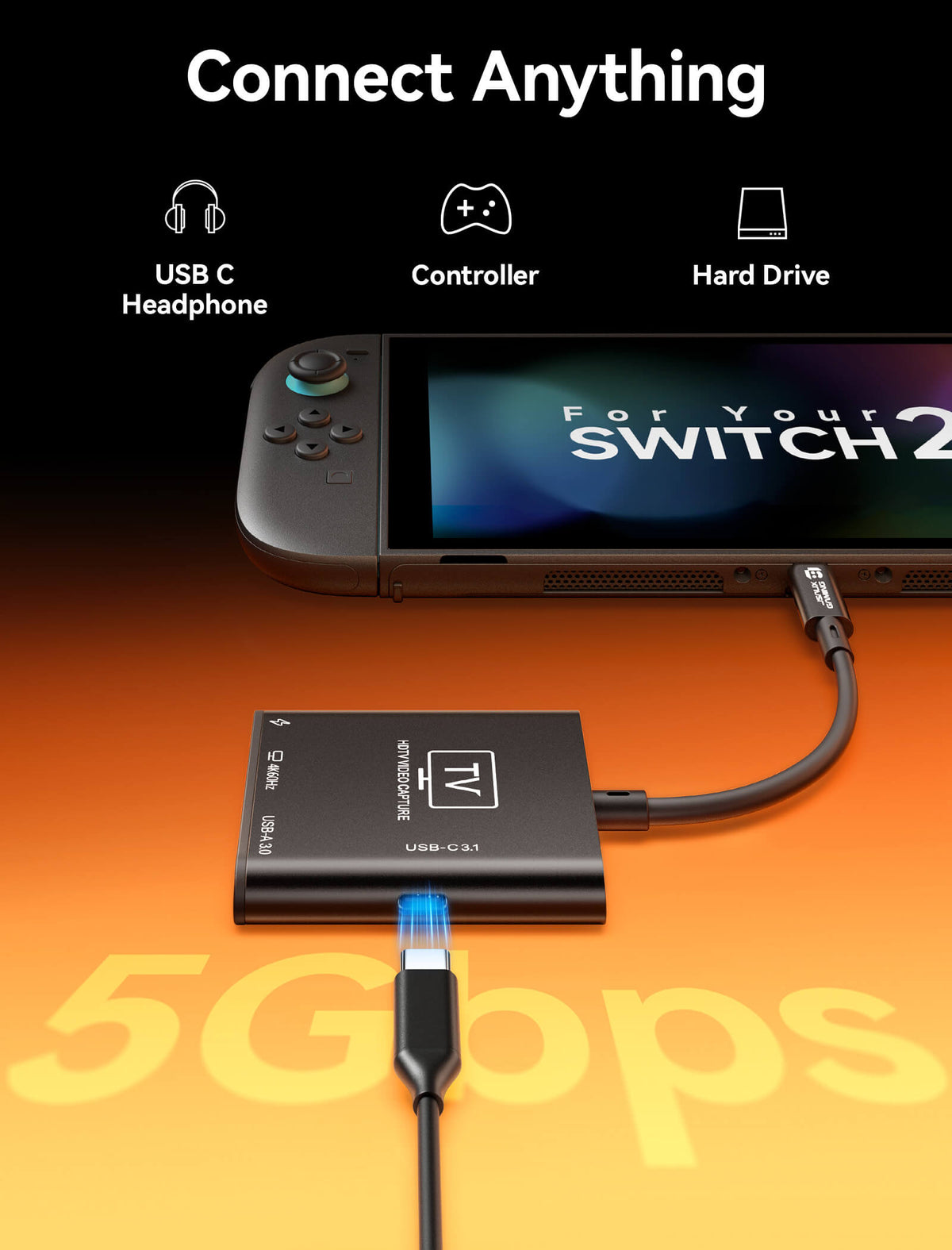
- 【100W PD Charging & USB-C Expansion】Charge your handheld while playing with up to 100W USB-C PD passthrough. The additional USB-C 3.1 port supports up to 5Gbps data transfer. Its aluminum alloy housing helps dissipate heat, while plug-and-play support works with Windows, macOS, and Linux.
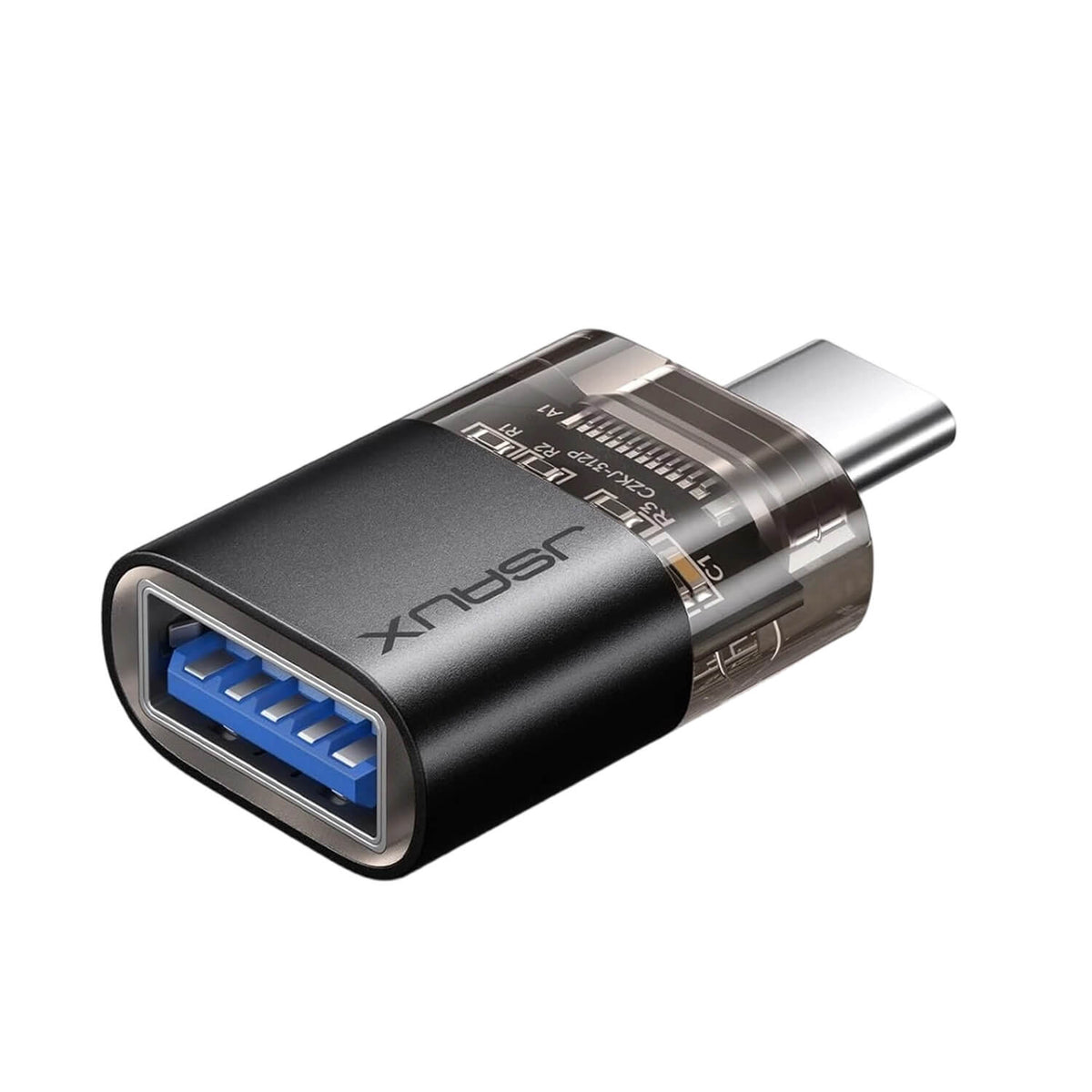
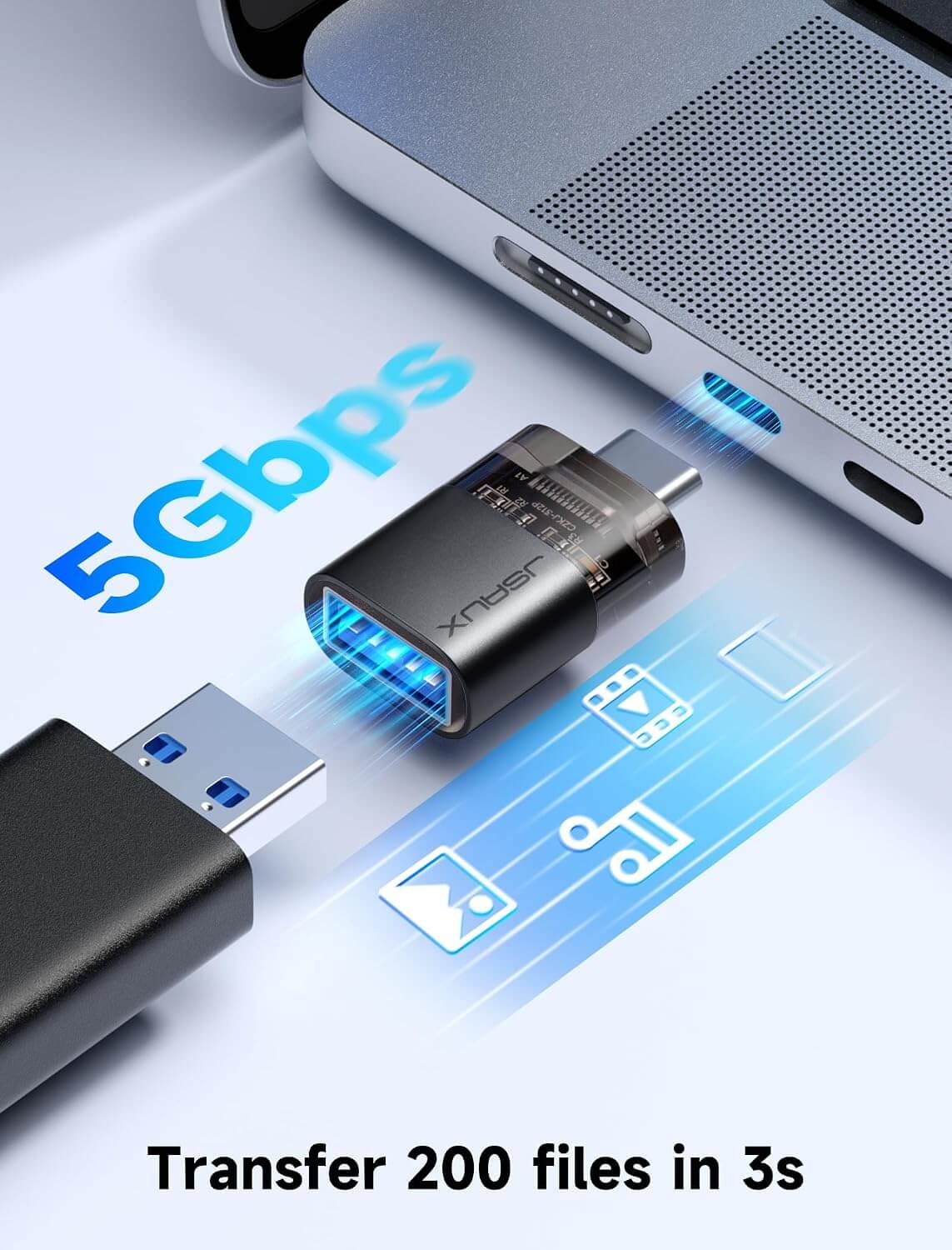
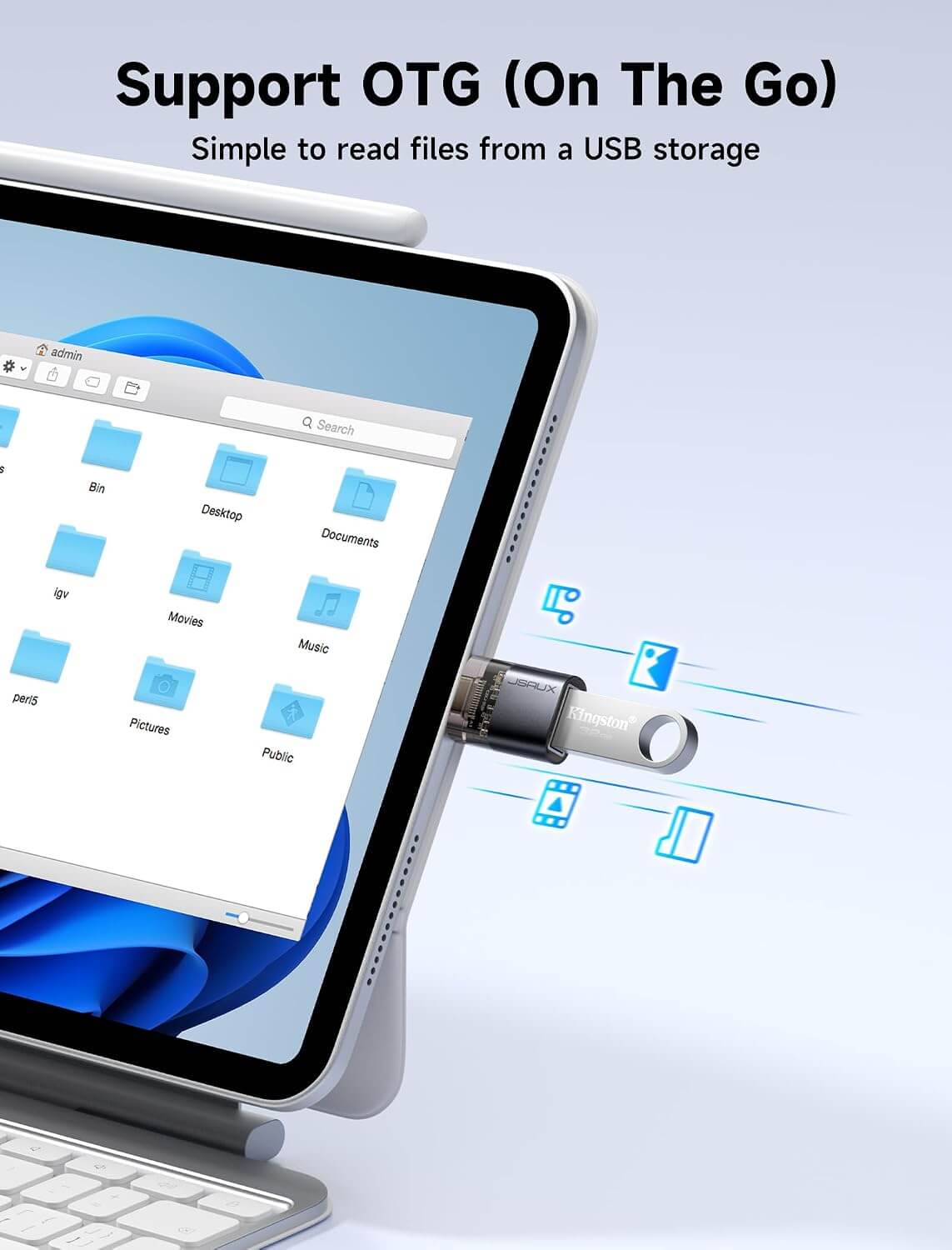
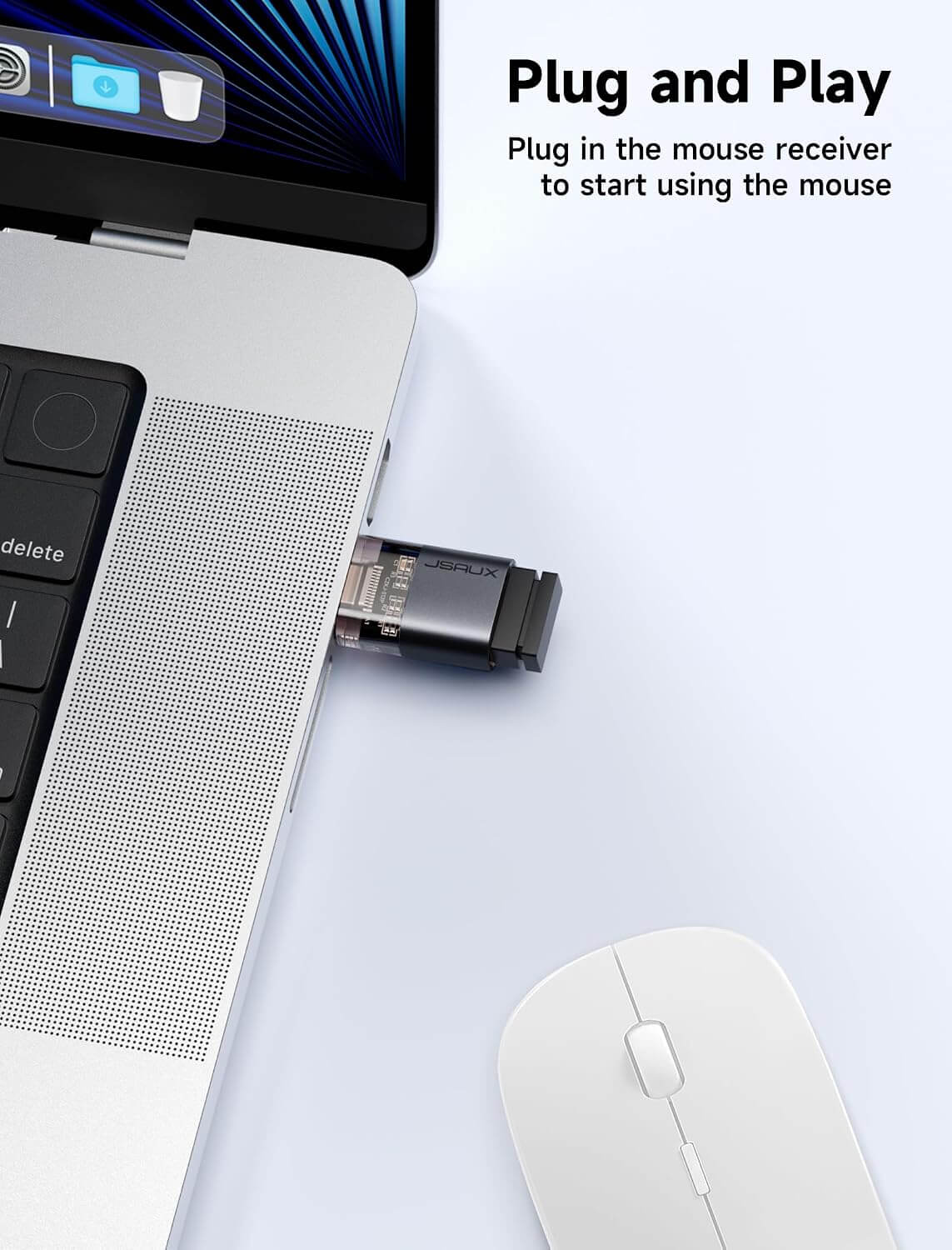
- 【USB-C to USB-A Adapter】Connect USB-A accessories to USB-C devices with this compact adapter. Supports up to 5Gbps data transfer for compatible flash drives, keyboards, mice, and other peripherals. The transparent PVC housing adds a distinctive look with insulation and heat resistance.
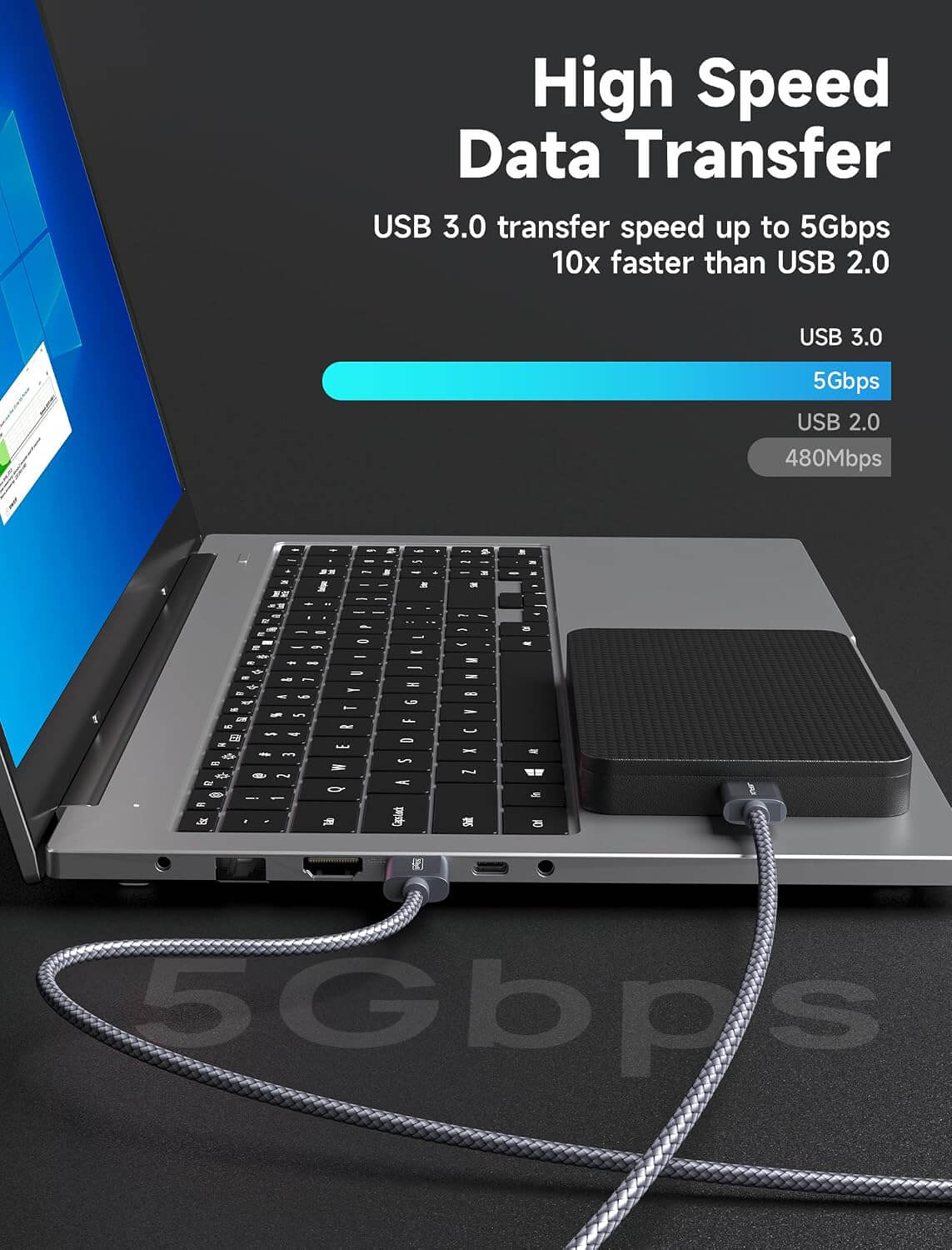
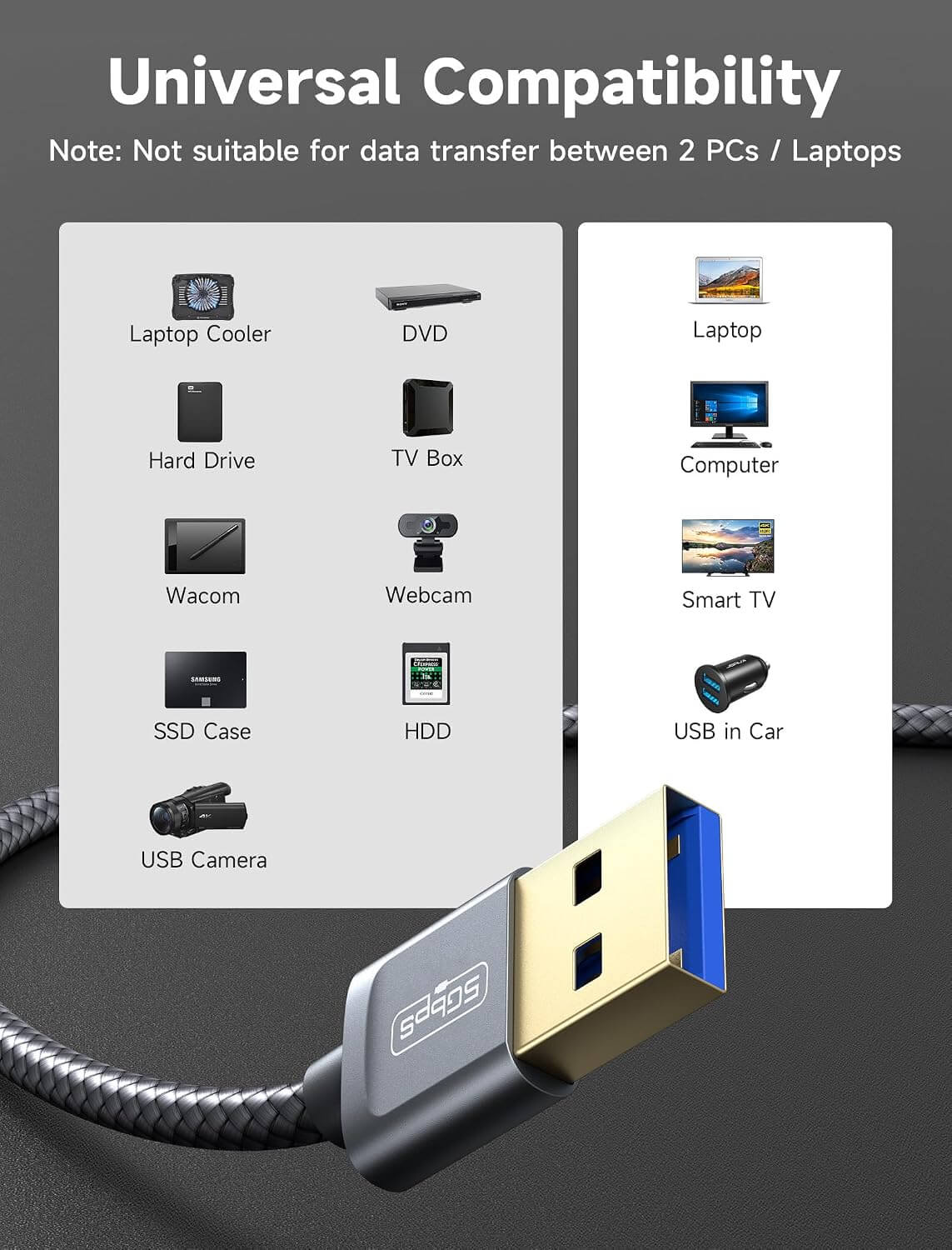
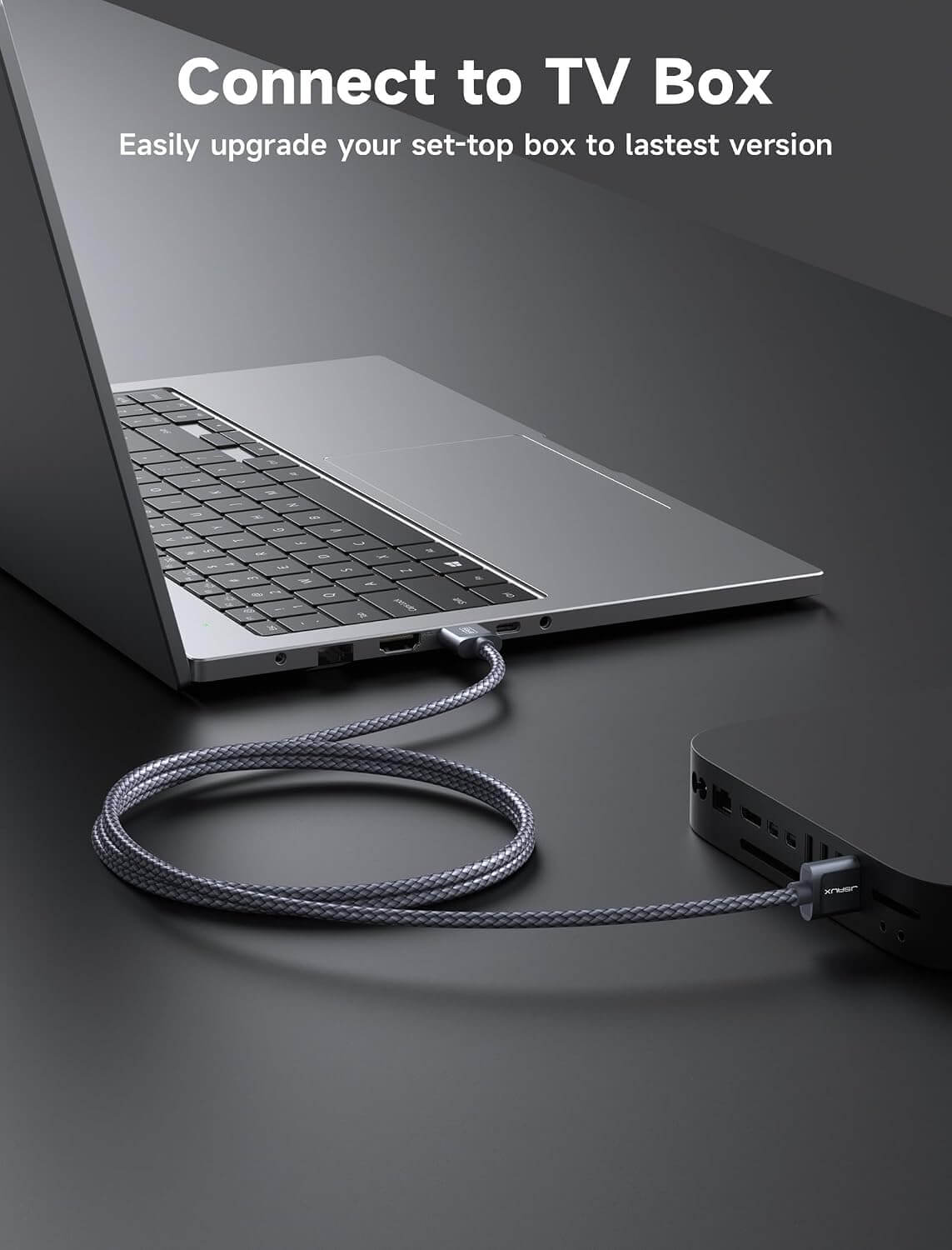
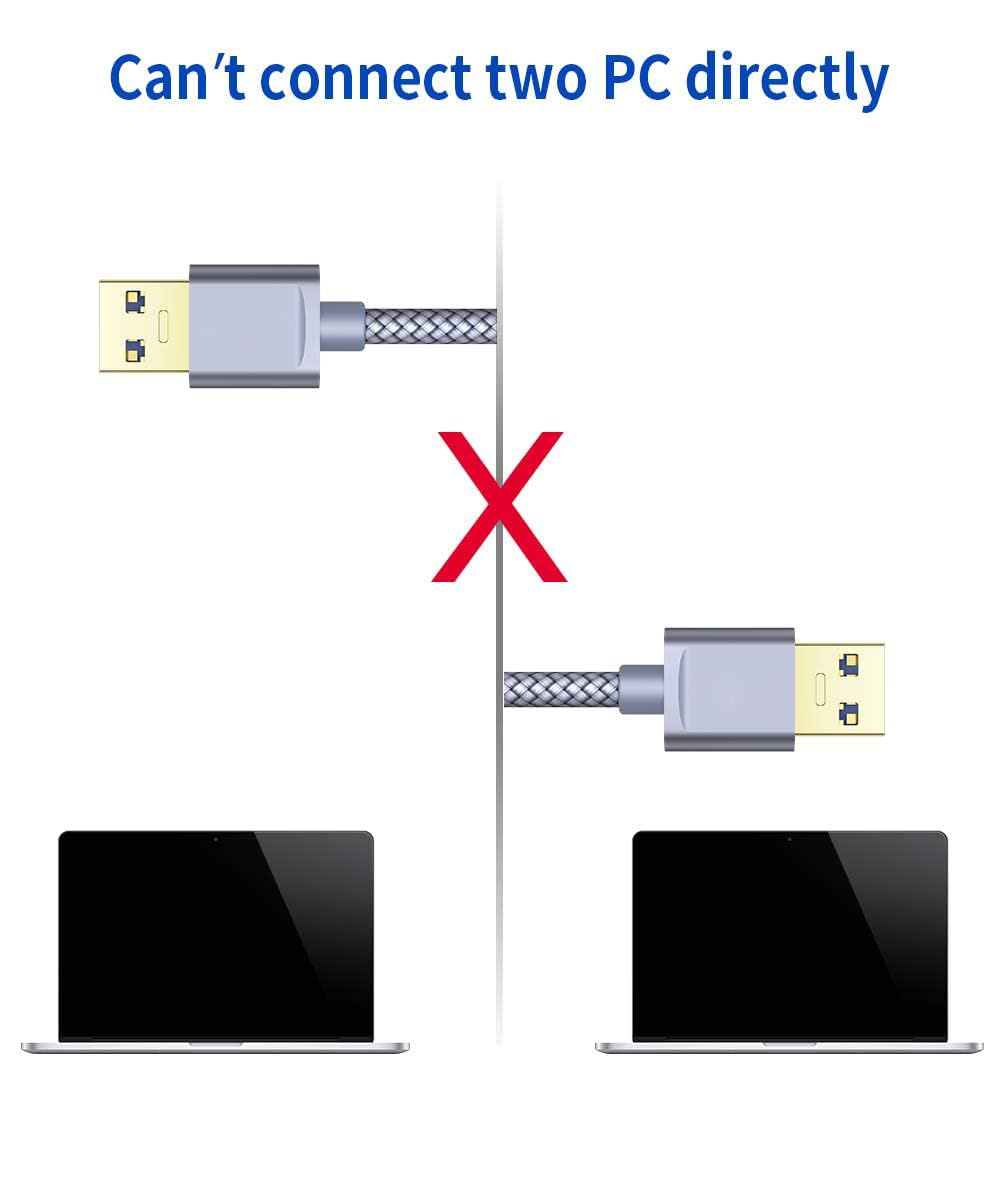
- 【1M USB 3.0 A Male to Male Cable】Supports up to 5Gbps data transfer for compatible external hard drives, USB hubs, printers, and cameras. Features a durable nylon braided exterior and gold-plated connectors. Backward compatible with USB 2.0 and USB 1.1 devices. Not for connecting two computers.(⚠️Note: The included USB 3.0 cable is black.)
SPECS
SPECS (Video Capture Card)
CV0089 (USB 3.0 Video Capture Card)
Approx. 50g
200(L) × 58.5(W) × 11.8(H) mm
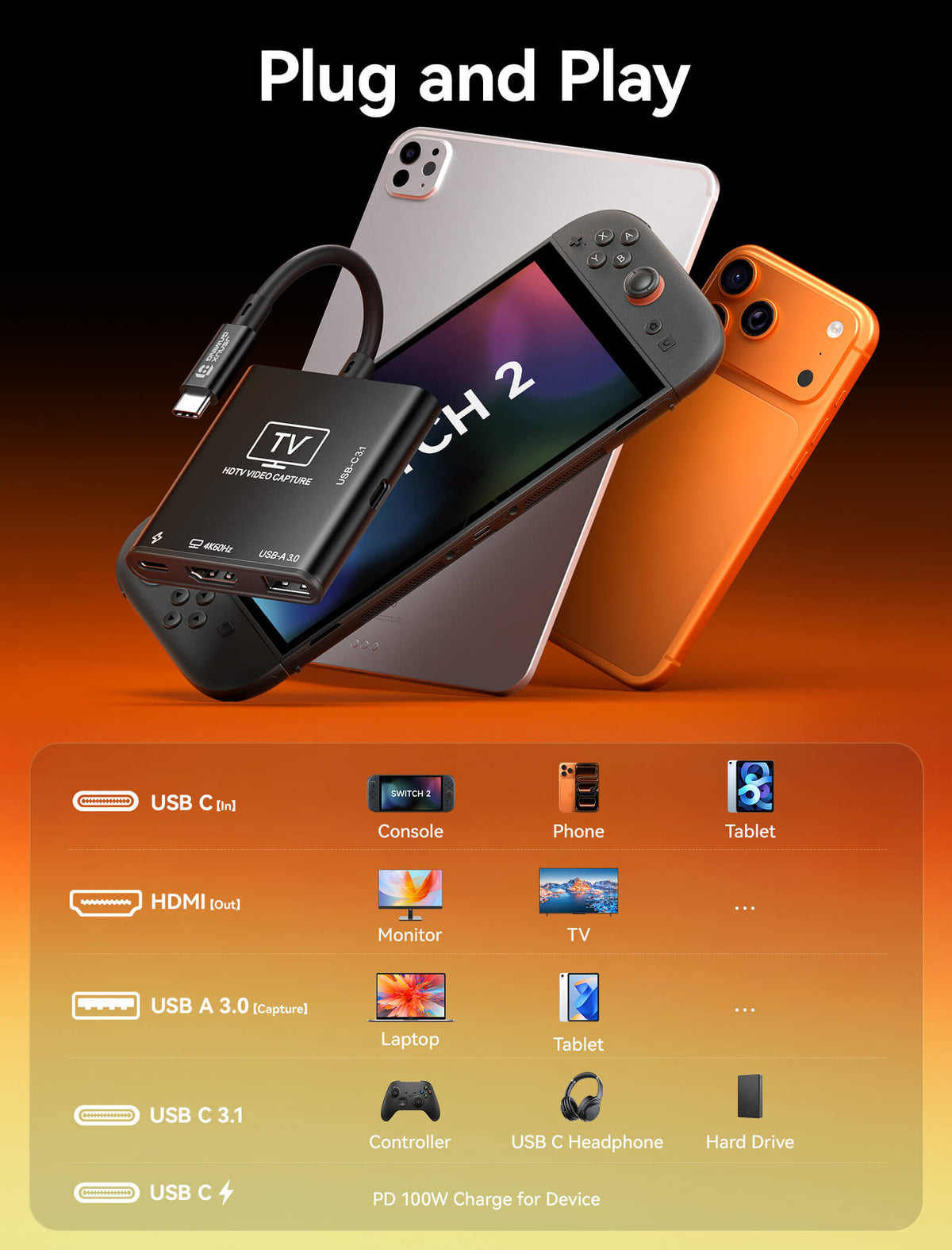
- 1* USB-C Port (Input)
USB-C male upstream port supporting USB video input, PD charging, and device expansion. Compatible with USB 3.2 and Thunderbolt 3/4/5 devices. - 1* USB-C PD Charging Port
USB-C female port supporting PD 2.0 / 3.0 / 3.1 standards with up to 100W (20V/5A max) power input. - 1* USB-A 3.0 Port (Capture)
USB 3.0 interface used for video capture with support for up to 4K input signal. - 1* HDMI Output
HDMI 2.0 output port supporting up to 4K@60Hz with 18Gbps bandwidth. Backward compatible with HDMI 2.0b / 1.4 / 1.3 / 1.2 / 1.1. - USB-C Data Port
USB 3.0 interface supporting up to 5Gbps data transfer and 5V/1A power output for external devices.
- Xbox Consoles
- Handheld Gaming Consoles: Switch 2, Switch, Switch OLED, Steam Deck, Steam Deck OLED, ROG BOX Ally X, ROG BOX Ally, ROG Ally X, ROG Ally, Legion Go, Legion Go S, Legion Go 2, MSI Claw A1M, MSI Claw 7 AI+, MSI Claw 8 AI+.
- Operating Systems: Windows, macOS, Linux, and Android.
- Supported Software: Compatible with OBS Studio, VLC, AMCap, and all UVC/UAC-compliant video capture, streaming, and playback software.
- HDMI capture input up to 4K@30Hz, 1080P@60Hz, and 1080P@30Hz
- HDMI pass-through (loop-out) up to 4K@60Hz, with support for 1440P@120Hz and 1080P@120Hz high refresh rates
- USB 3.0 data transfer up to 5Gbps (120–150MB/s)
Up to 10-bit Deep Color with RGB / YUV color formats (UVC compliant)
UAC-compliant digital audio transmission with LPCM support
SPEC (Cable & Adapter)
CD0003 (USB 3.0A to USB A Male Cable)
DD0011 (USB C to USB 3.0 Adapter)
5Gbps
5Gbps
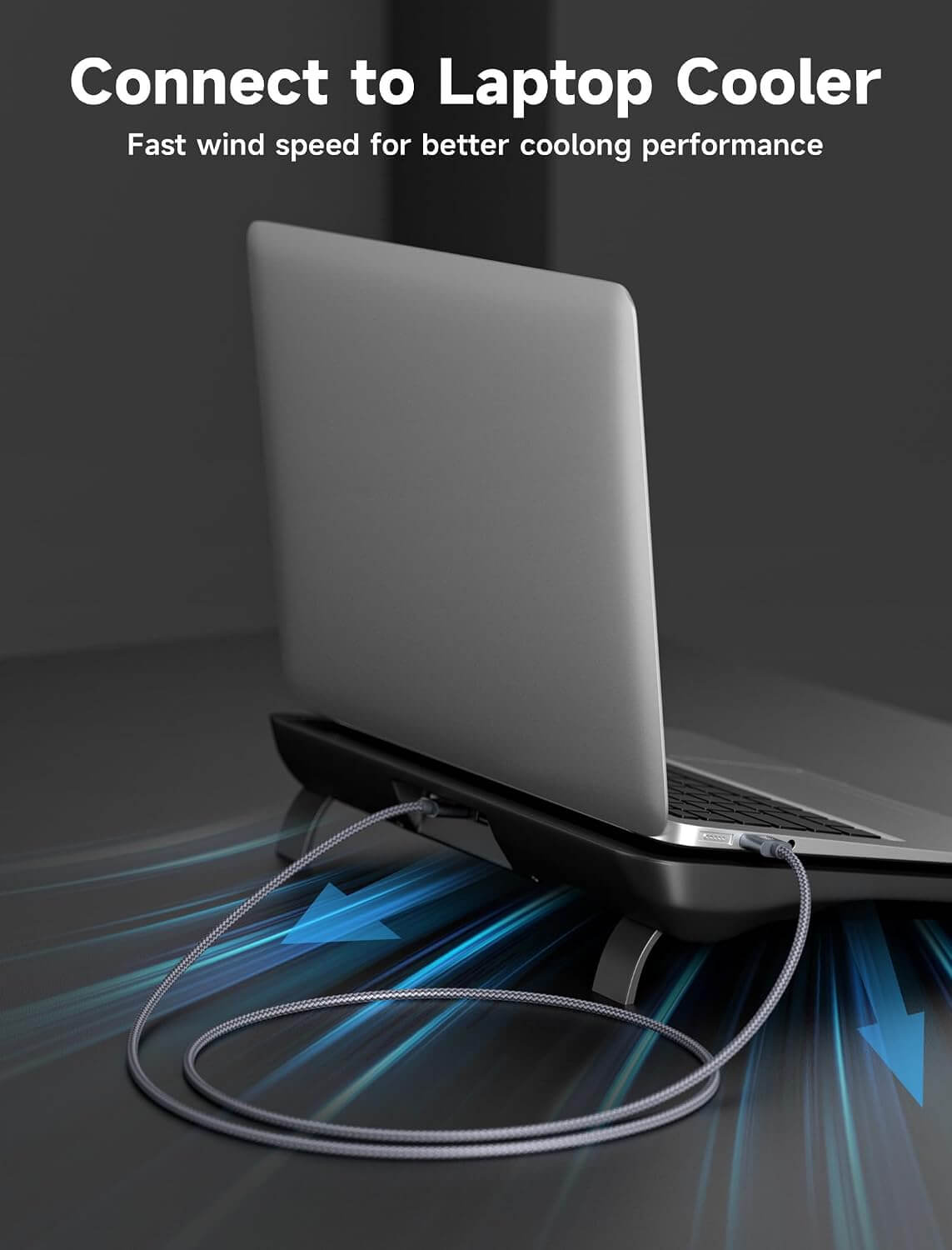
Laptop Cooling Pad, Car Bluetooth Speaker, DVD player, USB 3.0 hub, Modem, Monitor, Camera, Wacom, Blue-ray Drive, Set Top Box, HTC Vive; 2.5-Inch External Hard Drive
PC, Laptop, Cell Phone, Tablet
- Does not support connecting two computers directly!!!
- NOT charging cable!!!
SHIPPING
SHIPPING & RETURN
Please read our shipping tips carefully before you place your order
- All orders above $50 are free shipping.
- Orders under $49.99 will be charged $6.99 as shipping cost.
(Note: The above shipping policy does not apply to FlipGo. Please refer to the FlipGo product page for specific shipping details.)
Please Note:
- The current processing time for all orders takes 2-4 days(Orders are not processed on weekends).
- Order delivery time will be at 7-12 business days(pre-sale items excluded).
- International duties & taxes may apply and are not calculated at checkout.
- Shipping time for pre-sale products is subject to the instructions on the product page.
- For EU shipments, a $3 customs duty applies per eligible physical product (excluding virtual products), plus a $2 handling fee per order. Each eligible product is charged only once per order. Bundles are charged based on the number of eligible products included. Learn More
Due to the requirements of logistics service providers:
- In order to get your order ready as soon as possible and avoid shipping issues, make sure to introduce an accurate postal address including your exact house number and any other info that may be necessary for the delivery company.
-
For mainland China & Taiwan China: For mainland China customers, please use Tmall to place your order. Hong Kong, Macao, please include your name, ID number and shipping address in traditional Chinese.
- For Saudi Arabia: Free shipping over $50 is not available. A shipping fee of $14.99 (VAT included) applies.
- Due to logistical reasons, we are temporarily not providing order services to the following countries and regions: Afghanistan, Albania, Algeria, Andorra, Angola, Anguilla, Argentina, Armenia, Aruba, Azerbaijan, Bahrain, Bangladesh, Barbados, Belarus, Bermuda, Bhutan, Bosnia & Herzegovina, Brazil, British Virgin Islands, Brunei, Burkina Faso, Burundi,Bolivia, Cambodia, Cameroon, Cayman Islands, Central African Republic, China, Christmas Island, Costa Rica, Côte d'Ivoire, Djibouti, Congo - Brazzaville, Congo - Kinshasa, Egypt, El Salvador, Ecuador,Falkland Islands, Faroe Islands,French Polynesia, Gabon, Gambia, Georgia, Ghana, Gibraltar, Greenland, Guadeloupe, Guatemala, Guernsey, Guinea, Honduras,Iceland, Indonesia, Jamaica, Jordan,Jersey, Kazakhstan, Kenya, Kiribati, Kyrgyzstan, Lebanon, Lesotho, Liberia, Liechtenstein, Maldives, Mauritius, Martinique, Moldova, Monaco,Mongolia, Montenegro, Myanmar (Burma), Namibia, Nauru, New Caledonia, Nicaragua, Niger, Nigeria, Norfolk Island, North Macedonia, Norway,Oman, Pakistan, Paraguay, Rwanda, San Marino, Senegal, Serbia, Seychelles, Solomon Islands, South Sudan, Sri Lanka, Sudan, Tajikistan, Togo, Tonga, Tunisia, Turkmenistan, Türkiye, Tuvalu, Uganda, Ukraine, Uruguay, India, Uzbekistan, Vanuatu, Vatican City, Some regions in the United States (including Alaska, Hawaii, Puerto Rico, Guam, U.S. Virgin Islands, Northern Mariana Islands, American Samoa, and military addresses such as APO (AA), FPO (AE), and DPO (AP)).
15-Days RETURN:
Our return & exchange policy will be active for 15 days from the very same day you receive your product(s) at home. For more information, please visit our Shipping Policy section.
FAQ
Q. Why does 4K@30Hz playback show frame drops or noticeable stuttering?
4K video capture requires high decoding performance from the receiving computer.
Hardware recommendation:
If you are using integrated graphics or a GPU below an RTX 3060, it is recommended to lower the resolution to 1080P@60Hz for smoother performance.
High-performance support:
Only systems equipped with an RTX 3060 or higher GPU are generally capable of handling the high decoding load required for stable 4K@30Hz capture.
Q. Why is the capture card not recognized or showing “No Signal” after being plugged into the USB port?
Please troubleshoot using the following steps:
- USB port requirement: Ensure the device is connected to a USB 3.0 (blue port) or higher-speed port on your computer.
- Input source check: Make sure the signal source (e.g., console, camera) is powered on and the HDMI cable is securely connected.
- Permission settings: Check your system settings and ensure that capture applications (such as OBS or recording software) are allowed to access the camera/device permissions.
Q. Why does the captured video look dull or have abnormal colors?
This is usually related to color space settings. Please adjust your capture software (e.g., OBS) as follows:
- Set Color Space to Rec.709
- Set Color Range to Partial / Limited
(Note: Setting it to “Full” on some displays may cause crushed blacks or incorrect color output.)
Q. Why are audio and video out of sync during capture (audio delay)?
High processing load may cause encoding delay.
- Software setting: In your capture software audio properties, enable “Use custom audio device timestamps”
- Sync adjustment: If slight delay persists, use “Sync Offset” in Advanced Audio Properties and fine-tune within 50ms–200ms depending on your setup.
Q. Is it normal for the capture card to get hot during long use? Will it affect performance?
Video capture is a high-power processing task, and heat generation is normal during operation. The metal housing helps dissipate heat effectively.
- Normal condition: As long as there is no screen glitching or disconnection, the device is operating within normal temperature range.
- Usage recommendation: Keep the device in a well-ventilated area and avoid placing it near heat vents or covering it with objects.
Q. How can I use the capture card if my computer does not have a USB-A port?
Use a USB-C to USB-A adapter (simplest solution).
- How to use: Connect the capture card’s USB-A plug into a USB-A to USB-C adapter, then plug it into your computer’s Type-C port.
- Important note: The adapter must support USB 3.0 (5Gbps) or higher.
If a USB 2.0 adapter (often used for phone charging) is used instead, even if the capture card supports 4K, bandwidth limitation may cause severe lag or force lower resolution output.
This product has no reviews yet.
What Customers Are Saying on JSAUX.com