


![Grey 2-pack 90 degree USB-C to USB-C right angle adapters #style_grey [2-pack]](http://jsaux.com/cdn/shop/files/90_-USB-C-to-USB-C-Right-Angle-Adapter-grey-1.png?v=1755238920&width=92)


![JSAUX anti-glare matte screen protector for ROG Ally and ROG Xbox Ally series #style_[2-pack] for all rog ally models](http://jsaux.com/cdn/shop/files/GP0113A-Anti-Glare-Screen-Protector-for-ROG-Ally-_-ROG-Xbox-Ally-Series-1_jpg.png?v=1762310072&width=92)


![JSAUX anti-glare screen protector 2-pack for Lenovo Legion Go 2 with alignment frame #model_for legion go 2 [2-pack]](http://jsaux.com/cdn/shop/files/GP0132-Anti-Glare-Screen-Protector-for-Legion-Go-2-1.png?v=1766136633&width=92)






Quick Comparison:
The only difference between HB0603 and HB0612 is that HB0612 adds compatibility with the ROG Xbox Ally/X. All other features and functions are exactly the same.


15 DAYS REFUND
Fast, Free shipping over $50
Quick Customer Support
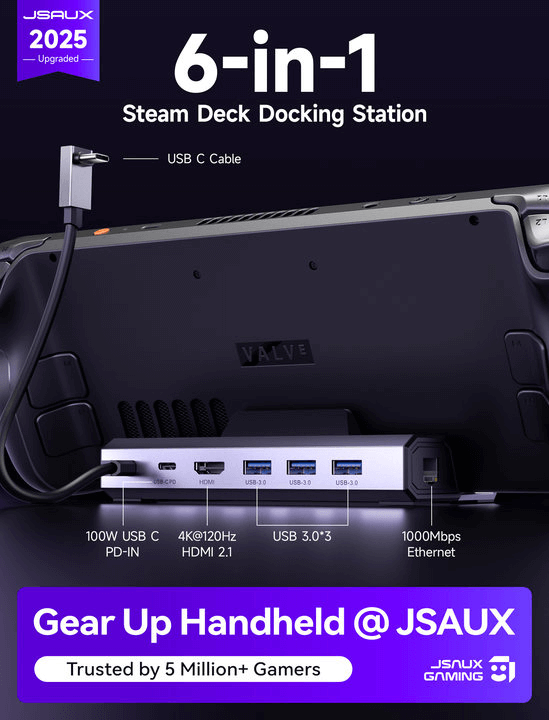
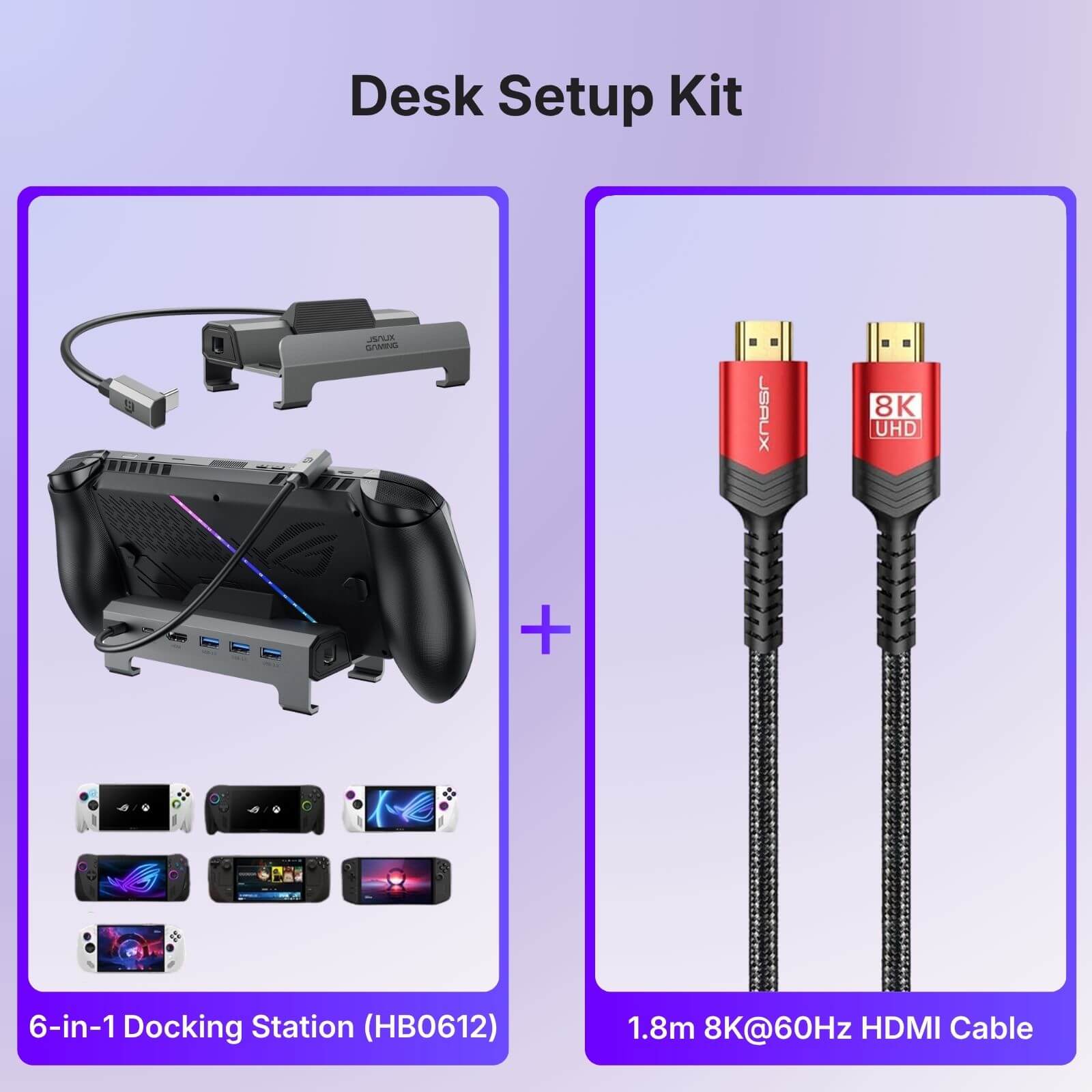
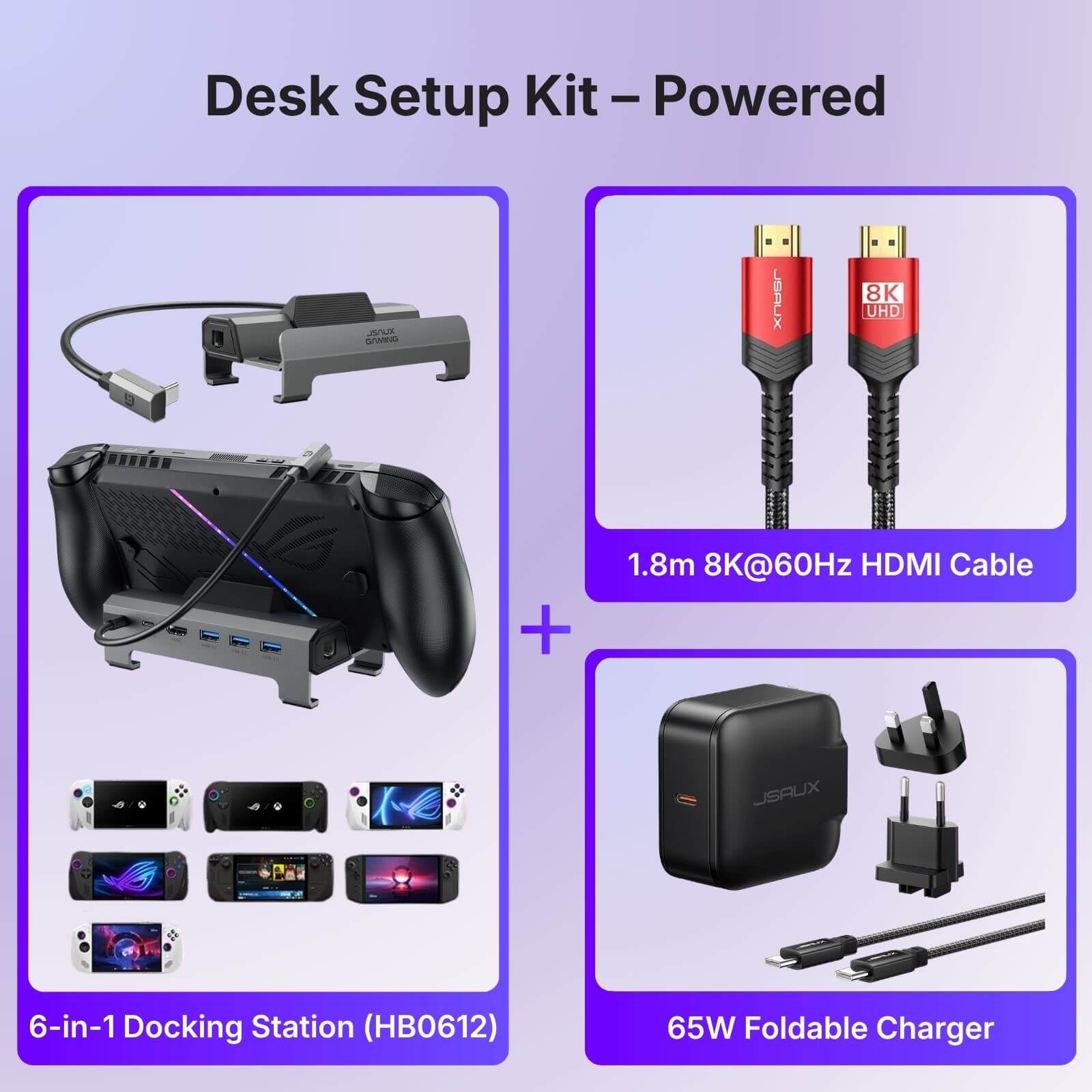
6-in-1 Docking Station
HB0603S & HB0612
HB0612 adds ROG Xbox Ally/X compatibility. All other features are identical to HB0603.
Pay with Ease
FEATURES
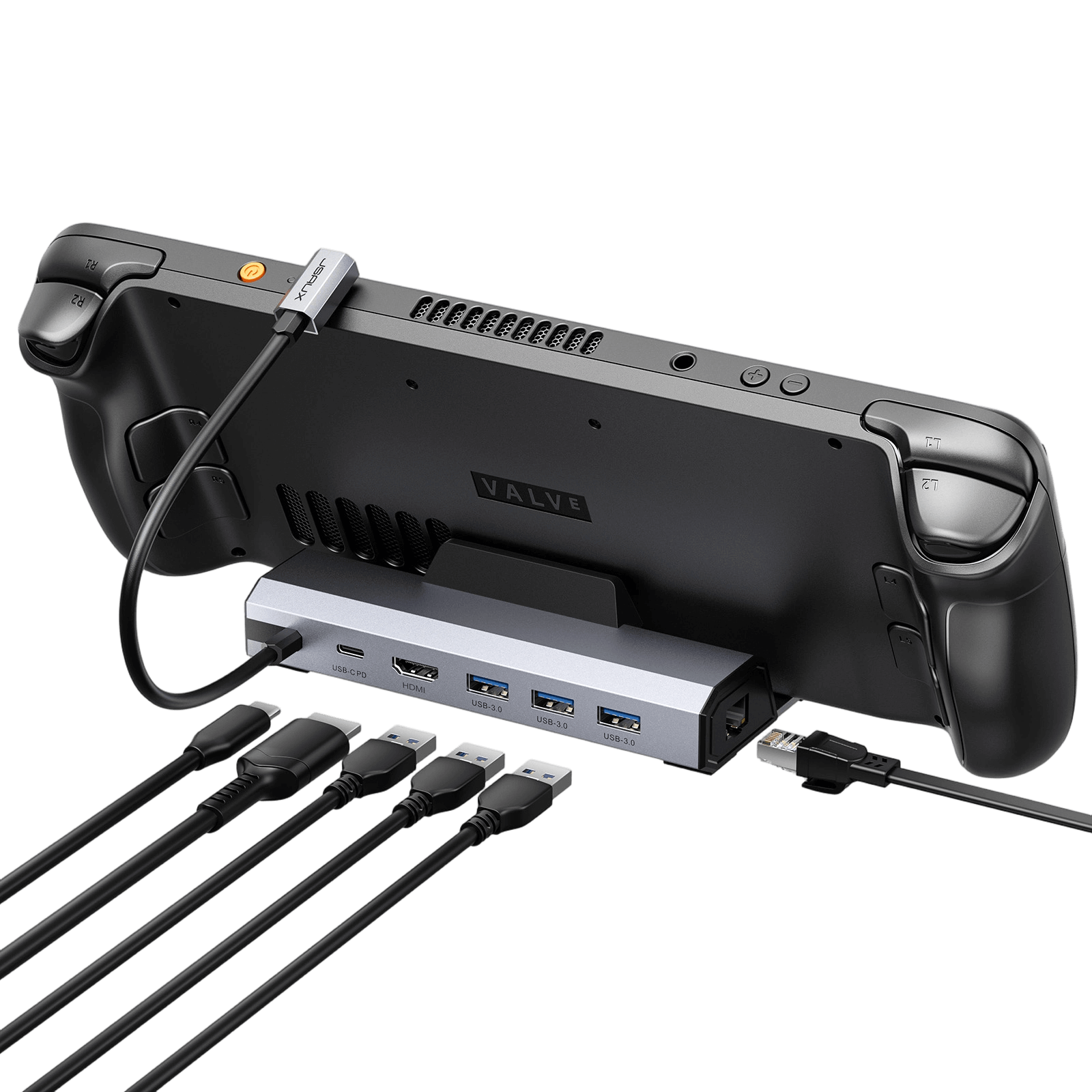
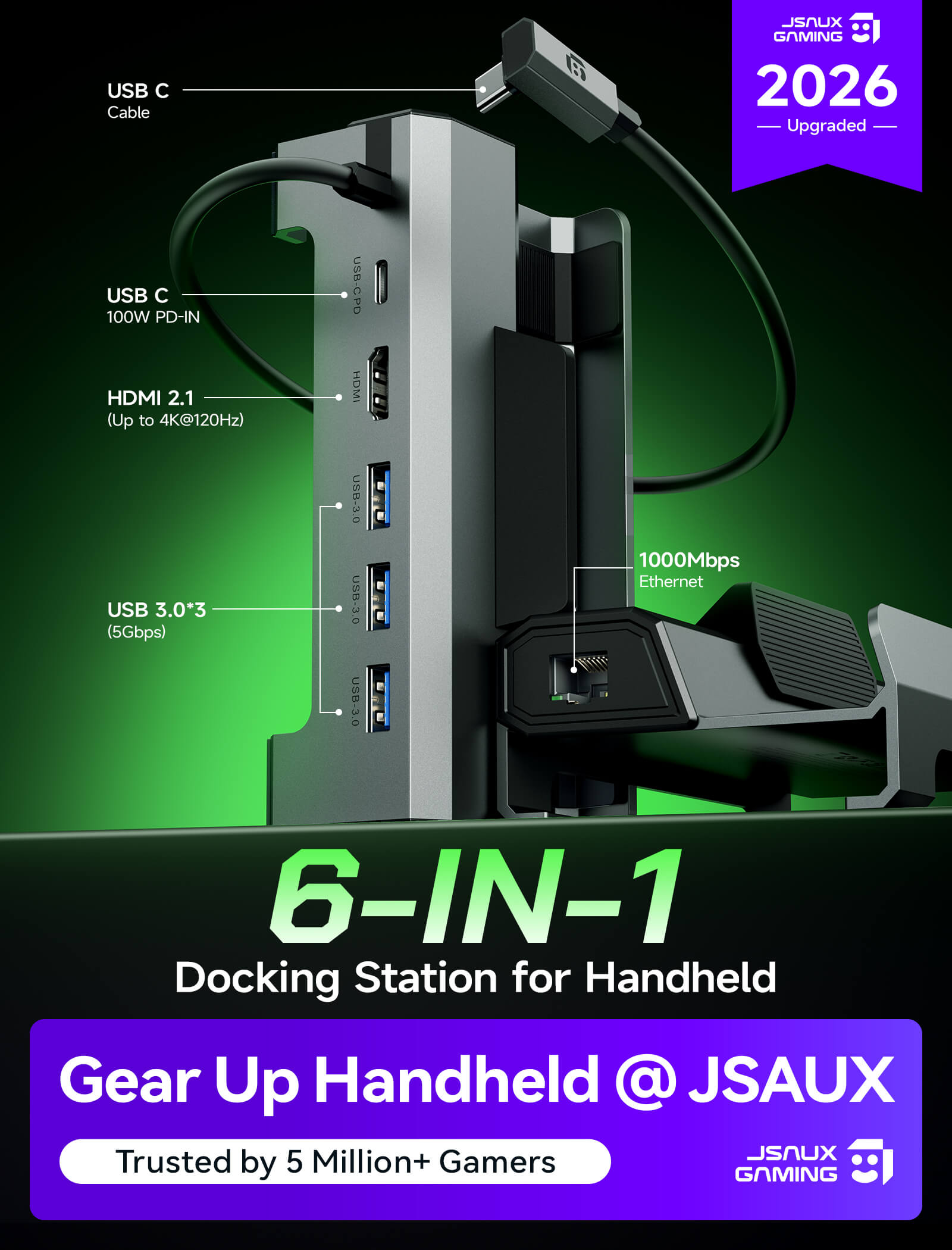
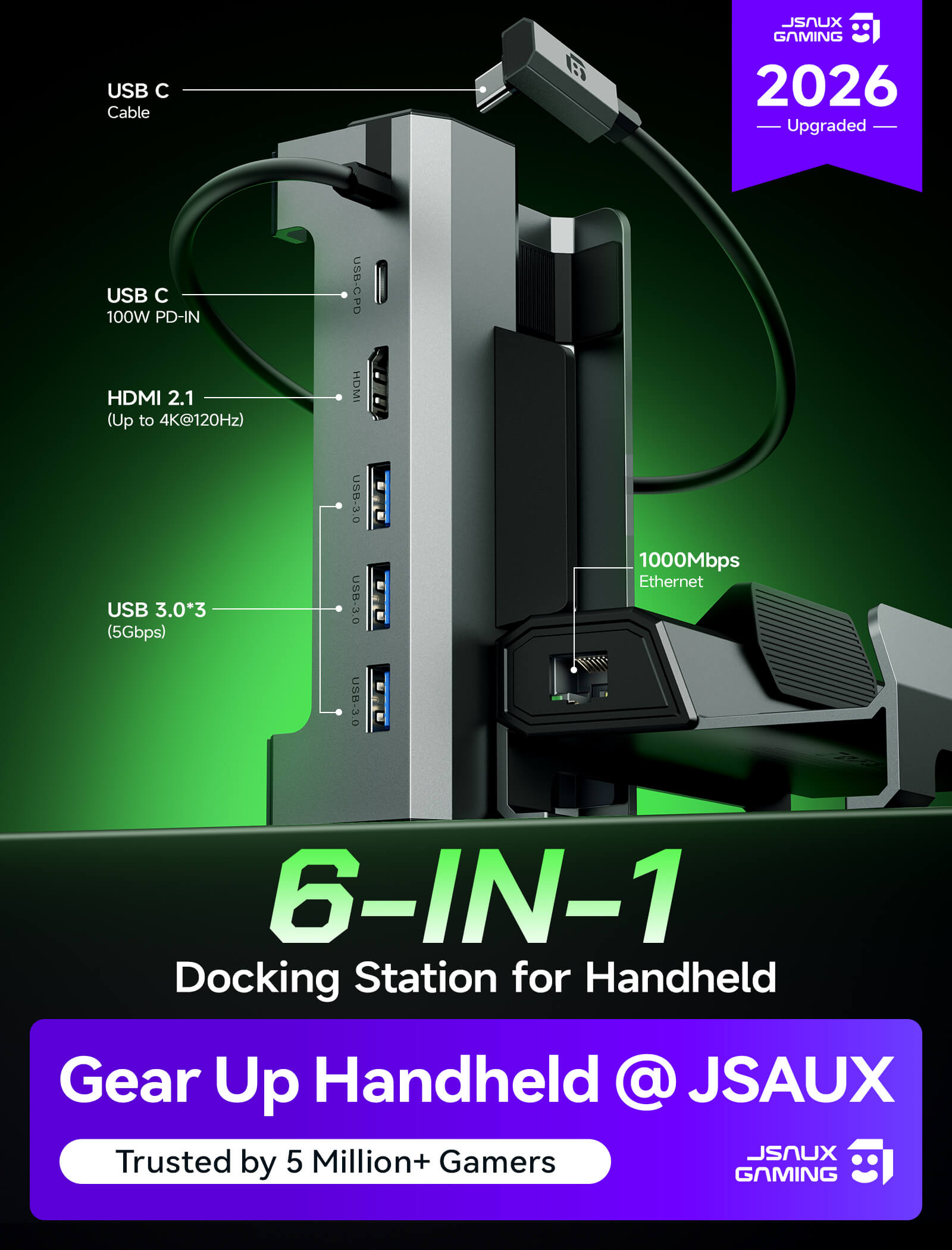
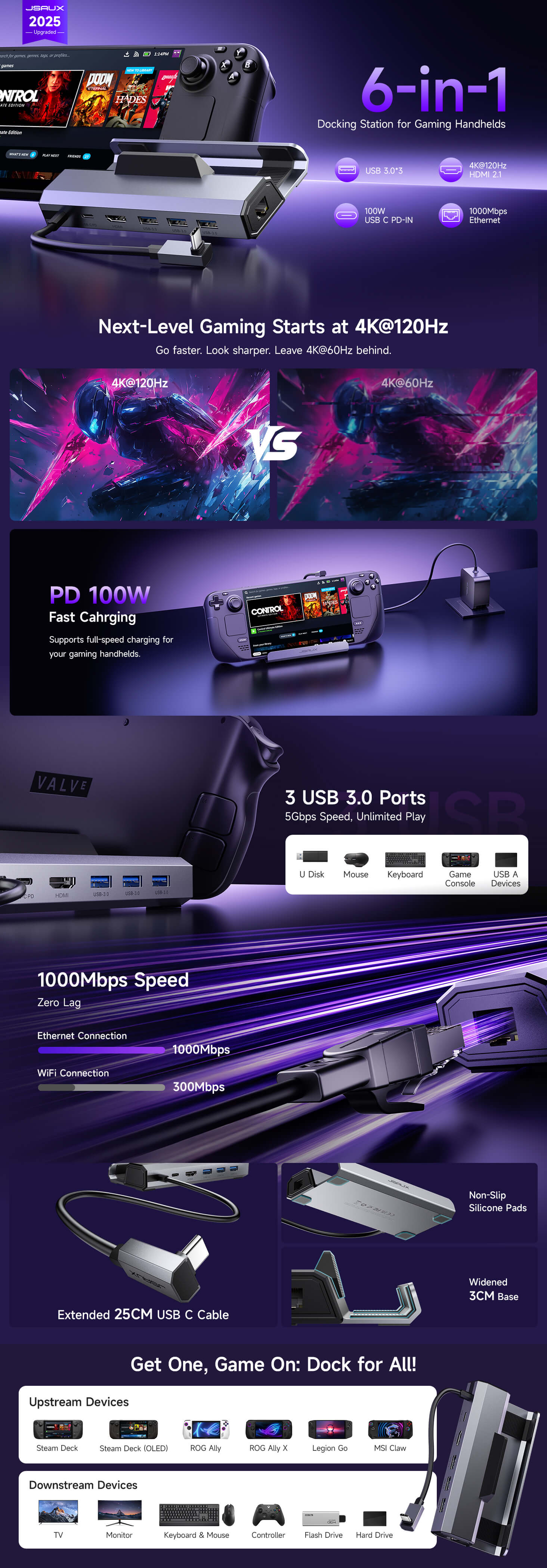
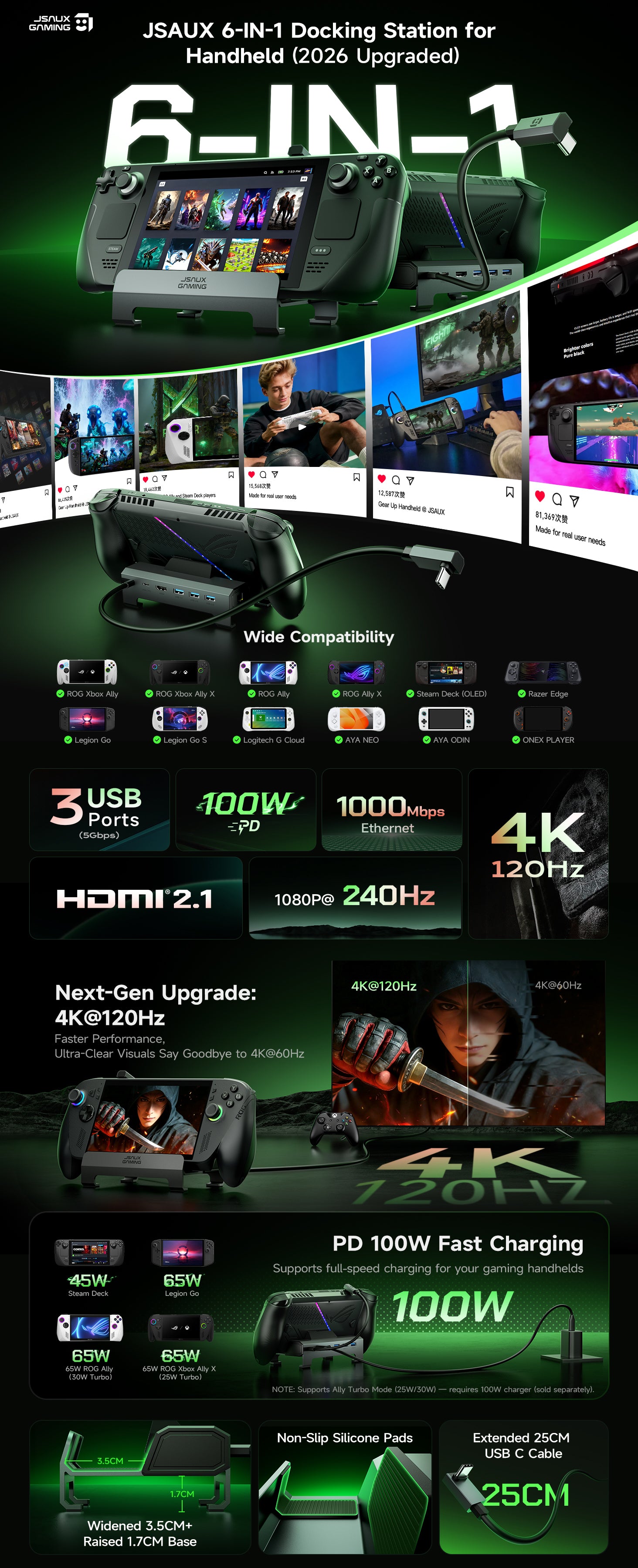
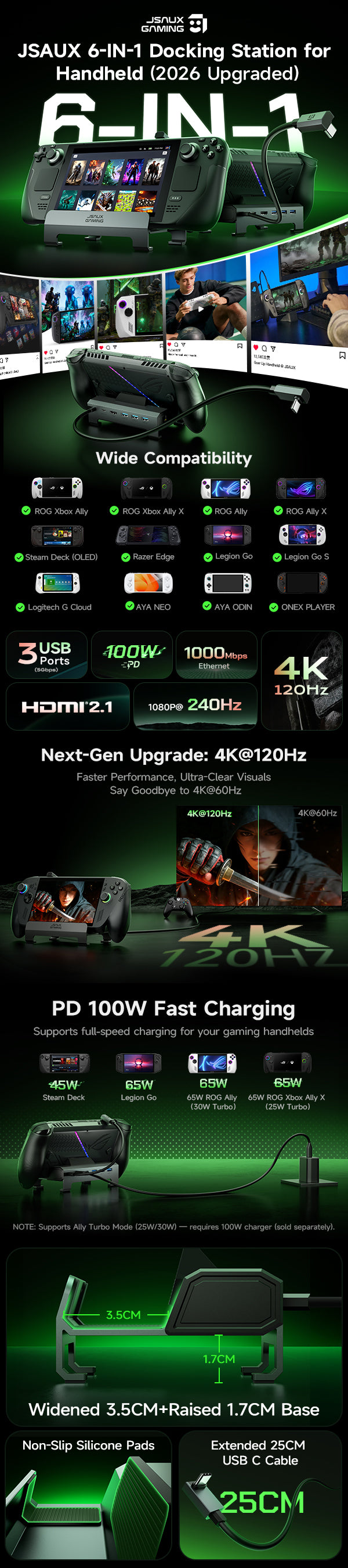
- Upgraded 6-in-1 Docking Station
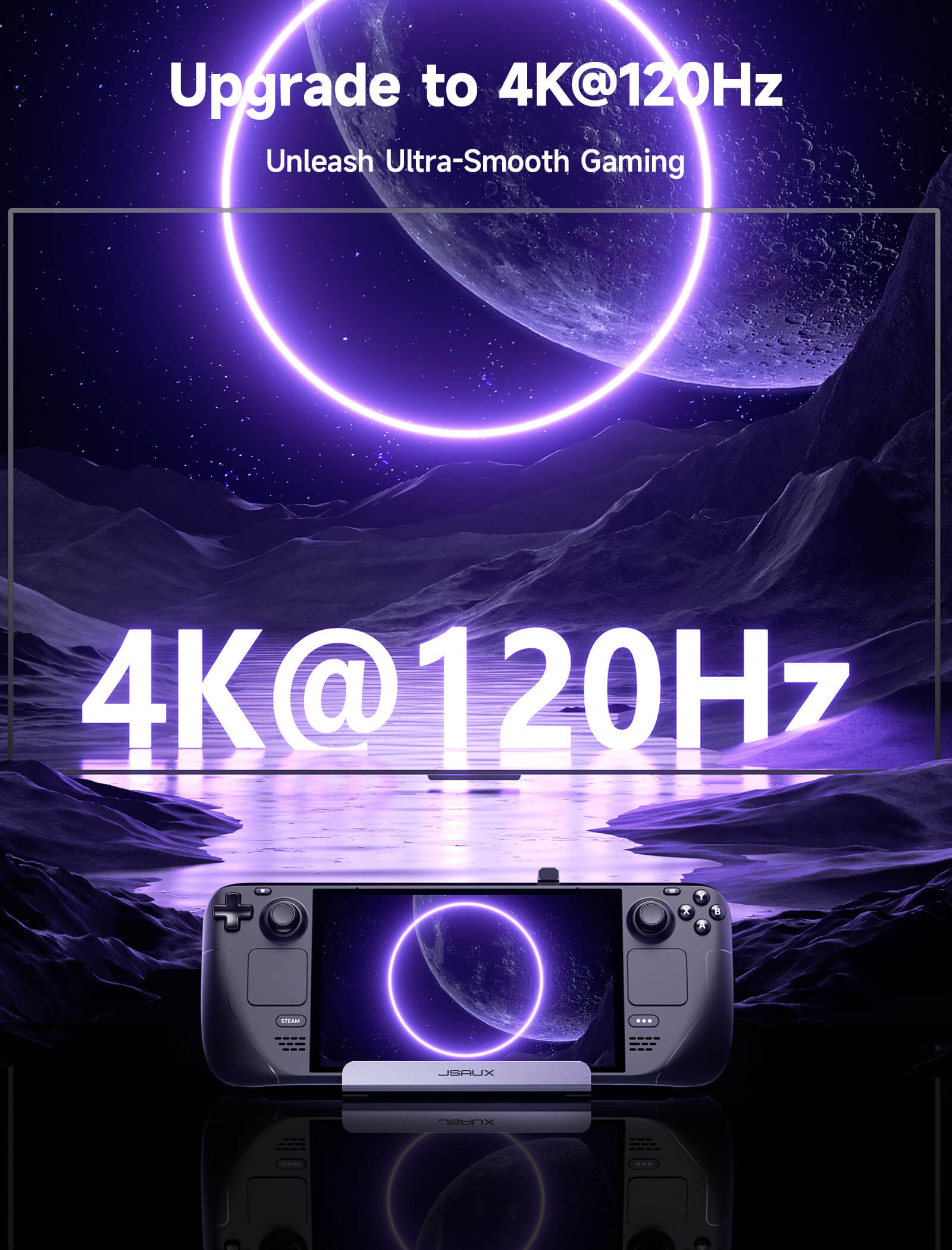
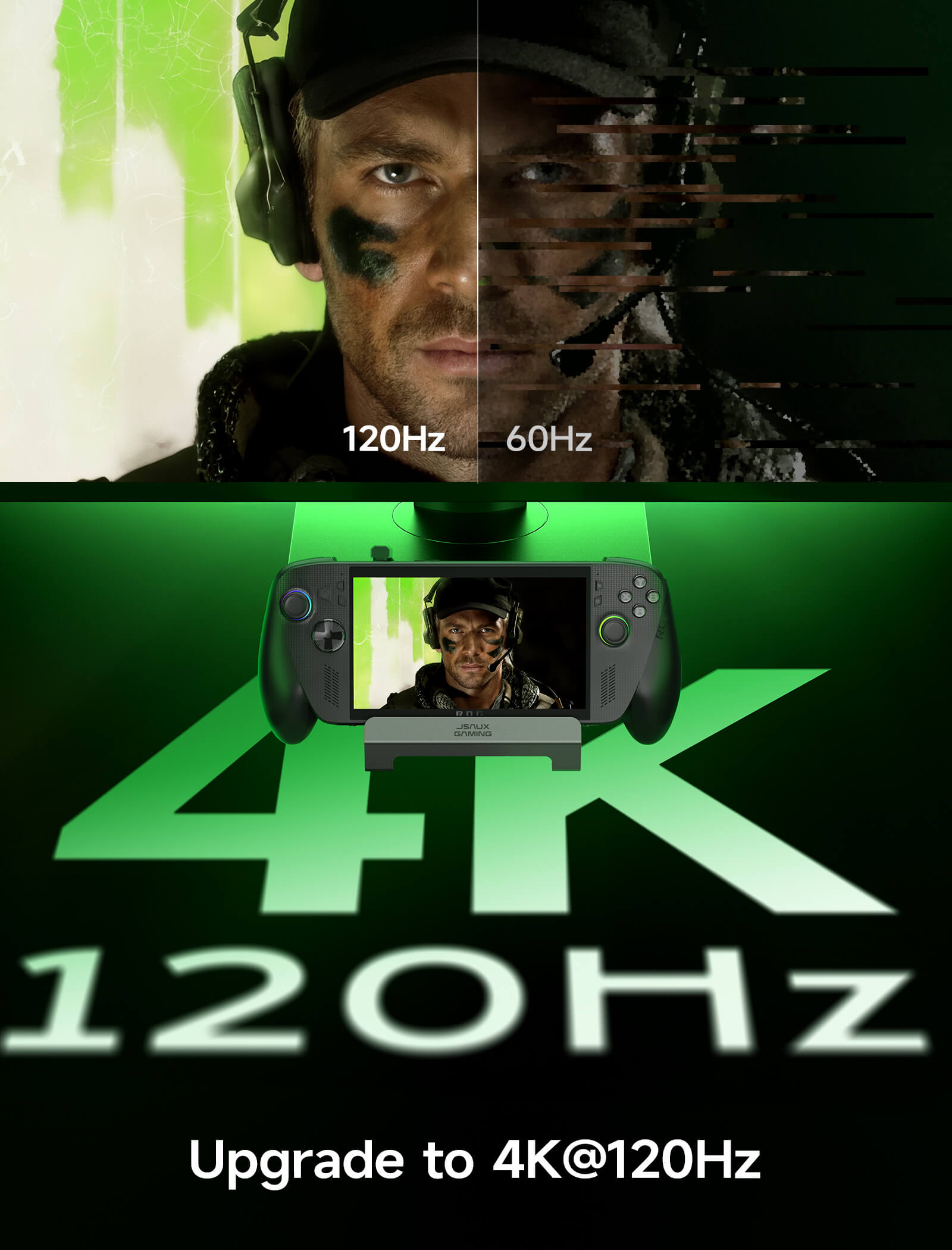
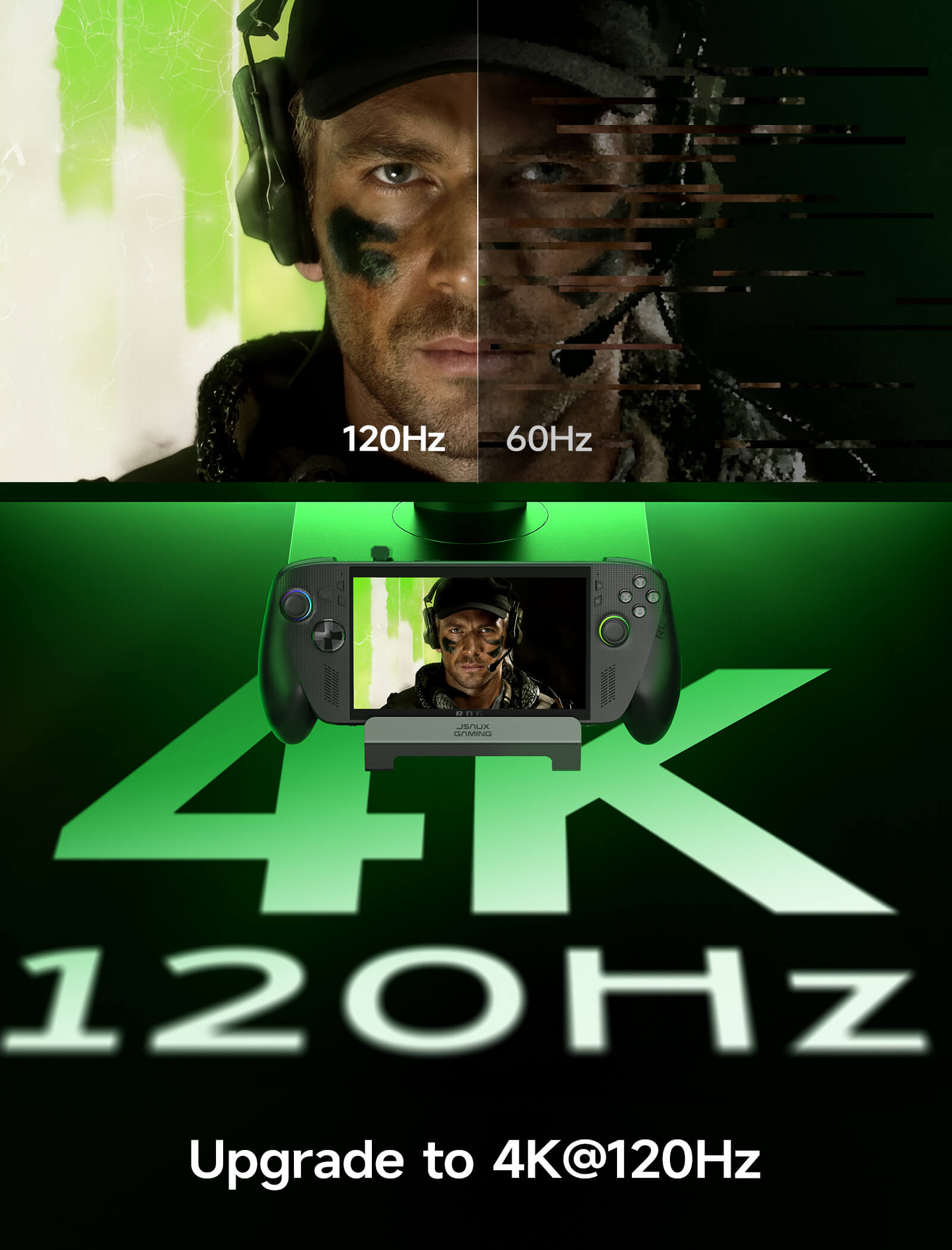
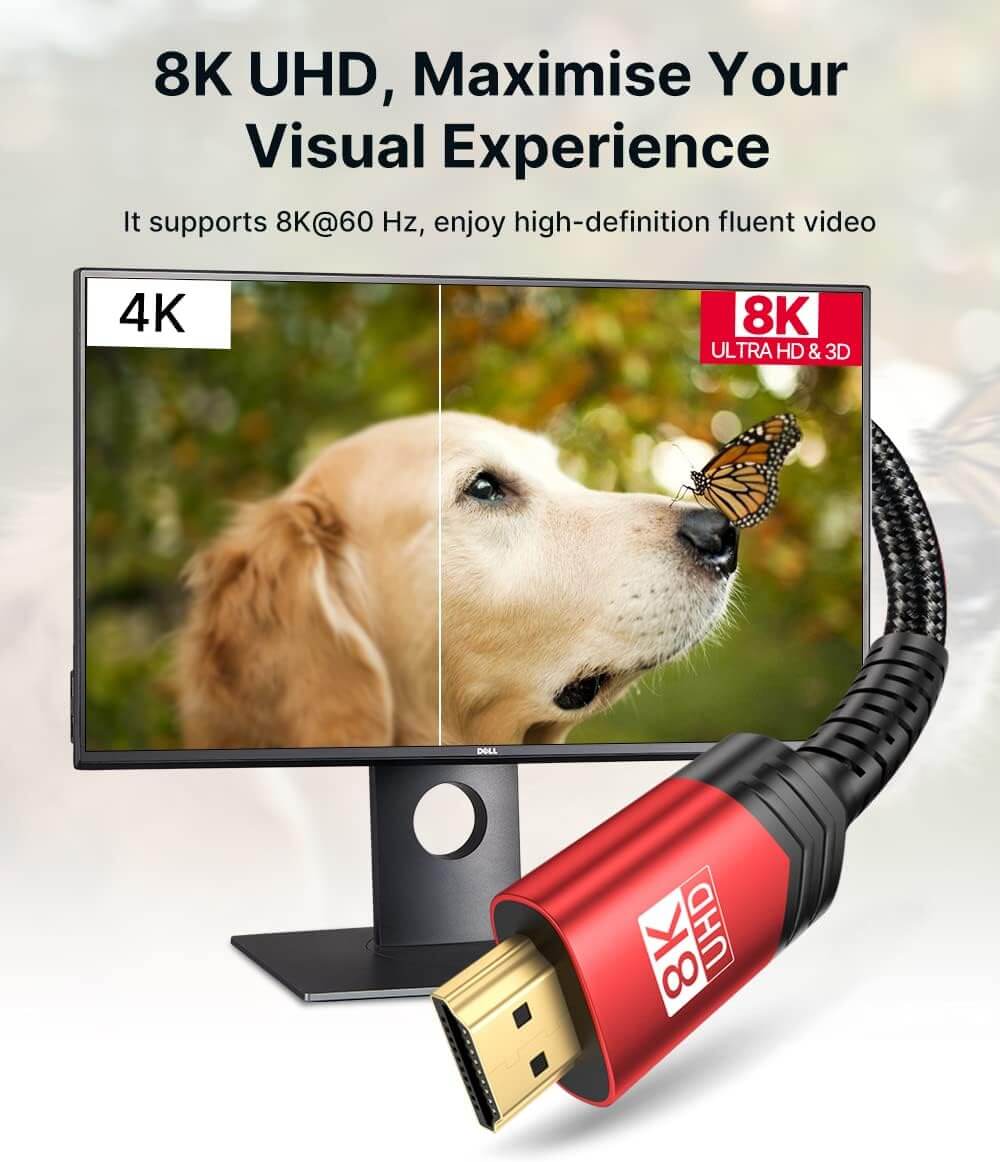
- 4K@120Hz HDMI Output (Upgraded)
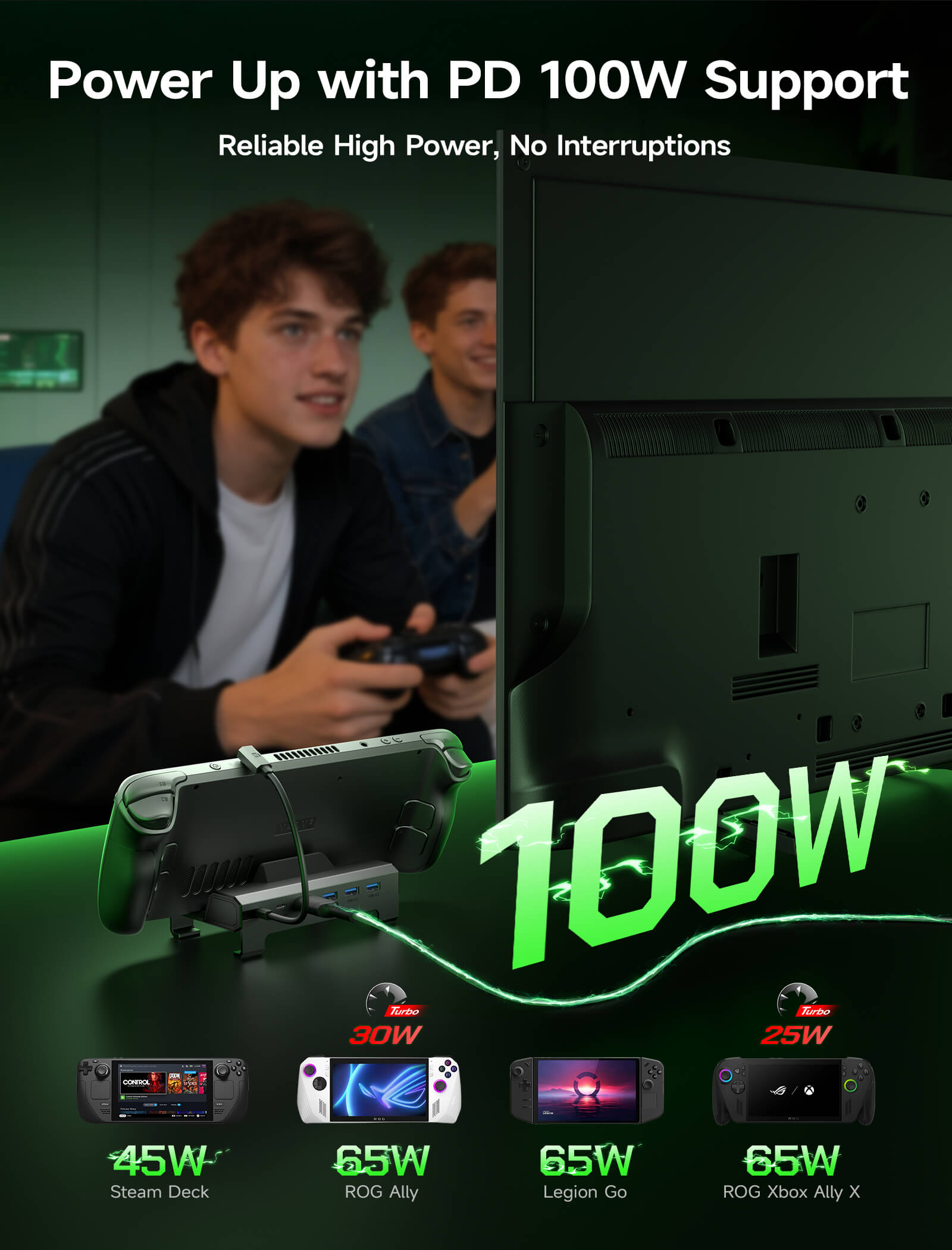
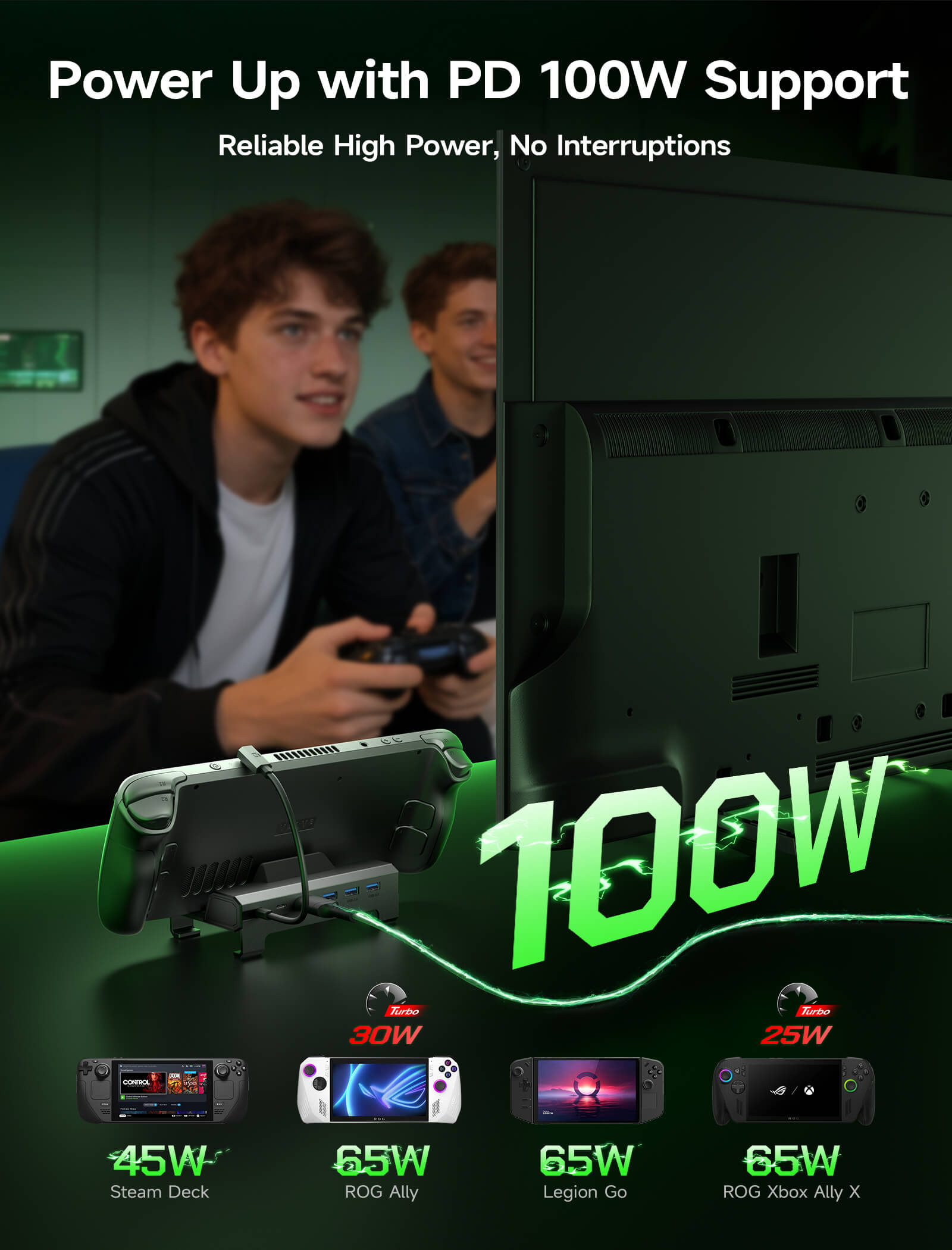
- Full-Speed 100W Charging
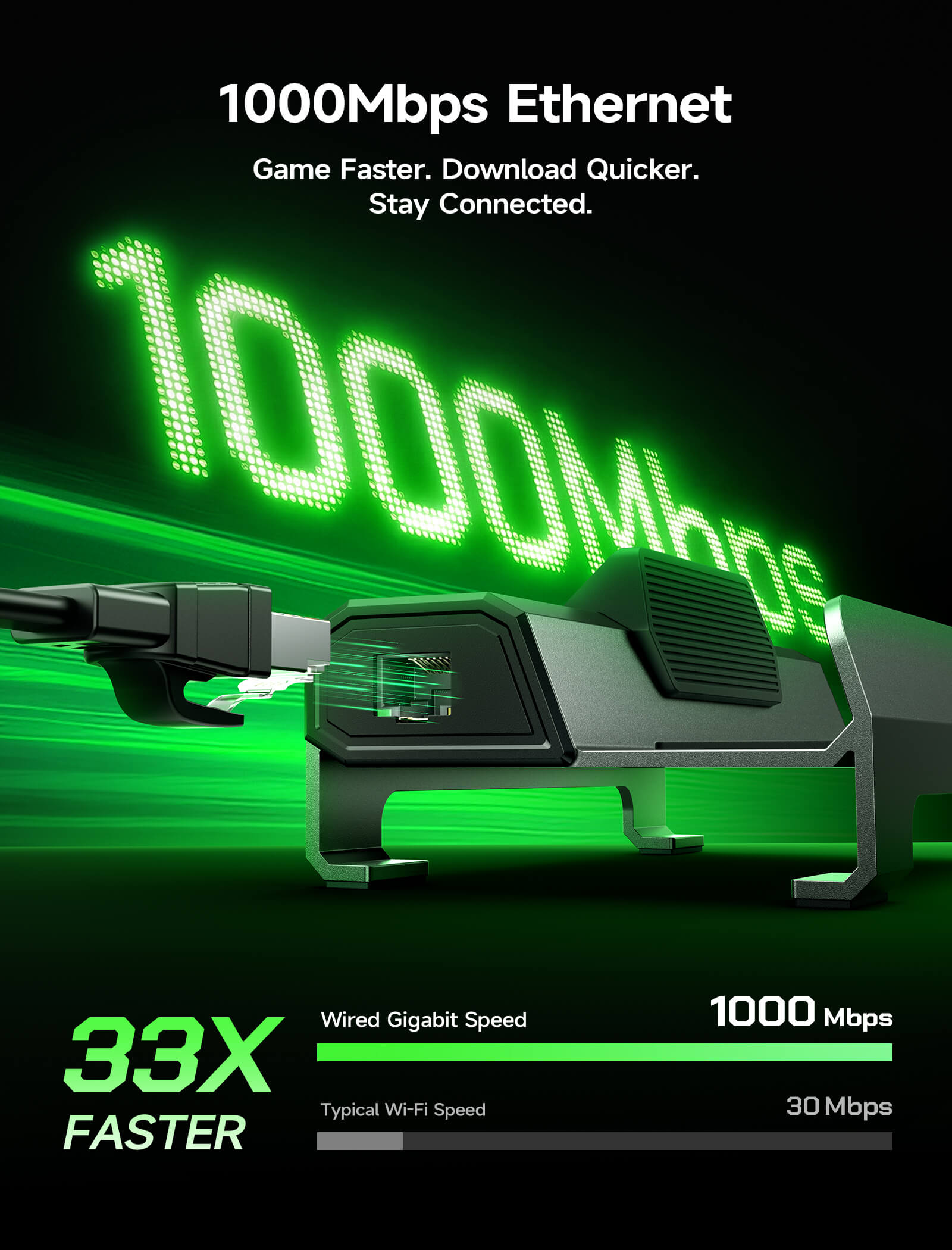
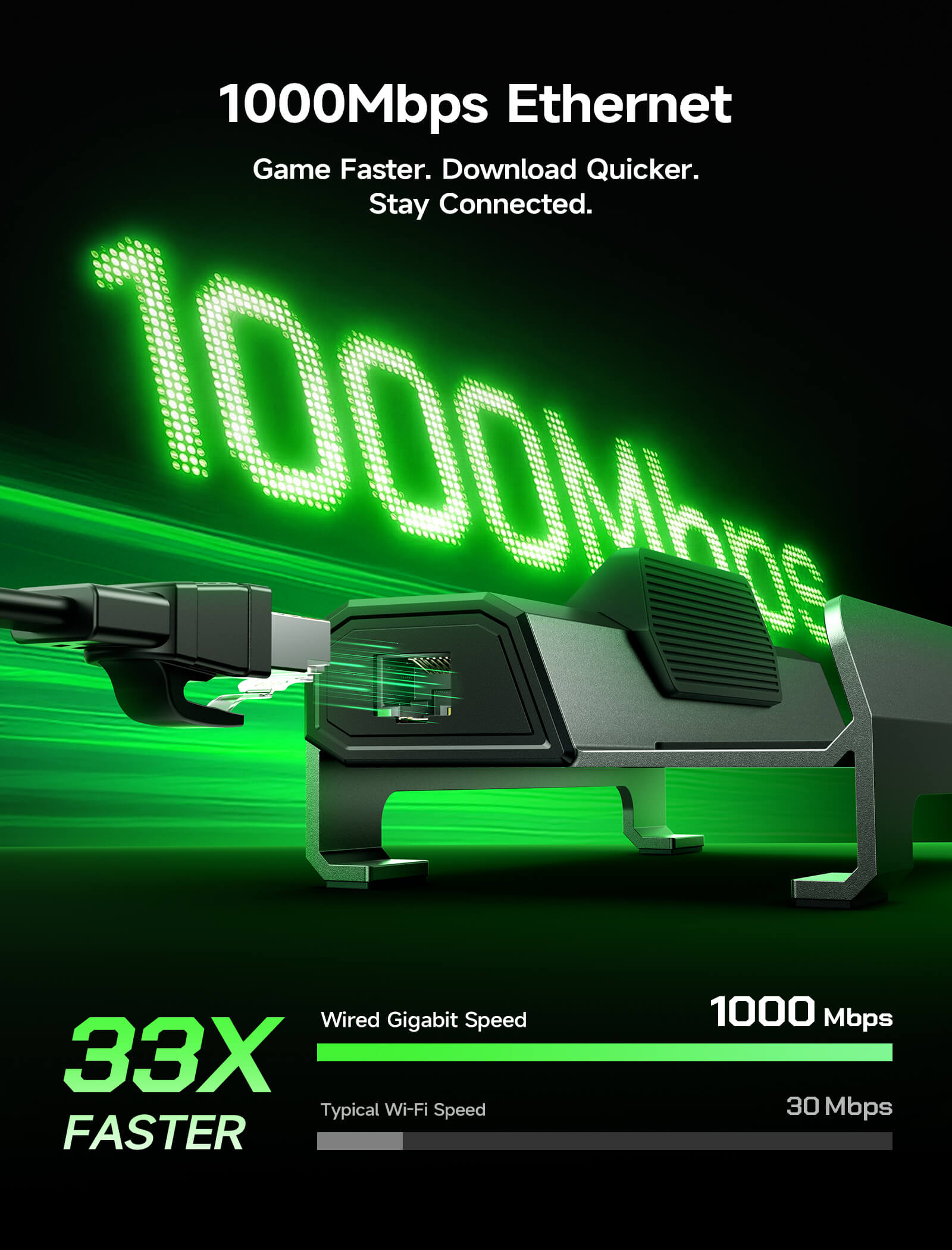
- Gigabit Ethernet
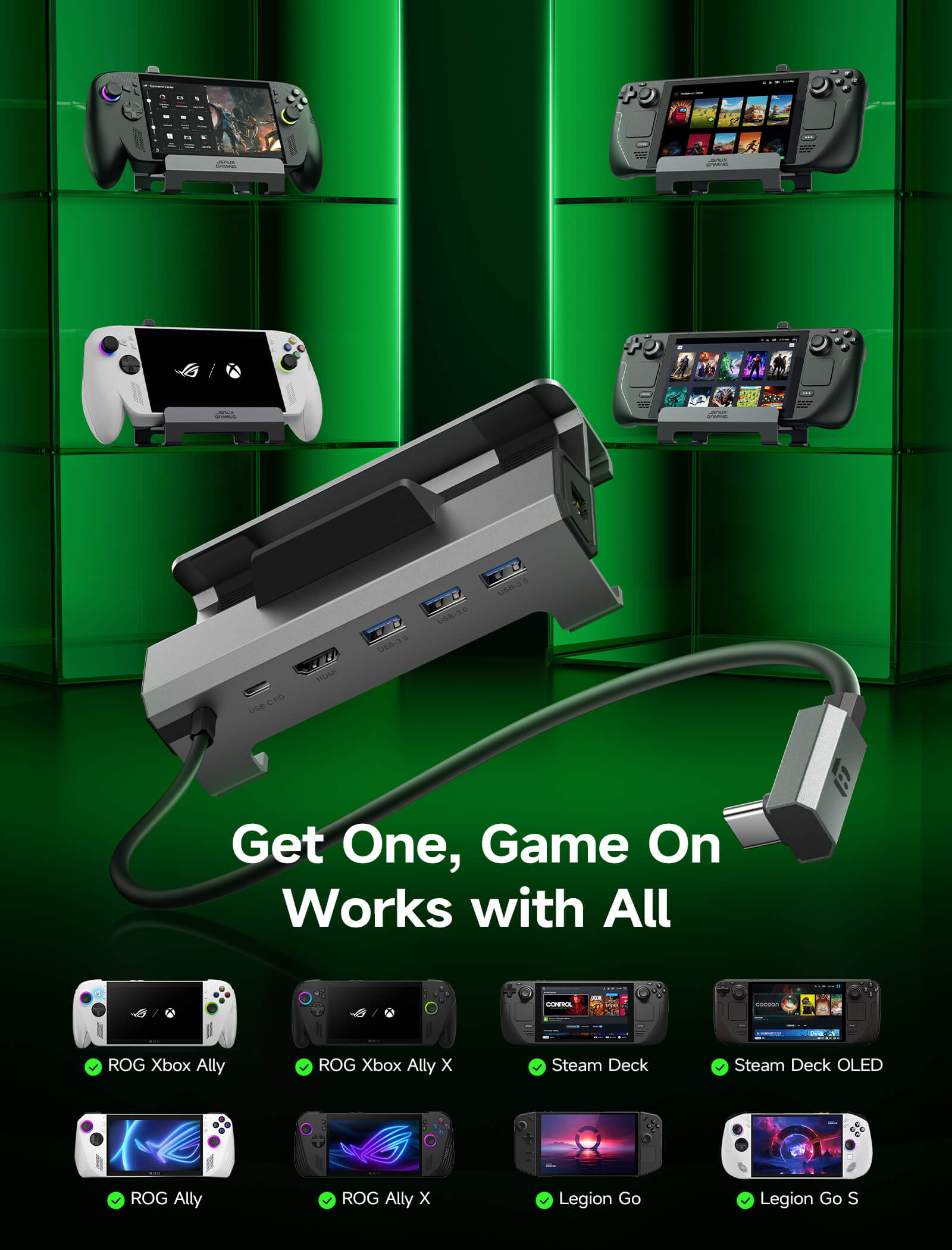
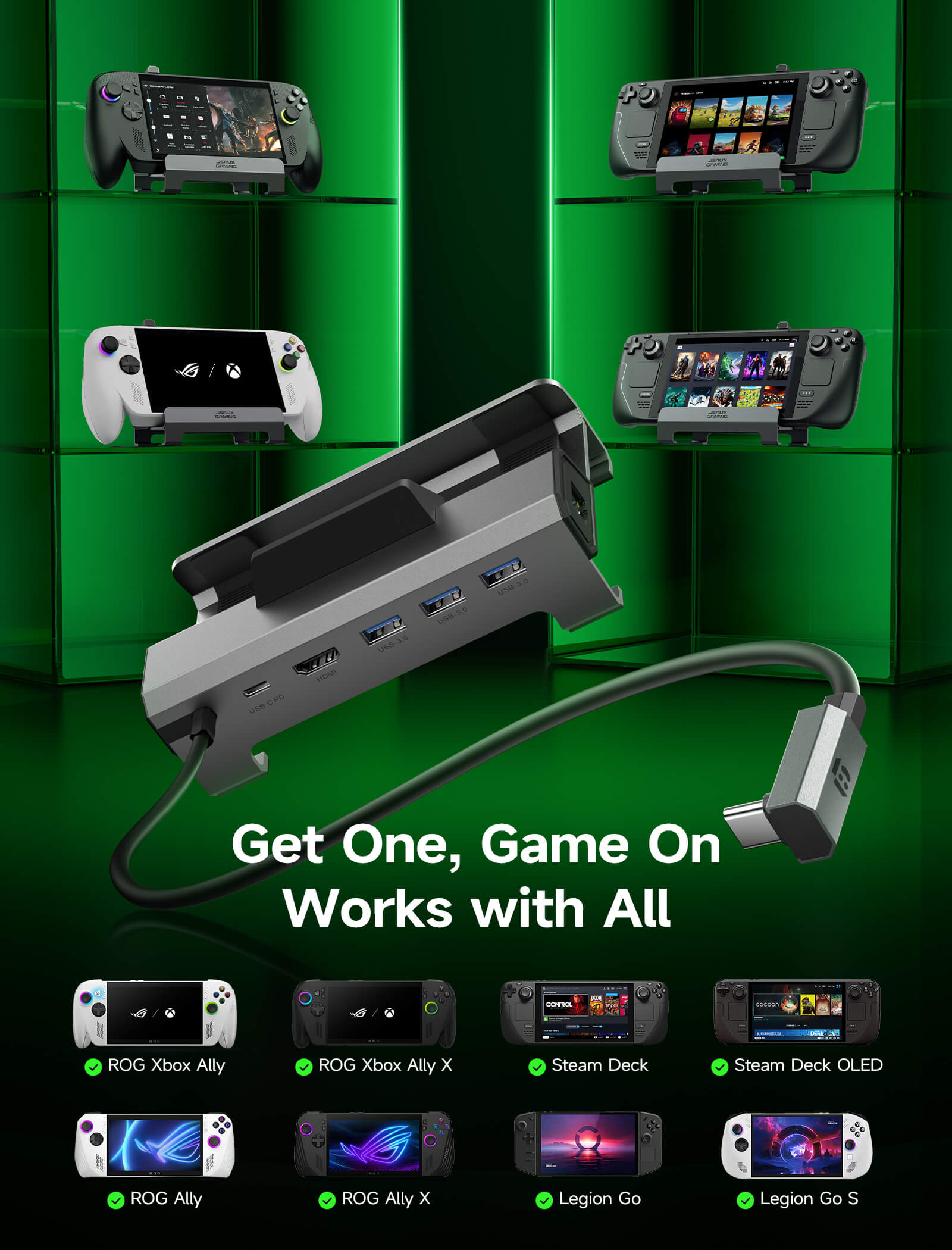
- Expanded Device Compatibility
SHIPPING

6-in-1 Docking Station
6-in-1 Docking Station
Sale price$39.99
Regular price$49.99 (/)
HB0603S
HB0612

Not sure how to build the perfect setup?
Product Comparison


Model
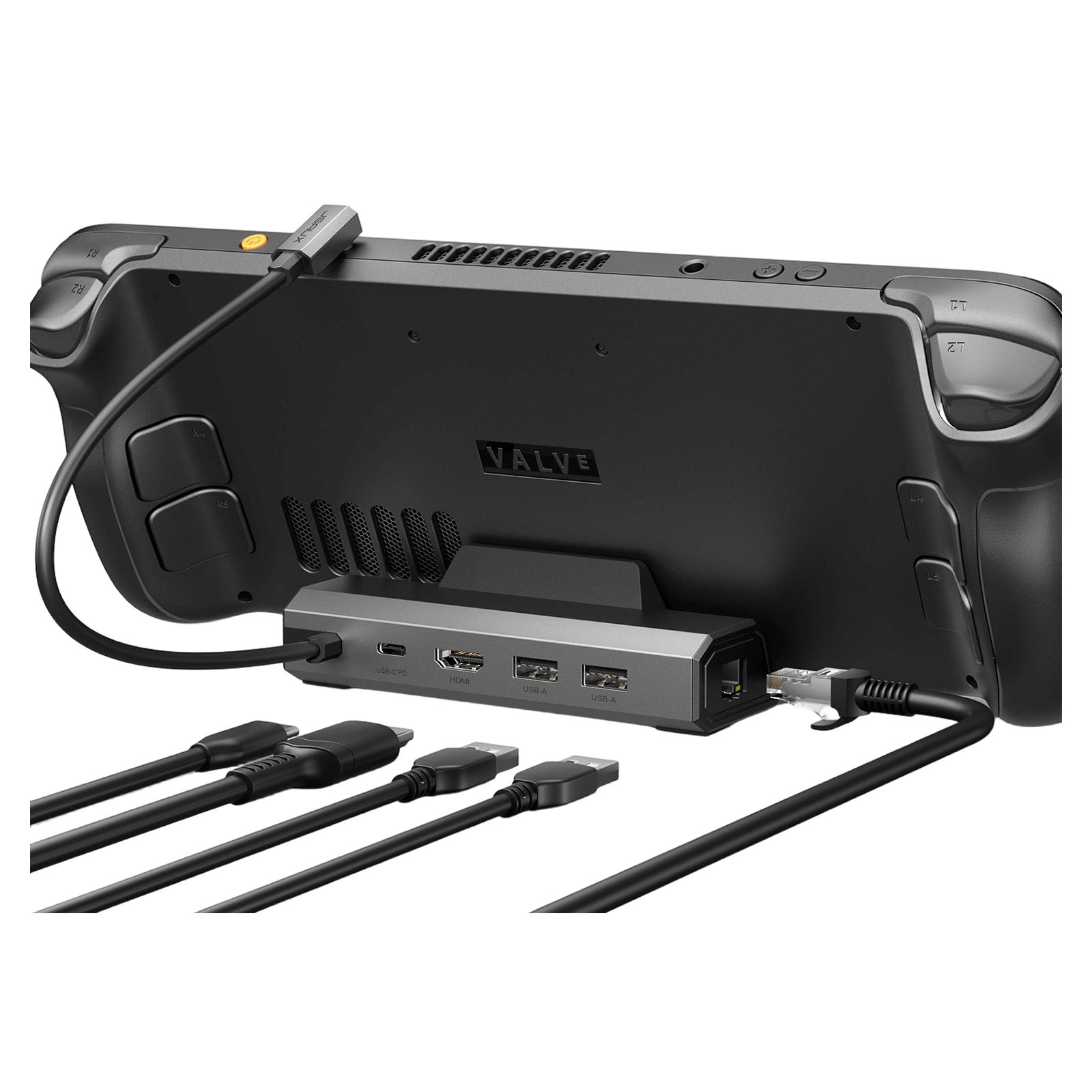
6-in-1 Docking Station HB0603S
6-in-1 Docking Station HB0612
6-in-1 Multifunctional Docking Station HB0609
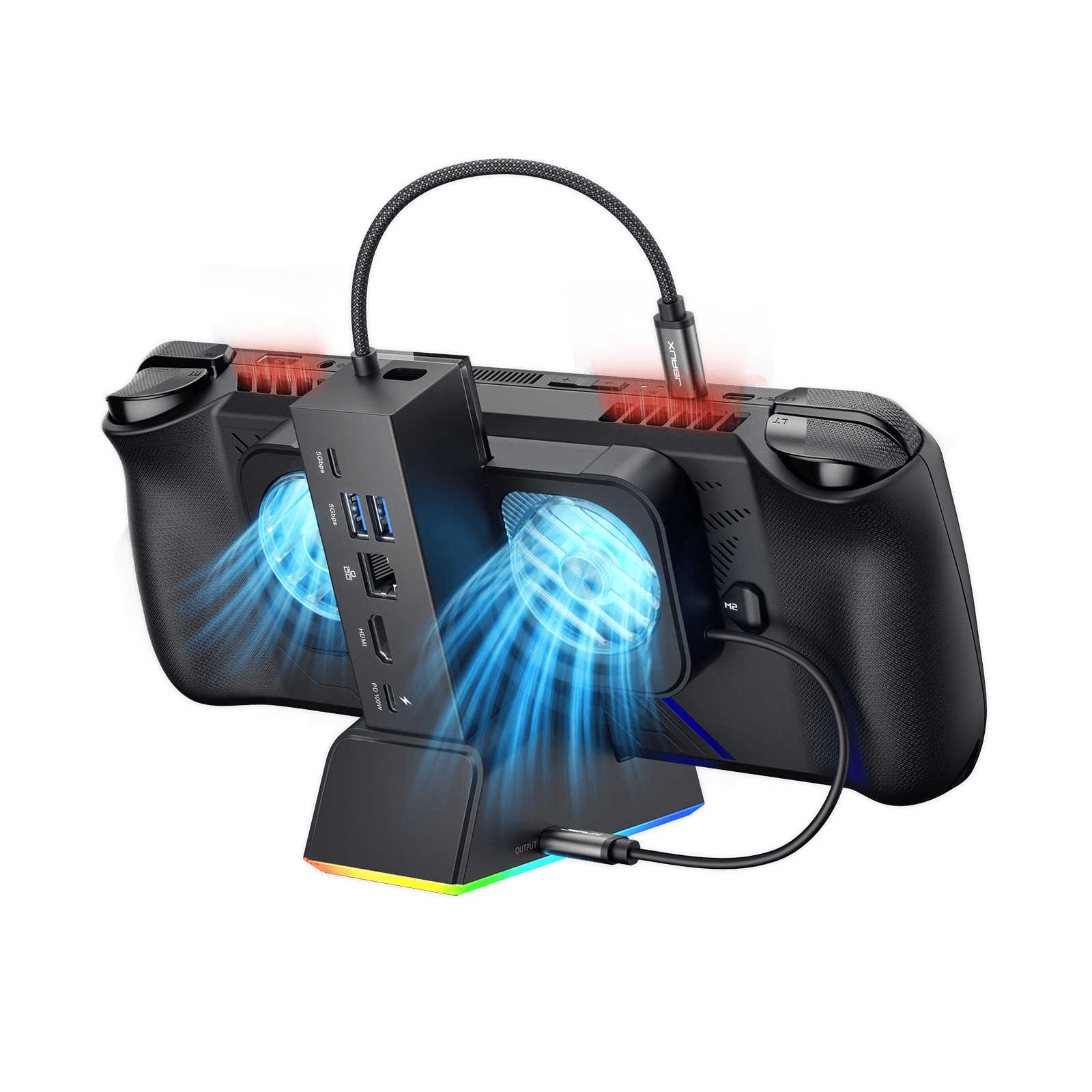
7-in-1 RGB Cooling Docking Station HB0705
5-in-1 Docking Station HB0602S
4-in-1 Docking Station HB0503
Size & Weight
140*77.5*36mm
141g
140*85*58 mm
170g
125*85*49mm
179g
138*145*143mm
360g
120*77.5*36mm
124g
116.5*93.2*51.6mm
156g
PD port
1* USB-C
(100W)
1* USB-C
(100W)
1* USB-C
(100W)
1* USB-C
(100W)
1* USB-C
(100W)
1* USB-C
(100W)
HDMI
1* HDMI 2.1
(4K@120Hz)
1* HDMI 2.1
(4K@120Hz)
1* HDMI 2.1
(4K@120Hz)
1* HDMI 2.1
(4K@120Hz)
Gaming Features: VRR, ALLM, HDR, QFT
1* HDMI 2.1
(4K@120Hz)
1* HDMI 2.0
(4K@60Hz)
USB Port
3* USB-A 3.0
(5 Gbps)
3* USB-A 3.0
(5 Gbps)
USB-A 3.0 *2
USB-C 3.0*1
(5 Gbps)
USB-A 3.0 *2
USB-C 3.0*1
RGB-powered USB-C *1
2* USB-A 2.0
(480 Mbps)
2* USB-A 2.0
(480 Mbps)
Gigabit Ethernet Port
Gigabit Ethernet
(1000Mbps)
Gigabit Ethernet
(1000Mbps)
Gigabit Ethernet
(1000Mbps)
Gigabit Ethernet
(1000Mbps)
Ethernet RJ45
(100Mbps)
✘
Handheld Compatible
Steam Deck / OLED
ROG Ally / X
Legion Go / Go 2 / Go S
Steam Deck / OLED
ROG Xbox Ally / X
ROG Ally / X
Legion Go / Go 2 / Go S
Steam Deck / OLED
ROG Xbox Ally / X
ROG Ally / X
Legion Go / Go 2 / Go S
Steam Deck / OLED
ROG Ally / X
Legion Go / Go 2 / Go S
Steam Deck / OLED
ROG Ally / X
Legion Go / Go 2 / Go S
Steam Deck / OLED
ROG Xbox Ally / X
ROG Ally / X
Legion Go / Go 2 / Go S
FEATURES
Description
- 【Upgraded 6-in-1 Docking Station】: Features HDMI 2.1 4K@120Hz output for ultra-smooth, crystal-clear visuals, plus 100W PD charging, 3 fast USB A 3.0 ports, and a ultra-fast Gigabit Ethernet connection. Now supports ROG Ally X and Legion Go S, giving you more ways to enjoy a seamless big-screen gaming experience. NOTE: HB0603S Not for ROG XBOX Ally / XBOX Ally X.
- 【4K@120Hz HDMI Output (Upgraded)】: Experience double the refresh rate compared to the previous 4K@60Hz version. Whether you’re battling online or watching cinematic cut-scenes, enjoy buttery-smooth gameplay and reduced screen tearing on external monitors.
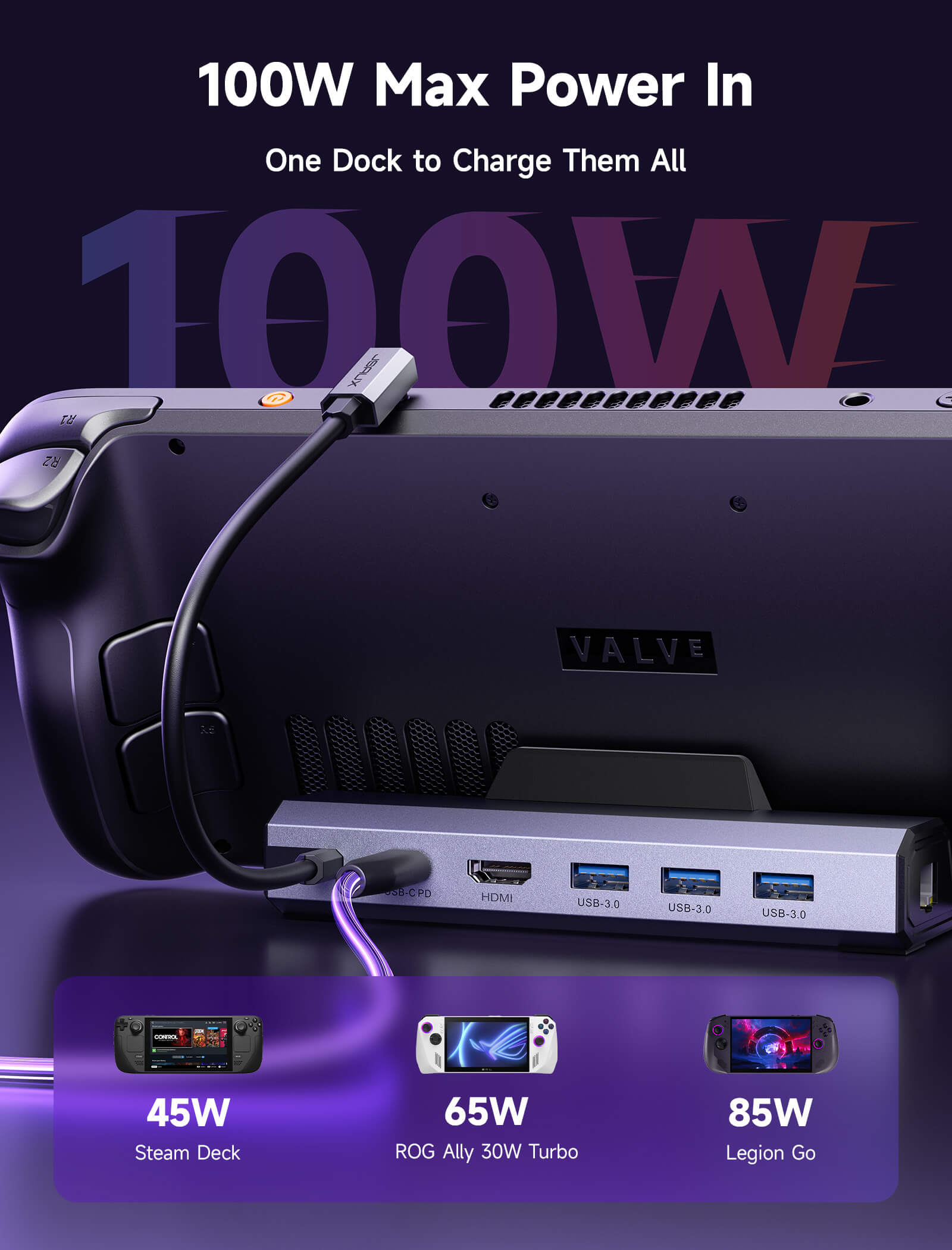
- 【Full-Speed 100W Charging】: Supports up to 100W PD charging, easily powering your handheld in Turbo Mode. Keeps your gaming sessions uninterrupted — no need to worry about battery drain even during marathon play. Note: The ROG Ally's 30W Turbo Mode is fully supported, but a 100W charger is recommended.
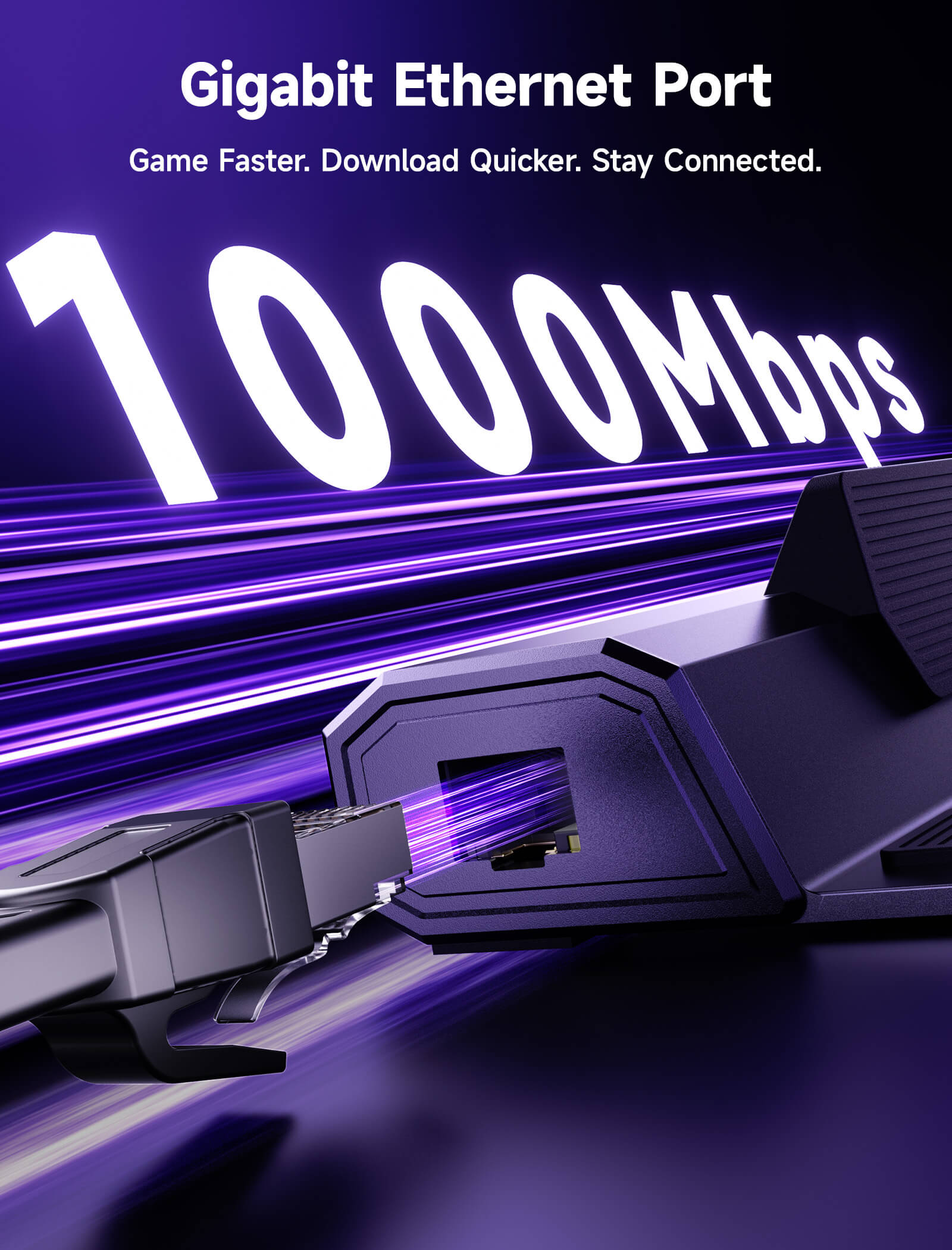
- 【Gigabit Ethernet】: Enhance your gaming with gigabit Ethernet for seamless online play, rapid updates, and quick file transfers. Enjoy lightning-fast downloads and uploads, eliminating lag and latency for uninterrupted sessions.
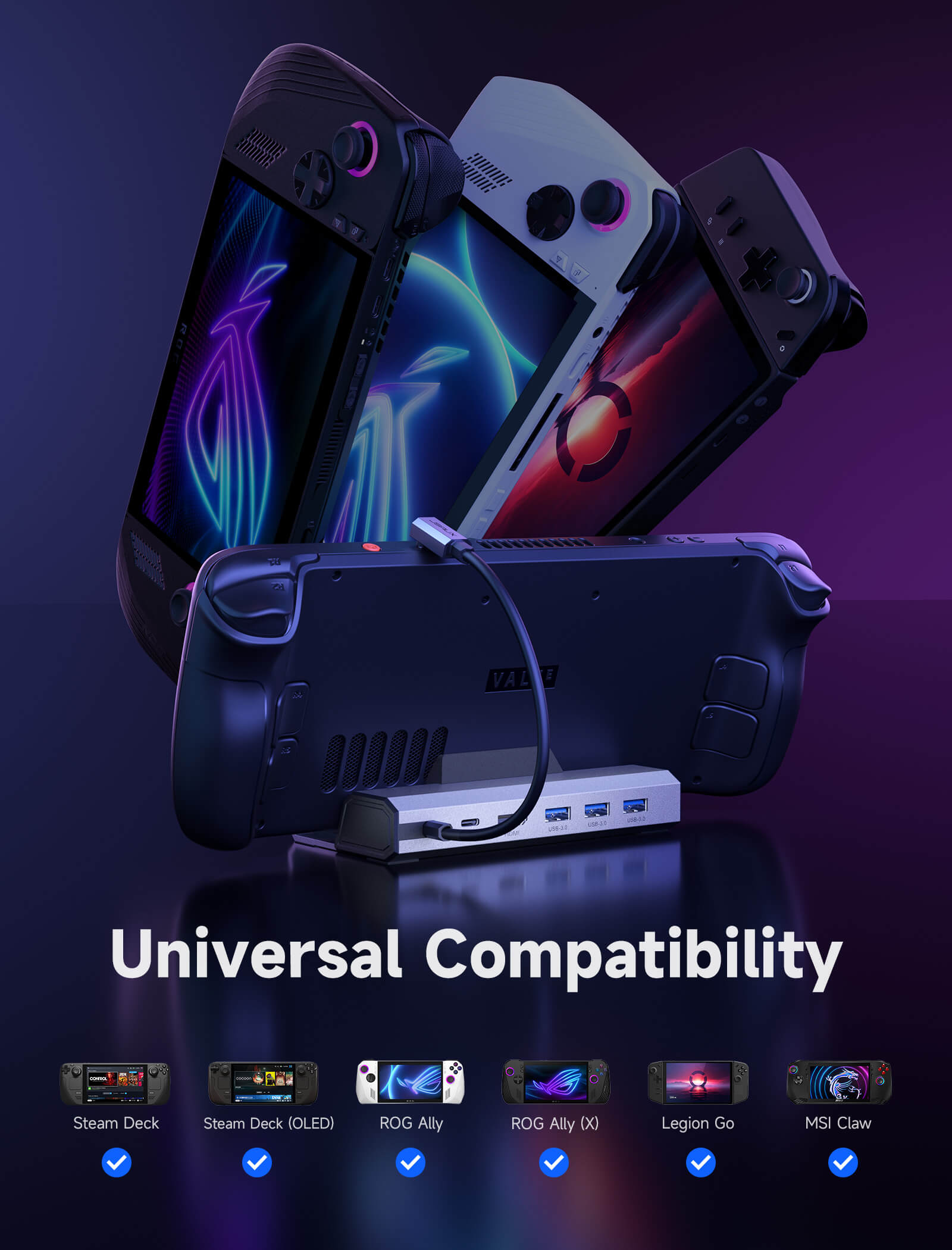
- 【Expanded Device Compatibility】: Now works with Steam Deck LCD/OLED, ROG Ally / Ally X, Legion Go / Go S, and MSI Claw — making it your all-in-one solution across multiple handhelds. NOTE: HB0603S Not for ROG XBOX Ally / XBOX Ally X.
📢Note:
SPECS
SPECS (HB0603S & HB0612)
Model
HB0603S
HB0612
Compatibility
Compatible Devices: Steam Deck LCD/OLED, ROG Ally/X, Legion Go/Go 2/Go S, and MSI Claw
Non-compatible Devices: ROG XBOX Ally/X, Switch, Switch 2
ROG Xbox Ally / Ally X, ROG Ally / Ally X, Steam Deck LCD & OLED, Legion Go / Go 2 / Go S, MSI Claw A1M, MSI Claw 7 AI+, MSI Claw 8 AI+
Ports
- 1x USB-C (Upstream) – Supports PD charging and data/function expansion for all USB-C devices
- 1x USB-C (Downstream) – Supports PD input up to 100W
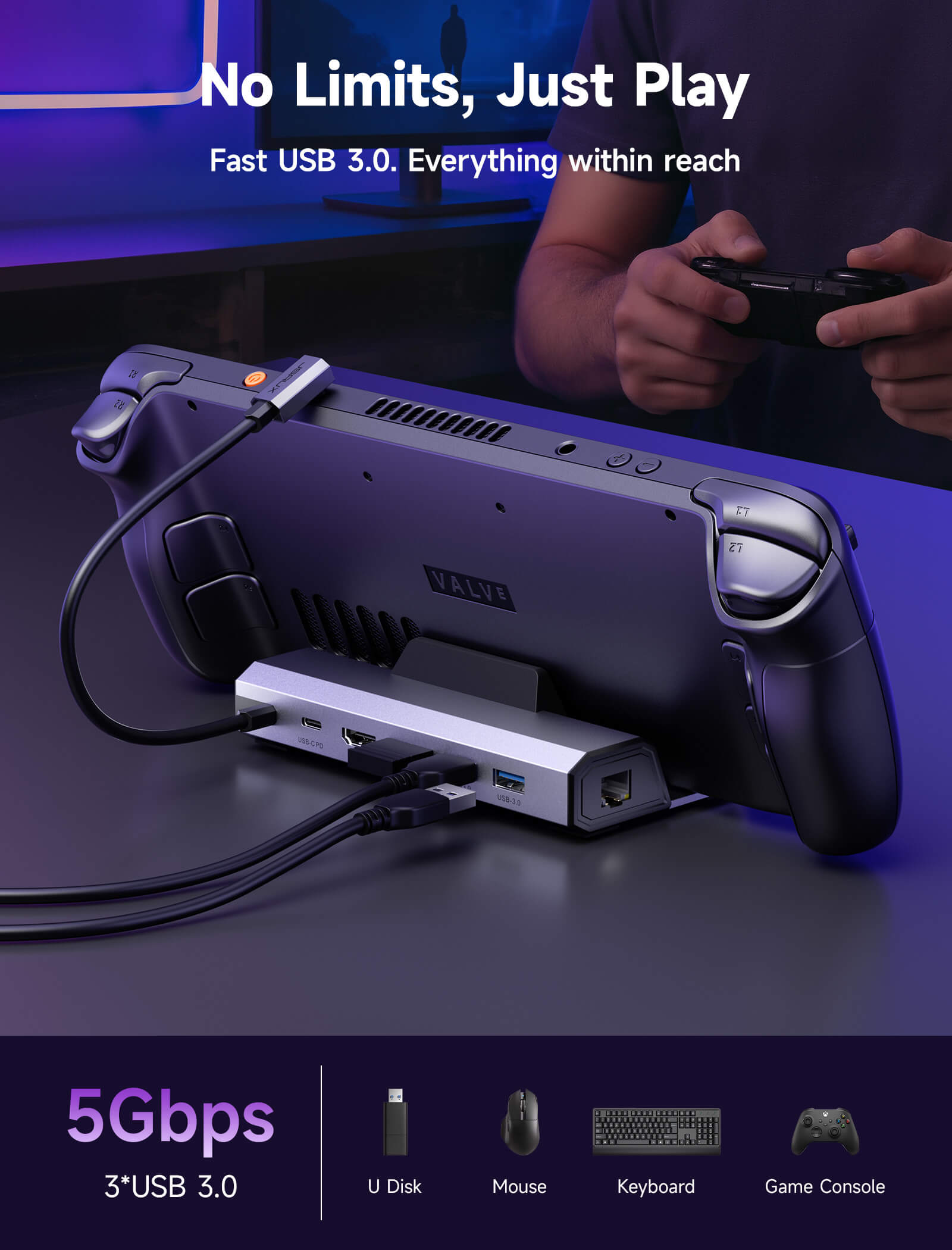
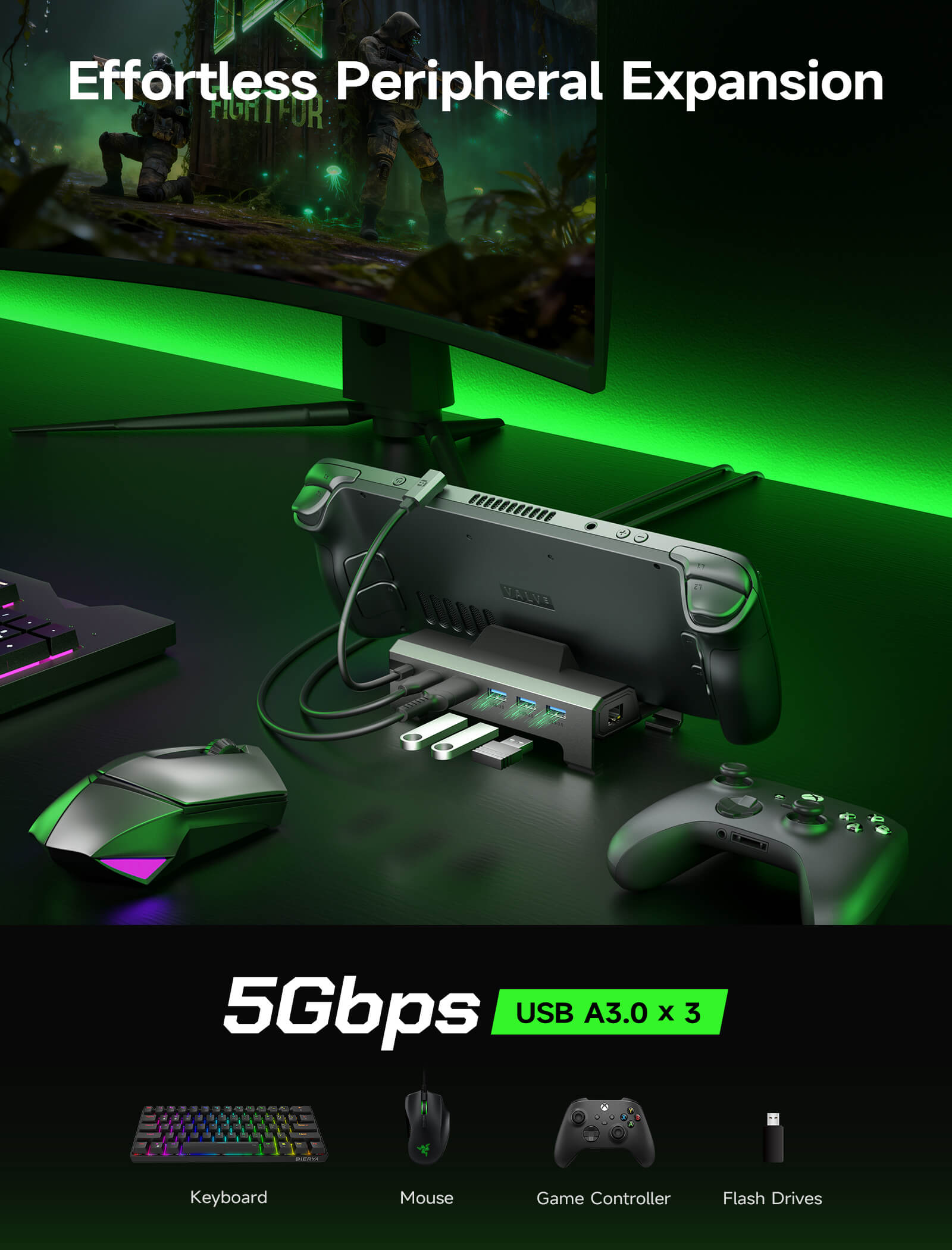
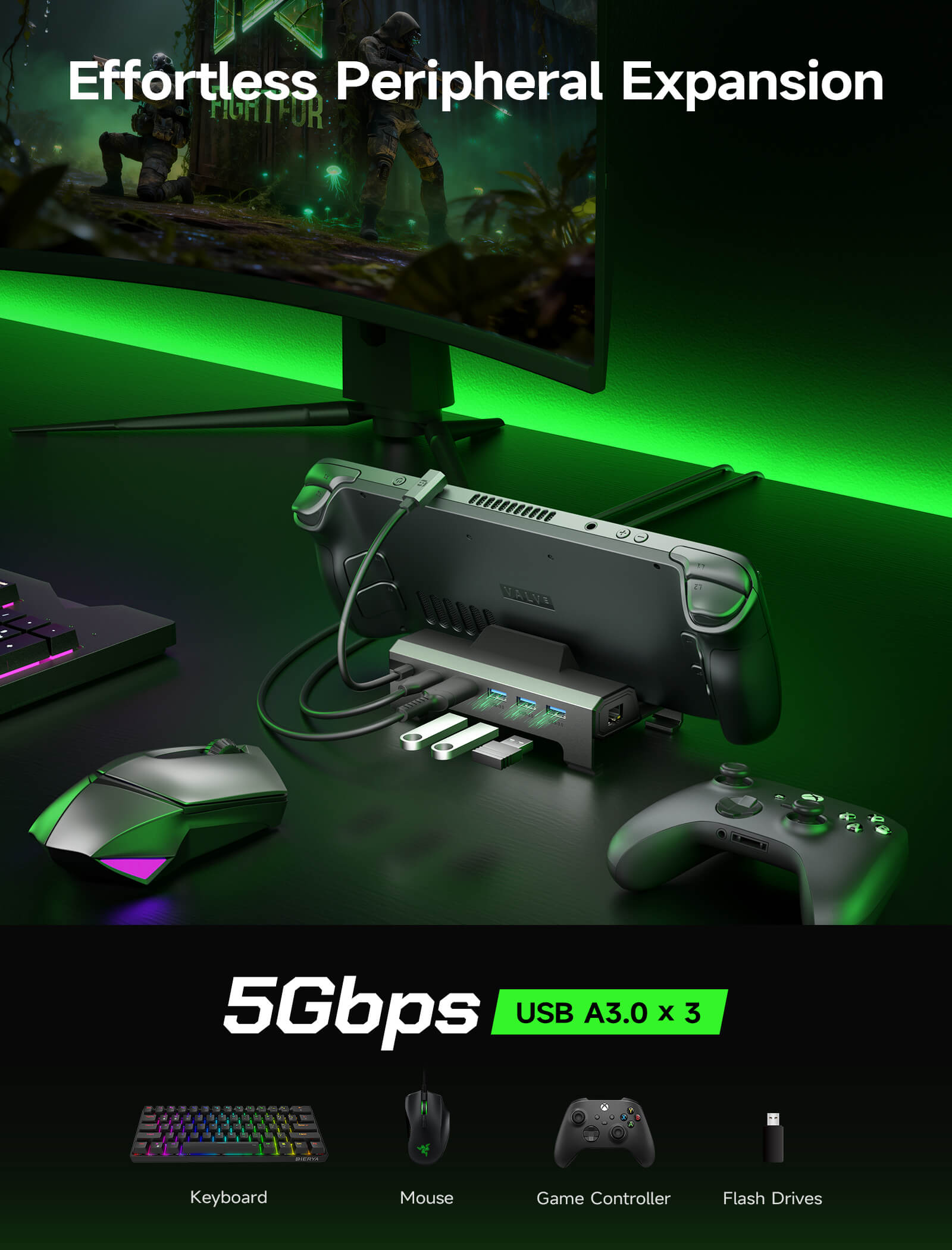
- 3x USB-A 3.0 – Data transfer up to 5Gbps, supports 5V/1A output
- 1x HDMI 2.1 – Supports 4K@120Hz HDR output, backward compatible with 4K@60Hz/1080p/2K displays
- 1x RJ45 Ethernet – Gigabit Ethernet, compatible with 10/100/1000 Mbps networks
- 1x USB-C (Upstream) – Supports PD charging and data/function expansion for all USB-C devices
- 1x USB-C (Downstream) – Supports PD input up to 100W
- 3x USB-A 3.0 – Data transfer up to 5Gbps, supports 5V/1A output
- 1x HDMI 2.1 – Supports 4K@120Hz HDR output, backward compatible with 4K@60Hz/1080p/2K displays
- 1x RJ45 Ethernet – Gigabit Ethernet, compatible with 10/100/1000 Mbps networks
Size
140(L)*77.5(W)*36(H)mm
wire length 25cm
Dock: 140*85*58mm
USB-C cable: 230mm
Weight
141g
170g
Material
TPE + aluminum
Aluminum alloy + ABS + TPE
Video Output
4K/120Hz HDR (10-bit, RGB4:4:4)
2K/144Hz HDR, 1080p/120Hz
Supports 3D video output and HDR mode
4K/120Hz HDR (10-bit, RGB4:4:4)
2K/144Hz HDR, 1080p/120Hz
Supports 3D video output and HDR mode
Audio Support
eARC / ARC compatible
Supports up to 192kHz / 24-bit audio decoding
eARC / ARC compatible
Supports up to 192kHz / 24-bit audio decoding
Plug & Play
Driver-free, hot-swappable
Driver-free, hot-swappable
Power Delivery for ROG Ally / Ally X
- Supports devices with PD input up to 100W
- Optimized charging modes based on charger wattage:
≤45W PD charger: 25W mode
45–65W PD charger: Normal charging, no power drop
≥65W PD charger: 30W enhanced mode
- Supports devices with PD input up to 100W
- Optimized charging modes based on charger wattage:
≤45W PD charger: 25W mode
45–65W PD charger: Normal charging, no power drop
≥65W PD charger: 30W enhanced mode
SHIPPING
SHIPPING & RETURN
Please read our shipping tips carefully before you place your order
- All orders above $50 are free shipping.
- Orders under $49.99 will be charged $6.99 as shipping cost.
(Note: The above shipping policy does not apply to FlipGo. Please refer to the FlipGo product page for specific shipping details.)
Please Note:
- The current processing time for all orders takes 2-4 days(Orders are not processed on weekends).
- Order delivery time will be at 7-12 business days(pre-sale items excluded).
- International duties & taxes may apply and are not calculated at checkout.
- Shipping time for pre-sale products is subject to the instructions on the product page.
- For EU shipments, a $3 customs duty may apply per eligible physical product (virtual products excluded). The same product is charged only once per order, while bundles are charged based on the number of eligible products included. Learn More
Due to the requirements of logistics service providers:
- In order to get your order ready as soon as possible and avoid shipping issues, make sure to introduce an accurate postal address including your exact house number and any other info that may be necessary for the delivery company.
-
For mainland China & Taiwan China: For mainland China customers, please use Tmall to place your order. Hong Kong, Macao, please include your name, ID number and shipping address in traditional Chinese.
- For Saudi Arabia: Free shipping over $50 is not available. A shipping fee of $14.99 (VAT included) applies.
- Due to logistical reasons, we are temporarily not providing order services to the following countries and regions: Afghanistan, Albania, Algeria, Andorra, Angola, Anguilla, Argentina, Armenia, Aruba, Azerbaijan, Bahrain, Bangladesh, Barbados, Belarus, Bermuda, Bhutan, Bosnia & Herzegovina, Brazil, British Virgin Islands, Brunei, Burkina Faso, Burundi,Bolivia, Cambodia, Cameroon, Cayman Islands, Central African Republic, China, Christmas Island, Costa Rica, Côte d'Ivoire, Djibouti, Congo - Brazzaville, Congo - Kinshasa, Egypt, El Salvador, Ecuador,Falkland Islands, Faroe Islands,French Polynesia, Gabon, Gambia, Georgia, Ghana, Gibraltar, Greenland, Guadeloupe, Guatemala, Guernsey, Guinea, Honduras,Iceland, Indonesia, Jamaica, Jordan,Jersey, Kazakhstan, Kenya, Kiribati, Kyrgyzstan, Lebanon, Lesotho, Liberia, Liechtenstein, Maldives, Mauritius, Martinique, Moldova, Monaco,Mongolia, Montenegro, Myanmar (Burma), Namibia, Nauru, New Caledonia, Nicaragua, Niger, Nigeria, Norfolk Island, North Macedonia, Norway,Oman, Pakistan, Paraguay, Rwanda, San Marino, Senegal, Serbia, Seychelles, Solomon Islands, South Sudan, Sri Lanka, Sudan, Tajikistan, Togo, Tonga, Tunisia, Turkmenistan, Türkiye, Tuvalu, Uganda, Ukraine, Uruguay, India, Uzbekistan, Vanuatu, Vatican City, Some regions in the United States (including Alaska, Hawaii, Puerto Rico, Guam, U.S. Virgin Islands, Northern Mariana Islands, American Samoa, and military addresses such as APO (AA), FPO (AE), and DPO (AP)).
15-Days RETURN:
Our return & exchange policy will be active for 15 days from the very same day you receive your product(s) at home. For more information, please visit our Shipping Policy section.
FAQ
Q1. How to ensure the output of 4K@60Hz?
A1. Please use HDMI to HDMI 2.0/2.1 Cable shorter than 15 feet in length and use as few cable adapters as possible. Then manually debug into desktop mode and set 4K@60Hz output. You also need to set it in-game if necessary.
Q2. Why do external devices such as mouse and keyboard not work well when docking?
A2. When you dock your Steam Deck, please connect your power adapter to provide sufficient power supply.
Q3. Why does thr Ethernet not work?
A3. After the SteamOS is upgraded, you need to manually enter the desktop mode and connect the wired network. Turn off Wi-Fi, or set the wired connection priority.
Q4. Why does the TV not recognize my sound barrier and deactivate the CEC device?
A4. In the Steam settings, click Audio, there is output, and click "External Devices", and the audio can be transmitted to the TV.
Q5. Why does my Steam Deck have a black screen and only display images on the monitor when I connect it to a monitor via an HDMI cable in game mode.
A5. This is a normal phenomenon in game mode. Currently, the only way to enable two screens is to reboot into desktop mode.
What Customers Are Saying on Amazon
This product is rated 4.7 of 5.0 stars.
It has received 1184 reviews.
What Customers Are Saying on JSAUX.com